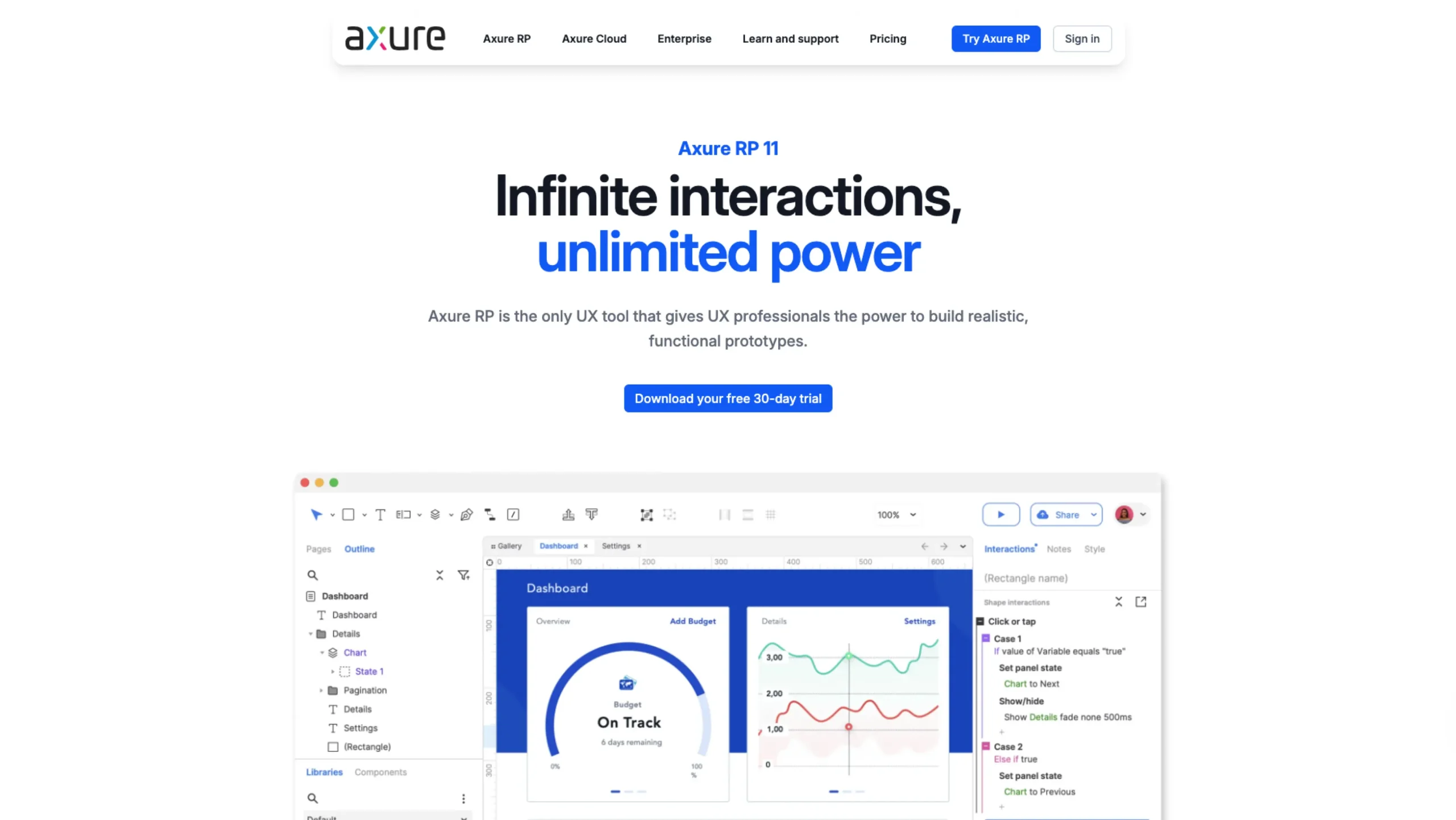
Axure is a powerful UX design and prototyping tool built for creating detailed, logic-driven wireframes and prototypes.
Some tools help you draw screens.
Axure helps you think through how they behave.
If you’ve ever tried explaining complex product logic using static mockups, you already know the pain. Dropdown dependencies. Conditional flows. Role-based dashboards. Multi-step forms. Error states.
That’s where Axure stands apart.
It’s not just a UI design tool. It’s a logic-driven prototyping powerhouse.
Getting started with Axure Prototyping | Axure RP: Tutorials
Built for Interaction, Not Just Interface
Most modern tools are fantastic at visual design.
Axure focuses on a deeper capability: interaction modeling.
With Axure RP, you can:
- Create conditional logic
- Build dynamic panels
- Define variables
- Add complex state changes
- Simulate real product behavior
Instead of saying, “Imagine this screen updates based on user input,” you can actually make it happen inside the prototype.
For UX designers working on SaaS dashboards, fintech platforms, healthcare systems, or enterprise software, that level of control is invaluable.
Dynamic Panels: The Secret Weapon
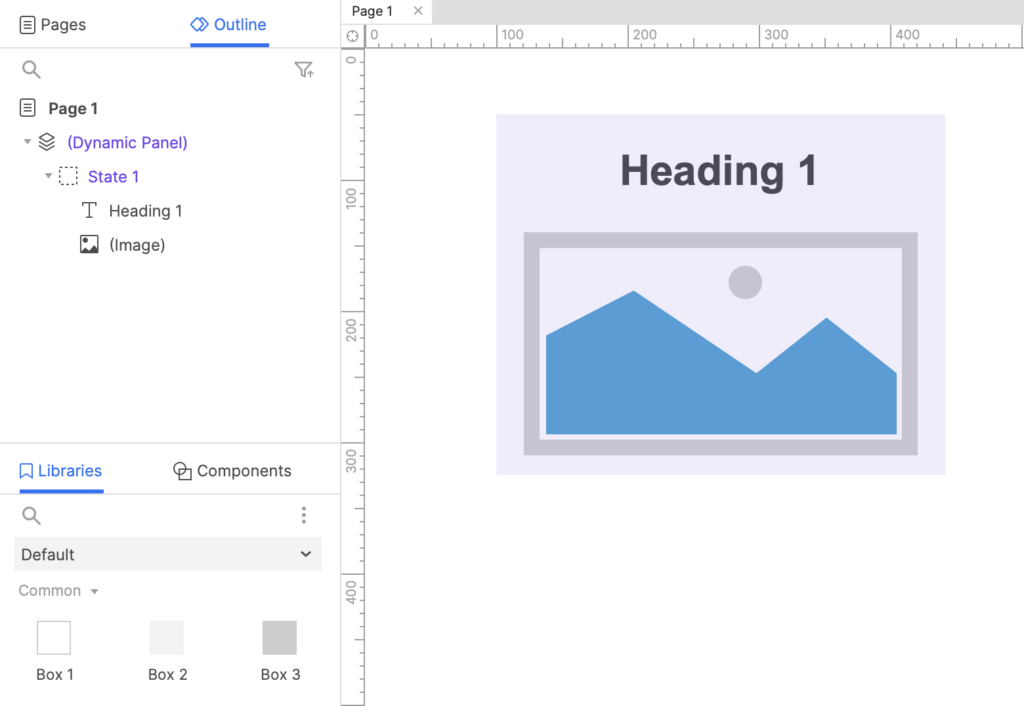
One of Axure’s most powerful features is Dynamic Panels.
Think of them as containers that can change states.
You can:
- Switch views within the same area
- Simulate tab systems
- Create hover interactions
- Design expandable components
- Build interactive carousels
And all of this without writing code.
For complex workflows, dynamic panels feel like a way to visualize front-end logic.
Variables & Conditional Logic
Here’s where Axure becomes serious.
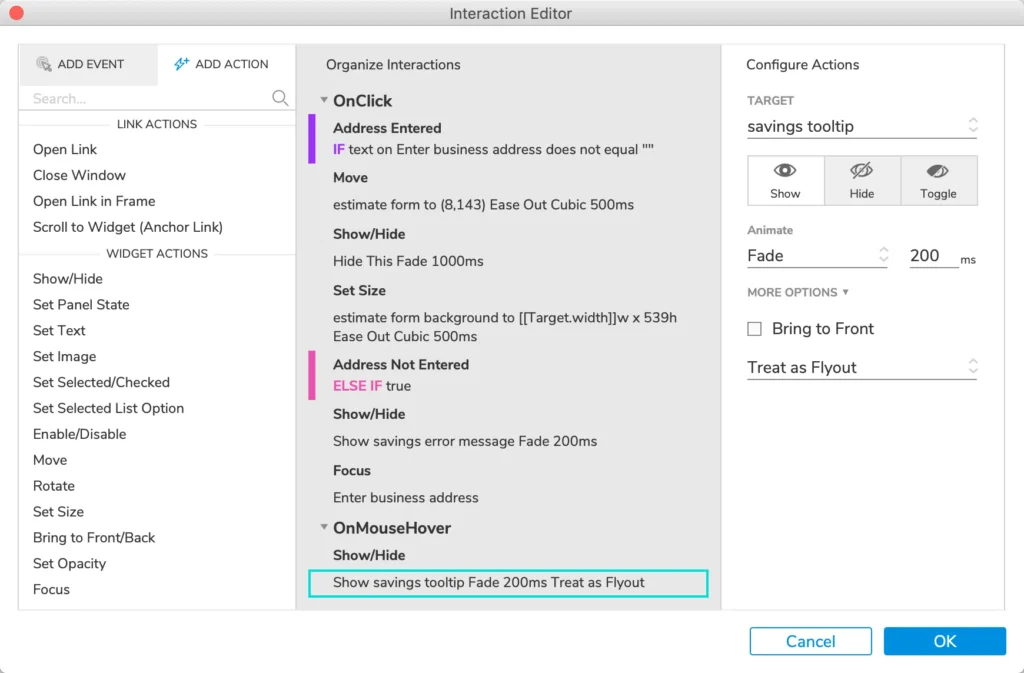
You can define global or local variables.
You can show or hide elements based on conditions.
You can simulate login states.
You can create role-based experiences.
Example:
If user role = “Admin” → show advanced dashboard.
If form field = empty → display validation error.
These aren’t static visuals.
They’re functional simulations.
For product teams validating business logic before development, this is powerful.
Wireframing at Any Fidelity
Axure isn’t limited to low-fidelity wireframes.
You can:
- Create clean grayscale wireframes
- Design mid-fidelity product flows
- Or build near high-fidelity interactive prototypes
It depends on how far you want to take it.
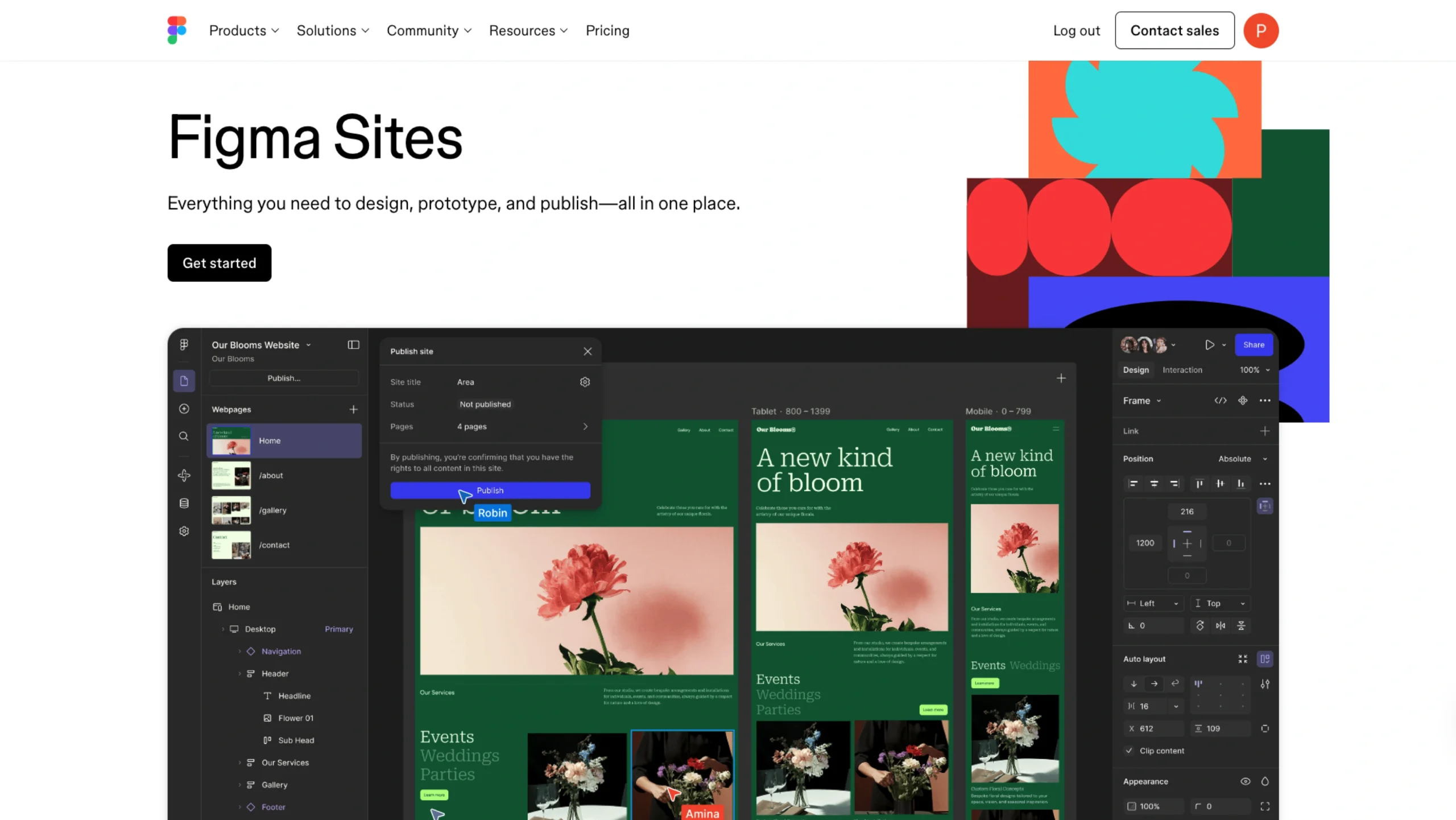
While tools like Figma dominate visual design collaboration, Axure shines when interaction complexity increases.
Many senior UX designers use both Figma for visuals and Axure for advanced logic prototypes.
Documentation Built-In
One underrated strength of Axure is documentation.
You can:
- Add notes directly to elements
- Generate specification documents
- Export detailed interaction documentation
- Share annotated prototypes with developers
For enterprise teams, this reduces ambiguity.
Instead of back-and-forth clarification meetings, developers can inspect the logic directly in the prototype.
Team Collaboration & Sharing
Axure offers Axure Cloud for sharing and collaboration.
Teams can:
- Publish prototypes online
- Collect stakeholder feedback
- Share password-protected links
- Manage team projects
It may not feel as “real-time design collaborative” as newer browser-based tools, but it’s robust for structured UX workflows.
Where Axure Truly Shines
Axure is particularly strong for:
- Enterprise UX
- Complex SaaS dashboards
- Fintech systems
- Healthcare platforms
- Workflow-heavy internal tools
- Data-driven applications
If your product has layered logic, permissions, dependencies, and advanced interactions — Axure handles it gracefully.
Learning Curve: Let’s Be Honest
Axure isn’t a beginner tool.
It requires a mindset shift.
You’re not just placing UI elements.
You’re defining behavior.
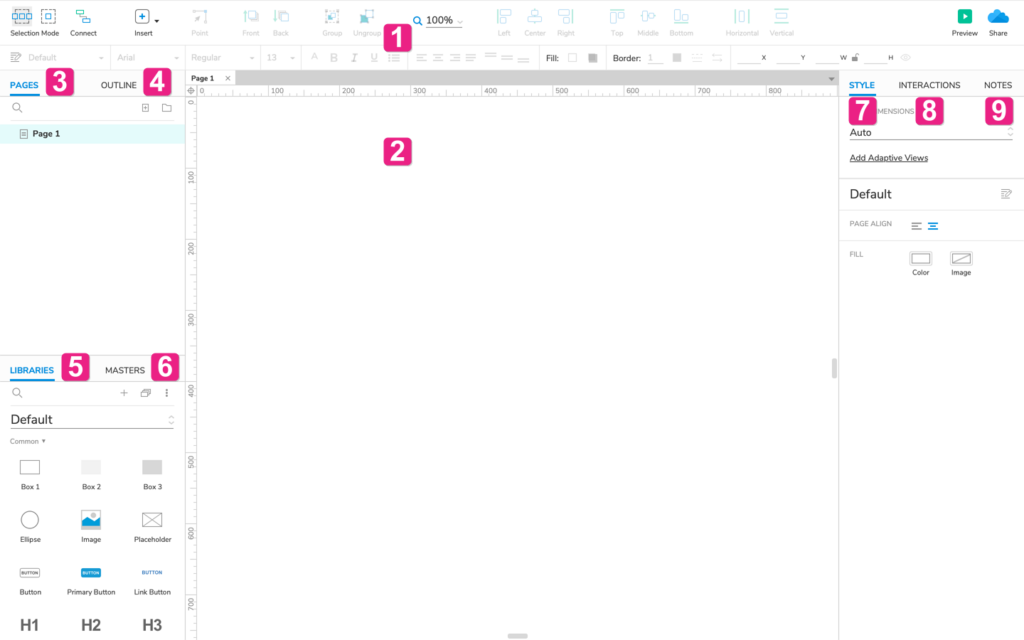
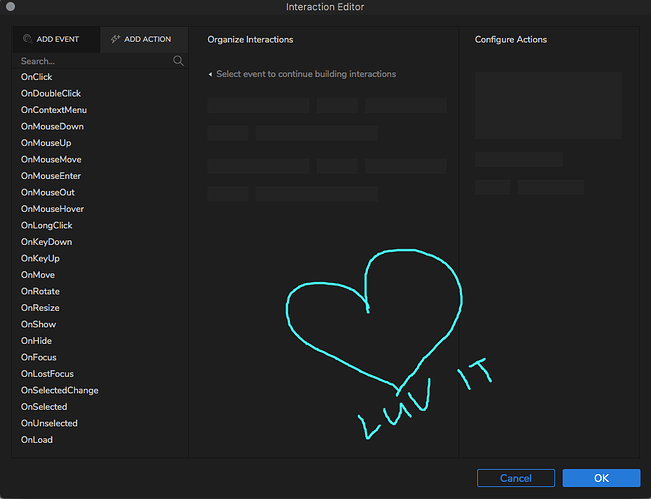
The interface can feel dense at first. The interaction editor may look technical. But once you understand its structure, it becomes extremely empowering.
It’s closer to product architecture than pure visual design.
Why We’re Featuring Axure in the UI Design Tools Category
On UIUXshowcase, we highlight tools that solve real design challenges.
Axure doesn’t chase trends.
It solves complexity.
For designers working on serious products — where interactions matter more than aesthetics alone — Axure is still one of the most capable tools available.
It bridges the gap between design and development logic.
And in complex product environments, that bridge matters.
Final Thoughts
If you’re building landing pages or simple marketing sites, Axure might feel heavy.
But if you’re designing:
- Multi-role platforms
- Enterprise workflows
- Data-rich dashboards
- Logic-driven systems
Axure becomes incredibly valuable.
It’s not about pretty pixels.
It’s about precision, behavior, and clarity.
And that’s exactly why it earns its place in our UI Design Tools category.
Category: UI Design Tools
Platform: Windows, macOS, Web (Cloud)
Best For: UX designers, enterprise teams, product architects, logic-heavy applications
If your prototypes need to think — not just look good — Axure is worth exploring.