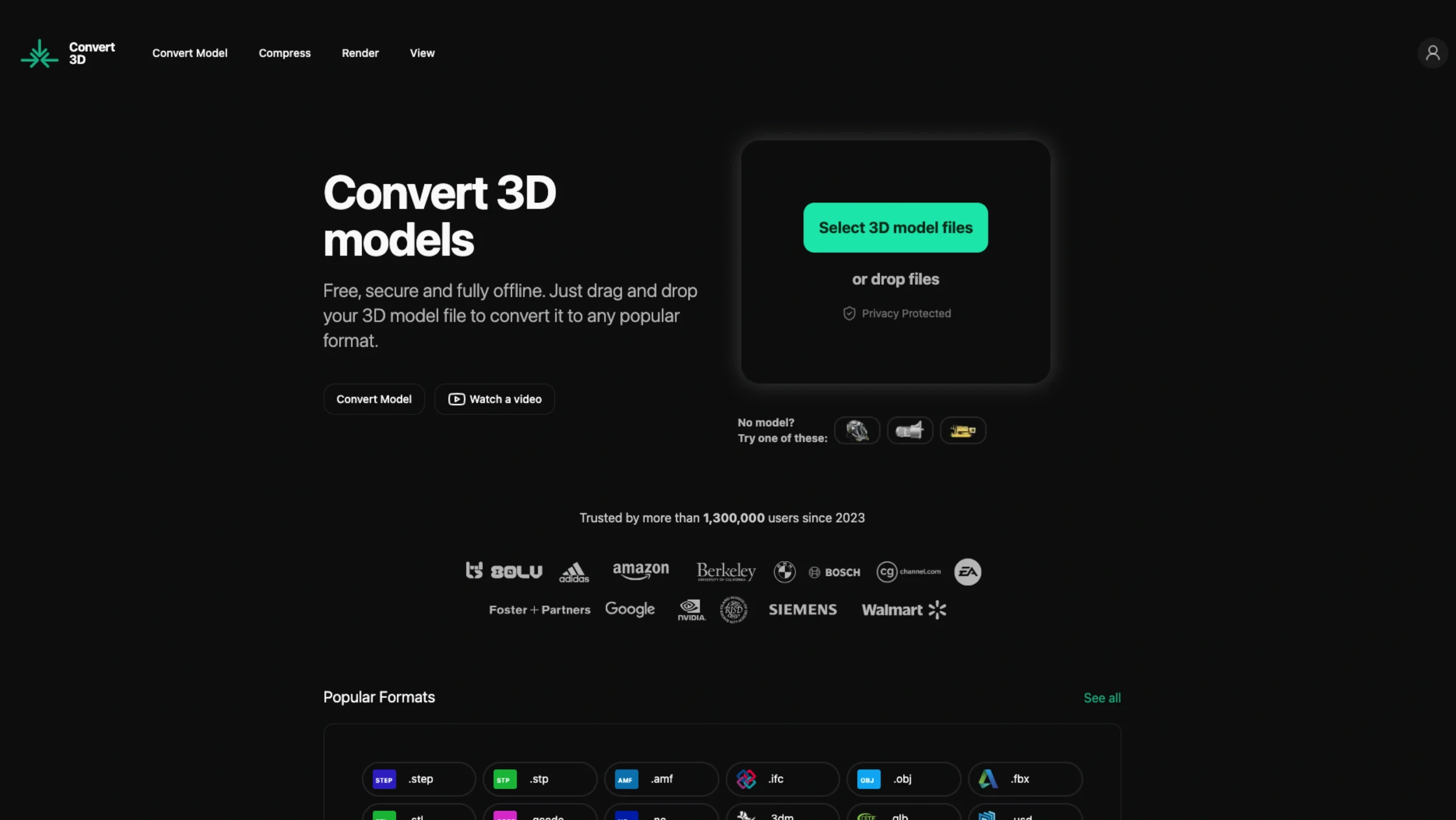
Convert3D.org is a free, browser-based 3D model converter that runs entirely on your device—no uploads, logins, or ads.

You drag in a model, preview it in 3D, and convert between 400+ format combinations (like STL, OBJ, FBX, STEP, USDZ, GLB, GLTF, DAE, and more), making it a privacy-first tool for both hobby 3D printers and pro CAD/CAM workflows.
How to convert your 3D models (without overthinking it)
Step 1 – Drag in your model
Head to the top of the page (or pick a specific converter) and drag your 3D model file into the upload area. No setup, no fuss.
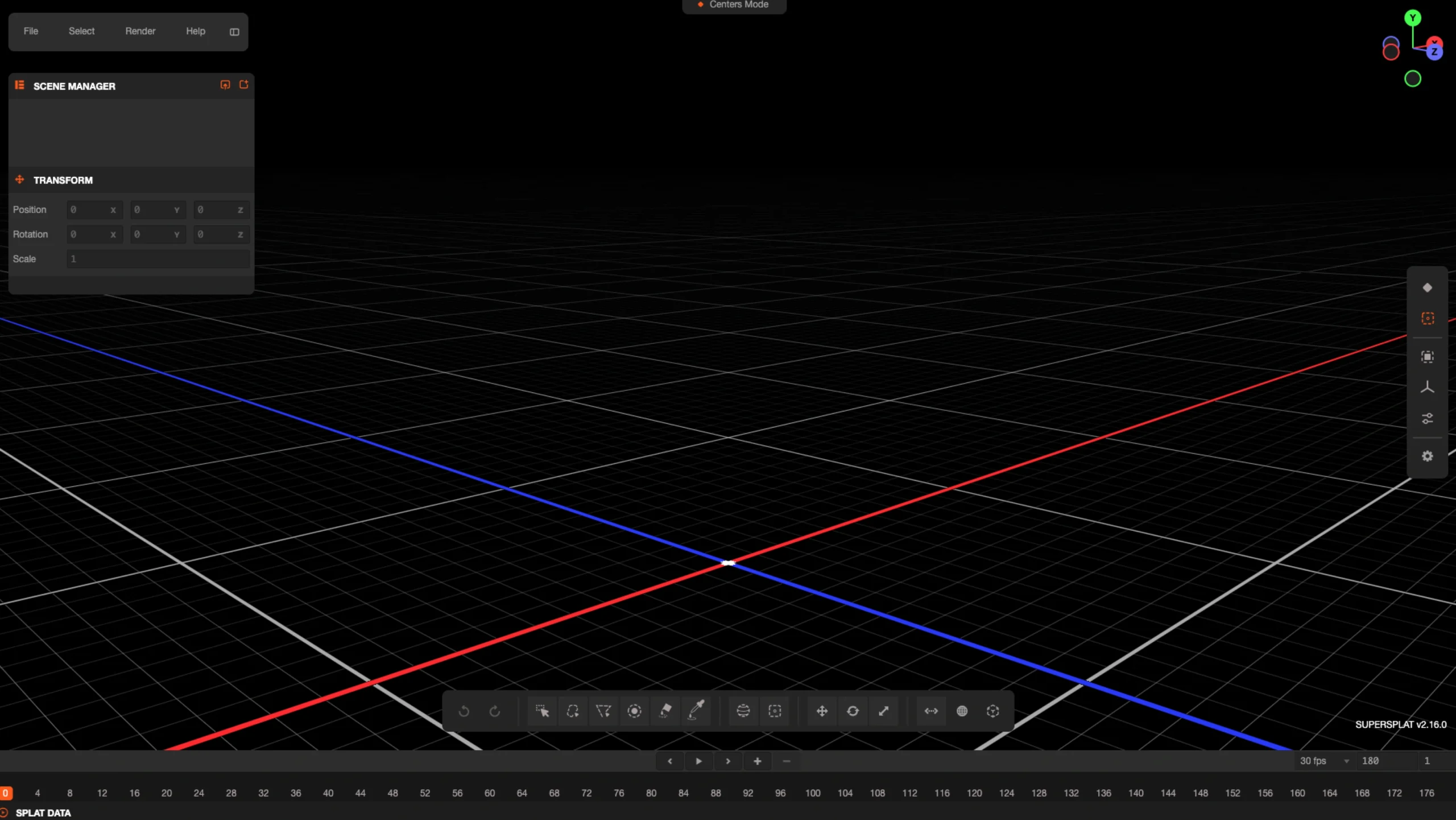
Step 2 – Check it in 3D
We’ll show you an instant 3D preview. Rotate, zoom, and pan around to make sure it’s the correct file and everything looks as expected.
Step 3 – Choose your output format
Pick the format you want to convert to—and your new file will start downloading right away.
Built with your privacy in mind
Your 3D models are often central to your business, so you should maintain complete control over them. Everything here is designed to keep your files private.
- Nothing gets uploaded
Conversions happen locally on your own machine. Your models never touch their servers. - No account, no hassle
You don’t need to log in, sign up, or enter a credit card. Every conversion is entirely anonymous. - No personal data tracking
They only collect anonymous usage stats to understand what to improve—never anything that can be used to identify you.
Convert3D API
Bring 3D model conversion right into your own app or pipeline. With the Convert3D API, you can programmatically convert between 1000+ format combinations using a fast, reliable REST API.
Learn More · Get Started
- Simple, developer-friendly REST API
- Support for 1000+ format combinations
- High-performance conversion engine
- Flexible pricing plans to match your workflow