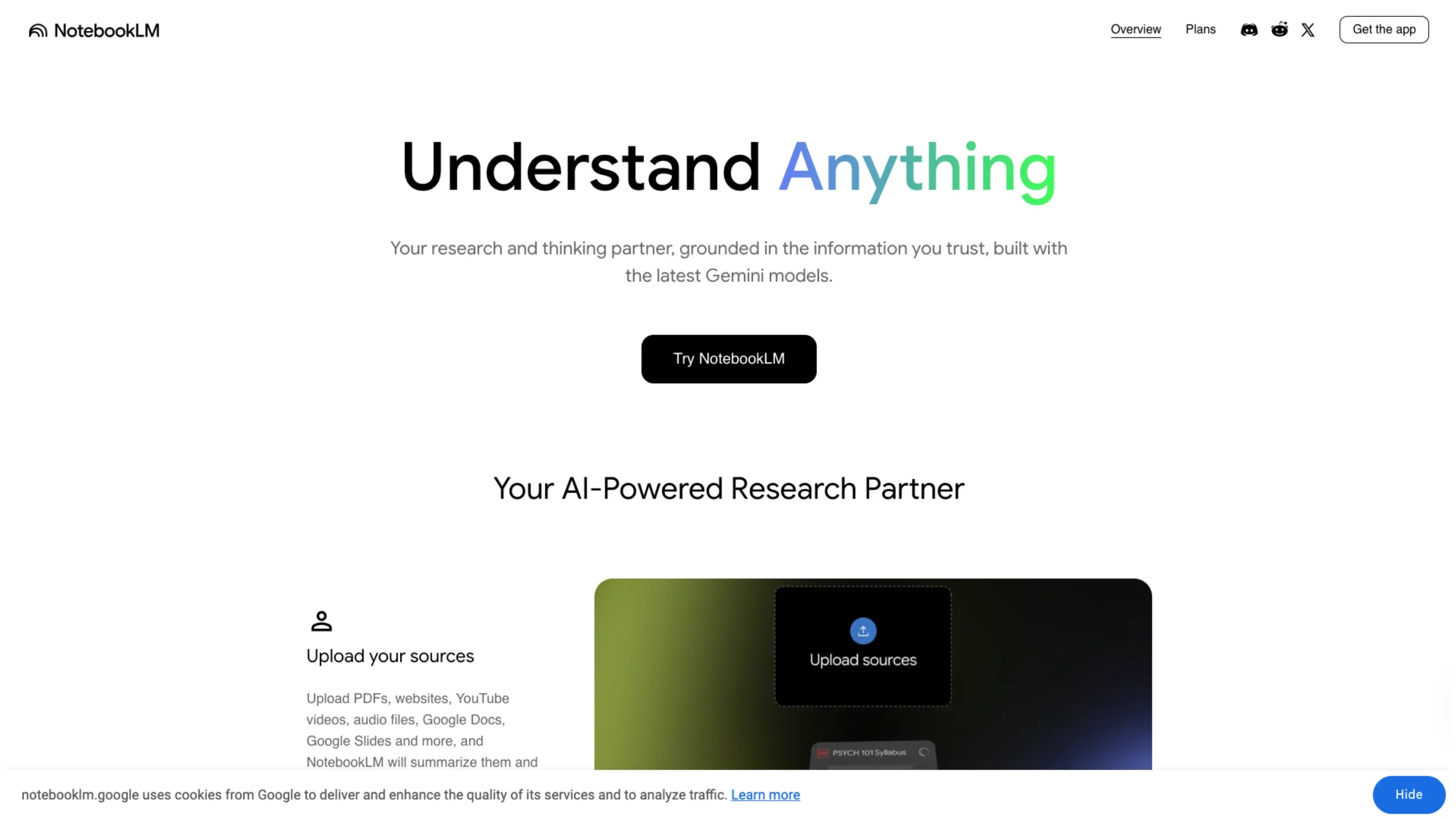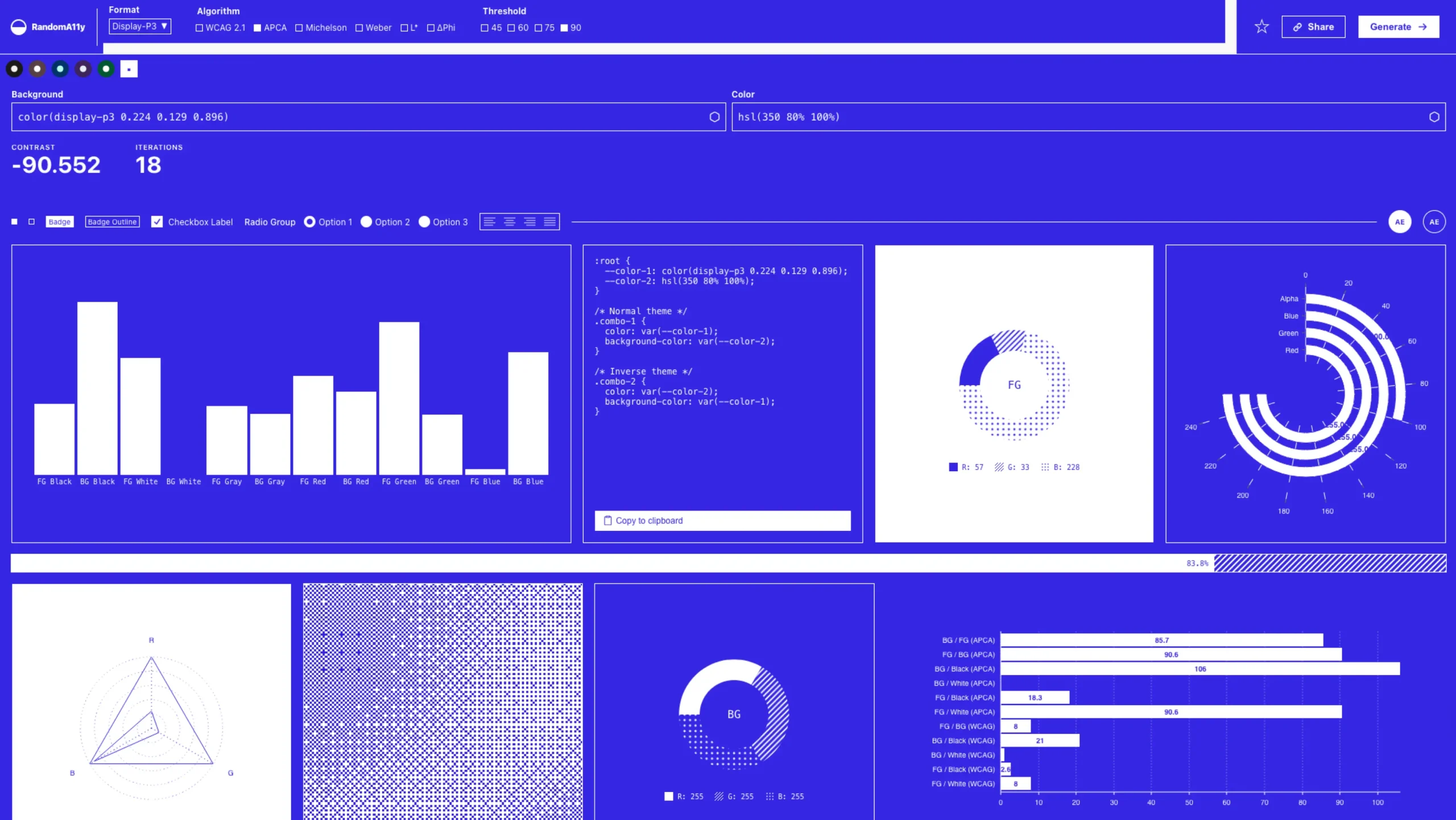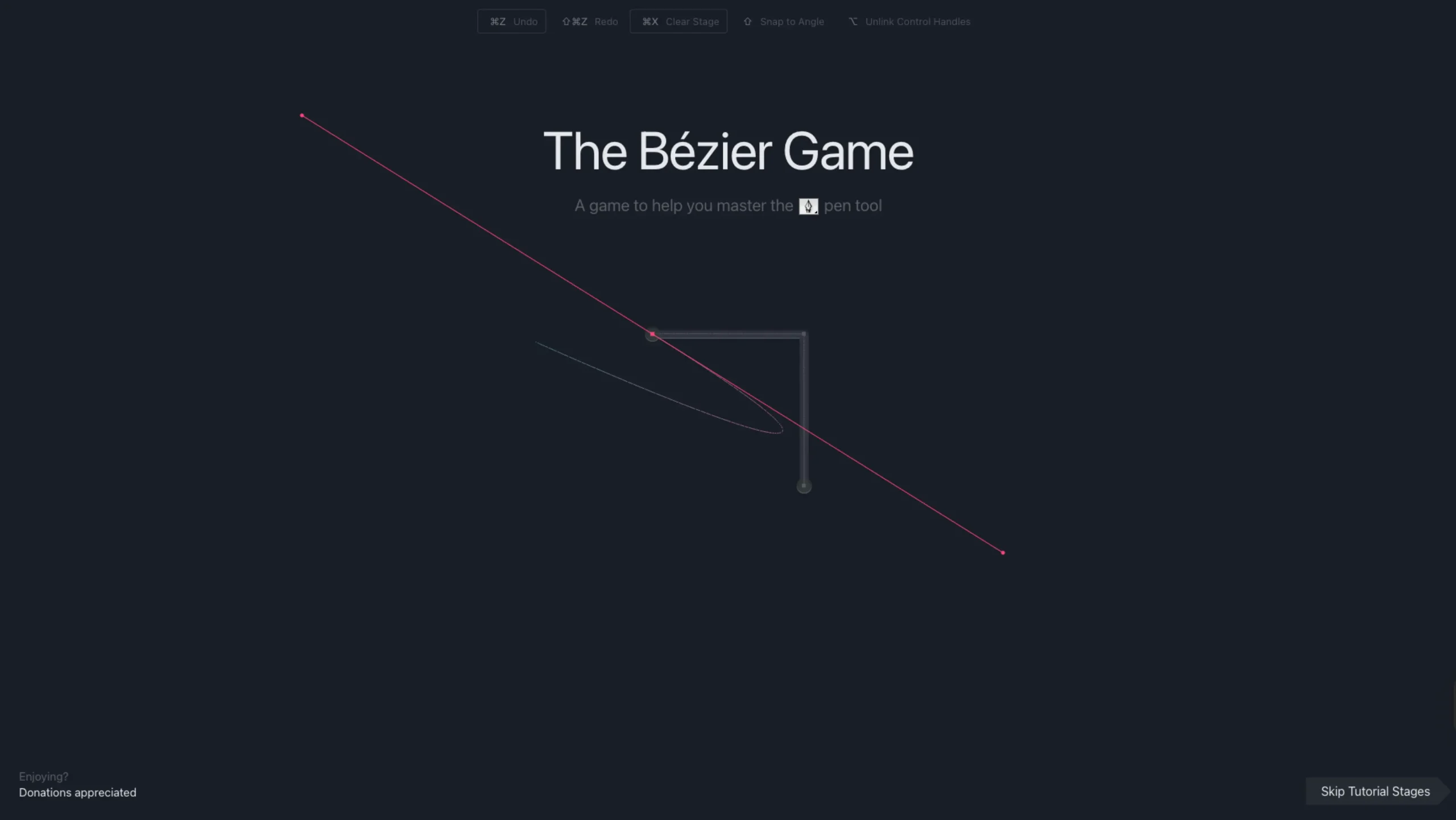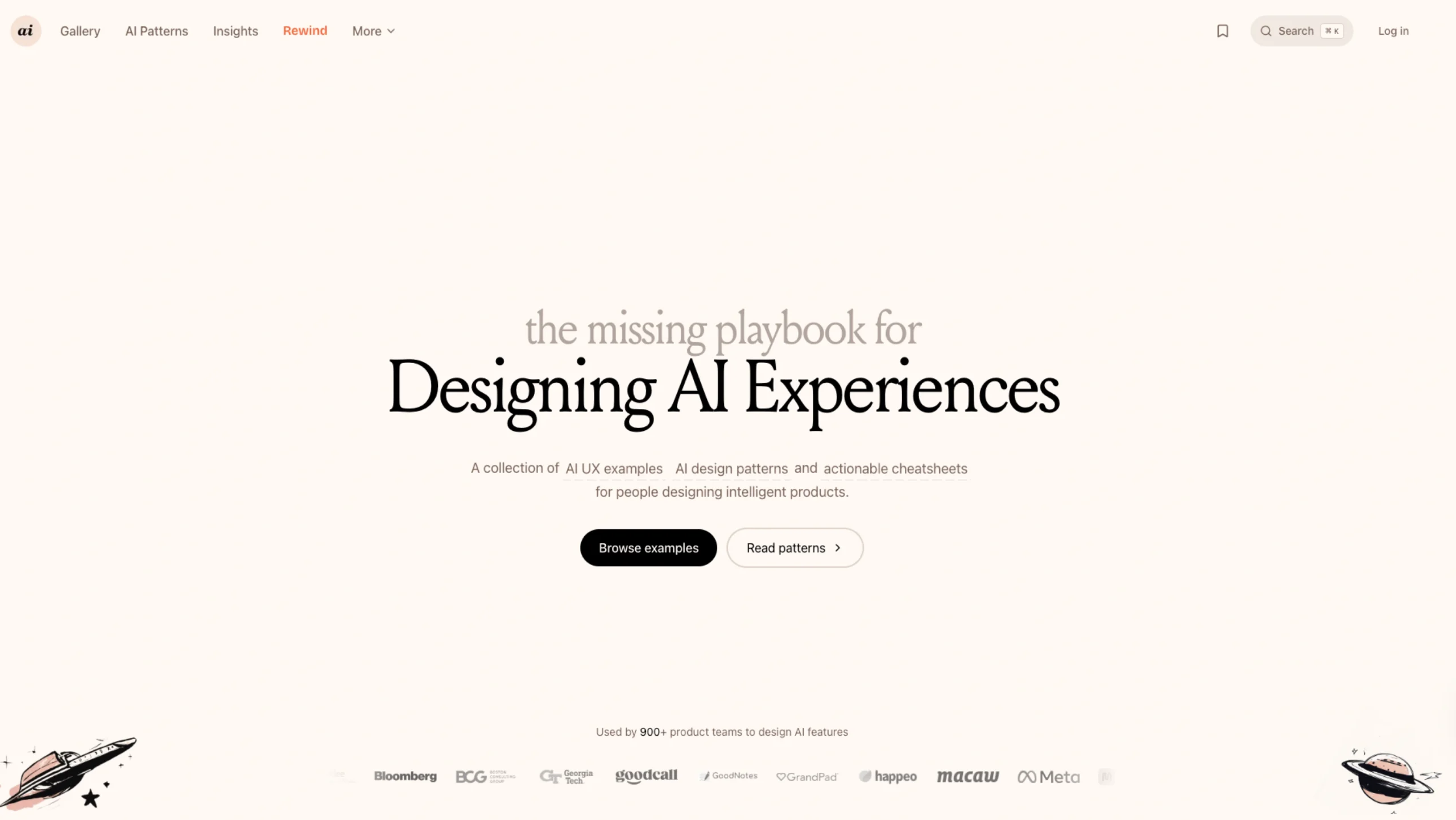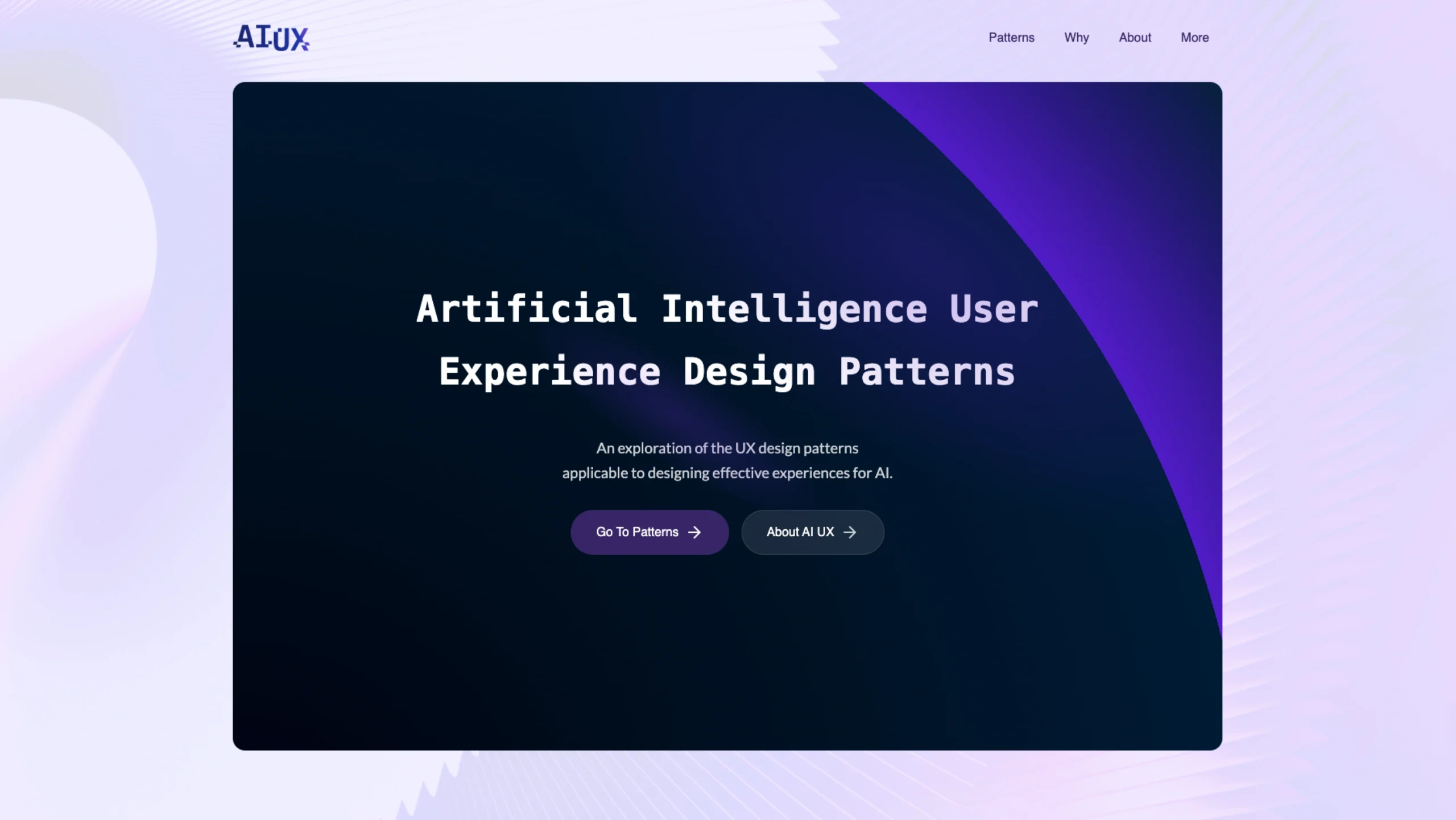
EmesStyle – Usability is a practical UX resource hub focused on usability principles, patterns, and real-world examples. The section breaks down how people actually interact with interfaces—covering clarity, accessibility, navigation, feedback, and error prevention.
It’s written for designers, product teams, and developers who want to move beyond aesthetics and build intuitive, efficient, and user-friendly experiences.
Rather than theory-heavy explanations, EmesStyle emphasizes applied usability—showing why certain design decisions work and how to apply them in real products.
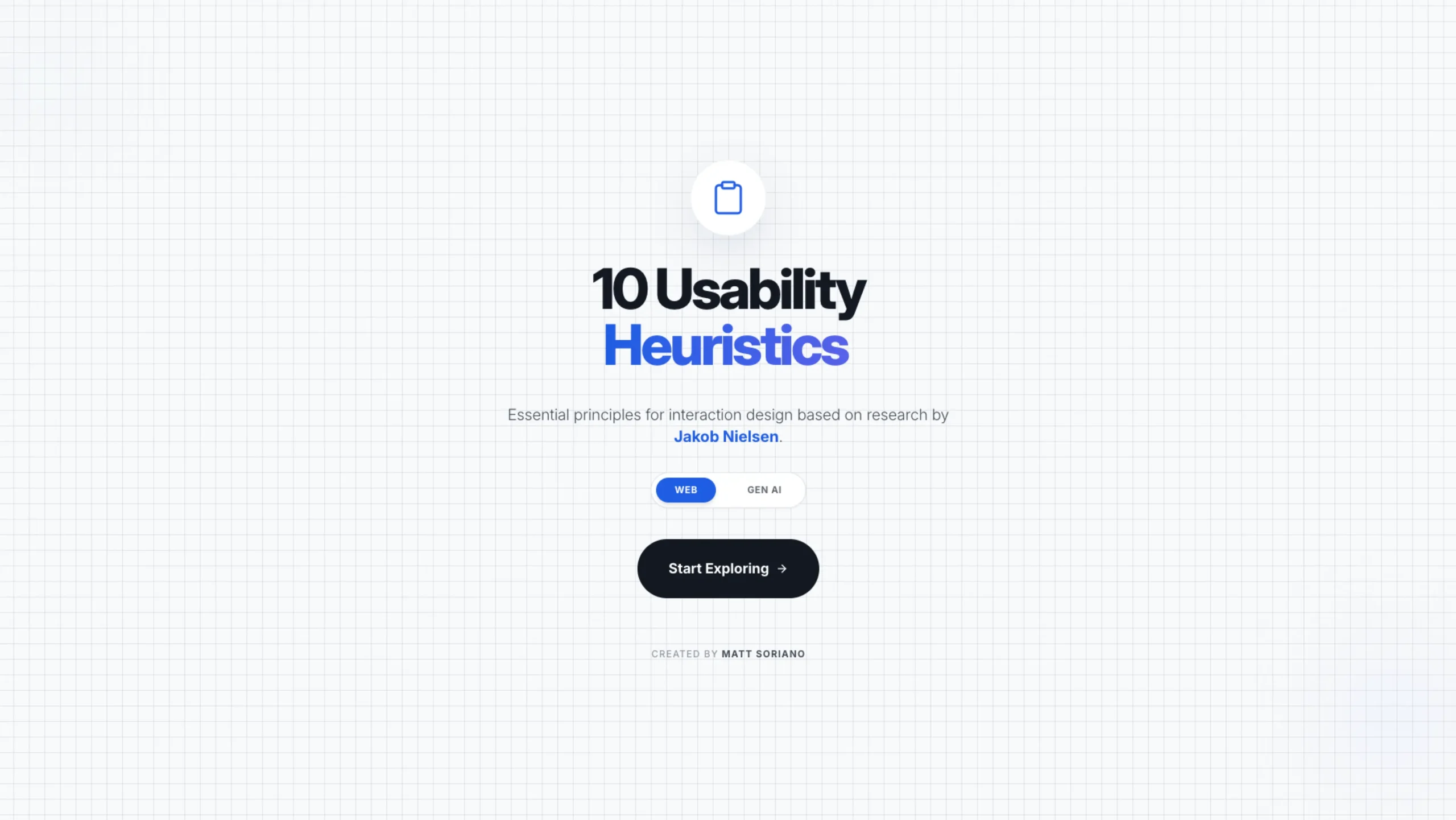
10 Usability Heuristics 👨🏻💻
Web
1. Visibility of System Status
The system should always tell users what’s happening, so they never feel confused or left waiting.
2. Match System & Real World
Use words, concepts, and visuals people already understand from real life to make the interface feel natural.
3. User Control and Freedom
Users should feel in control, with easy ways to undo actions or recover from mistakes.
4. Consistency and Standards
Similar things should work the same way everywhere, so users don’t have to relearn patterns.
5. Error Prevention
Design should help users avoid mistakes before they happen, not just react after.
6. Recognition Over Recall
Show options clearly so users don’t have to remember information from one screen to another.
7. Flexibility and Efficiency
Support both beginners and power users by offering shortcuts and faster ways to complete tasks.
8. Aesthetic and Minimalist Design
Keep interfaces clean and focused, showing only what’s truly useful at the moment.
9. Help Users Recognize Errors
Error messages should be clear, human, and explain what went wrong and how to fix it.
10. Help and Documentation
When help is needed, it should be easy to find, simple to understand, and quick to act on.
10 Usability AI Principles ✨
Gen AI
1. Set Expectations
Clearly explain what the AI can and cannot do, so users build trust without over-relying on it.
2. Context Awareness
The AI should remember relevant details and use context effectively, without prompting users to repeat themselves.
3. Mitigate Hallucinations
Design safeguards so the AI avoids guessing, admits uncertainty, and doesn’t present false information as facts.
4. Human-in-the-Loop
Users should always be able to review, guide, correct, or override AI decisions.
5. Feedback Loops
Design should help users avoid mistakes before they happen, not just react after.
6. Transparency & Explainability
Help users understand why the AI responded the way it did, especially for important decisions.
7. Support Iteration
Make it easy for users to refine prompts, adjust outputs, and try again without friction.
8. Latency Management
Manage response time smartly so the system feels fast, reliable, and respectful of users’ time.
9. Social Norms & Tone
The AI should communicate politely, appropriately, and in a tone that fits human expectations.
10. Privacy & Scoping
Be clear about what data is used, limit access responsibly, and protect user privacy by design.