Kling AI: One AI Platform That Understands Ideas, Not Just Prompts
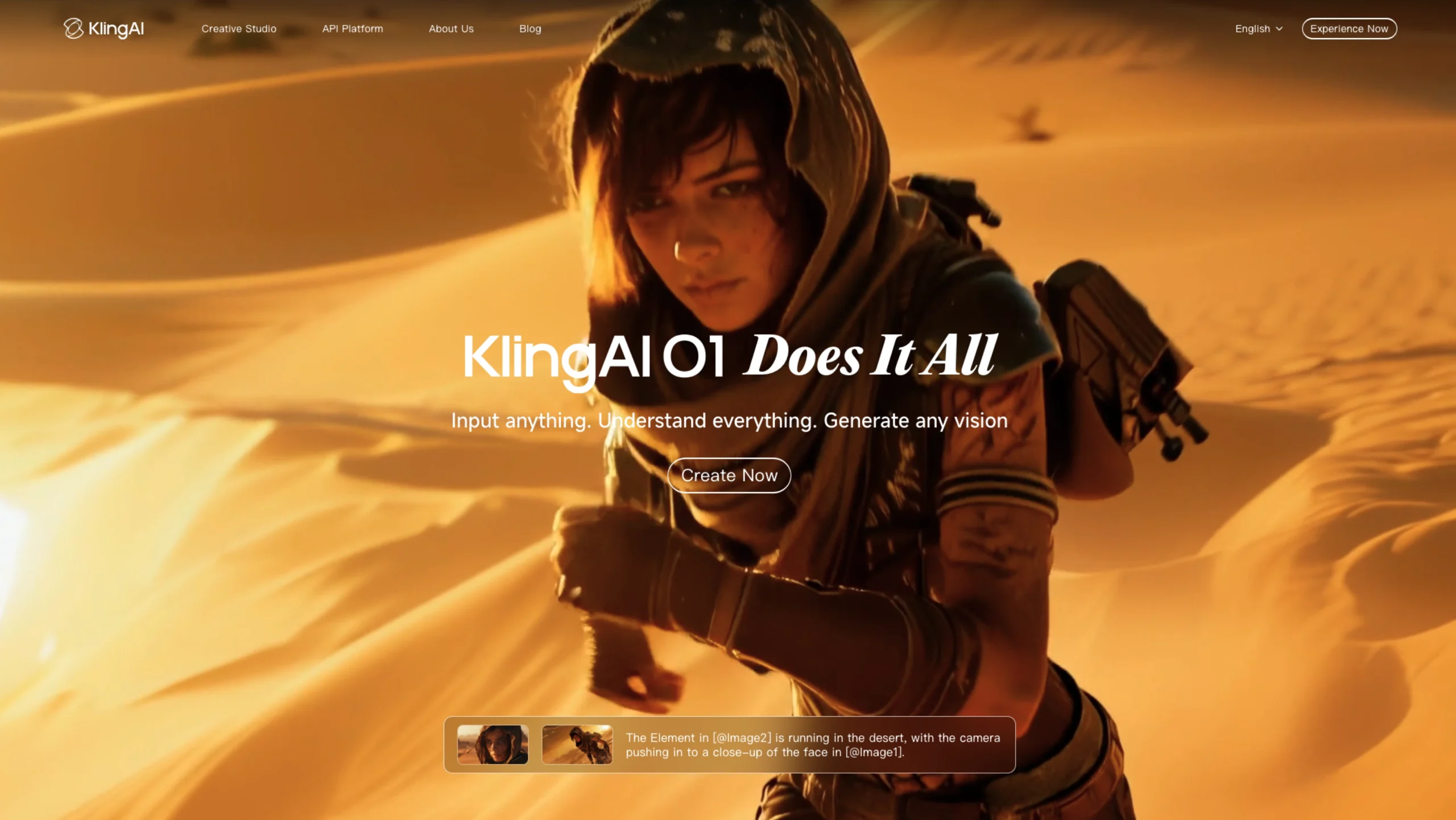
If most AI tools feel like clever machines waiting for perfectly written prompts, Kling AI feels closer to a creative collaborator. It’s built around a simple but ambitious promise:
Input anything. Understand everything. Generate any vision.

Instead of forcing creators to switch between tools for text, images, video edits, styles, or references, Kling AI brings everything into a single, unified multimodal system. The result? Faster ideation, stronger visual consistency, and far fewer creative compromises.
The Philosophy Behind Kling AI: Multi-Modal Visual Language (MVL)
At the core of Kling AI is the Multi-modal Visual Language (MVL) concept.
In plain terms, this means Kling doesn’t treat text, images, and videos as separate inputs. It understands them together.
You can mix:
- Natural language prompts
- Reference images
- Video clips
- Characters, props, or scenes
…and Kling AI interprets all of it as one cohesive creative intent. This dramatically reduces friction and makes the creative process feel more intuitive—especially for designers, filmmakers, marketers, and content teams.
Kling O1 Video Model: One Model, Every Video Workflow
Input Anything: A World-First Unified Multimodal Video Model
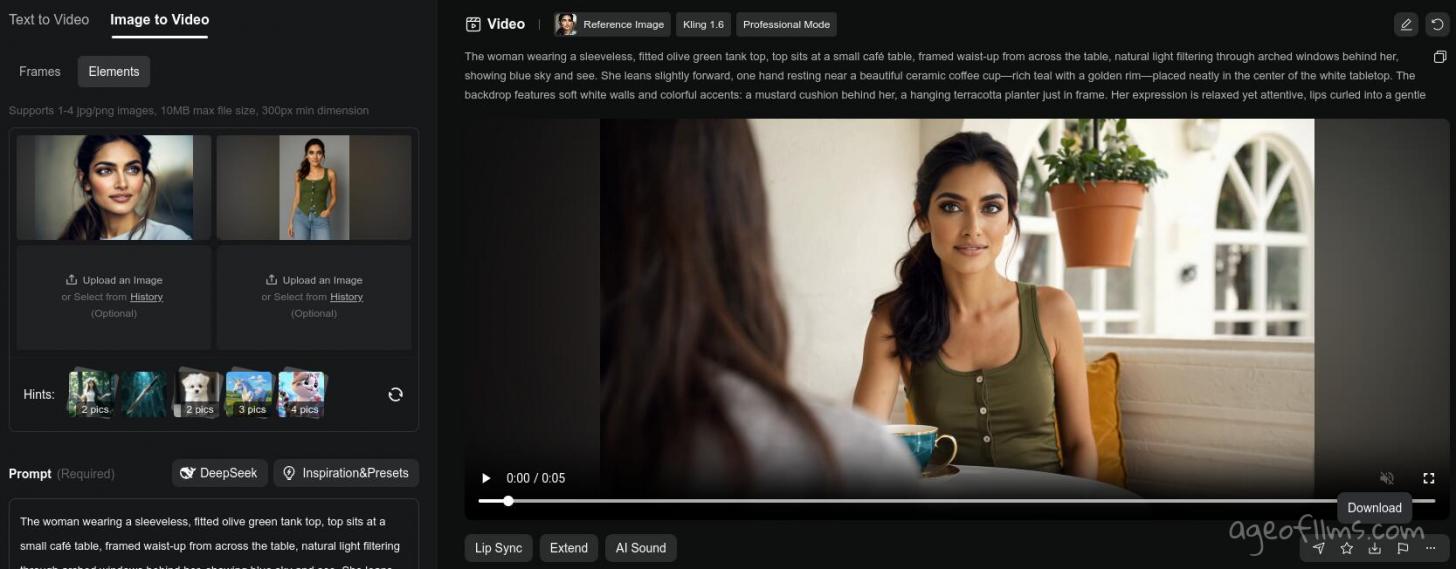
The Kling O1 Video Model is where Kling AI truly stands out. Instead of separate tools for different video tasks, O1 unifies them into a single architecture.
With a single model, you can handle:
- Text-to-Video generation
- Reference-based video creation
- Start/End frame keyframe interpolation
- Video inpainting and object removal
- Video transformation and stylization
- Scene and clip extension
This means you can move from idea → draft → refinement → final output without leaving the platform. No more tool hopping. No broken creative flow.

Understand Everything: True Multimodal Input
Kling O1 isn’t limited by input type. You can upload:
- Images
- Videos
- Text descriptions
- Visual elements or characters
The model understands relationships between these inputs—perspective, motion, style, and narrative context. This allows Kling AI to generate outputs that feel intentional, cohesive, and surprisingly precise.
For creators, this translates to fewer retries and more “that’s exactly what I meant” moments.
All-in-One Reference System: Finally Solving Video Consistency
One of the biggest challenges in AI video generation is consistency—characters changing faces, props shifting styles, or scenes losing continuity.
Kling O1 tackles this head-on.
By understanding reference images and videos from multiple angles, Kling AI can:
- Remember characters, props, and environments
- Maintain visual continuity across camera movements
- Preserve scene accuracy as the narrative evolves
Think of it as an AI that remembers your world the way a human director would.
Kling O1 Image Model: Precision Without Complexity
High Feature Retention with Omni Image 1.0
The Omni Image 1.0 model allows Kling AI to extract and retain features from up to 10 reference images. It locks in:
- Subject contours
- Core visual elements
- Color tones and textures
This makes it ideal for:
- IP and character design
- Comic or storyboard creation
- Brand-consistent visual systems
Even when generating image series, the visual identity remains intact.
Precise Detail Modification (No Pro Skills Needed)
Forget complex layer editing or advanced tools. With simple text instructions, you can:
- Add or remove objects
- Modify characters
- Adjust visual elements
Kling AI preserves the original lighting, texture, and style—so edits feel natural, not stitched together. This drastically reduces editing time and lowers the skill barrier for high-quality visual output.
Accurate Control Over Style and Tone
Omni Image 1.0 can deconstruct the core style logic of reference visuals:
- Brush strokes
- Color palettes
- Composition patterns
Whether you’re working with cinematic visuals, 3D figurines, felt textures, or niche art styles, Kling AI can reproduce them faithfully. This is especially valuable for:
- Brand visual consistency
- Artistic style transfer
- Personalized creative expression
- Cinematic scene design
Why Kling AI Matters for Designers & Creators
Kling AI isn’t just another generative tool—it’s a rethink of the workflow.
By unifying understanding, creation, and modification across images and video, it removes many of the small frictions that slow creative teams down.
For UI/UX designers, marketers, filmmakers, and content creators, Kling AI offers:
- Faster concept-to-output cycles
- Better consistency across assets
- More intuitive creative control
- Less technical overhead
Final Thoughts
Kling AI feels like a glimpse into where creative AI is headed—not just generating content, but understanding intent. Its multimodal foundation, unified video workflows, and precision image control make it a powerful platform for anyone serious about visual storytelling.
If you’re exploring the future of AI-powered creativity, Kling AI is absolutely worth your attention—and your experiments.
Featured on UIUXshowcase.com
Looking to explore more thoughtfully designed AI tools shaping the future of design, UX, and creativity? Keep browsing our curated resources.