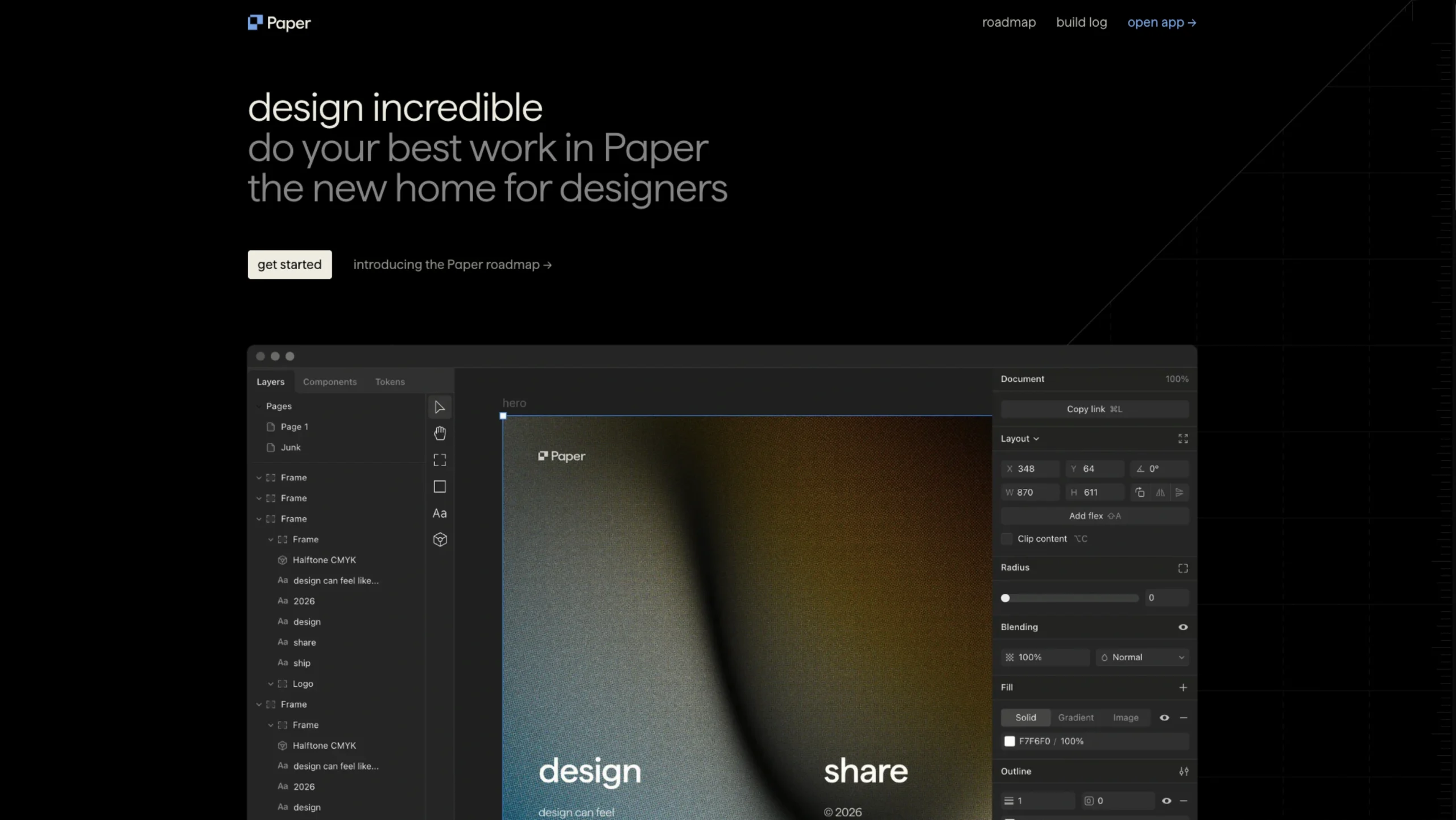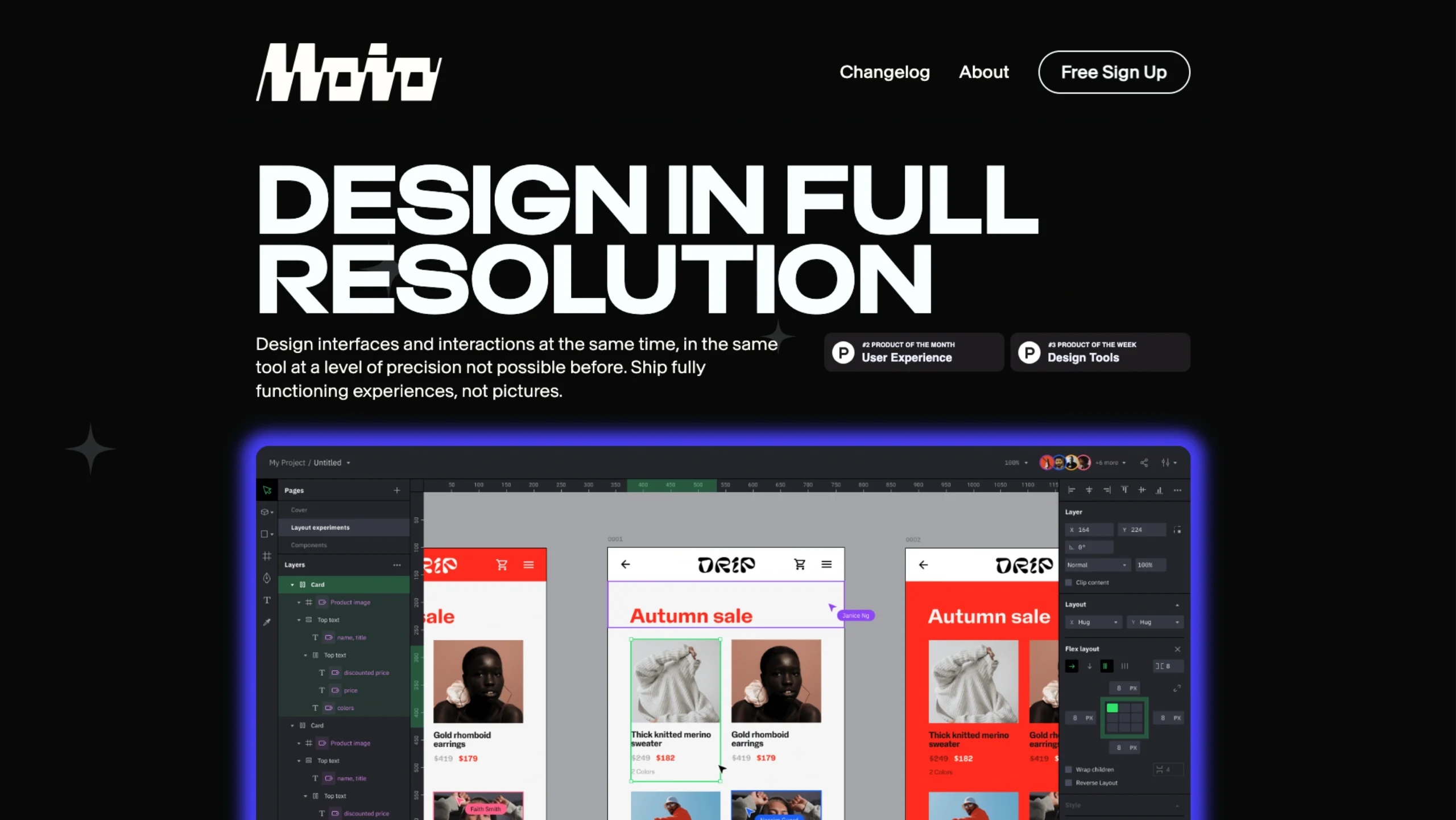
MOIO is a next-generation product design tool built on the belief that design is not just how something looks—but how it works.

Created by a global team of designers and engineers, MOIO aims to eliminate the artificial divide between visual and interaction design.
Instead of designing static visuals and handing behavior over to developers, MOIO gives designers control over the full experience—visuals, interactions, performance, and feedback—at once.
By unifying form and function into a seamless workflow, MOIO addresses the problem of “accidental design” and empowers designers to shape complete, intentional digital experiences without coding.
What can Moio do? An lternate of Figma?
Full-Fledged Interactive Experiences
Design and build complete, interactive interfaces for apps, games, and websites—all in one place. With Moio, you’re creating real, usable experiences, not just flat screens or static mockups.
High-Fidelity Prototyping
Create prototypes that actually feel like the finished product. From transitions to interactions, everything behaves as expected—so you can test, iterate, and refine ideas quickly, without writing a single line of code.
Thoughtful Micro-Interactions
Add subtle animations and interactions that make interfaces feel alive. These small details guide users, add personality, and quietly reinforce your brand throughout the experience.
Interactive & Responsive Graphics
Build visuals that respond to user actions or live data. Whether it’s dynamic charts, infographics, or interactive illustrations, your graphics are ready to be used instantly—no extra tooling required.

Visual Editor
Work with professional-grade vector tools, flexible layouts, and custom fonts—all in one editor. Import designs from Figma, Sketch, or Adobe XD, then turn static screens into fully interactive experiences without starting from scratch.
Interaction Designer
Design real interactions visually, without writing code. Bring static layouts to life by defining how users tap, swipe, and navigate through your interface.

Blueprints
Drop in ready-made components like forms, menus, and charts in seconds. Blueprints help you move faster while keeping your designs clean, consistent, and production-ready.

Events & Actions
Set up logic visually with simple “when this happens, do that” rules. Connect user actions—such as clicks or gestures—to responses like animations, screen changes, or menu states, all without code.

Conditions
Build smarter, context-aware interfaces that adapt automatically. Create flexible rules based on user behavior or app state using an intuitive visual system.

Variables & Expressions
Make your designs respond to data and user input. Use simple expressions and variables to dynamically control content—think Excel-style logic, but built for interactive design.