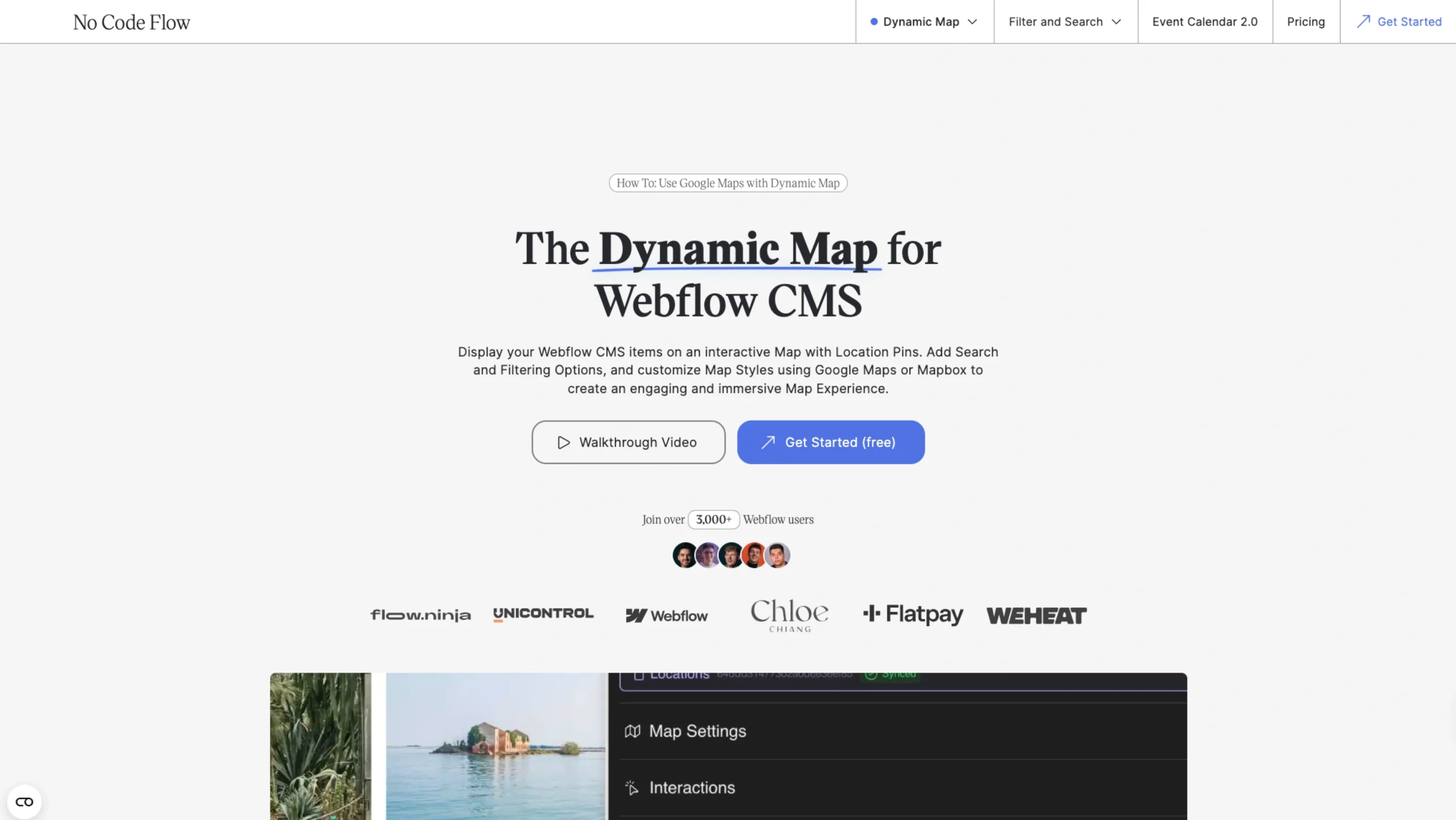
Dynamic Map for Webflow CMS is a no-code solution that lets you display Webflow CMS items on an interactive map with location pins.
It supports search and filtering and allows full customization of map styles using Google Maps or Mapbox, making it easy to create engaging, immersive map experiences without writing code.
Ideal for directories, listings, and location-based websites, the tool helps designers bring structured CMS data to life visually inside Webflow.
Set up an interactive CMS map in Webflow—without the headache
Adding an interactive map to your Webflow site doesn’t have to be complicated. With the Dynamic Map App from Webflow’s App Marketplace, you can create a fully CMS-powered map with location pins in just a few minutes.
No custom code. No complex setup. Just plug it in and start building.
How it works (it’s really simple)
1. Set up your map in minutes

Open the Dynamic Map App from Webflow’s Marketplace or launch it directly inside your project. Install the app, log in, and you’re ready to start adding an interactive map to your site.
2. Create and configure your map
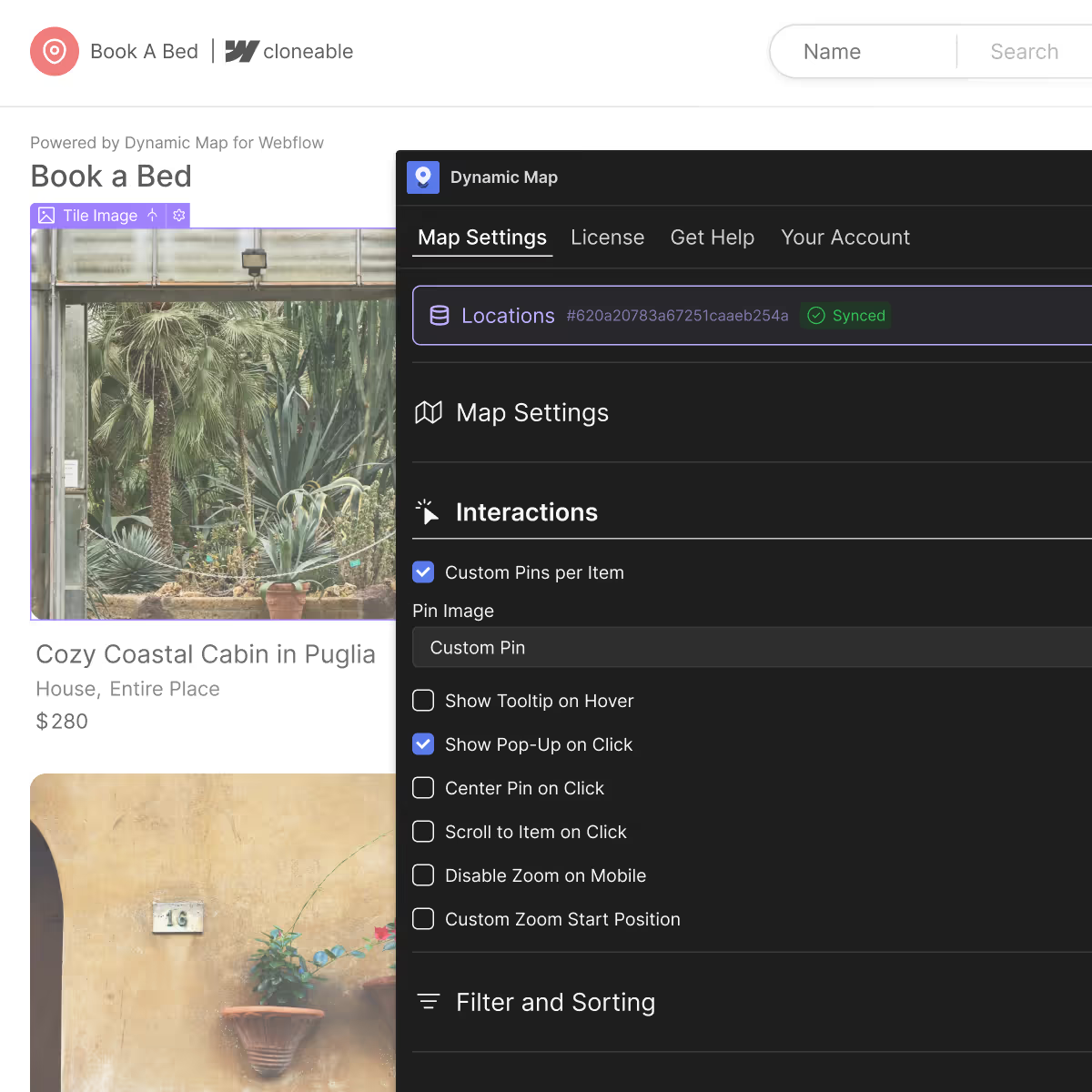
The app walks you through the setup step by step. Add locations, enable features like filters or pop-ups, and fine-tune how your map behaves—all from inside Webflow.
3. Style it in Webflow and go live
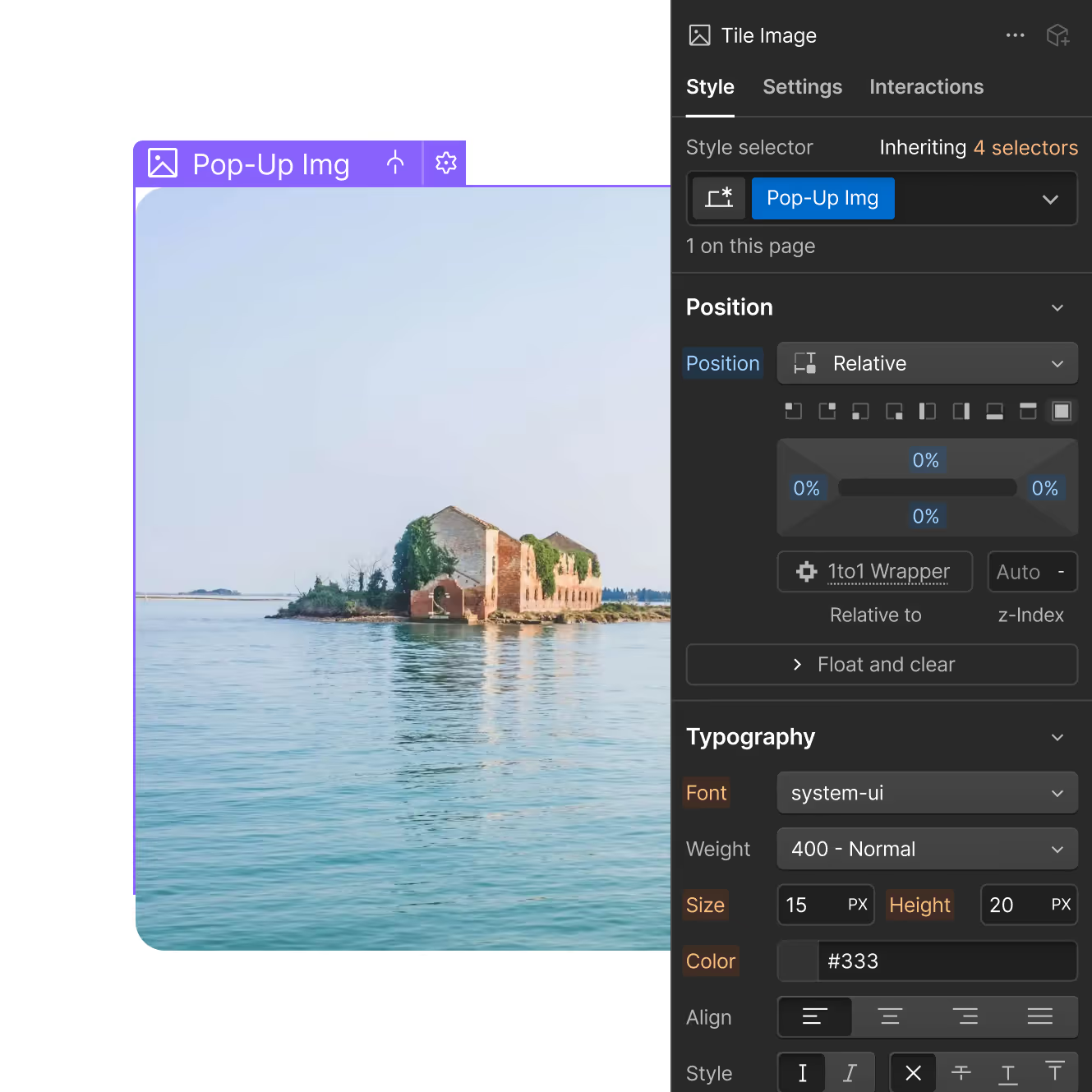
Use Webflow Designer to style the map to match your brand. Once you’re happy with how it looks, publish and you’re live.
Everything you need to build a powerful CMS map
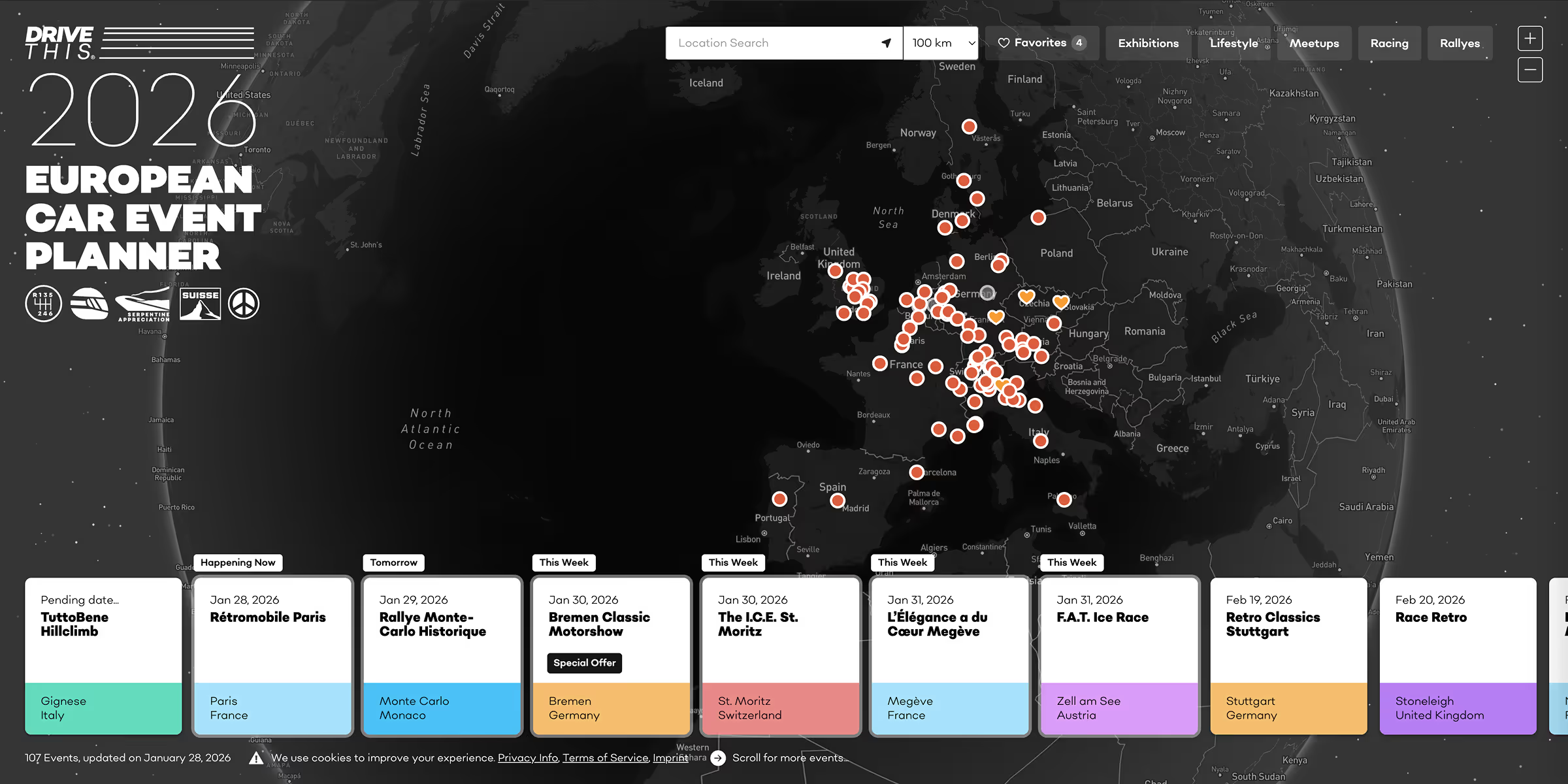
Here’s a quick look at the features that make the Dynamic Map App so flexible and easy to use.
CMS-connected map items
The map is built CMS-first, meaning every location is connected directly to your Webflow CMS collections. Update your CMS, and your map updates automatically.
Custom location pins
Use your own custom-designed pins or assign different pins to individual CMS items to match your project’s style.
Fully customizable map styles
Choose between Google Maps, Mapbox, or OpenStreetMap. Customize colors, layout, and visuals so the map feels like part of your brand—not an embed.
Interactive pop-ups and tooltips
Show extra details right on the map with CMS-powered pop-ups and tooltips. Perfect for locations, listings, or directories.
Unlimited map items
Building something big? No problem. Add 1,000+ CMS items without performance issues.
Map controls that make sense
Adjust the zoom buttons and other map controls to create a smoother, more intuitive user experience.
Filtering, sorting, and live address search
Let users filter locations, sort results, or search addresses in real time—making your map genuinely interactive and easy to explore.
Style everything—no code required
Every part of the map can be styled directly inside Webflow Designer. No custom code, no workarounds—just design it your way.