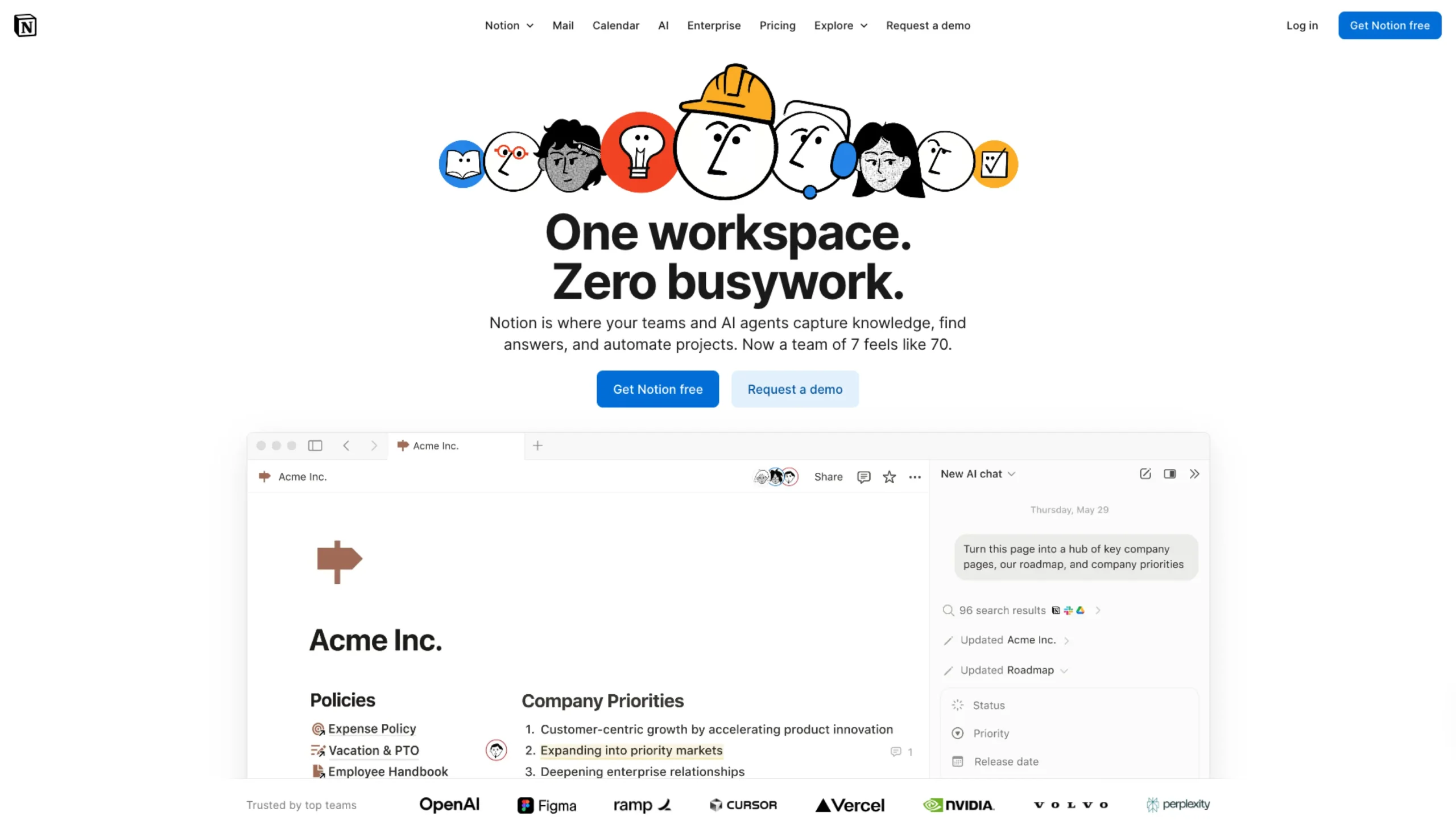
There are productivity tools.
And then there’s Notion.
If you’ve ever felt overwhelmed juggling docs, spreadsheets, task managers, wikis, and random sticky notes across five different apps… Notion feels like a quiet reset. A clean canvas where everything finally lives in one place.
And somehow, it doesn’t feel heavy.
Let’s break down why.
A Workspace That Adapts to You
Most tools tell you how to work.
Notion asks: How do you want to work?
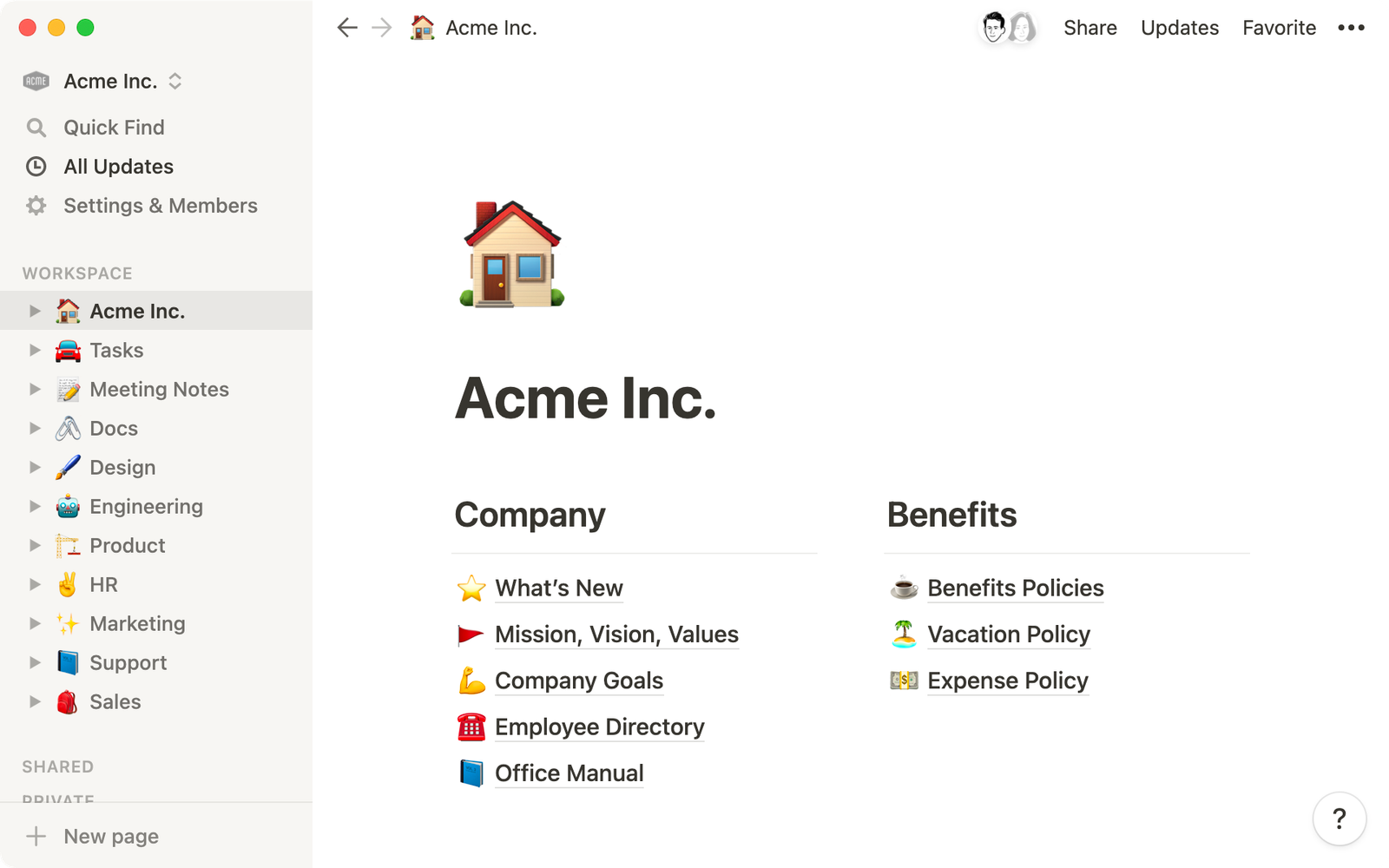
At its core, Notion is a modular workspace. Everything is built using “blocks.” Text, headings, images, checklists, databases, embeds — each piece is movable, flexible, and customizable.
You’re not locked into rigid templates (unless you want to be). You can build:
- A personal second brain
- A startup operating system
- A content calendar
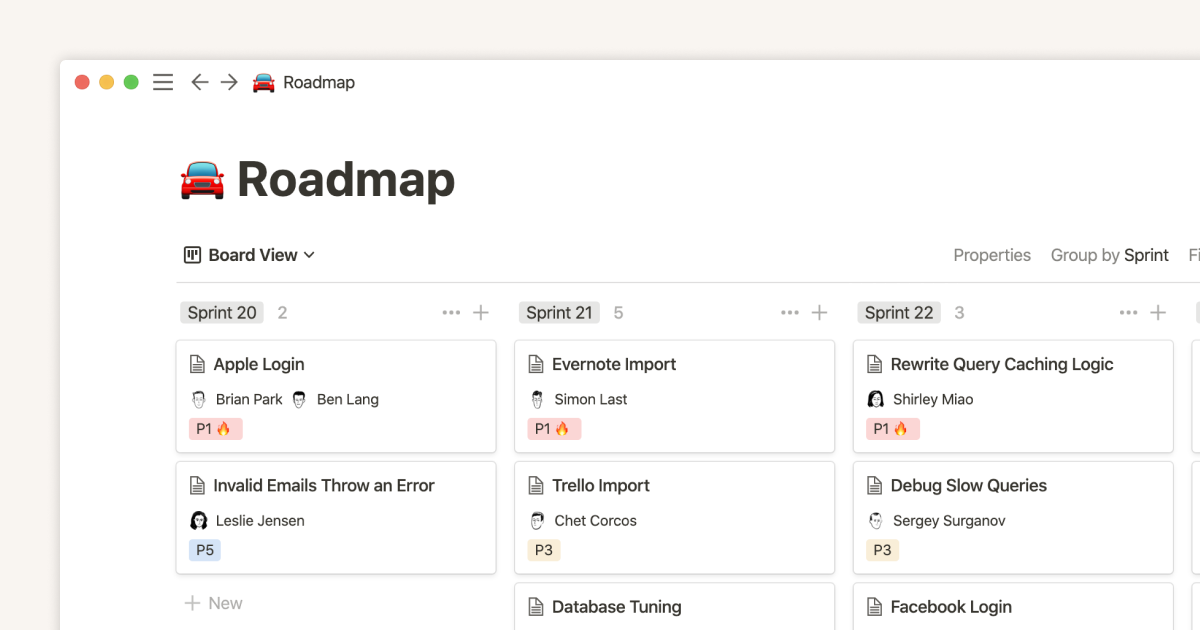
- A product roadmap
- A design system documentation hub
- A habit tracker
All inside one tool.
That flexibility is both its magic and its learning curve.
The Database Superpower
Here’s where Notion quietly becomes powerful.
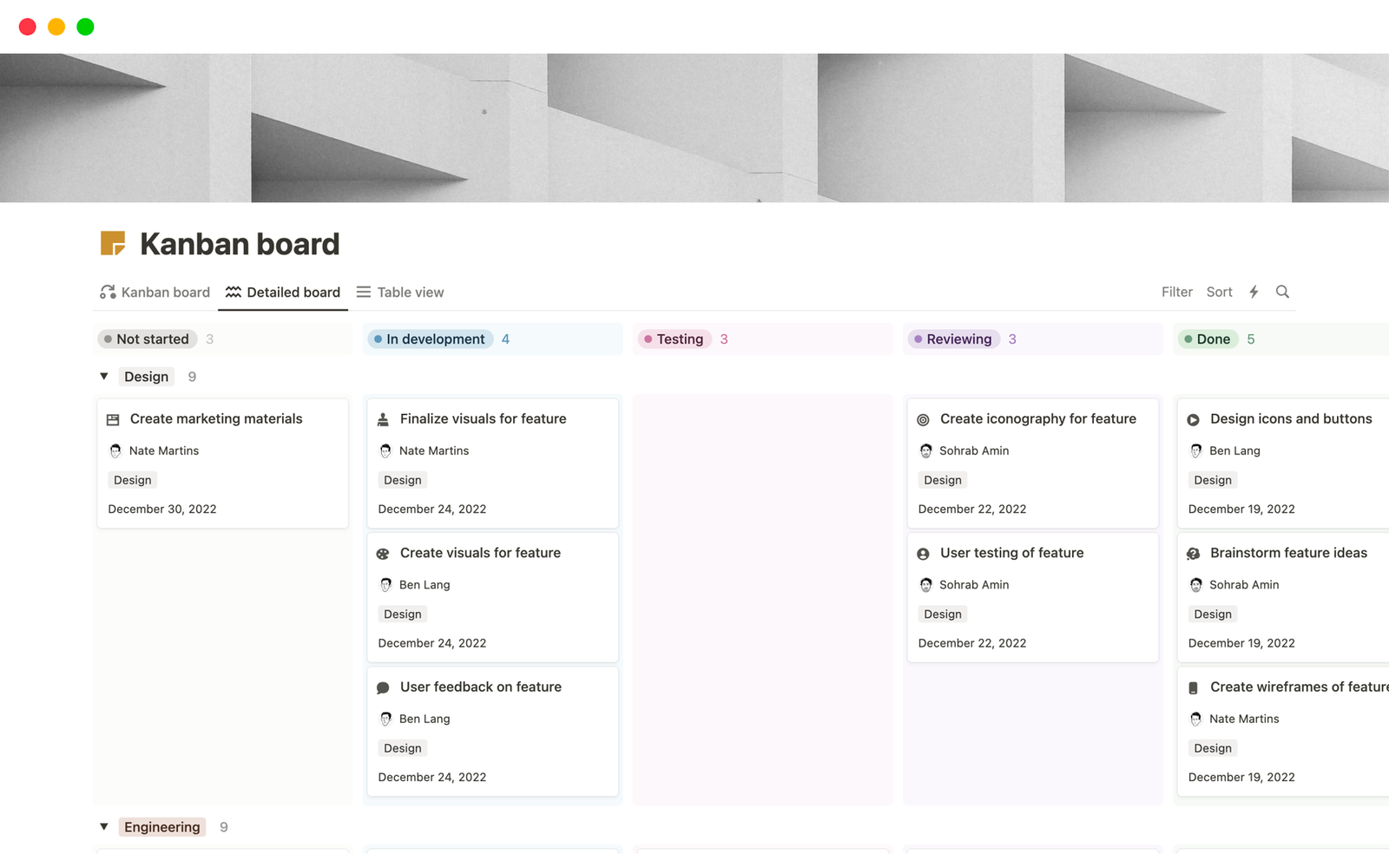
Unlike traditional note apps, Notion databases aren’t just tables. They’re dynamic collections of structured content. You can view the same database as:
- A table
- A Kanban board
- A calendar
- A gallery
- A timeline
This multi-view capability is highly useful for product teams, founders, designers, and marketers.
For example:
A single content database can show:
- A calendar for the publishing schedule
- A board for workflow status
- A table for metadata and SEO tracking
No duplication. No chaos.
Designed for Clarity, Not Noise
One thing you immediately notice about Notion is its interface.
It’s minimal.
There’s generous whitespace. Typography is soft. The UI feels calm rather than crowded.
Compared to tools overloaded with panels and complex menus, Notion keeps distractions to a minimum. It feels closer to writing in a clean notebook than operating enterprise software.
That’s intentional.
The simplicity reduces cognitive load — something every UX designer appreciates.
Collaboration Without Friction
Notion isn’t just for solo productivity.
Teams can:
- Comment directly on blocks
- Assign tasks
- Mention teammates
- Create shared dashboards
- Control permissions at granular levels
For startups, especially, it often replaces:
- Internal wiki tools
- Project management software
- Documentation platforms
- Basic CRM systems
One workspace. Shared understanding.
And when everything is visible and connected, alignment becomes easier.
Templates That Jumpstart Everything
If building from scratch feels overwhelming, Notion’s template ecosystem is massive.
There are templates for:
- Product requirement docs
- Sprint planning
- Goal tracking (OKRs)
- Content calendars
- UX research repositories
- Habit trackers
- Student dashboards
You don’t have to start with a blank page.
You can start with structure, then customize.
Notion AI: A New Layer of Productivity
Notion has also integrated AI features directly into the workspace.
Instead of switching to a separate AI tool, you can:
- Summarize meeting notes
- Rewrite content
- Generate outlines
- Brainstorm ideas
- Clean up messy text
- Extract action items
The beauty here isn’t just AI.
It’s contextual AI.
It understands your document, your database, your workspace — not just a blank prompt box.
For designers and founders, this becomes especially powerful for:
- Drafting product specs
- Refining UX copy
- Summarizing research
- Turning raw thoughts into structured plans
It feels less like a chatbot, more like a smart assistant embedded in your workflow.
Where Notion Shines
Notion works incredibly well for:
- Startup teams building internal knowledge systems
- Designers documenting research and design systems
- Solo founders managing everything in one place
- Content creators organizing pipelines
- Students building digital notebooks
- Remote teams need transparency
It’s flexible enough for personal use.
Structured enough for business use.
That balance is rare.
Where It Can Feel Challenging
Let’s be honest.
Notion’s flexibility can overwhelm beginners.
Because you can build almost anything… You sometimes don’t know where to begin.
It’s not as plug-and-play as some specialized tools. There’s a small learning curve around databases and relations.
But once you understand its logic, it becomes addictive.
Why We’re Featuring Notion in the Productivity Category
On UIUXshowcase, we highlight tools that combine:
- Strong UX thinking
- Real-world usability
- Design clarity
- Workflow efficiency
Notion checks all four.
It isn’t flashy.
It isn’t loud.
It’s quietly powerful.
It respects the user’s mental space. It gives control without forcing complexity. And it adapts as your projects grow.
For designers, developers, AI founders, and entrepreneurs — it’s not just a note-taking app.
It’s infrastructure.
Final Thoughts
In a world of fragmented productivity tools, Notion feels like convergence.
Docs, tasks, databases, AI, collaboration — under one roof.
And the best part?
It grows with you.
From managing your daily to-do list to running a 50-person startup, the same workspace evolves alongside your ambition.
That’s why Notion isn’t just popular.
It’s becoming foundational.
Category: Productivity
Platform: Web, Desktop, Mobile
Best For: Designers, founders, remote teams, knowledge builders
If you’re serious about building a structured digital workflow, Notion is worth exploring.