Realtime Colors is an interactive playground for UI designers, featuring color and typography.
If you’ve ever stared at a color palette tool thinking, “Okay… but how will this actually look on a real website?”, Realtime Colors is pretty much the answer to that question in product form.
I’m featuring Realtime Colors on UIUXshowcase because it doesn’t just give you hex codes – it lets you see your colors and fonts living on a real interface in real time.
No mockups, no guessing, no copy–paste into Figma or code to check if something works.
You tweak values in the toolbar, and the entire site updates instantly around your choices.
What Realtime Colors actually does
At its core, Realtime Colors is a live playground for color systems and typography:
- You pick:
- Text color
- Background color
- Primary color
- Secondary color
- Accent color Realtime Colors
- You adjust your heading and body fonts, as well as the type scale.
- The tool then applies everything across a realistic multi-section layout so you can see your brand in action – hero, cards, buttons, links, etc.
So instead of choosing colors in isolation, you’re seeing a full UI respond to your decisions: buttons, CTAs, headings, body text, cards, and supporting elements all update instantly as you move sliders or paste hex codes.
Why this is genuinely useful (beyond the “cool toy” factor)
1. It saves you a ton of time
Usually, testing a palette looks like this:
- Pick some colors in a palette generator
- Copy them into Figma (or code)
- Apply them to components
- Realize your “perfect palette” doesn’t actually work in UI
- Repeat. Again. And again.
Realtime Colors lets you skip all that plumbing. The design underneath is already wired – you focus on picking colors and fonts while the layout reflects everything instantly.
2. It’s realistic, not abstract
Most color tools show you rows of swatches or neat little palettes. They’re pretty, but they don’t tell you:
- Does this primary actually pop as a CTA?
- Is this background too heavy for long-form reading?
- Does my accent feel intentional or random?
Realtime Colors distributes your choices across a real site layout – hero section, content blocks, cards, buttons, links, and more. It’s basically a mini design system demo where you don’t have to do any of the setup. Realtime Colors
3. It keeps things simple (and fun)
The interface is intentionally playful and minimal:
- A toolbar where you control colors and fonts
- A main layout that instantly reflects your decisions
- Quick actions like Randomize Colors, Randomize Fonts, undo/redo, and export.
You’re not digging through nested panels or advanced settings right away. It feels like exploring, not configuring.
How it works: the 4-step flow
Realtime Colors breaks the process into four logical steps:
- Start with two neutrals
You choose Text and Background. This is your base contrast and reading comfort. Dark mode vs light mode is just a toggle. - Choose your Primary and Secondary
- Primary = main CTAs and hero areas
- Secondary = supporting buttons, tags, cards
- Set your Accent color
Accent is used in:- Hyperlinks
- Highlights
- Detail elements, image overlays, etc.
- Export when you’re happy
Once your system feels right, you hit Export and choose from formats like:.zip,.png- CSS, SCSS
- Tailwind config
- Shades, gradients
- Even a QR code so you can see the exact palette on your phone or another device. Realtime Colors
The whole thing feels like designing a tiny brand system without opening any design tool or IDE.
Colors and fonts, on the same canvas
Realtime Colors isn’t just about color – it treats typography as a first-class citizen.
In the Fonts section, you can:
- Set Headings and Body fonts by typing any:
- Local font name
- Google Fonts name
- Choose a type scale (Minor Second, Major Third, Perfect Fifth, Golden Ratio, etc.)
- Filter fonts by category:
- Serif
- Sans Serif
- Handwriting
- Monospace
- Display Realtime Colors
You can also randomize fonts to explore pairings quickly, then refine once something feels right.
This is incredibly handy when you’re trying to:
- Align vibes between brand and UI
- See how a font behaves at multiple sizes
- Test hierarchy and readability with the duplicate content you’re styling
Built-in contrast checking (accessibility without the guesswork)
One of my favorite details: the contrast checker is always there, quietly telling you whether your choices are accessible. Realtime Colors
For each color, you see the contrast ratio vs foreground/background, plus a simple traffic-light system:
- Red (x) – fails AA and AAA; hard to read
- Yellow (-) – might pass AA but fails AAA; large text might be okay, small text probably isn’t
- Green (✓) – passes AA and AAA; good to go
If you’ve ever manually tested contrast in another tool and then tried to remember which combos worked, having this integrated directly in your color playground is a huge win.
The Mondrian-inspired hero (and the 60–30–10 idea)
The hero graphic isn’t just decoration. It’s inspired by Piet Mondrian’s “Composition with Large Red Plane, Yellow, Black, Grey and Blue”, and the way it arranges color is very close to the classic 60–30–10 UI rule:
- 60% – dominant (background/base)
- 30% – secondary
- 10% – accent
Your color choices drop into that structure, so you can get an immediate sense of how dominant vs secondary colors behave in a layout, not just as elegant swatches.
Exporting for real projects
Realtime Colors isn’t just for play; it’s set up to slot into real workflows. From the export panel, you can:
- Copy CSS, Tailwind CSS, SCSS, or custom code snippets
- Generate shades, gradients, and media-query-ready themes
- Download assets
- Generate a QR code to open the exact palette on another device quickly
There are presets tailored to popular UI frameworks like:
- DaisyUI
- shadcn
- NextUI
- Material UI
- Chakra UI
- Vuetify
…and more.
So if you’re building in React, Vue, or any modern stack, you can go from “this looks nice” to “it’s in my codebase” in a single copy–paste.
Figma plugin & ecosystem
If you live in Figma, there’s also a Realtime Colors Figma plugin with thousands of users.
That means you can:
- Experiment with palettes on the Realtime Colors site
- Or do a lot of that ideation directly inside your design files
There are also:
- A dashboard template
- A blog template
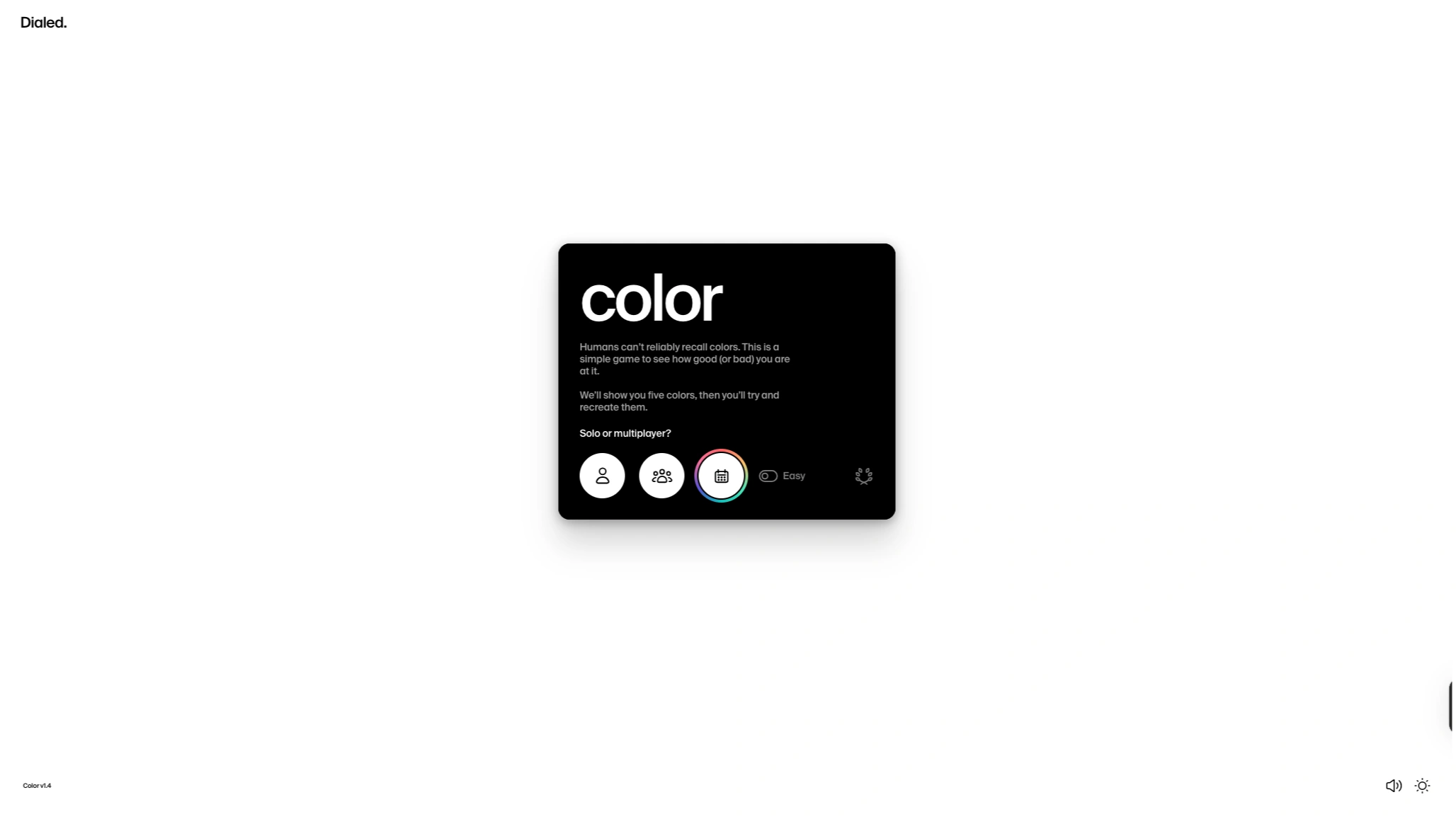
- A fun Color Game
- A VS Code theme editor linked from the header. Realtime Colors
It feels like the creator is slowly building a little ecosystem around one central idea: making color and typography exploration less painful and more playful.
Free, friendly, and very “designer-brained.”
A few final details I love:
- 300K+ users and counting
- 19K+ plugin users
- 200+ Product Hunt upvotes
- The tool is 100% free – the pricing section is intentionally tongue-in-cheek (“$0.00/month” for all tiers).
- No cookies, no tracking drama – just colors and fonts.
The tone of the site is playful, self-aware, and very relatable if you’ve ever agonized over “just one more blue”.
It doesn’t lecture you about color theory; it lets you feel what works by seeing it in motion on a real layout.
Why I’m featuring Realtime Colors on UIUXshowcase
Realtime Colors is one of those tools I’d happily point both junior designers and seasoned product teams toward:
- If you’re starting, it helps you understand how colors and fonts behave in a real interface without needing deep technical setup.
- If you’re experienced, it speeds up your early explorations and gives you production-ready exports you can actually use.
In short, it’s a small tool with a significant impact on how fast and confidently you can make visual decisions.
If you haven’t tried it yet, open Realtime Colors in a tab, hit the random buttons a few times, and then start nudging things toward your brand.
You’ll know very quickly if you’re onto something – and you’ll have the code to back it up.