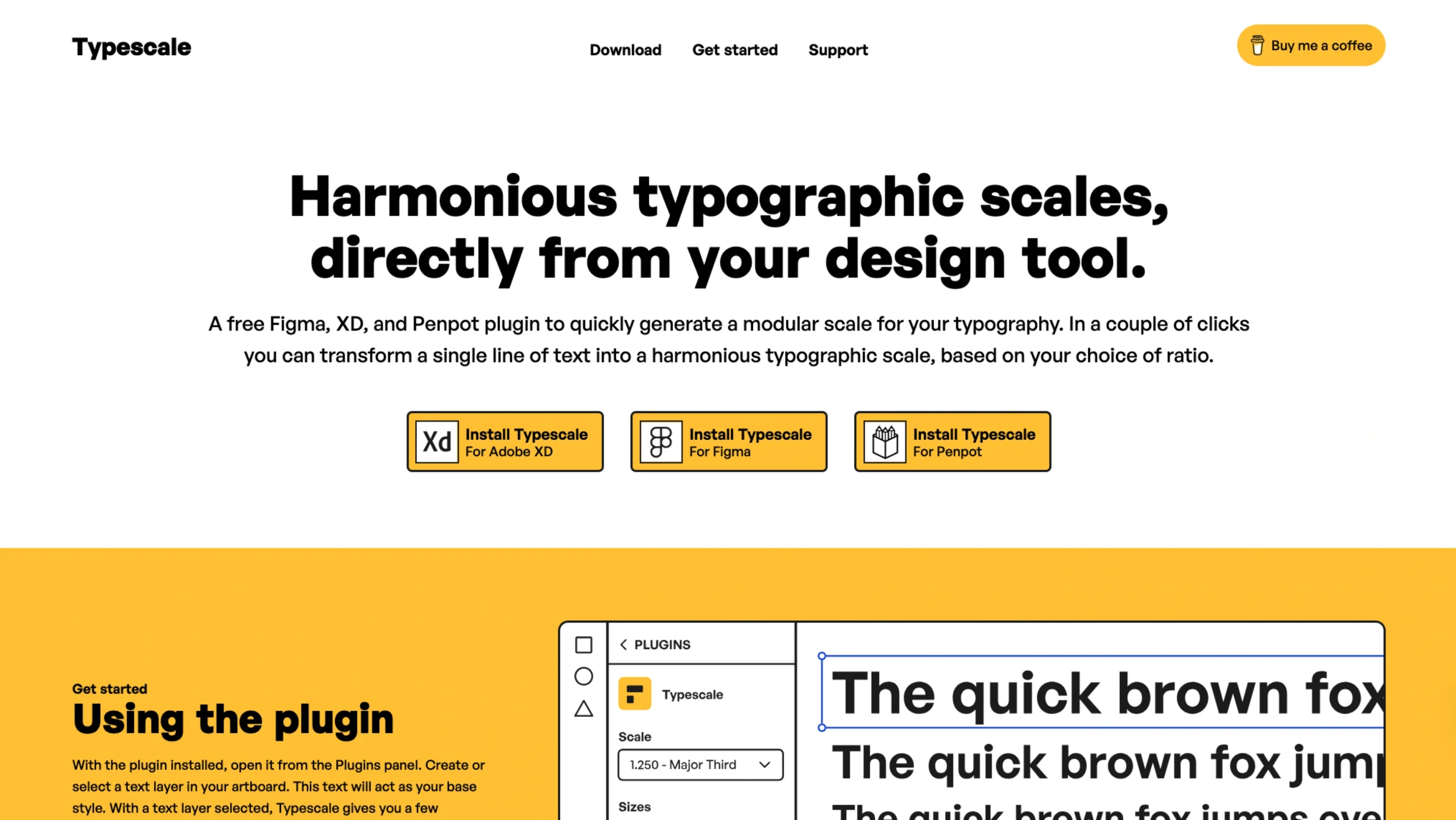
In professional UI/UX design, font sizes should never be chosen at random. Typescale is a specialized tool and plugin (for Figma, Adobe XD, and Penpot) that helps designers generate a modular scale—a series of font sizes that relate to one another through a consistent mathematical ratio.
By using Typescale, designers move away from arbitrary pixel values and toward a “typographic hierarchy” that feels naturally balanced and professional.
Core Functionality: How it Works
The tool operates on a simple yet powerful premise:
- Select a Base Size: Usually your body text size (e.g., 16px).
- Choose a Ratio: Pick a mathematical or musical interval, such as the Golden Ratio (1.618), Perfect Fourth (1.333), or Major Third (1.250).
- Generate the Scale: The tool automatically multiplies or divides your base size by that ratio to create a range of sizes for headings ($H1$ through $H6$), captions, and labels.
Key Features for Designers
- Direct Integration: Unlike web-only calculators, Typescale offers plugins for Figma and Adobe XD. This allows you to generate and apply an entire typography system directly to your canvas in just a few clicks.
- Mathematical Precision: It eliminates “design debt” by ensuring every text element on your site belongs to the same family of proportions.
- Live Previews: Designers can test how different ratios look with their actual content, helping them decide between a high-contrast look (for marketing sites) or a low-contrast look (for data-heavy dashboards).
- Customization: You can specify how many sizes you need above and below your base style, giving you total control over the depth of your design system.
Why Typescale is Essential for UI/UX
- Consistency Across Pages: When multiple designers work on a project, Typescale ensures everyone is using the same “source of truth” for font sizing, preventing the “size creep” that often happens in large CSS files.
- Visual Harmony: Humans naturally find mathematical patterns (like the Golden Ratio) more aesthetically pleasing. Typescale applies these patterns to text, making an interface feel more “stable” and easier to read.
- Efficiency: Instead of manually calculating $16 \times 1.25$ for every heading level, the tool does the math for you, allowing you to focus on the creative aspects of the UI.
- Handoff-Ready: It helps bridge the gap between design and development by providing a clear structure that translates easily into CSS variables or Tailwind configs.