


Efecto.app — Real-Time Visual Effects Tool for Creators & Designers
Efecto.app is a free, web-based creative tool that lets you apply striking visual effects to images, videos, and 3D models in real time — all from your browser.
It’s designed for visual artists, designers, developers, and AI creators who want to experiment with expressive styles like ASCII art, dithering, halftone visuals, and more without specialized software or steep learning curves.
At its core, Efecto is about making dynamic visual transformations accessible, playful, and fast. Users upload media or models, tweak effect parameters, and see previews instantly thanks to modern browser graphics tech like WebGL/WebGPU.
🎨 What Efecto.app Does
Efecto’s standout capability is its real-time rendering of aesthetic effects. Whether you’re working with still photos, animated video clips, or 3D assets, the tool applies visual filters that transform the look and mood of your content on the fly.
Key features include:
- Instant effect generation – See transformation previews immediately as you tweak settings.
- Multiple visual styles – Includes ASCII art conversion, dithered graphics, halftone textures, and more artistic filters.
- Flexible inputs – Works with images, video files, and even 3D model formats.
- Customizable controls – Adjust cell size, color mode, intensity, and stylistic parameters to explore creatively.
- Exportable results – Outputs can be downloaded and reused across other creative tools or shared on social platforms (export options depend on browser support).
This blend of immediacy and visual experimentation makes Efecto especially appealing for concept prototyping, AI-assisted design workflows, social content creation, and even educational exploration of image processing concepts.
🛠️ How It Works
Efecto runs entirely in your browser, leveraging GPU-accelerated graphics APIs (like WebGL2 or WebGPU) to perform transformations without any installation.
Users can drag and drop media, select an effect preset, and adjust settings to taste.
Preview updates are instantaneous, removing the feedback lag that often plagues traditional image editing tools.
Because everything runs locally in the browser, privacy and responsiveness are enhanced — you aren’t uploading sensitive media to remote servers unless you choose to share or save online.
💡 Ideal Use Cases
Efecto.app fits a broad range of creative and technical workflows:
- Visual Artists & Illustrators: Experiment with stylized effects to inspire new compositions.
- UX/UI Designers & Prototypers: Rapidly mock unusual visuals for unconventional interfaces or creative demos.
- Developers & AI Builders: Integrate or prototype visual effects pipelines with large language models or generative workflows.
- Content Creators: Generate unique aesthetics for social posts, video intros, or brand visuals.
Because the tool spotlight is on real-time feedback and visual experimentation, it appeals to users who want creative playfulness over heavy editing precision.
✨ Design & Experience Notes
From a UI/UX perspective, Efecto reinforces a few key principles worth calling out for designers and builders:
- Immediate Feedback Loop: Users see changes immediately, encouraging exploration rather than cautious trial-and-error.
- Minimal Setup: Being browser-based removes barriers like installation and onboarding friction.
- Creative Flexibility: Adjustable effect parameters and presets enable both beginners and advanced users to achieve interesting results.
- Low Commitment: Because it’s free and instantly accessible, users can dip into visual experimentation without subscription requirements.
🎨 Visual Effect Examples from Efecto.app
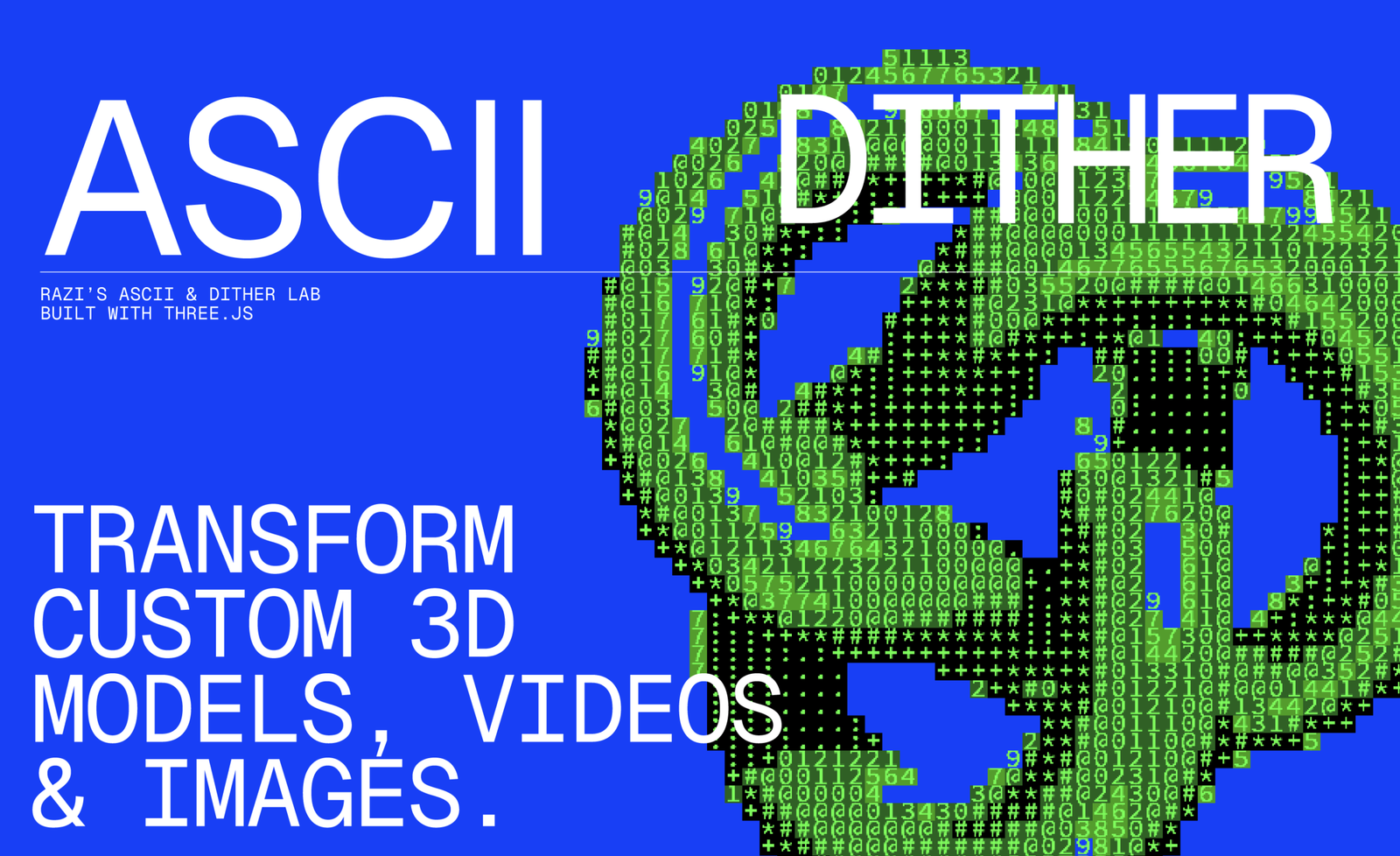
1️⃣ ASCII Art Effect (Images & Video)

What it shows
- Images or videos converted into text-based visuals
- Adjustable character density, contrast, and scale
- Popular for experimental UI, dev demos, and creative coding aesthetics
Great for:
Creative portfolios, retro-tech visuals, developer landing pages
2️⃣ Dithering & Pixel-Style Effects
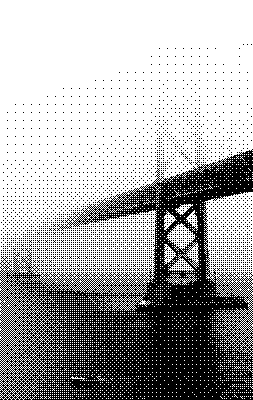
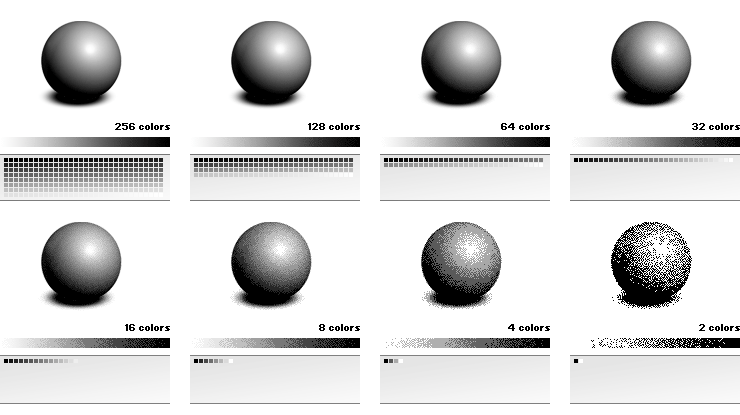
What it shows
- Old-school print & pixel aesthetics
- Strong contrast and artistic noise
- Works beautifully for photography and illustrations
Great for:
Editorial visuals, indie brand design, and AI-generated art enhancement
3️⃣ Halftone & Print-Style Visuals
image_group{“query”:[“halftone image effect”,”halftone portrait design”,”print halftone dot pattern”]}
What it shows
- Magazine-style dot patterns
- Adjustable dot size and spacing
- Retro yet modern visual language
Great for:
Poster design, branding experiments, social media creatives
4️⃣ 3D Model Stylization

What it shows
- Live effects applied to 3D objects
- Geometry rendered with artistic transformations
- Rare feature for a browser-based tool
Great for:
Creative developers, WebGL demos, experimental product visuals
5️⃣ Real-Time Controls & Live Preview
What it shows
- Instant preview while adjusting sliders
- No rendering delays
- Playful, exploration-first UX
Great for:
Rapid prototyping, creative exploration, UX inspiration
Efecto.app brings real-time visual experimentation to the browser — turning images, videos, and 3D models into expressive, stylized art with zero setup.
🧠 Final Thoughts
Efecto.app illustrates how modern web technologies can democratize access to real-time visual effects.
It’s a compelling tool for anyone in the creative ecosystem — from designers and developers to artists and social media creators — looking to add expressive flair to visuals without complex software.
Its browser-centric UX makes it fast, flexible, and delightfully exploratory.
If you’re curious about using real-time aesthetic transformations in your workflow, Efecto.app is one of the most frictionless places to start.