


Resources
Scroll Here⤵︎


Free Webflow Templates, Apps & Tutorials Resources
A curated space for designers and developers building fast, responsive, and beautiful websites with Webflow Resources.
-

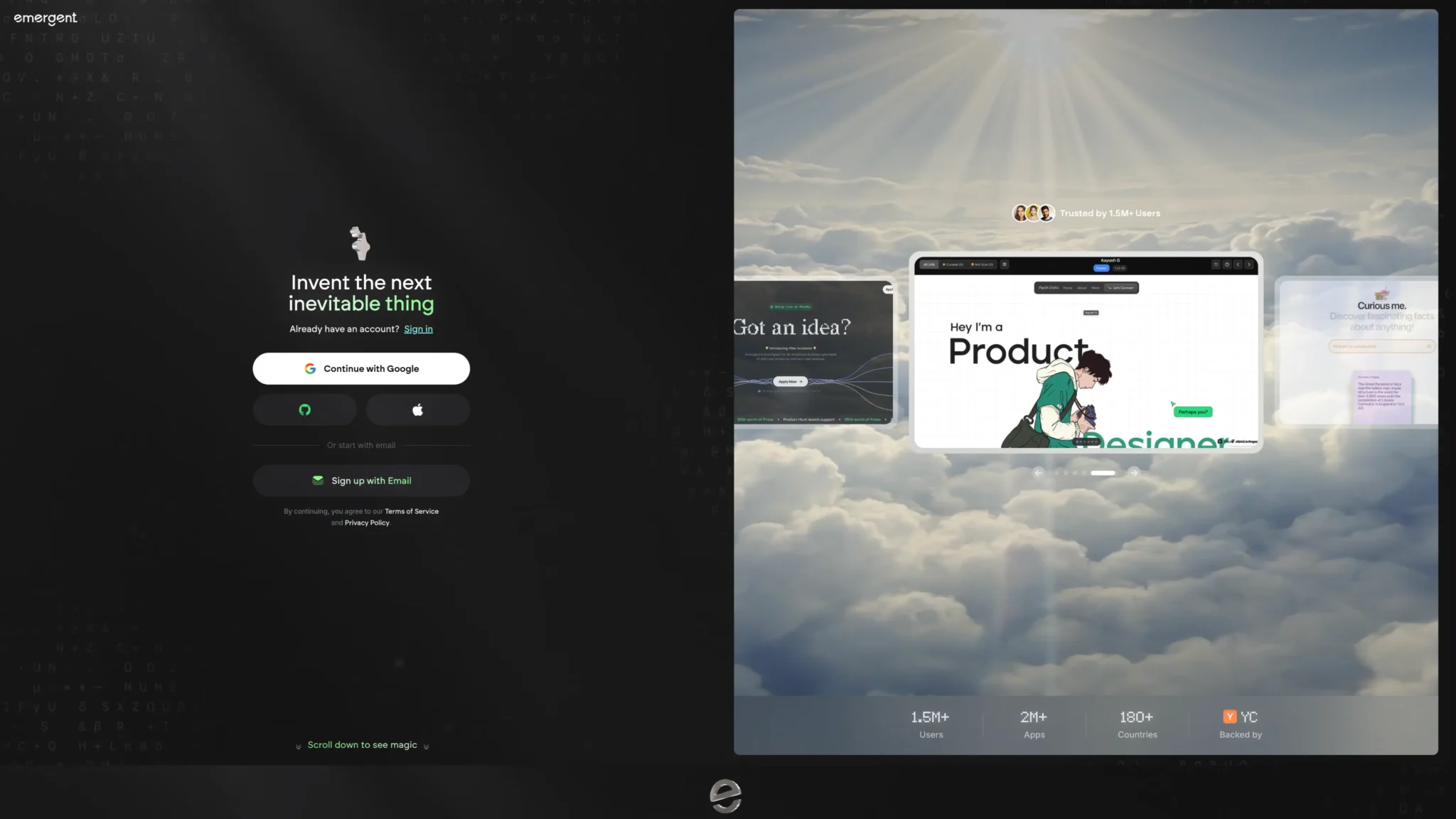
Memberstack For Webflow
-
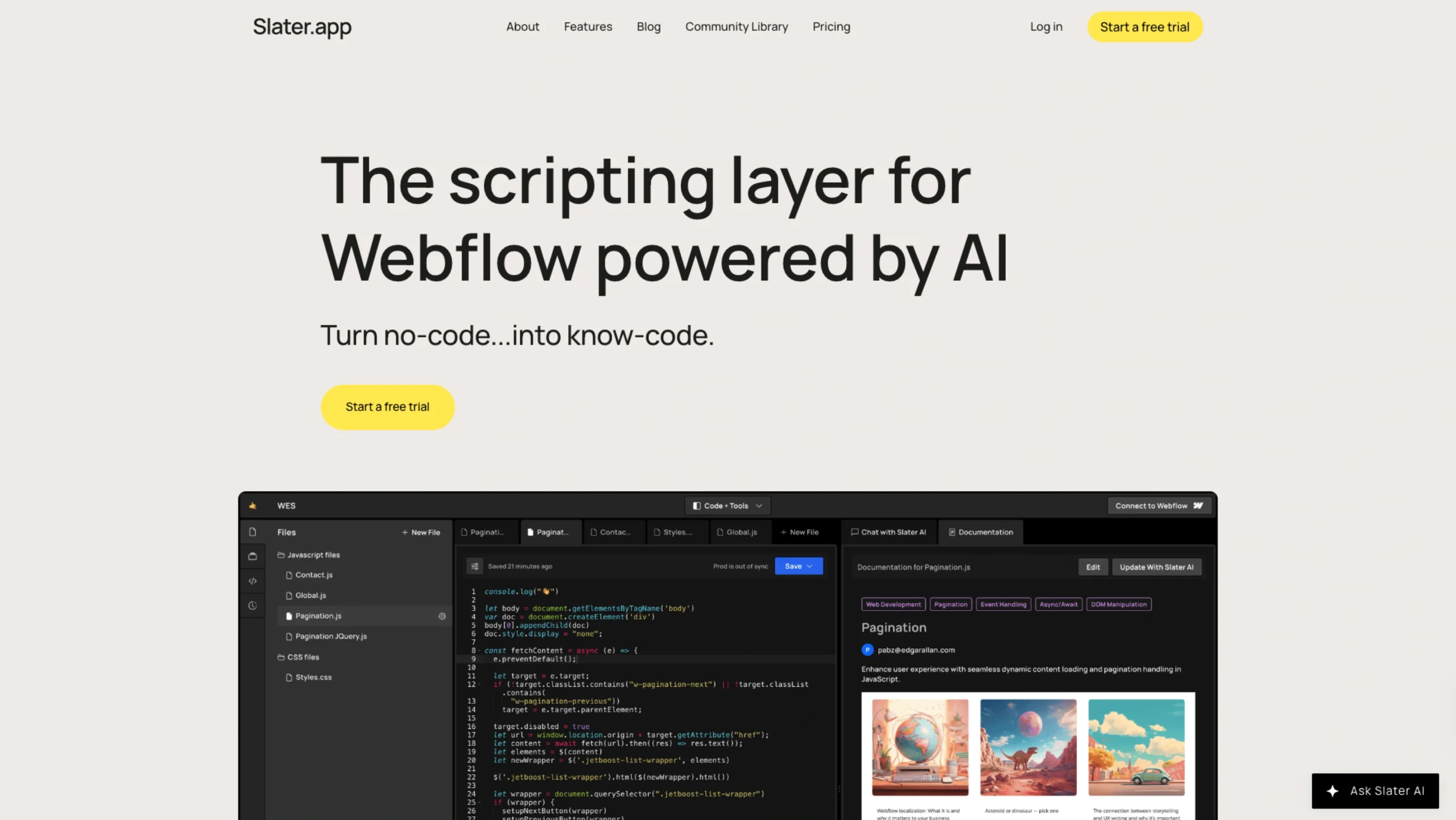
Slater – AI Custom Code Tool For Webflow Projects
-
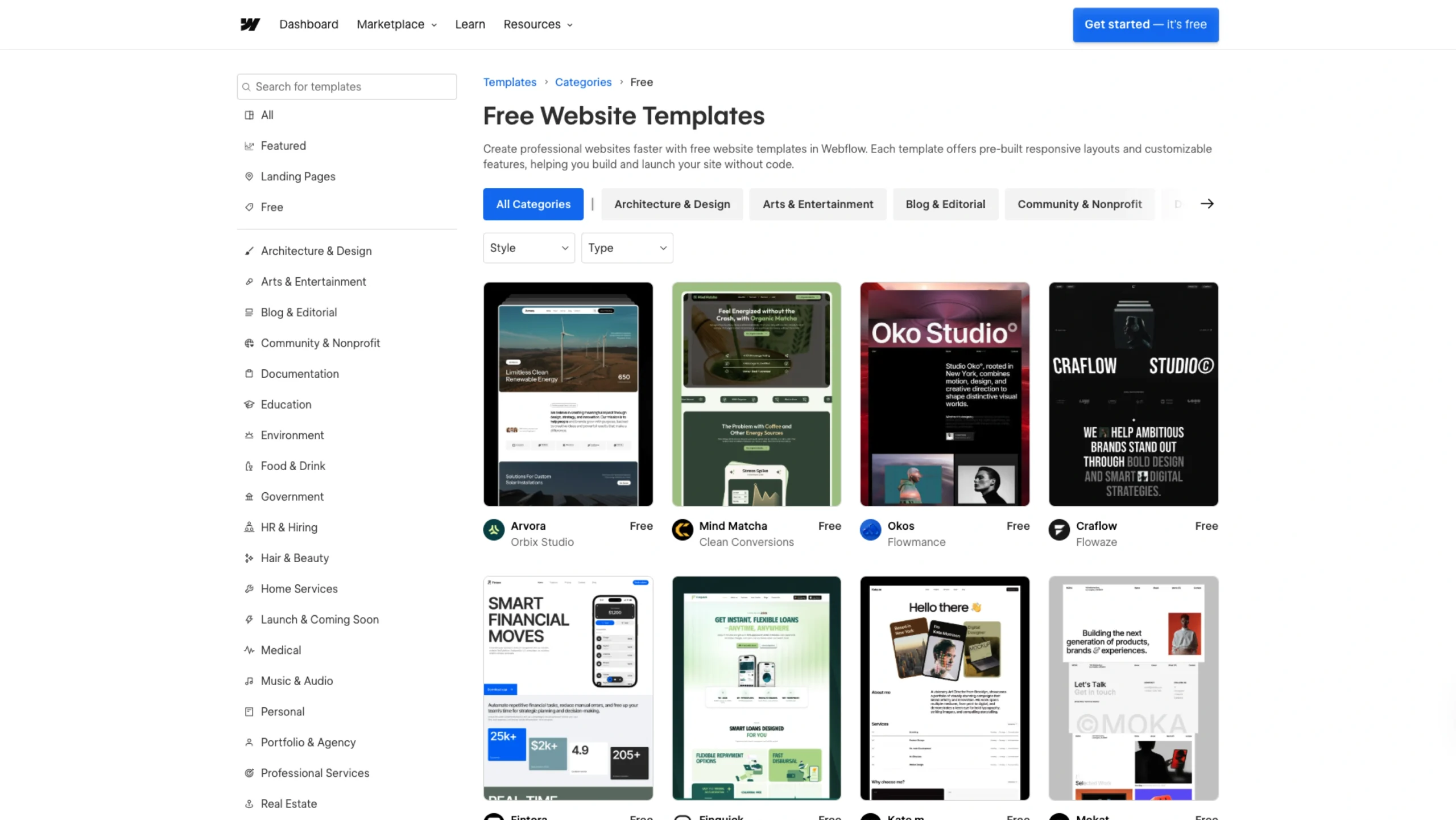
Free Website Templates
-
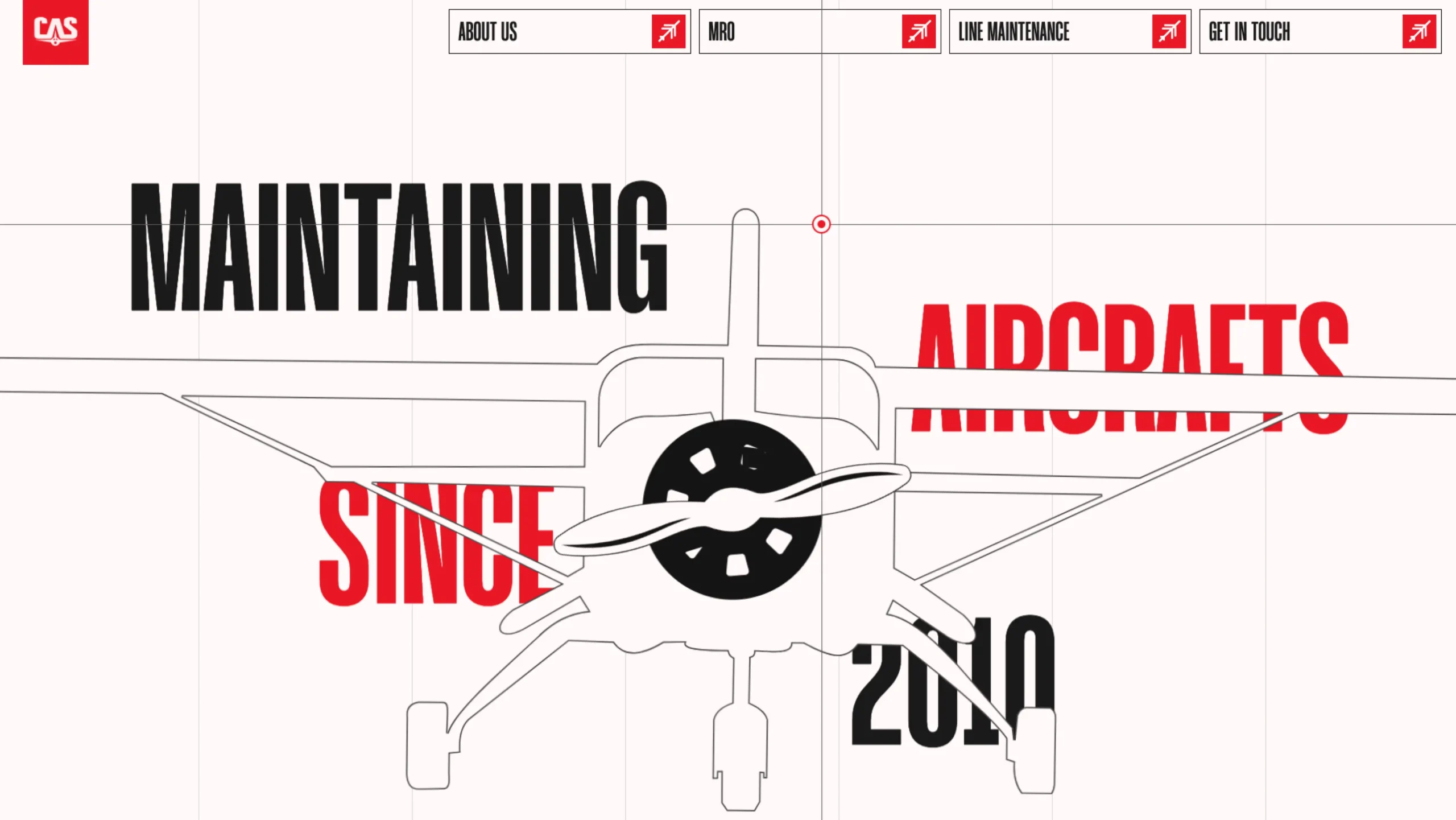
Ceylon Aeronautical Services
-
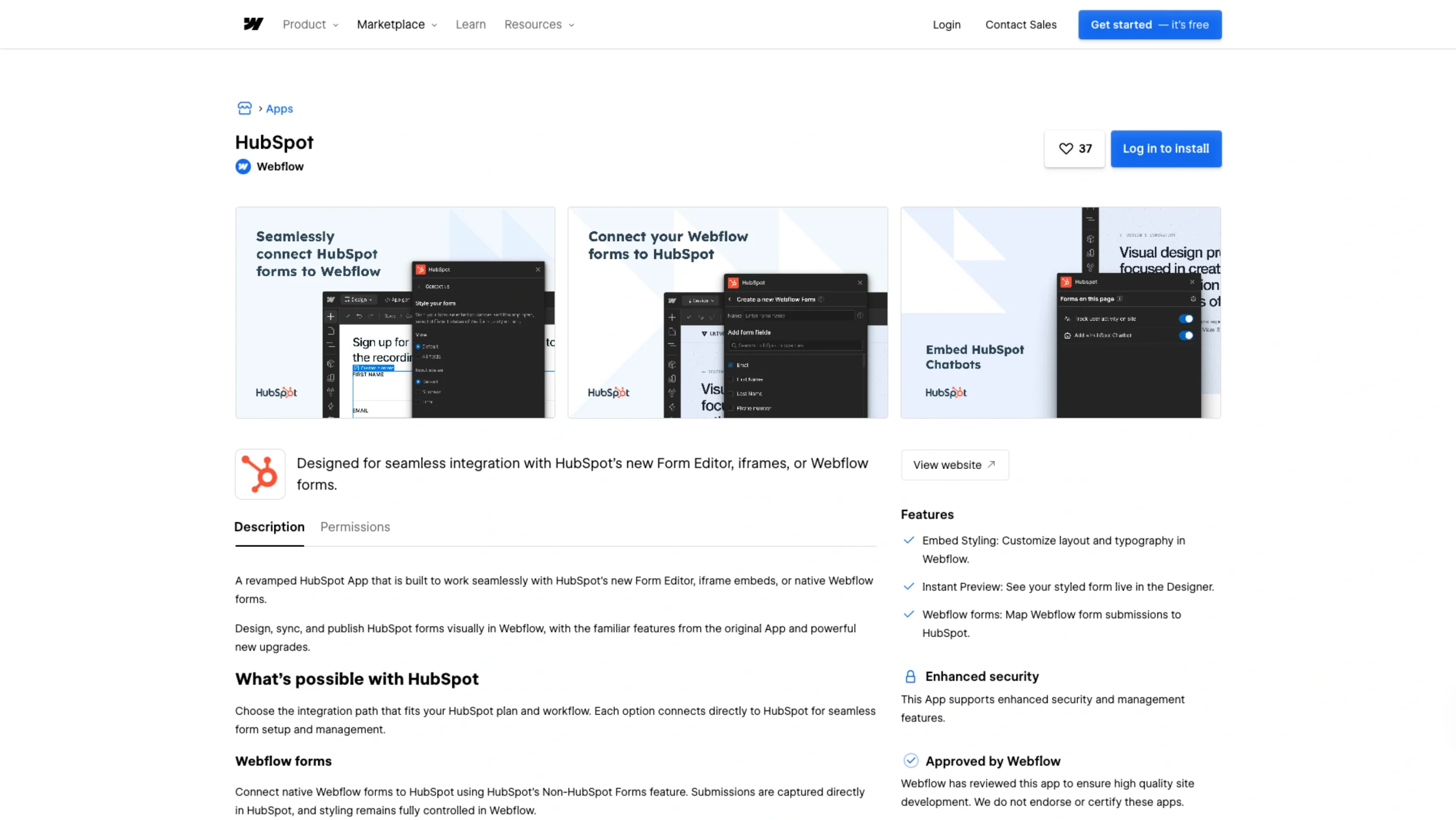
Webflow + HubSpot App
-
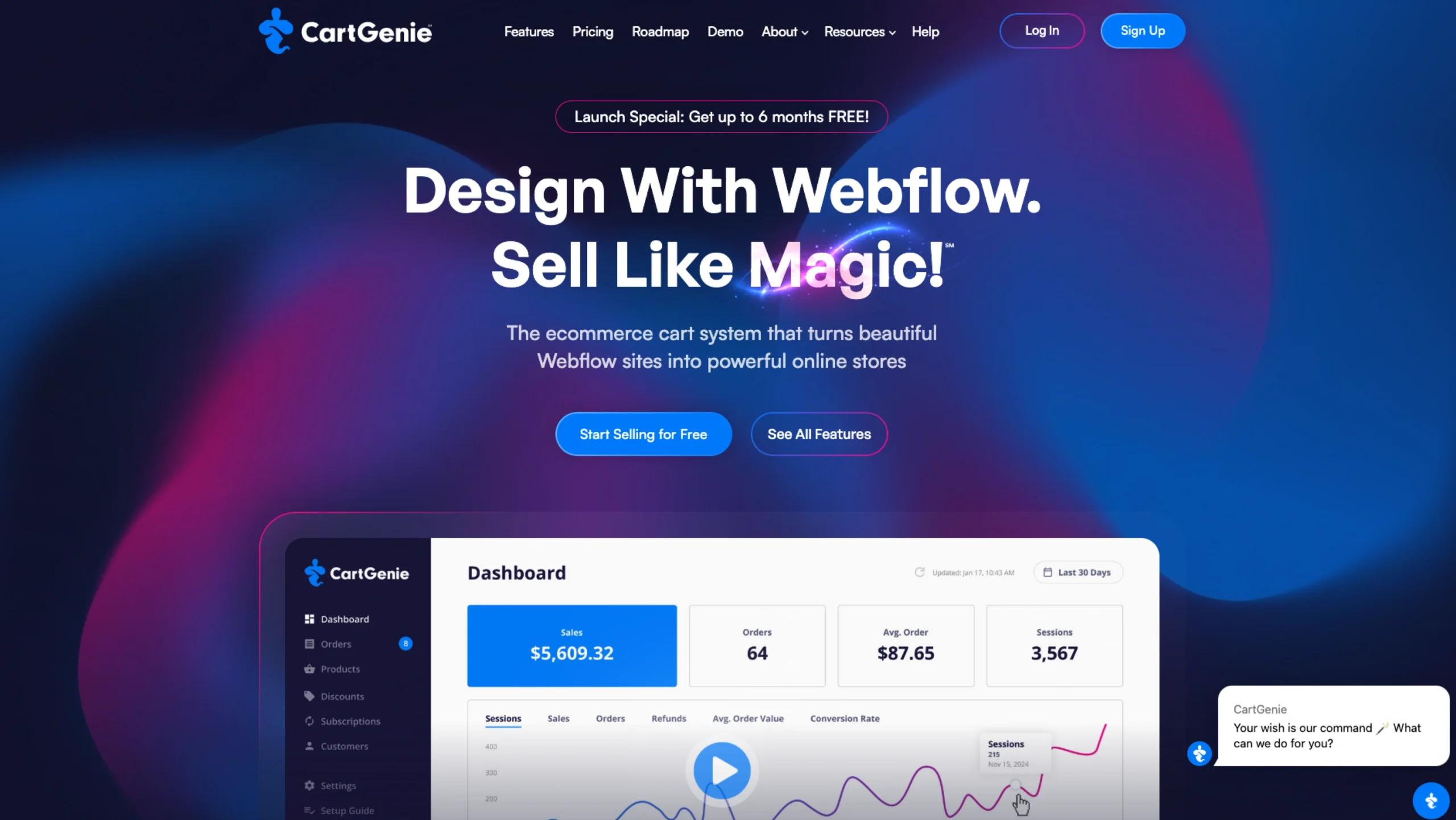
CartGenie – E-Commerce On Webflow
-
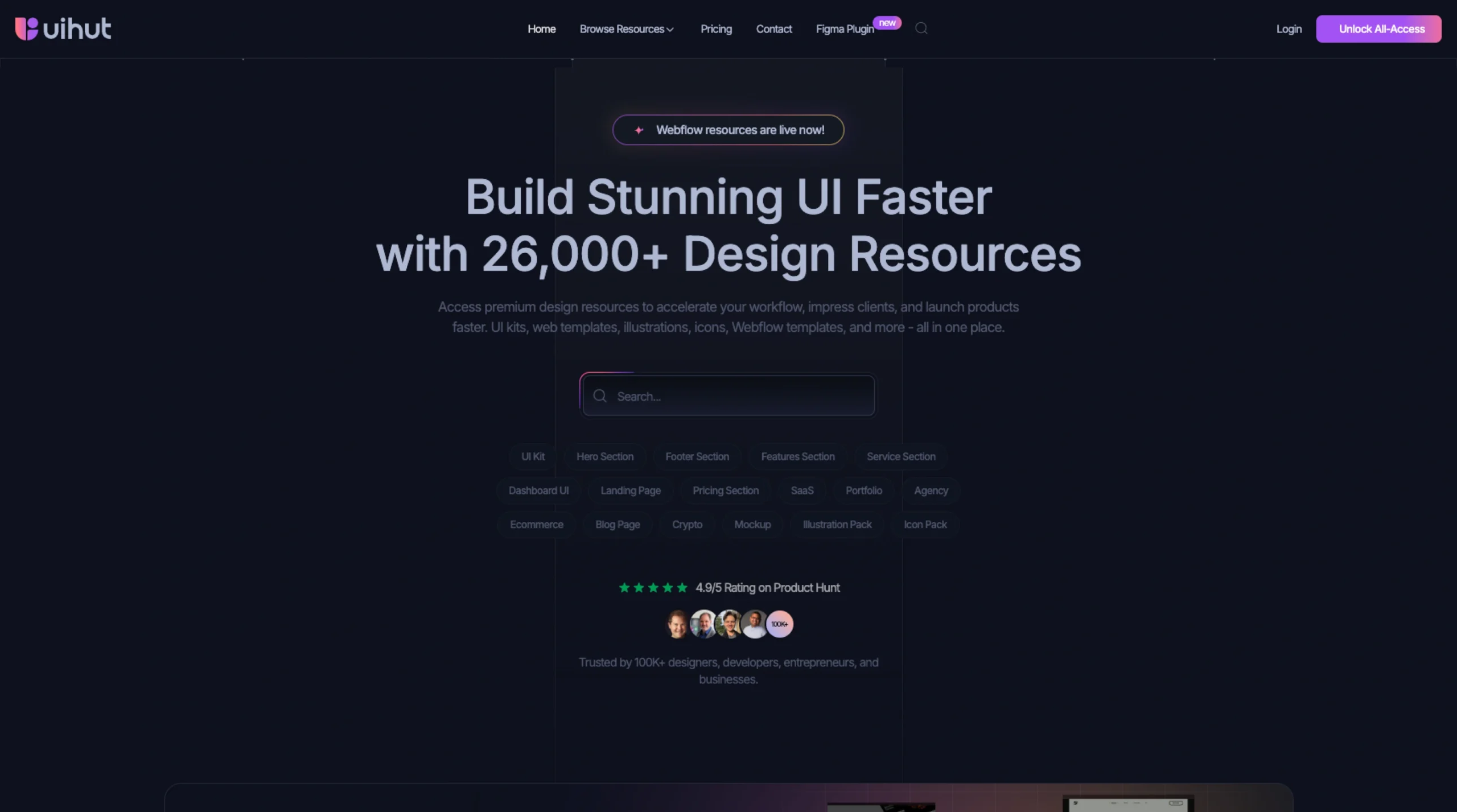
UIHut – Premium UI Kits & Webflow Templates
-

Microinteractions.co
-
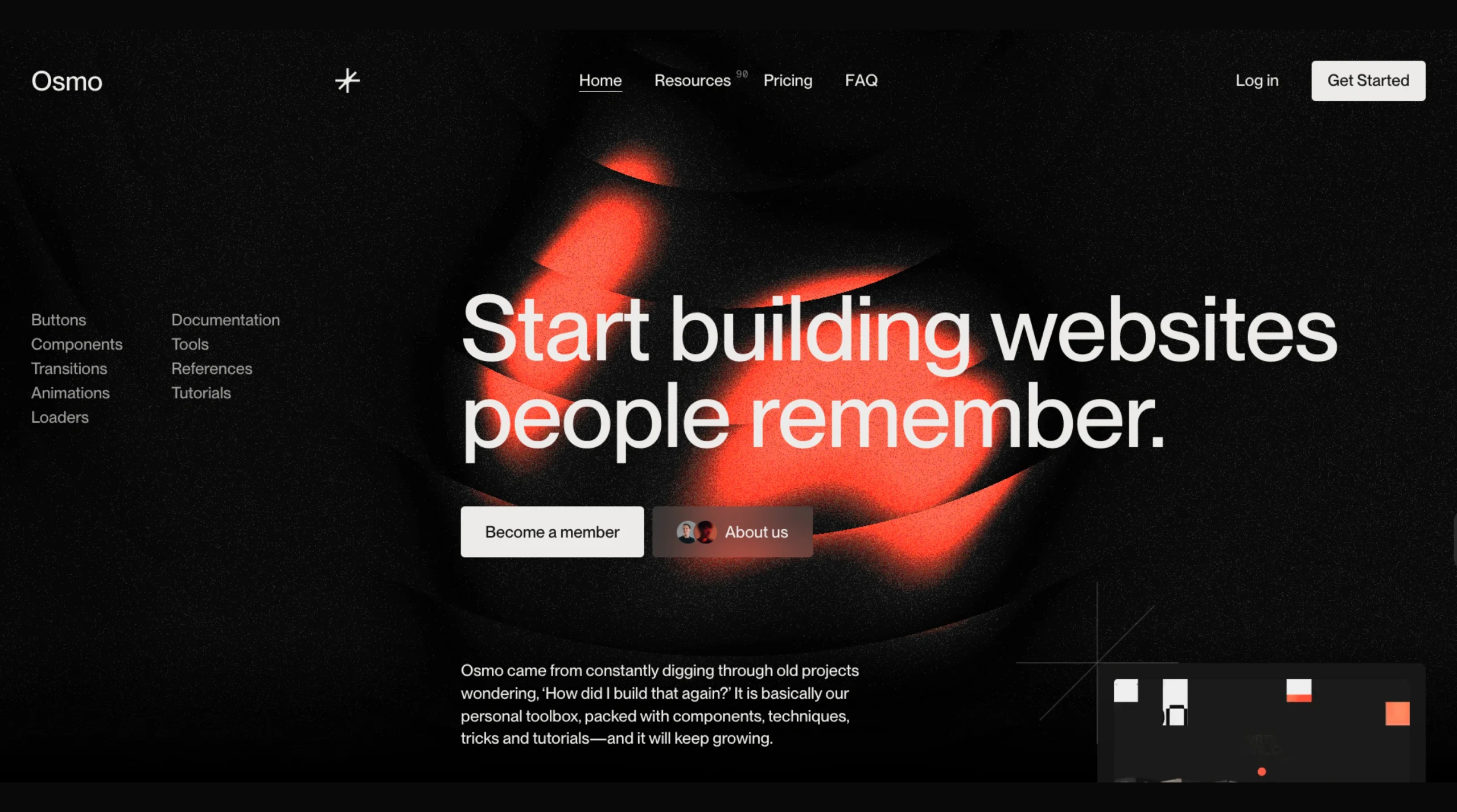
Osmo Supply – Start Building Memorable Websites
-

Flowblock
-
Vlad Magdalin on Scaling Webflow into a $4 Billion Design Platform
-
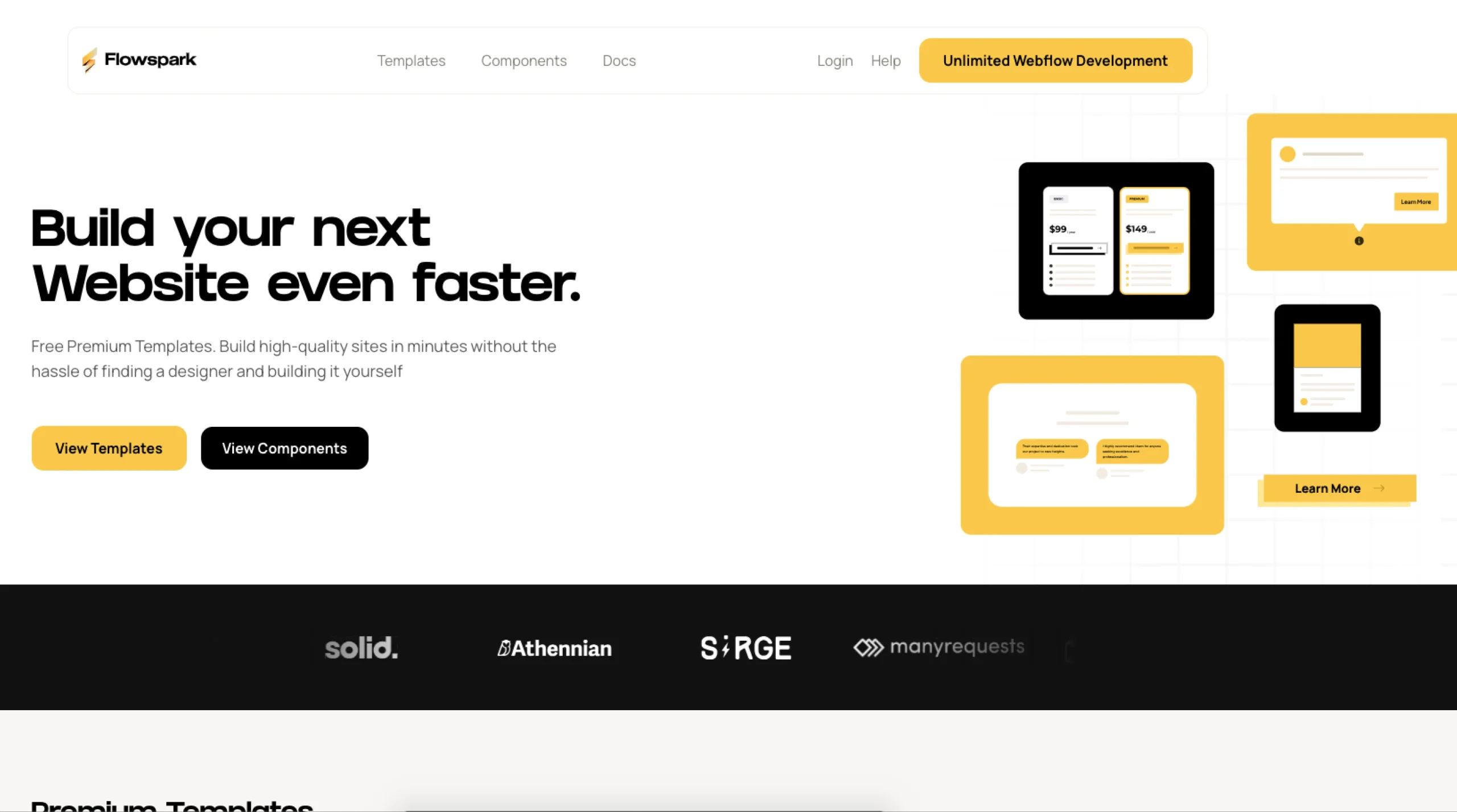
Flowspark Components
-
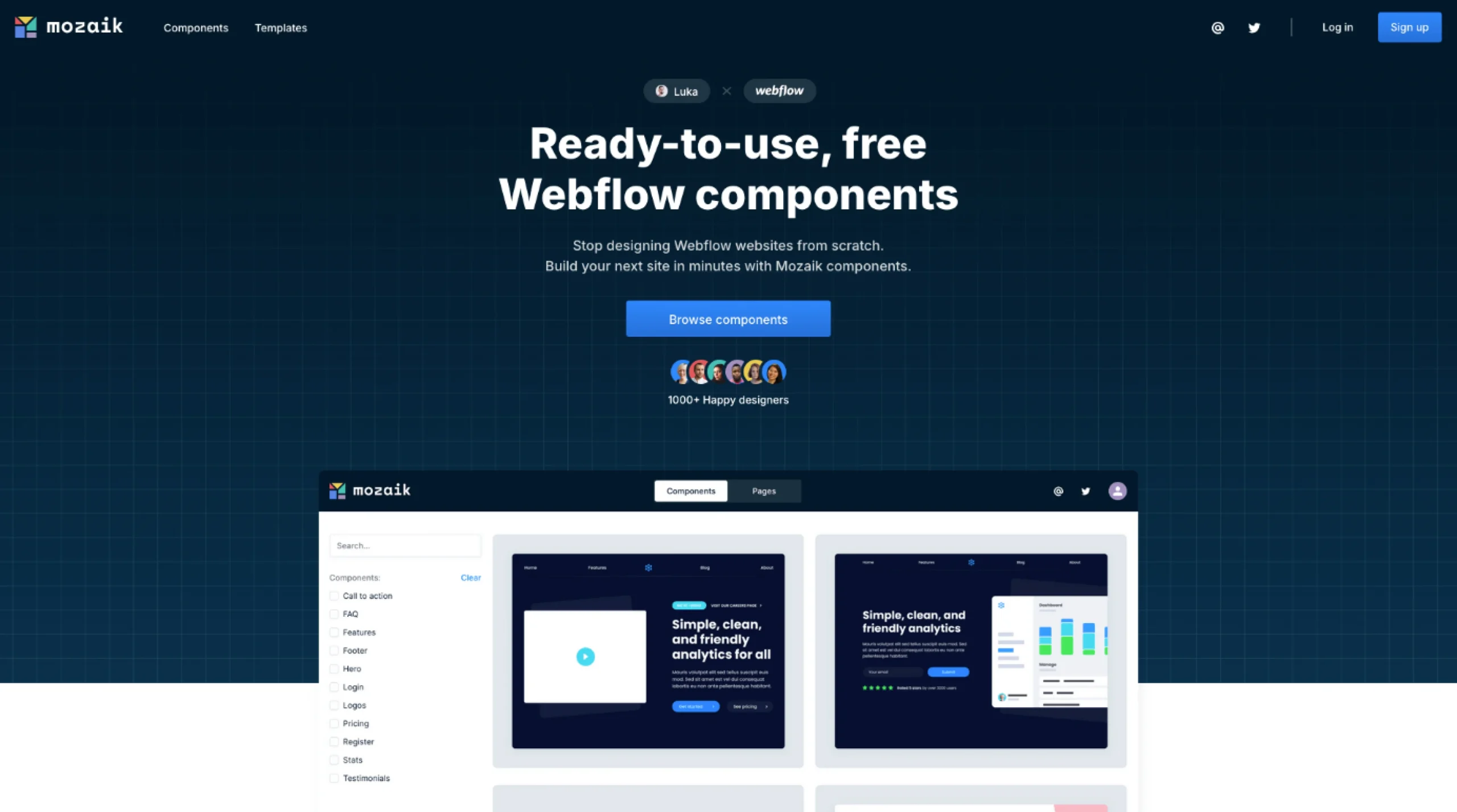
Mozaik – Components Library
-
Figma to Webflow
-
Webflow


Stay in the loop.
Sign up for the newsletter to receive a weekly
dose of design resources/inspiration delivered straight to
your inbox. We will never share your information. Ever.
✨ Webflow Category Overview
Webflow occupies a unique, brilliant position between design and development. It’s not quite a design tool, nor is it quite a development environment—yet somehow, it manages to be both.
If you’ve ever wished you could design something and have it actually work in the browser—without waiting on a developer or digging into Git—Webflow probably felt like magic. Maybe a little intimidating at first, but also… empowering.
That’s precisely why we created the Webflow category on UIUXshowcase.com. To make that learning curve feel a bit smoother. And to gather the kinds of resources that real designers, developers, freelancers, and founders reach for when the deadline’s tight but the bar is high.
We don’t just toss in every flashy template or tutorial that pops up. We hand-pick the things that are actually useful. The components, tools, and insights that make your work easier (or at least make the hard stuff slightly less painful).
Whether you’re spinning up a product site, launching a new portfolio, or just experimenting, you’ll find resources here that meet you where you are—and help you go a bit further.
🧠 Wait—What Is Webflow?
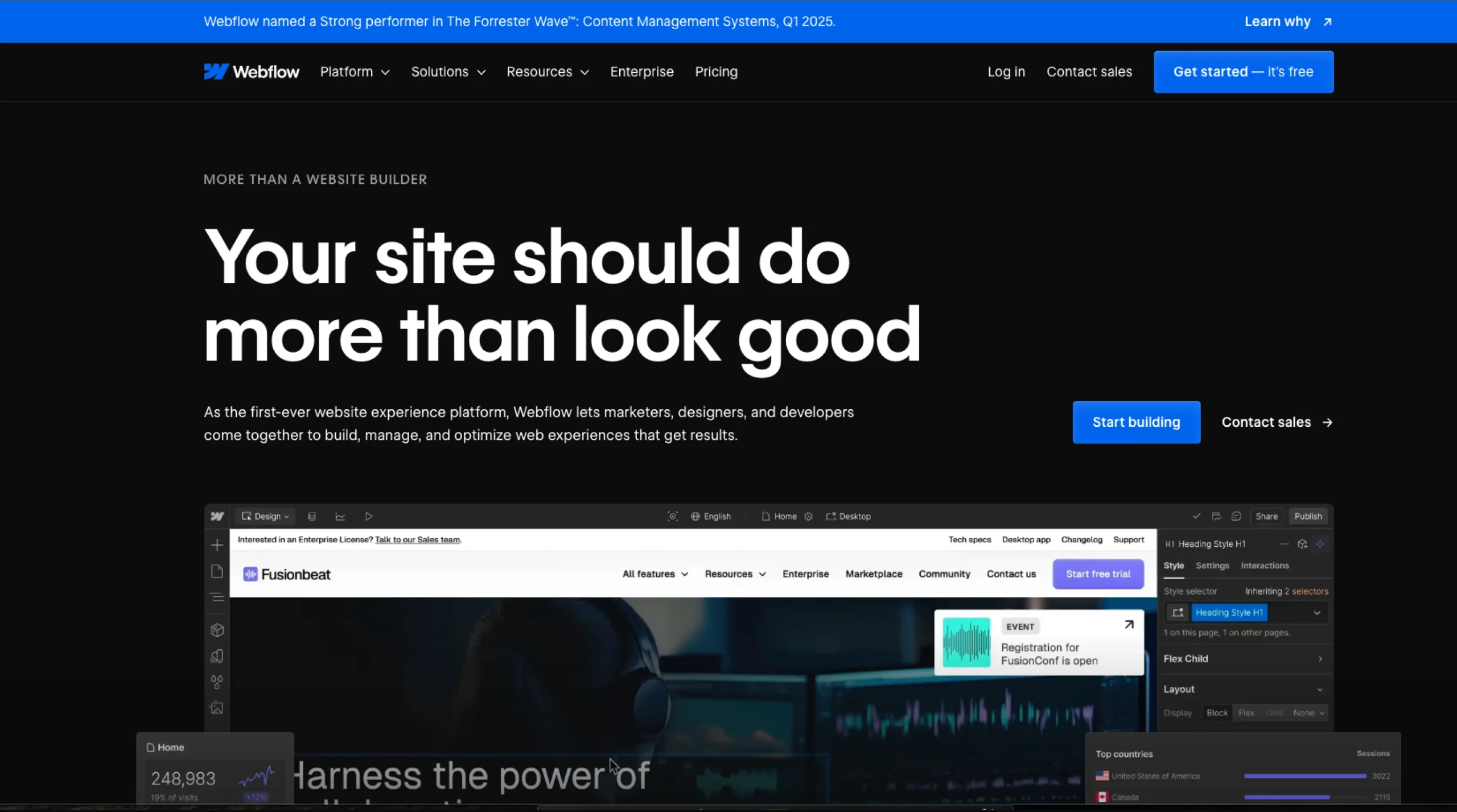
Webflow is a visual development platform that lets you design, build, and launch responsive websites—all without writing code.
But that’s just the surface.
Underneath, you’re working with clean HTML, CSS, and JavaScript. So the final output isn’t some mystery framework—it’s real web code. You get to skip the fiddly parts (looking at you, flexbox).
Designers love the visual freedom. Developers appreciate the semantic structure. And businesses? They love how fast you can go from idea to launch.
Webflow’s especially popular for SaaS marketing sites, creative agency websites, landing pages, and—of course—designer portfolios.
🧰 Why Designers & Developers Bookmark This Category
⚡ Beautiful Templates That Don’t Scream “Template”
These aren’t your cookie-cutter starter kits. They’re flexible, modern, and often ready to ship with just a few tweaks.
📦 Cloneables That Save Hours
From pricing sections to interactive sliders to complete layouts—cloneables let you skip the grunt work and jump right into refining.
🎓 Tutorials That Speak Human
Webflow can be a lot. Our favorite tutorials don’t just teach you how—they show you why. And they explain things without assuming you’ve already memorized the Webflow UI.
🛠️ Components That Are Actually Reusable
Reusable navs. CMS-powered sliders. Animations that don’t break on mobile. We highlight the stuff you’ll want to use again and again.
💬 Insights From People in the Trenches
This isn’t theory. The resources here come from real-world use—sometimes a little messy, often brilliant, and always honest.
🧩 Types of Webflow Resources You’ll Find Here
- Website Templates
Polished, fast, and ready-to-use templates for SaaS, agency, startup, or portfolio use cases. - Cloneables
Copy-paste-ready components, layouts, animations, and full pages to drop into your own projects. - Webflow Interactions
Examples and how-tos for smooth, scroll-based animations, hover effects, and page transitions. - CMS Examples & Collections
Dynamic content done right. From blog setups to multi-author databases to product lists. - Custom Navs & Menus
Hamburgers, sticky navs, mega menus—you’ll find clean, mobile-ready options here. - Webflow Tips & Workarounds
Sticky positioning tricks? CMS filtering without code? We’ve compiled the clever fixes that make your builds look professional. - Tutorials & Video Walkthroughs
Step-by-step guides from people who actually build with Webflow, not just talk about it. - Real Projects, Real Lessons
Sometimes the best way to learn is to peek at what someone else made and think, “Wait, how did they do that?”
💡 Frequently Asked Questions (FAQs)
1. Do I need to know code to use Webflow?
Not at all. It’s entirely visual—but if you know HTML/CSS, you’ll feel right at home.
2. Can I build a full site with Webflow?
Yes. From homepage to checkout (with Webflow Ecommerce), you can build full sites without leaving the platform.
3. Is Webflow better than Framer or WordPress?
It depends. Webflow is ideal for creating structured content and CMS-driven websites. Framer excels at making fast, animated landing pages. WordPress… still powers half the internet, but has a steeper setup curve.
4. Are these cloneables free to use?
Most of them, yes! We always clearly indicate licensing or attribution requirements.
5. Can I host my site outside of Webflow?
You can export the code (except CMS/ecomm functionality) and host it elsewhere if you prefer.
6. How SEO-friendly is Webflow?
Very—if you configure it correctly. Webflow gives you control over meta tags, alt text, schema, and more.
7. Can I use these resources for client work?
Absolutely. Just check any licensing notes first.
8. What kind of sites work best on Webflow?
Marketing sites, portfolios, blogs, landing pages, and lightweight e-commerce projects are a great fit.
9. Can I contribute something to this category?
Yes, please. If you’ve created something worth sharing—such as a template, tutorial, or trick—send it in. We love discovering new gems.