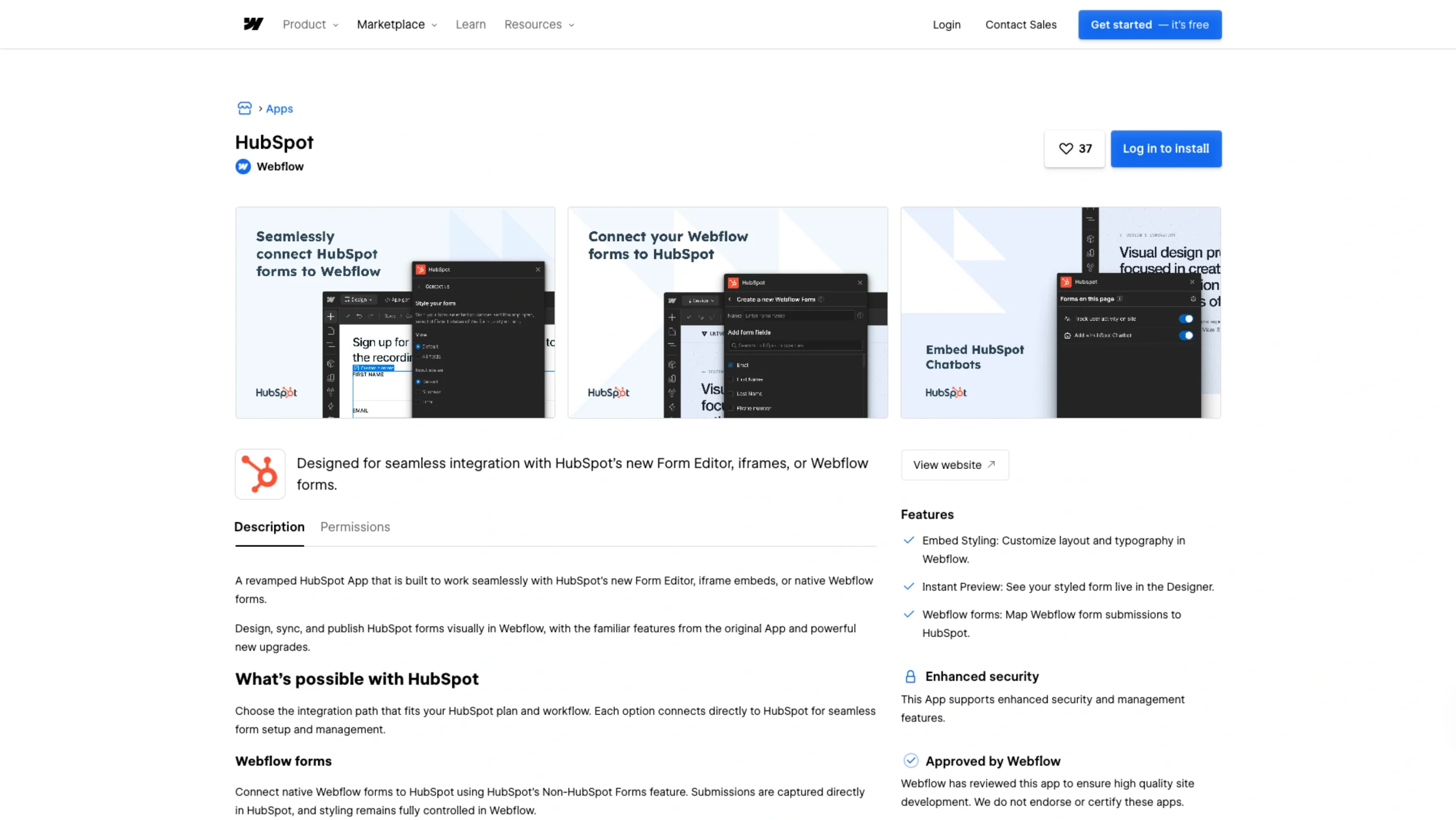
This Webflow app integrates HubSpot’s powerful CRM, forms, and marketing tools directly into Webflow sites.
It enables users to sync contacts, capture leads, and automate workflows—seamlessly bridging design and growth without writing code.
A Revamped HubSpot App for Webflow
The new HubSpot App for Webflow is designed to work seamlessly with HubSpot’s Form Editor, iframe embeds, and native Webflow forms, providing a smoother and more visual workflow for your form design and management process.
Now you can design, sync, and publish HubSpot forms directly in Webflow, with all the familiar features from the original app — plus powerful new upgrades that make the experience faster and more flexible.
What You Can Do with HubSpot
Select the integration method that best suits your HubSpot plan and workflow. Each option connects directly to HubSpot for easy setup and seamless management.
🧩 Webflow Forms
Link your native Webflow forms to HubSpot using the Non-HubSpot Forms feature.
Submissions are sent directly to HubSpot, while you maintain complete styling control within Webflow.
🪄 HubSpot iframe Embed
Prefer to style forms in HubSpot? No problem. Use the HubSpot style editor, and any changes you make automatically update on your live site — no extra steps required.
💻 HubSpot Developer Code Embed
Submit data directly to HubSpot while keeping complete control over your form’s design.
HubSpot supports external CSS customization, but the Webflow App makes it even easier — allowing you to handle all styling visually within Webflow.