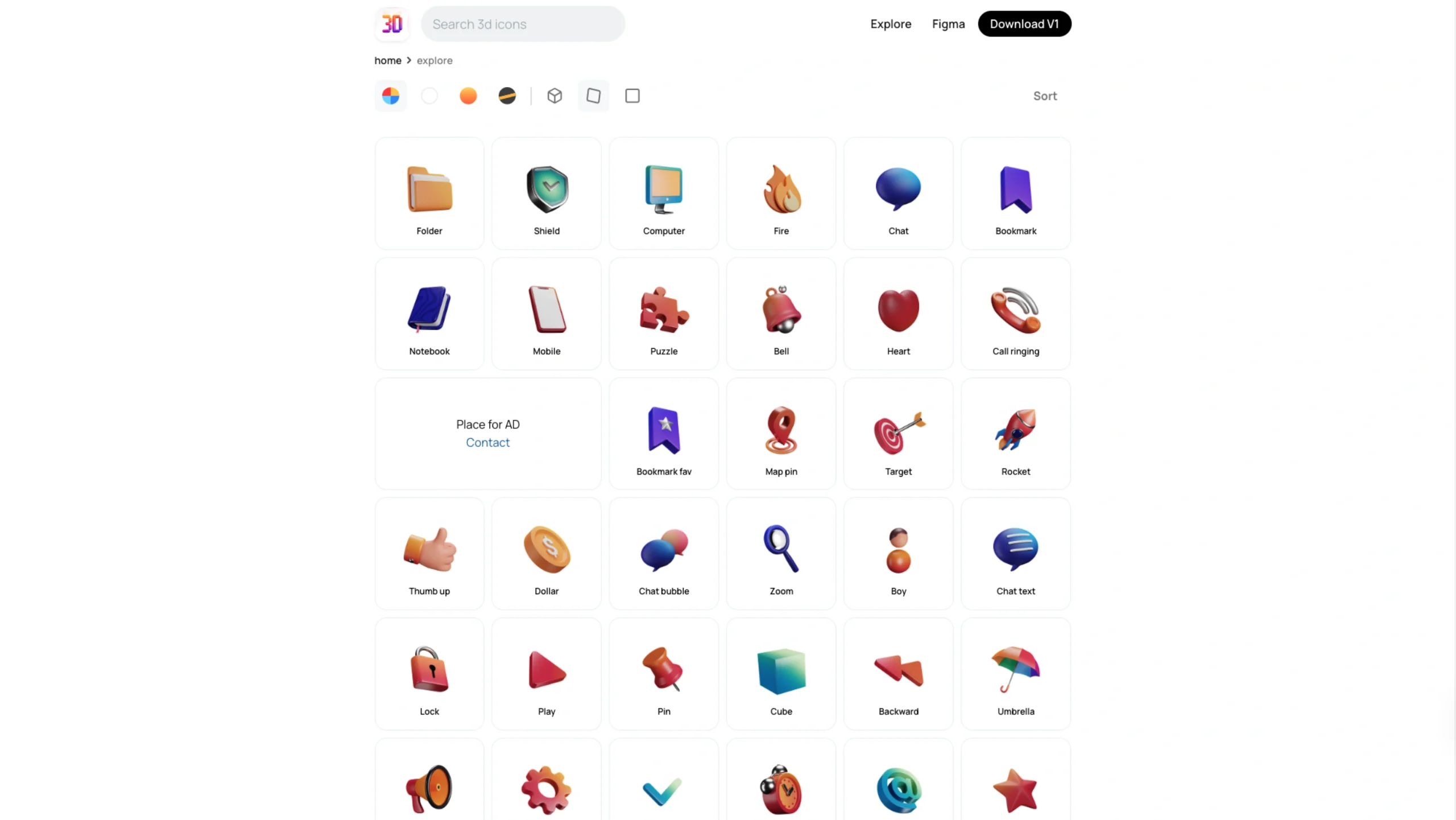
3dicons is a comprehensive, high-quality library of open-source 3D icons designed to streamline designers’ and content creators’ workflows.
Core Features
- Massive Library: Features over 1,500+ (and growing) hand-crafted 3D icon renders.
- Customization: Offers multiple predefined color styles (Clay, Gradient, Color, and Premium) and provides 3 camera angles per icon.
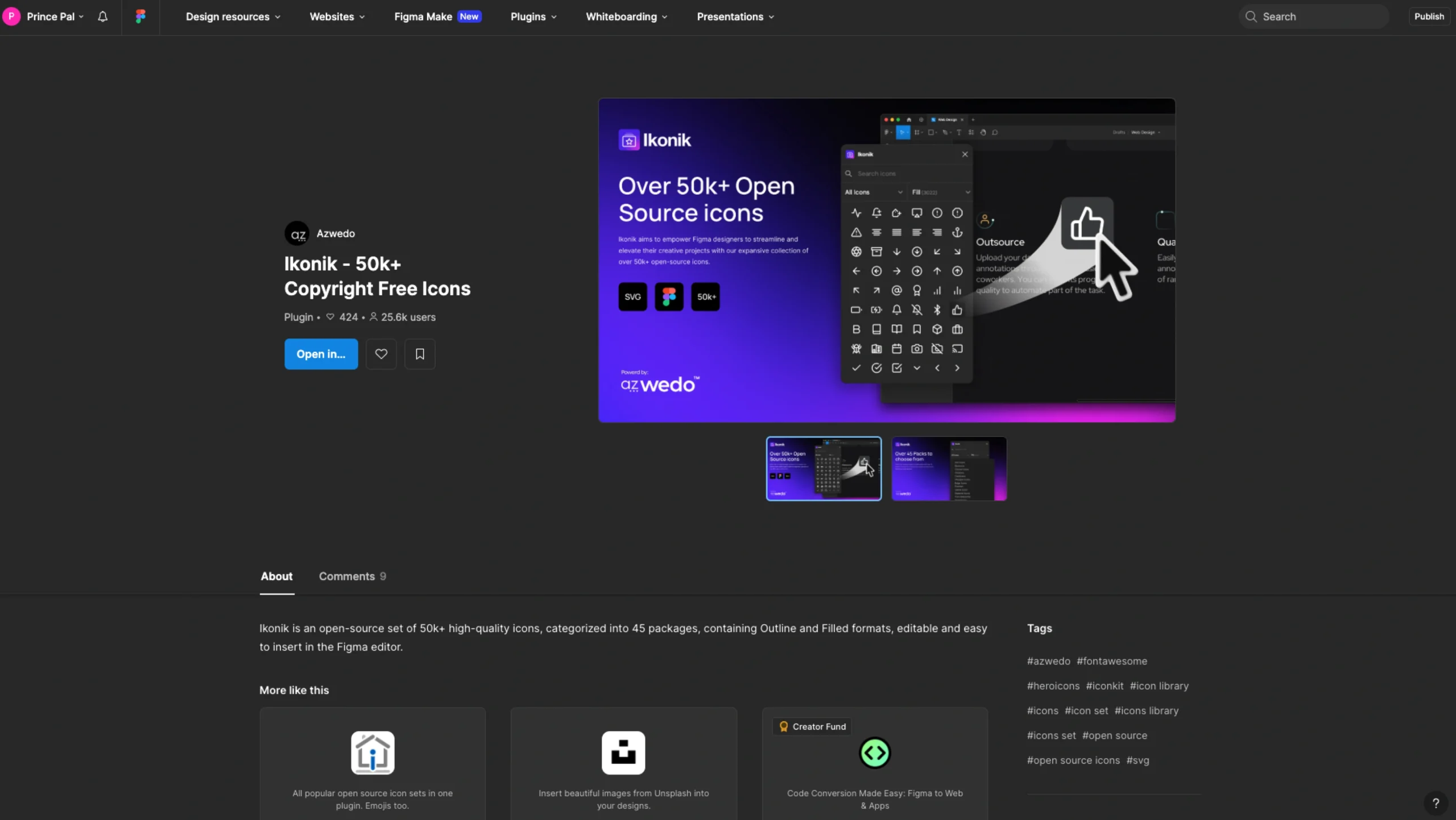
- Design Integration: Includes a dedicated Figma plugin and downloadable Figma files, allowing designers to drag and drop icons directly into their design systems.
- Open Source Philosophy: Built using Blender, the project encourages community learning by sharing high-quality resources that were historically difficult or expensive to access.
- High Resolution: Renders are provided at high quality (up to 4K) to ensure they look sharp on any display.
About 3dicons
3dicons is a thoughtfully crafted collection of open-source 3D icons, designed in Blender and shared freely with the community. What’s great about it?
It was originally released under a Creative Commons CC0 license, which means you can use these icons pretty much however you want — personal projects, commercial work, edits, remixes… no strings attached.
For designers and creators, this is one of those resources that quietly saves you hours.
Whether you need ready-to-use visuals or just placeholders while you figure out your final 3D direction, 3dicons gives you a solid starting point without slowing you down.
Why Make It Open?
The idea behind making 3Dicons open is simple — design grows when we share.
A lot of designers (including me, and probably you too) redesign apps or concepts just to learn, experiment, or showcase work on platforms like Dribbble or Behance.
So if someone has already put in the effort to build something meaningful, why not share the source and let others learn from it?
A few years ago, finding a good PSD file felt like discovering a hidden treasure. Today, more people are sharing — which is amazing — but truly high-quality, usable resources are still rare.
Creators like Pablo Stanley have set a great example by consistently giving back to the community.
That mindset inspired this project, too — not everything needs to be monetized. Sometimes, creating and sharing is enough.
How It Started
Back in 2019, He shared a set of 100+ illustrations He had been sitting on for years.
They were just taking up space, but once shared, they actually started helping people — and that shift really changed my perspective on open design.
Then, in early 2021, He started learning 3D. No big plan — just curiosity.
He began by modeling simple icons to understand how things work. One icon turned into a few… then a few turned into dozens.
At some point, He looked at the collection and thought — why not turn this into something bigger?
That’s how the idea of a 60+ icon pack came up… which eventually became 120 icons.
How It Was Made
All the icons were created in Blender. Some started as rough doodles on an iPad using Procreate, and then were brought into 3D.
Once modeled, each icon was rendered in multiple angles and styles so they can be used in different contexts — whether it’s UI design, presentations, or creative projects.
There’s also a detailed case study explaining the entire process behind version 1, for anyone who wants to go deeper into how it all came together.
Final Thoughts
There’s no shortage of 3D assets out there — some free, some paid — and many artists are doing incredible work. Sharing 3Dicons for free isn’t about reducing the value of that work.
It’s about accessibility.
A lot of designers are just getting started and need resources they can learn from, tweak, and experiment with — without hitting a paywall every time.
And honestly, many “free” resources online don’t really let you customize much anyway.
With 3dicons, the idea is different:
👉 Learn from it
👉 Modify it
👉 Use it directly in your projects
No friction. Just creativity.
And if you have thoughts, feedback, or just want to say hi, you can always reach out.