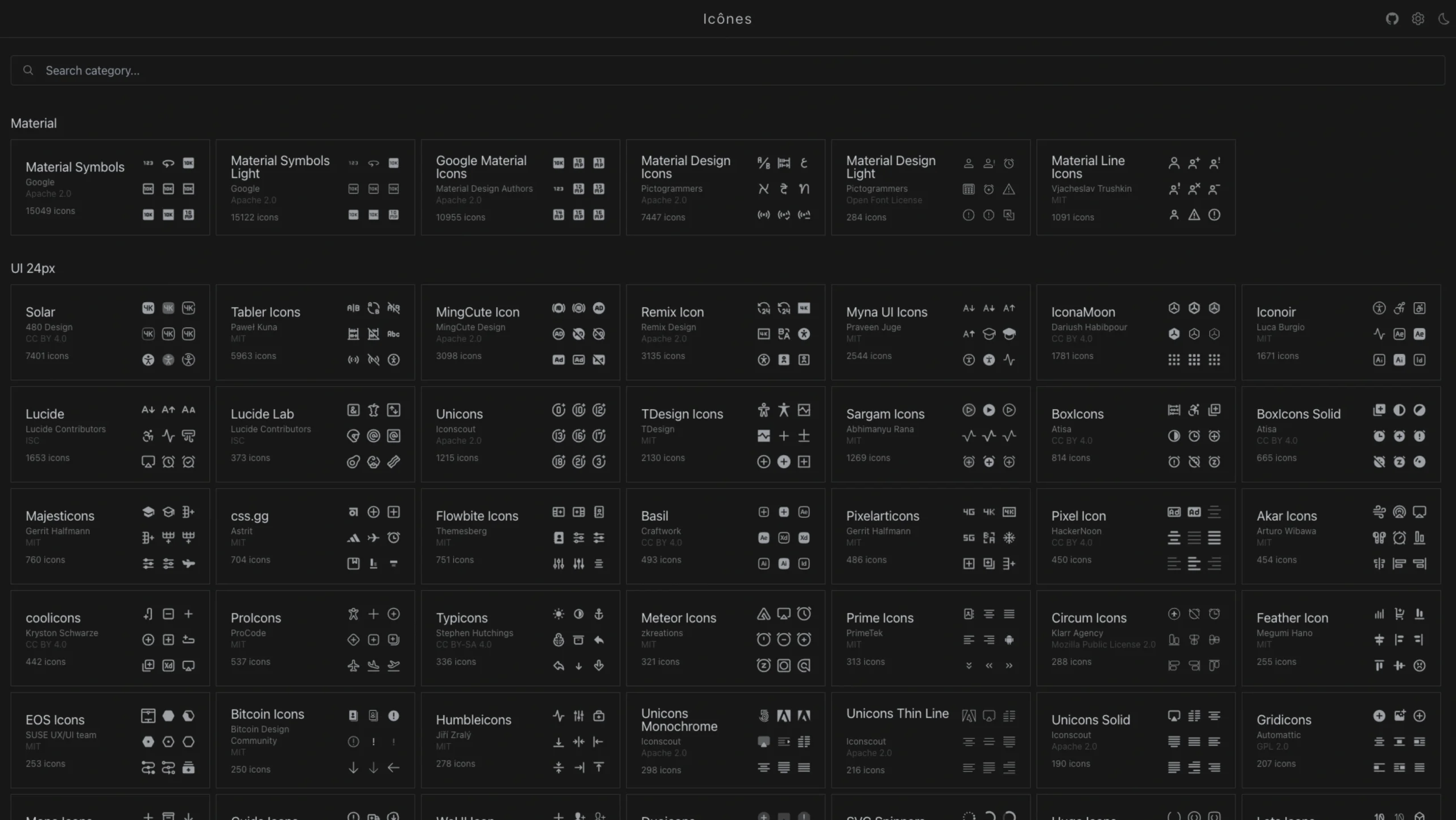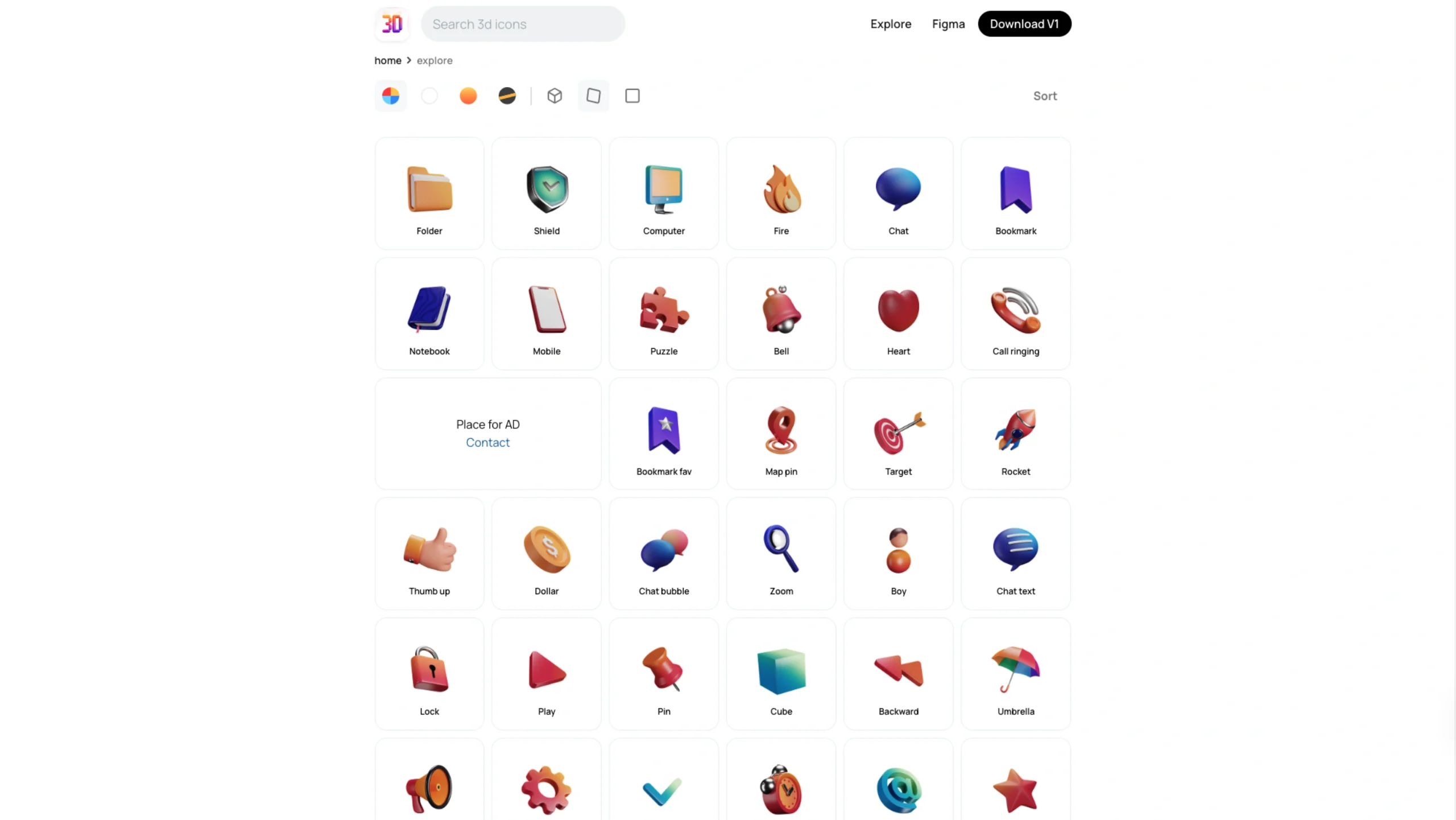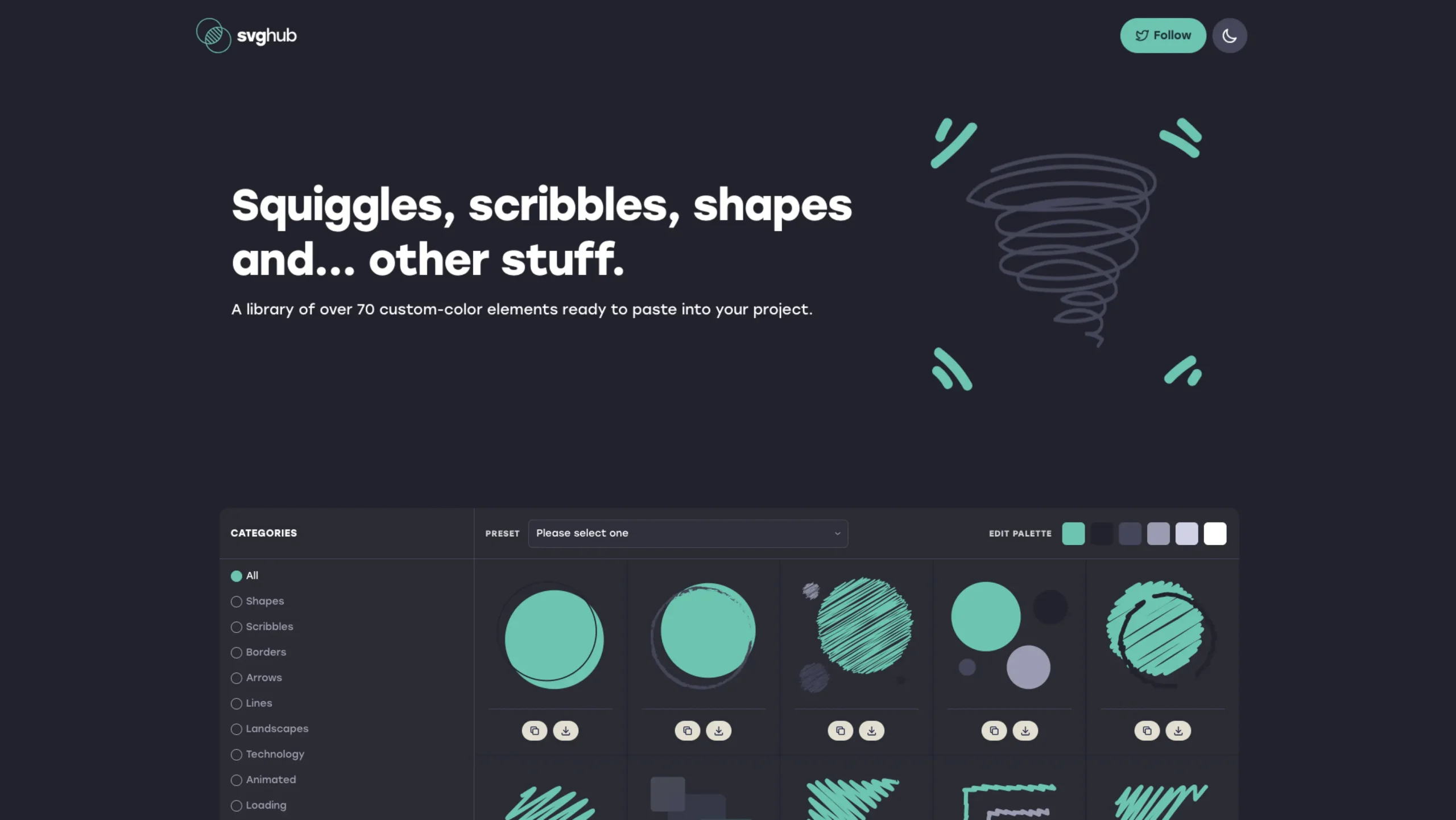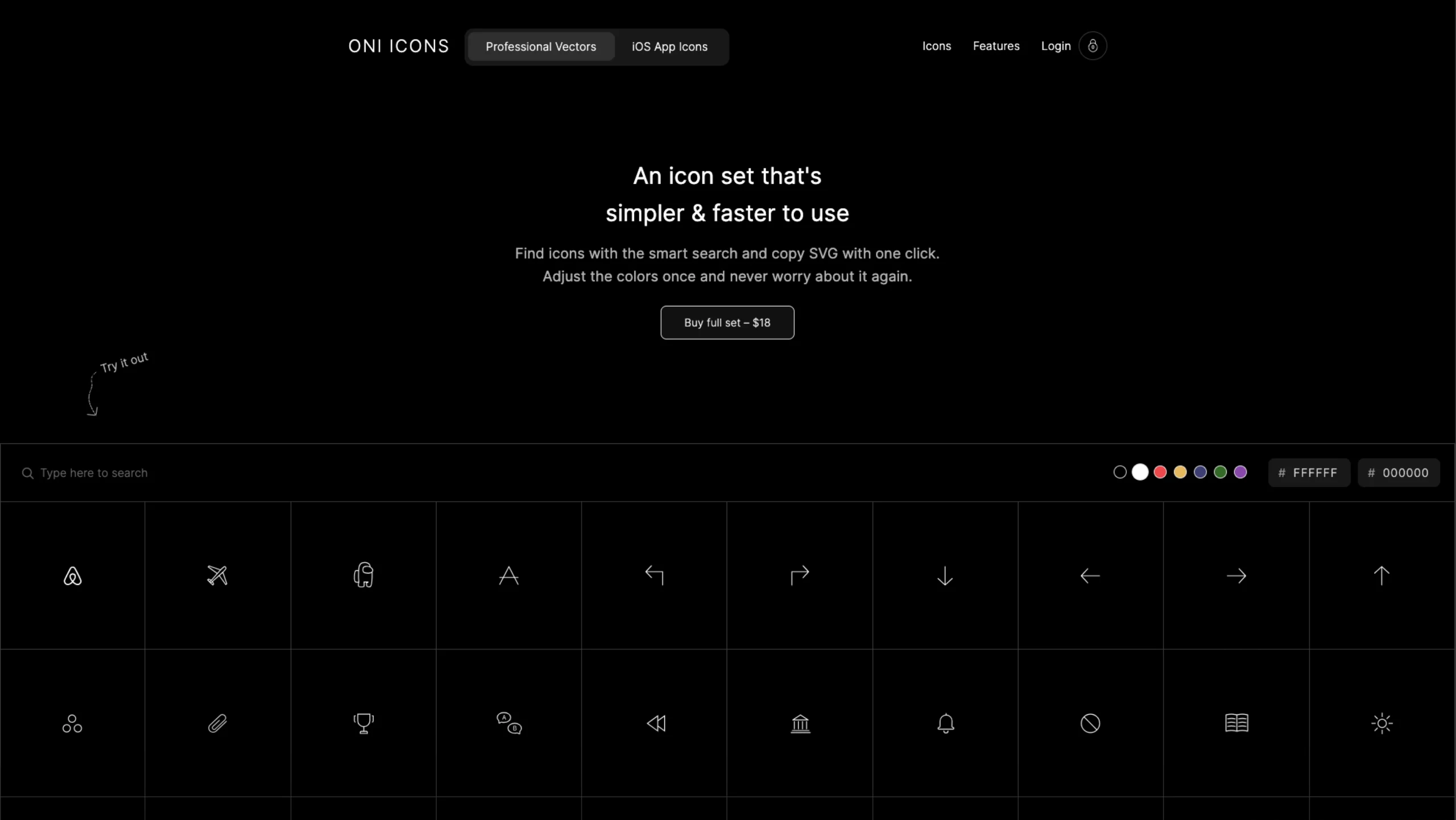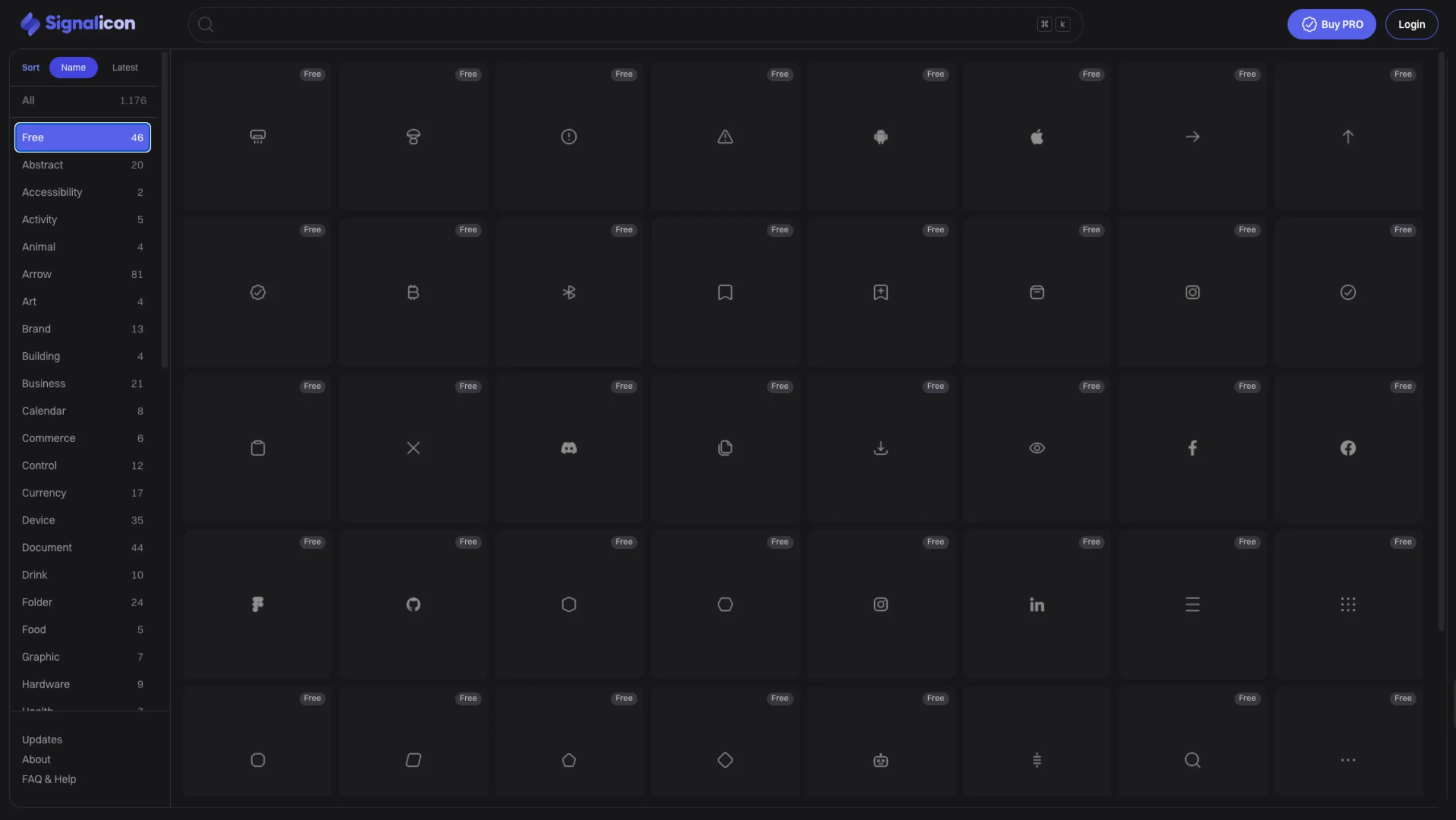
If you’ve ever burned way too much time hunting for “just one more icon” to finish a layout, Signalicon will feel like a deep breath.
We’re featuring Signalicon on UIUXshowcase because it hits that sweet spot designers love: clean, consistent, flexible—and not trying to force its own “brand” all over your product.
What is Signalicon?
Signalicon is a style-agnostic icon set created by SignalSupply. In simple terms, it’s an extensive, carefully designed library of icons that doesn’t lock you into a very opinionated visual style.
You get 1,000+ premium icons (1,176 to be exact) for web and app interfaces, all drawn with a minimalist, modern feel. They’re built to drop into dashboards, marketing sites, design systems, and mobile apps without feeling out of place.
The icons are available:
- In Figma (as a file you can work with directly), and
- Through the Signalicon web app at signalicon.com, where you can browse, search, and grab what you need quickly.
Style-agnostic, but not generic
“Style-agnostic” doesn’t mean bland. It means neutral enough to adapt to your product’s existing visual language.
Signalicon icons are:
- Clean and minimalist – no unnecessary flourishes
- Built on strict design principles – consistent grid, optical balance, and spacing
- Designed to feel at home in:
- SaaS dashboards
- Mobile app UIs
- Enterprise tools
- Marketing websites
Because the styling is subtle and rational, you can easily adjust color, sizing, and context without fighting the base design.
Outline, filled, and multiple stroke weights
Signalicon isn’t a “one-style-only” pack. It’s built with flexibility in mind:
- Stroke options like 1.5px and 2px
- Outline and filled variations for many icons
This matters a lot when you’re:
- Mixing navigation icons (usually outline) with status or action icons (often filled), or
- Designing at different sizes, where one stroke weight just doesn’t read well.
You can keep your product’s iconography consistent across multiple states and surfaces, instead of stitching together icons from three different libraries and hoping no one notices.
A huge, well-organized icon universe
Signalicon’s library is big—but not chaotic. You can browse over 1,100+ icons broken down into practical categories that map nicely to real product work:
Some of the categories include:
- Interface (a massive chunk of the set)
- Arrows, controls, text, symbols
- Business, calendar, commerce, logistics
- Device, tech, tools
- Folders, documents, media, and photography
- Weather, nature, objects, transport, sport, and more
There are also free icons you can explore (46+ in the free tier), so you can test the set in a live project before committing to PRO.
For designers working on complex products, this categorization alone saves a lot of mental load. You’re not just scrolling endlessly—you’re navigating.
The Signalicon web app experience
The web app at signalicon.com feels like a focused icon workspace rather than just a download page.
You can:
- Search icons instantly by keyword
- Sort icons (A–Z or latest)
- Filter via categories (interface, folder, business, tech, etc.)
- Download icons as SVGs
- Work with icons that support
currentColor, so they adapt nicely to your design system
There’s also small UX touches—like keyboard hints and quick feedback—that make it feel like a tool built by someone who actually designs products.
Figma-friendly and dev-friendly
From a workflow point of view, Signalicon plays nicely with both designers and developers:
- Designers get:
- A Figma file to drop into their design system or component library
- Consistent stroke and visual rhythm across all icons
- Ease of resizing, theming, and swapping states (outline ↔ filled)
- Developers get:
- SVG icons ready for React, Vue, or any modern frontend stack
- Icons that respect
currentColor, making them dead simple - A centralized source for all icon assets instead of a patchwork of random downloads
It’s the set you can standardize across an entire product team without people complaining about “that one weird icon set we used just for this feature.”
Free vs PRO
Signalicon uses a free + PRO model:
- You can start with a small free selection of icons to test fit and quality in your real product work.
- The PRO license unlocks the full icon set, ongoing updates, Figma file access, and SVG downloads via Gumroad and the web app.
The licensing is one-time and lifetime for PRO, which is great if you’re tired of subscriptions to keep using your icons.
(Prices can change over time, so always check their site for the latest details.)
Where Signalicon really shines in a UI/UX workflow
Here’s where Signalicon feels especially strong:
- 🧩 Design systems & style guides
Need a neutral, reusable icon foundation for a design system? The multiple strokes, outline/filled pairing, and clean geometry make Signalicon a solid base layer. - 📊 SaaS dashboards & internal tools
A ton of interface, chart, status, and navigation icons let you cover almost everything in a dashboard UI without leaving the library. - 📱 Product UIs across platforms
Because the style is minimal and balanced, it works across desktop, tablet, and mobile without feeling out of place. - 🧪 Rapid prototyping & concepting
Rather than manually drawing icons for every new idea, you can rely on Signalicon for fast, high-quality placeholders that often end up staying in the final build.
Why we’re featuring Signalicon on UIUXshowcase
At UIUXshowcase, we like resources that quietly make designers’ lives easier. Signalicon does precisely that:
- It’s thoughtfully designed, not just another random icon pack.
- It’s flexible enough to adapt to different product identities.
- It respects the reality of modern workflows—Figma, web apps, SVG, design systems, and frontend frameworks.
If you’re working on a SaaS/product UI, building or updating a design system, or just tired of mixing too many icon packs, Signalicon is worth exploring.
You can check out Signalicon directly at signalicon.com, and explore it as a featured resource on UIUXshowcase.com alongside other tools we love for modern product designers.