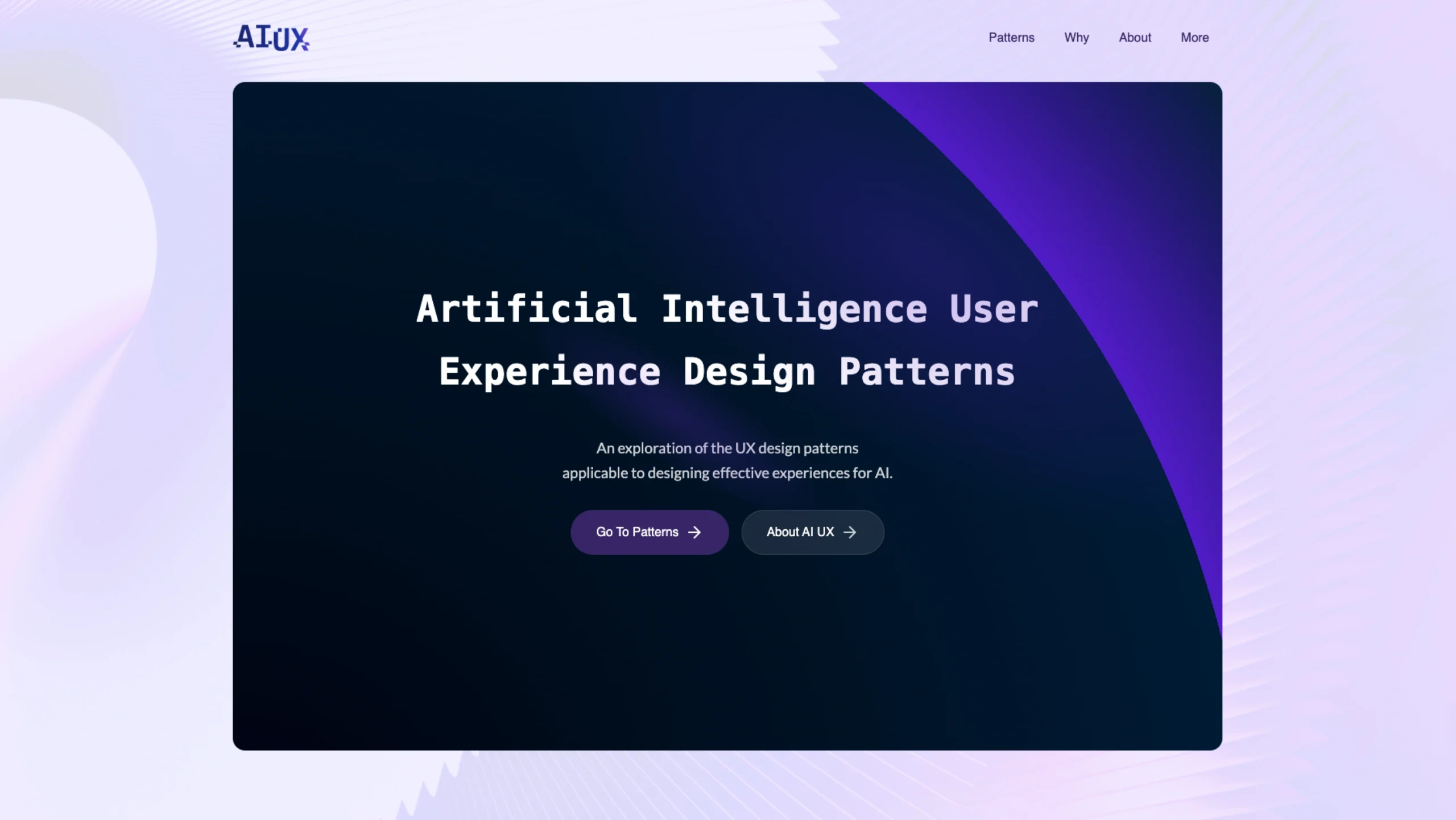
It helps designers and product teams understand how to design interfaces around AI concepts like confidence, uncertainty, feedback, explainability, and user control.
Instead of abstract theory, the site breaks complex AI interactions into clear, reusable UX patterns you can actually apply in products.
AI UX Patterns Library In Nutshell
Abstracted design solutions for designing in the new AI paradigm
Designing for AI is not the same as designing for traditional software.
With traditional UI, users click buttons and navigate screens.
With AI, users communicate, explore, refine, and co-create.
That shift changes everything.
AI UX patterns help us review the core elements and interactions inside intelligent interfaces. They allow us to step back and ask:
- What is the user really trying to do?
- How much control should they have?
- Where does AI assist, and where does it lead?
- What’s the best-practice fit for this specific context?
Instead of reinventing the wheel for every AI product, these patterns provide structured thinking.
Let’s explore them.
1. Authoring Patterns
How users communicate with AI
AI experiences often begin with a prompt. But prompting isn’t always simple. The way we design input dramatically shapes the quality of outcomes.
Raw Text Input
The most basic and straightforward input.
Users type text directly to prompt the AI.
It’s flexible. It’s open-ended. It’s powerful.
But it also requires skill.
This pattern works best when users already understand how to write effective prompts.
Image Input
Sometimes text isn’t enough.
Adding an image alongside a supporting text prompt provides visual context. This is especially useful in design tools, medical tools, shopping assistants, or content creation workflows.
Images reduce ambiguity. They make AI more grounded.
Voice Input
Similar to raw text — but more natural.
Voice lowers friction. It makes AI feel conversational.
However, it also introduces transcription challenges and contextual noise.
Best for mobile-first or accessibility-driven experiences.
Inline Suggestions
AI-powered suggestions while the user is typing.
Think of it as autocomplete — but smarter.
It helps users refine prompts without breaking flow.
It reduces cognitive load and improves prompt quality organically.
Prompt Quality Feedback
This pattern provides real-time feedback about how detailed or effective a prompt is.
Is it too vague?
Is it missing context?
Is it specific enough?
Instead of waiting for bad output, the system guides improvement before submission.
Structured Prompt
Some users struggle with open-ended fields.
Structured prompts scaffold the input.
They break prompts into fields like:
- Goal
- Context
- Constraints
- Output format
This reduces guesswork and increases reliability.
Paginated Prompt
Like structured prompts — but divided into steps.
Each page focuses on one part of the input process.
This works well for complex workflows, such as report generation, AI form building, and strategic analysis.
It creates clarity through focus.
Editing Assistance
Before a prompt is submitted, AI can assist in refining it.
The system might rewrite, clarify, or expand the input.
This is especially helpful for beginners.
It transforms users into better prompt engineers — without them even realizing it.
Configurable Controls
Instead of writing prompts, users adjust sliders, toggles, and dropdowns.
This abstracts prompting into UI controls.
For example:
- Tone: Formal / Casual
- Length: Short / Medium / Long
- Creativity: Low / Medium / High
It’s powerful for enterprise or non-technical users.
Cloze Passage
Prompt variables are embedded within a conversational template.
Example:
“Create a marketing strategy for [Company Name] targeting [Audience] in [Region].”
This balances flexibility and structure.
Reference Material
Allowing users to upload files or provide documents for AI to reference.
This tightly scopes results.
It reduces hallucinations.
It increases relevance.
In professional environments, this pattern is essential.
Prompt Templates
Save and recall prompts.
Or provide a library of pre-written prompts.
Templates reduce repetition and accelerate workflows.
They also promote best practices across teams.
Prompt Placeholder Values
Pre-defined content slots or conditions for prompt values.
This ensures consistency and prevents missing information.
It’s especially useful in automated workflows and SaaS tools.
2. Settings Patterns
Giving users control over the AI system
AI systems are not one-size-fits-all. Settings create transparency and trust.
Model Selection
Allow users to choose which model they want to use.
Different models may vary in speed, cost, reasoning depth, or creativity.
Providing this control increases perceived intelligence and user autonomy.
Thread Options
Should the system continue the existing conversation?
Or generate something entirely fresh?
This pattern gives users control over memory behavior.
Critical for professional workflows.
Thread History
Access to previous conversations.
Users can revisit, reuse, or reference past outputs.
This supports long-term productivity and contextual continuity.
Generation Tokens
Allocating a specific number of tokens for generation.
This introduces awareness of computational cost and output length.
Often used in enterprise or developer-focused products.
3. Results Patterns
How AI outputs are presented and refined
The output is not the end.
It’s the beginning of iteration.
Result Options
Provide useful ways to interact with generated content.
Examples:
- Copy
- Edit
- Export
- Save
- Share
Simple but critical.
Result Variations
Multiple outputs for a single prompt.
This encourages exploration and comparison.
It transforms AI from a single-answer tool into a creative partner.
Result Actions
Contextually relevant actions are tied to each result.
For example:
- Improve
- Shorten
- Expand
- Rewrite
- Change tone
This makes iteration seamless.
Show Citations
Clear sources used to generate results.
This builds trust.
Especially important in research, academic, or enterprise environments.
Result Rendered Preview
A live preview of generated content — whether text, image, or code.
Instead of imagining the outcome, users see it immediately.
Essential for design and development tools.
Timeline
Displaying outputs chronologically when context matters.
Useful in:
- Project planning
- Research tracking
- Version control
It adds narrative structure to results.
Object-Oriented Display
Present results categorized by object types.
For example:
- Tasks
- Contacts
- Insights
- Files
This exposes hierarchical relationships and makes complex outputs easier to digest.
Full Result Regeneration
Completely regenerate the output.
Simple. Clean. Fresh start.
Partial Regeneration
Regenerate only a specific section.
This is where AI UX becomes powerful.
Users don’t lose everything.
They refine precisely what needs improvement.
4. Agent Patterns
When AI acts instead of just responding
The next evolution of AI UX is agents.
Not just answering — but executing.
AI Agent Initial Command
Define a clear starting instruction.
This frames the agent’s scope and responsibility.
Clarity at the beginning prevents chaos later.
Agent Action Review & Confirm
Before the agent executes, it explains its understanding.
Users review.
Users confirm.
This pattern protects trust and prevents unintended actions.
Designing for the AI Era
AI UX patterns are not rigid rules.
They are lenses.
They help designers reflect on the best-practice fit for their specific context.
Some products need flexibility.
Some need structure.
Some need transparency above all.
As AI becomes more integrated into our workflows, the role of UX is not to hide complexity — but to shape it responsibly.
Designing AI is about balancing:
- Freedom and guidance
- Automation and control
- Intelligence and trust
These patterns give us the vocabulary to do that thoughtfully.
Made by the Analog Intelligence of Luke Bennis.
A reminder that behind every intelligent interface,
there is still human design thinking shaping the experience.