FramerAuth: Turn Your Framer Site into a Membership Business
If you build in Framer and you’ve ever wished you could add real membership features—logins, gated content, paywalls, profiles—without touching code, FramerAuth is pretty much the missing piece.
FramerAuth lets designers turn a regular Framer site into a complete membership platform in a few minutes.
Think: member-only areas, paid content, flexible plans, and user management, all sitting neatly inside your Framer project.
What is FramerAuth?
FramerAuth is an authentication and membership layer built specifically for Framer. Instead of bolting on an external tool or setting up a custom backend, you drop their components into your Framer project, paste a small snippet, and you’re ready to:
- Let people sign up, log in, and manage profiles
- Lock content or entire pages behind a login or paywall
- Charge for access using Lemon Squeezy (with more payment options on the way)
- Manage members, plans, and access rules—all without writing a single line of code
The best part: it feels native to Framer. You still design everything visually, and you stay in the environment you already know.
Designers like Cédric Moore and Filip Gadzinski are already using it in advanced Framer templates, and they call out how seamless the integration feels—especially when launching membership products quickly, without engineering support.
Add Member-Only Content in Framer (Without Code)
At its core, FramerAuth helps you turn visitors into members.
You can:
- Show public content to everyone
- Lock specific sections on a page behind a signup or purchase
- Lock entire pages for logged-in or paid members only
Want to offer a free teaser of a course while hiding the complete lessons behind a paywall?
You can blur the content, show an “Upgrade to Unlock” message, and let users move from “curious visitor” to “paying member” in just a few clicks.
You decide which URLs are open and which require a login or payment—perfect for courses, resource libraries, premium communities, or client-only portals.
Smart Access Rules & Eligibility Logic
FramerAuth doesn’t just lock stuff; it also gives you control over who sees what.
You can:
- Let users unlock content with a free signup
- Require a purchase via Lemon Squeezy to access specific tiers
- Differentiate between Basic and Pro content
- Approve or deny access based on rules you define
This makes it easy to run things like:
- Free “starter” content for everyone
- Pro content for paying members
- Invite-only access for selected users or internal teams
You’re not stuck with a one-size-fits-all membership model—you can tailor access to your business logic.
Built Right Into Framer
FramerAuth lives inside Framer’s workflow, which is a big deal for designers.
You get:
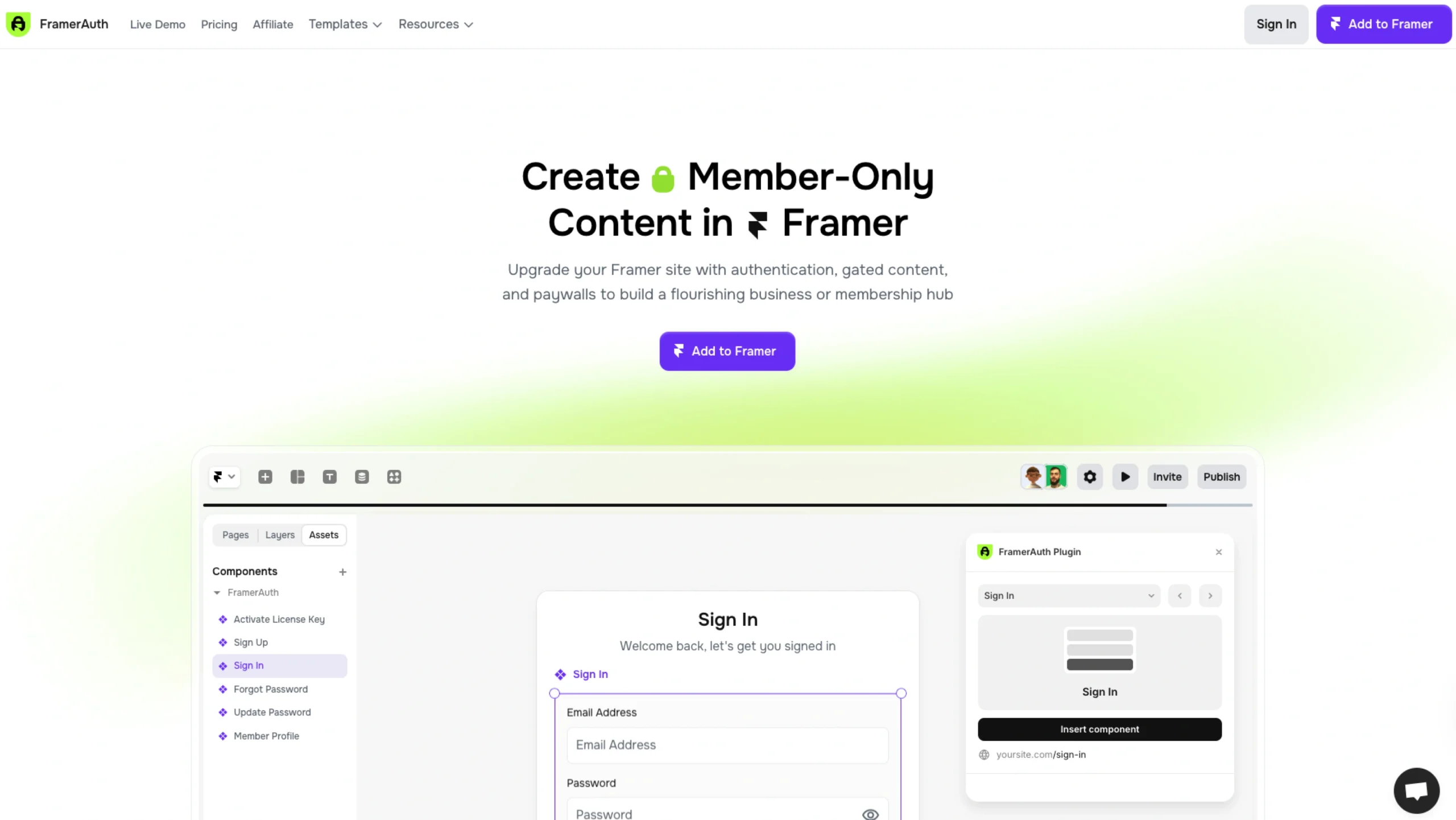
- Pre-built components: Sign Up, Sign In, Forgot Password, Reset Password, Update Password, Member Profile, License Key Activation, etc.
- Copy–paste setup: Add a unique snippet to your site settings (or use their plugin), drop the components where you want them, and publish.
- No coding required: You stay fully in design mode—no custom backend, no auth configuration, no OAuth headaches.
Because everything is made for Framer, the experience feels like an extension of the tool rather than a bolted-on solution.
Customizable Forms & Branded Experience
FramerAuth doesn’t lock you into a fixed UI.
You can:
- Style every form, button, label, and message in Framer
- Adjust spacing, fonts, and layout to match your design system perfectly
- Add custom fields (coming soon) to collect whatever data you need, such as full name, birthday, team role, preferences, etc.
The result: your membership experience still feels like your brand, not a generic third-party widget.
Social Sign-On (Coming Soon)
To reduce friction and drop-offs, FramerAuth is also working on social login options.
Soon, you’ll be able to let users sign up or log in with:
- GitHub
- (and other providers as they roll out)
Faster access = fewer abandoned signups, especially for users who don’t want to manage yet another password.
No Platform Fees & Built-In Bookmarking
One standout detail: FramerAuth doesn’t take a cut of your revenue.
You keep 100% of what you earn (minus standard Lemon Squeezy processing fees). That’s a significant advantage if you’re scaling a membership site and don’t want your margins eaten by platform fees.
They also include bookmarking so members can save or favorite content—less friction when returning to lessons, downloads, or resources. Bookmarking works with Framer CMS, which makes it easy to run content-heavy membership sites.
Flexible Payments & Monetization
FramerAuth is built with recurring revenue in mind.
You can:
- Offer free, one-time purchase, or subscription access
- Bill daily, weekly, monthly, or yearly
- Add free trial periods to reduce signup hesitation
- Use discount codes for promotions
- Run an affiliate program to grow your audience
- Give users a billing portal so they can manage their own subscriptions
Their Lemon Squeezy integration handles the heavy lifting, and more options like Stripe and Polar are on the way.
Basically, you design in Framer and let FramerAuth handle the business side.
APIs & Webhooks for Advanced Workflows (Coming Soon)
For teams that want more control, FramerAuth offers:
- An API (coming soon) so you can tap into member data, control access programmatically, or connect your own tools.
- Webhooks (also coming soon) that trigger when key events happen:
- A member upgrades to Pro
- Someone starts a free trial
- A new member signs up
From there, you can send automated emails, update your CRM, trigger Zaps, or ping internal Slack channels. Great for founders who want automation without building everything from scratch.
Authentication Models That Fit Your Business
FramerAuth doesn’t force everyone into the same membership model. Instead, it supports multiple setups:
- Purchase required
Users must buy via Lemon Squeezy to create an account and access locked content. - Sign-up required
Any visitor can create a free account and then access protected areas. - Hybrid model
Visitors can sign up for a free account first, then upgrade to a paid tier later—ideal for freemium products. - Employees only
Limit access to invited users or specific email domains for internal tools, teams, or company-only resources.
You can choose the model that best fits your product or mix approaches across different sections.
Real Websites Already Using FramerAuth
FramerAuth isn’t just theory—thousands of sites already rely on it to power memberships and gated content.
Some examples from their showcase:
- Mockups Supply
- Waida Studio
- Broken Studio
- TMPL
- Equal Opportunity Careers (EOC UK)
- Pelagoso
- Elements
- Hideout
- AppOtherside
- Coachfinder
- Grooic
- Icoon, and more
Creators like Nabeel (segmentui.com) and Solt Wagner (frameblox.com) highlight how FramerAuth helped them go from “designer shipping PNGs” to “founder with a real product” without touching code.
Fast Setup: Built for Framer from the Ground Up
Getting started is intentionally simple:
- Add a unique snippet to site settings
Paste the FramerAuth snippet into your Framer site settings—or use their plugin for one-click setup. - Drop in FramerAuth components & overrides
Add sign-in, sign-up, license validation, password reset, and other components directly onto your pages. - Lock content to restrict access
Select which pages or elements are member-only and connect them to product tiers via Lemon Squeezy.
Setup takes less than 10 minutes and doesn’t require any technical knowledge. If you can design a page in Framer, you can launch a membership site with FramerAuth.
Templates to Launch in Minutes
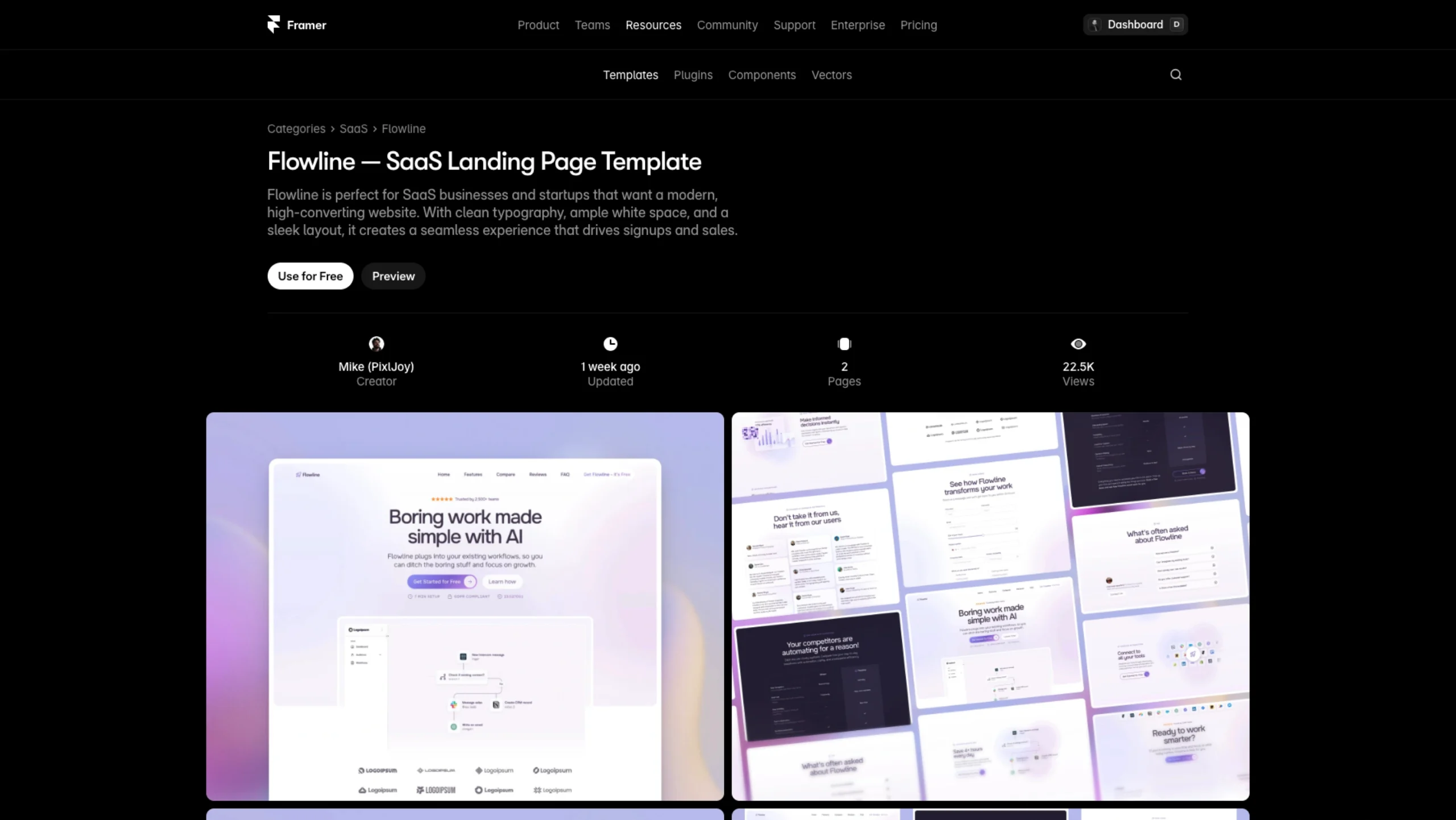
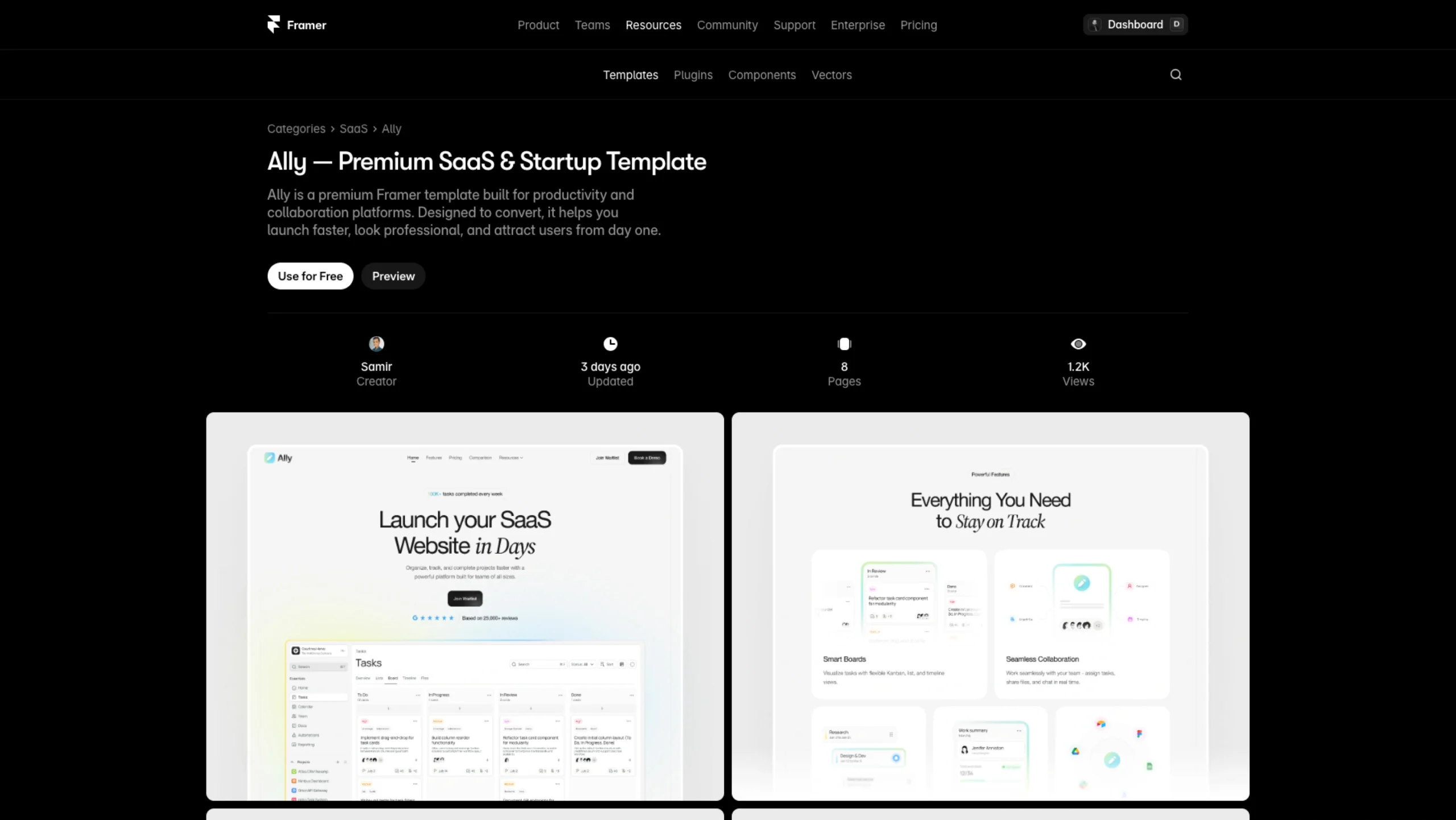
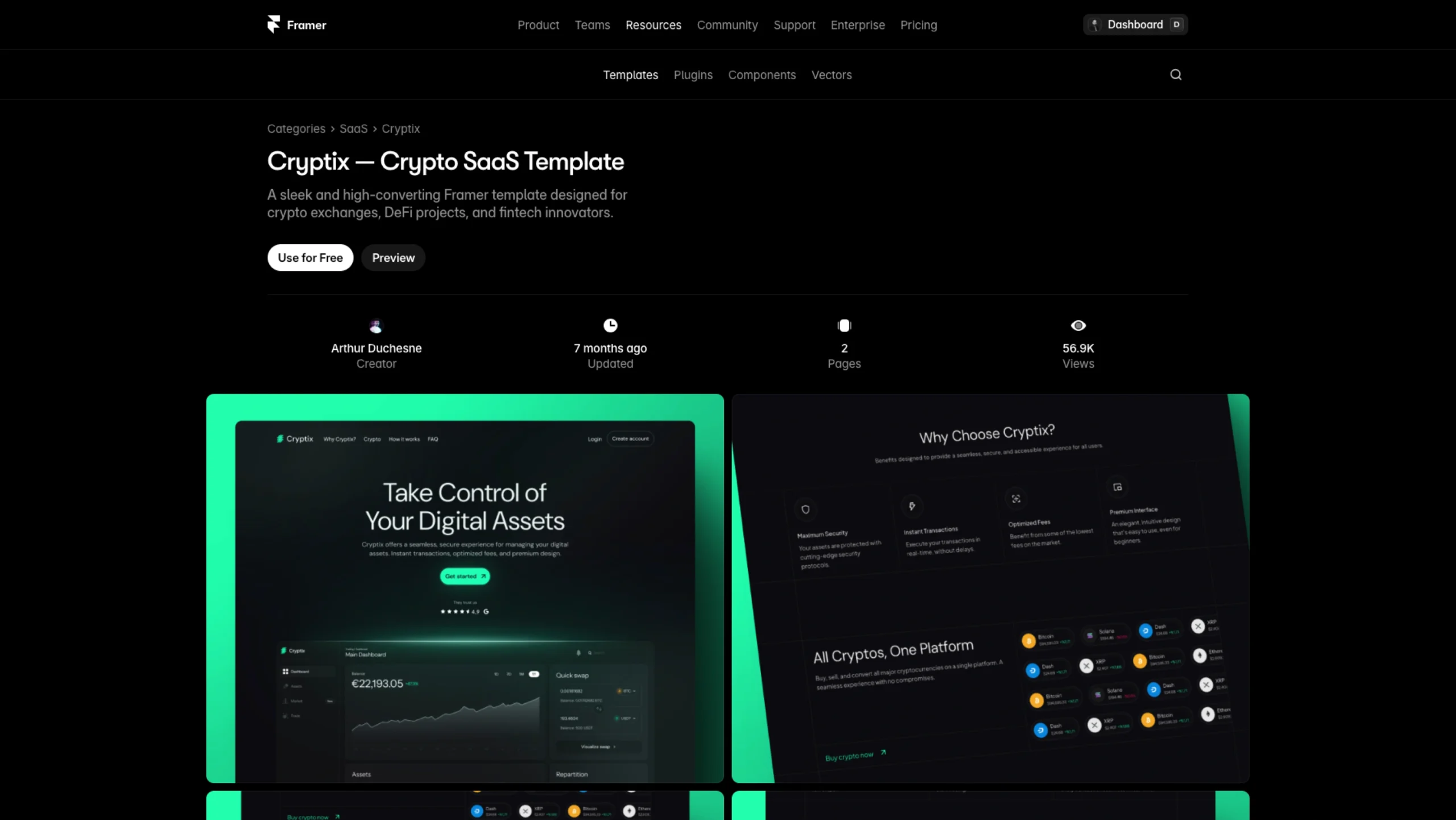
To make things even easier, FramerAuth offers free, ready-to-use templates, already wired up with membership features:
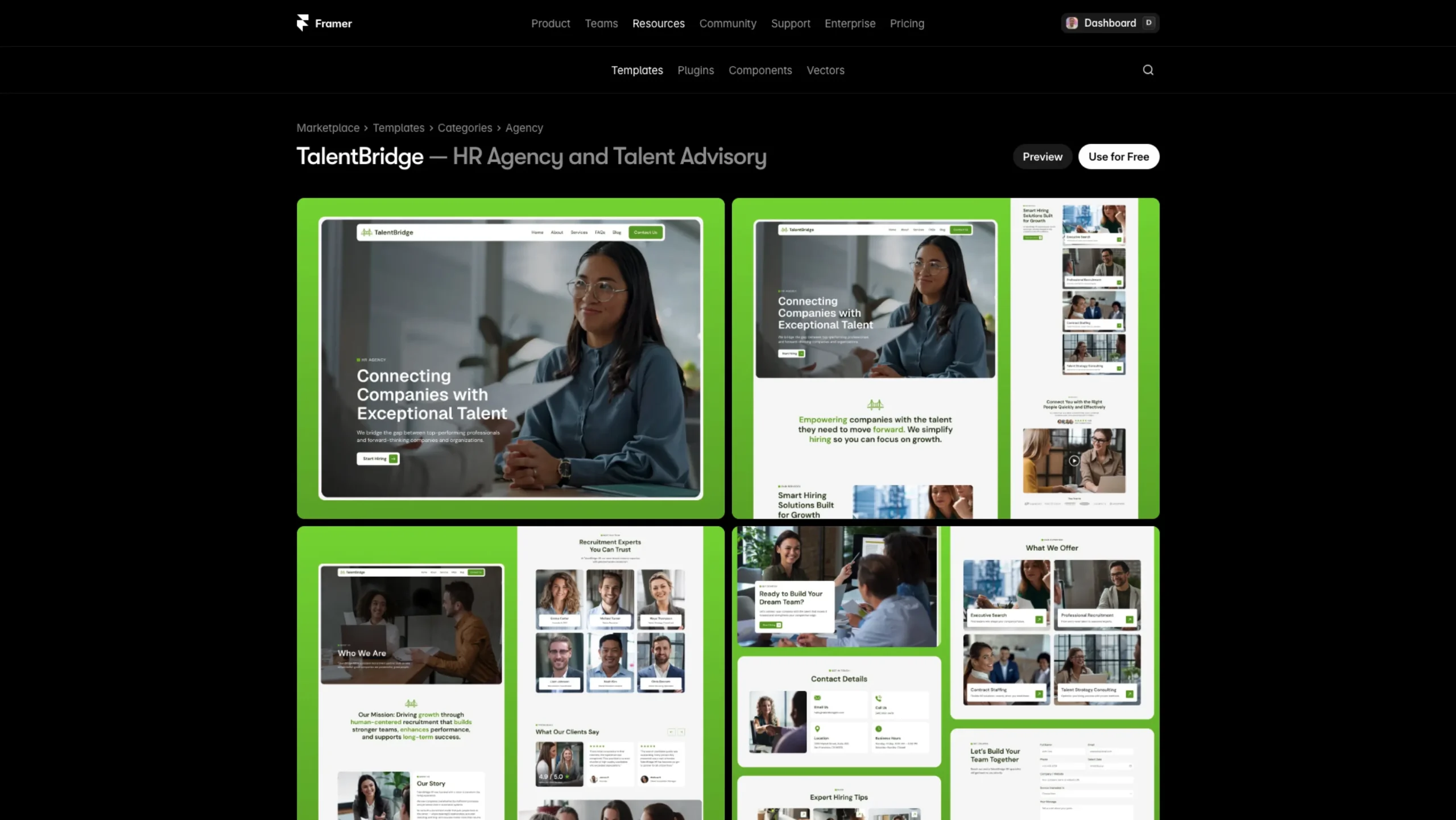
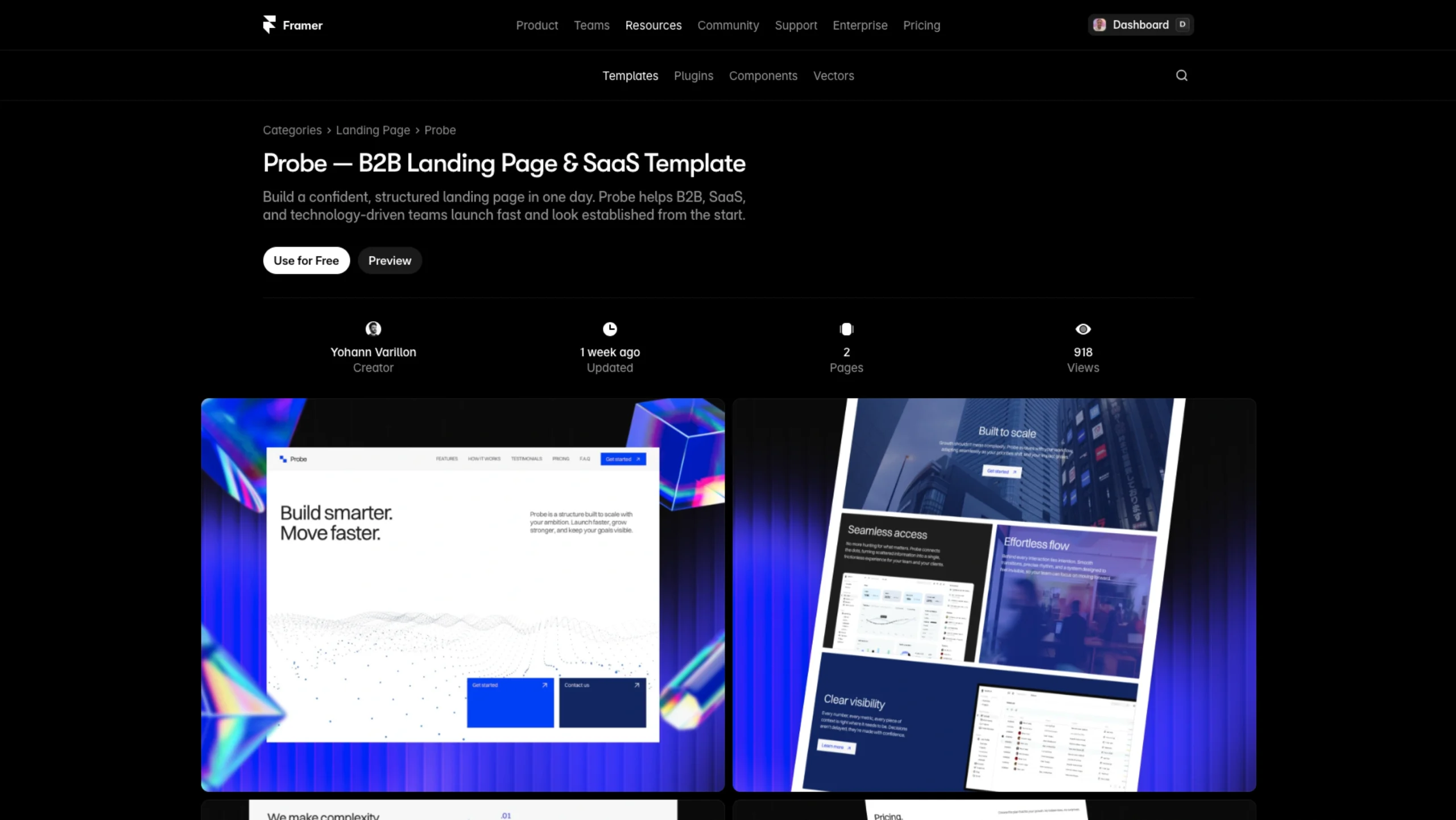
- AcademyHub – Online learning academy
- ProductHub – Digital products library
- CourseHub – Online course hub
- CuratorHub – Directory site
- Patteron – Personal blog
- DesignerHub – Blog & publication for designers
You can use these as starting points, tweak the visuals, update the content, and be live in a fraction of the time it would take to build from scratch.
Official Framer Integration & Free Trial
FramerAuth is an official Framer integration, which means it’s built specifically for the ecosystem you already use.
They offer:
- A 14-day free trial
- A Membership Site plan (e.g., $14.99/month billed yearly, with savings baked in)
- Support for up to 1,000 users out of the box (with the option to pay for more as you grow)
- Free templates, live customer support, and video tutorials
No coding. No backend setup. Cancel anytime.
Why FramerAuth Stands Out
FramerAuth is not just “authentication for Framer.” It’s a bridge between design and business:
- Designers stay in Framer and still launch real, revenue-generating products
- Membership, paywalls, and user management become design problems, not engineering roadblocks
- Founders and creators can validate ideas quickly, using tools they already love
Suppose you’ve been thinking about turning your Framer site into a membership community, course platform, resource library, or premium blog. In that case, FramerAuth gives you everything you need to protect content, charge for access, and run it like a real product.
Ready to explore?
FramerAuth lets you start for free and grow into a whole membership business—without ever leaving Framer.