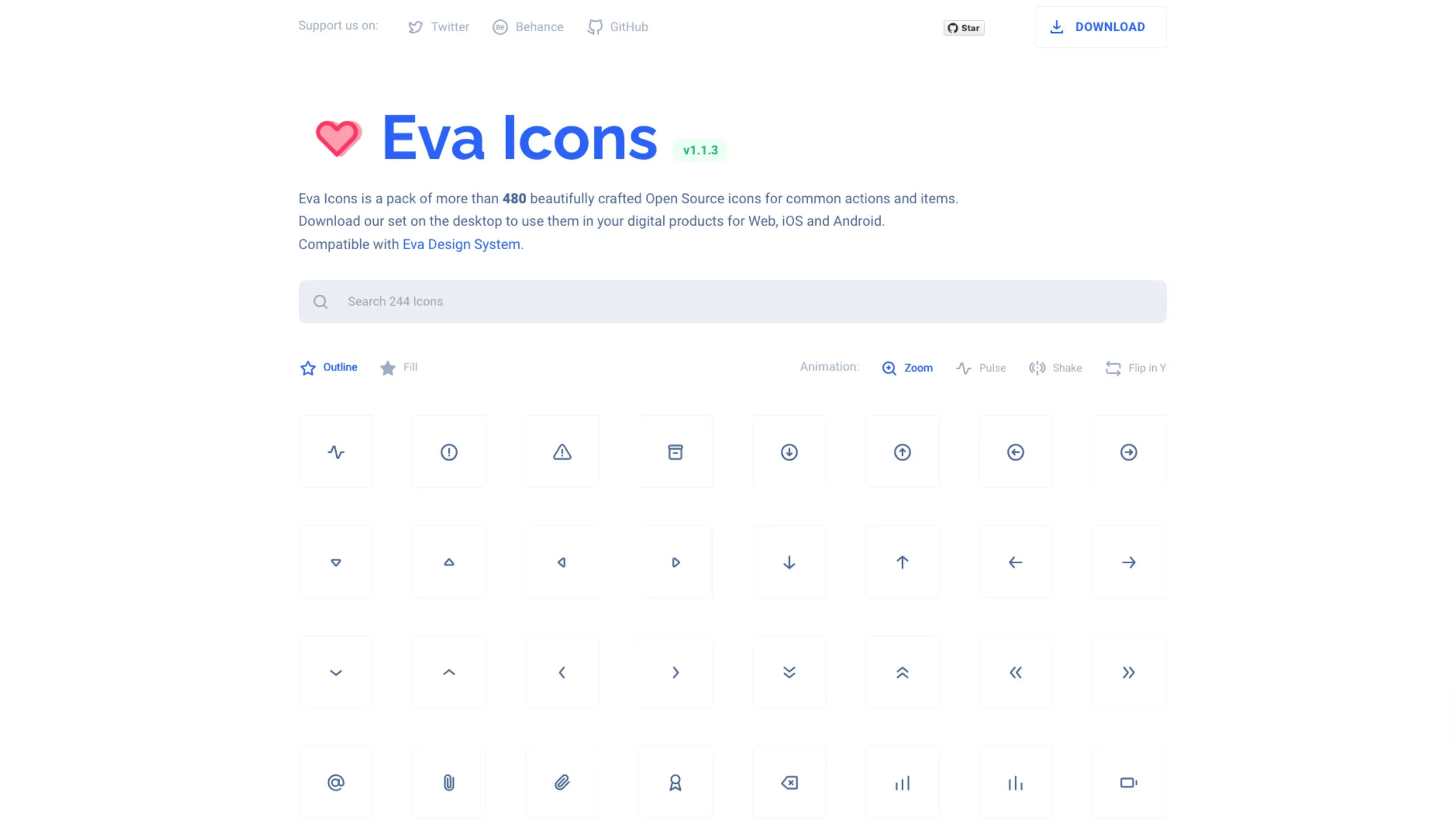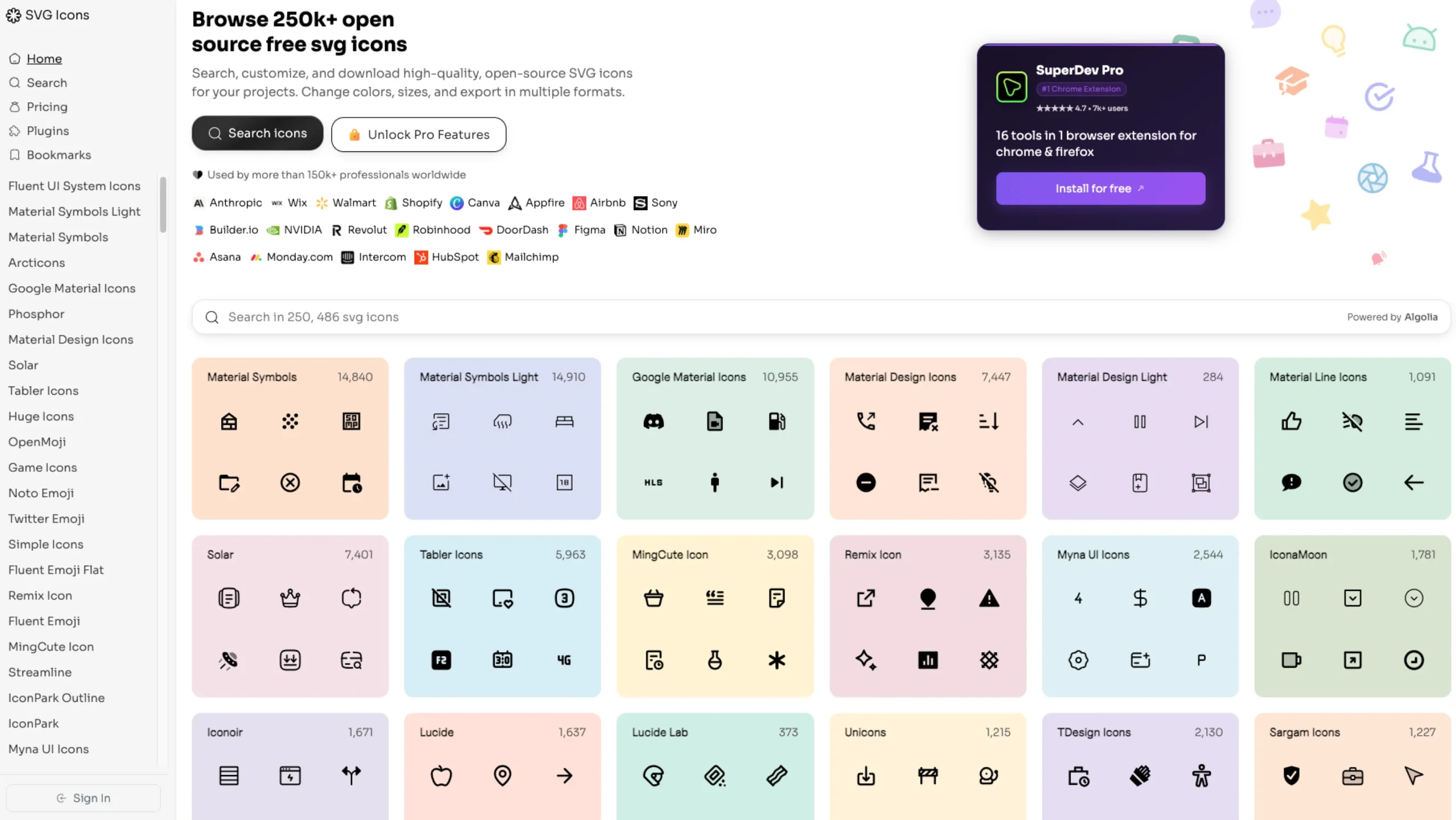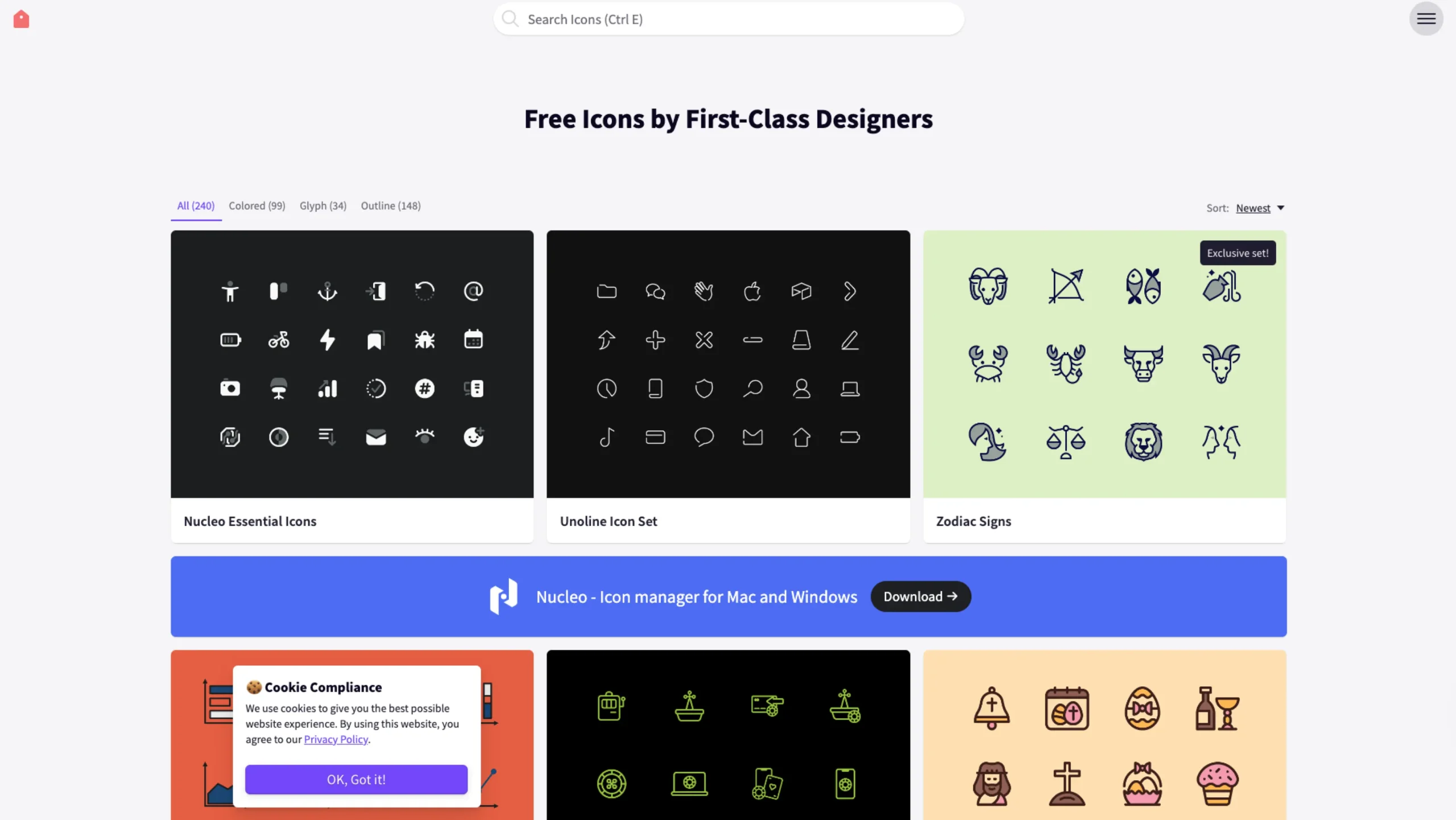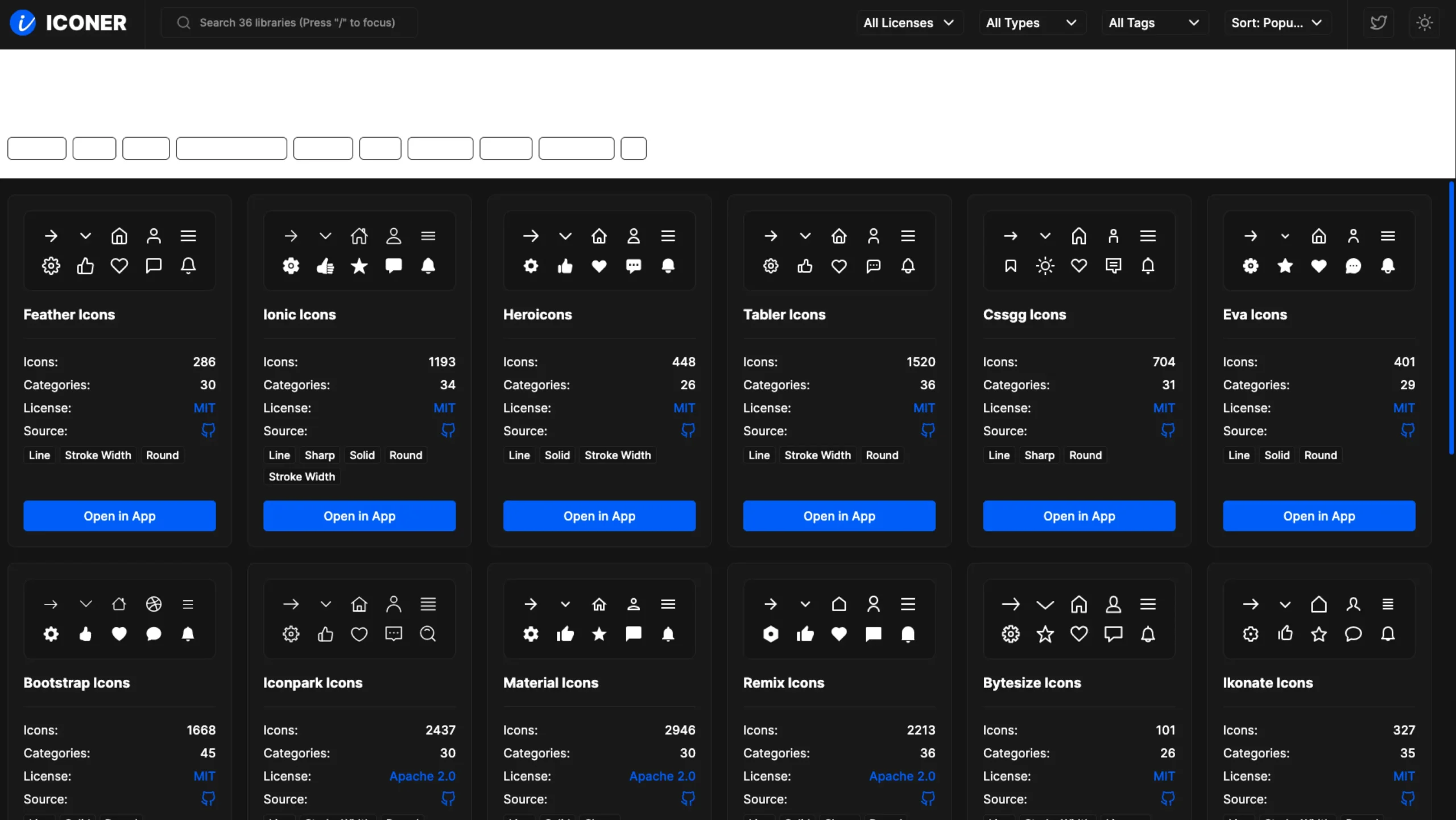
Iconer App feels like that quiet, super-useful tool designers keep open in a tab all day. It’s not shouting for attention with flashy branding – it just makes finding, remixing, and exporting icons stupidly easy.
What is Iconer?
Iconer is a web app that brings together a vast collection of royalty-free icon libraries in one place.
You can search, filter, and download icons in multiple formats — SVG, PNG, HTML, JSX, and more — and use them across web, app, and product design work.
Right at the top, Iconer describes itself as “Free Icons for Everything”, and that’s pretty accurate.
The homepage lets you browse by themes like Animals, Apps, Brand, Communications, Devices, Food, Graphics, People, Real World, UI, so it’s easy to jump straight into the kind of icons a project needs.
A hub for the best icon libraries
Instead of being yet another isolated icon set, Iconer acts as a meta-library.
It pulls in many of the most popular open-source icon packs and gives them a consistent, easy-to-browse interface.
From the homepage, you can scroll through cards for major libraries like:
- Feather Icons – 286 icons, 30 categories, MIT license
- Heroicons – 448 icons, 26 categories, MIT license
- Tabler Icons – 1,520 icons, 36 categories, MIT license
- Ionic Icons – 1,193 icons, 34 categories, MIT license
- Bootstrap Icons – 1,668 icons, 45 categories, MIT license
- Material Icons – 2,946 icons, Apache 2.0 license
- Remix Icons – 2,213 icons, 36 categories, Apache 2.0 license
- Carbon Icons – 1,898 icons, 31 categories, Apache 2.0 license
- And many more: Lucide, Iconoir, Ikonate, Boxicons, Phosphor, Health Icons, Pixelart Icons, Doodle Icons, Coolicons, etc.
Each library card shows:
- How many icons does it include
- How many categories does it cover
- The license (MIT, Apache 2.0, CC BY 4.0, Unlicense, Free, etc.)
- A quick “Open in App” link that takes you straight into that collection’s page
This makes Iconer very handy if a project needs to stick to a particular license type or visual style.
Browsing icons: simple, fast, and focused
Each collection page follows a clean and familiar structure:
- A clear title like “Feather Icons”, “Material Icons”, or “Lucide icons.”
- A “Library” label so it’s always obvious which set you’re inside
- A big “Select Multiple / copy / download” bar at the top that encourages batch actions rather than one-by-one clicking
Collections are also broken down into functional categories, such as:
- Alerts, apps, arrows, chevrons
- Brand, commerce, communications, data
- Devices, files, folders, layout, media
- People, real world, tools, transport, UI, weather, and more
Iconer keeps the layout minimal: lots of white space, a clear grid of icons, and just enough UI chrome to stay usable without distracting from the actual icon shapes.
Multi-format export and controls
One of Iconer’s big strengths is how approachable the export flow feels.
From the interface and tagline, it’s clear they support multiple formats out of the box:
- SVG – perfect for web, apps, and design tools
- PNG – handy for quick mockups or non-vector environments
- HTML / JSX – ideal for React and front-end frameworks
On many category pages, you’ll also see an “Options” section with controls like Size, Indent Size, and toggles.
That suggests you can tweak output formatting and sizing directly in the browser before copying or downloading, which is especially useful for devs who care about clean markup and consistent icon sizing.
The “Select Multiple” bar lets you select multiple icons at once and copy or download them together, which is a huge time saver when building a design system or icon set for a product.
Search, tags, and filters
At the top of the main page, Iconer gives you a set of global controls:
- All licenses – filter icons by license type
- All types – switch between line, solid, sharp, etc.
- All tags – stay broad or narrow down to specific themes
- Sort: popularity – prioritize the icons designers actually use most
That combination of filters makes it easy to move from “I just need a settings icon” to “I need a line icon under MIT for a commercial dashboard in React” in a couple of clicks.
Why Iconer works so well for UI/UX designers
From a UX and workflow perspective, Iconer stands out in a few ways:
1. One hub instead of 20 tabs
Rather than visiting individual libraries (Feather, Heroicons, Material, Carbon, etc.) separately, Iconer aggregates them into a single, consistent UI. That alone can shave hours off exploration time when building or updating a design system.
2. License clarity
Because each library is clearly labeled with its license (MIT, Apache 2.0, CC BY 4.0, Unlicense, etc.), it’s easier to stay on the right side of licensing when working on client or commercial projects.
3. Designer + developer friendly
With formats like SVG, PNG, HTML, and JSX, Iconer supports both design tools and codebases. Designers can drag SVGs into Figma or Framer; developers can copy JSX or HTML into components and templates.
4. Simple interaction model
The interface doesn’t try to overcomplicate things:
- Browse by category
- Click into a library
- Select icons
- Copy or download
That’s it. No forced account creation to export a single icon, no cluttered UI in the way.
A practical companion for your next project
For anyone working on SaaS dashboards, design systems, marketing sites, or mobile apps, Iconer is a convenient companion:
- Need a quick set of UI icons for settings, filters, notifications, and search? Go straight into the UI or Graphics categories.
- Designing something more illustrative or playful? Explore Doodle Icons, Pixelart Icons, or Basil for a slightly more characterful style.
- Building a product for healthcare, logistics, or enterprise? Libraries like Health Icons, Carbon Icons, and Tabler Icons are right there, already categorized and ready to drop into your UI.
Iconer’s job is simple: help designers and developers search, remix, and download the right icons fast — without having to think too hard about where they came from or which format to use.
If you live inside Figma, Framer, or VS Code all day and find yourself hunting for “just one more icon,” Iconer is absolutely worth a spot in your regular toolkit.