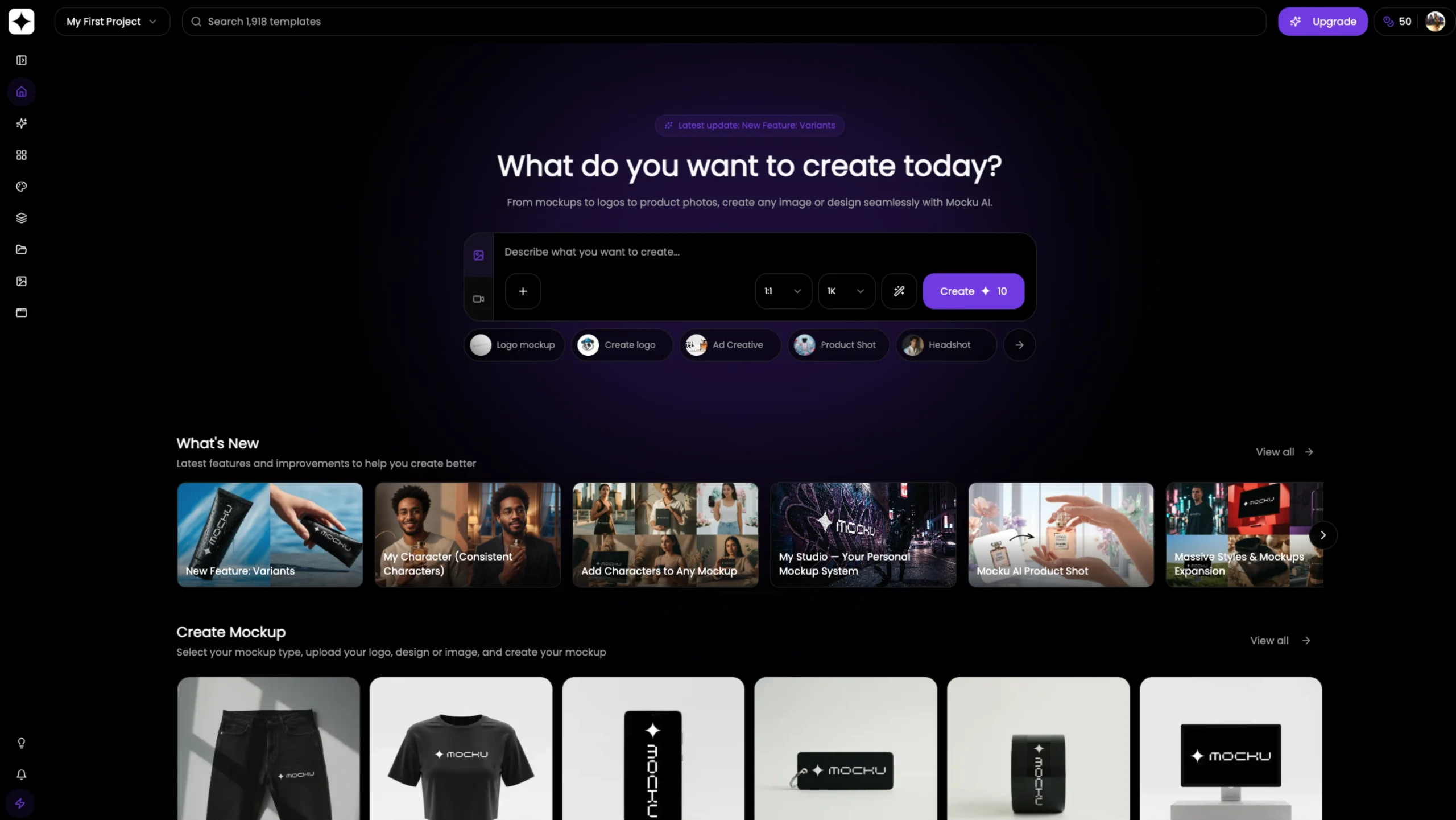
Mocku is a simple, browser-based mockup generator that helps designers and creators present their work quickly and professionally.
It allows users to place screenshots into clean, ready-made device and layout mockups without complex tools or setup.
Focused on speed and ease of use, Mocku is ideal for showcasing apps, websites, and UI concepts for portfolios, case studies, and social sharing.
Tutorial Tips & Tricks
Learn how to get the most out of Mocku with video tutorials.
Create Custom AI Styles for Mockups & Product Photography
Design once. Reuse everywhere.
With Mocku, you can create your own custom AI style and use it to generate consistent, on-brand mockups and professional product photos. In this tutorial, you’ll learn how to define a unique visual style using a text prompt, reference images, or a combination of both.
Mocku’s AI analyzes your inputs in the background and generates a reusable style you can apply to all image generations. From mockups to product photography, your visuals stay consistent and brand-ready.
Once your style is set, simply choose a mockup type, upload your logo or design, select the aspect ratio, and control output quality—from fast 1K previews to high-quality 2K and ultra-detailed 4K images.
You’ll also see how easy it is to generate clean, polished product shots by uploading a product image and applying your custom style in seconds.
Create AI Mockups with Realistic Characters — Instantly
Generate professional character-based mockups without the complexity.
In this tutorial, you’ll learn how to create AI mockups with realistic characters in just a few clicks. Customize everything—from gender, age, and skin tone to camera angle, pose, and framing. Whether you need a full-body lifestyle shot or a tight product-focused close-up, you’re fully in control.
Upload your logo, design, or image, or save assets using the My Files feature for quick reuse. Select a mockup type, add a character, apply a style, and generate high-quality mockups in seconds.
This workflow is ideal for designers, brands, marketers, and creators who want consistent, professional character mockups—without advanced design tools.
Create Stunning AI Mockups in Seconds
Professional results. Zero design experience required.
This tutorial shows you how to generate high-quality mockups using AI—fast and effortlessly. Choose a mockup type, pick colors, upload your logo or design, apply multiple styles, and click generate. That’s it.
Mocku’s AI mockup creator is perfect for designers, startups, marketers, and teams who need realistic mockups for branding, presentations, websites, and social media—without spending hours in traditional design software.