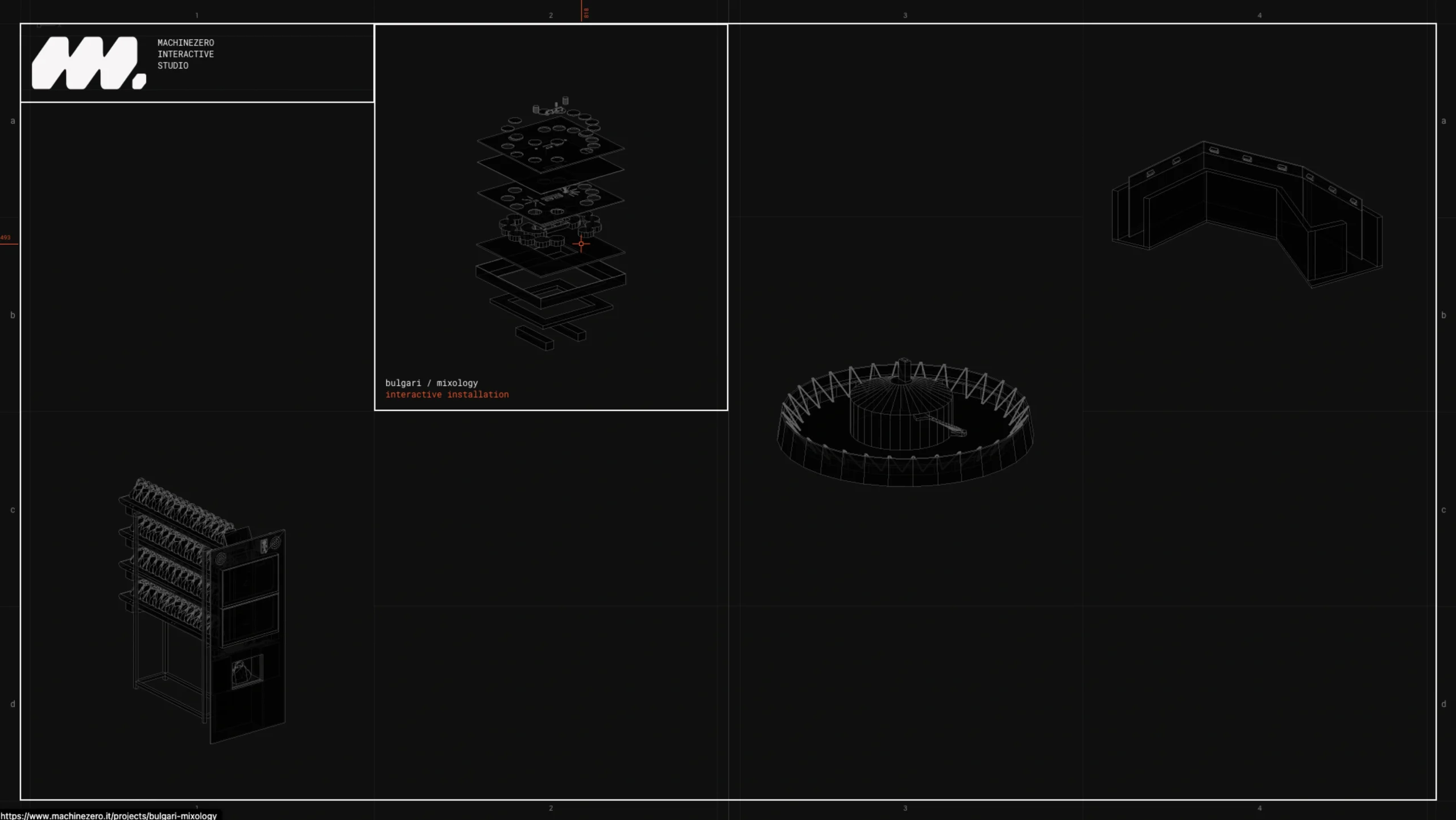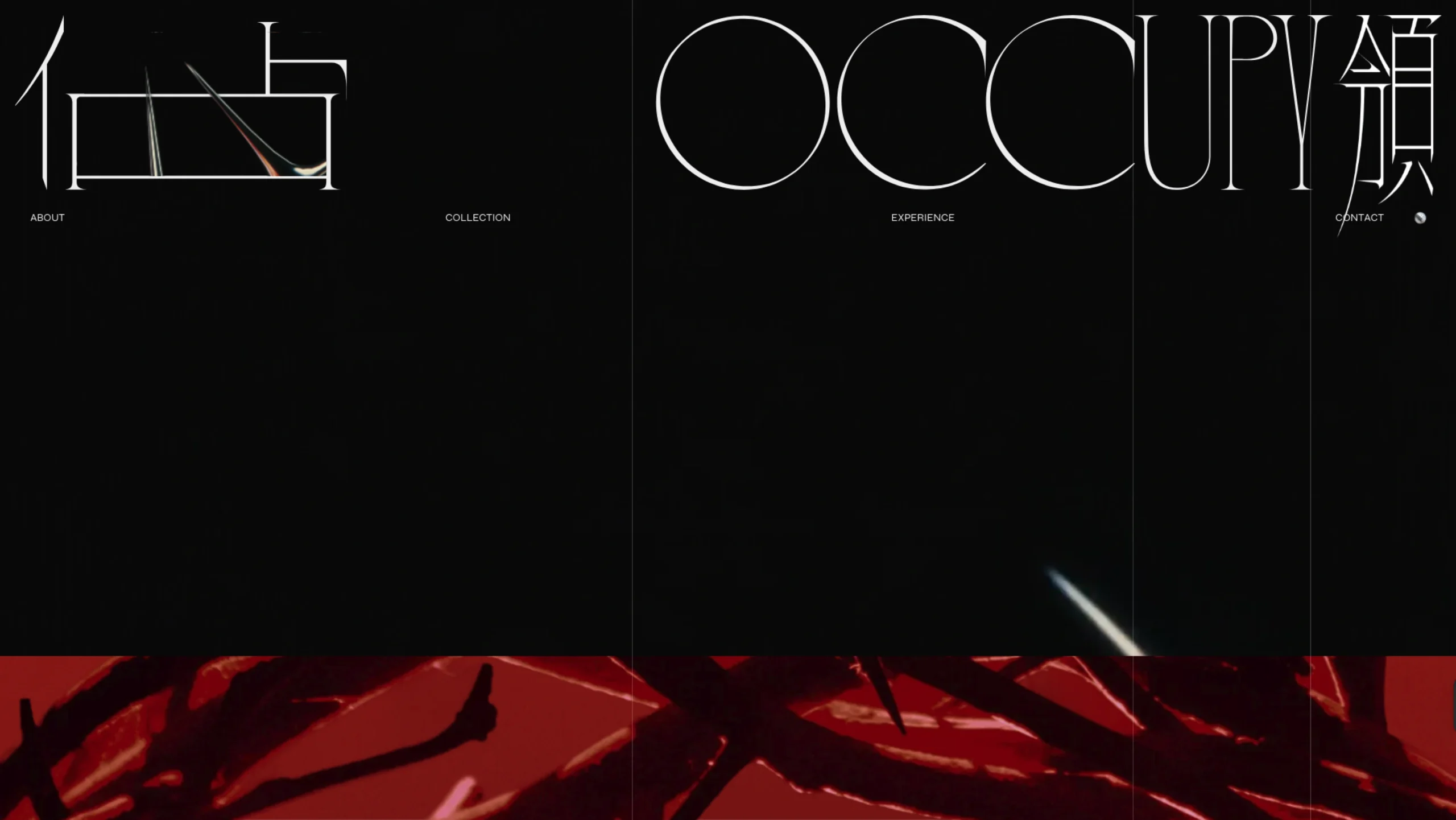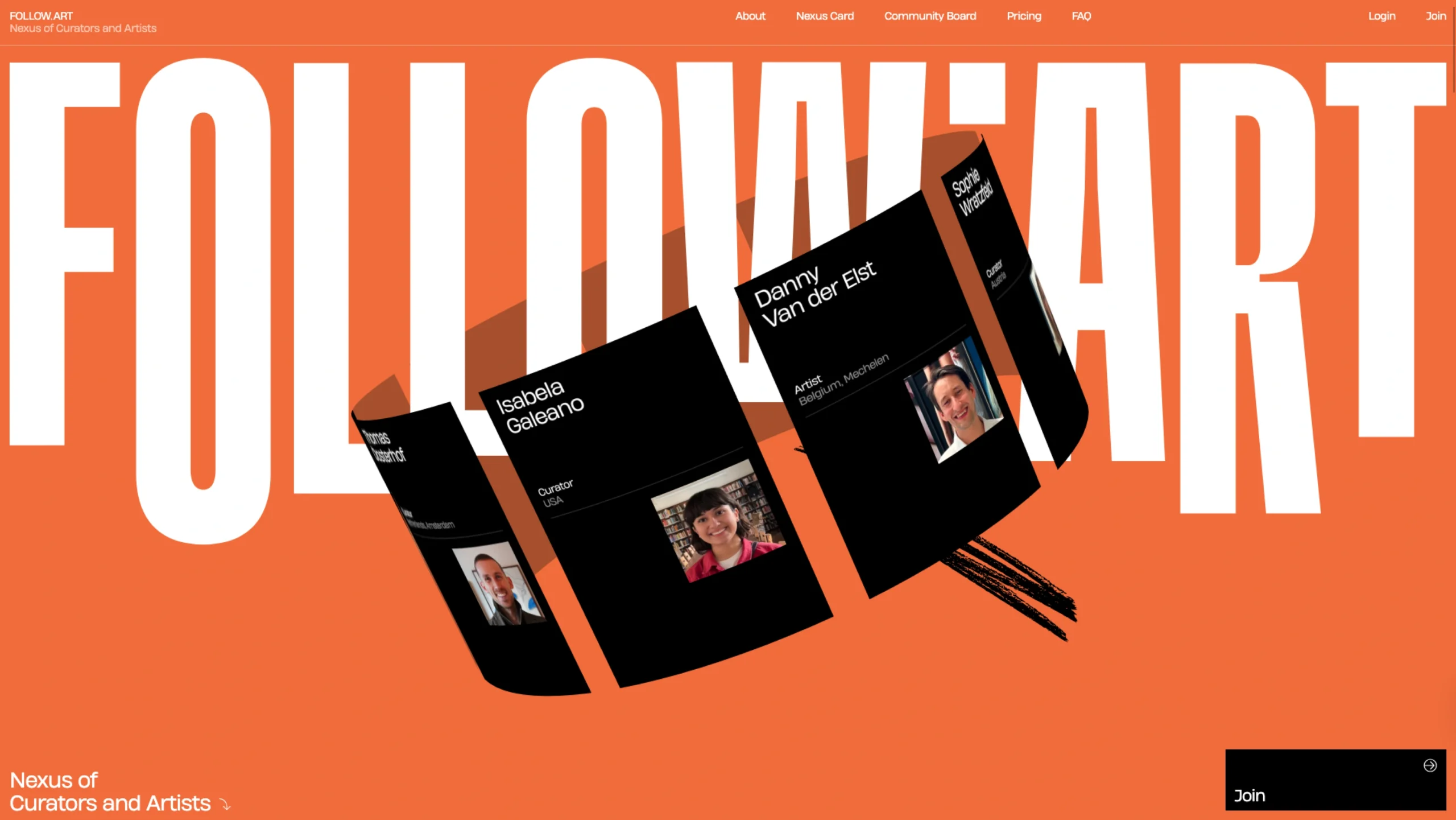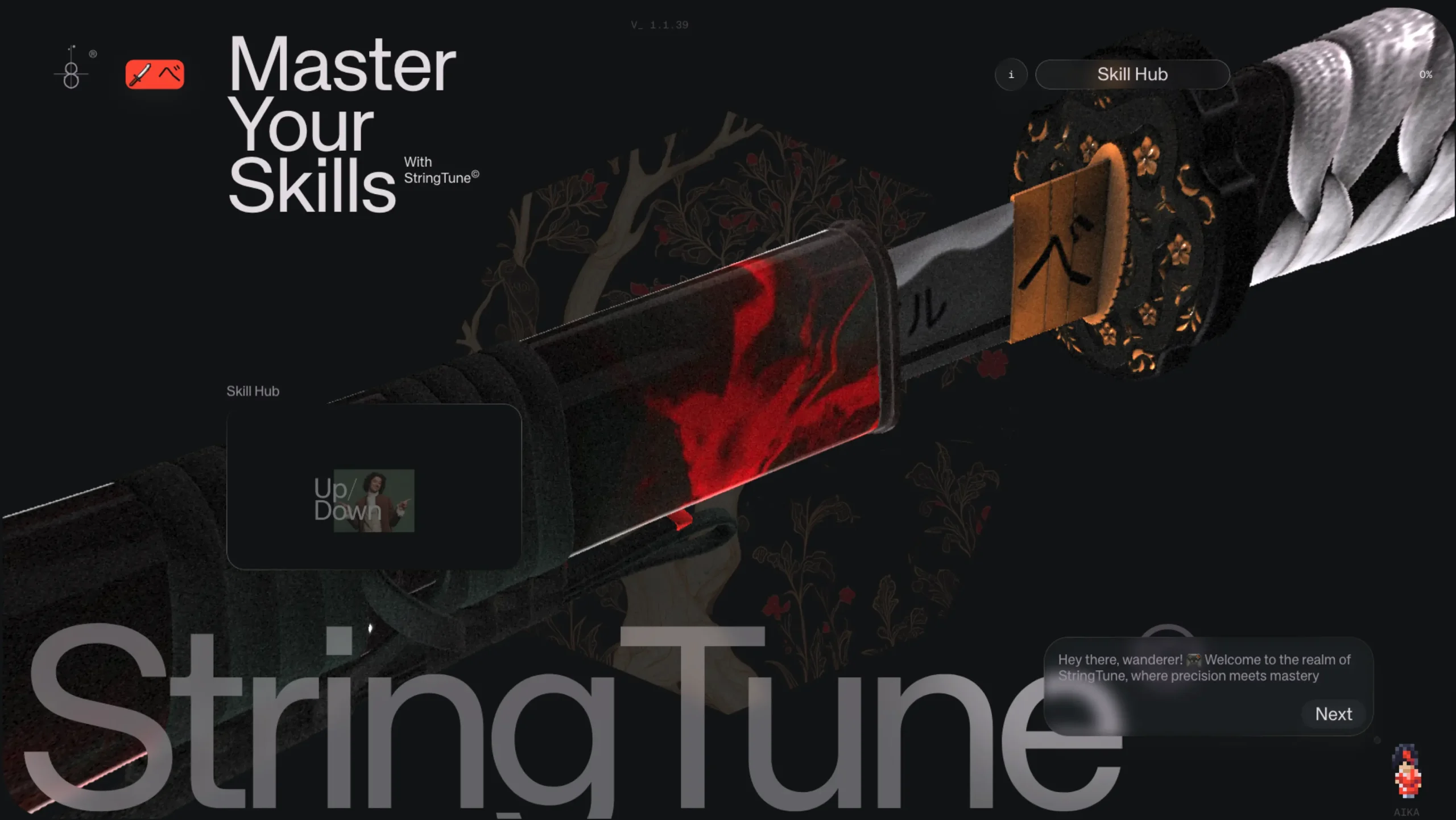
StringTune is one of those interactive playgrounds that instantly grabs your attention with Motion and Smooth Scrolling animation.
It’s a collection of bold, high-energy web experiments packed with motion, strong visuals, and personality.
Every scroll, hover, and transition feels crafted to showcase just how expressive modern web design can be.
The site blends animation, storytelling, and visual exploration in a way that feels fun without being chaotic.
It’s polished, memorable, and a great reminder of how creative developers push the boundaries of digital interaction.
StringTune: smooth scrolling and web animation without the heavy lifting
If you’ve ever tried to build smooth scrolling or subtle motion on a website and ended up wrestling more with JavaScript than with your actual design, StringTune will feel like a breath of fresh air.
What is StringTune?
StringTune is a CSS-first, JS-light toolkit for smooth scrolling and core web animations. Instead of forcing you into a full-blown animation framework, it gives you just enough structure to:
- Smooth out native scroll
- Animate elements based on scroll, hover, visibility, and more
- Split and animate text with natural spacing
- Track cursors, stick elements, and compose more advanced motion
All without bloating your bundle or hijacking your DOM.
The philosophy behind it is simple:
“Animate with elegance, not overhead.”
The mindset behind StringTune
StringTune leans into a few core ideas:
- Flow should feel natural – Animations shouldn’t scream for attention; they should feel like they were always meant to be there.
- The tool should adapt to you – You decide how deep you go. Use it as a simple attribute-based helper, or extend it like a pro.
- Performance is non-negotiable – 60fps, minimal memory usage, zero layout shifts. Motion shouldn’t come at the cost of usability.
There’s a kind of “martial arts” vibe baked into its copy for a reason: to master nice motion on the web, you don’t need more noise—you need control.
Modular at the core: build small, scale sharp
StringTune is modular by design. You don’t pull in a monolithic blob of code; you import only what you need:
- Just want smooth scroll? Import the scroll module.
- Need text splitting with safe kerning and animation? Add that module.
- Want to track cursor position or stick elements on scroll? Plug in the relevant pieces.
Each piece stands on its own, but they can flow together when you want more complex interactions. That means:
- Smaller bundles
- Clearer mental models
- Less “mystery behavior” when you debug
You’re encouraged to start small and “tune up” as your project grows.
Attribute-based integration: HTML first, JS later
One of the nicest parts: you don’t have to dive straight into JavaScript to get basic motion working.
StringTune is attribute-driven. You control behavior directly in your markup using simple attributes. In practice, that means:
- You drop an element in your HTML
- Add a few custom attributes
- And that’s enough to wire up scroll-based progress, easing, or visibility-triggered motion.
No need to write custom JS until you actually want to do something advanced.
If and when you need more control, you can split the progress data, pass it through JS, and apply it to any element on the page.
The upgrade path is natural: start with HTML, grow into code.
Effortless initialization
StringTune deliberately avoids ceremony.
The setup is basically:
- Import it.
- Set your “tune” (configuration).
- Done.
No multipage config, no ritual boilerplate.
You keep your DOM as the primary source of truth, and StringTune reads and responds to it.
Built to perform
All the poetic talk about “flow” would be pointless if it stuttered at runtime. StringTune is aggressively performance-oriented:
- Uses native scroll, then refines it with a precision smoothing formula
- Keeps memory usage low
- Avoids layout shifts
- Plays nicely with the rest of your stack (no heavy takeover of your rendering flow)
The goal is simple: keep you at or near 60 FPS, even on long, scroll-heavy pages.
What can you actually animate with it?
StringTune covers the bread-and-butter of modern interaction design:
- Scroll-based motion
Progress values you can map to transforms, opacity, blur, and more. - Hover and visibility effects
Subtle transitions when elements come into view or when users interact. - Text splitting with safe kerning
Split text into characters or words, animate them, and keep the spacing natural rather than broken. - Cursor tracking
Follow the pointer, create reactive layers, build playful interfaces. - Sticky positioning
Combine sticky layouts with scroll-aware motion for rich storytelling sections.
The toolkit isn’t about flashy gimmicks—it’s about giving you reliable control over motion, depth, and presence across the core interaction surfaces of a modern site.
Progress control: use the data how you like
One of the powerful things about StringTune is how it treats scroll and animation progress as data you can work with, not just visual effects hidden inside a black box.
You can:
- Break progress data apart
- Reuse it across multiple elements
- Pass it through your own JavaScript
- Compose complex, yet predictable, motion systems
Progress easing is ultra-optimized, so you get smooth transitions without hand-rolling your own timing logic for every interaction.
Who StringTune is for
StringTune is designed to respect different types of creators:
Designers (yes, even if you don’t “code much”)
If you’re comfortable tweaking HTML and CSS, you can control behavior visually and structurally without diving into complex JavaScript. It’s perfect for prototyping or even shipping production motion as part of your design system.
Beginner developers
If you’re just getting started with front-end, StringTune gives you a gentle entry into animation and scroll effects:
- Markup-first
- Attribute-based
- No “JS wizardry” required to see something nice on screen
It’s a good way to learn how motion ties into layout and scroll, without feeling overwhelmed.
Experienced developers
If you already live in advanced animation land, StringTune doesn’t box you in. You can:
- Extend it with custom modules
- Override default behavior
- Wire it into your own state management or component system
- Use it alongside your preferred frameworks
It’s built to tune your animations, not fight your DOM.
Extend, override, and compose
When you need precision, StringTune lets you:
- Build your own modules
- Compose advanced flows from smaller pieces
- Blend attribute-driven controls with custom JS logic
You might start with a simple scroll fade-in, then later build a fully choreographed section where scroll, cursor, and text all move in sync—with StringTune acting as the conductor rather than a gatekeeper.
Why StringTune matters
Modern web experiences live and die on how they feel. Not just what they say or how they look—but how they move.
The problem is, motion and smooth scrolling often come at the cost of complexity and performance:
- Heavy JS frameworks
- Janky scroll hijacking
- Hard-to-maintain animation code sprinkled everywhere
StringTune pushes back against that trend. It leans into:
- CSS-first thinking
- Native behaviors refined, not replaced
- Modularity over monoliths
- Attributes and clarity over magic and guesswork
If you care about crafting smooth, elegant interactions without drowning in overhead, StringTune gives you a way to “master the string” of your front-end: shaping motion with clarity, control, and a lot less friction.
In short: it’s for anyone who wants their site to feel great—without their codebase suffering for it.