


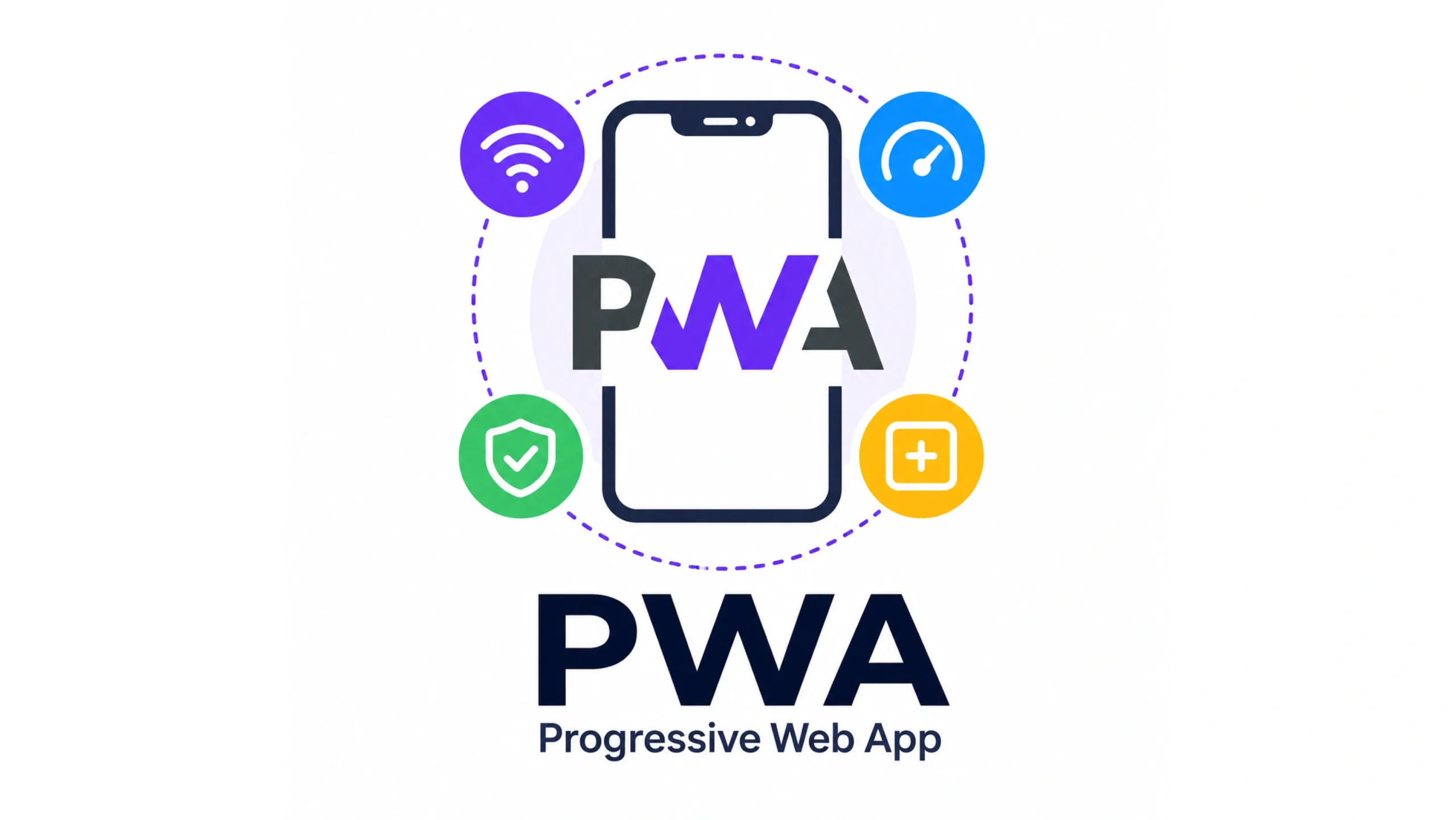
What Is a Progressive Web App (PWA)?
A Progressive Web App, commonly called a PWA, is a web application that combines the reach of a website with many of the features people normally associate with mobile apps.
Think about the last time you installed an app. You visited an app store, waited for the download, accepted permissions, and hoped your device had enough storage.
A PWA skips much of that process.
Users can visit a website and, with a few taps, install it directly onto their device. Once installed, it can look and behave much like a traditional app.
That’s the idea that made PWAs so attractive to businesses and developers.
One codebase. Multiple platforms. A smoother user experience.
Why Were Progressive Web Apps Created?
For years, companies faced a difficult choice.
They could build a website.
Or they could build native apps for iOS and Android.
Many businesses ended up building both, which increased development costs and maintenance work.
PWAs emerged as a middle ground.
Developers wanted web experiences that felt faster, worked offline, loaded instantly, and could live on a user’s home screen.
Users wanted convenience.
Businesses wanted wider reach.
PWAs attempted to solve both problems.
How Does a PWA Work?
A Progressive Web App relies on several web technologies working together.
The most important components include:
Service Workers
A service worker acts like a background assistant for the application.
It can:
- Cache content
- Store files locally
- Support offline functionality
- Speed up loading times
- Handle background updates
Imagine a local grocery store that keeps your favorite products ready before you arrive.
A service worker does something similar for web content.
Web App Manifest
The web app manifest tells the browser how the application should appear when installed.
It contains information such as:
- App name
- Icons
- Theme colors
- Display settings
- Launch preferences
This helps transform a standard website into something that feels like a standalone application.
HTTPS Security
PWAs require secure connections.
HTTPS protects data exchanged between users and applications.
This security requirement helps build trust and protects sensitive information.
The Features That Make PWAs Special
Let’s look at the characteristics that define a Progressive Web App.
Fast Loading
Speed matters.
Research consistently shows that people abandon slow websites quickly.
PWAs use caching and optimized assets to reduce loading times.
Offline Access
One of the most talked-about features is offline functionality.
Users can continue accessing parts of an application even when internet connectivity becomes unreliable.
This can be particularly useful for travelers, commuters, and users in regions with inconsistent network coverage.
Installable Experience
PWAs can be installed directly from the browser.
No app store approval process is required.
The application appears on the user’s home screen like any other app.
Responsive Design
PWAs adapt to different screen sizes.
A single application can work across:
- Smartphones
- Tablets
- Laptops
- Desktop computers
Push Notifications
PWAs can send notifications that re-engage users.
This feature helps businesses maintain communication without requiring a native mobile app.
Why Businesses Like PWAs
Businesses often face pressure to move quickly while keeping development costs under control.
PWAs offer several advantages.
Reduced Development Costs
Instead of maintaining separate iOS, Android, and web applications, teams can focus on one primary codebase.
This often reduces maintenance work.
Wider Reach
Anyone with a browser can access a PWA.
Users aren’t required to visit an app marketplace before interacting with the product.
Better User Retention
Fast performance and app-like experiences can encourage users to return more frequently.
Easier Updates
Web applications update instantly.
Users don’t need to manually install new versions.
The latest experience becomes available immediately.
PWA vs Native Apps
This comparison appears in almost every PWA discussion.
And for good reason.
Native Apps
Native apps are built specifically for operating systems such as iOS or Android.
Advantages include:
- Deep hardware access
- Strong platform integration
- High performance for demanding applications
Challenges include:
- Higher development costs
- Separate platform maintenance
- App store approval processes
Progressive Web Apps
Advantages include:
- Easier deployment
- Cross-platform compatibility
- Faster updates
- Lower development effort
Challenges include:
- Limited access to some device features
- Platform-specific restrictions
- Reduced access to certain operating system capabilities
Neither approach wins every scenario.
The right choice depends on the product’s goals.
PWA vs Traditional Websites
Traditional websites focus primarily on delivering information through a browser.
PWAs take that experience further.
A traditional website may:
- Require an internet connection
- Reload frequently
- Lack installation capabilities
A PWA may:
- Work offline
- Feel more app-like
- Support push notifications
- Load faster after the first visit
The distinction continues to narrow as web technologies improve.
Real-World Examples of PWAs
Many major companies have adopted Progressive Web Apps.
Popular examples include:
- Starbucks
- Uber
- Spotify Web Player
- Twitter Lite
These organizations wanted faster experiences, broader reach, and lower friction for users.
The results have often been impressive.
In many cases, businesses reported increased engagement and improved performance after launching PWA versions of their products.
PWAs and Modern Frontend Development
PWAs work particularly well with modern frameworks such as:
- React
- Next.js
- Angular
- Vue
- Svelte
Many developers use these tools to create highly interactive web applications that feel remarkably close to native software.
Interestingly, users often don’t realize they’re using a PWA.
They simply notice that the experience feels smooth.
That’s usually a good sign.
Challenges and Limitations
PWAs aren’t perfect.
A few limitations still exist.
Device Feature Restrictions
Some operating systems limit access to certain hardware features.
Native apps generally have greater device control.
Platform Differences
Support varies between browsers and operating systems.
Features available on Android may behave differently on iOS.
Discovery Challenges
App stores still dominate mobile app discovery.
PWAs often rely more heavily on search engines, direct traffic, and marketing efforts.
Why PWAs Matter in the AI Era
Modern AI products increasingly rely on web-based experiences.
AI assistants, productivity tools, dashboards, and collaboration platforms benefit from broad accessibility.
PWAs help these products reach users without requiring app-store downloads.
For startups and SaaS companies, this can dramatically reduce barriers to adoption.
A user clicks a link and starts using the product immediately.
That’s powerful.
Very powerful.
The Future of Progressive Web Apps
Web technology continues to evolve.
Browsers are gaining new capabilities.
Device integrations are improving.
Performance continues to increase.
As these improvements arrive, the gap between native applications and web applications keeps shrinking.
PWAs may never replace every native app.
They don’t need to.
Their strength lies in accessibility, convenience, and broad platform support.
Final Thoughts
Progressive Web Apps represent one of the most significant developments in modern web technology.
They combine the accessibility of websites with many features traditionally associated with mobile applications.
Fast loading, offline support, installation capabilities, and cross-platform compatibility make them attractive for businesses and users alike.
As web standards continue to improve, PWAs are likely to remain an important part of how digital products are built and delivered.
For many organizations, they offer an appealing balance between performance, reach, and development efficiency.
Frequently Asked Questions (FAQs)
1. What is a Progressive Web App (PWA)?
A PWA is a web application that provides an app-like experience with offline access, fast performance, and installable functionality.
2. Do PWAs work offline?
Yes. Many PWAs use service workers to cache content and provide offline functionality.
3. Can a PWA be installed on a phone?
Yes. Most modern browsers allow users to install supported PWAs directly onto their device.
4. Are PWAs better than native apps?
Neither approach is universally better. PWAs offer broader accessibility, while native apps provide deeper device integration.
5. Do PWAs require an app store?
No. Users can install many PWAs directly from a web browser.
6. Which companies use Progressive Web Apps?
Companies such as Starbucks, Pinterest, Uber, and Twitter have used PWA technology to improve user experiences.