


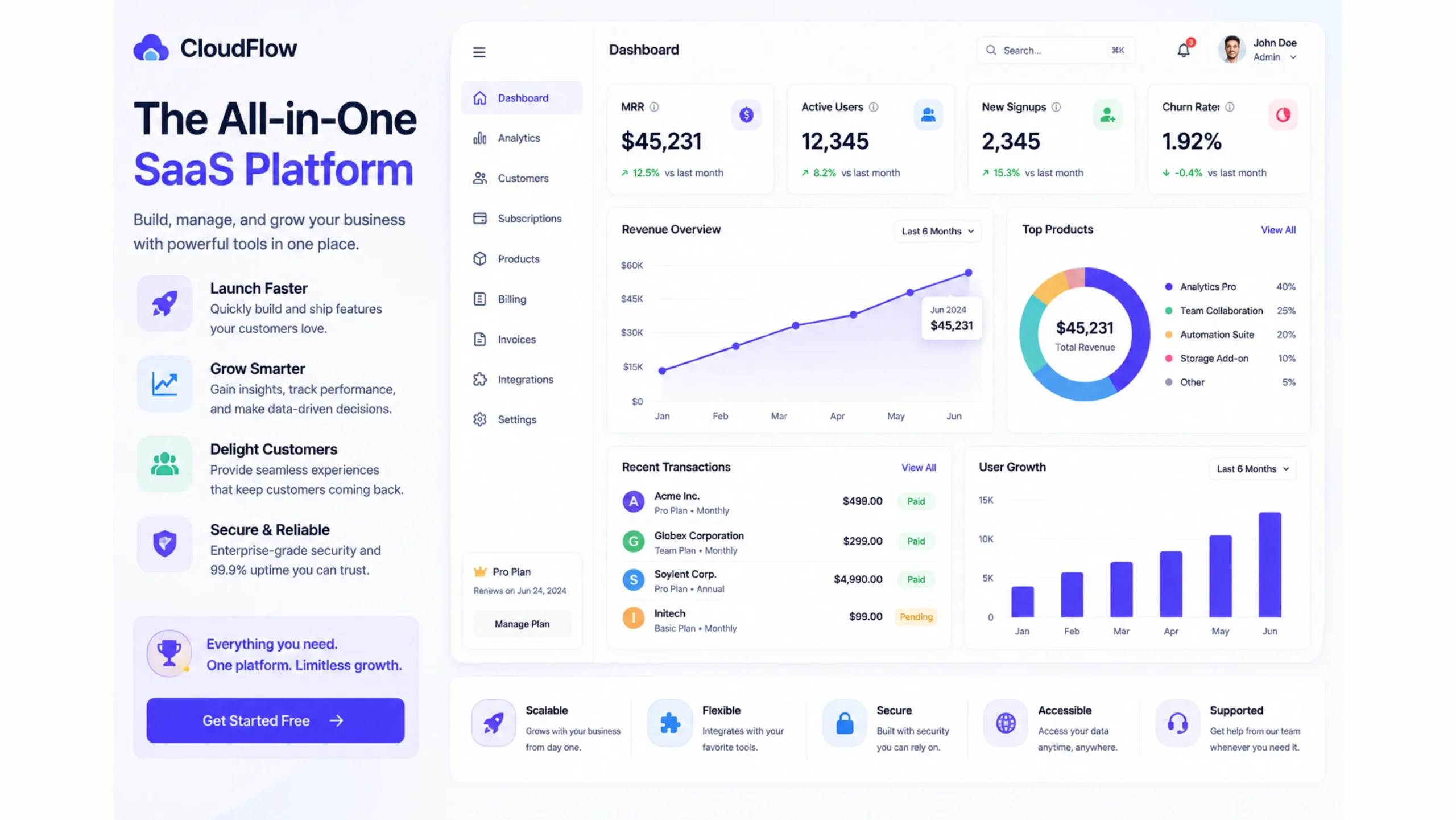
What Is SaaS?
SaaS stands for Software as a Service. It refers to software applications that are hosted online and delivered through a web browser or internet connection rather than being installed directly on a computer.
Think about the tools many people use every day—email platforms, project management software, video conferencing apps, customer relationship management systems, and design tools. Many of these operate as SaaS products.
Instead of buying software once and installing it from a disk or download file, users pay a recurring subscription fee and access the software whenever they need it.
For businesses, this model changed everything. Software became easier to deploy, easier to update, and much more accessible.
How SaaS Works
Here’s the thing: users don’t need to manage servers, updates, or infrastructure.
The SaaS provider hosts the application in the cloud and handles:
- Software maintenance
- Security updates
- Data storage
- Infrastructure management
- Performance monitoring
Users simply log in through a browser or mobile app.
It’s similar to streaming movies. You don’t purchase the physical DVD anymore. You subscribe to a service and access content whenever you want. SaaS follows a similar concept for software.
A Quick Look Back
Before SaaS became common, software was usually purchased as a one-time license.
Companies had to:
- Install software manually
- Purchase hardware
- Manage servers
- Apply updates themselves
- Handle technical maintenance
This process often required large budgets and dedicated IT teams.
Cloud computing changed that model.
As internet speeds improved and cloud platforms matured, SaaS became the preferred way to deliver software. Startups embraced it first, and large enterprises soon followed.
Today, SaaS powers thousands of products across nearly every industry.
What Makes SaaS Different?
Several characteristics distinguish SaaS from traditional software.
Cloud-Based Access
Users access applications online from almost any location with an internet connection.
Subscription Pricing
Most SaaS products charge monthly or annual fees instead of one-time purchases.
Automatic Updates
New features, security patches, and bug fixes are applied by the provider without requiring user intervention.
Multi-Tenant Architecture
A single infrastructure often serves many customers simultaneously while keeping data separated and secure.
Scalability
Organizations can usually add or remove users as their needs change.
Popular SaaS Examples
You probably use SaaS products more often than you realize.
Common examples include:
- Google Workspace
- Slack
- Zoom
- Salesforce
- HubSpot
- Dropbox
- Canva
- Notion
- Figma
- Shopify
Each of these applications delivers software through the cloud rather than traditional installations.
Why SaaS Became So Popular
The rise of SaaS wasn’t accidental.
It solved several long-standing business challenges.
Lower Upfront Costs
Businesses no longer need large software investments before getting started.
Subscription pricing spreads costs over time.
Faster Deployment
A new account can often be created and used within minutes.
No lengthy installation process.
Easier Collaboration
Teams can work from different locations while accessing the same system.
This became especially valuable as remote work gained popularity.
Reduced IT Burden
Organizations spend less time managing infrastructure and software maintenance.
Continuous Improvement
SaaS providers regularly release new features and improvements without disrupting users.
The Challenges of SaaS
No business model is perfect.
SaaS comes with a few challenges worth considering.
Ongoing Subscription Costs
Monthly fees can accumulate over time, especially across multiple tools.
Internet Dependency
Without a stable internet connection, access may be limited.
Data Privacy Concerns
Businesses often store sensitive information with third-party providers.
Selecting trusted vendors becomes important.
Vendor Lock-In
Migrating data from one platform to another can sometimes be difficult.
Still, many organizations find that the benefits outweigh these limitations.
Common SaaS Business Models
SaaS companies generate revenue through several pricing approaches.
Subscription Model
Customers pay recurring monthly or annual fees.
Freemium Model
Basic features are available for free, while advanced capabilities require payment.
Examples include many productivity and collaboration tools.
Tiered Pricing
Different plans serve different customer segments.
A startup might use a basic package while larger organizations choose enterprise plans.
Usage-Based Pricing
Customers pay according to usage levels.
Cloud infrastructure providers often use this approach.
SaaS Metrics That Matter
SaaS businesses closely monitor performance metrics.
Some of the most important include:
Monthly Recurring Revenue (MRR)
Measures predictable monthly income from subscriptions.
Annual Recurring Revenue (ARR)
Represents recurring revenue on an annual basis.
Customer Acquisition Cost (CAC)
Tracks how much it costs to acquire a new customer.
Lifetime Value (LTV)
Measures total expected revenue from a customer relationship.
Churn Rate
Shows how many customers stop using the service over time.
Net Revenue Retention (NRR)
Measures revenue growth from existing customers after upgrades, downgrades, and cancellations.
These numbers help SaaS companies understand growth and profitability.
SaaS vs Traditional Software
The differences are significant.
| SaaS | Traditional Software |
|---|---|
| Cloud-based access | Local installation |
| Subscription pricing | One-time purchase |
| Automatic updates | Manual updates |
| Accessible from multiple devices | Often tied to one device |
| Provider manages infrastructure | Customer manages infrastructure |
Many organizations have gradually shifted toward SaaS because of flexibility and convenience.
The Future of SaaS
SaaS continues to evolve.
Artificial intelligence is becoming deeply integrated into software products. Personalized experiences, automation, predictive analytics, and intelligent assistants are appearing across many platforms.
Low-code and no-code development tools are also expanding access to software creation.
As cloud adoption grows, SaaS will likely remain one of the dominant software delivery models for years to come.
Final Thoughts
SaaS has fundamentally changed how software is built, delivered, and consumed.
Instead of purchasing software and maintaining complex infrastructure, businesses can subscribe to cloud-based applications and start working almost immediately.
From startups and freelancers to global enterprises, SaaS offers flexibility, convenience, and continuous innovation. That’s a big reason why it has become one of the most successful technology business models of the modern era.
Frequently Asked Questions (FAQs)
1. What does SaaS stand for?
SaaS stands for Software as a Service, a cloud-based software delivery model accessed through the internet.
2. How does SaaS work?
SaaS applications are hosted by providers and accessed through web browsers or apps. Users typically pay a recurring subscription fee.
3. What are examples of SaaS products?
Popular SaaS products include Google Workspace, Slack, Zoom, Shopify, HubSpot, Notion, Canva, and Figma.
4. What are the benefits of SaaS?
Benefits include lower upfront costs, automatic updates, remote accessibility, easier collaboration, and reduced IT management.
5. Is SaaS different from cloud computing?
Yes. Cloud computing is the broader technology infrastructure, while SaaS is a software delivery model built on cloud technology.
6. Why is SaaS important for businesses?
SaaS helps businesses access powerful software quickly, reduce operational overhead, improve collaboration, and scale more efficiently.