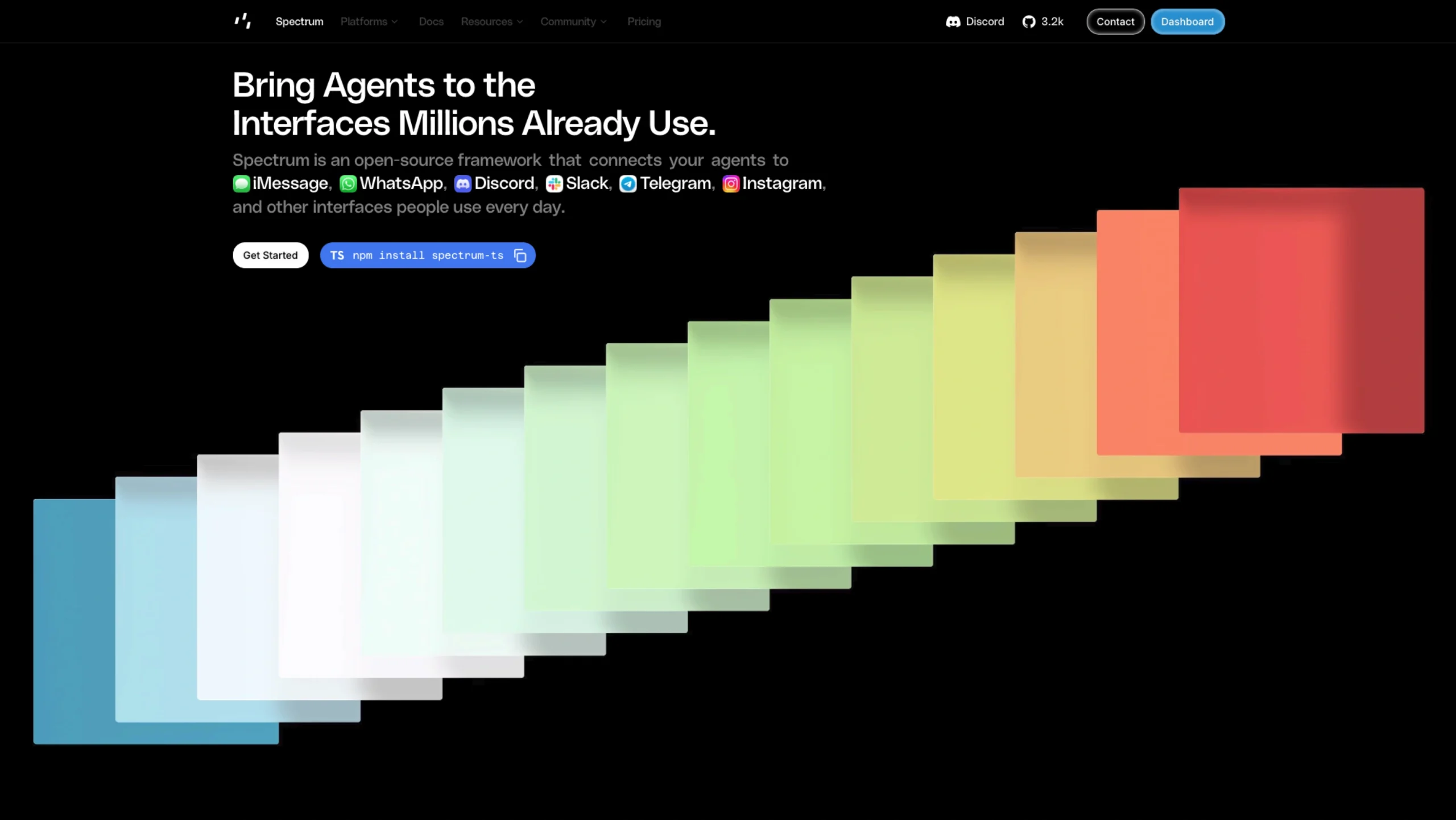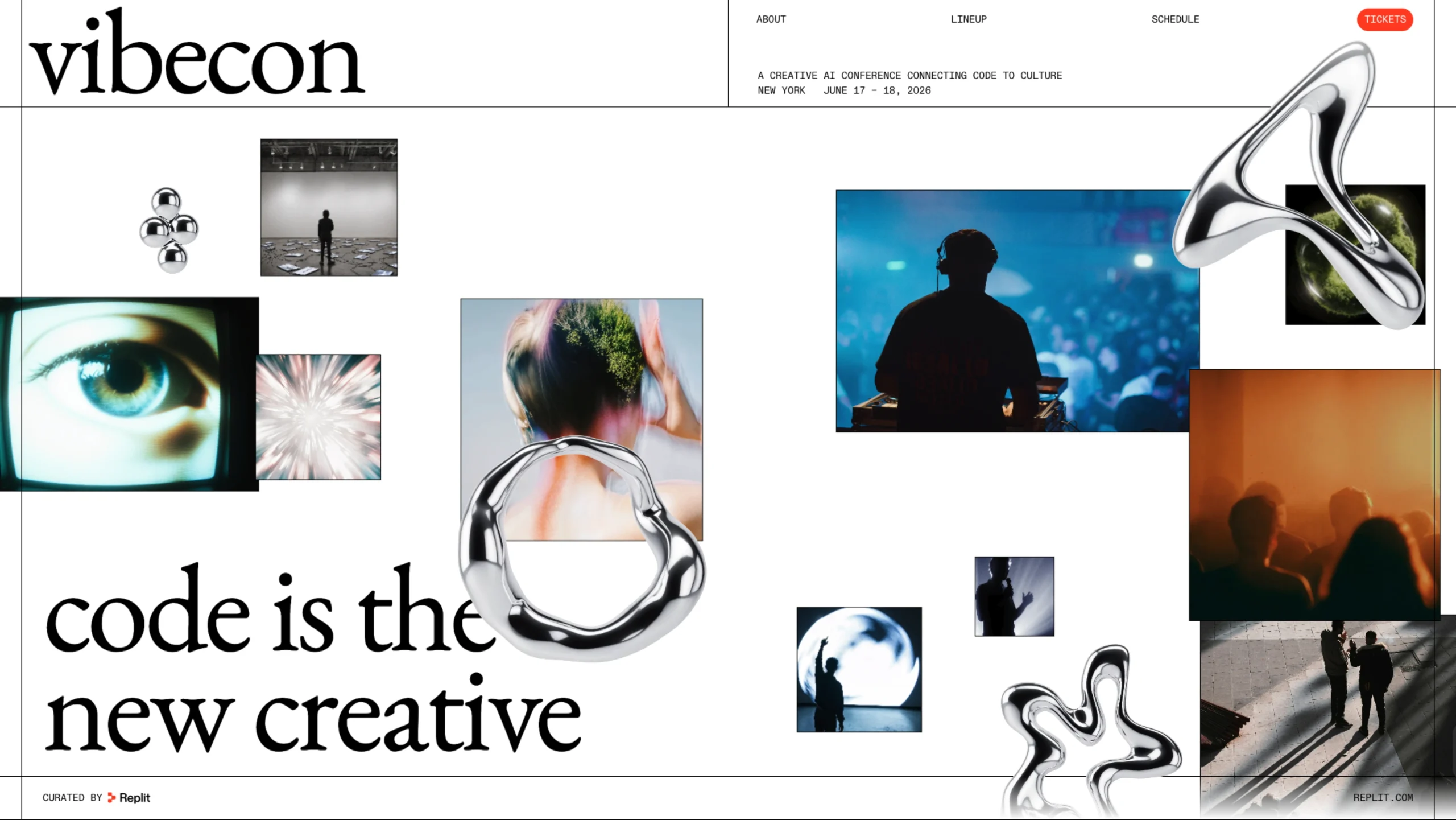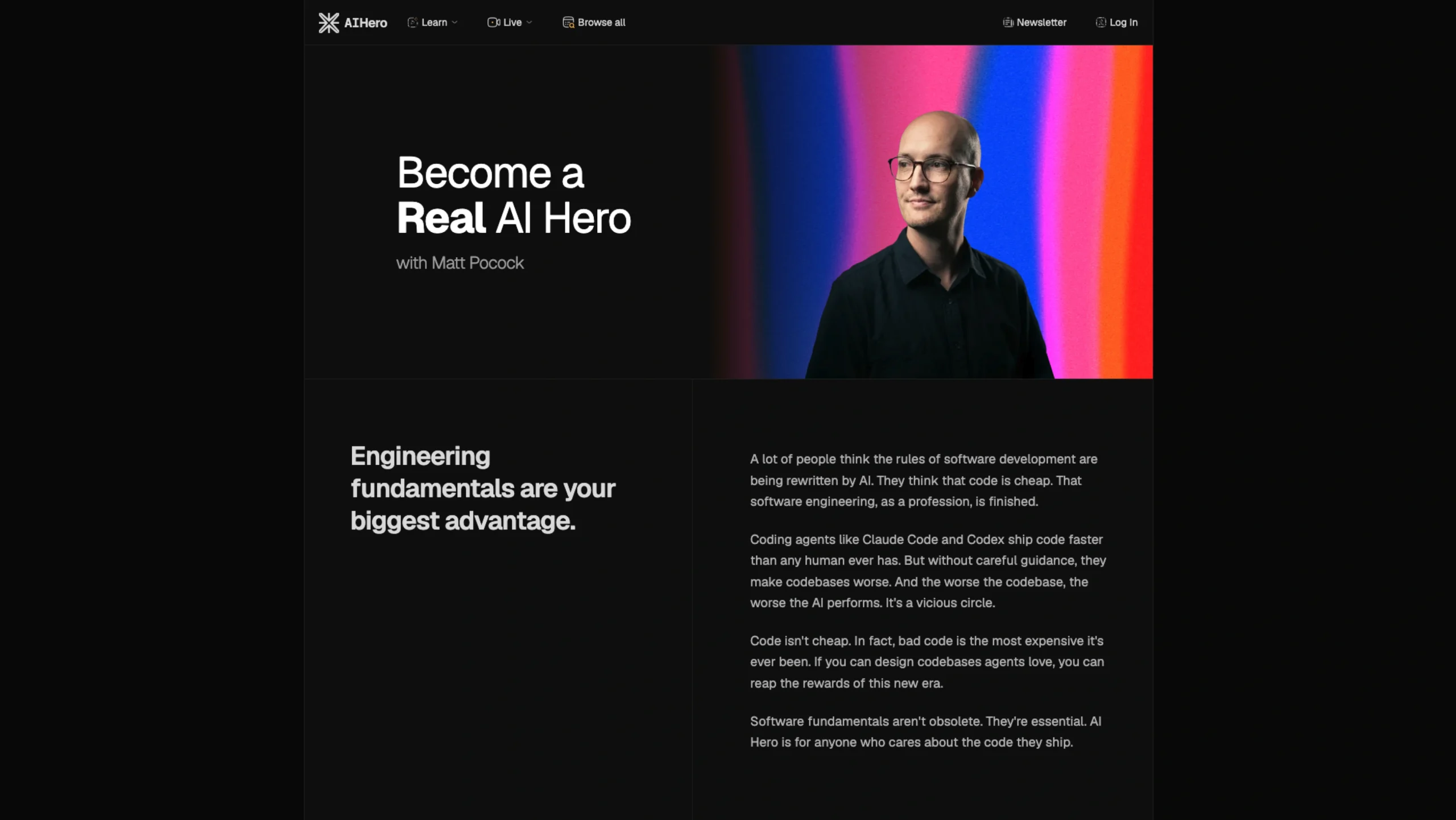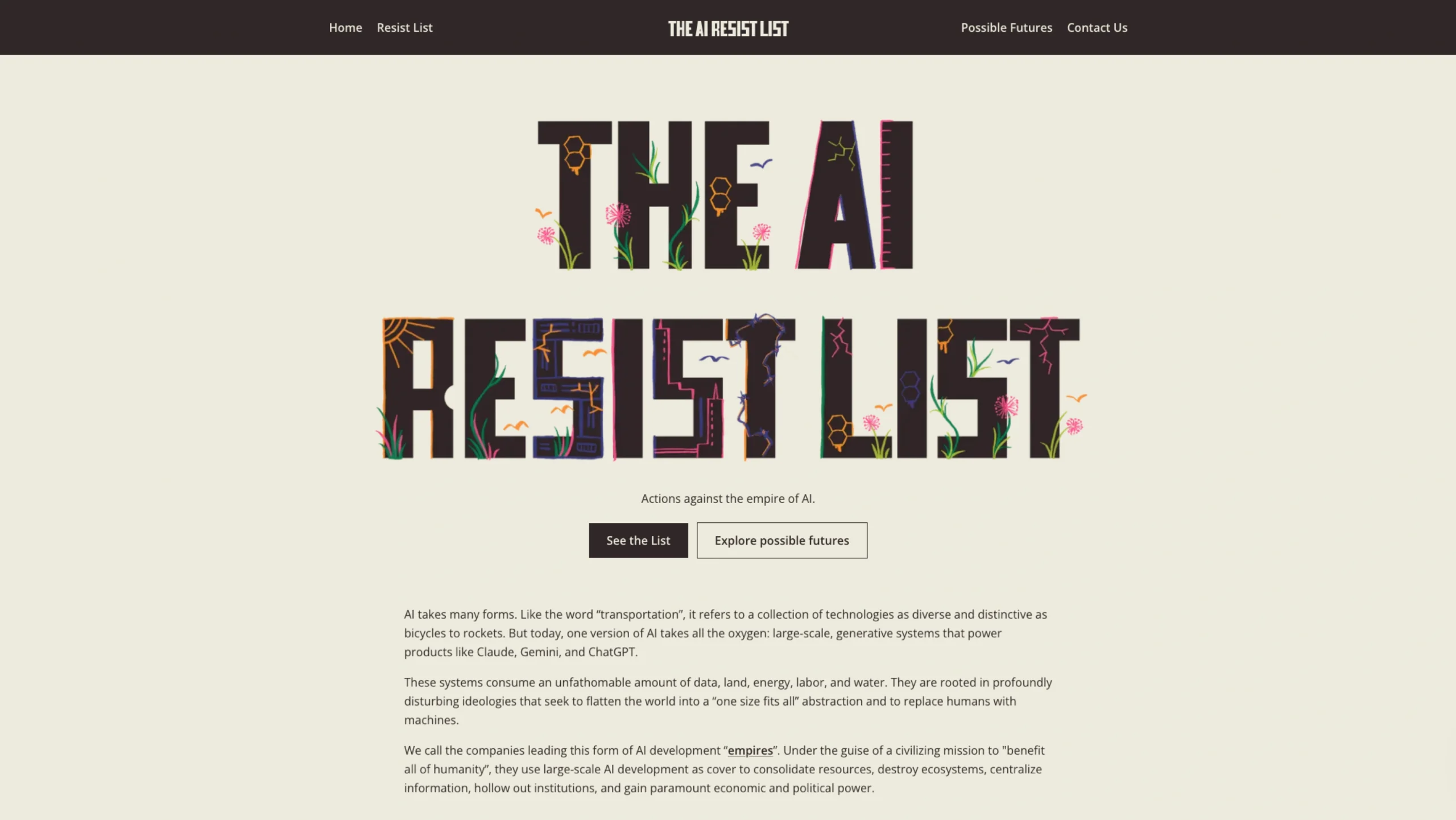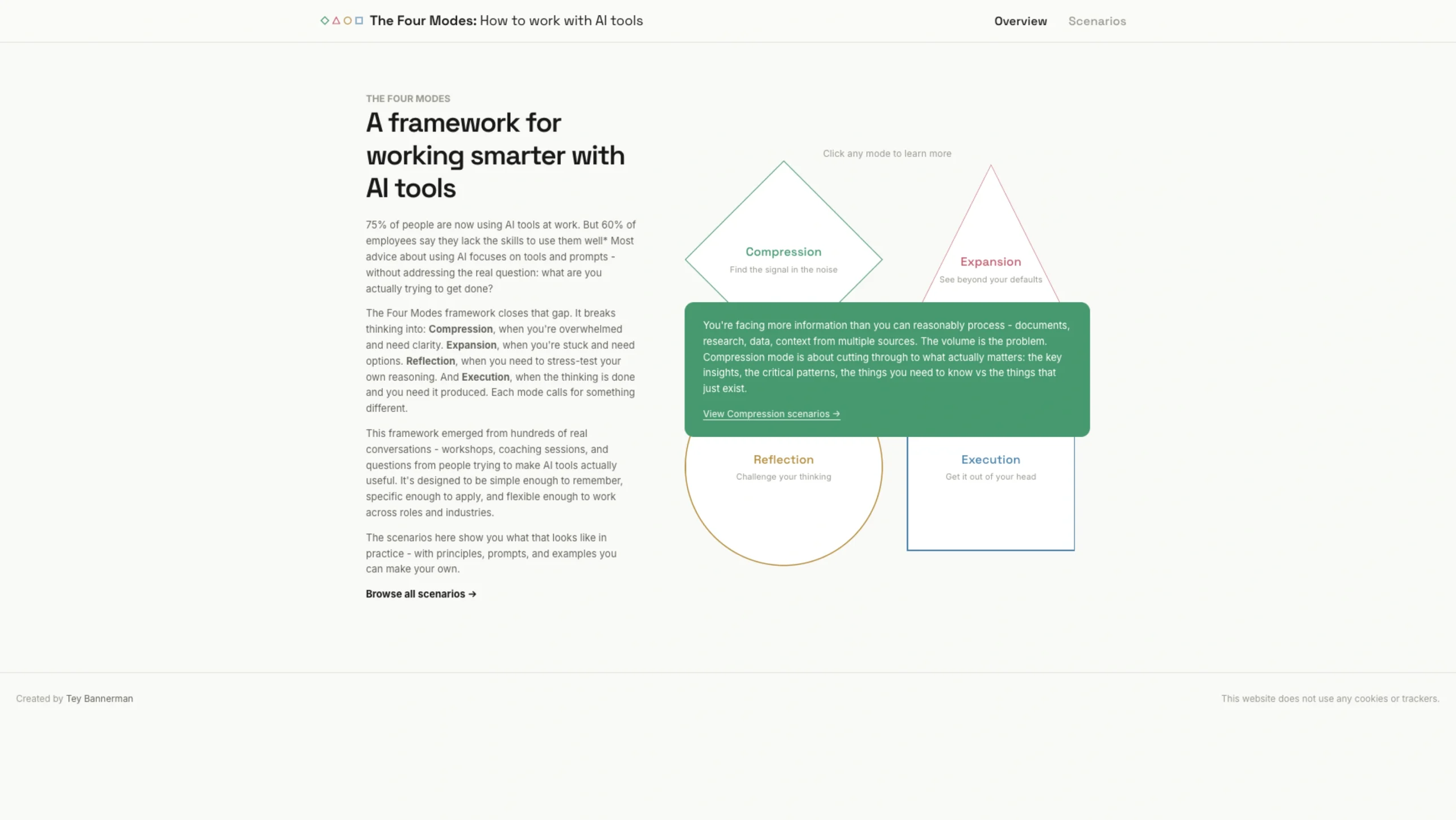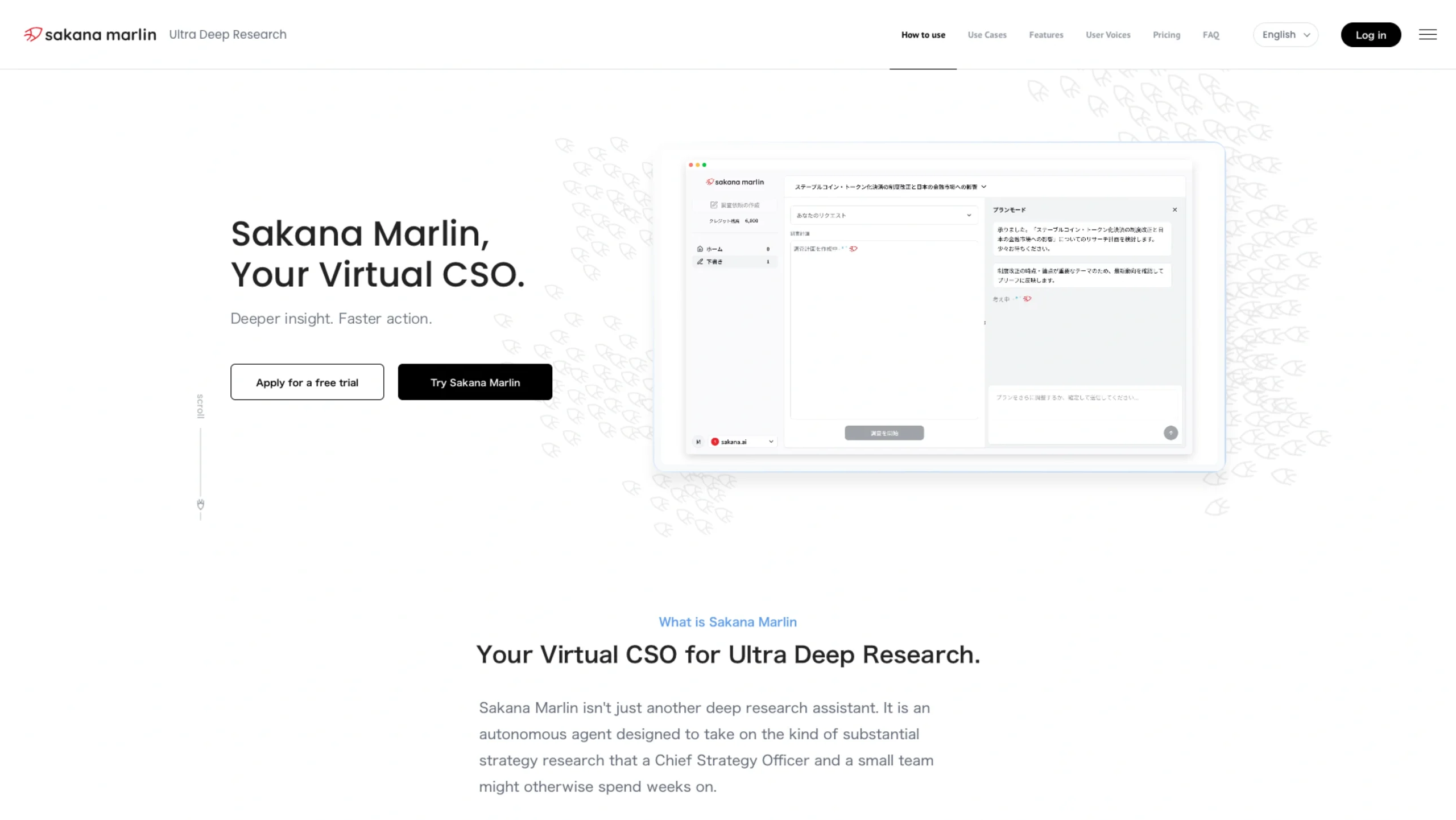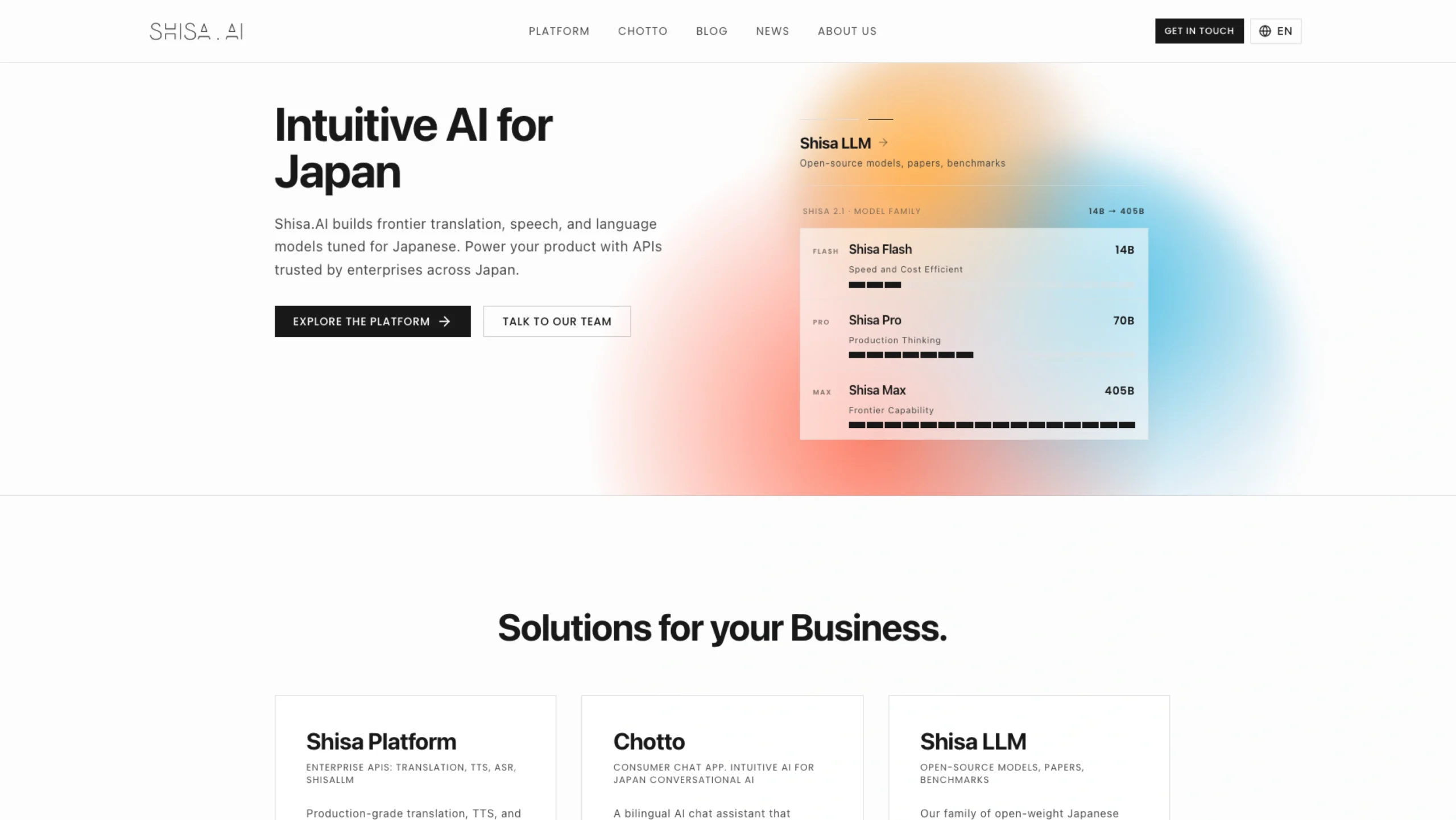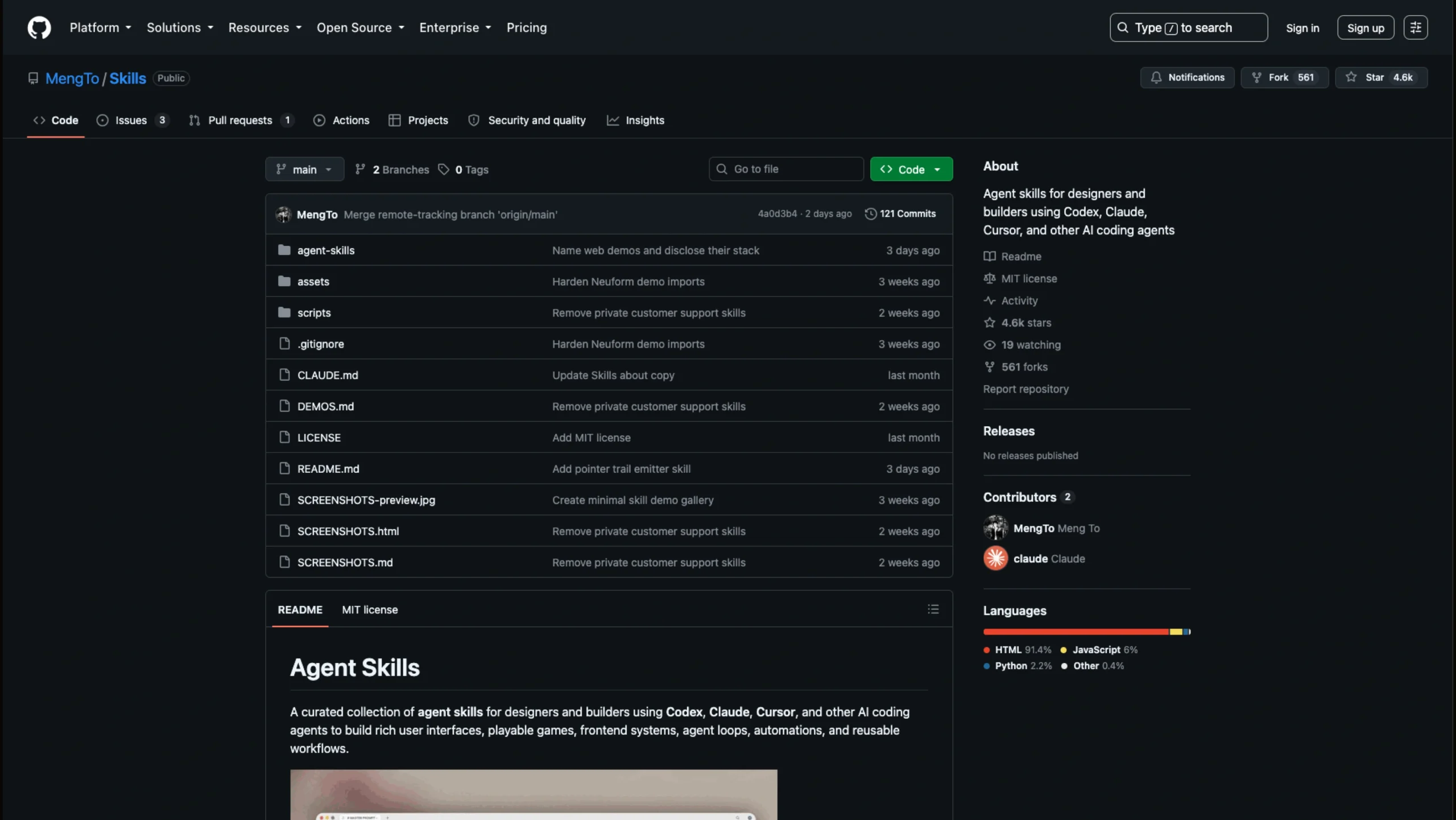
Agent Skills is an open-source collection of reusable skills and workflows for AI coding agents such as Codex, Claude, and Cursor.
It includes practical resources for UI design, web development, animations, WebGL, games, automation, and frontend workflows.

A curated collection of reusable agent skills for designers and builders working with Codex, Claude, Cursor, and other AI coding agents. Use them to create rich interfaces, playable games, frontend systems, automations, and repeatable development workflows.
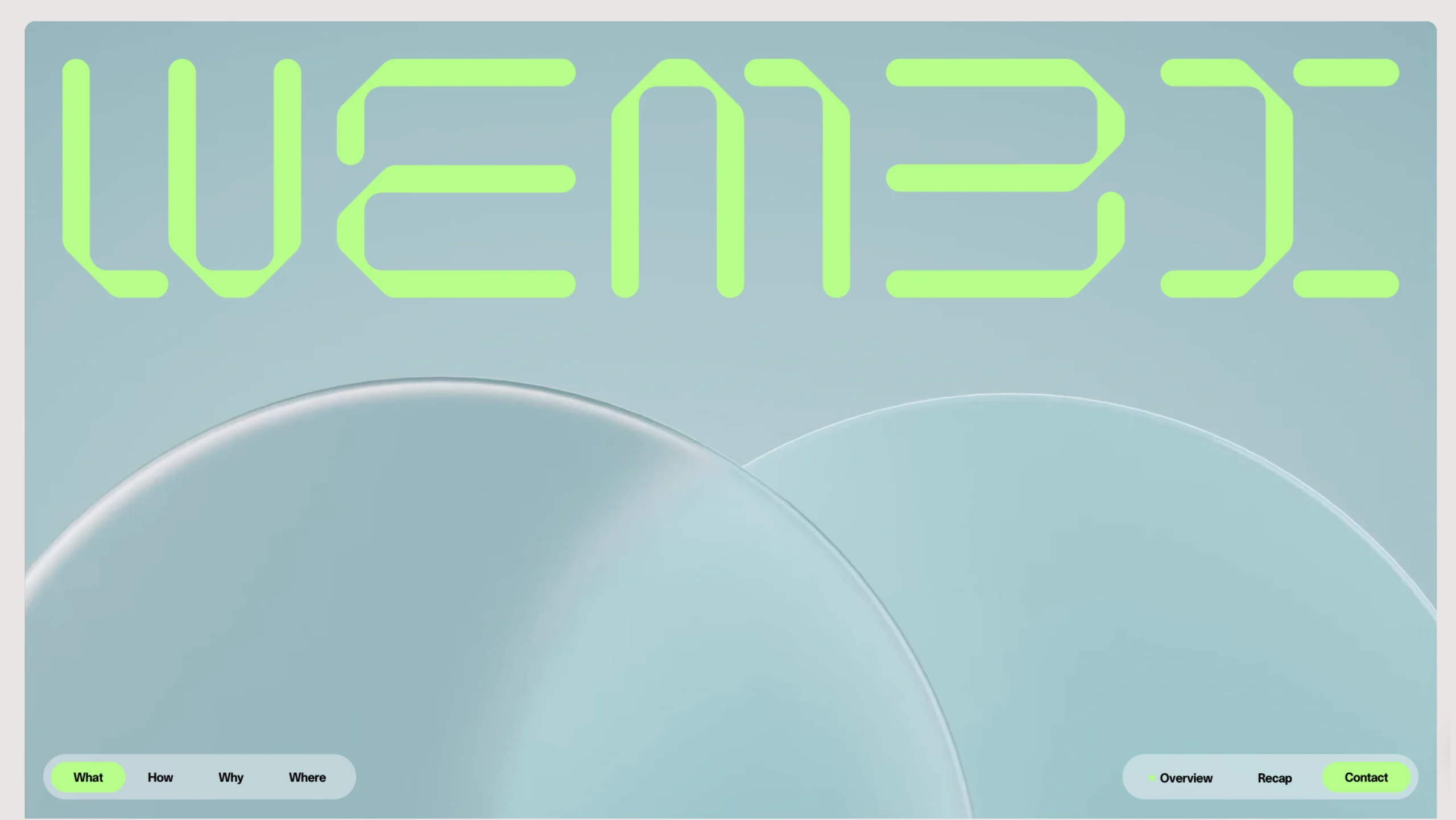
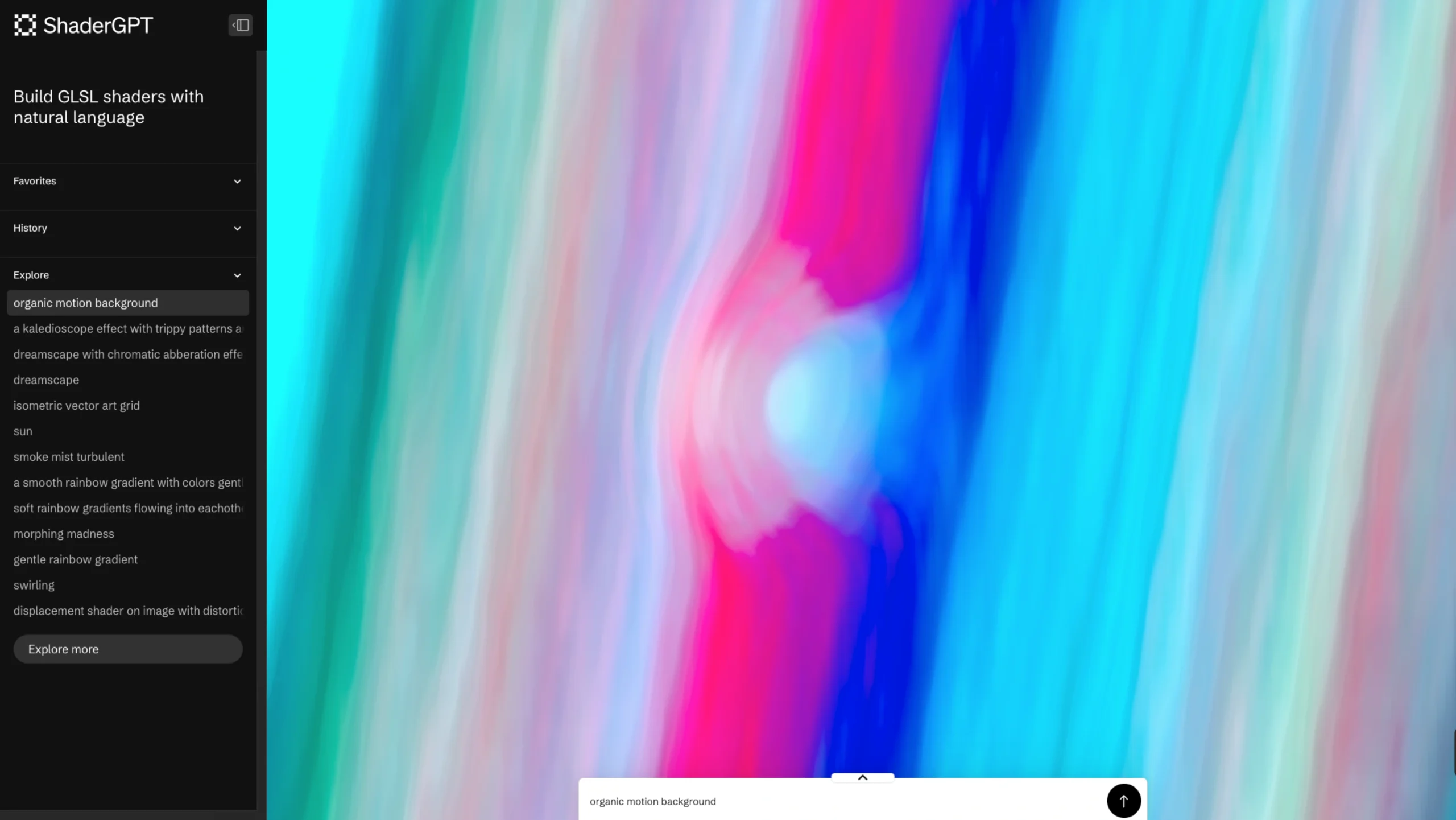
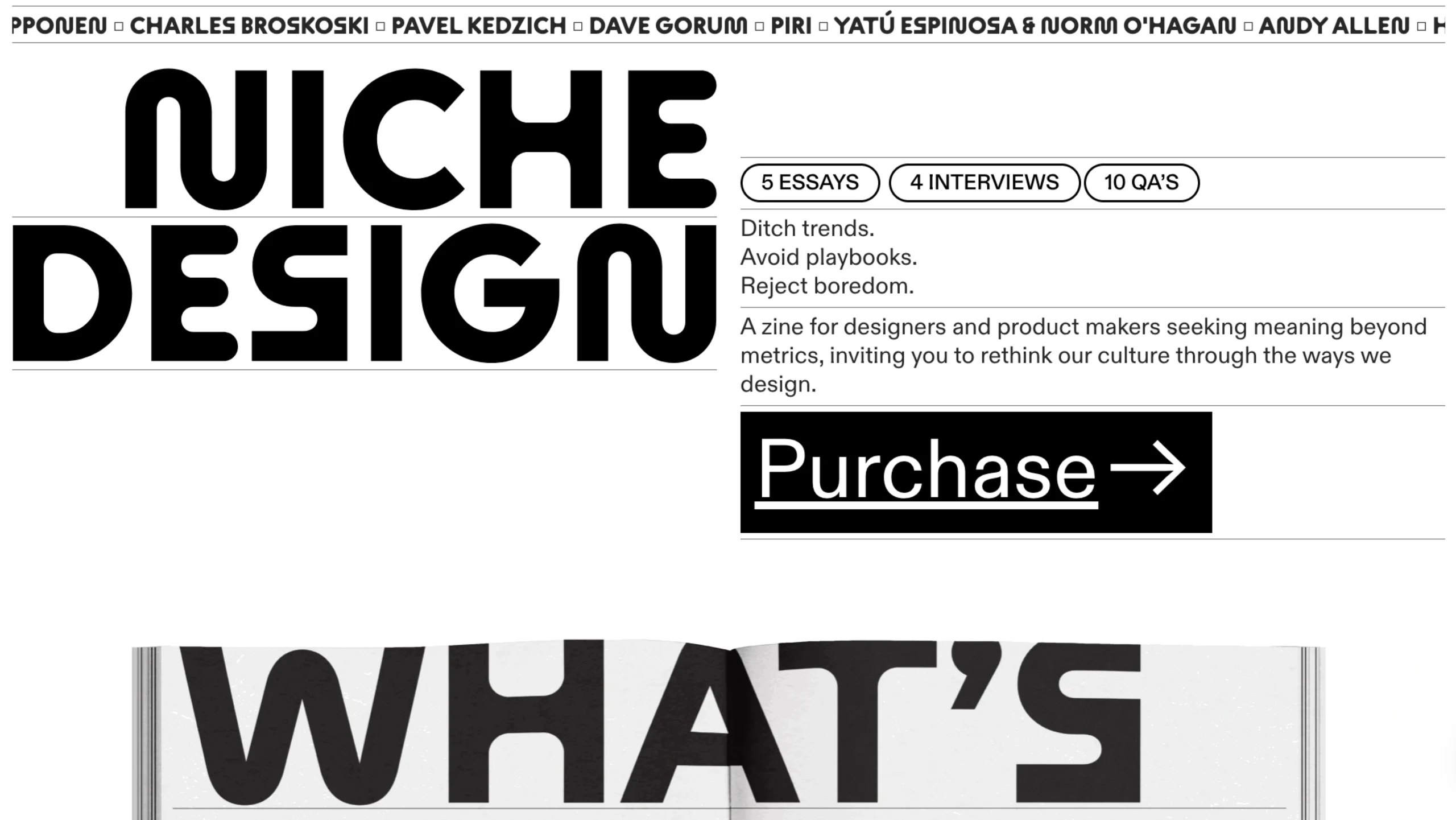
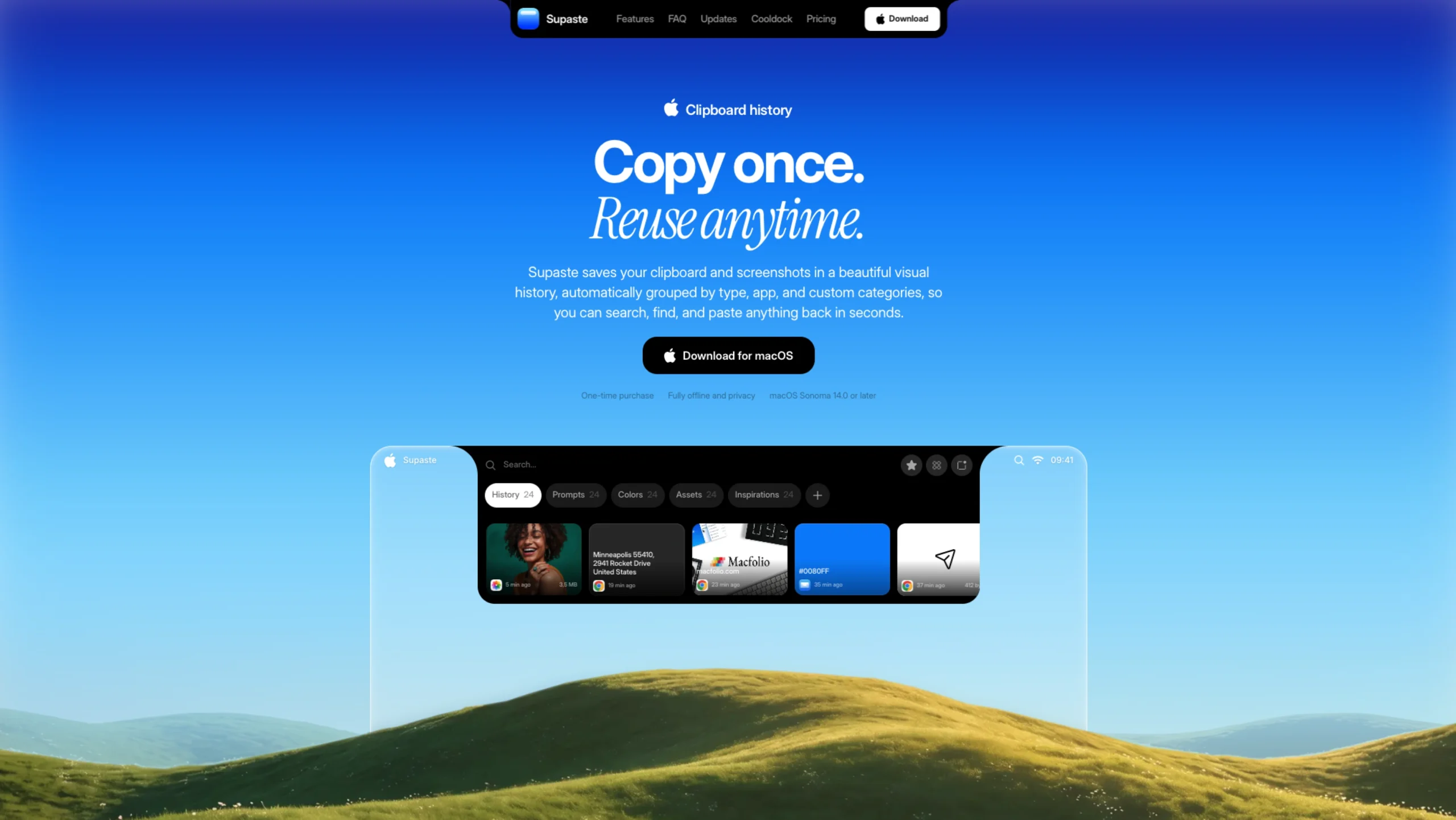
These skills help turn design references, screenshots, videos, and existing websites into detailed prompts and implementation workflows. They can be used with tools like Codex, Claude Design, Aura Build, Lovable, and other AI-powered development tools.
Featured Web Design Skills
Start with these practical workflows:
- Video to Super Prompt — Turn a screen recording of a website, animation, or design into a detailed prompt that an AI coding agent can use to recreate it.
- HTML to Interaction Prompts — Analyze an existing HTML page and create reusable prompts for individual sections, animations, buttons, hover states, and WebGL effects.
- Stitched Full-Page Capture — Capture an entire webpage instead of just the hero section, giving your agent a complete visual reference for layout, hierarchy, and page flow.
- Daily UI Inspiration — Browse, capture, study, and turn great UI examples into detailed prompt packs that can be reused in future projects.
What Are Agent Skills?
Each skill is a portable folder built around a concise SKILL.md file, with optional references, scripts, assets, and supporting documentation.
Think of them as instruction manuals for AI agents.
Instead of explaining the same process every time you start a project, you can save the workflow as a reusable skill and let your agent follow it whenever needed.
The goal is simple:
Turn good prompts, design workflows, implementation patterns, and debugging practices into reusable assets.
Skills are designed to be portable, so they can work across different projects, repositories, and workspaces unless you provide additional project-specific instructions.
What You Can Use Them For
Agent skills are useful when you need:
- Repeatable design workflows
- Reusable prompts and prompt libraries
- Frontend implementation guidance
- Game architecture and gameplay QA
- Procedural development steps
- Copy-and-paste code snippets
- Common pitfalls and guardrails
- Design references and style systems
- Reusable workflows instead of one-off AI conversations
Working With Different AI Agents
The format is intentionally simple: Markdown files organized into folders.
Codex
Load the relevant SKILL.md before starting the task. Keep project-specific behavior in AGENTS.md and follow the repository’s browser and development instructions.
Claude Code
Reference the relevant skill from CLAUDE.md, add it to your Claude skills setup, or open the SKILL.md directly as working context.
Cursor
Point the cursor rules or your chat context toward the relevant skill folder. Keep reusable prompts, snippets, constraints, and defaults easy to access.
Other AI Agents
The same approach works with other coding agents: find the closest matching skill, read it first, and then follow its instructions and references.
The Philosophy Behind Agent Skills
1. Prompts Are Assets
If a prompt works well once, don’t throw it away.
Save it, improve it, version it, and build a library around it.
Good prompts should become reusable tools.
2. Specs Beat Vibes
AI produces better and more consistent results when you give it clear constraints.
Focus on:
- Clear requirements
- Clear visual hierarchy
- Specific constraints
- Small, focused iterations
- Changing one or two things at a time
3. References Beat Long Descriptions
A good screenshot or working example can communicate more than a long paragraph.
Visual references can quickly show:
- Typography
- Spacing
- Colors
- Layout
- Visual rhythm
- Interaction patterns
- Icon styles
When possible, show the agent what you mean instead of only describing it.
4. Skills Are Operating Procedures
A good skill doesn’t just tell an agent what to build.
It tells the agent:
- When to use the skill
- What to do first
- Which defaults to follow
- What information to look for
- How to approach the task
- What mistakes to avoid
That’s what makes a skill different from a simple prompt.
The idea is to turn your best way of working into a repeatable process that an AI agent can follow.