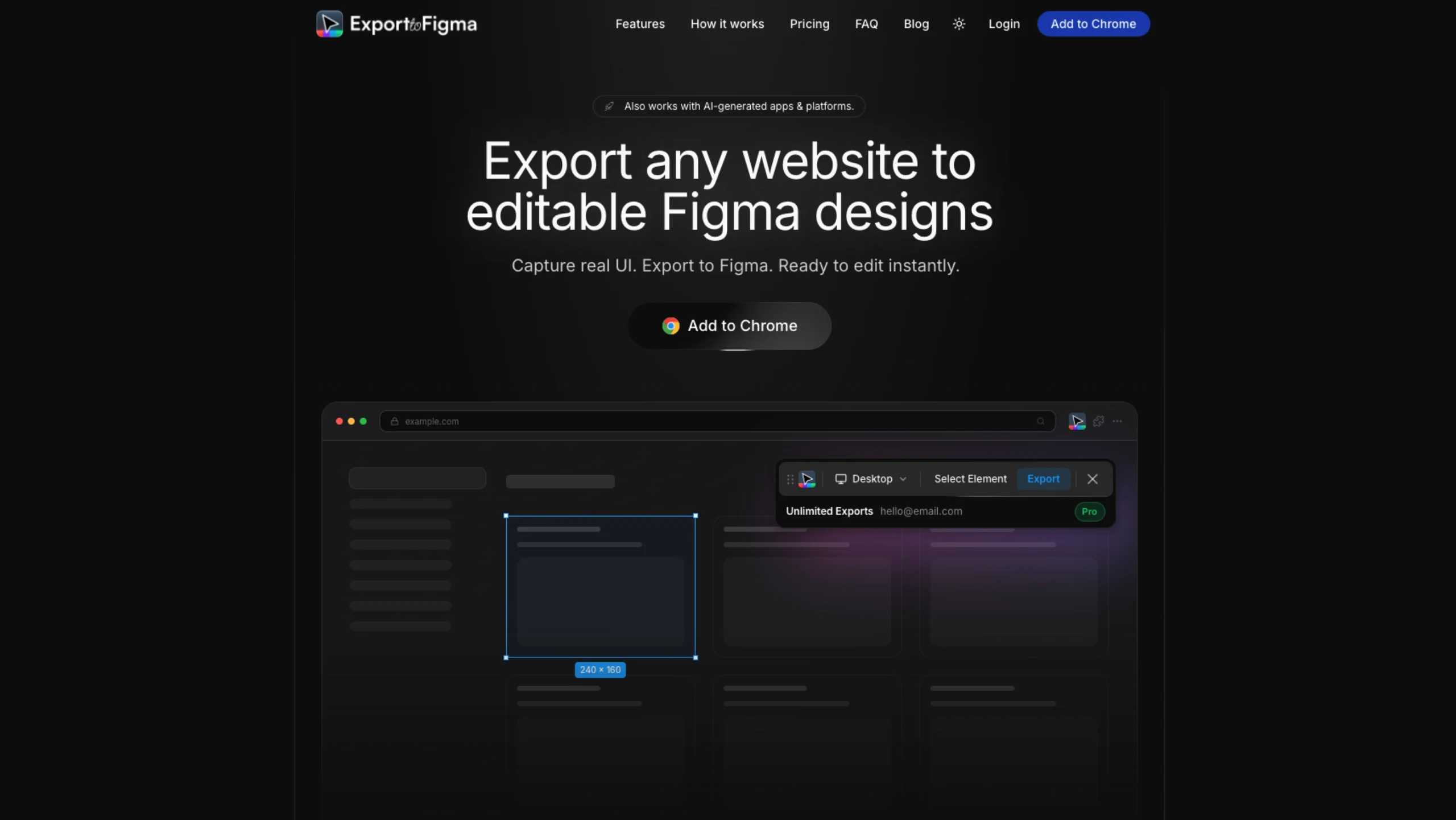
Export to Figma is a modern design utility engineered to strip the friction out of the web-to-design transition.
Instead of relying on flat, un-editable screenshots or wasting hours manually reconstructing an interface’s typography, grids, and padding from scratch, the tool converts live HTML/CSS code straight into native Figma layers.
For UI/UX designers, creative curators, and engineering teams, it provides an immediate production bridge from browser viewports to the design canvas.
The Chrome Extension-to-Figma Pipeline
The software is built directly into the browser workflow, prioritizing a lightning-fast, simple user journey:
- Targeted Capture Mechanics: Users can choose to snap an entire, full-length landing page or utilize a precision inspector to capture specific layout containers and UI elements.
- Clipboard-Driven Transfer: The tool leverages a smooth copy-and-paste interaction model. After executing a capture, you simply jump into a Figma file and hit
Cmd + V(orCtrl + V) to populate the live vectors. - Automated Token Mapping: Rather than turning elements into messy, disconnected paths, the conversion engine preserves native fonts, hex codes, exact spacing parameters, and bounding boxes.