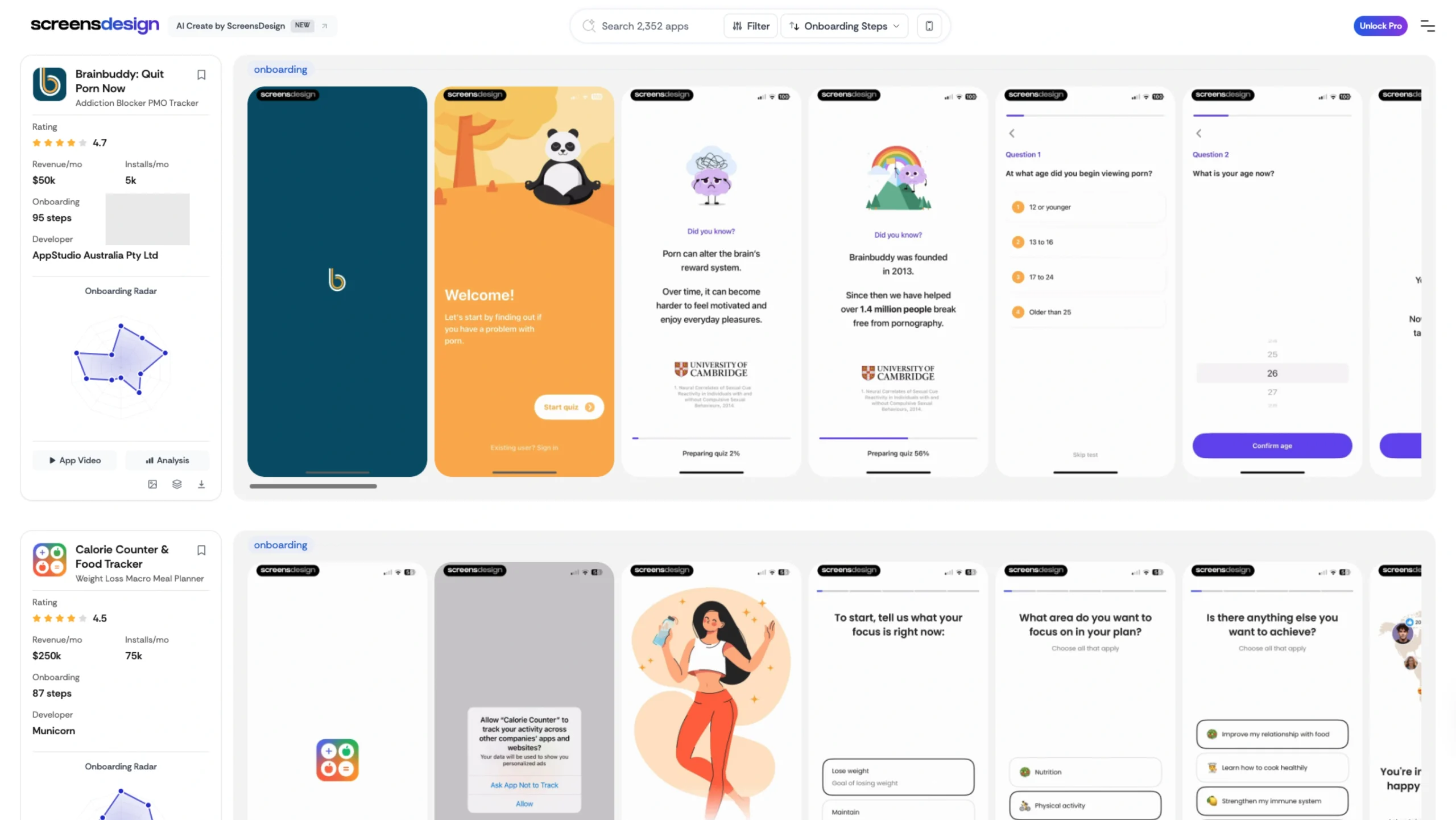
Explore how top iOS apps onboard and sell.
Explore 2450+ iOS apps with full videos, paywalls, onboarding flows, store screens, revenue signals, and practical filters.
While a UI/UX designer focuses on how an app works, Screens Design focuses on how an app is perceived by potential users in the Apple App Store and Google Play Store.
They provide professional, high-conversion screenshot templates and custom design services that turn raw app screens into a compelling marketing narrative.
Key Features for UI/UX & Product Designers
- Device Mockup Precision: Their templates utilize the latest device frames (iPhone 15/16 Pro, Pixel 9, etc.), ensuring that the screenshots look “native” and premium.
- Strategic Layout Patterns: They offer various layout styles that are proven to increase “Click-Through Rates” (CTR), including:
- Panoramic Spans: Where a single continuous background image flows across two or more screenshots.
- Social Proof Integration: Templates specifically designed to highlight user reviews, awards, or “Featured By Apple” badges.
- Feature Callouts: High-contrast text overlays that explain complex features in simple, scannable “benefit” statements.
- Psychological Color Mapping: Their designs often use high-saturation gradients and bold backgrounds that pop against the standard white or dark modes of the App Store interface.
- Localization Ready: The templates are built to be easily duplicated and translated, making it simple for global brands to maintain a consistent look across dozens of different languages and regions.