


Free Framer Templates, Plugins, and Resources for Designers
Carefully curated Free Framer templates, plugins, and tutorials that help designers go from idea to live website—without code or complexity.
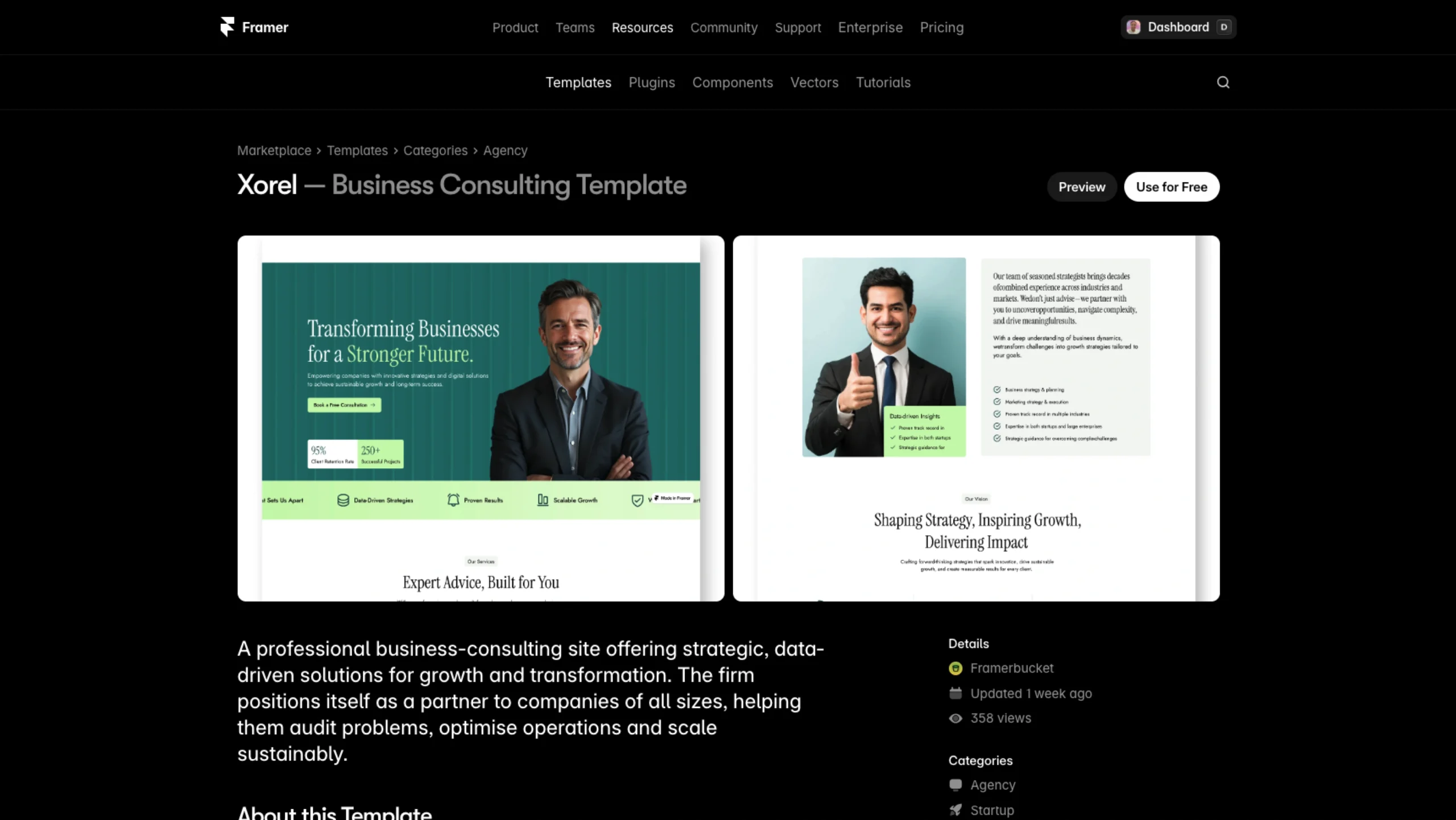
Xorel – Business Consulting Framer Template
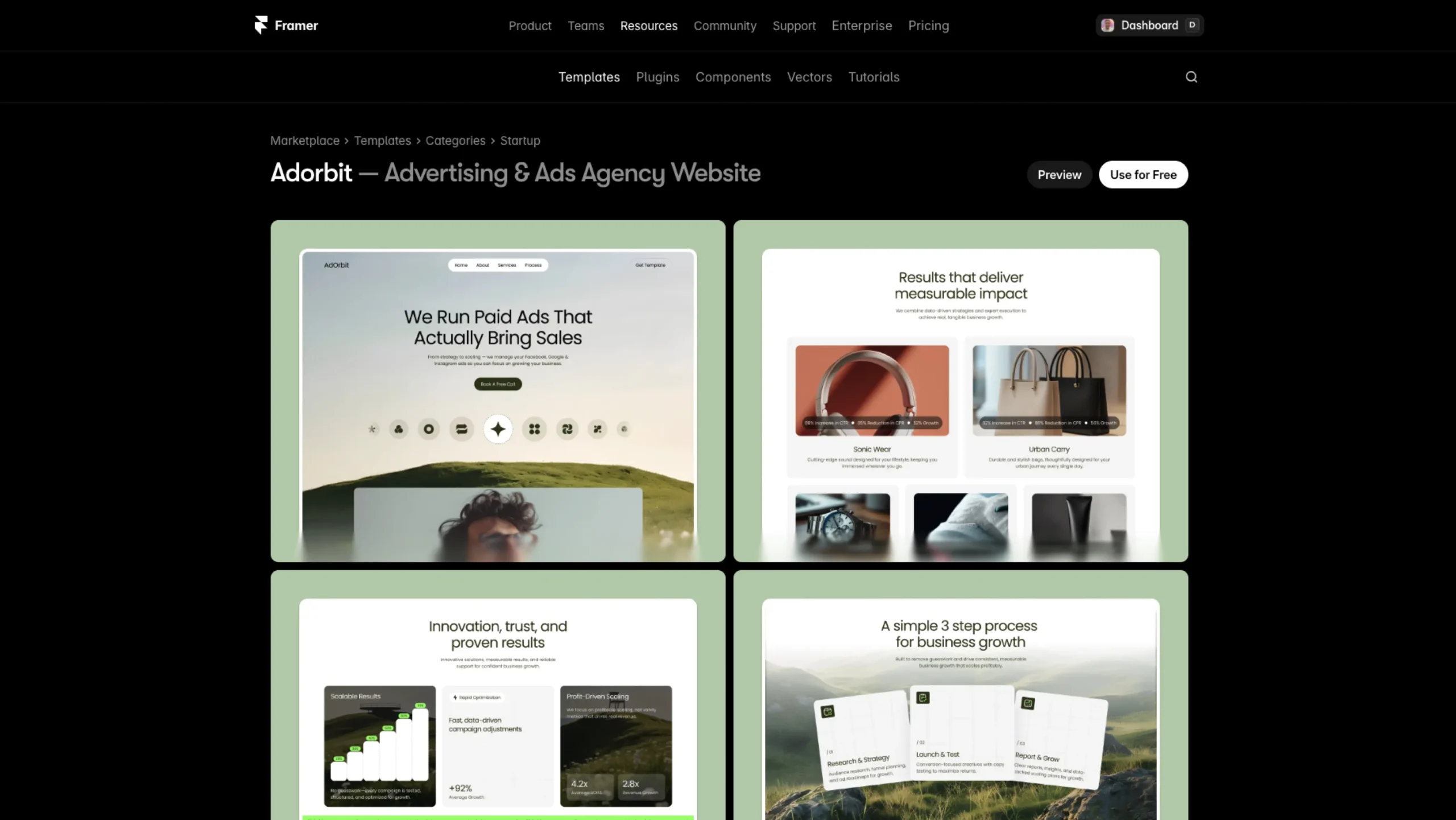
Adorbit – Free Framer Template
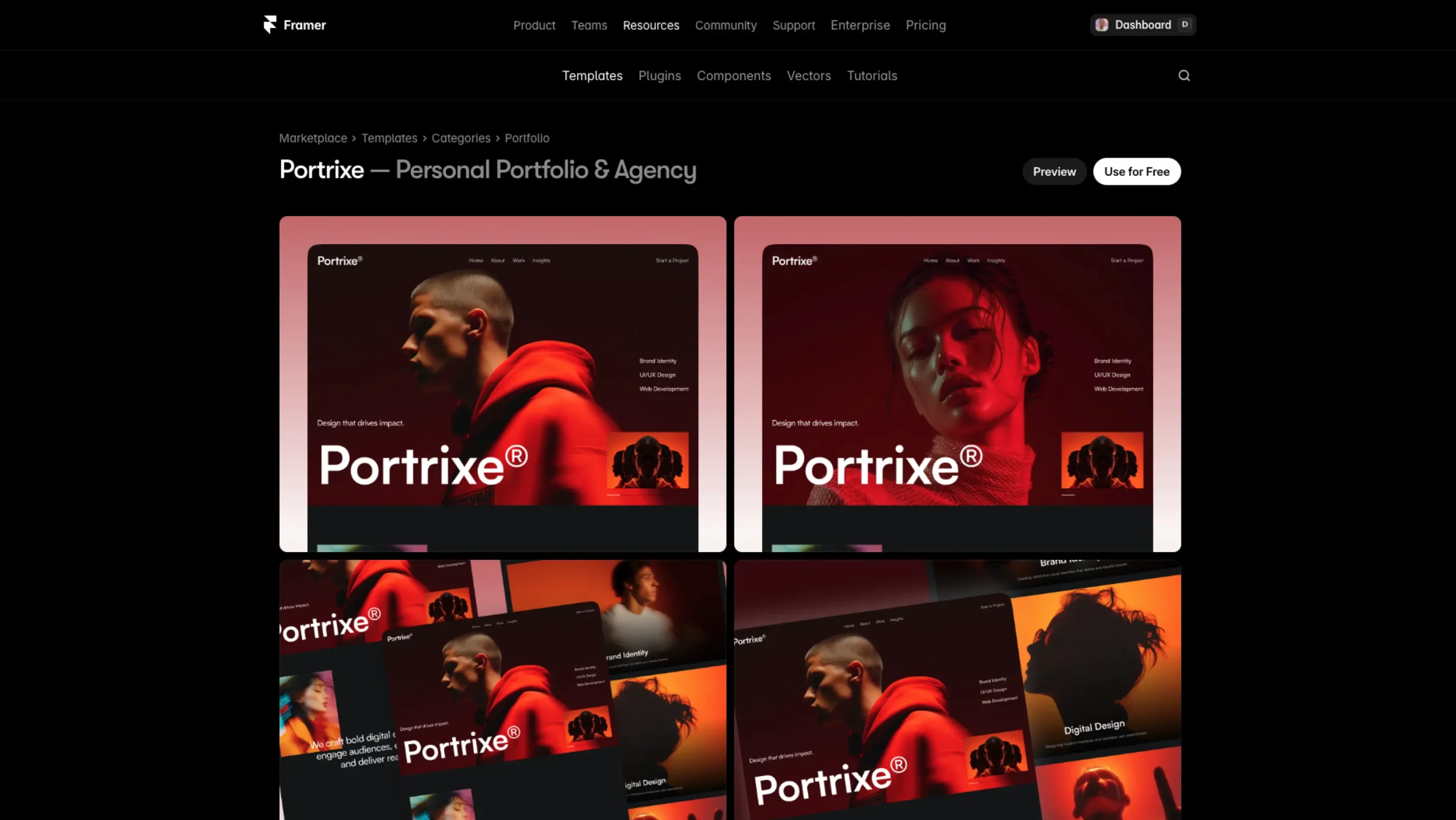
Portrixe – Framer Portfolio & Agency Template
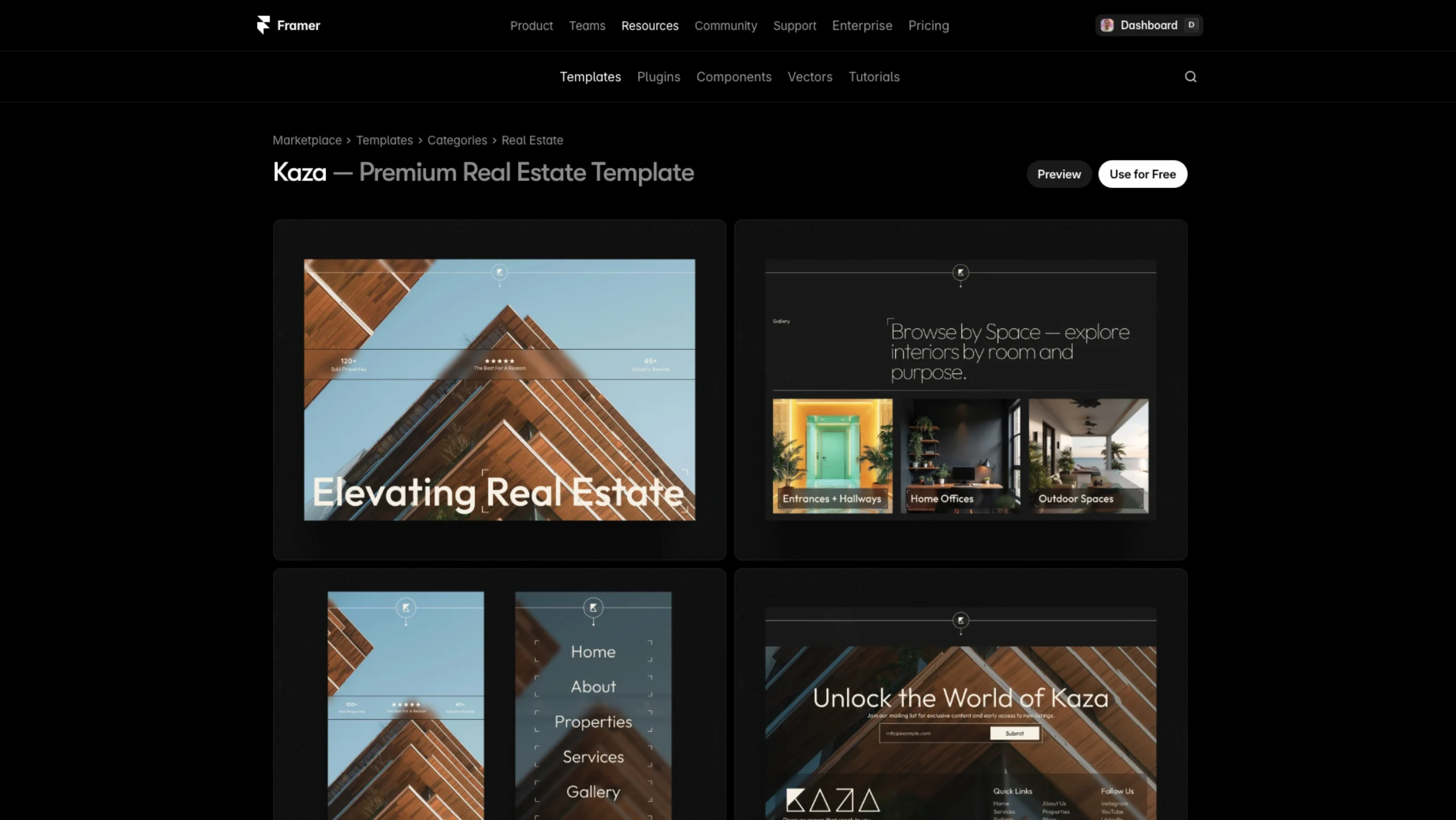
Kaza – Free Framer Template
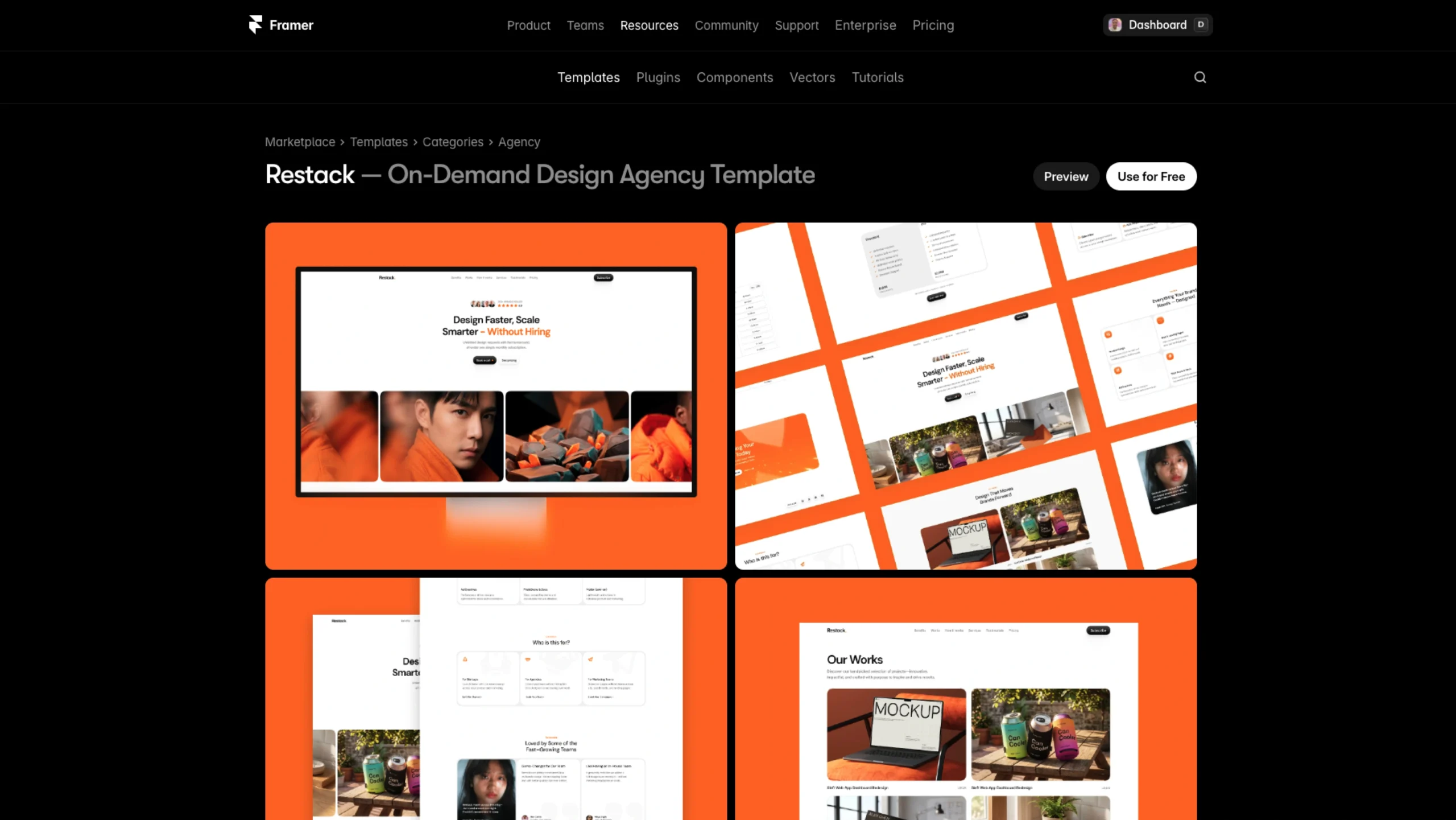
Restack – Free Framer Template
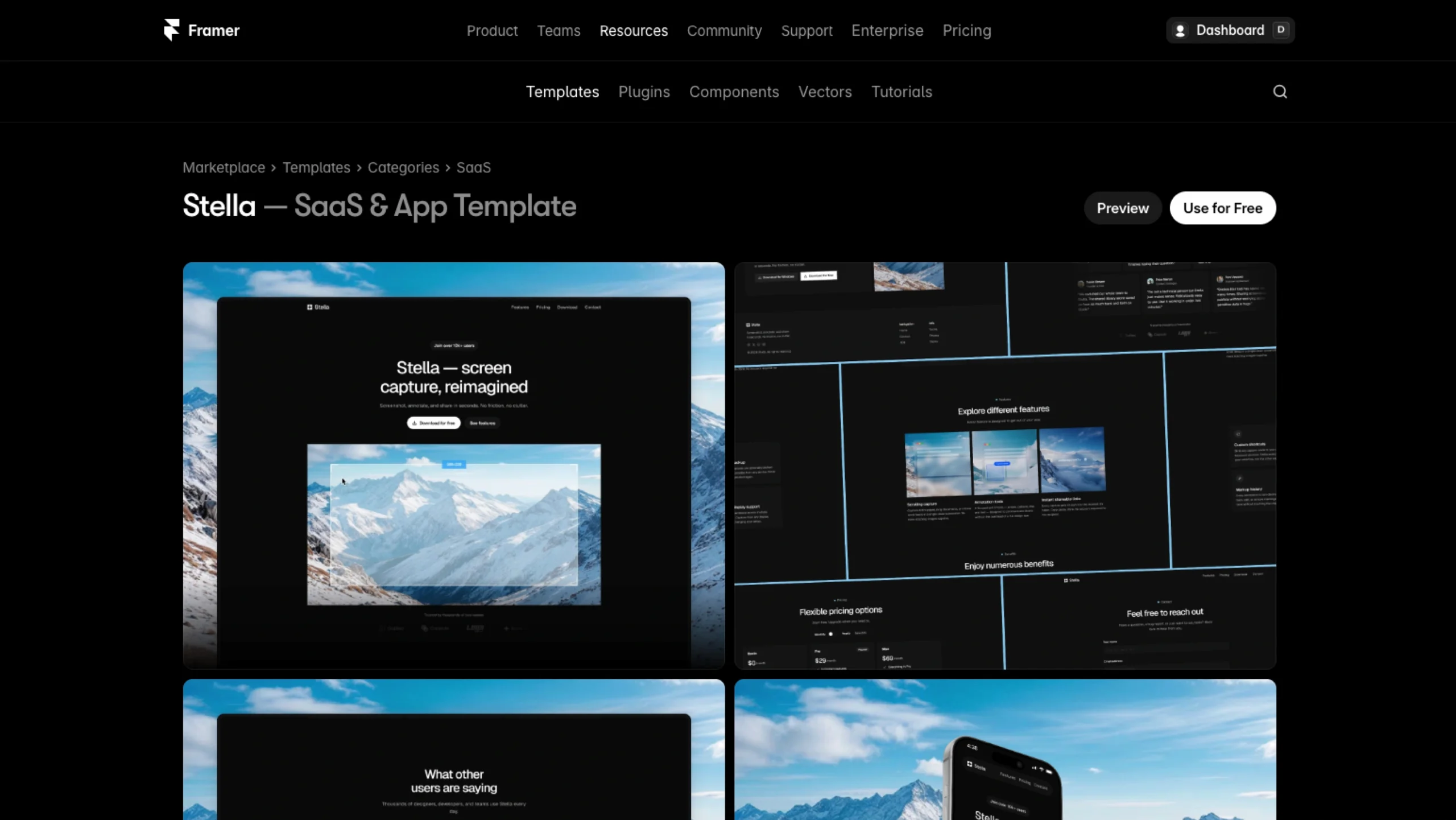
Stella – Free Framer Template
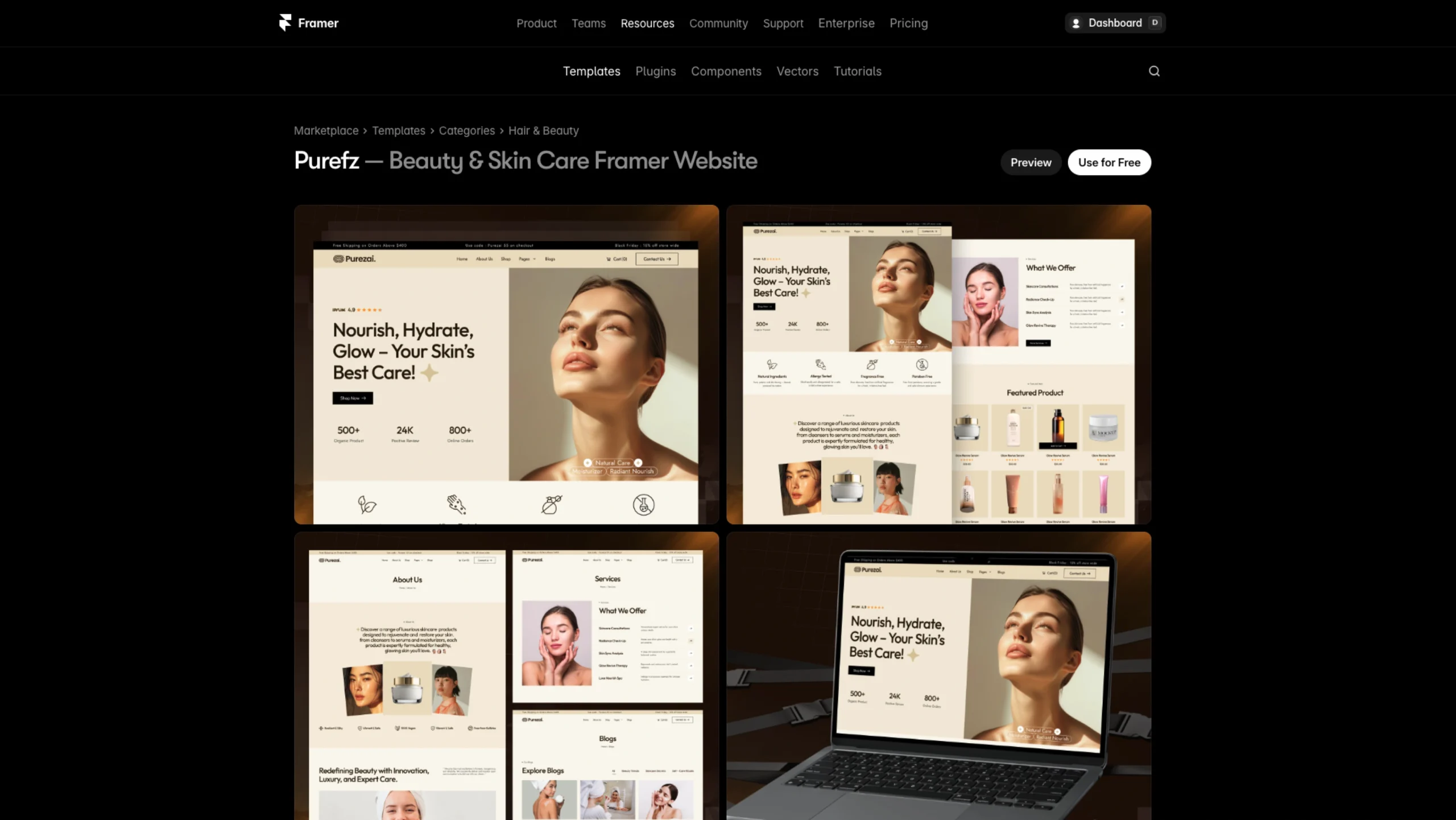
Purefz – Free Framer Template
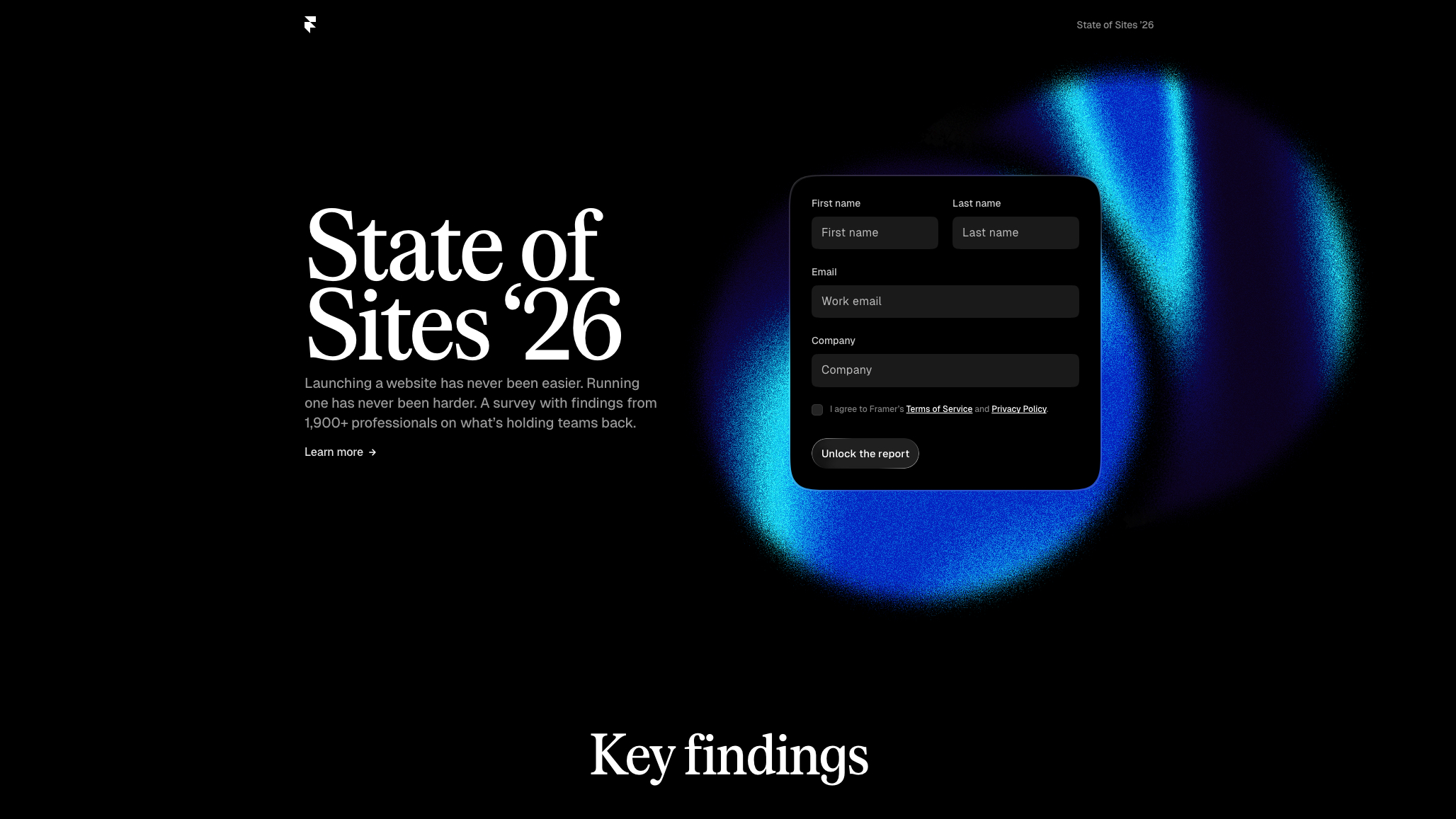
Framer: State of Sites 2026
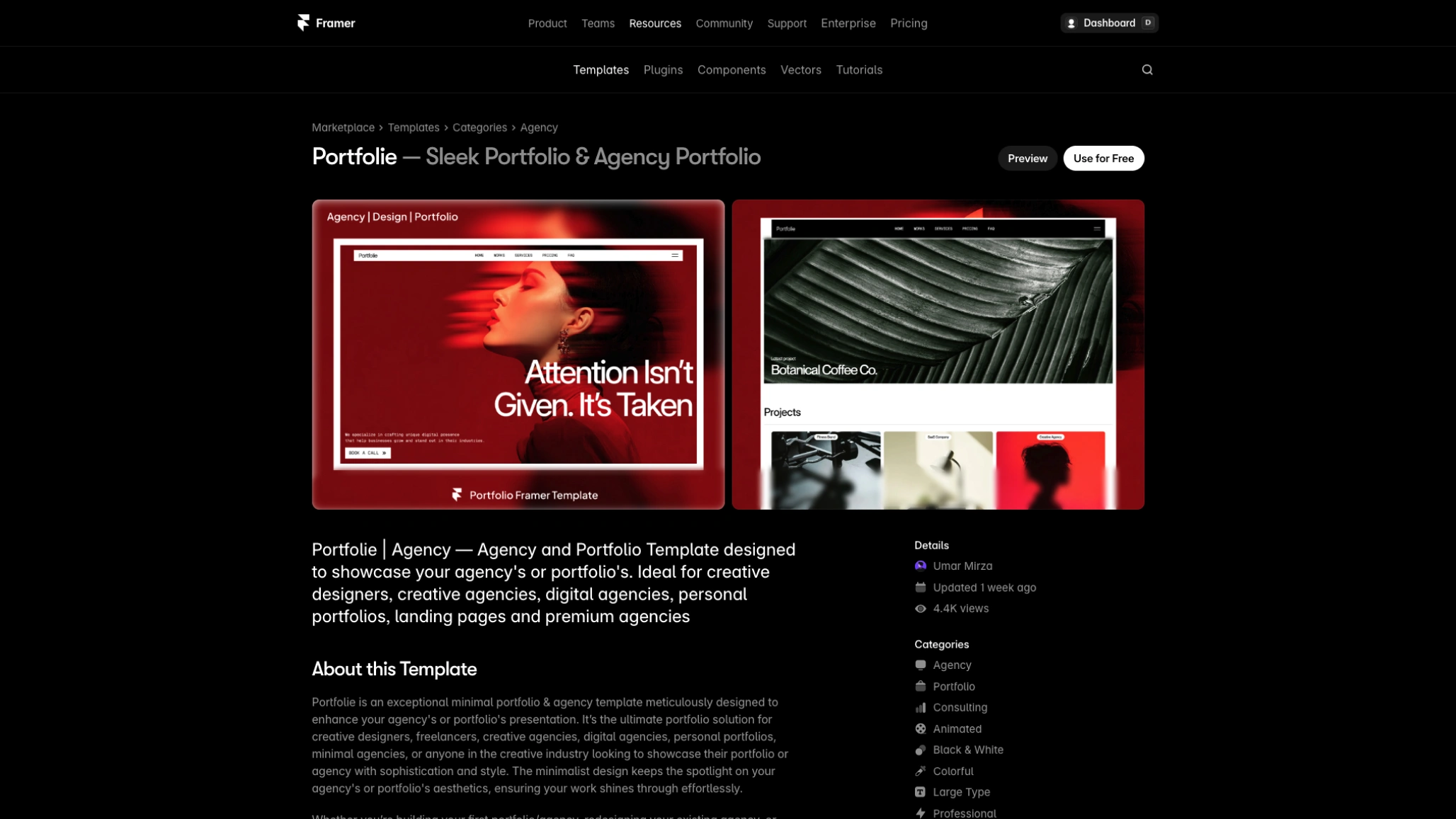
Portfolite – Free Framer Template
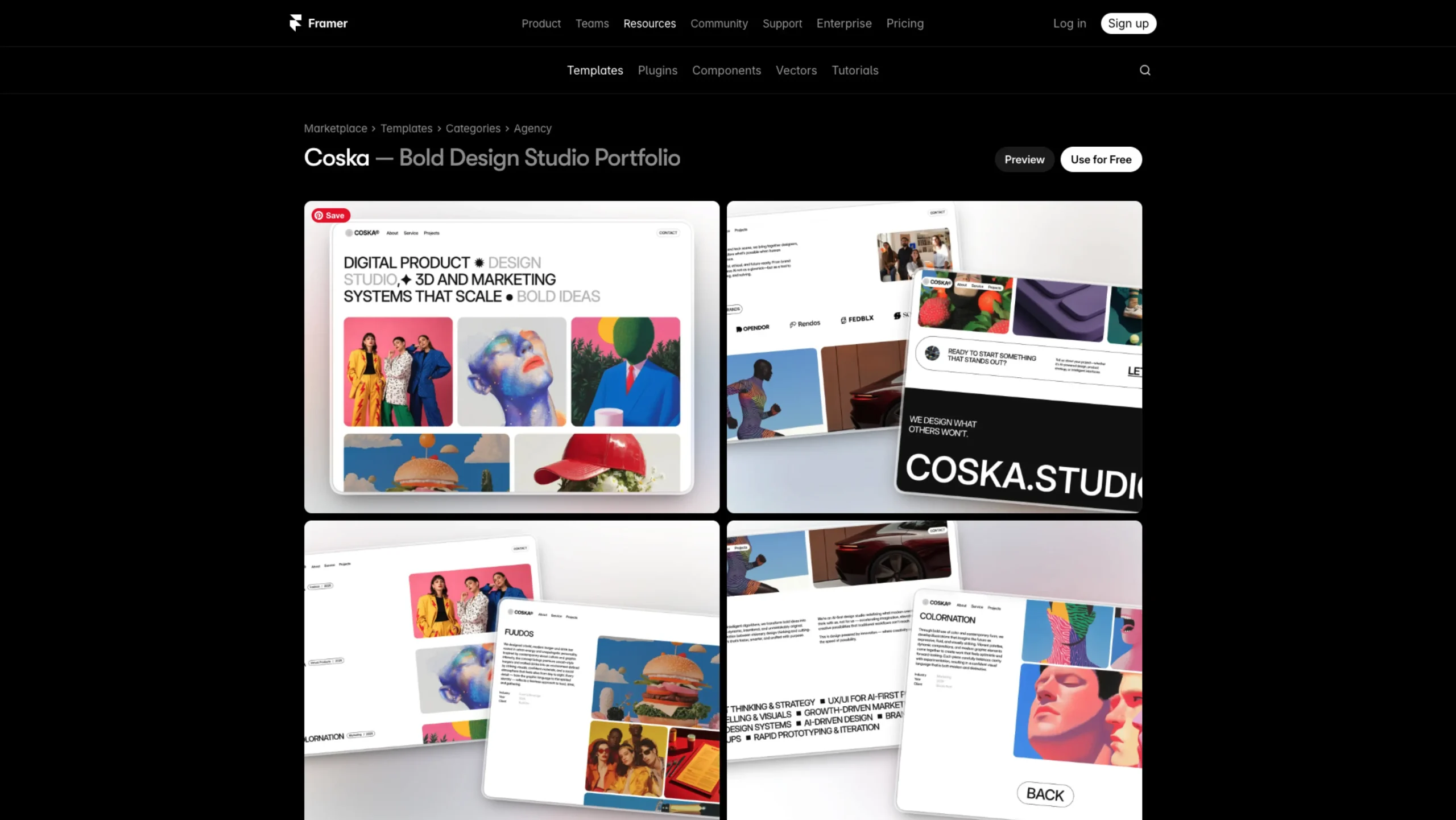
Coska — Framer Template
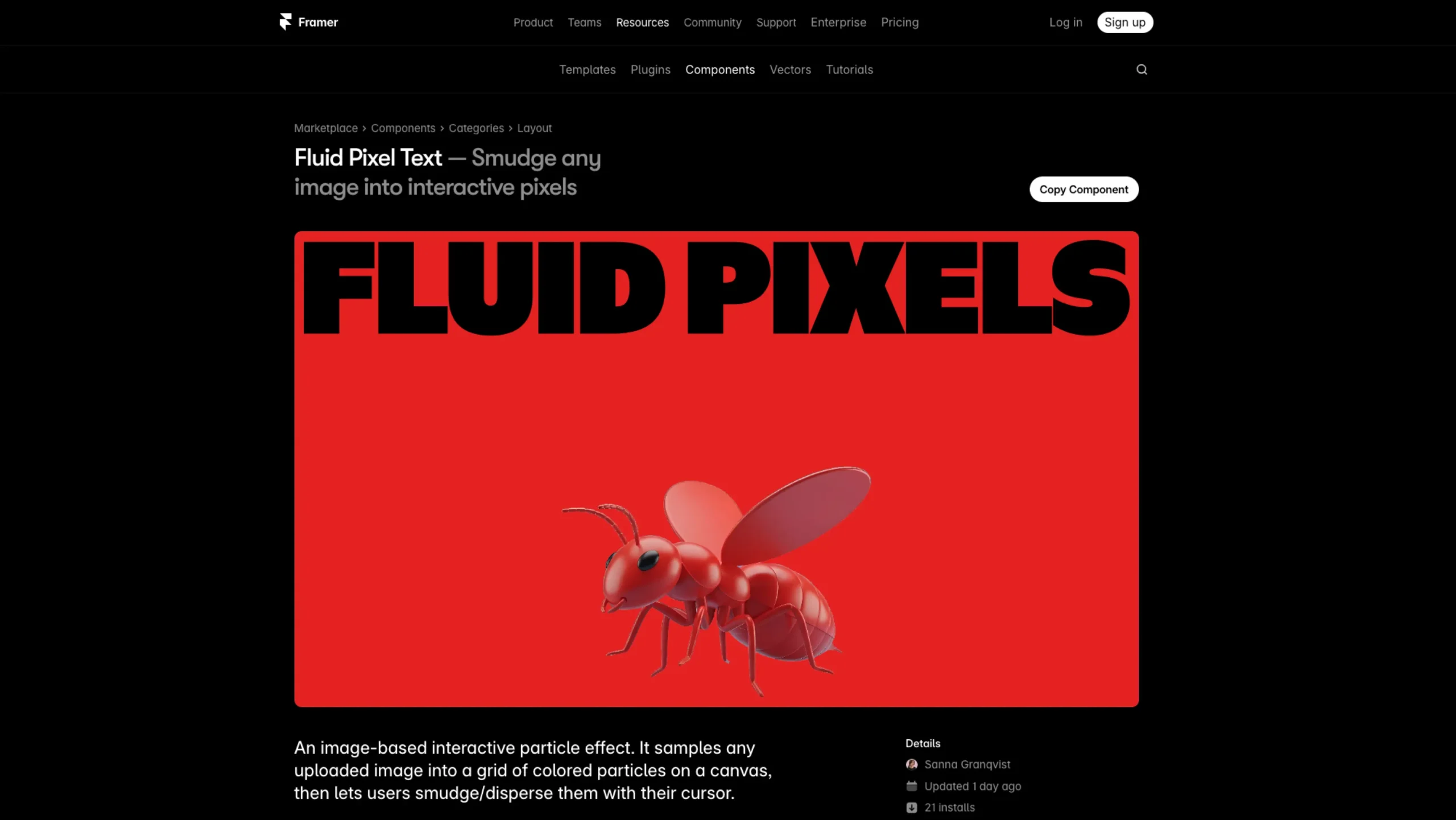
Fluid Pixel Text — Framer Component
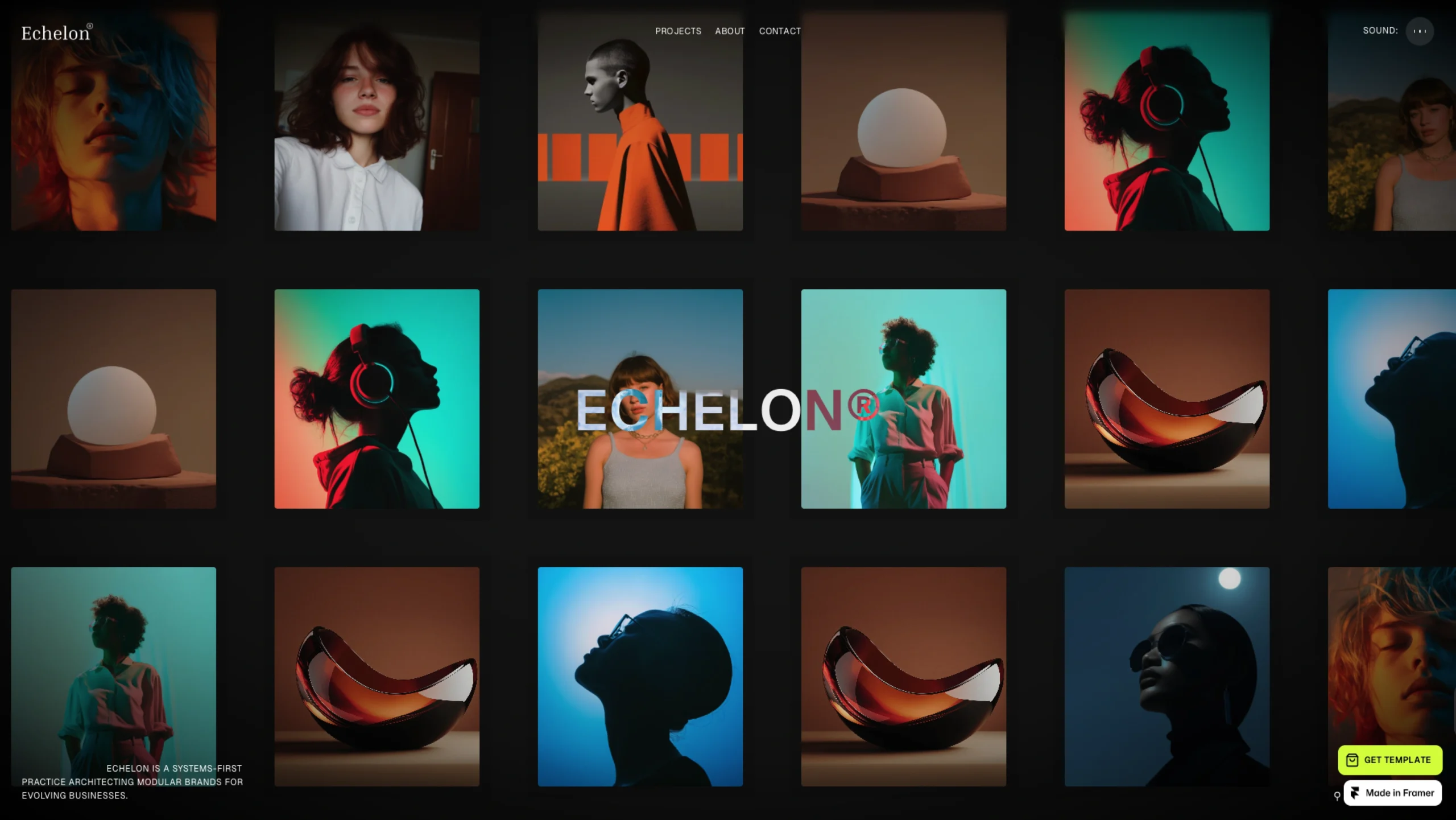
Echelon – Framer Template
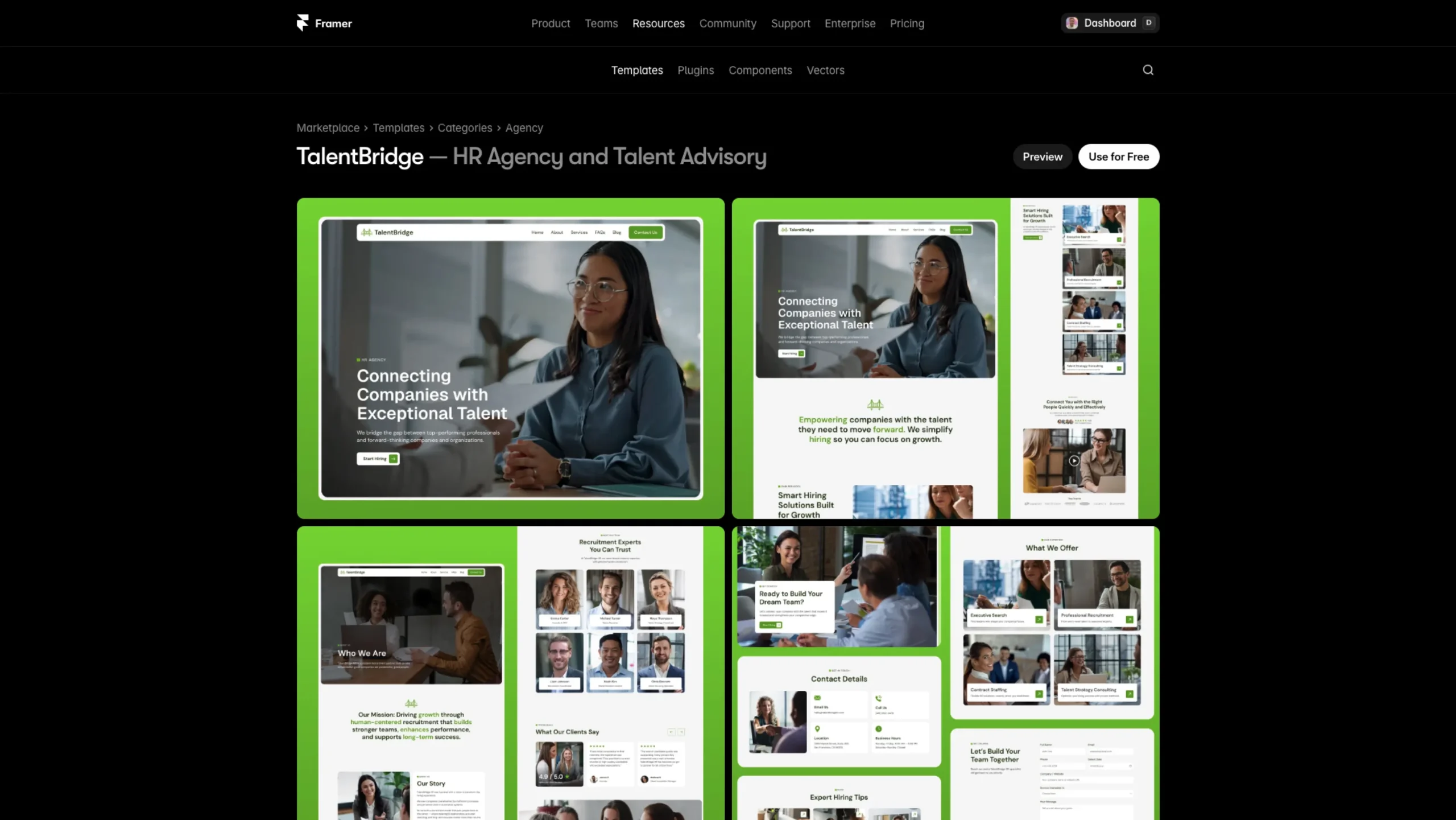
TalentBridge – Free Talent Advisory Template
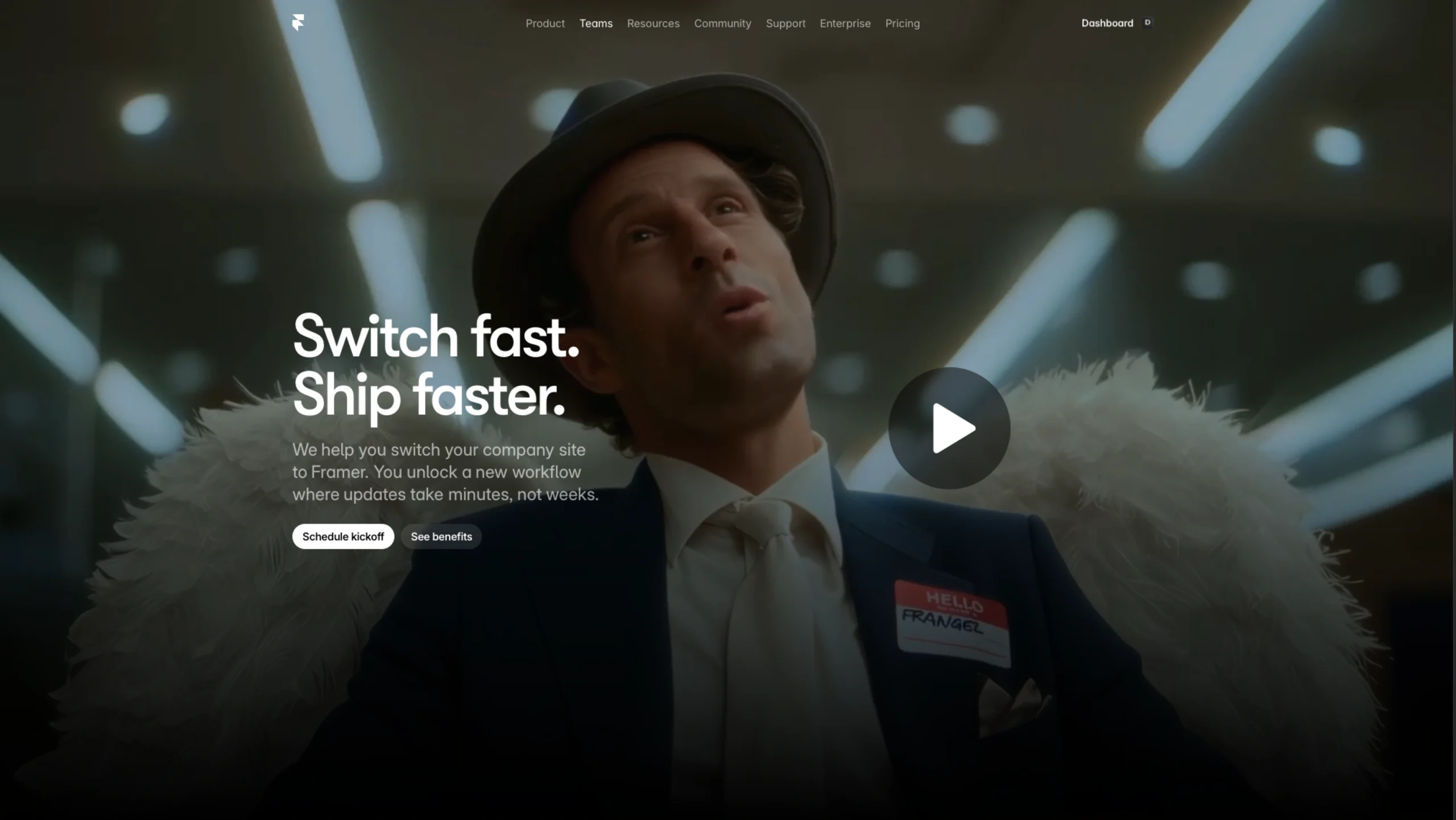
Framer Switch
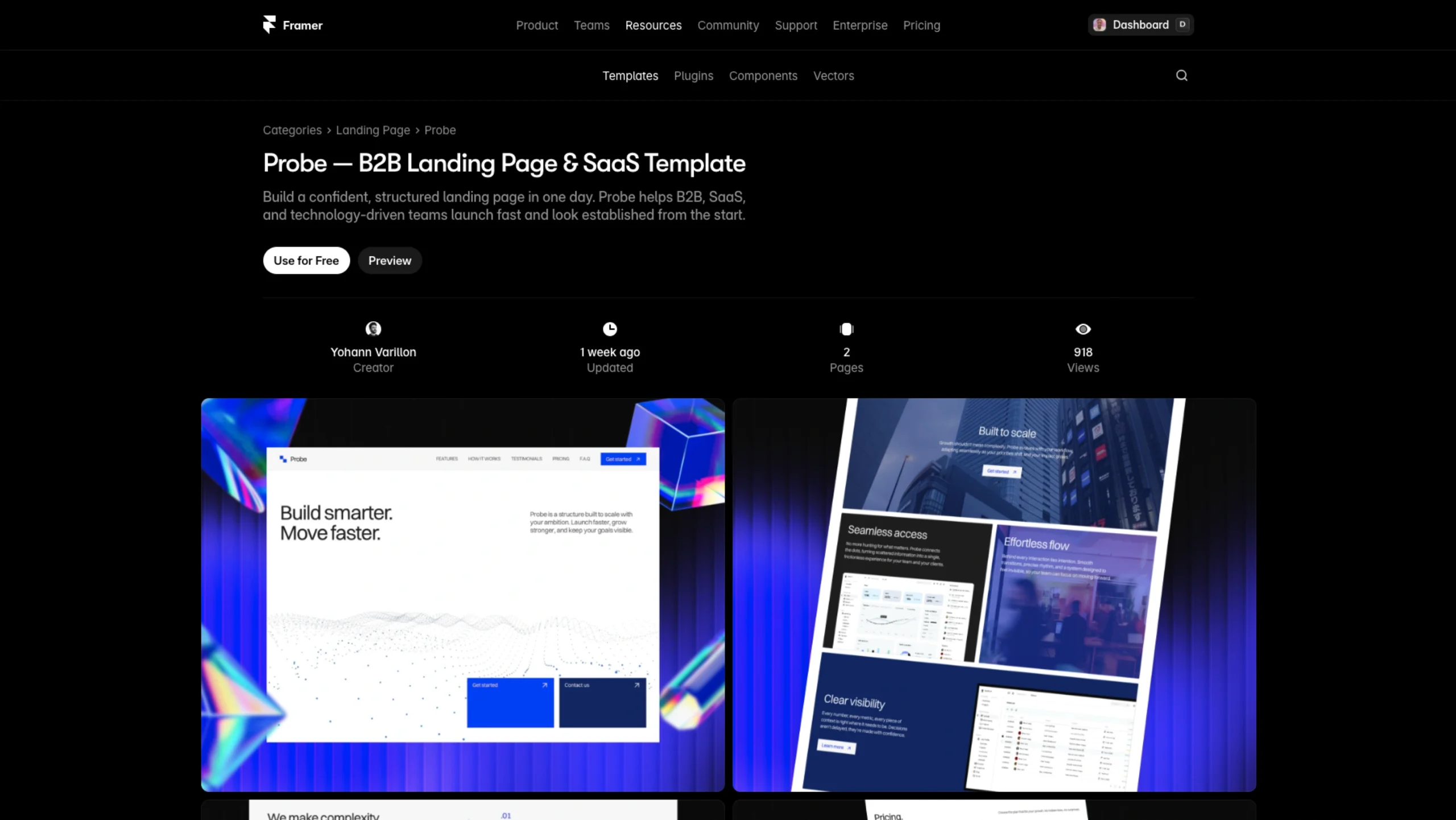
Probe is a Free, modern, conversion-focused Framer template designed for SaaS products, startups, and digital tools.
It offers a clean visual hierarchy, strong typography, and well-structured sections for showcasing features, benefits, testimonials, and calls to action.
Built natively for Framer, Probe is easy to customize, fast to launch, and ideal for founders and designers who want a polished marketing site without starting from scratch.
About this template
Probe is a high-converting Framer landing page template built for SaaS products, B2B platforms, and modern tech brands that prefer clarity over clutter—and confidence without noise.
Whether you’re launching a new SaaS, presenting a service, or setting up your company site, Probe gives you a solid, professional foundation that feels credible from day one.
What makes Probe work ~
- Modular design system
Sections are manageable to mix, match, and rearrange—so the layout adapts to your story, not the other way around. - Smooth, intentional animations
Subtle motion adds polish and guides attention without distracting from the message. - Animated hero section
A striking 3D animated hero helps you make a strong first impression. Prefer something simpler? Swap it out for an image or video in seconds. - Clean geometric aesthetic
Square layouts, modern typography, and animated graphics create a sharp, contemporary feel. - Fully responsive by default
Looks and works great across desktops, tablets, and mobile devices. - Designed for B2B & SaaS
Structured for clarity, trust, and conversions—without over-designing. - Easy to customize
Colors, fonts, and visuals are simple to adapt to your brand. - Performance-focused
Lightweight components ensure fast loads and smooth navigation.
Probe — Free Framer Template
- Modular design system
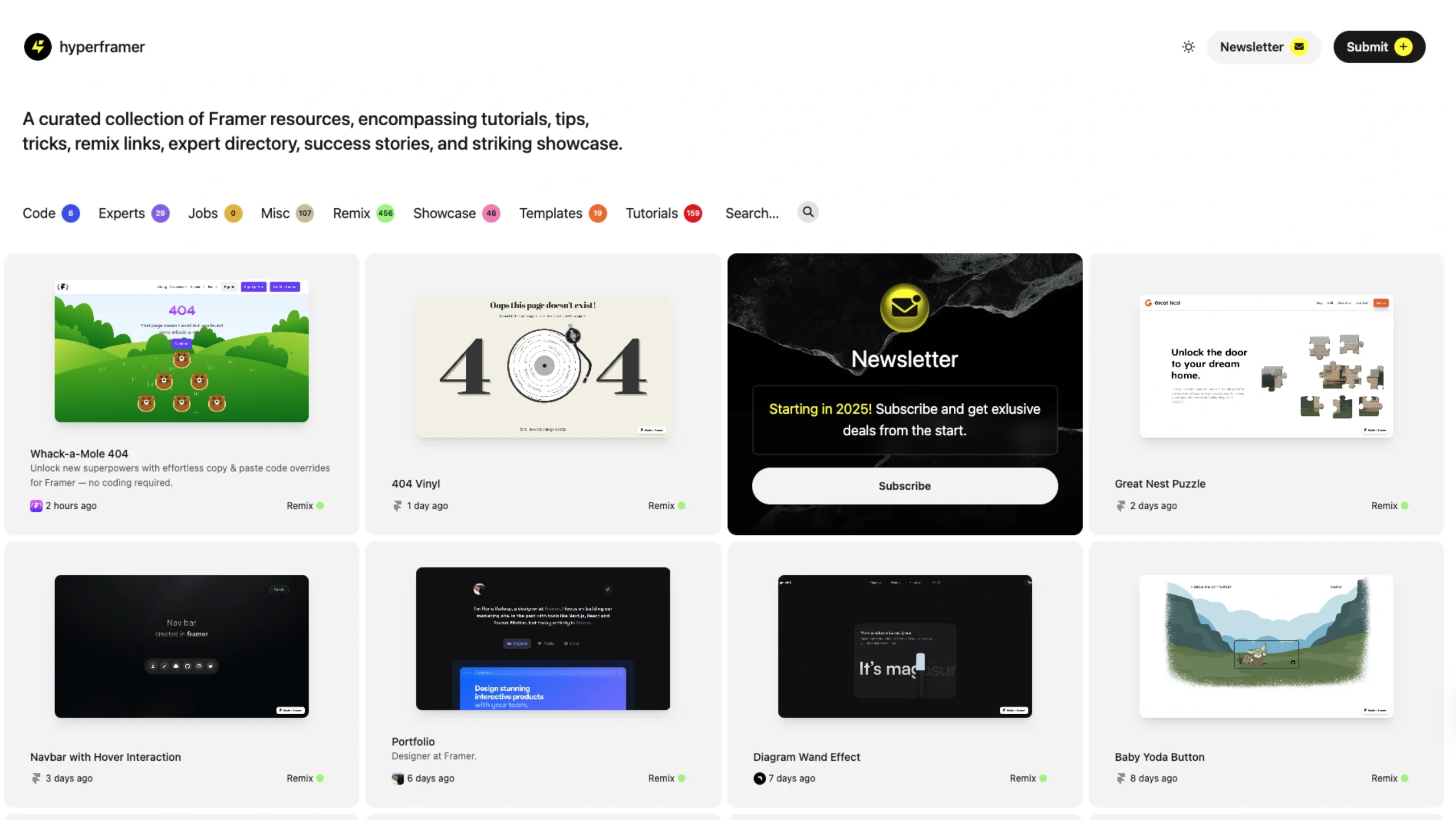
HyperFramer – A curated collection of Framer resources
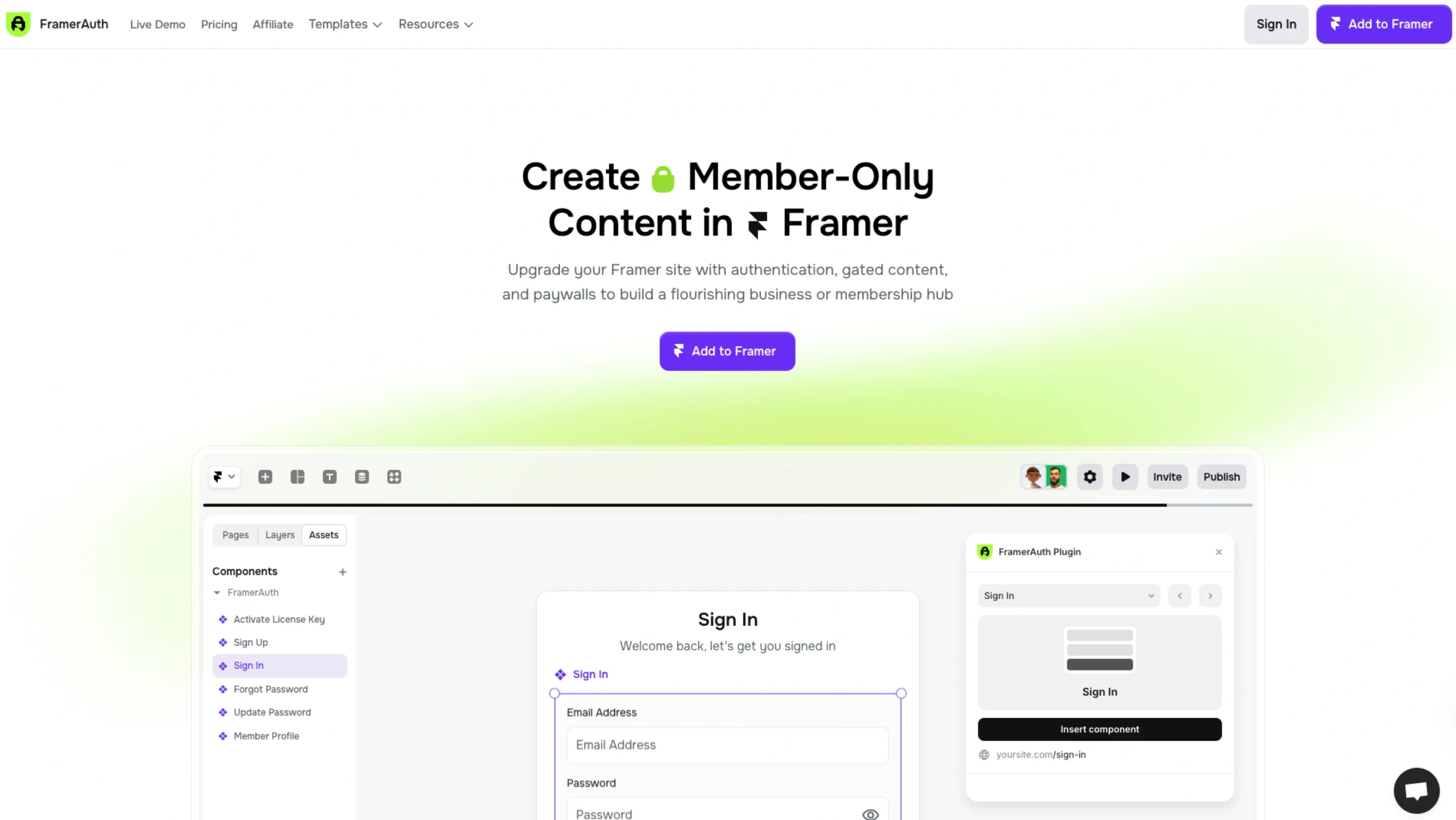
FramerAuth – Turn Your Framer Site into a Membership Business
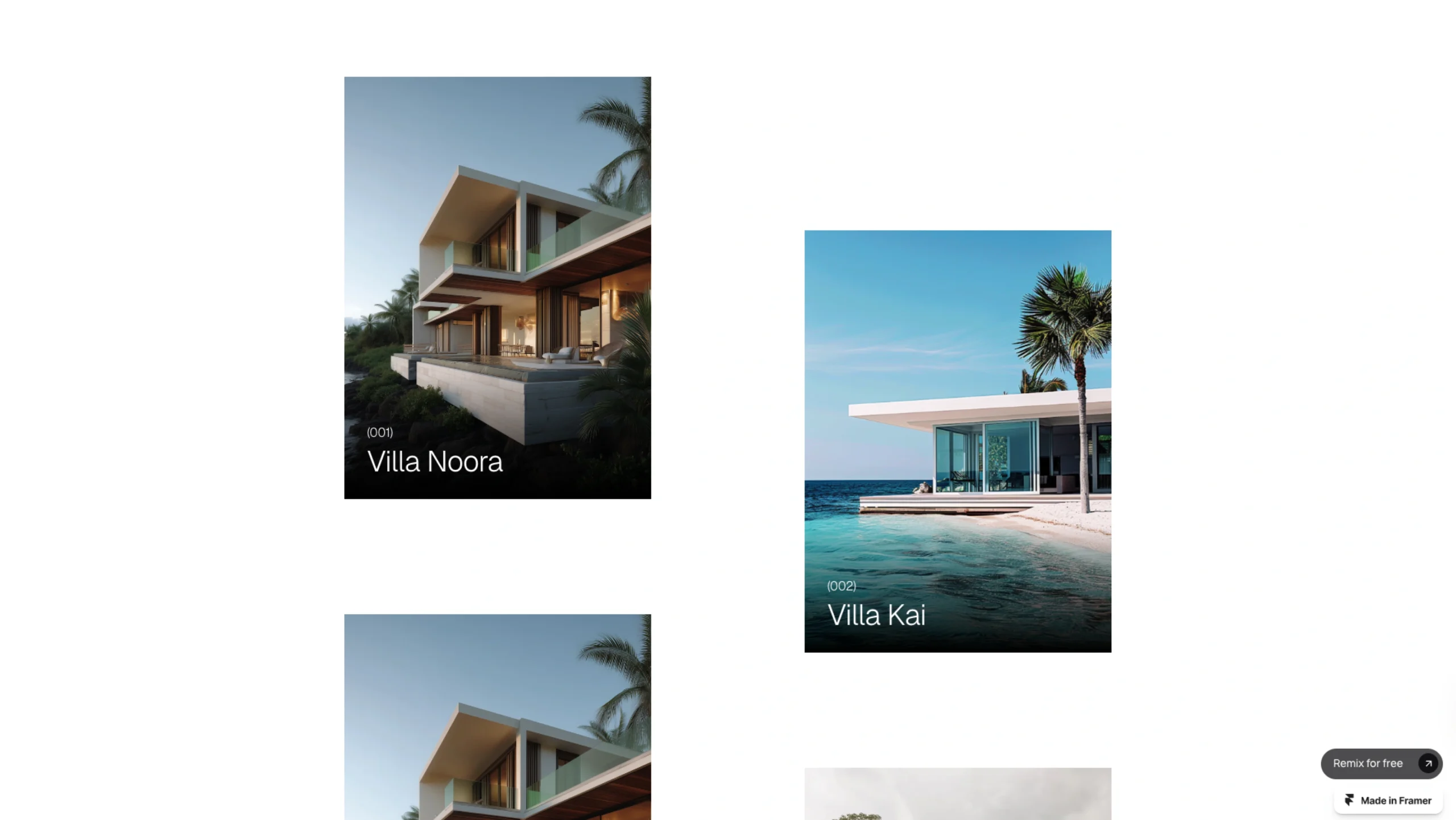
WebGL Hover Transition – Framer Showcase


Stay in the loop.
Sign up for the newsletter to receive a weekly
dose of design resources/inspiration delivered straight to
your inbox. We will never share your information. Ever.
✨ Framer (No-Code CMS)
There’s something a little magical about Free Framer Templates and Resources.
Maybe it’s how easily you can turn an idea into a live, responsive prototype—or even a full-blown website—without jumping between tools. Or perhaps it’s just how fluid everything feels once you get the hang of it.
Either way, if you’re a designer who wants to move fast, design freely, and still ship something that feels premium, Framer is a no-brainer.
That’s why we created this Framer category on UIUXshowcase.com. It’s where we collect the best templates, plugins, and tutorials—not just the trendy ones, but the actually useful ones.
The ones that make you go, “Oh, that saved me an hour,” or “That explains it better than the official docs ever did.”
Some resources help you get your first landing page up and running. Others are more advanced—like dynamic components, CMS integrations, or buttery-smooth interactions. And then there are the tutorials. The ones written by designers who’ve actually built with Framer—not just talked about it.
If you’re already using Framer, great. If you’re curious but unsure where to start, that’s also great. Either way, this space is here to make the learning curve feel a little less steep—and a lot more rewarding.
🧠 Wait—What Is Framer?
At its core, Framer is a visual no-code website builder. But that feels a little too basic.
It’s more like a design tool, code editor, animation engine, and CMS—all rolled into one clean, browser-based package. You can create high-fidelity designs, add smooth interactions, pull in live content, and even publish to the web—without writing code (unless you want to).
Designers love it because it’s not just a prototype. It’s real. You’re working with actual HTML, CSS, and JavaScript under the hood. Which means what you see… is pretty much what your users get.
Framer is especially popular for portfolios, SaaS landing pages, startup MVPs, and motion-rich web experiences. But honestly? It’s flexible enough for just about anything.
🧰 Why Web Designers Come Here for Framer Resources
⚡ Prebuilt Templates to Kickstart Projects
Sometimes you need a head start. Whether it’s a SaaS landing page, a portfolio, or a one-pager for your side hustle, you’ll find templates that look good and work even better.
🧩 Handy Plugins That Fill the Gaps
Want a scroll effect? A CMS integration? A custom form? There’s a plugin for that (usually several). We collect the ones that actually work—and explain what they’re good at, so you don’t waste time testing duds.
🎓 Tutorials That Don’t Assume You’re a Coder
Framer has a lot of power under the hood, but not everyone wants to dive into React right away. Our curated tutorials walk you through real use cases in plain language—a little guidance, not a lecture.
💬 Real Use, Real Feedback
Most of what’s here has been used, tested, tweaked, and sometimes even broken (and fixed again). So ,the stuff we feature? It’s not theoretical. It’s practical, imperfect, and meant to meet you where you are.
🧩 Types of Framer Resources You’ll Find Here
1. Free Framer Templates
Pre-built, responsive, and often stunning—these templates help you go from zero to launch in a few clicks. Ideal for startups, portfolios, or “I need this live by tomorrow” scenarios.
2. Plugins & Integrations
Enhance your Framer site without writing custom code. From CMS tools to social embeds to analytics, we’ve surfaced the plugins that actually make a difference.
3. Interaction Libraries
Need smooth hover states? Parallax scrolling? Button microinteractions? These ready-to-use snippets help you add delightful motion without re-inventing the wheel.
4. Component Kits
Build consistent design systems with pre-styled components—like nav bars, pricing sections, testimonial blocks, and more. Helpful when you want structure without stiffness.
5. Framer CMS Tricks
Framer’s built-in CMS is deceptively powerful. We’ve pulled together tips, hacks, and examples that help you manage content smartly—especially if you’re working with clients.
6. Tutorials & How-Tos
Step-by-step guides that focus on outcomes, not fluff. Whether it’s building a blog, adding animations, or syncing with Airtable—we find the tutorials that explain just enough without overwhelming you.
7. Real Projects to Learn From
Now and then, we feature actual Framer sites—with breakdowns on what worked, what didn’t, and what you can borrow for your own projects. Think of it as learning by peeking over someone else’s shoulder.
💡 Frequently Asked Questions (FAQs)
1. Do I need to know code to use Framer?
Nope. You can build entire websites visually. But if you do know code—or want to learn—it’s there when you’re ready.
2. Is Framer better than Webflow or Figma?
Depends. Figma’s better for pure design. Webflow’s great for structured control. Framer shines when you want design + live interaction + publishing all in one place.
3. Are these templates customizable?
Yes, totally. That’s the whole point. You can swap content, change layouts, tweak animations—whatever fits your style or client needs.
4. Can I use these Framer resources commercially?
Usually, yes—but we always note licensing details where needed. Better safe than sorry, right?
5. How often is this collection updated?
We update regularly, especially when a new plugin or feature drops. If it’s worth your time, we try to include it.
6. Do these tutorials assume I’m an expert?
Not at all. Most are beginner- to intermediate-friendly. Some go deeper, but we’ll warn you before you get in too deep.
7. Can I build a portfolio with Framer?
Yes! It’s one of the best use cases. Many of the templates here are designed for precisely that—clean, responsive, and ready to showcase your work.
8. Is everything in Framer SEO-friendly?
With a bit of attention, yes. Framer supports meta tags, alt text, custom domains, and more. You’ll need to configure things properly—which, yes, we also link to tutorials for.
9. Can I suggest a template or plugin to be featured here?
Absolutely. Send it our way. If it’s genuinely helpful, we’d love to include it.