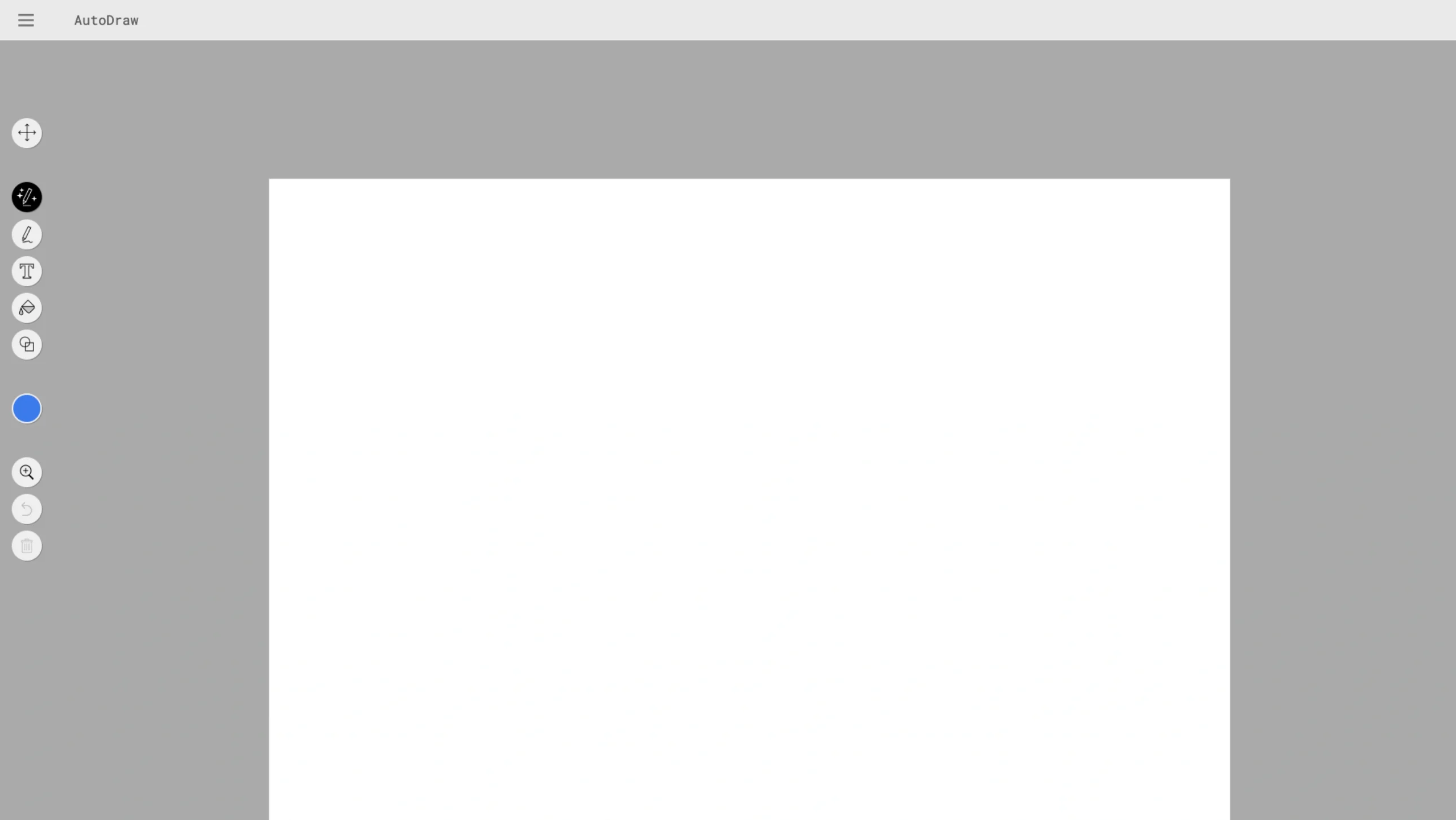
AutoDraw is a web-based drawing tool that pairs machine learning with drawings from talented artists to help everyone create visuals quickly.
Imagine having a professional designer standing over your shoulder, finishing your rough sketches in real-time—that is the core experience of AutoDraw.
Built as part of Google’s “A.I. Experiments,” it uses the same neural network technology as the popular game Quick, Draw! to recognize user doodles and replace them with polished icons and illustrations.
Key Features for Designers & Non-Designers
- The Magic Suggestion Tool: As you draw a rough shape (like a jagged circle with two triangles on top), the “Do you mean?” bar at the top of the screen instantly suggests professional versions (like a cat, a tiger, or a bear).
- Artist-Contributed Library: The suggestions aren’t just computer-generated; they are high-quality vectors contributed by professional artists and studios (such as HAWRAF and Selman Design). This ensures your final product looks modern and intentional.
- A Full Digital Toolset: Beyond the AI features, it includes essential tools for quick graphic creation:
- Fill Tool: For instant color blocking.
- Type Tool: To add clean typography.
- Shape Tool: For adding perfect geometric elements.
- Resize & Select: For easy composition adjustments.
- Universal Accessibility: There is nothing to download and no account required. It works seamlessly on desktops, tablets, and smartphones, making it a “go-to” for spontaneous brainstorming.