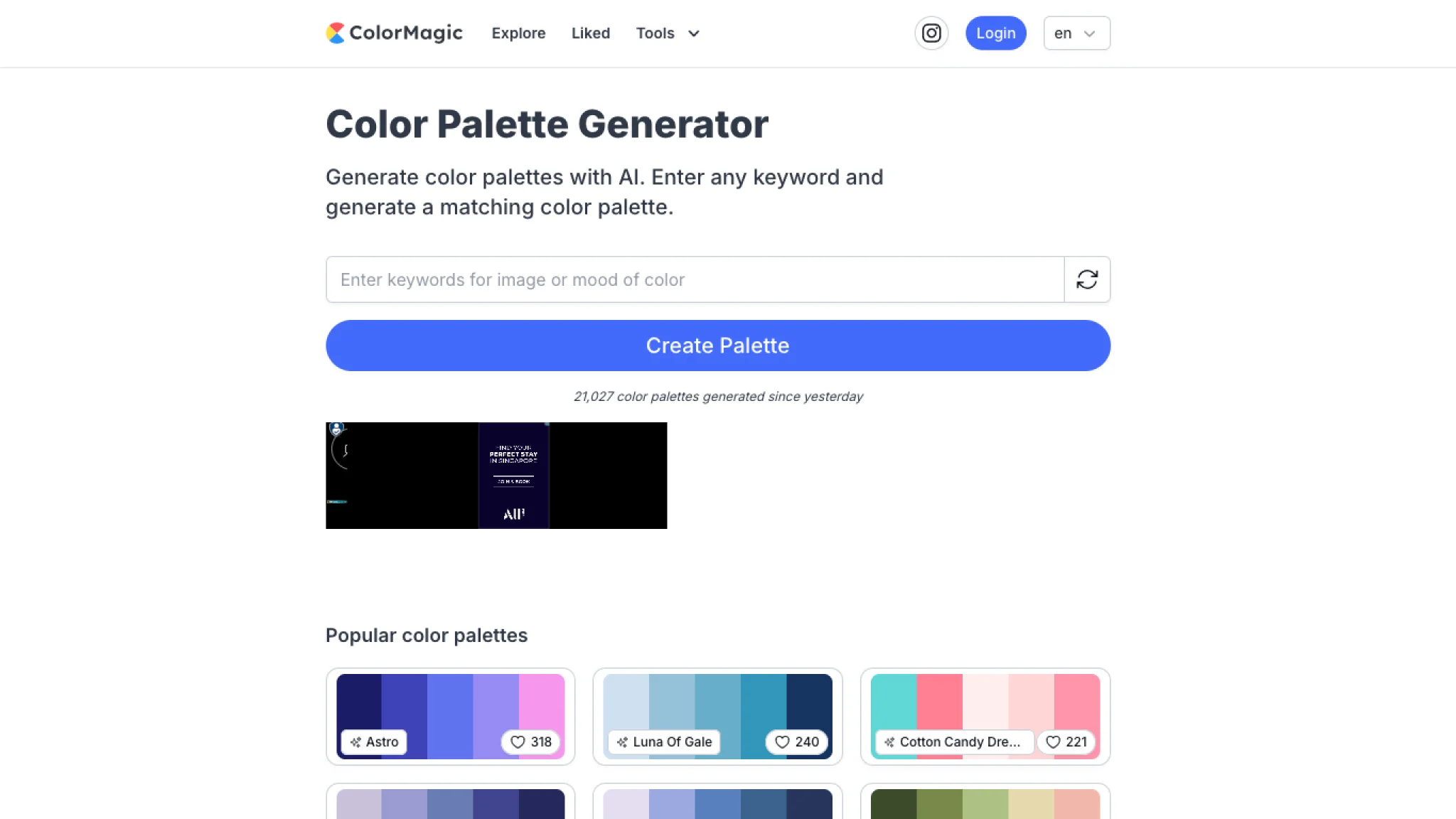
ColorMagic is an AI-powered color palette generator that lets you create personalized color schemes inspired by keywords or images.
With a diverse selection of categories such as Flower Field, Aquarium, Sunset, Autumn Leaves, Vegetables, Campfire, Fruits, Cute, Forest, Sunflower, Romantic, Spring, Snowboarding, Red Brick, Beach, Energetic, Winter, Unicorn, Chocolate, and Sea, it caters to a wide range of creative needs.
Simply input a keyword or upload an image, and the AI generates a unique color palette that embodies the essence of your chosen theme.
Free AI Color Palette Tools for Designers 🎨
Finding the right colors for your project doesn’t have to be difficult. ColorMagic helps designers, developers, marketers, and creators generate beautiful color palettes in seconds using AI.
Whether you’re designing a website, building a brand, creating social media graphics, or working on illustrations, these tools make color exploration quick and effortless.
Explore the Tools
✨ Generate Palettes from Names
Simply enter a brand name, keyword, theme, or idea, and AI will create a matching color palette for you.
🖼️ Extract Colors from Images
Upload any photo, screenshot, or artwork to instantly discover the colors used within it.
🎲 Random Color Generator
Need inspiration? Generate random colors and uncover new creative possibilities.
🎨 Color Mixer
Experiment with different color combinations and ratios to create the perfect blend for your project.
🌈 CSS Gradient Generator
Create stunning gradients and instantly copy ready-to-use CSS code for your website or application.
How It Works
- Enter a keyword, brand name, theme, text, or HEX code.
- Click Generate and let AI create your palette.
- Copy colors, gradients, or CSS code instantly.
- Download palettes as PNG files or save your favorites for later.
Frequently Asked Questions
How do I generate a color palette?
Just enter a keyword, brand name, theme, or HEX code and let AI create a matching palette in seconds.
Can I generate colors from an image?
Yes. Upload any image, and ColorMagic will automatically extract its primary colors.
How can I create colors for a product or brand?
Enter your product name, brand name, or a few descriptive keywords to generate relevant color combinations.
Can I find my Instagram color palette?
Absolutely. Upload a screenshot of your Instagram feed, and ColorMagic will extract the colors that define your visual style.
What makes ColorMagic different?
Instead of manually experimenting with colors, AI helps you discover harmonious color combinations instantly, saving time and sparking new ideas.