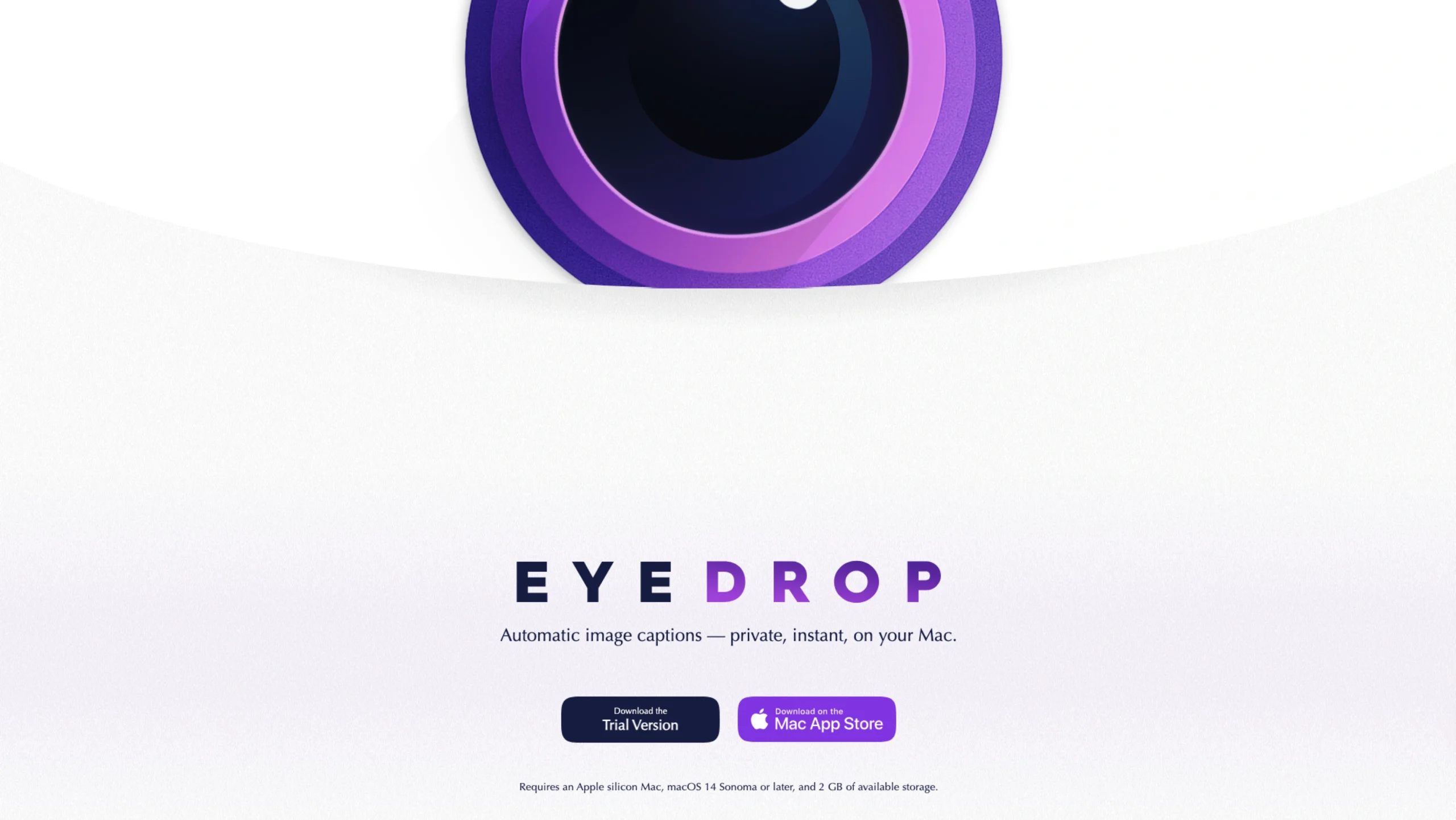
EyeDrop is a Private AI for image descriptions, right on your Mac. Generate accurate alt text, image captions, and accessibility descriptions in seconds—without uploading a single image to the cloud.
EyeDrop runs entirely on your Apple Silicon Mac, keeping every image private while delivering fast, on-device AI performance.
Requires an Apple Silicon Mac, macOS Sonoma 14 or later, and at least 2 GB of available storage.
Simply drag, drop, and describe
Creating image descriptions has never been easier. Just drag an image into EyeDrop, and it instantly generates high-quality captions, alt text, and accessibility descriptions for websites, documents, social media, and more.
Your privacy comes first
Unlike cloud-based AI tools, EyeDrop processes everything locally on your Mac.
Your images never leave your device.
No cloud uploads. No tracking. No data collection.
Just fast, secure, and completely private AI.
Why EyeDrop?
🔒 100% Private
Every image is processed directly on your Mac, ensuring your files and generated descriptions remain completely private.
⚡ Powered by Apple Silicon
Built specifically for Apple Silicon, EyeDrop delivers fast, efficient AI performance without relying on external servers.
💳 One-Time Purchase
Enjoy unlimited image descriptions with no subscriptions, API fees, or usage limits.
Thoughtful Features
EyeDrop includes several quality-of-life features that make your workflow even smoother:
- 📋 Automatically copy descriptions to your clipboard
- 📝 Smart file renaming
- 🗜️ Built-in image compression
- ✨ Adjustable caption and description lengths
- 🖥️ Drag and drop directly onto the Dock
Supported File Formats
EyeDrop works with most popular image formats, including:
- JPG / JPEG
- PNG
- HEIC
- TIFF
- WEBP
- GIF
- PSD
Frequently Asked Questions
Does EyeDrop send my images to the cloud?
No. Every image is processed locally on your Mac, so your data never leaves your device.
Can I use EyeDrop for WordPress alt text?
Yes. Generate accessibility descriptions instantly and paste them directly into your WordPress media library.
Does it work on Intel Macs?
No. EyeDrop is built exclusively for Apple Silicon Macs.
Are the captions accurate?
EyeDrop uses on-device AI optimized for Apple Silicon to generate detailed, context-aware descriptions for a wide variety of images.
What’s coming next?
New features and improvements are continuously being developed based on community feedback.
How can I report bugs or request a feature?
You can contact the developer with feedback, bug reports, or feature suggestions to help improve future releases.
Download EyeDrop
Start creating private, AI-powered image descriptions in seconds.
Download the Trial Version
Available on the App Store
Created by Andrew Lindstrom. Proudly made in Canada. 🇨🇦