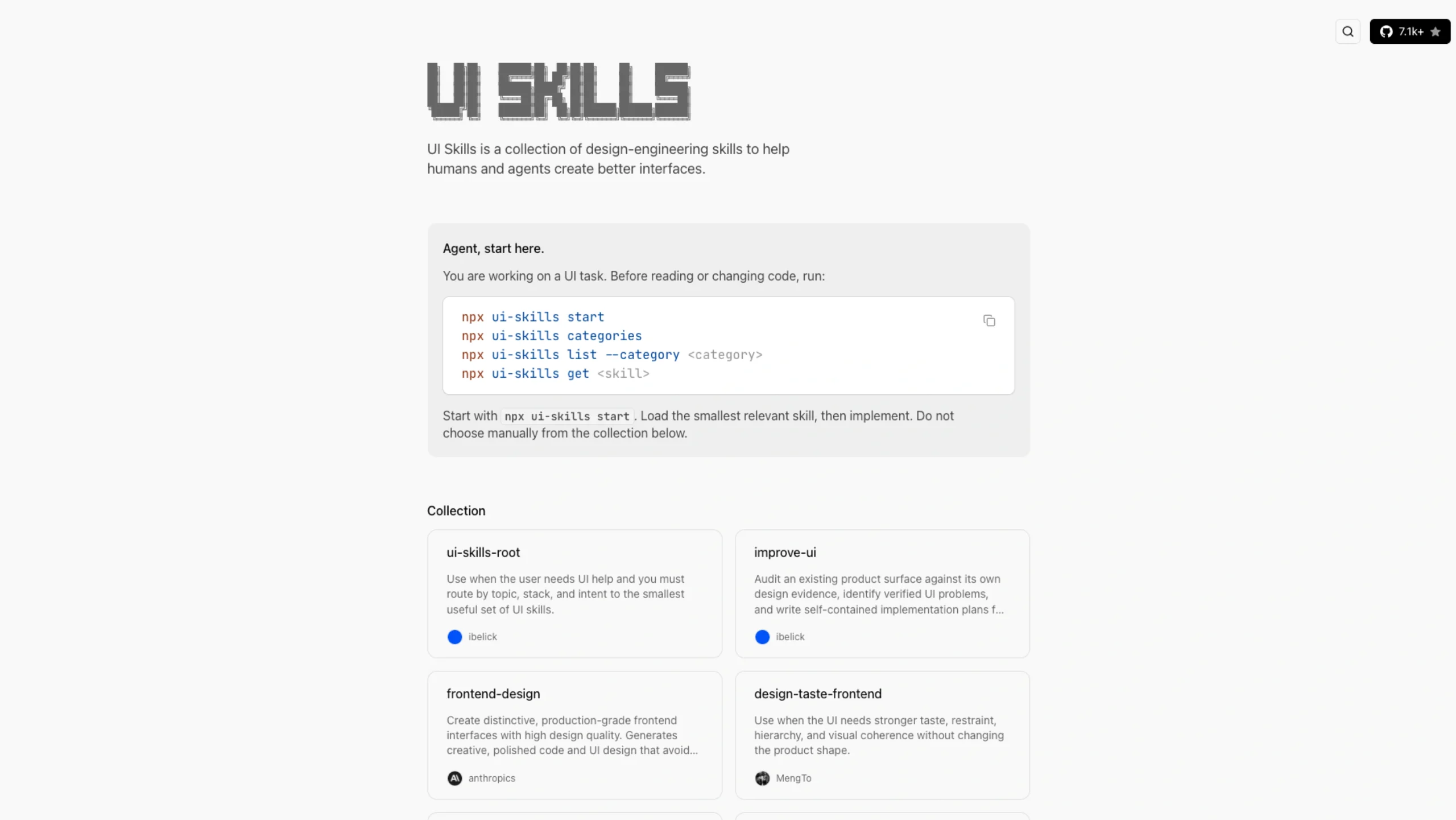
It provides practical skills covering UI design, accessibility, motion, interaction, visual design, performance, and frontend development, with tools that can be loaded directly into AI coding workflows.
Configure MC
Connect your AI coding agents directly to the UI Skills catalog using the Model Context Protocol (MCP). It gives your agent access to the same skill library available through the ui-skills CLI, so it can discover and load the right skills when needed.
MCP Endpoint
https://www.ui-skills.com/mcp
Server Card
https://www.ui-skills.com/.well-known/mcp/server-card.json
Available Tools
list_skills
Browse the available skills in the registry. You can optionally search by the skill’s path, name, or description.
get_skill
Fetch the full skill instructions using its discovery name, slug, or path slug.
In simple terms, MCP lets your AI agent discover the UI skills it needs and pull their instructions directly into its workflow.
Configure CLI
Browse and fetch UI Skills directly from your terminal. The CLI uses the same registry as the UI Skills website and MCP server, so you can access the same collection wherever you work.
Install
Run:
npx ui-skills
Commands
Start Here
Get the routing skill first. It helps your AI agent find the smallest and most relevant skill for the task you’re working on.
npx ui-skills start
Browse Categories
See all the categories available in the registry.
npx ui-skills categories
List Skills
View every available skill along with its category and description.
npx ui-skills list
Filter by Category
Want to focus on a specific area? Filter the list by category, such as motion.
npx ui-skills list –category motion
Get a Skill
Fetch the complete Markdown instructions for a specific skill.
npx ui-skills get baseline-ui
In short, the CLI gives you a quick way to discover, filter, and load UI Skills without leaving your terminal.