Built for designers, marketers, developers, and creators, the platform makes it easy to generate scalable icons, logos, illustrations, and graphic assets without traditional illustration skills.
Rather than creating raster images, VectorMaker focuses on producing clean, vector-based outputs that can be resized and customized without losing quality.
This makes it particularly useful for branding, web design, presentations, and product interfaces where flexibility and scalability are essential.
With its simple prompt-based workflow, VectorMaker lowers the barrier to vector creation, enabling anyone to turn ideas into production-ready graphics in minutes.
How It Works
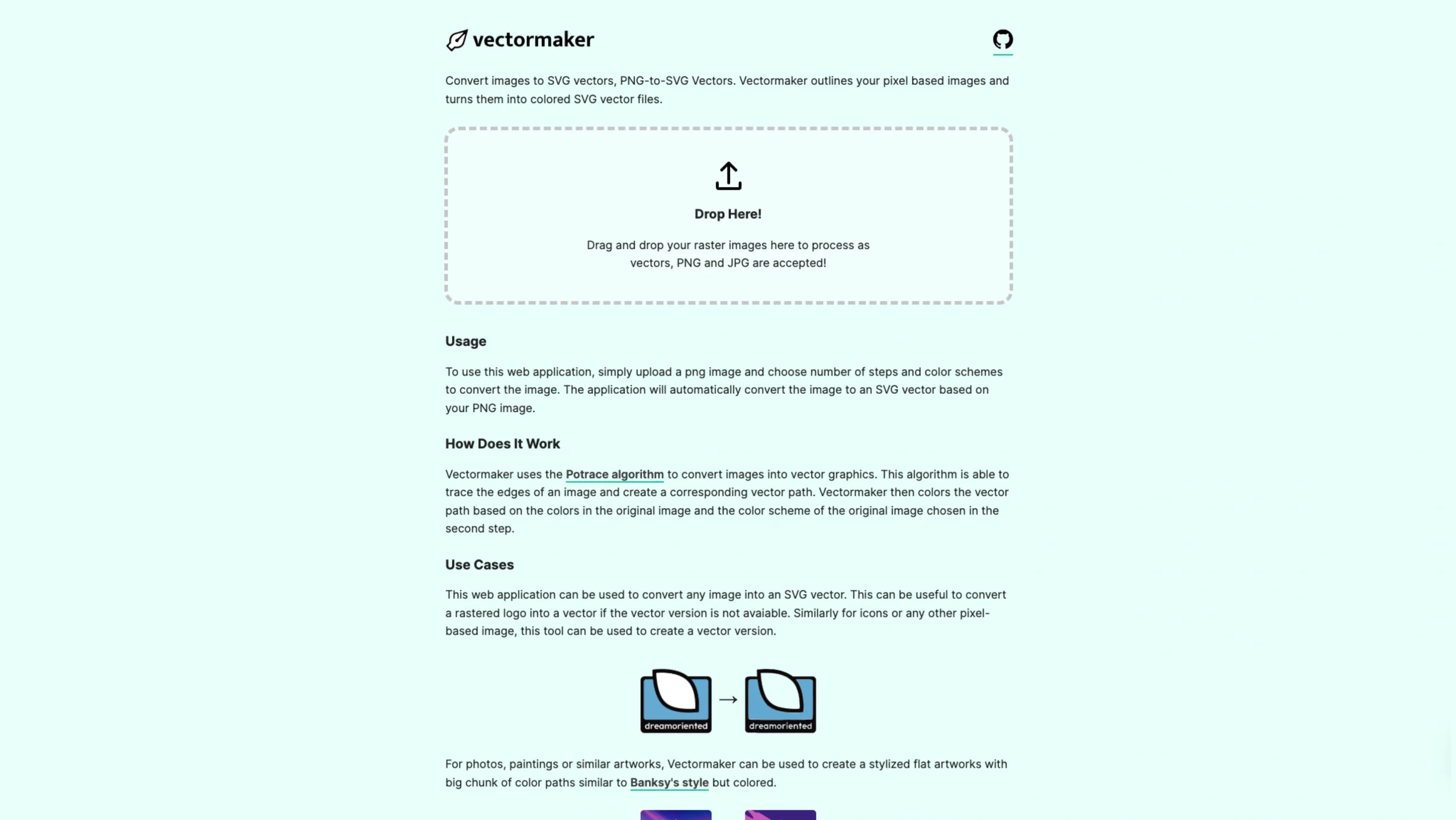
Vectormaker uses the Potrace algorithm to turn regular images into scalable vector graphics (SVGs).
It automatically detects the edges and shapes in an image, traces them, and creates clean vector paths.
The tool then applies colors based on the original image, preserving its overall look and color palette.
Use Cases
Vectormaker is perfect for converting pixel-based images into editable SVG vectors.
- Logos: If you only have a raster version of a logo (PNG or JPG) and the original vector file is missing, Vectormaker can help recreate it as an SVG.
- Icons & Graphics: Convert icons, illustrations, and other low-resolution images into scalable vector versions that stay sharp at any size.
- Creative Artwork: For photos, paintings, or illustrations, Vectormaker can generate stylized, flat vector artwork with bold color blocks, creating an effect similar to stencil or pop-art styles, inspired by artists like Banksy.
Whether you’re restoring old assets or creating unique artistic effects, Vectormaker makes it easy to transform images into clean, scalable vectors.