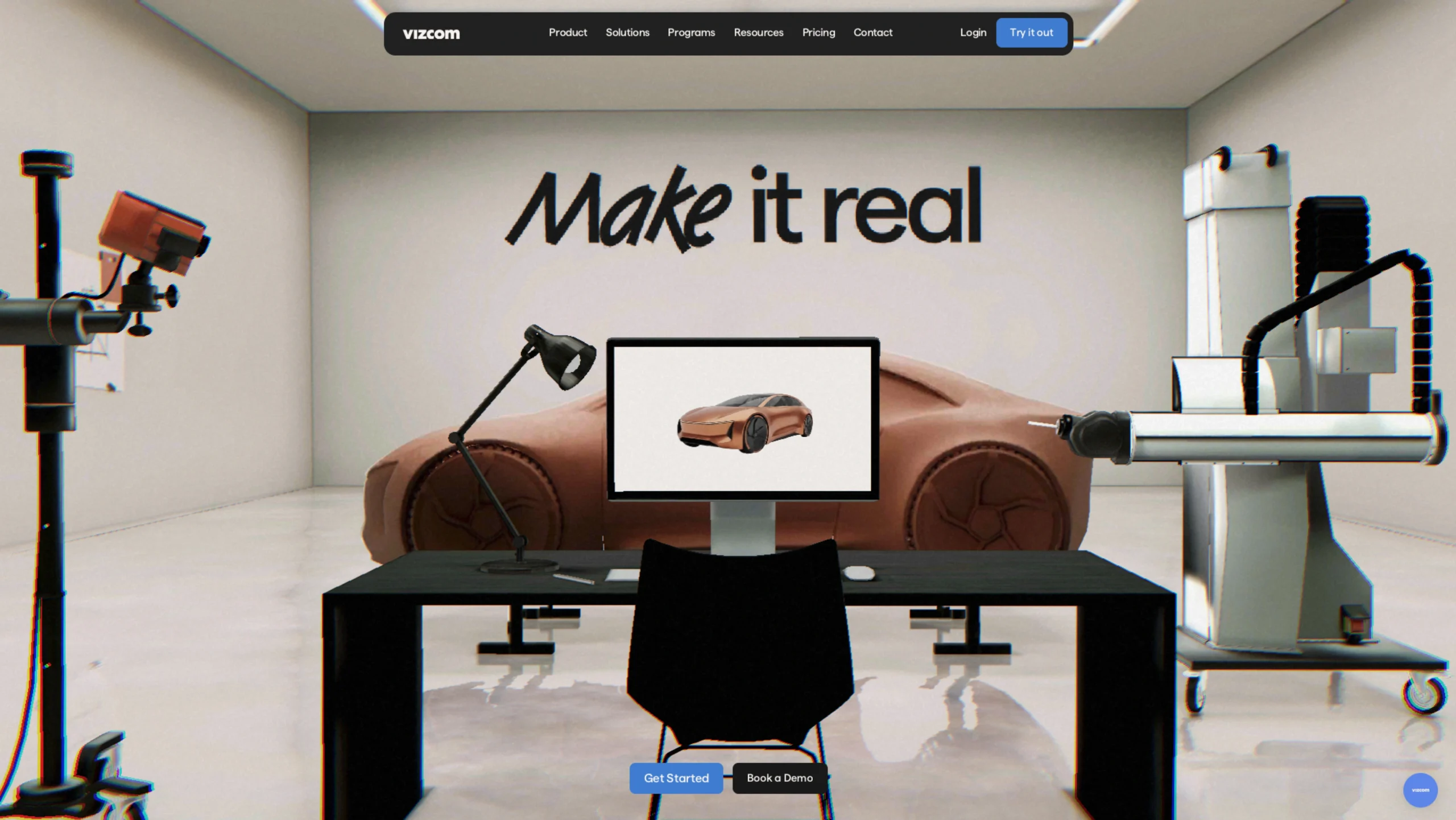
Vizcom is a revolutionary AI-powered design platform that has become a staple for industrial designers, concept artists, and creative professionals.
Unlike general AI image generators, Vizcom is purpose-built to integrate into a professional design workflow, allowing users to transform loose sketches into high-fidelity, photorealistic renderings and 3D models in seconds.
1. The Core Innovation: Sketch-to-Render
The “magic” of Vizcom lies in its ability to respect the designer’s hand. Instead of relying solely on text prompts, it uses your actual drawing as the structural foundation.
- Live Render: As you draw or move lines on the canvas, the AI renders the changes in real-time. This creates a tight feedback loop where you can see light, material, and shadow respond immediately to your strokes.
- Influence Control: A critical UI feature is the “Influence” slider. It allows designers to decide how much the AI should deviate from the original sketch—low influence keeps the rendering strictly tied to your lines, while high influence allows the AI to suggest new forms and details.
2. Key Technical Features
- 3D Model Generation: Beyond 2D images, Vizcom can generate 3D meshes directly from sketches. This allows designers to quickly verify volumes and proportions from different angles without spending hours in CAD software like Rhino or SolidWorks.
- Layer-Based Workflow: Much like Photoshop or Procreate, Vizcom uses a layer system. You can isolate different parts of a design (e.g., the wheels of a car vs. the body) to iterate on specific components without affecting the whole image.
- Material & Texture Swapping: You can prompt for specific materials—like “brushed aluminum,” “carbon fiber,” or “translucent plastic”—and see them mapped onto your design with physically accurate reflections.
- Workbench vs. Studio: Vizcom offers a “Workbench” for rapid-fire ideation and a “Studio” for more refined, controlled creative work, giving designers flexibility depending on where they are in the project lifecycle.
3. Industry-Specific Applications
While versatile, Vizcom has gained massive traction in specific sectors:
- Automotive Design: Used by car designers to explore hundreds of “facelifts” or silhouette variations in the time it used to take to do one hand-render.
- Footwear & Apparel: Ideal for visualizing different colorways, textures, and stitching patterns on shoe or clothing concepts.
- Industrial Design: Helps in the early “blue sky” phase of product development to present stakeholders with “finished-looking” concepts early in the process.
4. UI/UX Excellence
From a showcase perspective, Vizcom’s interface is a masterclass in modern design tool UX:
- Minimalist Workspace: The UI is dark-themed and unobtrusive, keeping the focus entirely on the canvas.
- Familiar Tooling: It incorporates familiar tools (brushes, erasers, shapes) so that the learning curve for traditional digital artists is almost zero.
- Collaborative Design: It includes “Workspaces” for teams, allowing multiple designers to share assets, styles, and renderings in a secure, enterprise-grade environment.
5. Why It’s a Game Changer
Vizcom solves the “blank page” problem and the “rendering bottleneck.” It allows an agency or an independent designer to explore 50–100 variations of a single idea in the same time it previously took to explore five. It doesn’t replace the designer; it acts as a high-speed “visualization assistant” that brings professional-grade rendering to anyone who can draw a line.