


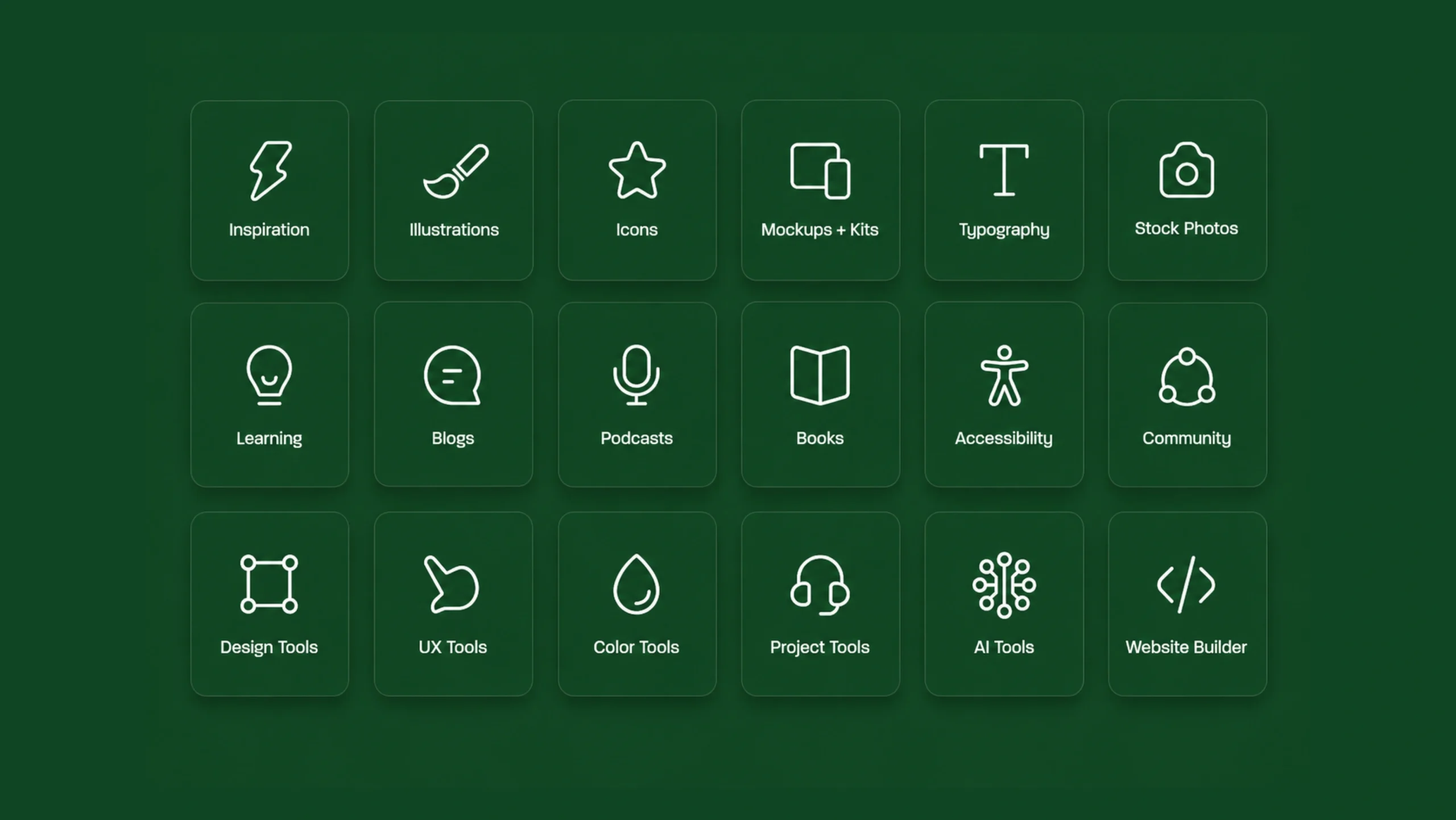
Iconography: The Visual Language Behind Modern Digital Experiences.
Take a quick look at your phone.
You’ll probably see dozens of icons before reading a single word.
A camera icon opens the camera.
A magnifying glass starts a search.
A house icon takes you home.
A shopping cart leads to purchases.
What’s fascinating is how quickly your brain understands these symbols. You don’t stop to analyze them. You simply recognize them and move on.
That’s the power of iconography.
In digital design, iconography acts as a visual language. It helps people understand actions, navigate interfaces, and process information faster than text alone.
Good iconography often goes unnoticed. Poor iconography gets noticed immediately.
And that’s exactly why it’s such an important part of modern user experience design.
What Is Iconography?
Iconography refers to the use and design of visual symbols, commonly called icons, to communicate information, actions, ideas, or concepts.
An icon is a simplified graphical representation of something.
Instead of writing “Search,” many interfaces use a magnifying glass.
Instead of writing “Delete,” they show a trash can.
Instead of writing “Settings,” they display a gear symbol.
These visual shortcuts help users recognize functionality quickly.
Think of iconography as a visual vocabulary that allows users to interact with digital products with minimal effort.
More Than Tiny Pictures
Many people think icons are merely decorative graphics.
They’re not.
Well-designed icons perform a functional role.
They:
- Guide users
- Reduce reading effort
- Save screen space
- Support navigation
- Improve recognition
- Reinforce meaning
In some situations, an icon can communicate information faster than a sentence.
That’s a remarkable amount of responsibility for a graphic that might only be 24 pixels wide.
A Brief Look Back: Iconography Before Digital Design
Long before websites and mobile apps existed, humans relied on symbols.
Ancient civilizations used visual marks to communicate ideas.
Religious artwork often contained symbolic imagery.
Road signs use symbols that transcend language barriers.
Airports rely heavily on icons to guide travelers from around the world.
Digital interfaces inherited this tradition.
The difference is that modern iconography now exists inside screens rather than on stone walls, maps, or signposts.
The goal remains similar: communicate quickly and clearly.
Why Iconography Matters
Imagine opening a mobile banking app with no icons.
Every action would require lengthy labels.
Menus would become crowded.
Navigation would feel slower.
Users would spend more time reading than interacting.
Icons reduce this friction.
They help users scan interfaces efficiently.
More importantly, they create recognition.
Recognition requires less mental effort than reading.
That’s one reason iconography remains such a powerful design tool.
How Icons Communicate Meaning
Icons work because humans naturally process visual information quickly.
When users repeatedly encounter the same symbols, they begin associating those symbols with specific actions.
For example:
- Magnifying glass = Search
- Heart = Favorite
- Bell = Notifications
- Gear = Settings
- Shopping cart = Purchase
Over time, these symbols become part of a shared visual language.
The strongest icons feel almost universal.
Though even “universal” icons sometimes vary between cultures, products, and generations.
Recognition Beats Reading
Here’s an interesting observation.
Reading requires conscious effort.
Recognition feels almost automatic.
Imagine searching for the settings page on a website.
Finding a gear icon usually takes less effort than reading through a list of navigation labels.
The difference might only save a second or two.
Across millions of interactions, those seconds matter.
User experience often improves through dozens of tiny efficiencies rather than one dramatic improvement.
Types of Icons
Not all icons serve the same purpose.
Different categories exist for different situations.
Action Icons
These represent actions users can perform.
Examples include:
- Edit
- Delete
- Download
- Upload
- Share
Action icons are extremely common in applications and dashboards.
Navigation Icons
These help users move through interfaces.
Examples include:
- Home
- Back
- Menu
- Next
- Previous
Navigation icons guide movement throughout a product.
Status Icons
Status icons communicate system conditions.
Examples include:
- Success
- Warning
- Error
- Loading
- Connection status
These symbols help users understand what is happening.
Brand Icons
Some icons represent brands or services.
Examples include:
- Social media logos
- Payment method symbols
- Company marks
These icons often carry strong visual recognition.
Content Icons
These visually represent categories or topics.
Examples include:
- Documents
- Images
- Videos
- Folders
- Calendars
They help organize information and improve scanning.
Iconography in UI Design
User interfaces depend heavily on iconography.
Icons appear in:
- Mobile apps
- Websites
- SaaS platforms
- Dashboards
- Operating systems
- Smart devices
In many modern interfaces, icons appear hundreds of times across a single product.
This creates consistency and familiarity.
When done well, users rarely stop to think about them.
They simply understand.
The Relationship Between Icons and UX
Iconography isn’t purely a visual design topic.
It directly influences user experience.
Good icons help users:
- Find features faster
- Understand actions
- Learn interfaces quickly
- Complete tasks efficiently
Bad icons create confusion.
Users hesitate.
Users guess.
Users click the wrong thing.
Small symbols can have surprisingly large effects on usability.
What Makes an Icon Effective?
Designing icons sounds simple.
It often isn’t.
Creating a clear icon with only a few lines and shapes can be surprisingly difficult.
Effective iconography typically shares several characteristics.
Clarity
Users should understand the icon’s meaning quickly.
If people need to stop and interpret it, the icon may need improvement.
Consistency
Icons within the same product should feel related.
They should share:
- Stroke weight
- Corner radius
- Visual style
- Scale
- Perspective
Consistency creates visual harmony.
Simplicity
Icons work best when unnecessary details are removed.
Too much detail can make small icons difficult to recognize.
Simple shapes often perform better.
Recognizability
Strong icons connect with familiar mental models.
Users already understand many common symbols.
Building on existing conventions often improves usability.
The Challenge of Universal Meaning
Here’s where things become interesting.
Not every icon is universally understood.
Take the floppy disk icon.
Many younger users have never used a floppy disk.
Yet many still recognize it as the symbol for “Save.”
Why?
Repeated exposure.
The original object may disappear, but the meaning survives.
This happens often in iconography.
Symbols evolve into concepts.
Common Iconography Mistakes
Even experienced designers make mistakes.
Let’s look at a few common ones.
Creating Ambiguous Icons
If users need to guess, the icon isn’t doing its job.
Clarity should always come first.
Using Too Many Styles
Mixing outlined icons, filled icons, hand-drawn icons, and 3D icons on the same screen creates inconsistency.
Visual harmony suffers.
Overcomplicating Icons
Designers sometimes add excessive detail.
Small icons need simplicity.
Tiny details often disappear at smaller sizes.
Relying Solely on Icons
Icons don’t always communicate meaning perfectly.
Pairing icons with labels can significantly improve usability.
This is especially helpful for less common actions.
Icon Labels: Helpful or Unnecessary?
Designers debate this topic constantly.
Some believe icons should stand alone.
Others prefer labels.
The answer isn’t always absolute.
Common icons like Home or Search may work independently.
Less familiar icons often benefit from text labels.
Many successful products combine both approaches.
The goal is understanding, not minimalism.
Iconography and Accessibility
Accessibility plays a major role in icon design.
Icons should be:
- Large enough to tap comfortably
- Visible against backgrounds
- Supported by text when needed
- Compatible with screen readers
An icon that looks beautiful but excludes users isn’t accomplishing its purpose.
Accessibility helps make iconography useful for a wider audience.
Iconography in Design Systems
As products grow, icon libraries become increasingly important.
Most design systems include a dedicated icon set.
This creates consistency across teams and products.
Instead of creating new icons repeatedly, designers use approved symbols from a shared collection.
Benefits include:
- Faster workflows
- Consistent experiences
- Easier maintenance
- Better collaboration
Large organizations rely heavily on standardized icon libraries.
Popular Icon Libraries
Many designers use established icon collections.
Popular examples include:
- Material Symbols
- Font Awesome
- Heroicons
- Lucide
- Feather Icons
- Phosphor Icons
These libraries provide hundreds of ready-to-use symbols.
They help teams maintain consistency without creating every icon from scratch.
The Future of Iconography
Digital products continue evolving.
New devices introduce new interaction patterns.
Voice interfaces, wearable devices, augmented reality, and spatial computing all create fresh opportunities for icon design.
Yet the core purpose remains unchanged.
Icons help people understand systems quickly.
As technology grows more complex, visual communication becomes even more valuable.
People still appreciate interfaces that feel intuitive.
Iconography helps create that feeling.
Final Thoughts
Iconography is the practice of using visual symbols to communicate information, actions, and ideas. It serves as a universal design language that helps users navigate interfaces, understand functionality, and complete tasks more efficiently.
Great icons feel obvious, even though creating them often requires significant thought and refinement. They balance clarity, simplicity, consistency, and recognition while supporting accessibility and usability.
The best iconography rarely demands attention. Instead, it quietly guides users through digital experiences, helping them move from one task to the next with confidence.
Tiny symbols. Massive impact.
That’s the enduring power of iconography.
Frequently Asked Questions (FAQs)
What is iconography in UI design?
Iconography refers to the use of visual symbols or icons to communicate actions, information, and navigation within a user interface.
Why is iconography important?
Iconography helps users understand interfaces faster, reduces reading effort, improves navigation, and creates more intuitive experiences.
What makes a good icon?
A good icon is clear, simple, recognizable, consistent with the overall design style, and easy to understand at different sizes.
Should icons always have labels?
Not always. Common icons may work without labels, but unfamiliar actions often benefit from descriptive text to improve clarity.
What is the difference between iconography and illustration?
Iconography focuses on communicating functionality and meaning. Illustrations typically focus on storytelling, decoration, or visual engagement.
How does iconography support accessibility?
Accessible iconography uses sufficient contrast, appropriate sizing, clear meaning, and screen-reader support. Labels may also help users better understand icon functions.