


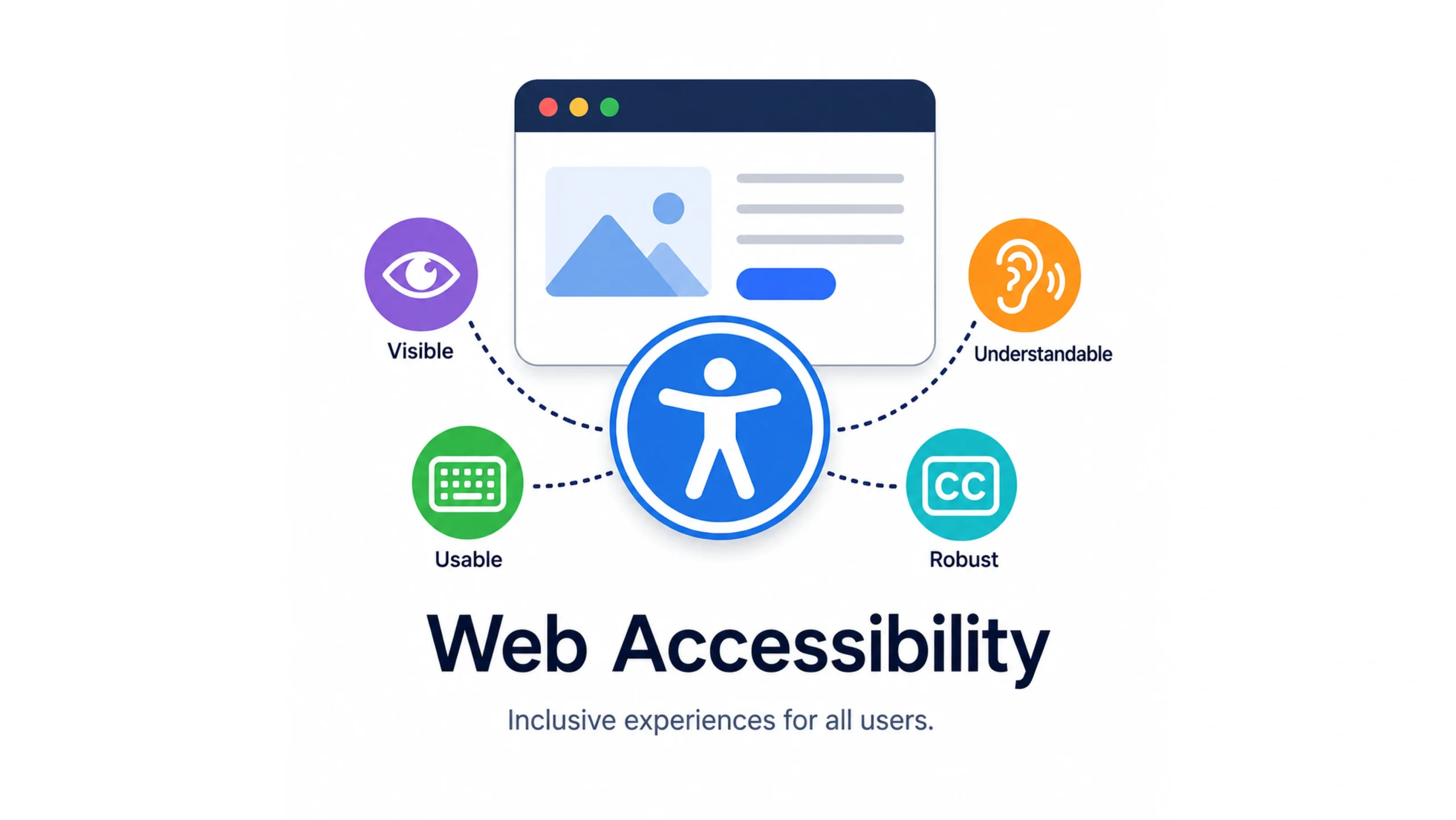
What Is Web Accessibility?
Web accessibility is the practice of designing and developing websites, applications, and digital experiences so everyone can use them, regardless of physical, sensory, cognitive, or technological limitations.
A well-designed website should work for someone using a mouse.
It should also work for someone who can’t use a mouse.
It should be readable for users with low vision, understandable for people with cognitive challenges, and compatible with assistive technologies such as screen readers.
At its core, accessibility is about inclusion.
The web was created to connect people. Accessibility helps make sure nobody gets left behind.
Why Web Accessibility Matters
Imagine walking into a building and discovering there’s no entrance ramp, elevator, or accessible restroom.
Most people would immediately recognize that as a problem.
The same principle applies online.
Many digital experiences unintentionally create obstacles for users.
Tiny text, poor color contrast, inaccessible forms, missing image descriptions, and keyboard traps can make websites difficult or impossible to use for some visitors.
Accessibility removes these barriers.
It allows more people to participate, learn, shop, communicate, and work online.
That’s good for users.
It’s good for businesses too.
Who Benefits from Accessibility?
A common misconception is that accessibility only helps people with permanent disabilities.
The reality is much broader.
Accessibility benefits:
- People with visual impairments
- People with hearing impairments
- People with motor disabilities
- People with cognitive disabilities
- Older adults
- Users with temporary injuries
- People using slow internet connections
- Mobile users in challenging environments
Think about someone holding a sleeping baby while browsing with one hand.
Or someone trying to read a screen in bright sunlight.
Or a user recovering from a wrist injury.
Accessibility improvements often help everyone.
Accessibility Isn’t Just About Disabilities
Here’s something interesting.
Many accessibility improvements end up becoming mainstream usability improvements.
Captions were originally created to support people with hearing impairments.
Today millions of people watch videos with captions while commuting, studying, or sitting in quiet offices.
Voice assistants were developed partly for accessibility needs.
Now they’re part of everyday life.
Good accessibility often becomes good design.
The Four Core Principles of Accessibility
Most accessibility standards are built around four fundamental principles.
These principles are commonly known as POUR.
Perceivable
Users must be able to perceive content.
Information cannot rely solely on one sense.
For example:
- Images should have alternative text.
- Videos should include captions.
- Content should maintain adequate color contrast.
Operable
Users must be able to interact with interface elements.
People should be able to navigate without relying solely on a mouse.
Keyboard navigation is especially important.
Understandable
Content and interfaces should be clear and predictable.
Users shouldn’t struggle to figure out what actions are available or what information means.
Simple language often helps.
Robust
Content should work across different browsers, devices, and assistive technologies.
A website that functions properly with screen readers, browsers, and operating systems serves a wider audience.
Common Accessibility Barriers
Many accessibility issues appear unintentionally during design and development.
Some of the most common include:
Poor Color Contrast
Light gray text on a white background may look modern, but it can be difficult to read.
Missing Alternative Text
Images without descriptive text leave screen reader users without important context.
Keyboard Navigation Problems
Some websites cannot be fully used without a mouse.
This creates obstacles for many users.
Unlabeled Form Fields
Forms become confusing when screen readers cannot identify what each field represents.
Automatic Media Playback
Unexpected audio can create frustration and confusion.
Complex Language
Overly complicated wording can make content difficult to understand.
Accessibility Standards and Guidelines
Accessibility isn’t based solely on opinions.
Several widely recognized standards guide accessibility efforts.
WCAG
The most widely adopted standard is the Web Content Accessibility Guidelines, commonly called WCAG.
These guidelines provide recommendations for creating accessible digital experiences.
WCAG defines different levels of compliance:
- Level A
- Level AA
- Level AAA
Most organizations aim for Level AA compliance.
Legal Requirements
Many countries have laws related to digital accessibility.
Government agencies, educational institutions, healthcare providers, and businesses often need to meet accessibility requirements.
Accessibility isn’t simply a design preference.
In many cases, it’s a legal obligation.
Key Accessibility Features
Modern websites often include features that support accessibility.
Alternative Text
Alternative text describes images for screen readers.
Keyboard Support
Users should be able to navigate using only a keyboard.
Captions and Transcripts
Videos become accessible to users who cannot hear audio.
Proper Heading Structure
Clear heading hierarchies help users understand page organization.
Accessible Forms
Labels, instructions, and error messages should be easy to understand.
Focus Indicators
Visible focus states help keyboard users identify their current position.
Accessibility Helps SEO Too
An interesting side effect of accessibility is its relationship with search engine optimization.
Search engines and assistive technologies often value similar things.
Examples include:
- Meaningful page structure
- Clear headings
- Descriptive alternative text
- Logical content organization
Accessibility and SEO aren’t identical.
Still, improvements in one area often support the other.
That’s a welcome bonus.
Accessibility in UX and Product Design
Accessibility shouldn’t be treated as a final checklist.
It works best when integrated into the entire design process.
UX designers often consider:
- Color contrast
- Typography
- Navigation patterns
- Form usability
- Content clarity
- Error prevention
Developers then translate those decisions into accessible code.
Accessibility becomes much easier when everyone participates from the beginning.
Accessibility and Modern Technology
Technology continues to evolve rapidly.
AI-powered products, mobile apps, voice interfaces, wearable devices, and immersive experiences all introduce new accessibility considerations.
For example:
- AI chat interfaces should support screen readers.
- Voice assistants should accommodate diverse speech patterns.
- Mobile applications should support assistive technologies.
Accessibility remains relevant regardless of how technology changes.
People will always have different needs and abilities.
Common Myths About Accessibility
“Accessibility Is Only for a Small Group”
Millions of people experience disabilities worldwide.
Accessibility affects a far larger audience than many realize.
“Accessibility Limits Creativity”
Good accessibility encourages thoughtful design.
Many highly polished products achieve both accessibility and visual appeal.
“Accessibility Is Expensive”
Fixing issues late can be expensive.
Building accessibility into projects from the beginning often reduces costs.
“Accessibility Is Only a Developer’s Job”
Accessibility involves designers, writers, researchers, developers, testers, and stakeholders.
Everyone contributes.
The Future of Web Accessibility
Accessibility is gaining more attention across industries.
Organizations increasingly recognize its value.
Tools for testing accessibility continue to improve.
Design systems increasingly include accessibility standards.
AI-powered tools are beginning to help identify accessibility issues earlier in the development process.
The goal remains simple.
Create digital experiences that work for as many people as possible.
Final Thoughts
Web accessibility helps make the internet more inclusive, usable, and welcoming.
By removing barriers and supporting diverse needs, accessible websites allow more people to participate fully in digital experiences.
The benefits extend far beyond compliance requirements.
Accessibility often improves usability, customer satisfaction, search visibility, and overall product quality.
When accessibility becomes part of design and development culture, everybody wins.
And that’s exactly how the web should work.
Frequently Asked Questions (FAQs)
1. What is web accessibility?
Web accessibility is the practice of making websites and digital products usable for people of all abilities and disabilities.
2. Why is web accessibility important?
It helps remove barriers, improves usability, expands audience reach, and supports equal access to digital content.
3. What are the WCAG guidelines?
WCAG, or Web Content Accessibility Guidelines, provide internationally recognized recommendations for creating accessible websites.
4. Who benefits from accessible websites?
People with disabilities, older adults, mobile users, people with temporary injuries, and many other users benefit from accessibility improvements.
5. Does accessibility improve SEO?
Accessibility improvements such as structured content, alternative text, and clear navigation can support search engine visibility.
6. Is web accessibility legally required?
Many countries have laws and regulations that require accessibility compliance for certain organizations and digital services.