


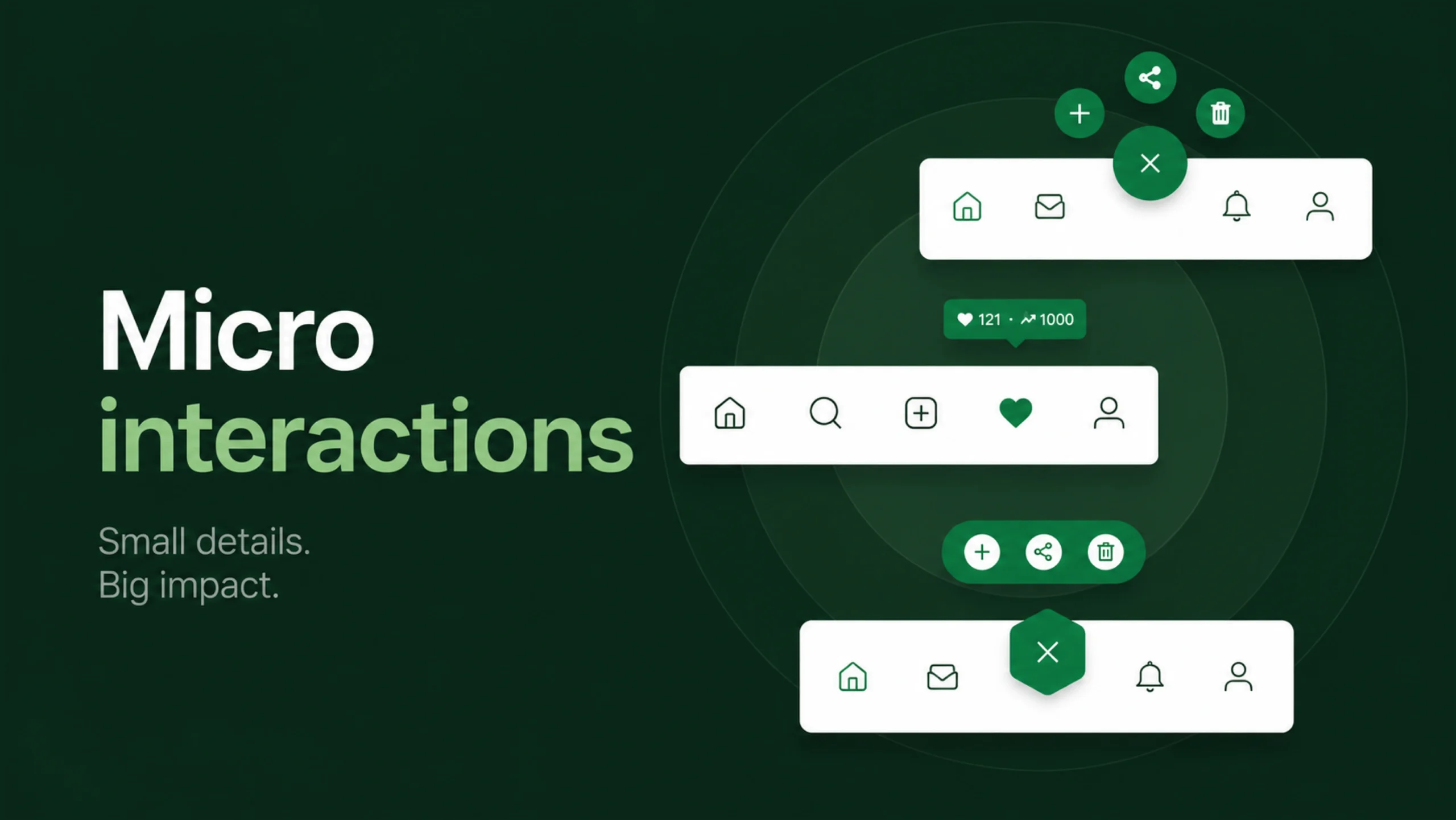
Micro interactions: The Tiny Details That Shape Great User Experiences.
Have you ever tapped a “Like” button and watched it instantly animate into a filled heart?
Or pulled down a mobile screen and seen a loading indicator spin into action?
Maybe you’ve entered a password and received a subtle green checkmark confirming everything is correct.
Those tiny moments may seem insignificant.
Yet they’re often the difference between an interface that feels cold and one that feels responsive, polished, and satisfying.
These moments are called microinteractions.
They are small. Really small.
Still, they have an outsized impact on how people experience digital products.
Many users never consciously notice them. They simply feel that an app is smooth, intuitive, or enjoyable to use.
Behind that feeling, micro interactions are usually hard at work.
What Are Microinteractions?
Micro interactions are small moments within a product that serve a single purpose.
They help users complete tasks, receive feedback, understand system status, or interact with an interface in a meaningful way.
A microinteraction usually focuses on one action.
For example:
- Turning notifications on or off
- Clicking a button
- Refreshing a page
- Receiving an error message
- Adjusting volume
- Marking a task as complete
These interactions happen constantly throughout digital experiences.
Most of them take only a fraction of a second.
Yet together, they shape how a product feels.
Tiny Details, Big Impact
It’s easy to assume users care mostly about major features.
Features certainly matter.
People download a banking app to manage money, not to admire animations.
Yet here’s the interesting part.
When two products offer similar functionality, the small details often influence which one feels better to use.
Micro interactions contribute to:
- Clarity
- Feedback
- Trust
- Satisfaction
- Usability
- Emotional connection
Think of them as the seasoning in a meal.
Nobody orders salt as the main course.
Without it, though, something feels missing.
Why Micro interactions Matter
Every interaction creates a conversation between a user and a system.
Users take an action.
The system responds.
Micro interactions make that response clear.
Without feedback, people become uncertain.
Did the button work?
Was the file uploaded?
Did the payment go through?
Is the system loading?
Good micro interactions answer these questions immediately.
They reduce doubt and create confidence.
The Four Parts of a Micro interaction
Many designers describe micro interactions using four key components.
Understanding these parts makes it easier to design them effectively.
Trigger
The trigger starts the interaction.
Triggers can be initiated by users or systems.
Examples include:
- Clicking a button
- Swiping a card
- Receiving a notification
- Reaching a specific condition
The trigger acts as the starting point.
Rules
Rules determine what happens after the trigger.
For example:
A user taps a heart icon.
The system changes the icon to a filled state.
The rule defines the behavior.
Feedback
Feedback communicates the result.
This might include:
- Animation
- Sound
- Color changes
- Vibration
- Visual confirmation
Feedback reassures users that the system responded.
Loops and Modes
Some interactions change over time.
A loading indicator continues spinning until content appears.
A fitness app tracks progress daily.
These ongoing states are part of loops and modes.
They help manage longer interactions.
Everyday Examples of Microinteractions
Microinteractions are everywhere.
You probably encounter dozens before breakfast.
Here are some familiar examples.
Social Media Reactions
The animated heart on Instagram.
The thumbs-up on Facebook.
The reaction options in messaging apps.
Each provides immediate feedback.
Password Strength Indicators
As users type a password, indicators update in real time.
Weak.
Medium.
Strong.
Simple feedback helps guide behavior.
Pull-to-Refresh
Many mobile apps allow users to pull downward to refresh content.
The resulting animation confirms the action and indicates loading progress.
Toggle Switches
Dark mode settings.
Notification preferences.
Privacy controls.
Toggle switches communicate state changes instantly.
Progress Indicators
File uploads.
Software installations.
Video processing.
Progress indicators reduce uncertainty by showing activity.
Micro interactions in UI Design
User interface design focuses heavily on appearance.
Microinteractions add behavior.
An interface without microinteractions can feel static.
Almost lifeless.
Buttons appear disconnected from user actions.
Menus open abruptly.
Forms feel mechanical.
Microinteractions introduce movement, feedback, and responsiveness.
They make interfaces feel alive.
Not flashy.
Alive.
There’s a difference.
The Connection Between Microinteractions and UX
User experience extends beyond visual design.
It includes how people feel while interacting with a product.
Microinteractions influence these feelings continuously.
A smooth animation can make a task feel easier.
A helpful confirmation message can reduce stress.
A subtle loading indicator can prevent frustration.
Each interaction contributes to the broader experience.
Small moments accumulate.
Eventually, users form opinions about the entire product.
Feedback: The Unsung Star
If microinteractions have a hero, it’s feedback.
Feedback tells users what happened after an action.
Without it, confusion grows quickly.
Imagine clicking a payment button and seeing nothing happen.
No animation.
No loading indicator.
No confirmation.
Most users would click again.
Then again.
Then maybe panic slightly.
Feedback removes uncertainty.
It acts like a conversation.
The user speaks through actions.
The interface responds through feedback.
Common Types of Microinteractions
Different products use microinteractions for different purposes.
Several categories appear frequently.
System Status Feedback
These communicate ongoing activity.
Examples include:
- Loading spinners
- Progress bars
- Upload indicators
Users gain visibility into what the system is doing.
Notifications
Notifications alert users about events.
Examples include:
- New messages
- Successful actions
- Reminders
- Warnings
Good notifications communicate without becoming distracting.
Data Input Guidance
Forms often use microinteractions to help users enter information correctly.
Examples include:
- Field validation
- Error messages
- Character counters
Immediate feedback prevents mistakes from piling up.
Navigation Assistance
Menus, tabs, and page transitions often include subtle animations.
These interactions help users maintain context while moving through an interface.
The Emotional Side of Microinteractions
Here’s something many teams overlook.
Microinteractions aren’t only functional.
They can create emotional responses too.
A playful animation can spark delight.
A smooth transition can feel elegant.
A friendly success message can make an interaction feel rewarding.
Products from companies like Google, Apple, Airbnb, and Slack often use microinteractions to add personality without overwhelming users.
These moments feel human.
That’s part of their appeal.
When Micro interactions Go Too Far
Interestingly, more animation doesn’t automatically create better experiences.
Sometimes designers become overly enthusiastic.
Animations become lengthy.
Transitions become distracting.
Interactions become slower.
The result is frustration rather than delight.
Microinteractions should support tasks, not compete with them.
The best ones often feel natural and unobtrusive.
Users notice the outcome more than the animation itself.
Principles for Designing Effective Micro interactions
Strong microinteractions typically follow a few core principles.
Keep Them Purposeful
Every interaction should solve a problem or provide clarity.
Decoration alone rarely justifies additional movement.
Be Fast
Speed matters.
Microinteractions should feel responsive.
Delays make interfaces feel sluggish.
Stay Consistent
Interactions should behave predictably throughout a product.
Consistency builds trust.
Support Accessibility
Animations should accommodate users who prefer reduced motion.
Visual feedback should be clear for all users.
Accessibility should never become an afterthought.
Match the Brand Personality
A banking application may use restrained interactions.
A gaming app may use more expressive feedback.
Different products require different tones.
Micro interactions in Design Systems
As products grow, teams often standardise microinteractions through design systems.
This creates consistency across:
- Buttons
- Forms
- Navigation
- Notifications
- Feedback patterns
A shared approach helps designers and developers work more efficiently.
It also creates predictable experiences for users.
Predictability isn’t boring.
In many cases, it’s comforting.
Real-World Examples of Excellent Microinteractions
Many popular products showcase thoughtful microinteraction design.
Examples include:
- Apple’s Face ID confirmation animation
- Slack’s message status indicators
- Google’s search suggestions
- LinkedIn’s reaction animations
- Spotify’s playback controls
These interactions may last less than a second.
Yet they help make the products feel polished and responsive.
The Future of Micro interactions
Technology continues to evolve.
Voice interfaces, wearables, augmented reality, spatial computing, and AI-powered products all introduce new interaction patterns.
Microinteractions will evolve alongside them.
Future experiences may rely on:
- Gesture feedback
- Haptic responses
- Voice confirmations
- Context-aware animations
- AI-generated interface responses
The underlying goal remains unchanged.
Help users understand what’s happening.
Help them feel confident.
Help them move forward smoothly.
Final Thoughts
Microinteractions are small, focused interactions that help users accomplish tasks, understand system responses, and feel connected to digital products. They provide feedback, communicate status, guide behavior, and add personality to interfaces.
Though they may appear minor, their influence is significant. A product can have powerful features and attractive visuals, yet still feel awkward if its interactions lack responsiveness. Thoughtful microinteractions bridge that gap.
The most memorable digital experiences often aren’t defined by major features alone.
They’re shaped by countless tiny moments.
A button responding instantly.
A confirmation appearing at the right time.
A subtle animation making an action feel complete.
Those little moments matter more than many people realize.
Frequently Asked Questions (FAQs)
What are microinteractions in UX design?
Microinteractions are small interactions within a product that focus on a single task, such as receiving feedback, changing settings, or confirming an action.
Why are micro interactions important?
They improve usability, provide feedback, reduce uncertainty, and make digital products feel more responsive and engaging.
What are examples of micro interactions?
Examples include button animations, loading indicators, notification alerts, password strength meters, progress bars, and toggle switches.
What is the difference between animation and a micro interaction?
Animation is often a visual technique. A microinteraction combines triggers, rules, feedback, and behavior to help users complete a specific task or understand a system response.
Do micro interactions improve user experience?
Yes. Well-designed microinteractions improve clarity, increase confidence, reduce friction, and create smoother interactions throughout a product.
Can microinteractions hurt usability?
Yes. Excessive animations, slow transitions, or distracting effects can frustrate users and interfere with task completion. Effective microinteractions remain purposeful and unobtrusive.