


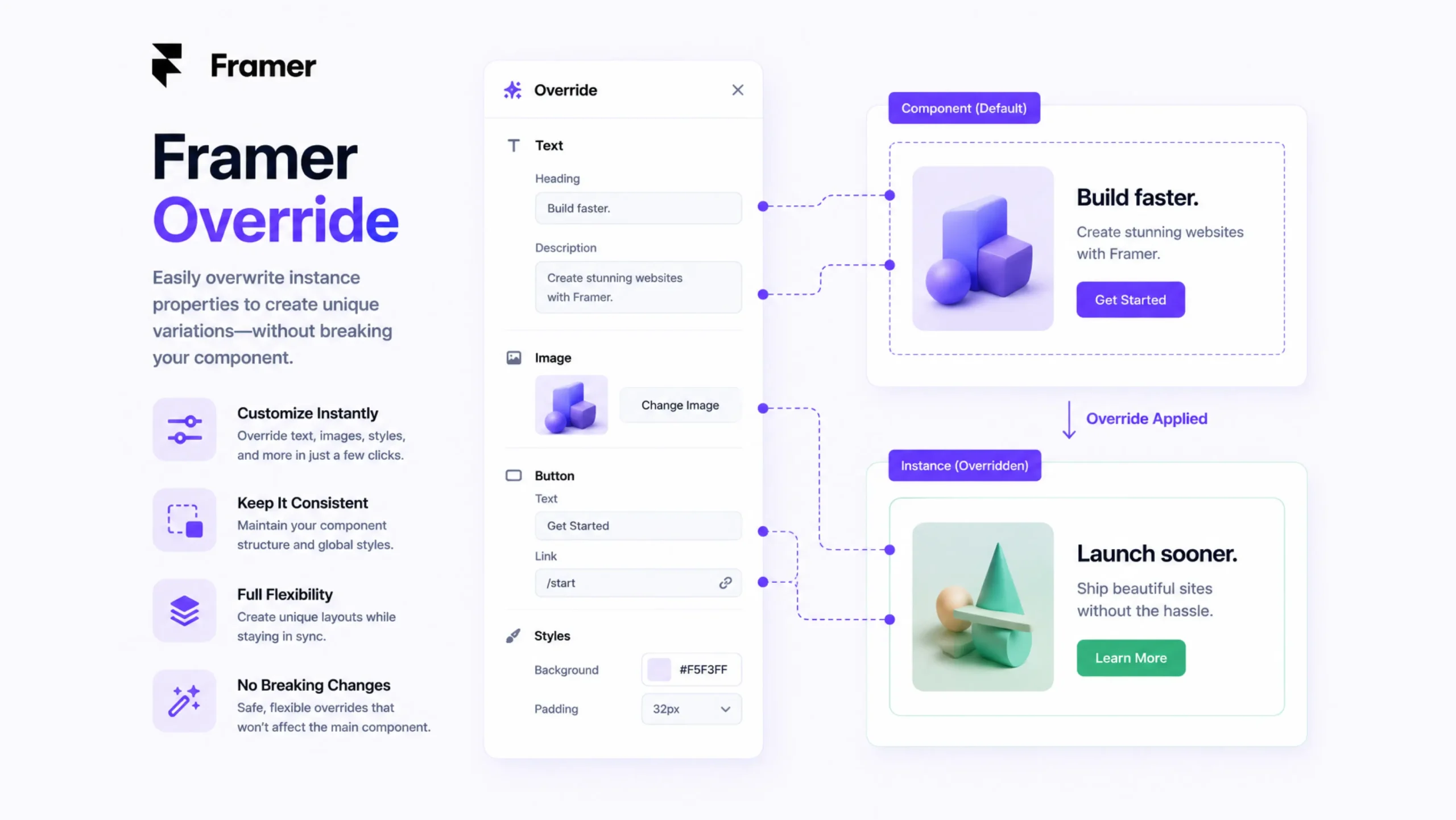
What Is a Framer Override?
A Framer Override is a piece of custom React code that modifies the behaviour, appearance, or functionality of an element inside a Framer project. It allows designers and developers to add interactions and logic that go beyond what is available through Framer’s visual interface.
Think of Framer as a modern car with plenty of built-in features. Most users can drive it comfortably without touching the engine. An override is like opening the hood and making adjustments that give the car extra capabilities.
For many projects, Framer’s visual tools are enough. Yet there are moments when a project requires custom behavior, and that’s where overrides come into play.
Why Do Framer Overrides Exist?
Visual website builders have become remarkably powerful.
Still, every project eventually encounters a request that falls outside standard settings.
A client may want:
- A custom button interaction
- Dynamic content updates
- Personalized user experiences
- Advanced animations
- API-driven functionality
The visual editor can handle many scenarios, but some requirements call for code.
Overrides bridge that gap.
They allow developers to extend Framer without rebuilding entire sections from scratch.
Here’s the Thing: Visual Design Has Limits
Imagine you’re creating a website for a startup.
The founder asks for a button that changes text after a user clicks it three times.
Can a standard button handle that?
Probably not.
A Framer Override can.
That’s why many teams view overrides as a way to add “just enough code” when visual tools alone aren’t enough.
How Framer Overrides Work
Framer Overrides are written using React and JavaScript.
An override function typically returns properties that get attached to a component.
These properties can control:
- Text content
- Styling
- Animations
- Click actions
- Hover states
- Dynamic behavior
- External data
The override acts like a layer that sits on top of a component and changes how it behaves.
Instead of rebuilding an element, developers modify it through code.
Common Types of Framer Overrides
Overrides can serve many purposes.
Some are simple.
Others become surprisingly sophisticated.
Let’s explore the most common examples.
Event Overrides
These respond to user actions.
Examples include:
- Clicks
- Hovers
- Taps
- Scroll actions
A button can trigger a message, open a modal, or update page content.
State Overrides
State-based overrides help elements remember information.
For example:
- Tracking user selections
- Managing form inputs
- Updating counters
- Switching content dynamically
This creates more interactive experiences.
Animation Overrides
Framer already includes powerful animation tools.
Yet custom animation logic sometimes requires additional control.
Overrides can trigger:
- Conditional animations
- Dynamic transitions
- Sequential motion effects
This gives developers greater flexibility.
Data Overrides
Websites increasingly rely on external information.
Overrides can connect elements to:
- APIs
- Databases
- External services
- Dynamic content feeds
Instead of displaying static content, pages can update automatically.
Why Designers and Developers Use Overrides
You know what?
Many designers never touch overrides.
And that’s perfectly fine.
Framer was built to support visual design first.
Still, teams creating advanced products often benefit from having overrides available.
Advantages include:
Greater Flexibility
Developers can create interactions beyond the limits of built-in controls.
Dynamic Experiences
Content can change based on user actions, data sources, or conditions.
Better Customization
Projects can support very specific business requirements.
Reduced Workarounds
Without overrides, teams sometimes create complicated solutions for simple problems.
Custom code often provides a cleaner answer.
Real-World Examples of Framer Overrides
Overrides appear in many modern projects.
Some examples include:
Interactive Pricing Calculators
Users adjust values and instantly see updated pricing.
Personalized Landing Pages
Content changes based on visitor behavior or marketing campaigns.
Advanced Form Experiences
Forms can validate inputs, display conditional fields, and update content dynamically.
Custom Navigation Systems
Menus respond differently depending on user interactions.
API-Driven Dashboards
Information updates automatically from external systems.
These experiences would be difficult—or impossible—to build using only visual settings.
Framer Overrides vs Components
People often confuse overrides and components.
They’re related but serve different purposes.
| Feature | Components | Overrides |
|---|---|---|
| Reusable Design Elements | Yes | No |
| Visual Structure | Yes | Limited |
| Custom Logic | Limited | Strong |
| Dynamic Behavior | Basic | Advanced |
| React Code Required | Sometimes | Yes |
Components define what something looks like.
Overrides define how it behaves.
Many projects use both together.
The Trade-Off Nobody Talks About
Overrides create flexibility.
They also introduce complexity.
That’s the trade-off.
A project using dozens of custom overrides may become harder to maintain than a project built entirely with visual tools.
This doesn’t mean overrides are bad.
It simply means they should solve a clear problem.
Sometimes a visual solution works perfectly.
Sometimes code is the cleaner path.
The key is knowing which tool fits the situation.
Common Challenges
Like any development technique, overrides come with a few considerations.
More Technical Knowledge
Designers unfamiliar with React may need developer support.
Maintenance Requirements
Code occasionally needs updates as projects evolve.
Debugging
A broken override can affect functionality until the issue is resolved.
Team Collaboration
Clear documentation helps other team members understand custom logic.
Without documentation, confusion tends to appear later.
The Future of Framer Overrides
Framer continues to add new visual capabilities.
As the platform grows, some tasks that once required overrides are becoming possible through built-in features.
Yet custom code remains valuable.
Businesses often have requirements that go beyond standard tools.
Overrides provide a way to meet those requirements without abandoning Framer’s visual workflow.
As websites become more interactive and data-driven, custom logic will likely remain an important part of advanced Framer projects.
Final Thoughts
Framer Overrides allow designers and developers to extend Framer beyond its visual interface. By using custom React code, teams can create dynamic interactions, connect external data, manage advanced user experiences, and build functionality that isn’t available through default settings.
The biggest advantage is flexibility.
Visual tools make website creation faster, while overrides add the freedom to customize behavior when projects require something extra. Used thoughtfully, they help bridge the gap between no-code design and full-code development.
For teams building sophisticated digital products, Framer Overrides can become one of the most powerful tools available inside the platform.
Frequently Asked Questions (FAQs)
1. What is a Framer Override?
A Framer Override is a custom React code function that changes the behavior, appearance, or functionality of a component inside a Framer project.
2. Do I need coding knowledge to use Framer Overrides?
Yes. Overrides are typically written using React and JavaScript, so basic coding knowledge is helpful.
3. What can Framer Overrides do?
They can control interactions, animations, user actions, dynamic content, API connections, and custom functionality.
4. Are Framer Overrides still useful with modern Framer features?
Yes. Many advanced interactions and business-specific requirements still benefit from custom overrides.
5. Can Overrides connect to external APIs?
Yes. Developers can use overrides to fetch and display data from external services and databases.
6. What’s the difference between a Framer Component and a Framer Override?
Components define reusable UI elements, while overrides add custom logic and behavior to those elements.