


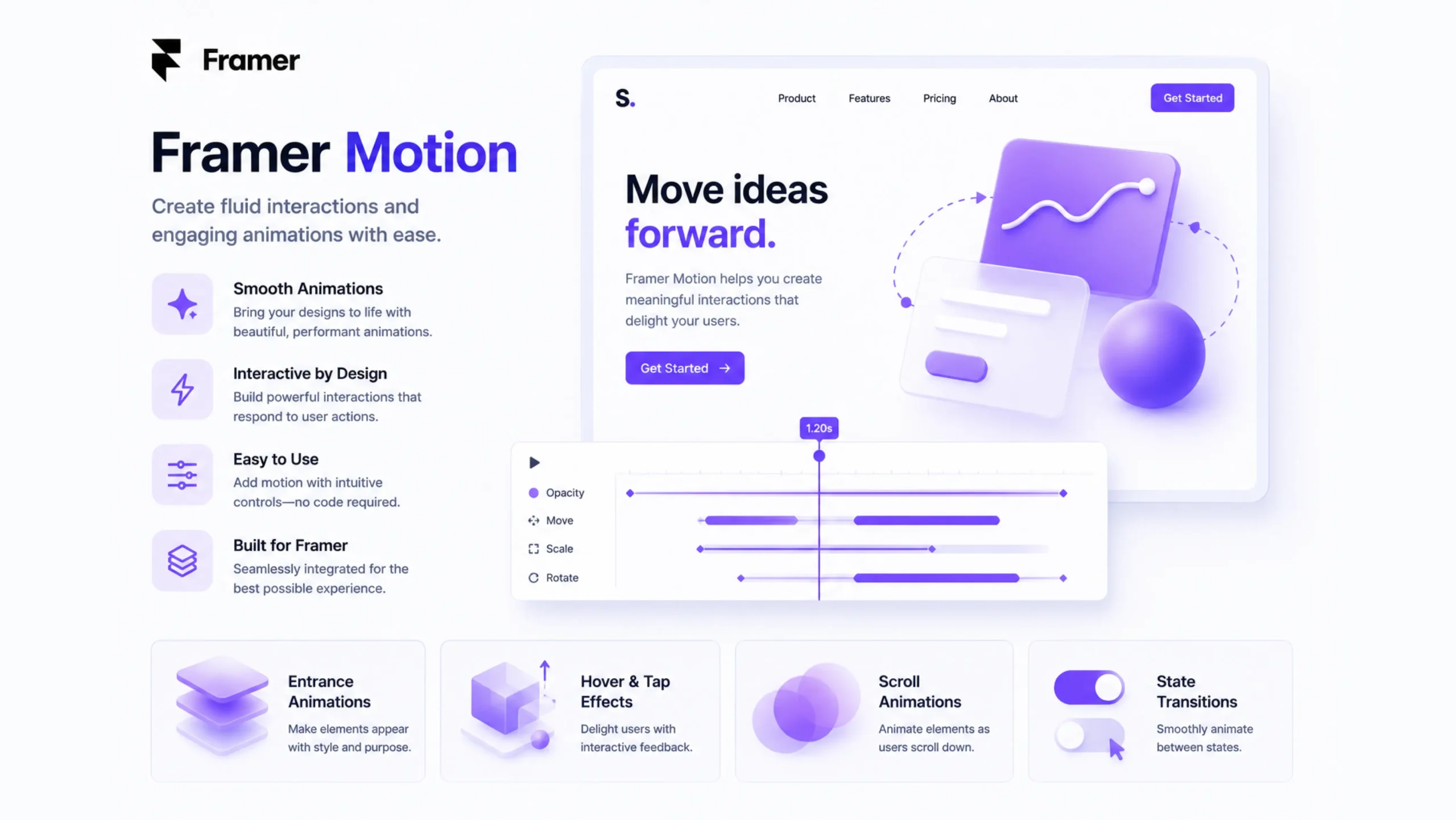
What Is Framer Motion?
Framer Motion is a powerful animation library built for React applications. It allows designers and developers to create smooth, interactive, and visually appealing animations with minimal code.
Think of it as the choreography behind a website’s movements. Buttons can gently scale when hovered over, cards can slide into view as users scroll, and entire page transitions can feel fluid rather than abrupt.
Instead of manually handling complicated animation logic, Framer Motion provides a simpler way to create motion that feels natural and responsive.
At its core, Framer Motion helps bring digital interfaces to life.
Why Motion Matters More Than Ever
A website without motion can feel a bit like a conversation with no facial expressions. The information is there, yet something feels missing.
Motion helps users understand:
- What changed
- Where content came from
- Which action was successful
- What deserves attention
Imagine clicking a button and seeing no visual response. You’d probably wonder if it worked.
Now imagine that same button gently shrinking and bouncing back. Instantly, you receive feedback.
That’s the value of motion. It communicates without words.
Many modern products—including tools built with React, SaaS dashboards, startup websites, and portfolio experiences—use motion to guide users through an interface.
A Quick Definition
Framer Motion is a React animation library that enables developers to create smooth animations, gestures, transitions, and interactive UI effects with simple, declarative code.
So, How Does Framer Motion Work?
Here’s the thing.
Traditional web animations often require a mix of CSS keyframes, JavaScript events, timing functions, and a fair amount of troubleshooting.
Framer Motion simplifies that process.
Developers replace standard HTML elements with motion-enabled components.
For example:
divbecomesmotion.divbuttonbecomesmotion.buttonsectionbecomesmotion.section
From there, animations can be defined using straightforward properties such as:
- Initial state
- Animated state
- Exit state
- Transition settings
The result feels intuitive, even for developers who aren’t animation specialists.
The Building Blocks of Framer Motion
Let’s look at the major pieces that make Framer Motion popular.
Motion Components
Motion components are animated versions of regular HTML elements.
These components allow properties like:
- Opacity
- Scale
- Position
- Rotation
- Color changes
without requiring complex code structures.
Animations
Animations define how an element changes over time.
Examples include:
- Fade-ins
- Slide-ins
- Zoom effects
- Rotations
- Floating elements
A simple animation can make content appear more polished and easier to follow.
Gestures
Framer Motion supports user interactions such as:
- Hover
- Tap
- Drag
- Pan
For instance, a card can slightly lift when hovered over.
That tiny movement creates a feeling of responsiveness.
Small detail. Big difference.
Page Transitions
One of Framer Motion’s most loved features is page transitions.
Instead of content suddenly appearing, pages can:
- Fade in
- Slide in
- Expand smoothly
The experience feels closer to a native application than a traditional website.
Shared Layout Animations
This feature allows elements to animate seamlessly between different states.
Imagine clicking a product card and watching it expand into a detailed product page.
Rather than instantly switching screens, the content transforms naturally.
Users maintain context, which improves usability.
Scroll-Based Animations
Scroll-triggered effects have become increasingly common.
Framer Motion can animate content when users:
- Enter a section
- Reach a specific scroll point
- Scroll through a page
These interactions help guide attention without overwhelming visitors.
Why Designers Love Framer Motion
Motion creates emotion.
That may sound dramatic, but it is true.
Designers often use Framer Motion because it helps them:
Create Better User Experiences
Animations make interfaces easier to understand.
Users can follow movement and relationships between elements.
Add Personality
A static website can feel rigid.
Motion adds character.
A subtle hover effect or playful transition can make a brand feel more approachable.
Improve Perceived Performance
Interestingly, a slightly animated loading state can make waiting feel shorter.
The actual loading time may remain the same, yet the experience feels smoother.
It’s a small psychological trick that designers have used for years.
Why Developers Appreciate It
Developers often face a choice:
Create animations quickly or create them well.
Framer Motion helps achieve both.
Benefits include:
- Cleaner code
- Faster implementation
- React-friendly architecture
- Better performance
- Strong documentation
- Reduced development effort
Many React developers view Framer Motion as one of the easiest ways to add professional-grade animation.
Common Use Cases
Framer Motion appears in countless projects.
Here are some examples.
Landing Pages
Startups frequently use Framer Motion for:
- Hero section animations
- Feature reveals
- Scroll effects
- Call-to-action interactions
SaaS Platforms
Dashboards often rely on:
- Modal transitions
- Notification animations
- Sidebar interactions
- Data visualization effects
E-commerce Websites
Motion can help:
- Highlight products
- Animate shopping carts
- Improve product galleries
- Create engaging checkout experiences
Portfolio Websites
Designers and creative professionals often use Framer Motion to showcase their work through animated galleries and interactive case studies.
Framer Motion vs CSS Animations
People often ask:
“If CSS can animate elements, why use Framer Motion?”
Good question.
| Feature | CSS Animations | Framer Motion |
|---|---|---|
| Simple Animations | Yes | Yes |
| Complex Interactions | Limited | Excellent |
| Gesture Support | Minimal | Built-in |
| Page Transitions | Difficult | Easy |
| React Integration | Manual | Native |
| Layout Animations | Limited | Strong |
CSS remains great for smaller effects.
Framer Motion shines when interactions become more sophisticated.
Real-World Examples You See Every Day
You may encounter Framer Motion without realizing it.
Examples include:
- Animated navigation menus
- Expanding FAQ sections
- Product image transitions
- Interactive cards
- Drag-and-drop interfaces
- Scroll-based storytelling pages
Many modern SaaS websites use these patterns extensively.
Mistakes That Can Ruin Good Motion Design
Here’s a funny contradiction.
Motion improves usability.
Too much motion damages usability.
Some teams get excited and animate everything.
The result feels distracting.
Common mistakes include:
Overusing Animations
If every element moves, nothing feels important.
Long Durations
Users rarely want to wait for dramatic transitions.
Short and purposeful animations usually work better.
Ignoring Accessibility
Some users experience motion sensitivity.
Providing reduced-motion alternatives is a thoughtful and responsible approach.
Animating Without Purpose
Motion should communicate something useful.
Random movement often creates noise rather than clarity.
Framer Motion and the Future of Web Design
Interactive experiences continue to gain popularity.
Users now expect websites to feel smooth, responsive, and app-like.
Motion plays a major role in meeting those expectations.
As React continues to power a large portion of modern web applications, Framer Motion remains a preferred choice for creating engaging interfaces.
Design systems, SaaS platforms, AI products, and startup websites increasingly include motion as a standard design element rather than an optional extra.
Final Thoughts
Framer Motion has changed how developers and designers approach web animation. Instead of wrestling with complicated animation logic, teams can create polished interactions through a straightforward workflow.
The real value isn’t flashy effects.
It’s communication.
A button responding to a hover, a card smoothly expanding, or a page transitioning gracefully all help users understand what’s happening. Good motion reduces confusion, improves engagement, and adds personality to digital products.
Used thoughtfully, Framer Motion turns static interfaces into experiences that feel alive without becoming distracting.
Frequently Asked Questions (FAQs)
1. What is Framer Motion used for?
Framer Motion is used to create animations, transitions, gestures, and interactive effects in React applications.
2. Is Framer Motion only for React?
Yes. Framer Motion is built specifically for React and works directly with React components.
3. Is Framer Motion better than CSS animations?
For complex interactions, gestures, and page transitions, Framer Motion offers more flexibility. CSS remains suitable for simple animations.
4. Can beginners learn Framer Motion?
Yes. Many developers find it easier to learn than traditional animation techniques because of its straightforward syntax and React integration.
5. Does Framer Motion affect website performance?
When used properly, Framer Motion performs efficiently and can create smooth animations without significantly impacting performance.
6. Can Framer Motion be used for mobile-friendly websites?
Yes. Framer Motion supports responsive interfaces and works well across desktops, tablets, and mobile devices.