


Curated Design & Dev Resources That Actually Help
Explore the best handpicked resources like design tools, libraries, and learning material—trusted by designers, developers, and creative thinkers.
🗂️ Portfolio of the Month ── .✦
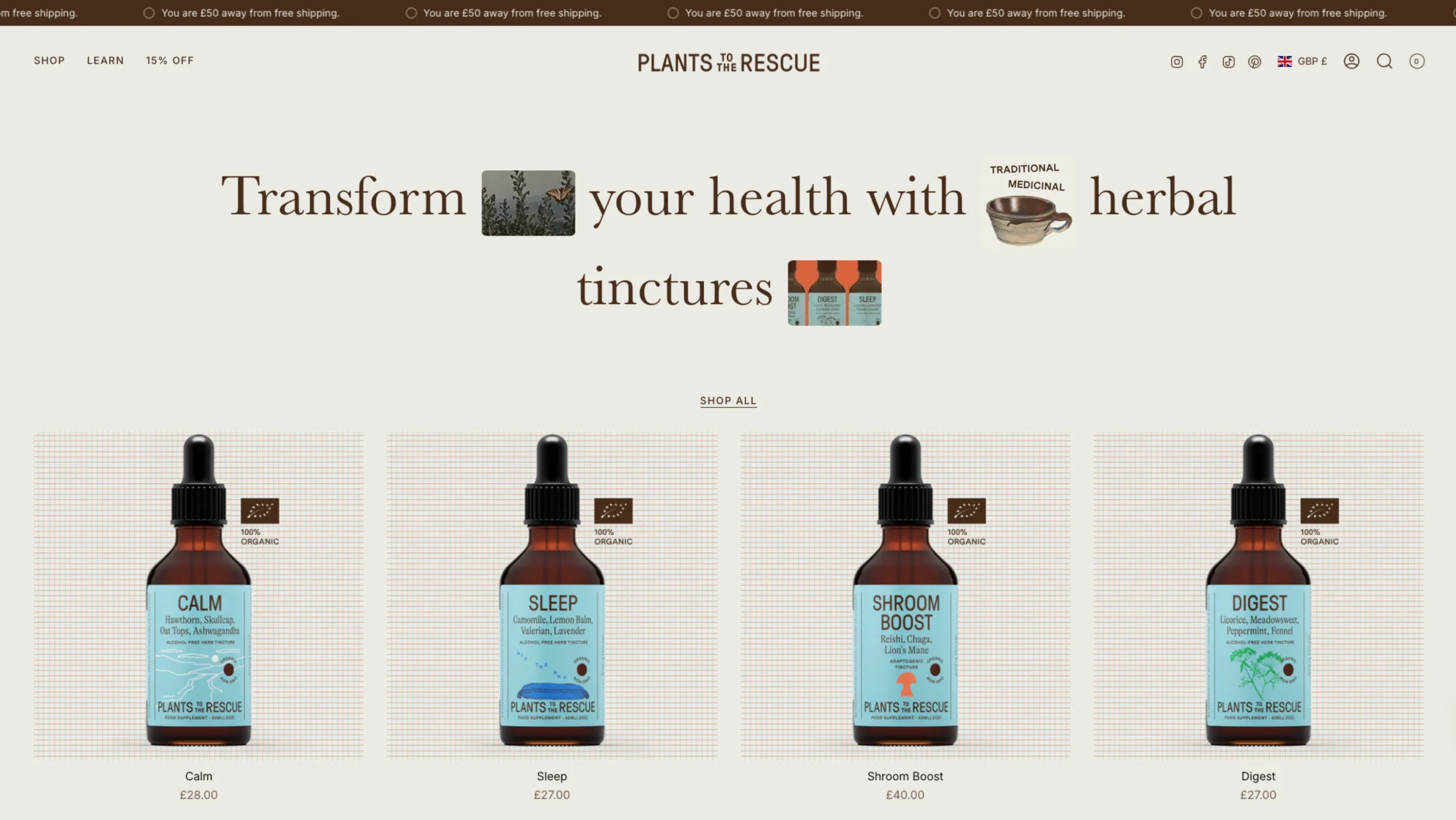
Plants to the Rescue
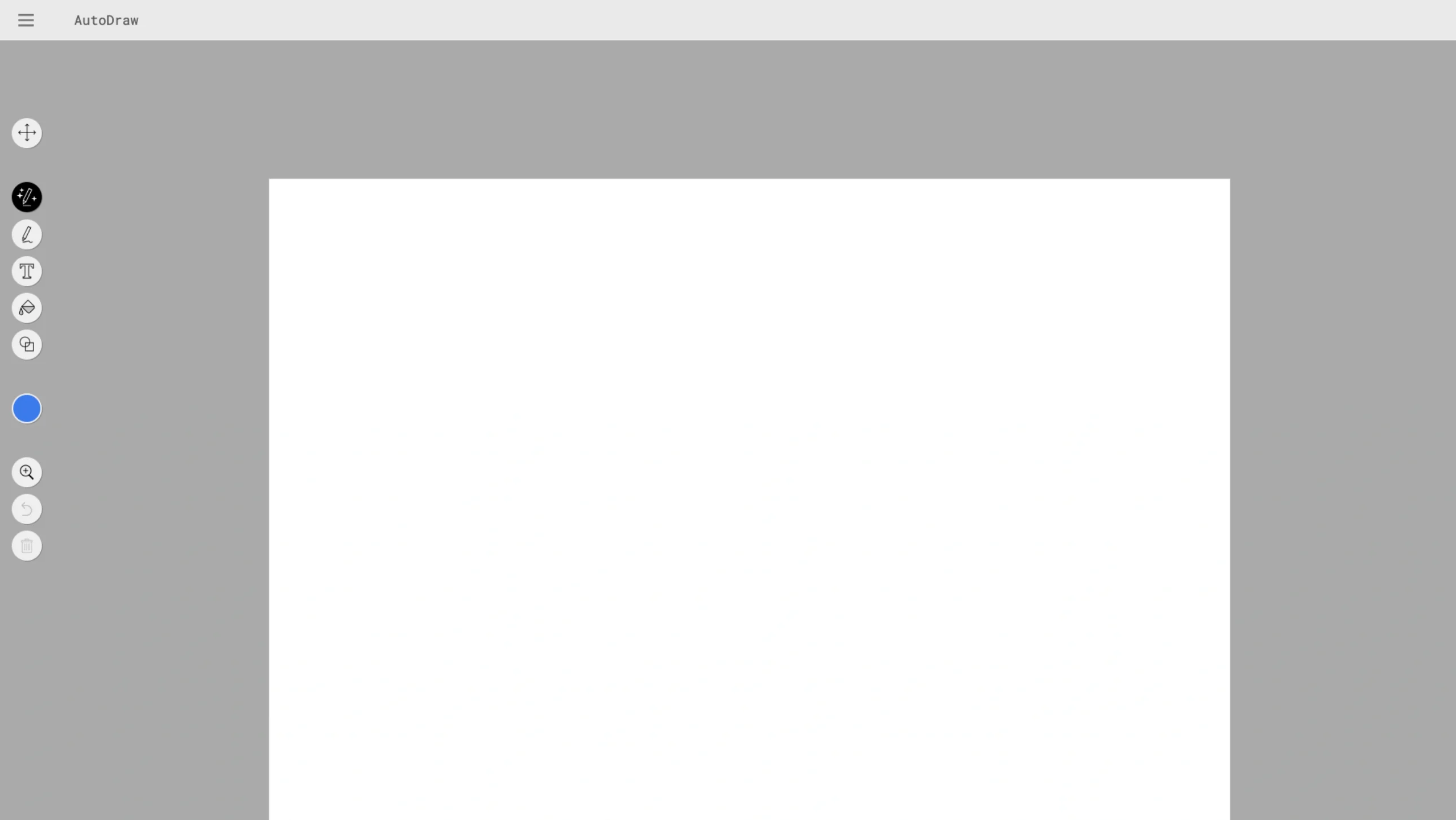
AutoDraw
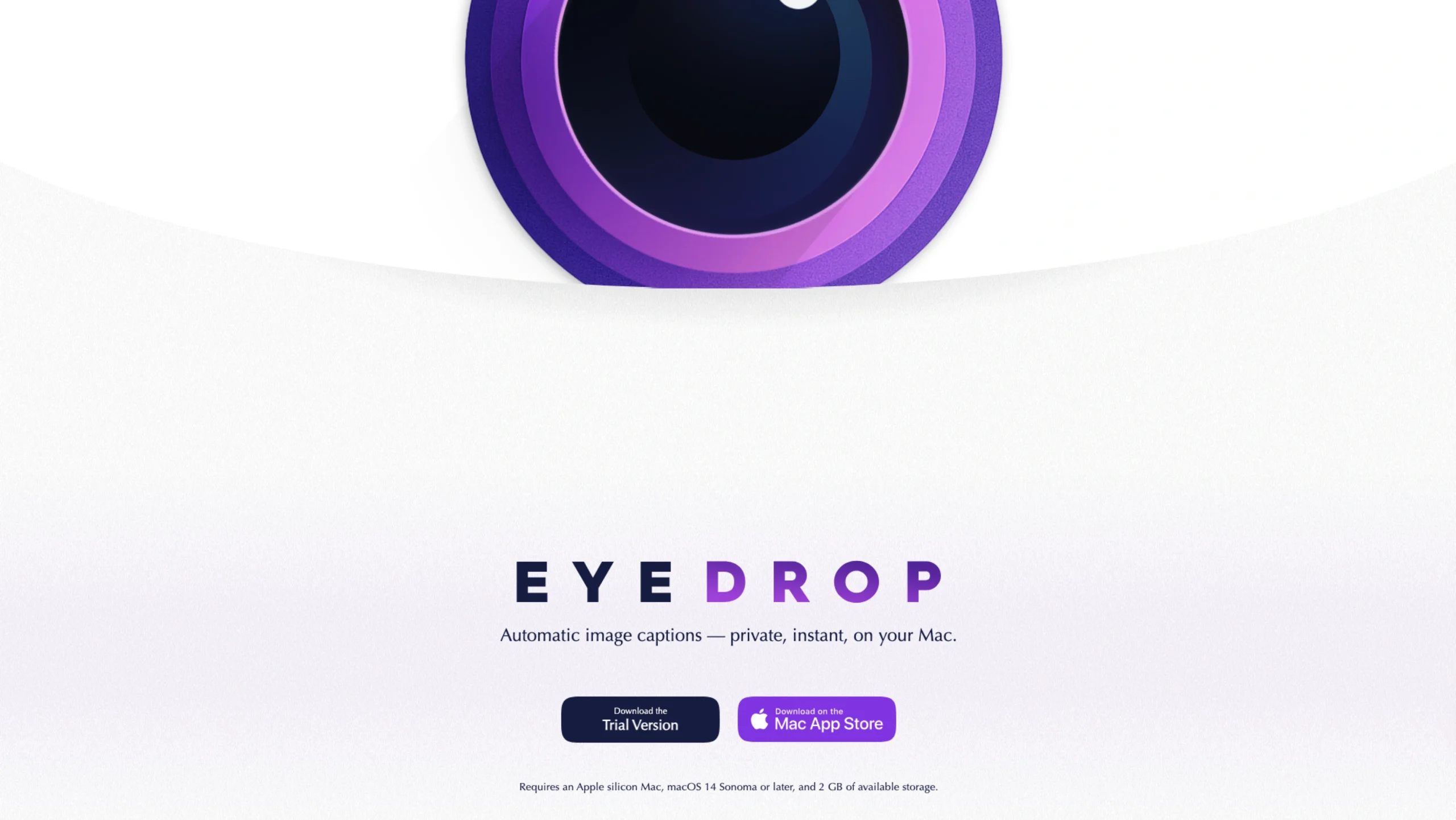
EyeDrop
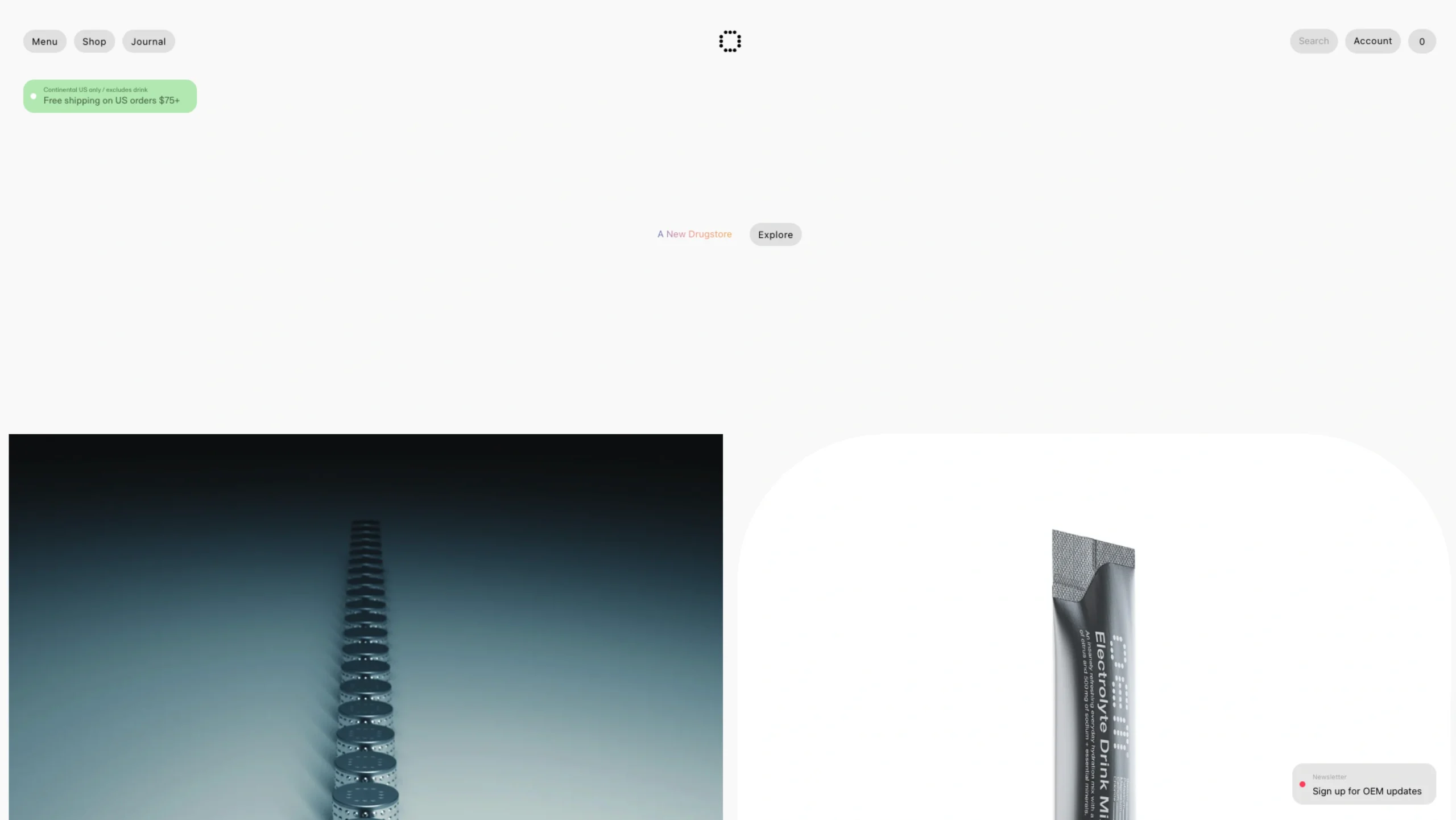
OEM – Drugstore
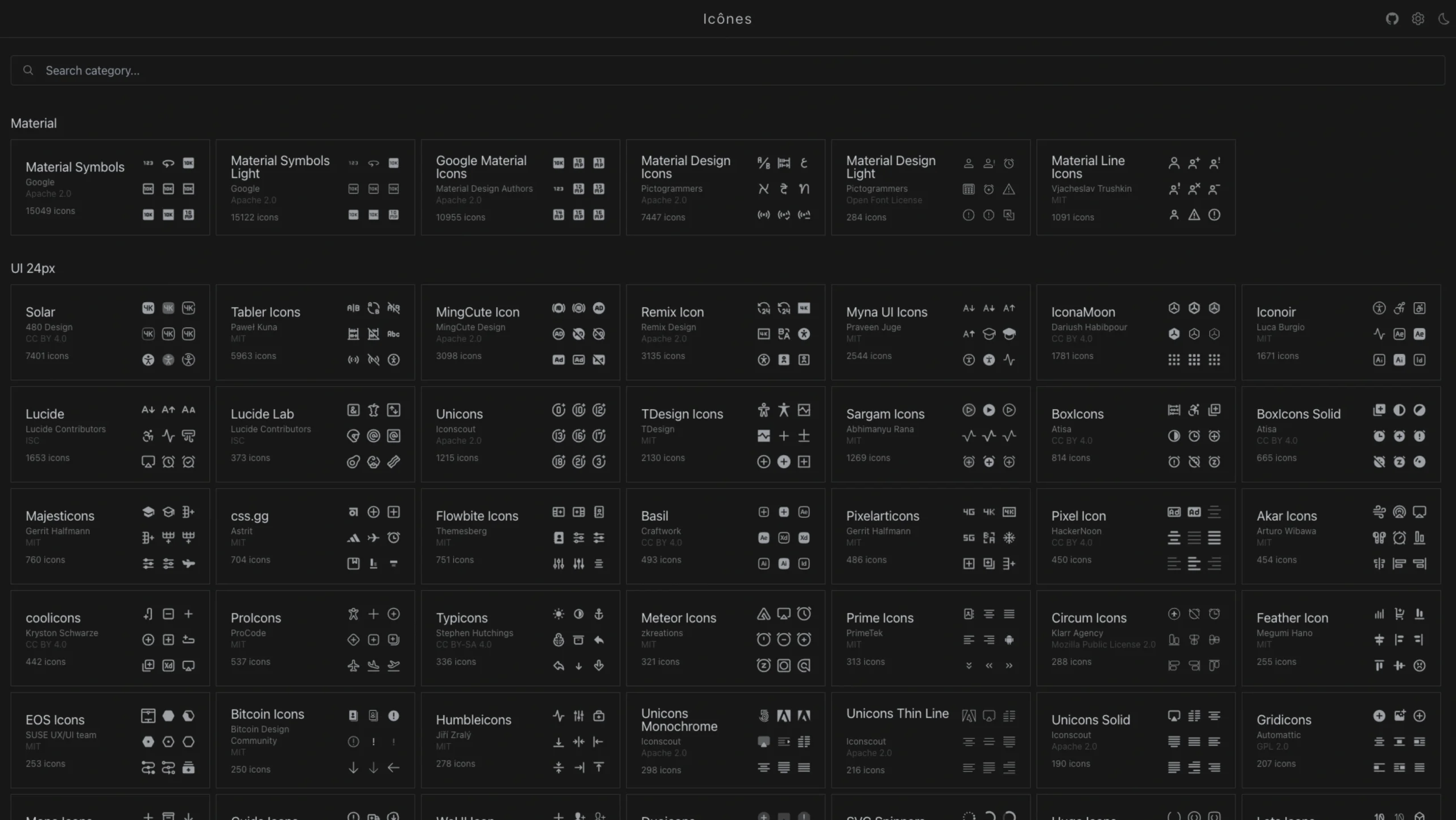
Icônes
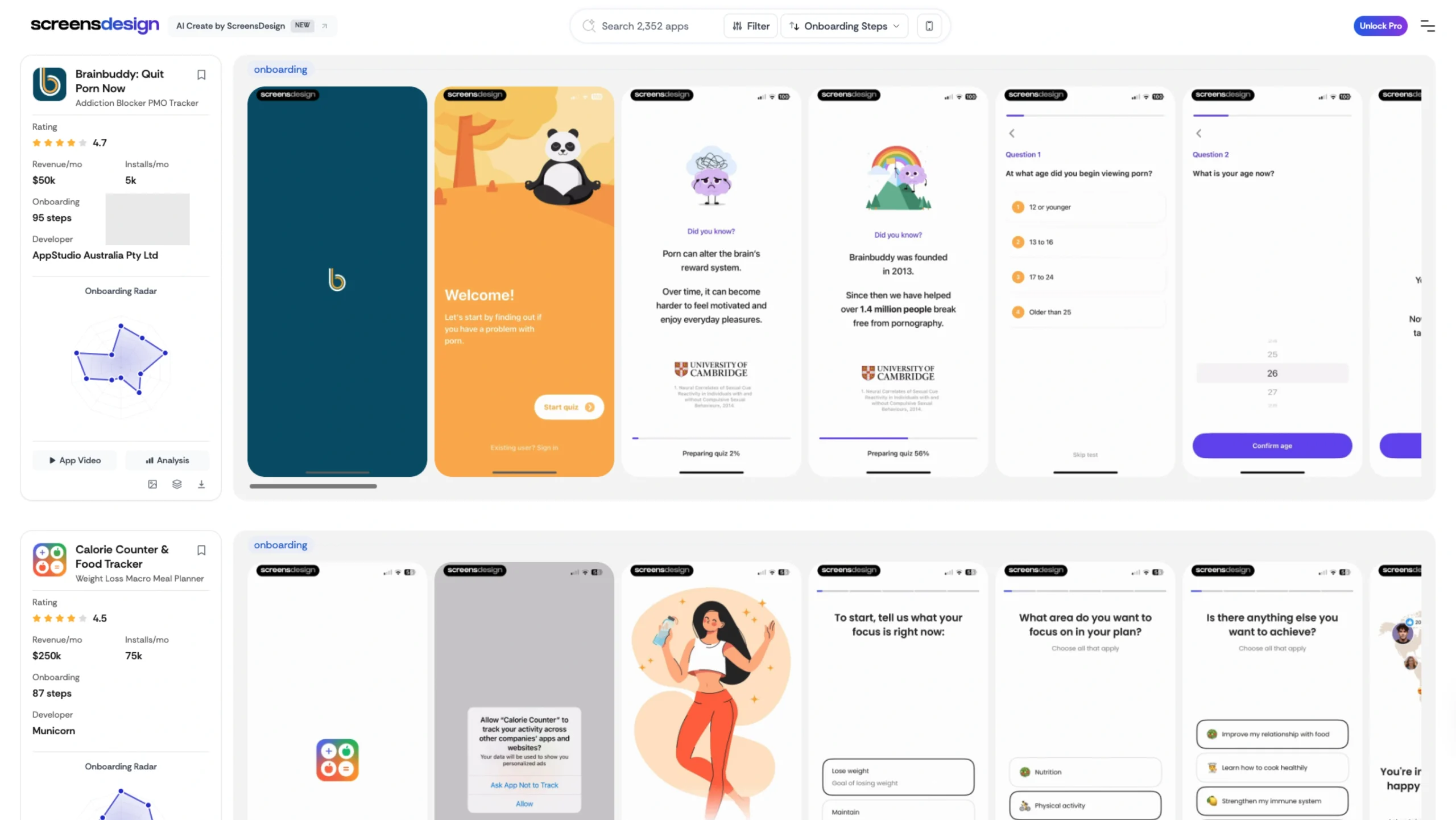
Screens Design – App Store Screenshot
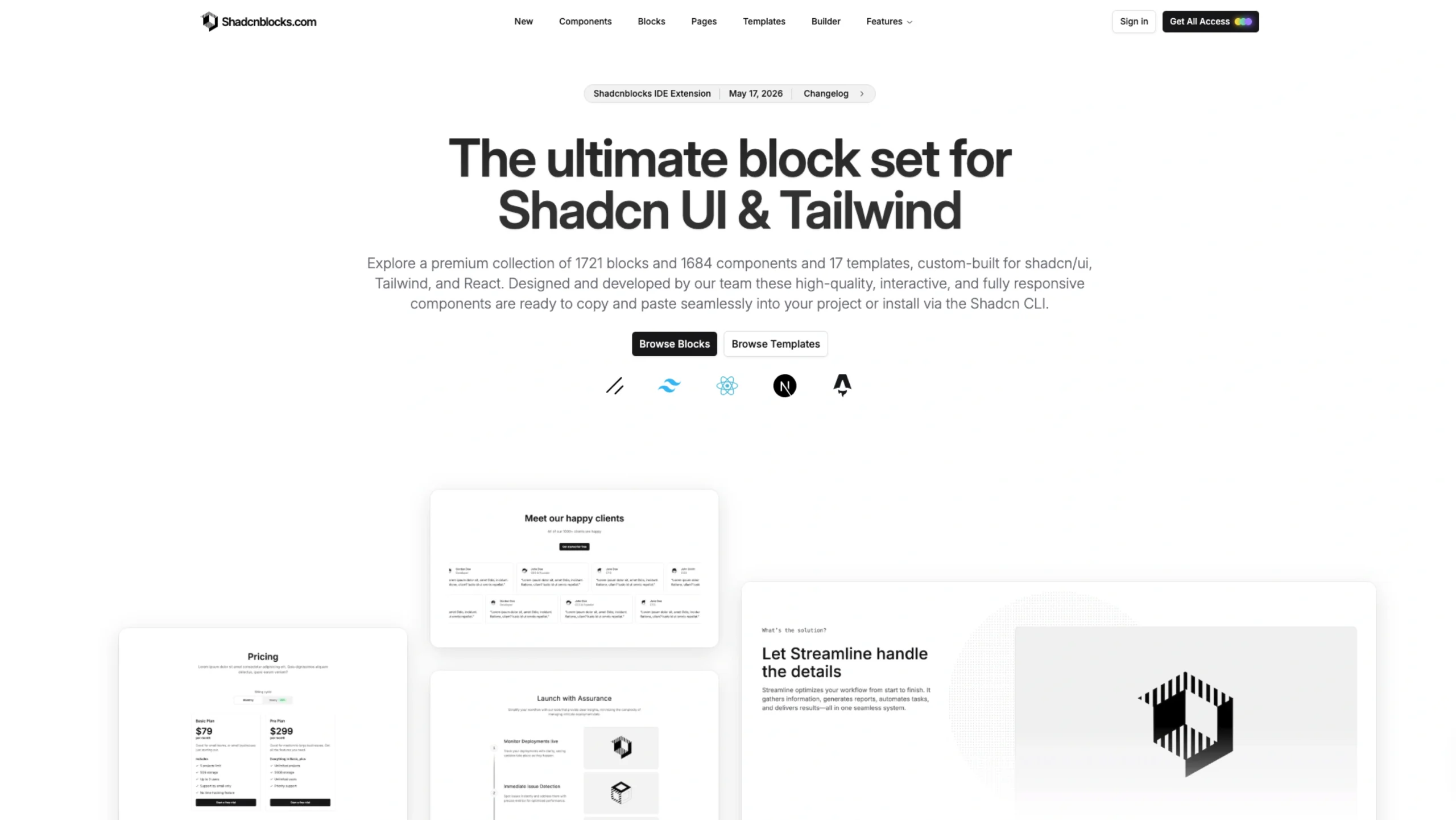
Shadcnblocks
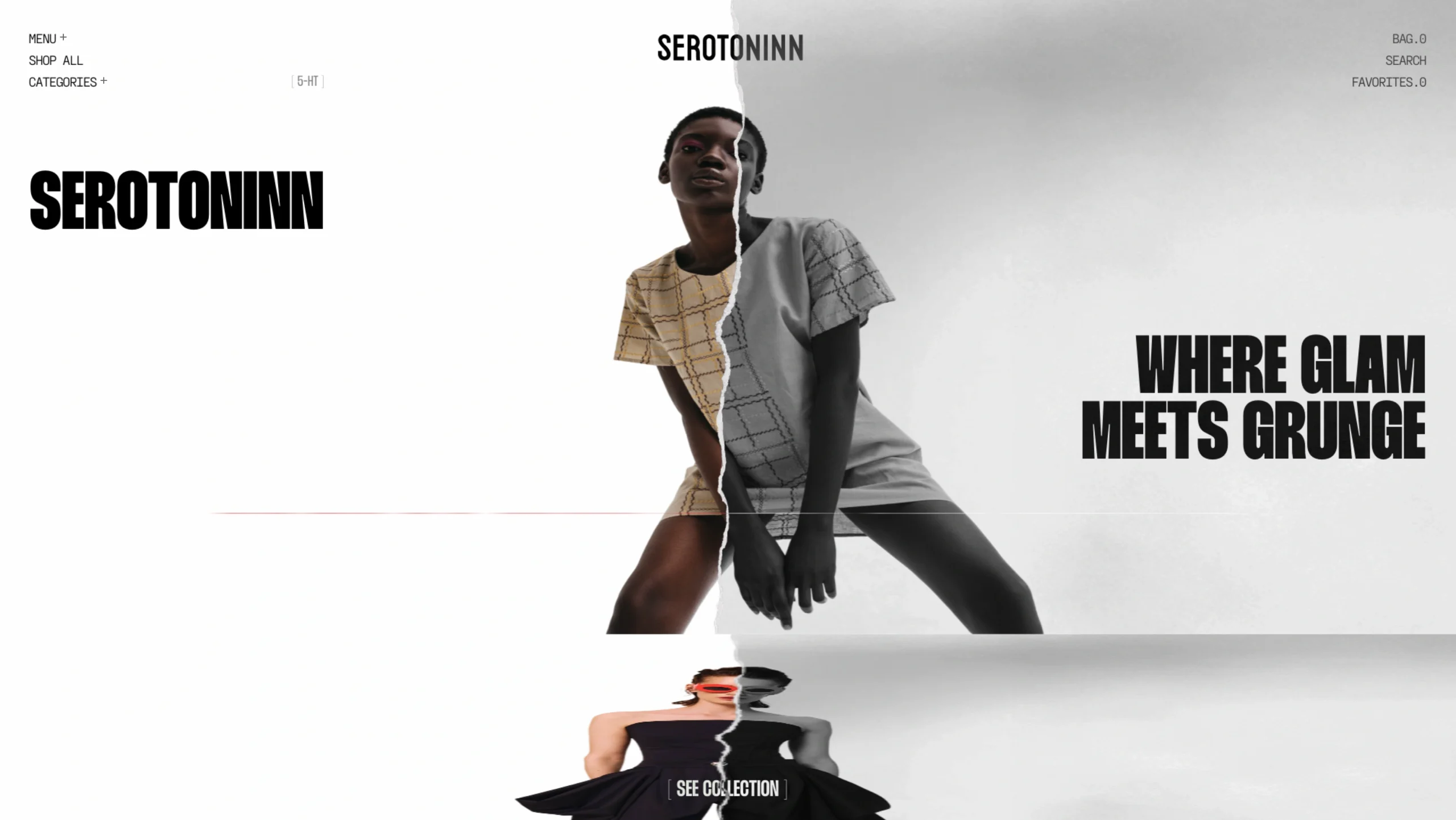
Serotoninn Dress
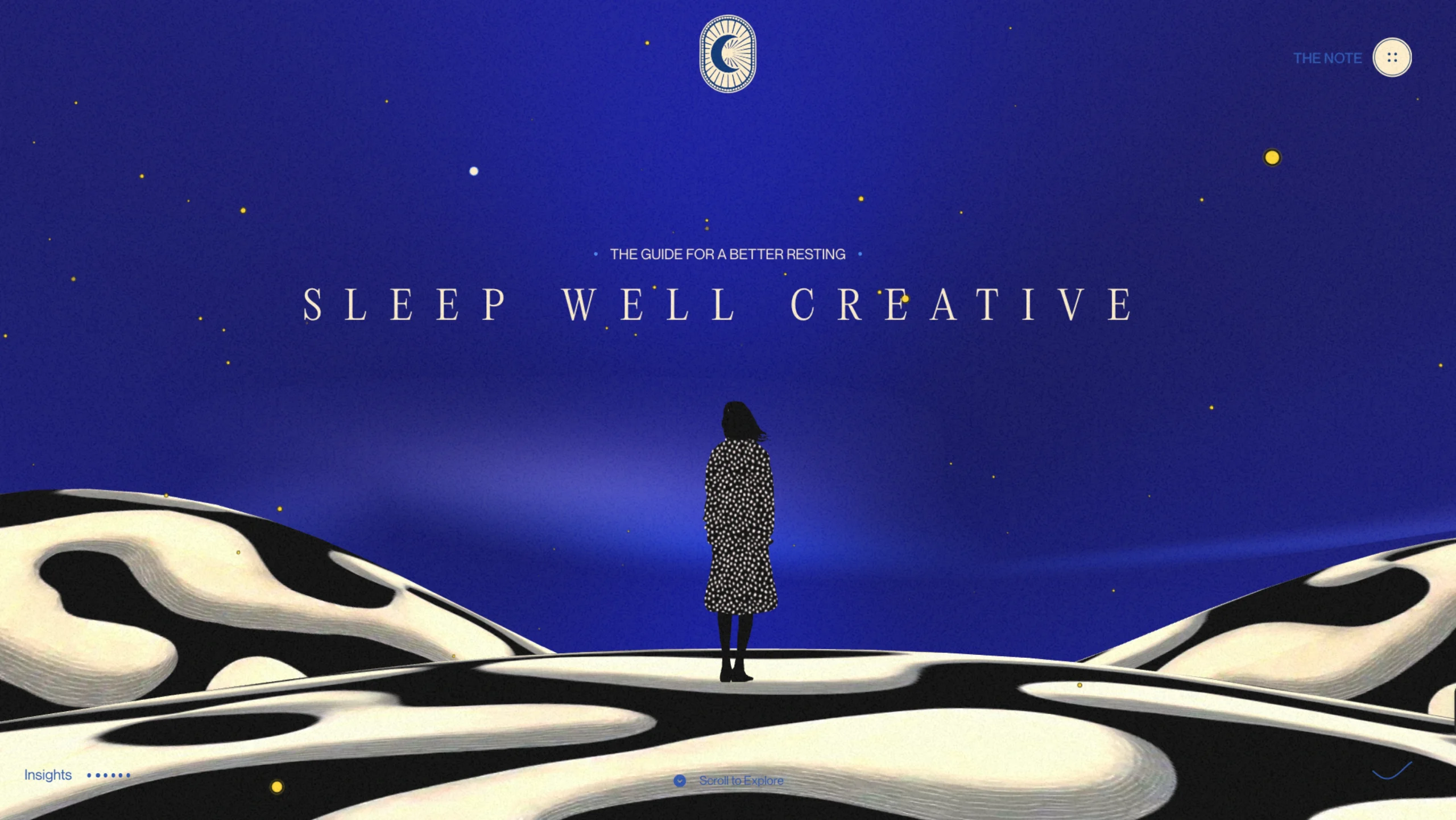
Sleep Well Creatives
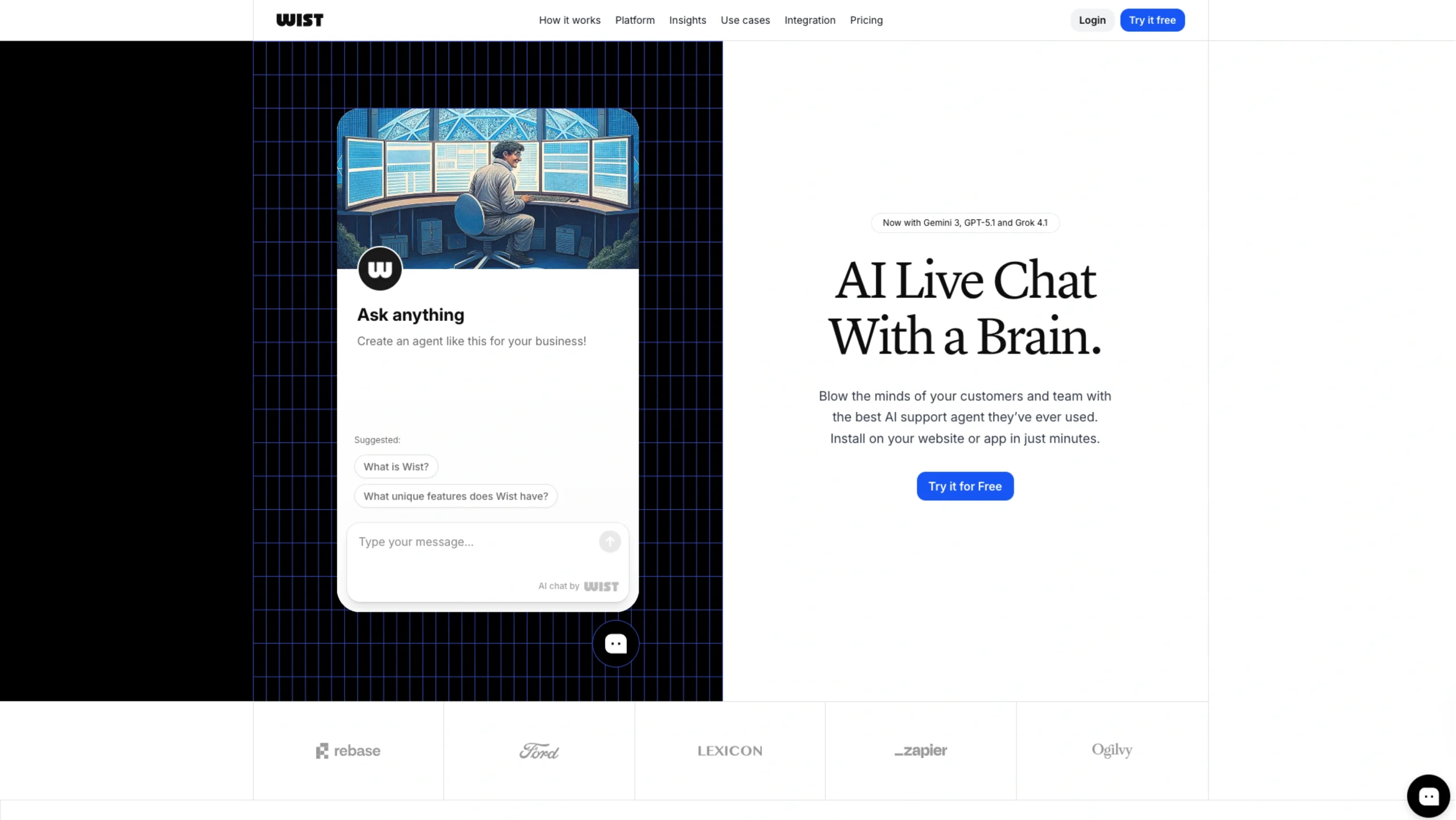
Wist – AI Live Chat With a Brain
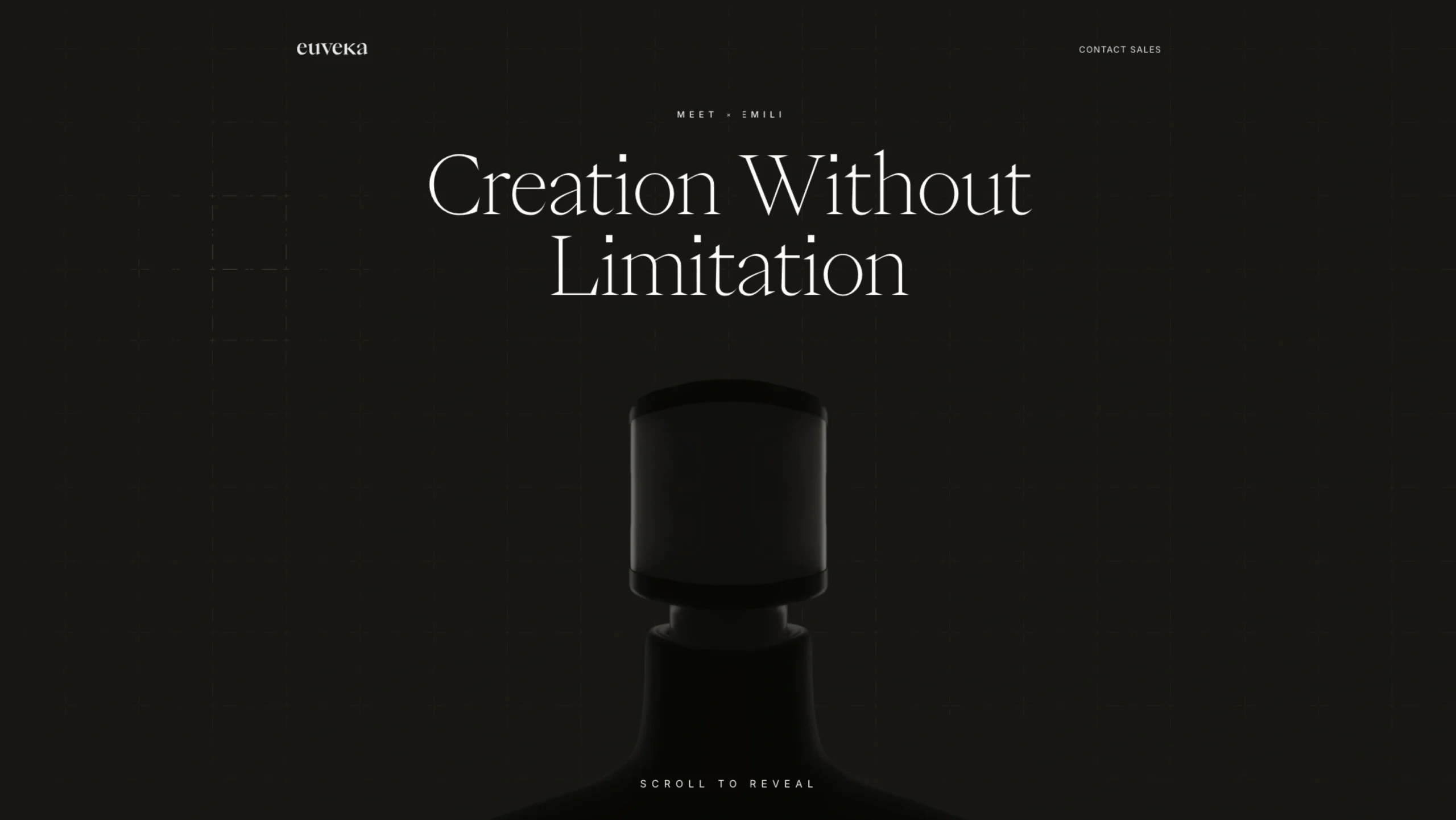
Euveka – Scalable & Connected Robot Mannequins
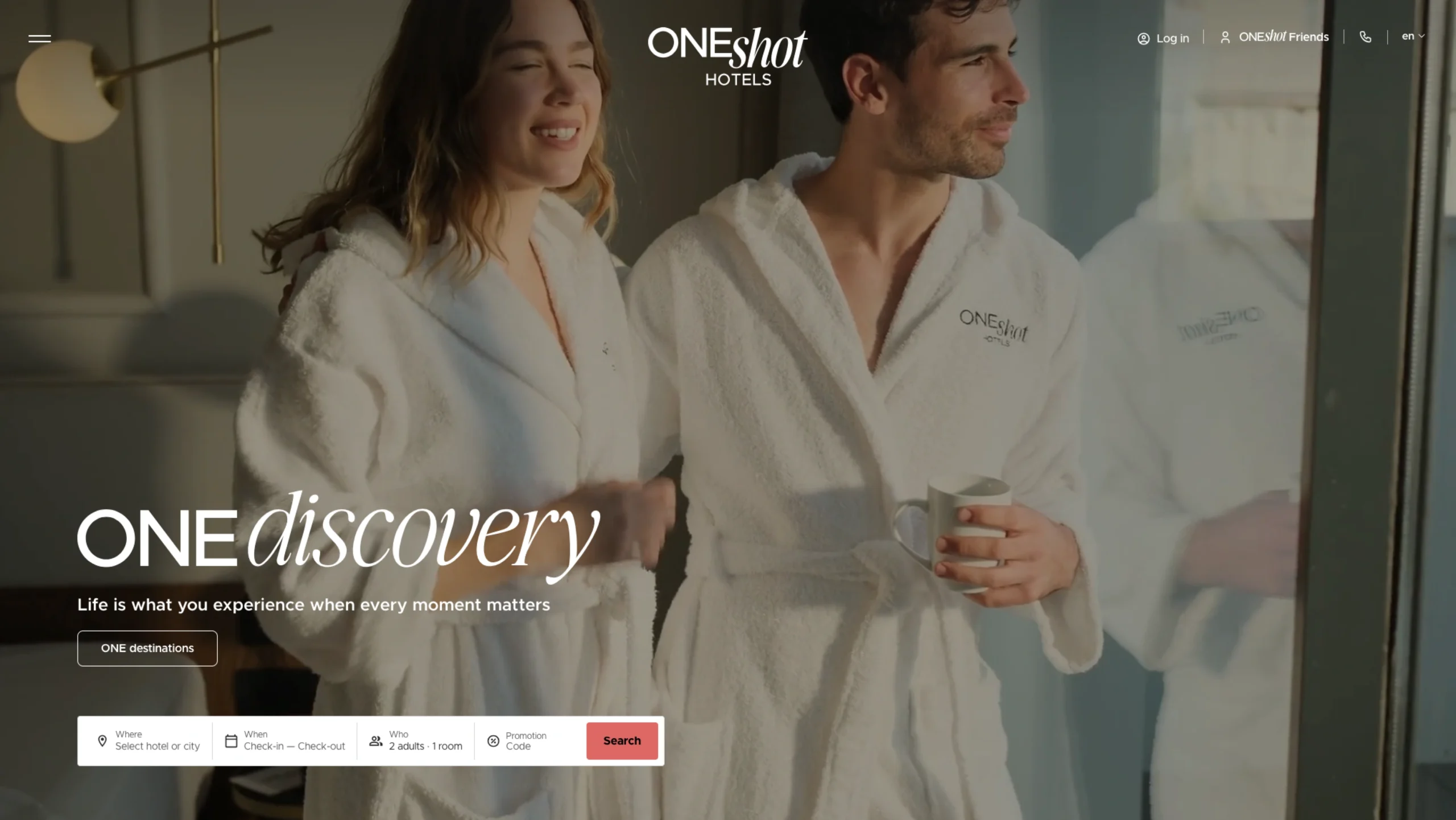
One Shot Hotels
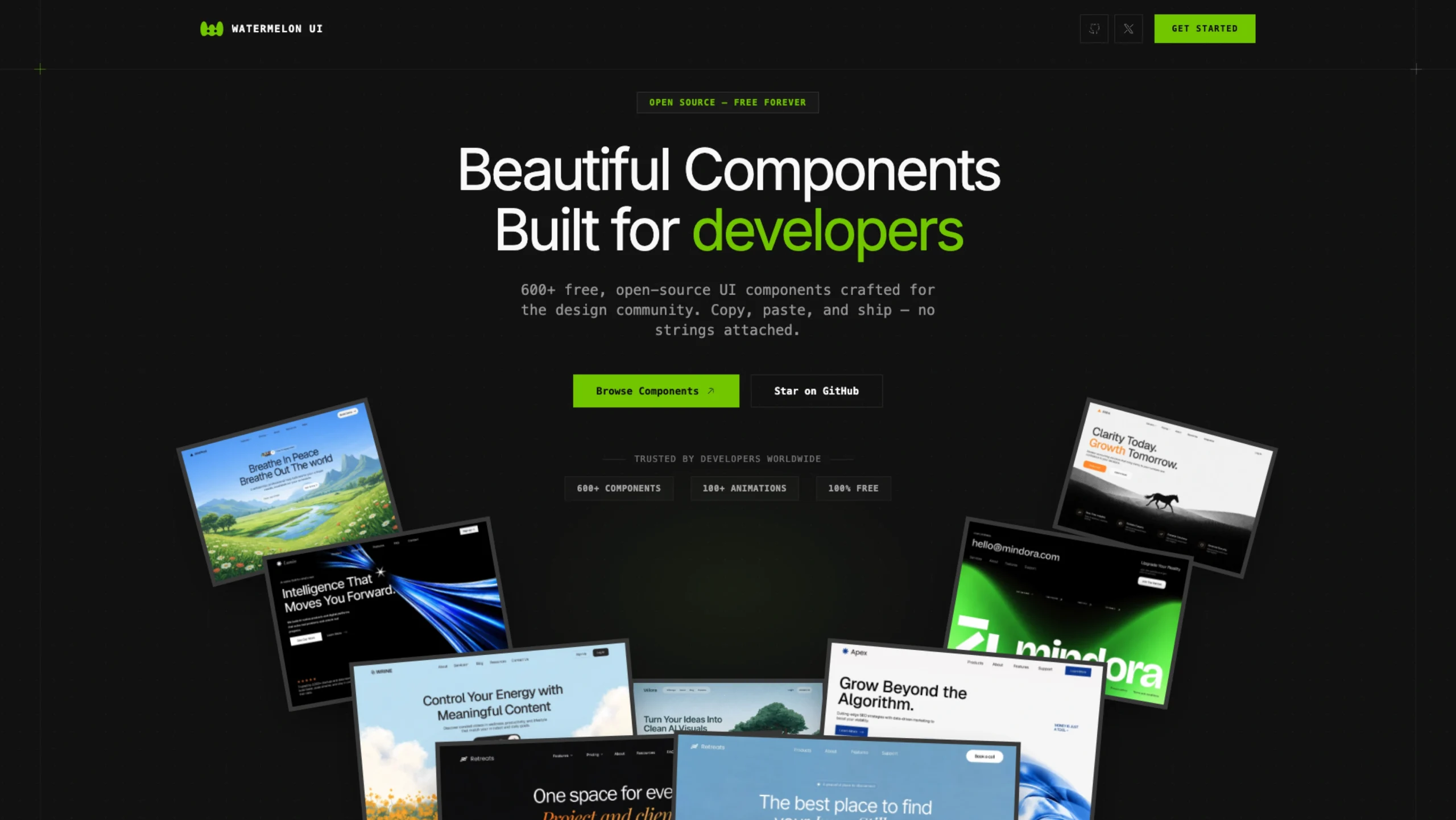
Watermelon UI
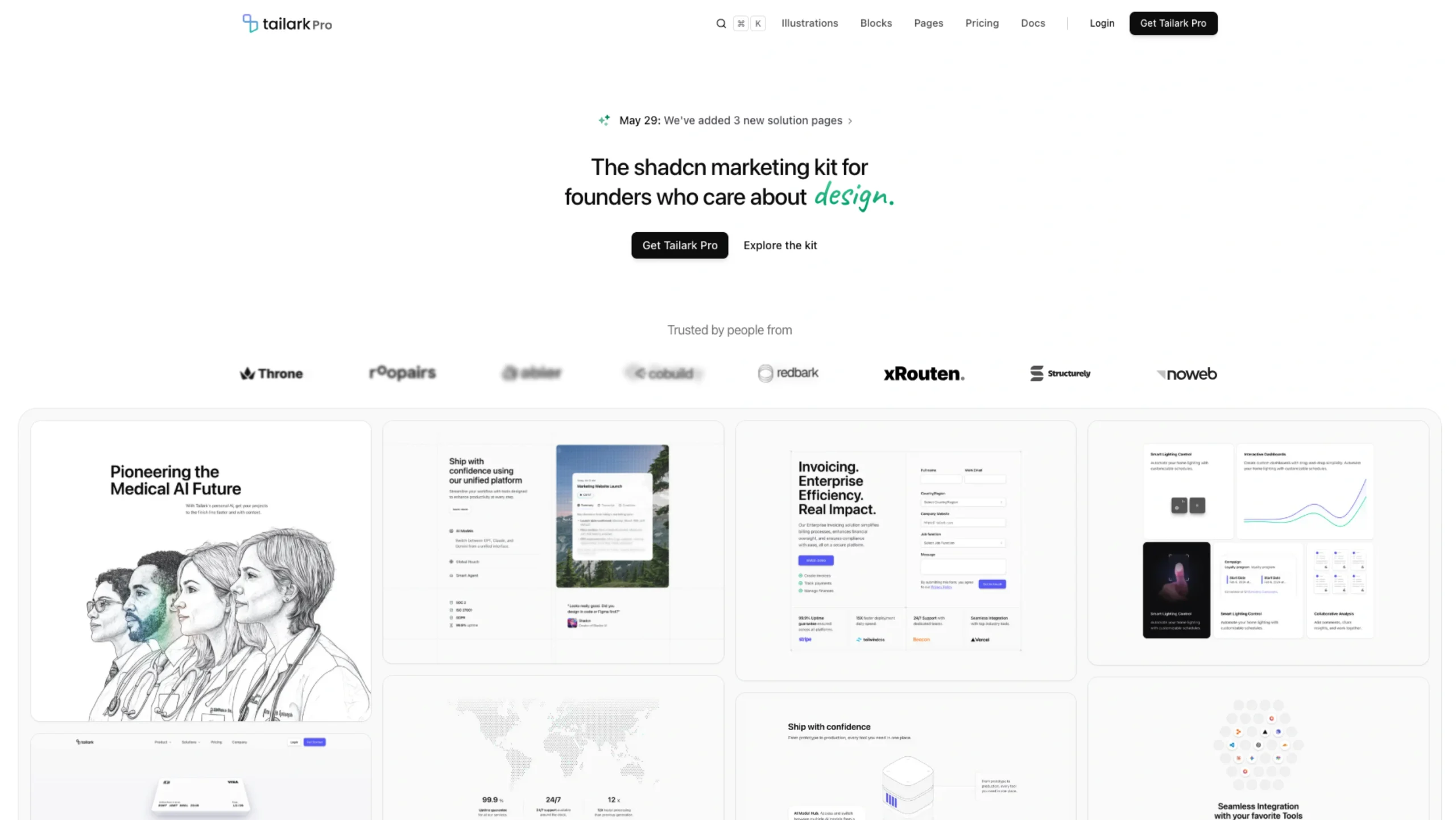
Tailark Pro – The Shadcn Marketing Fit For Founders
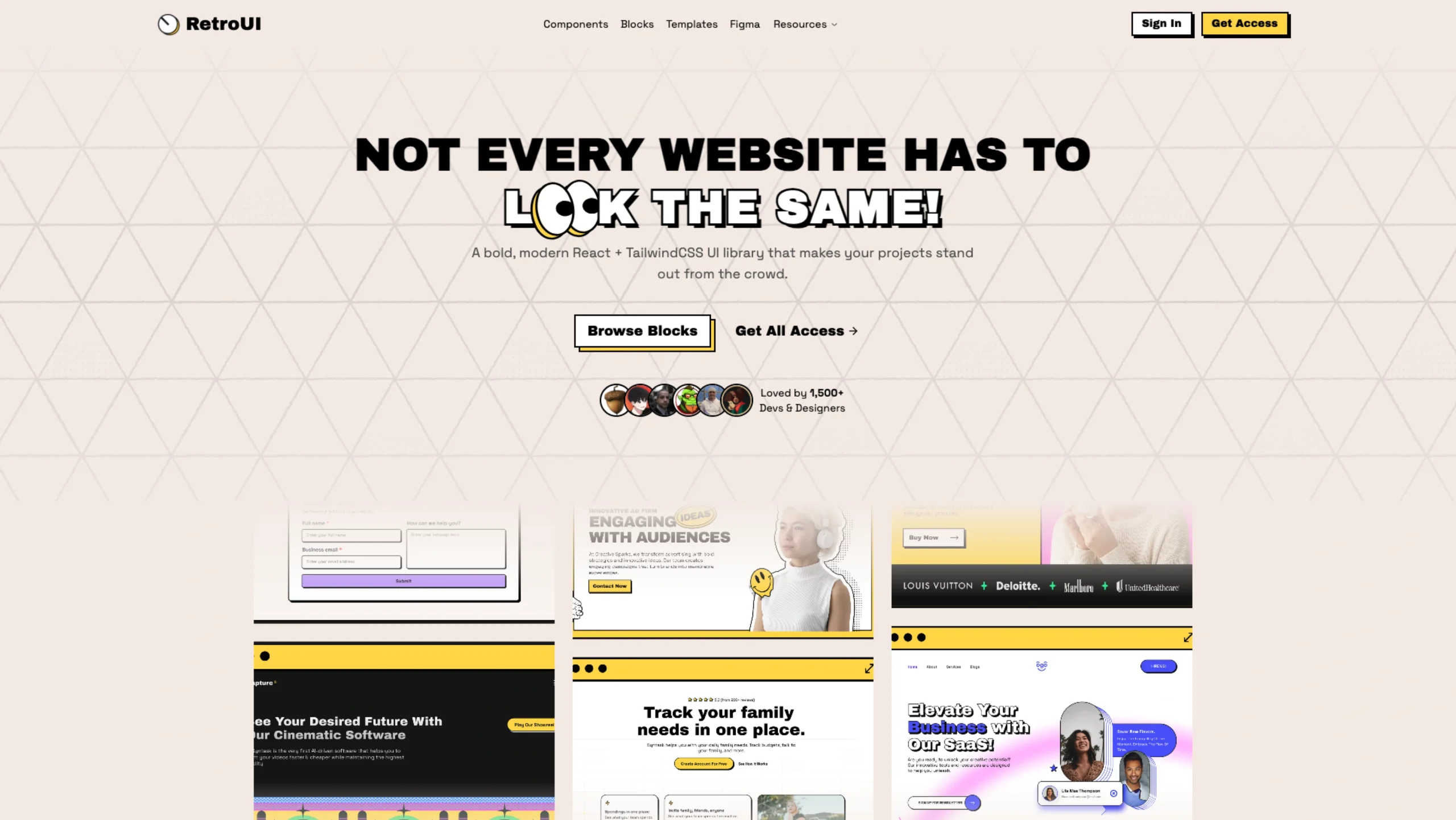
Retro UI – Neobrutalist Components & Blocks
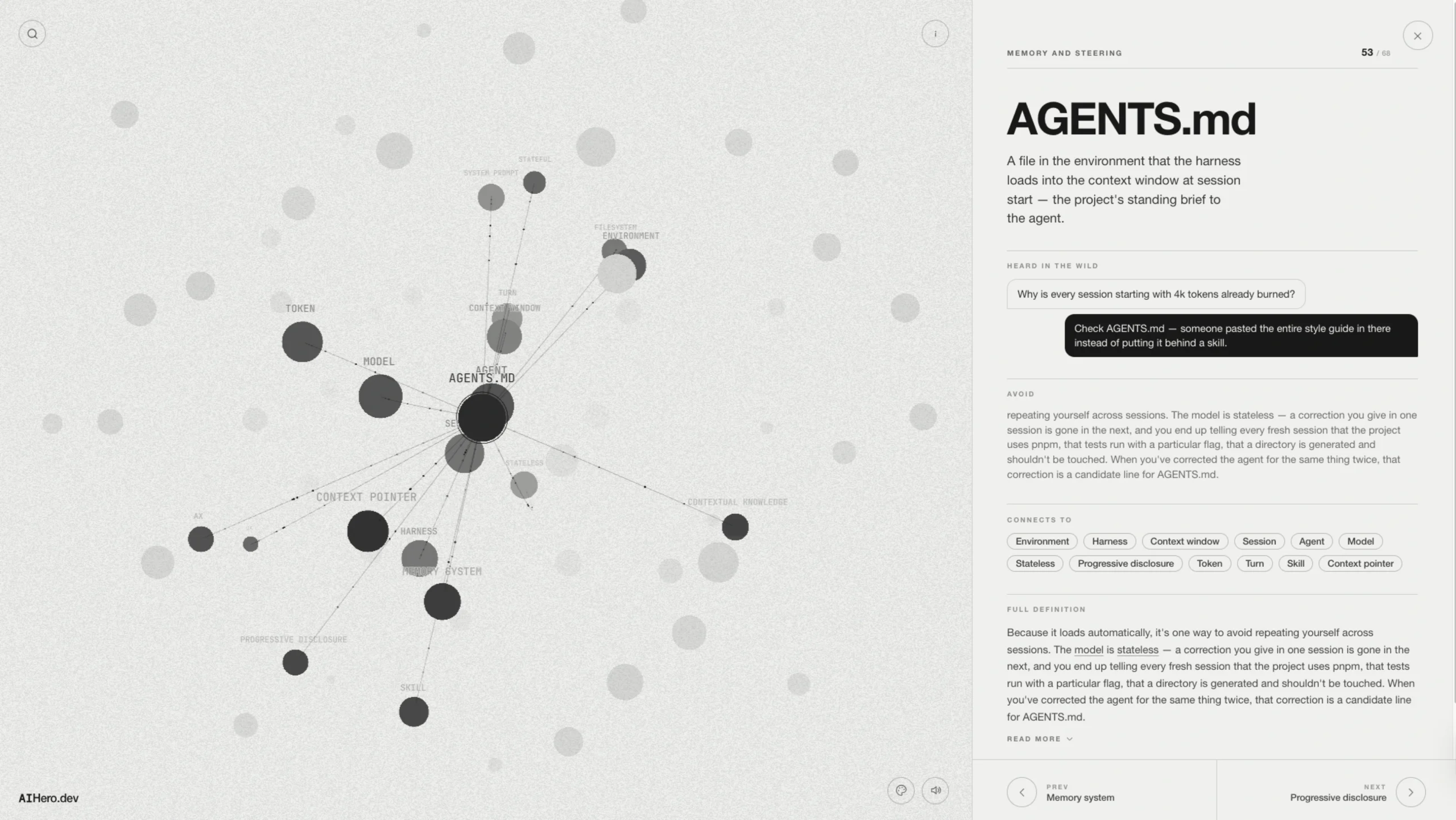
AI Coding Dictionary
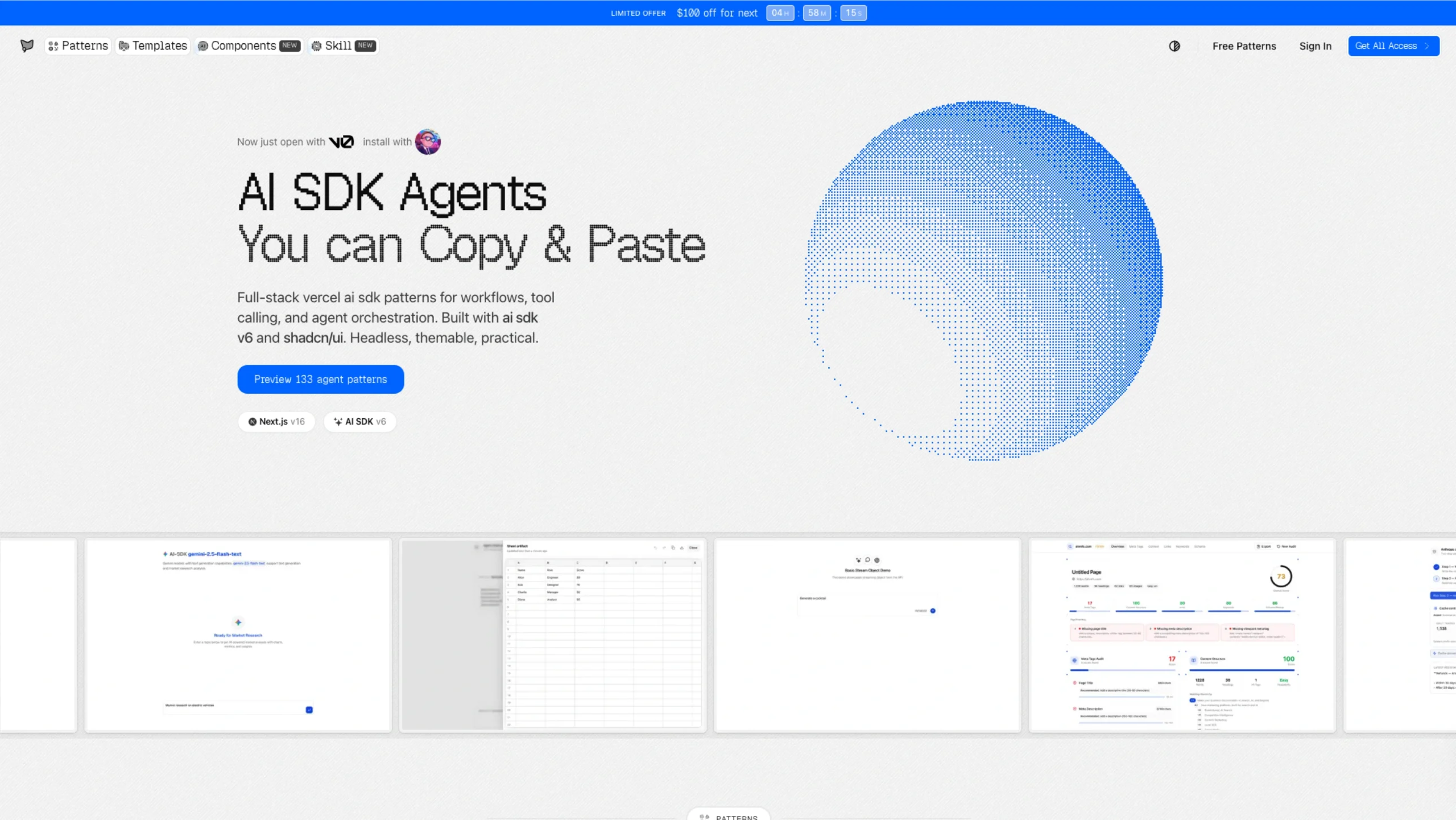
AI SDK Agents
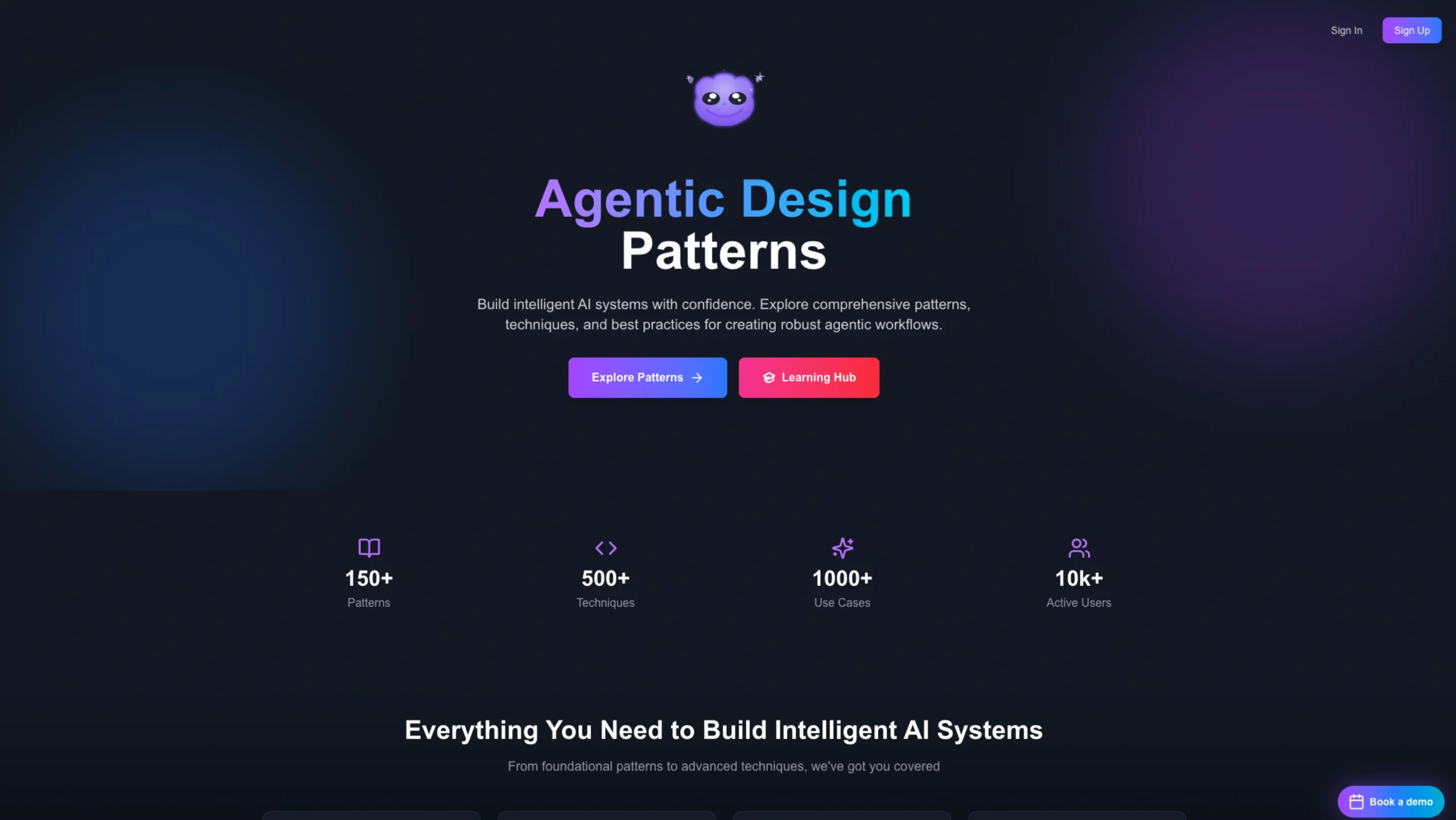
Agentic Design
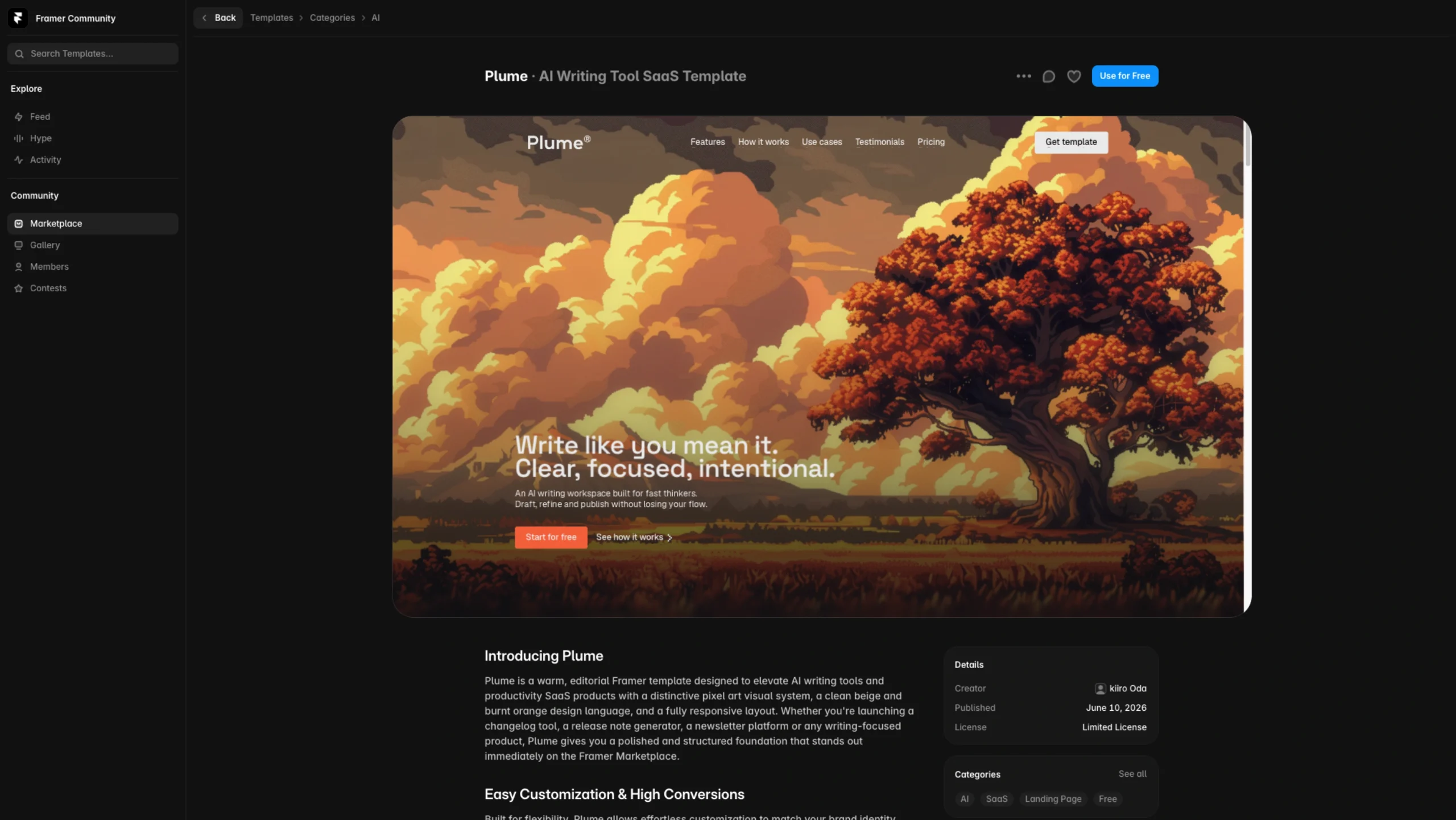
Plume – AI Writing Tool SaaS Framer Template
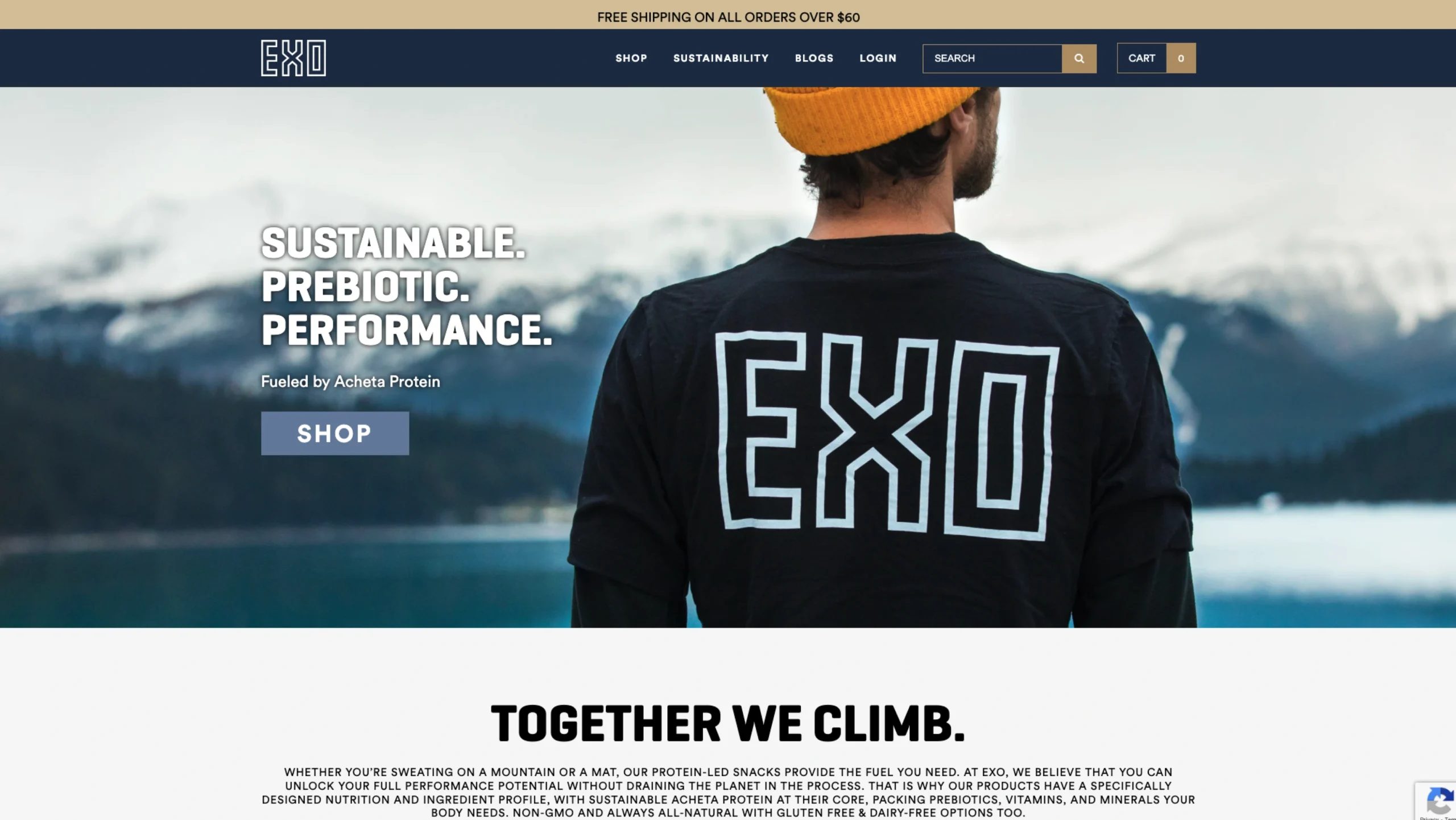
EXO Protein
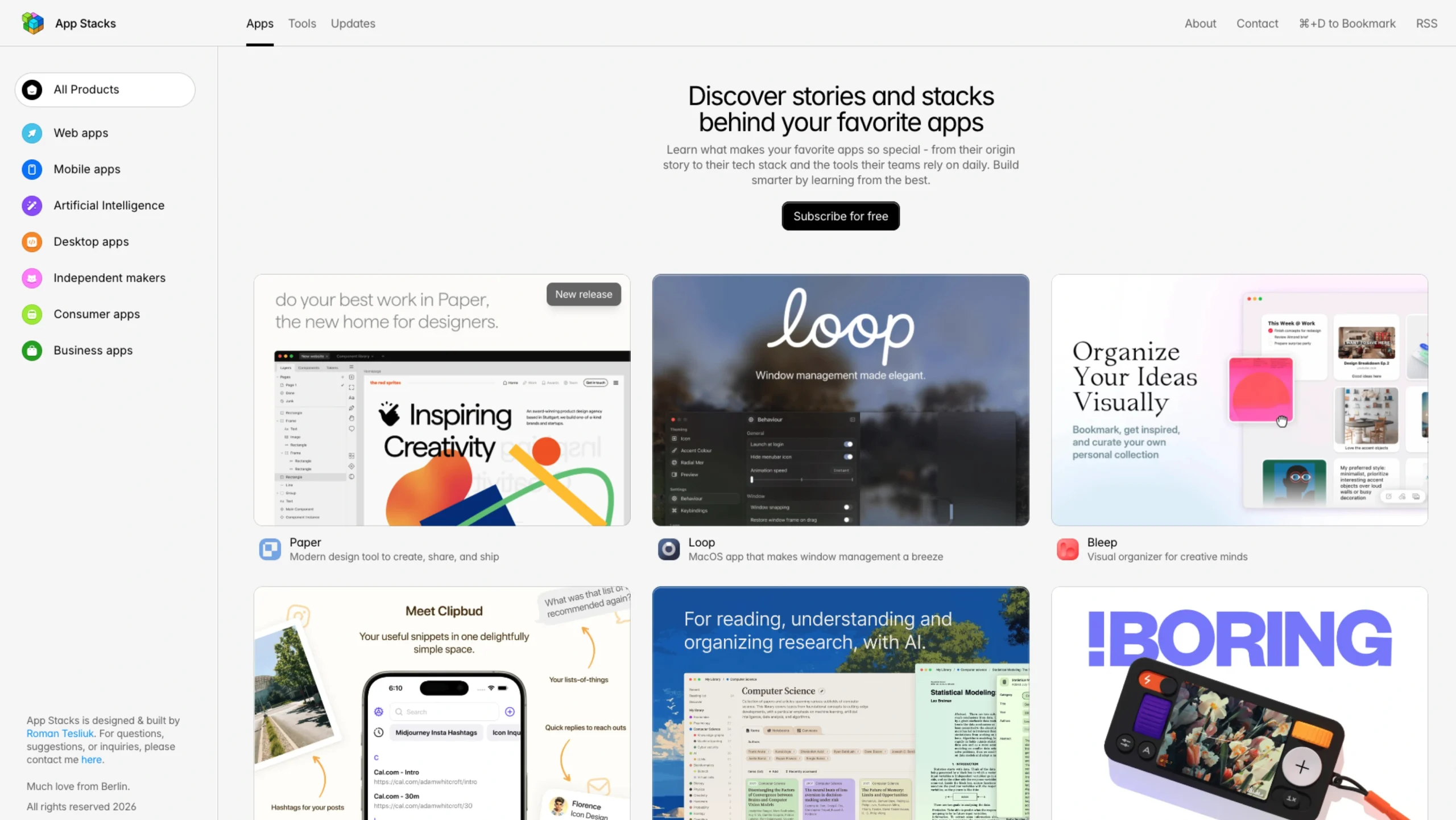
App Stacks Club
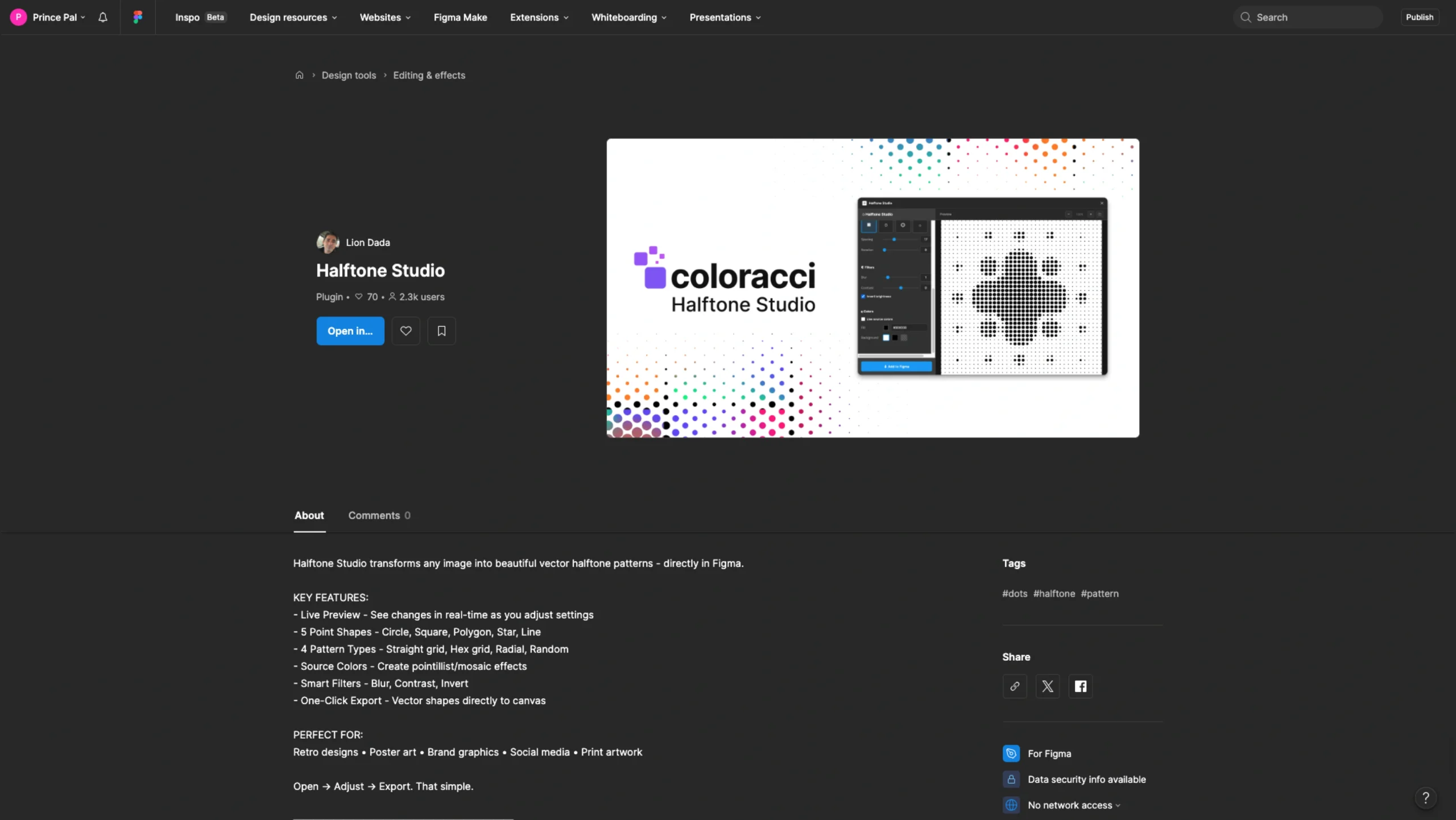
Halftone Studio – Figma Plugin
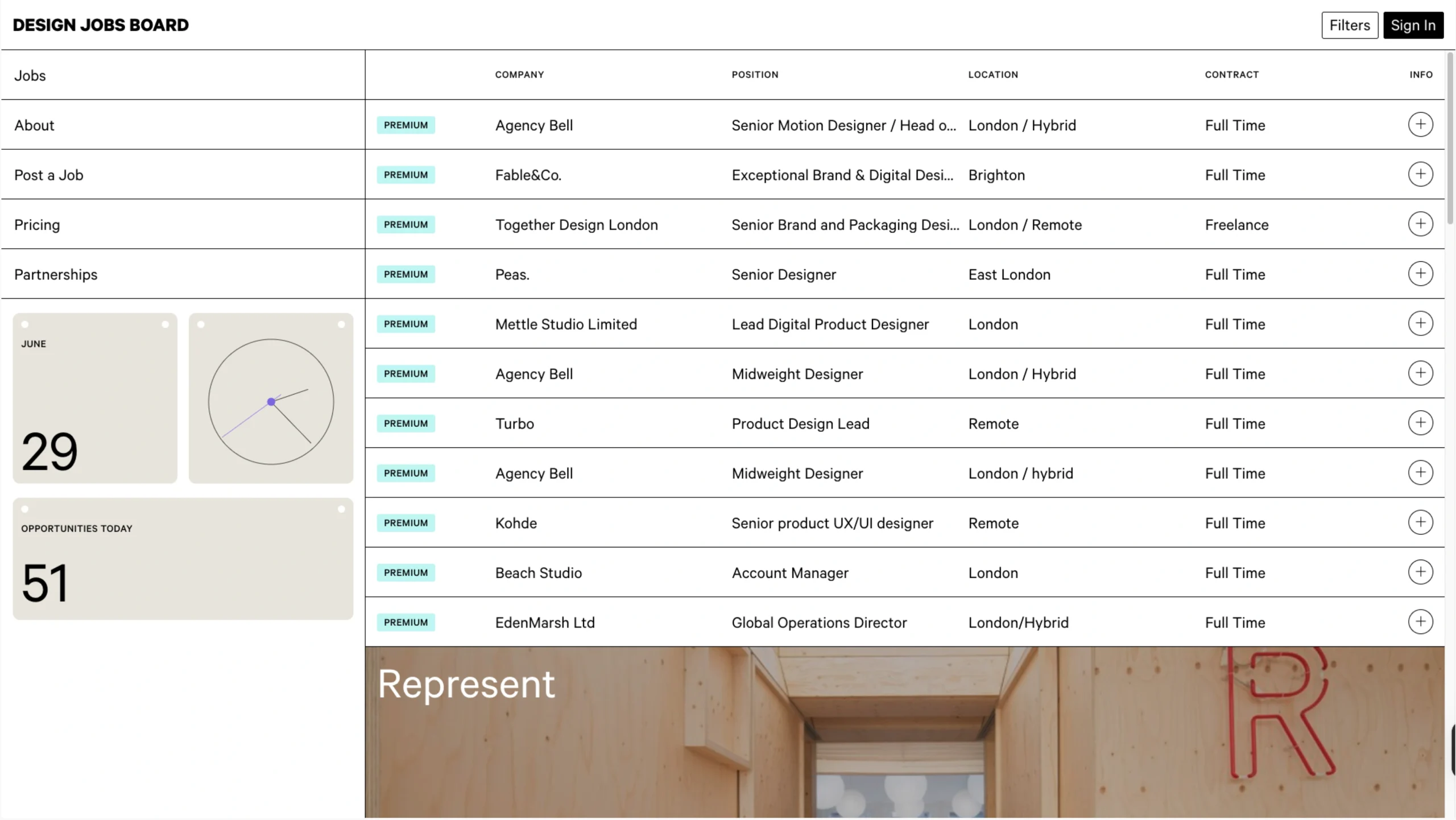
Design Jobs Board
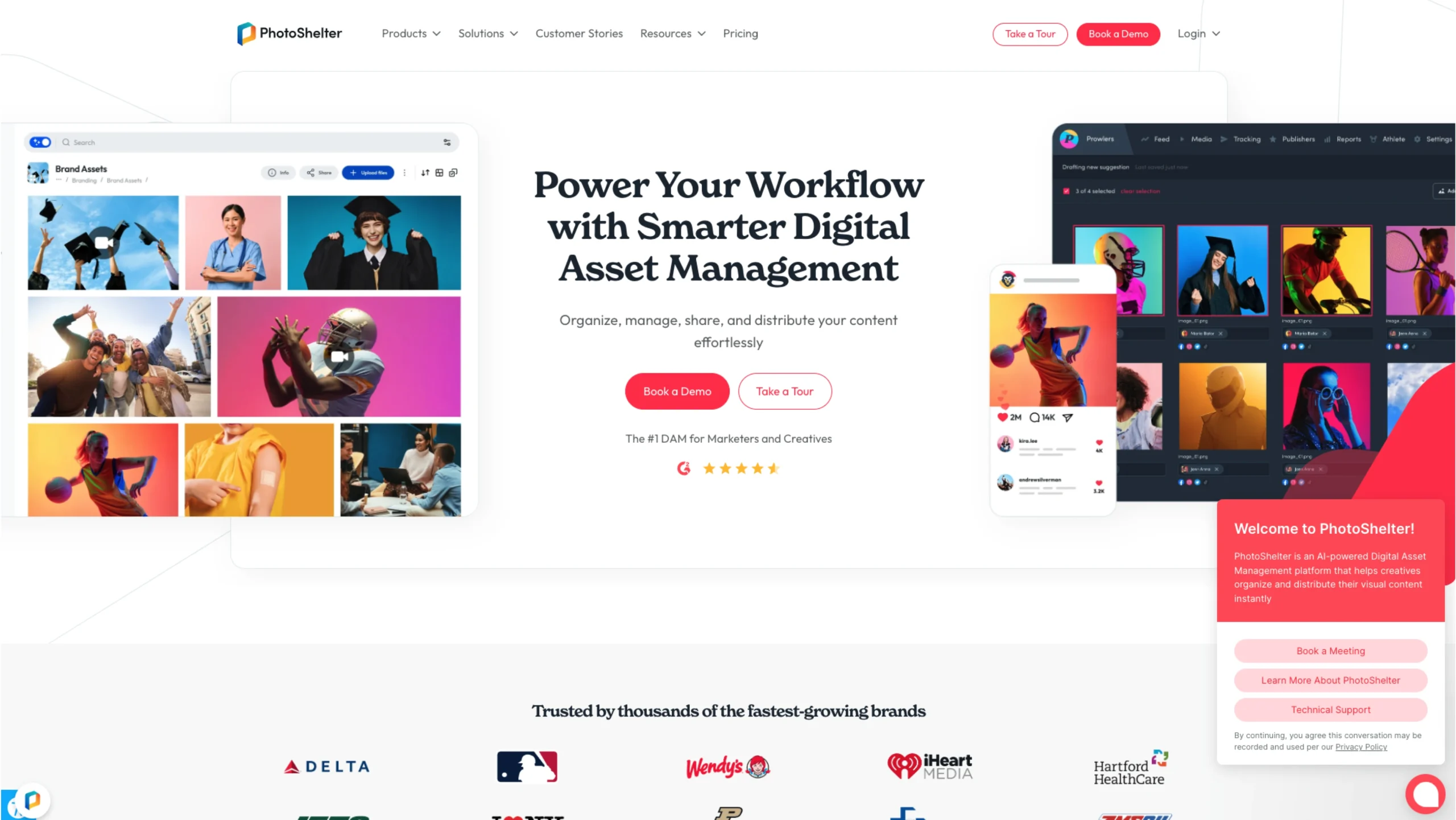
Photo Shelter – Digital Asset Management Software
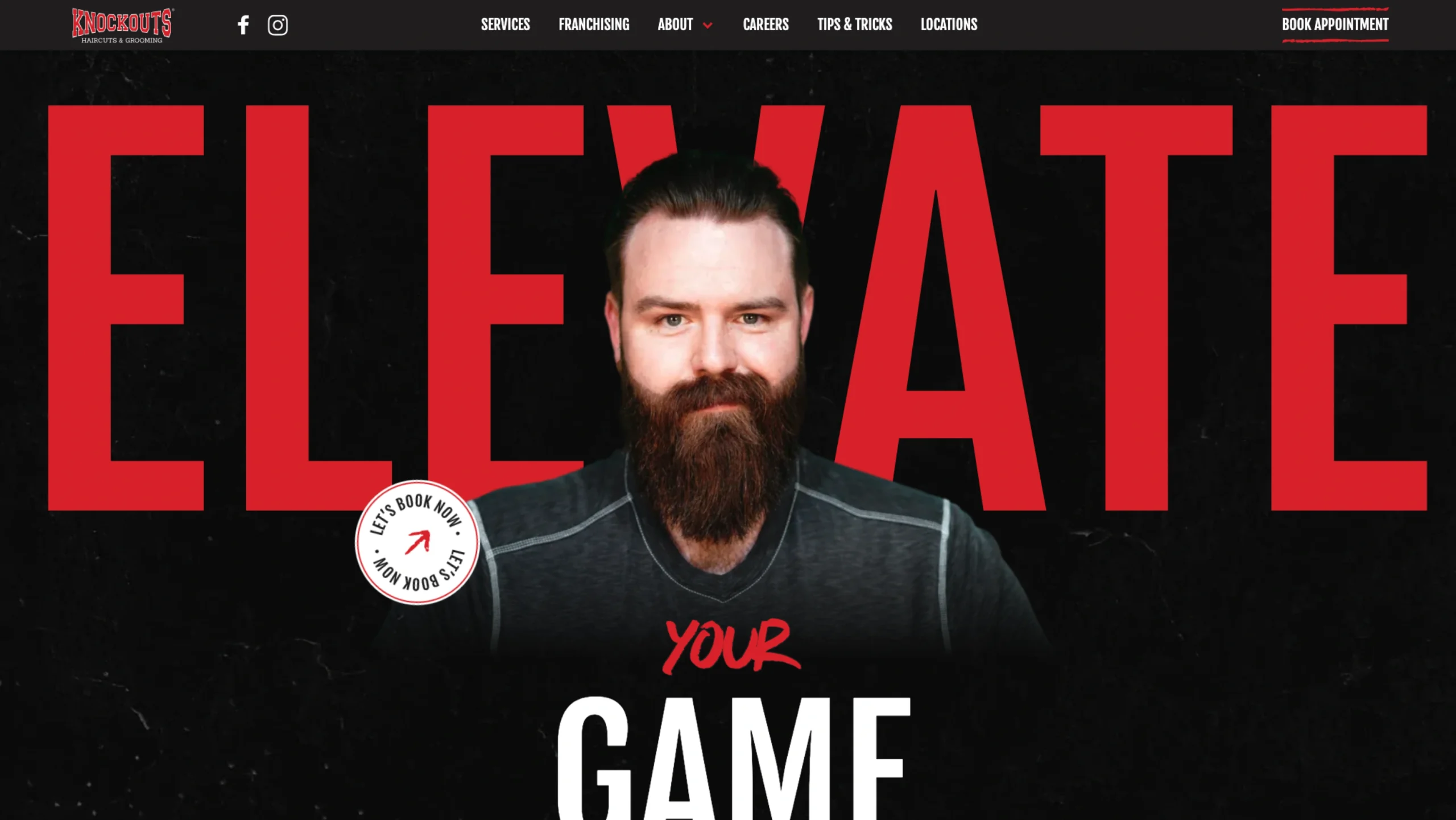
Knockouts Haircuts for Men
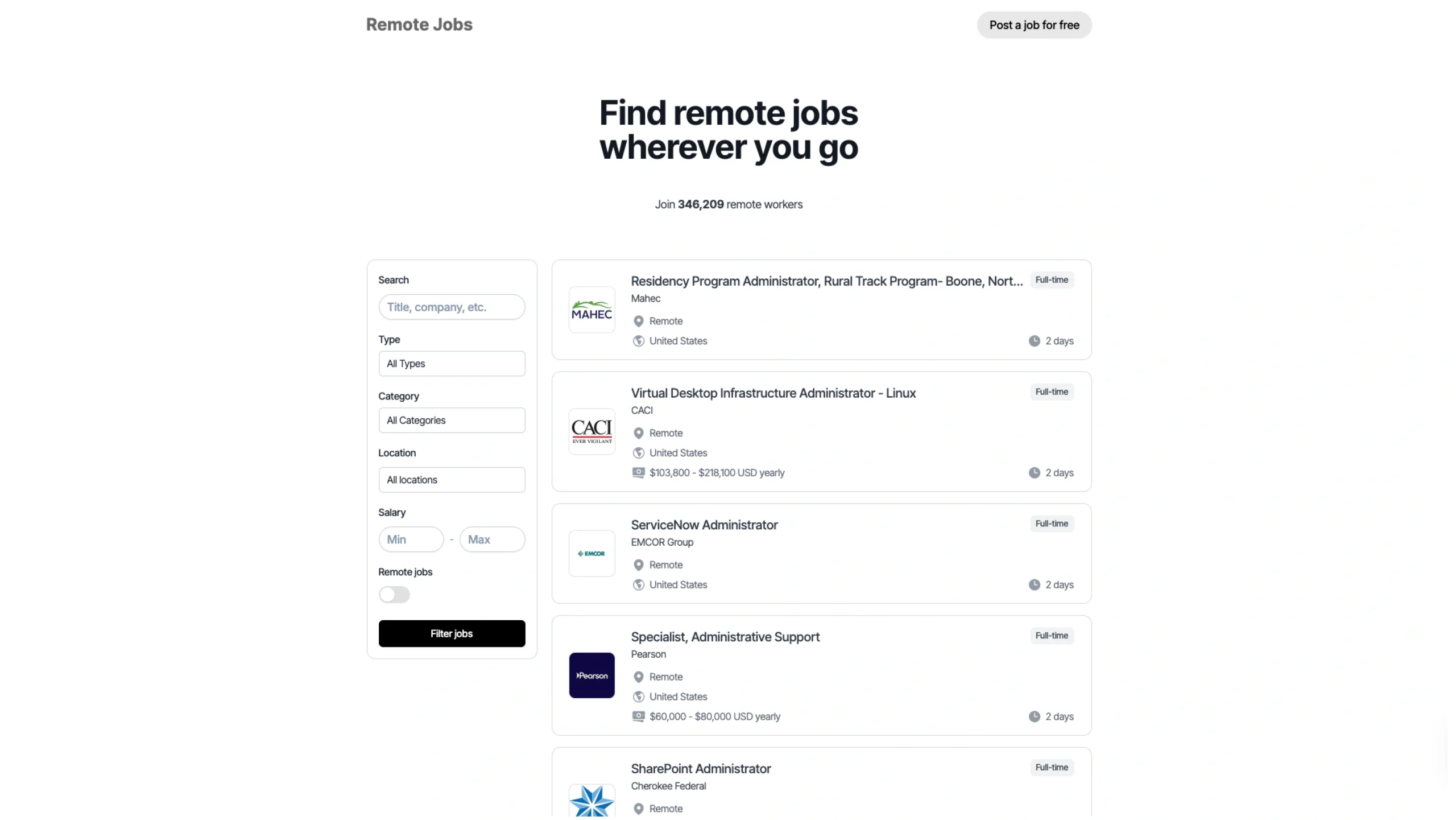
Remote Jobs
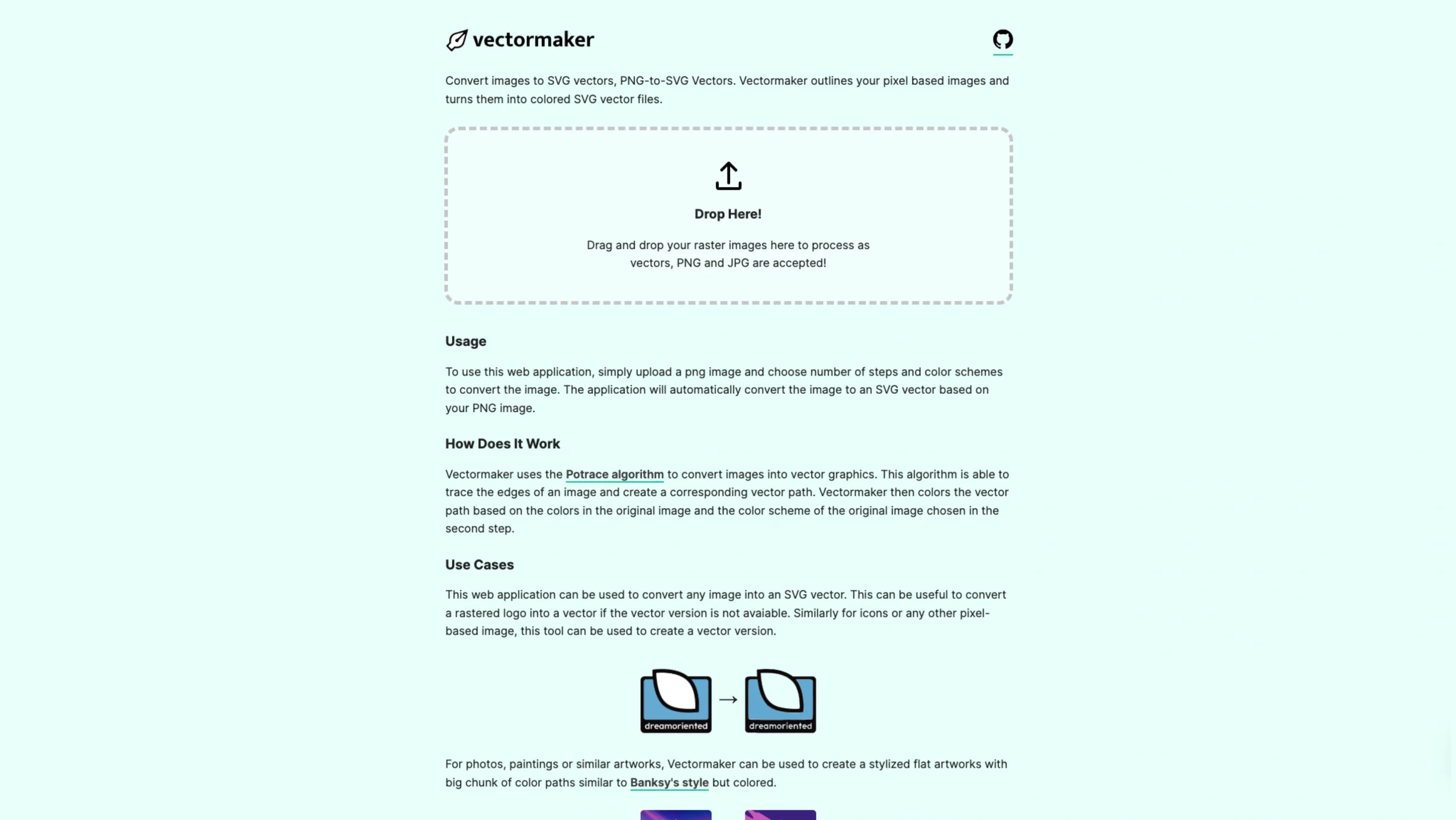
Vector Maker – Convert PNG-to-SVG for Free
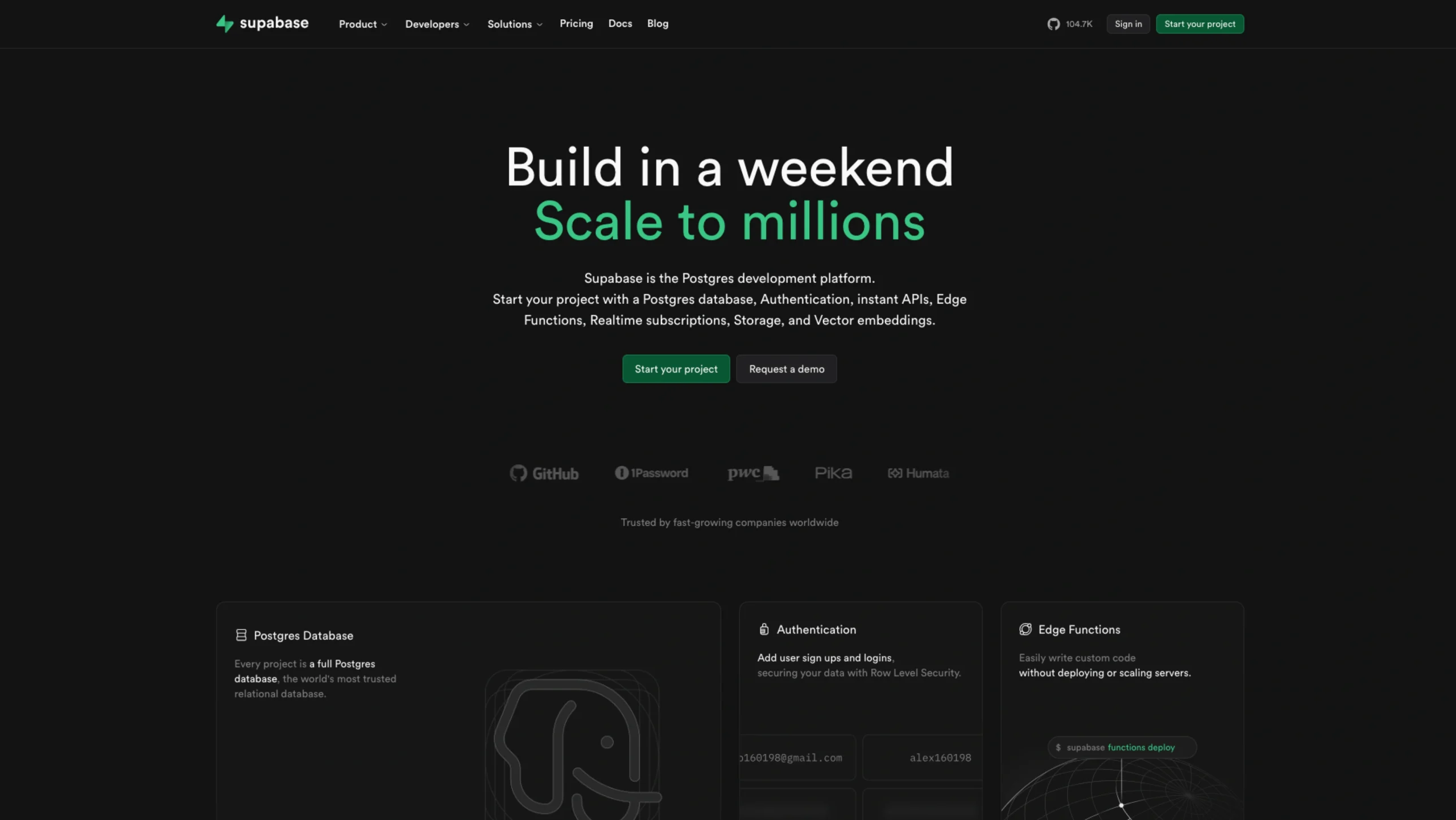
Supabase – Postgres Development Platform
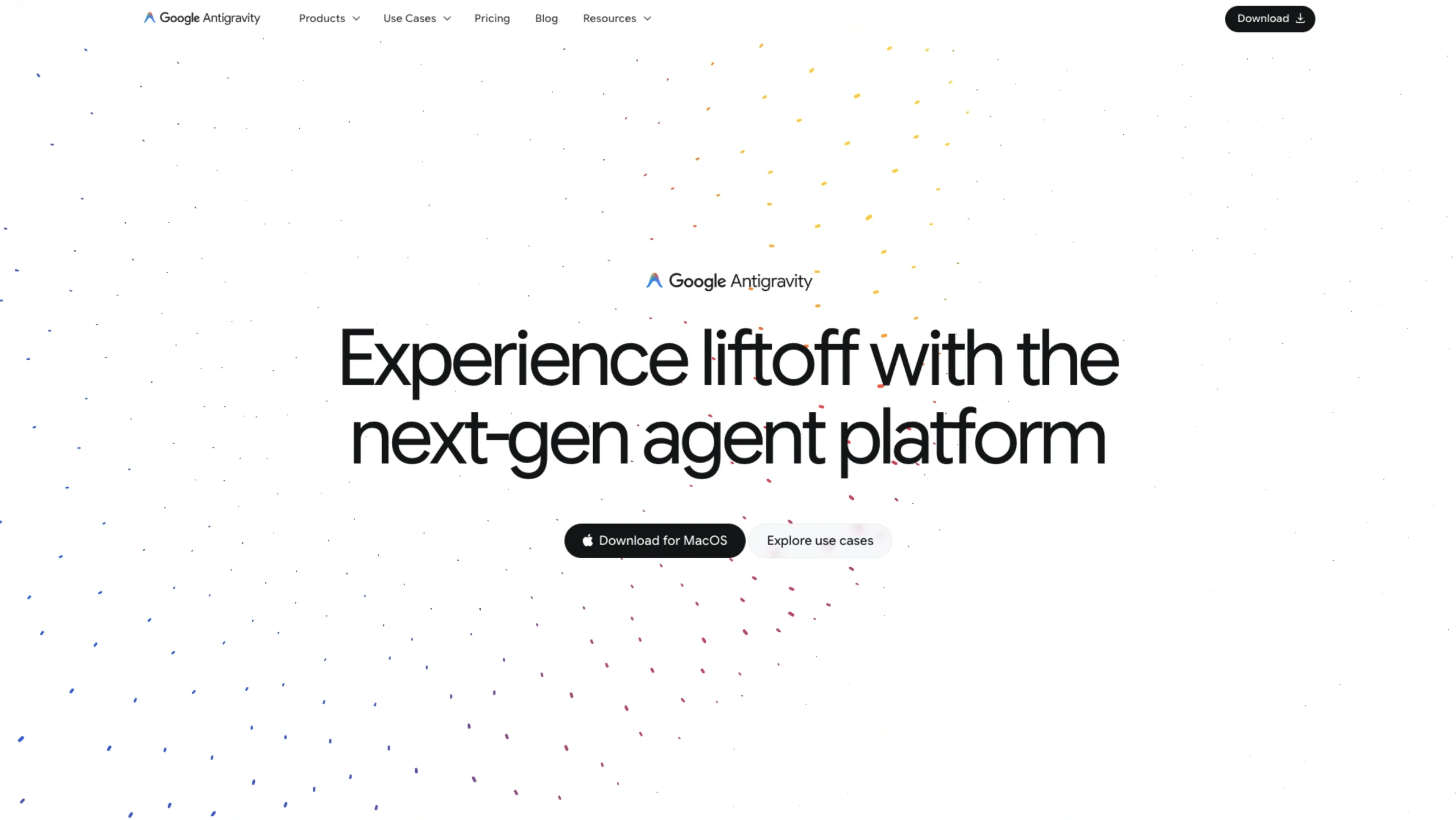
Google Anti Gravity – Agentic Development Platform
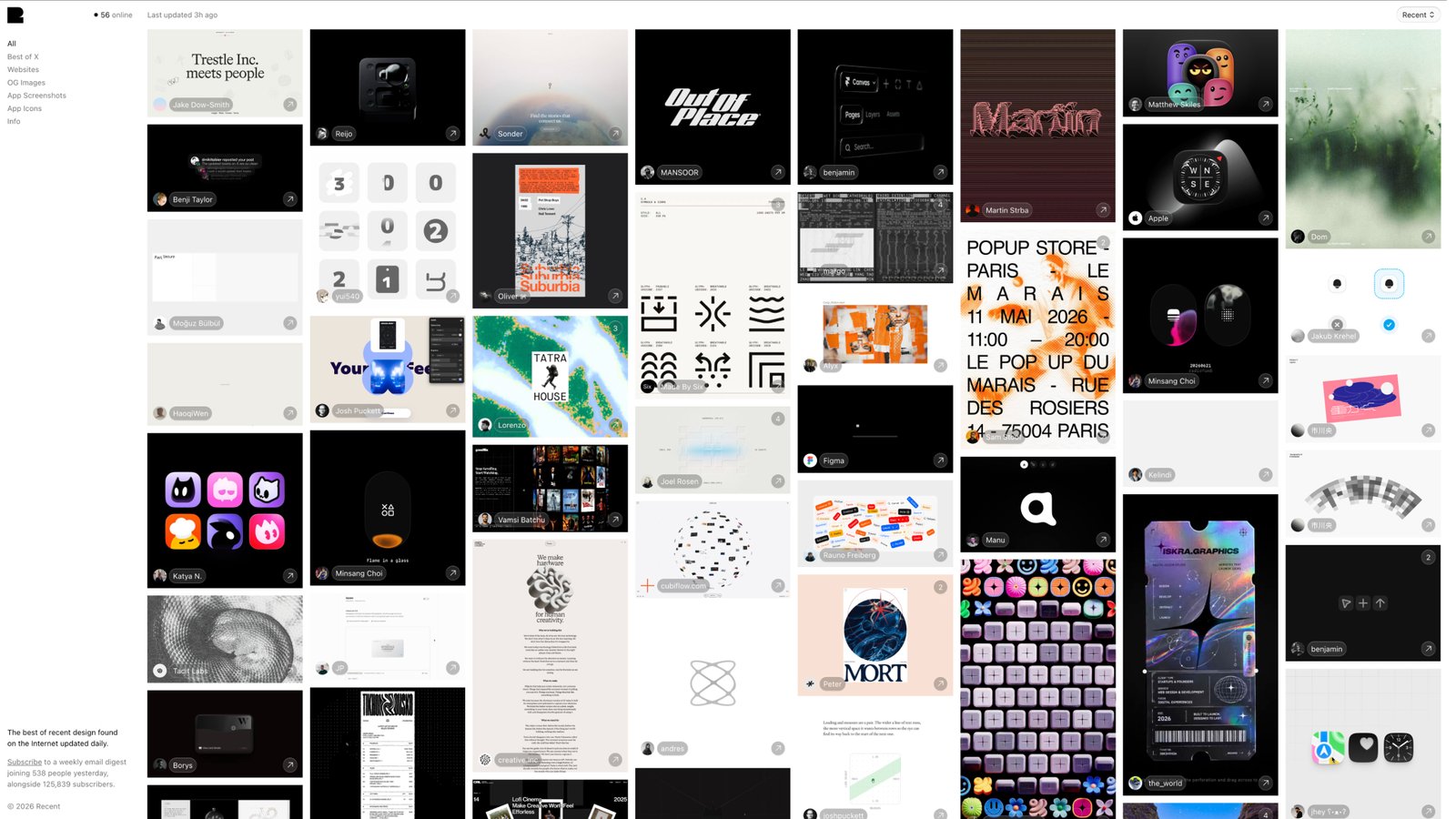
Recent.Design – Best Web Design Inspiration
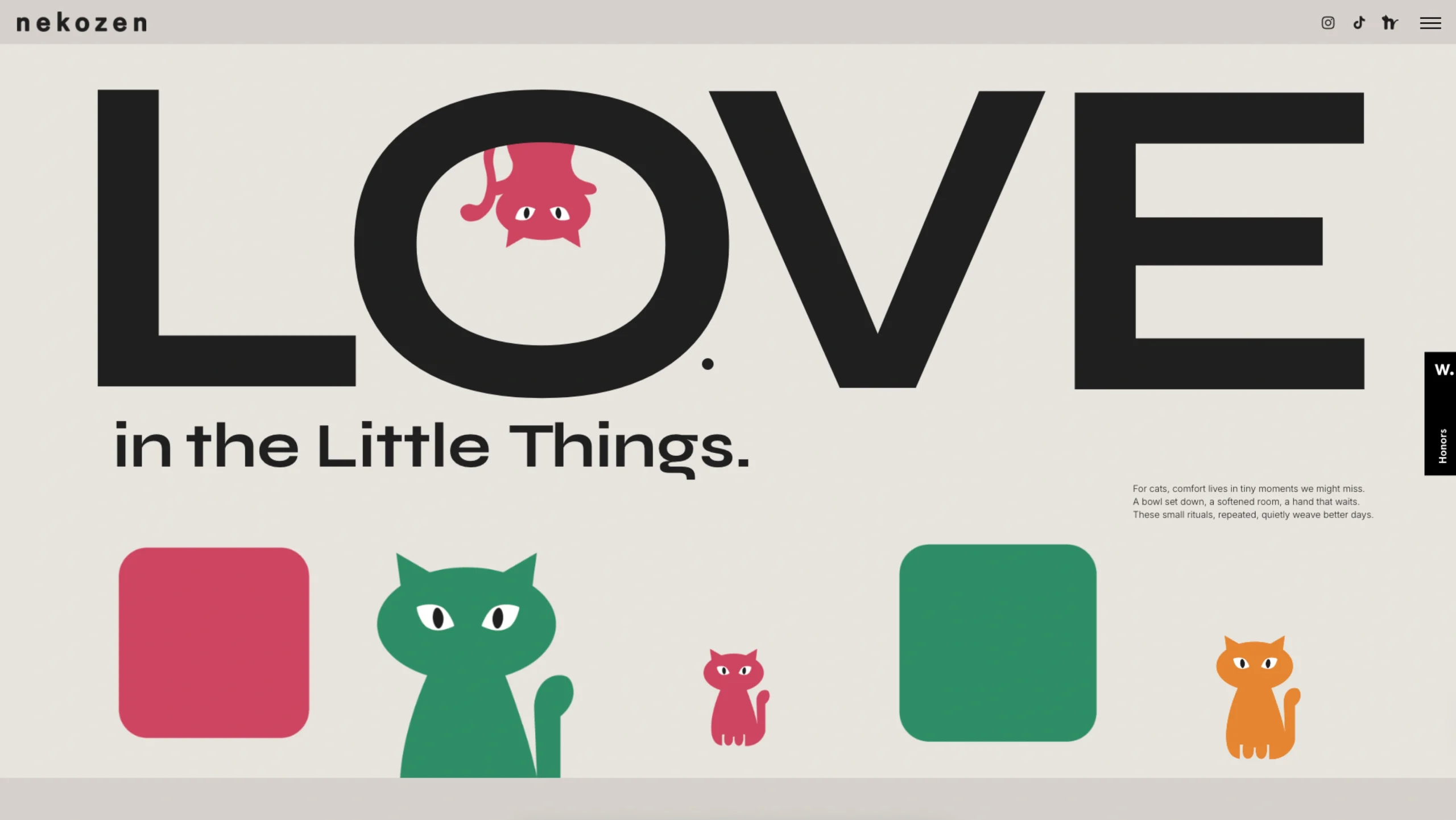
Nekozenworld
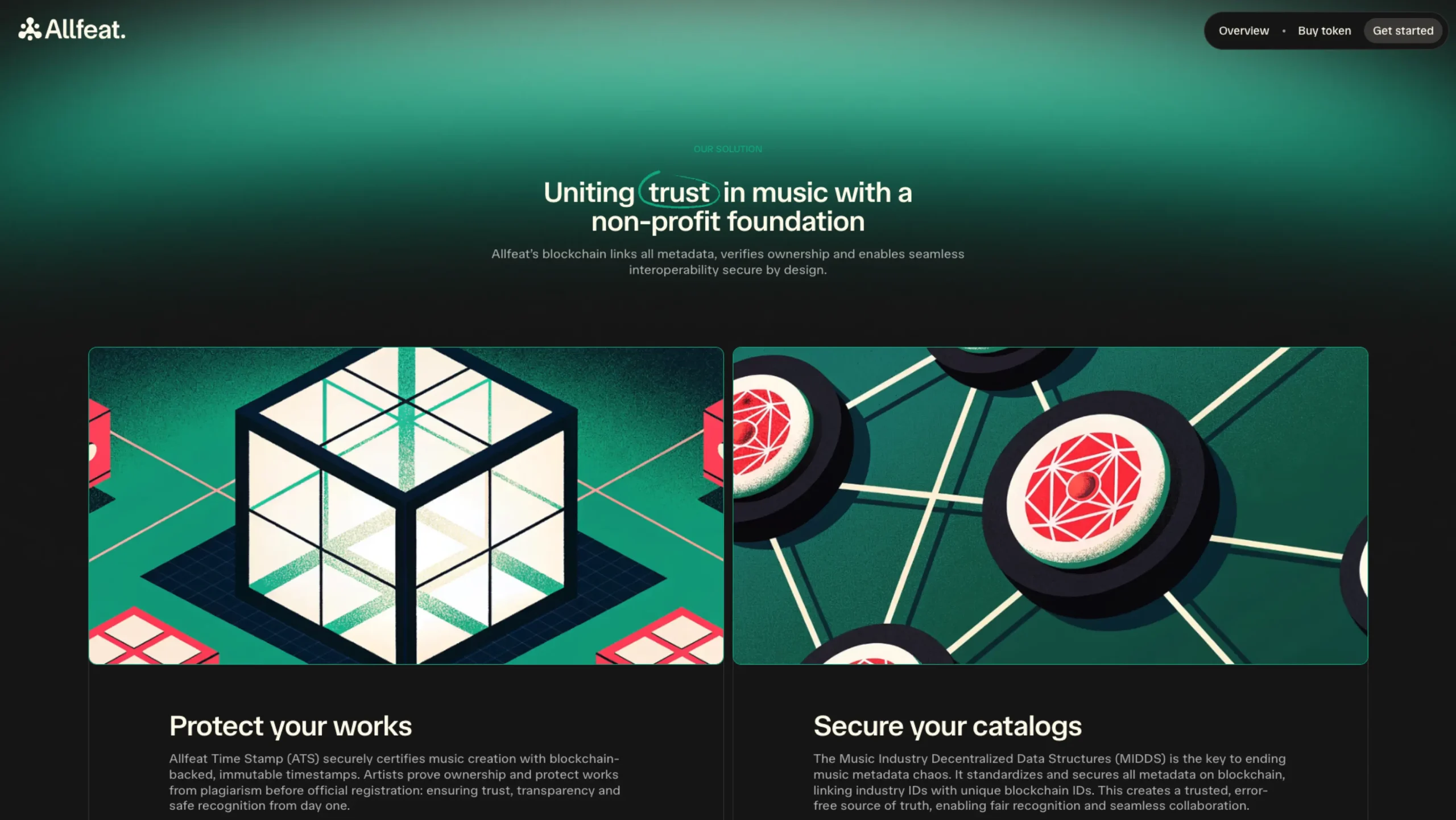
Allfeat – Connect All Music Data
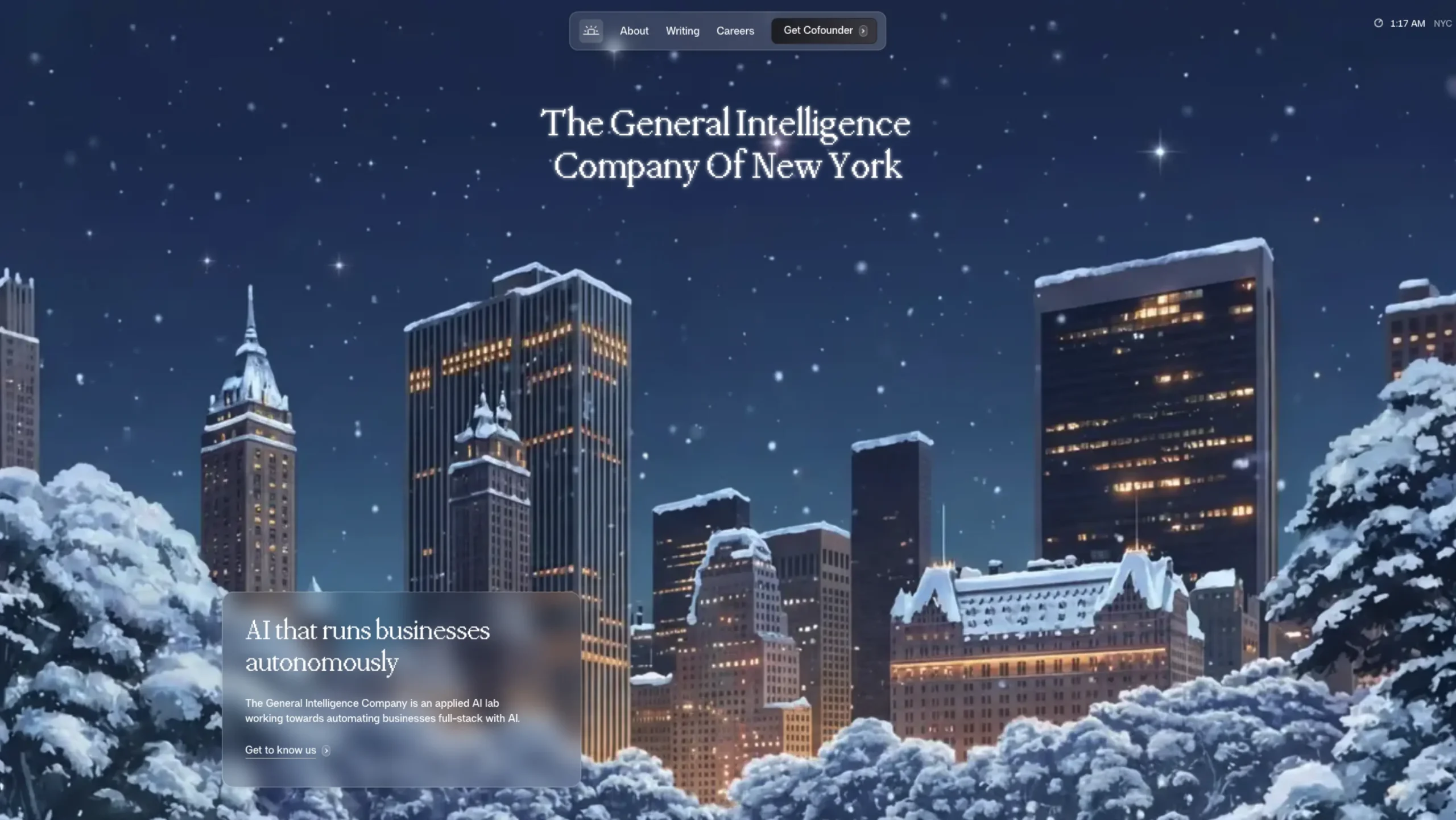
General Intelligence Company
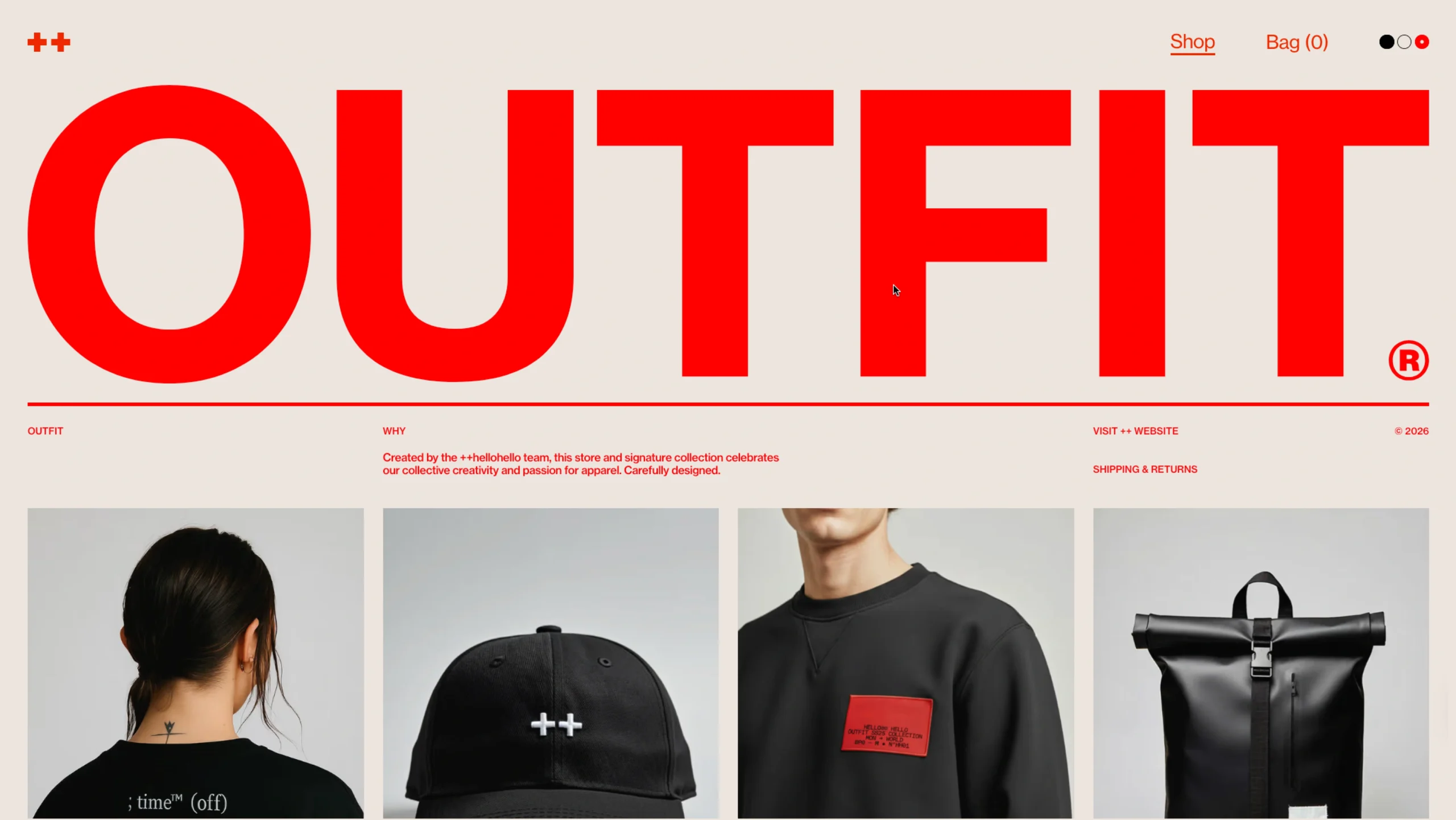
OUTFIT®
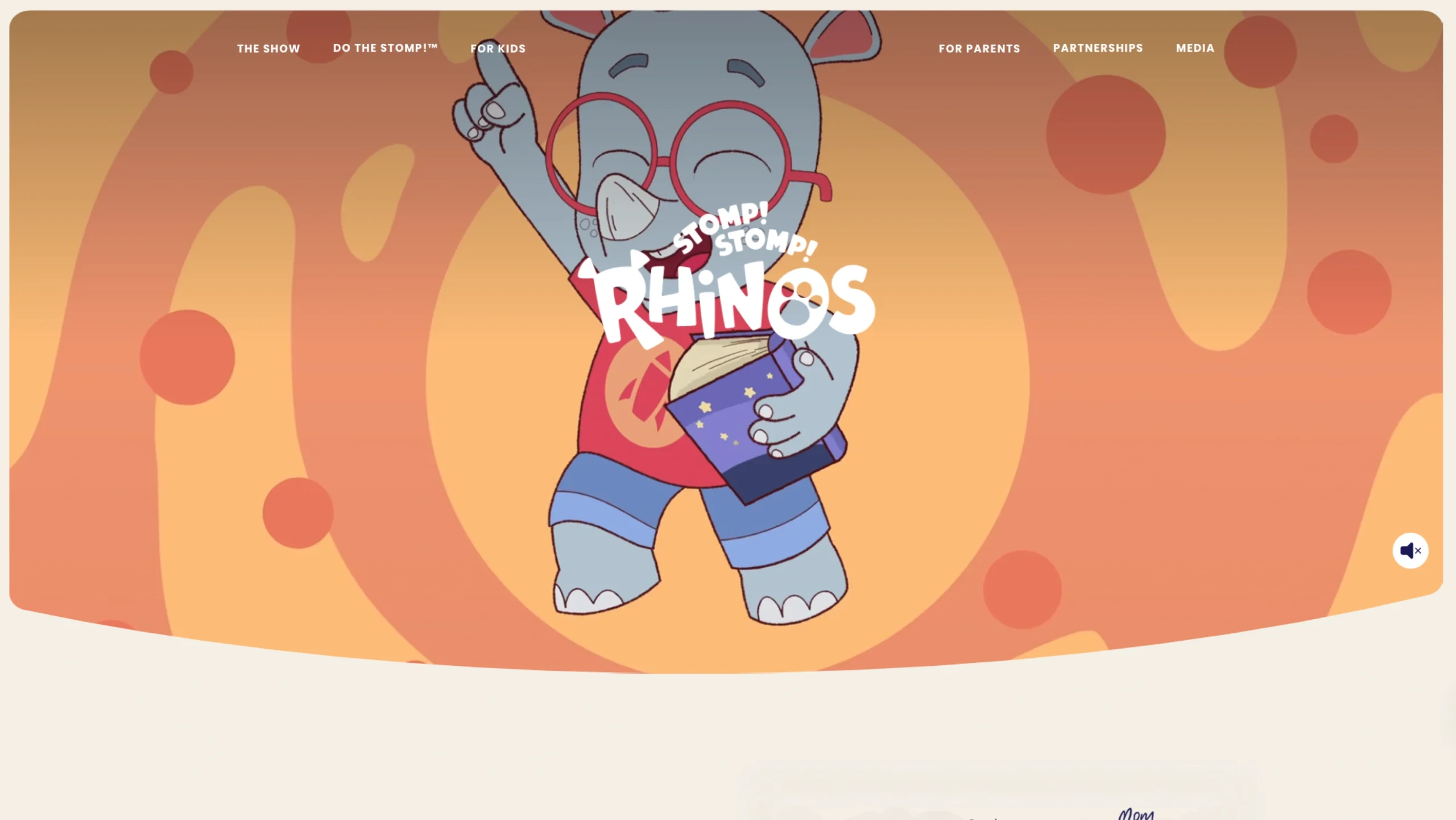
Stomp Stomp Rhinos
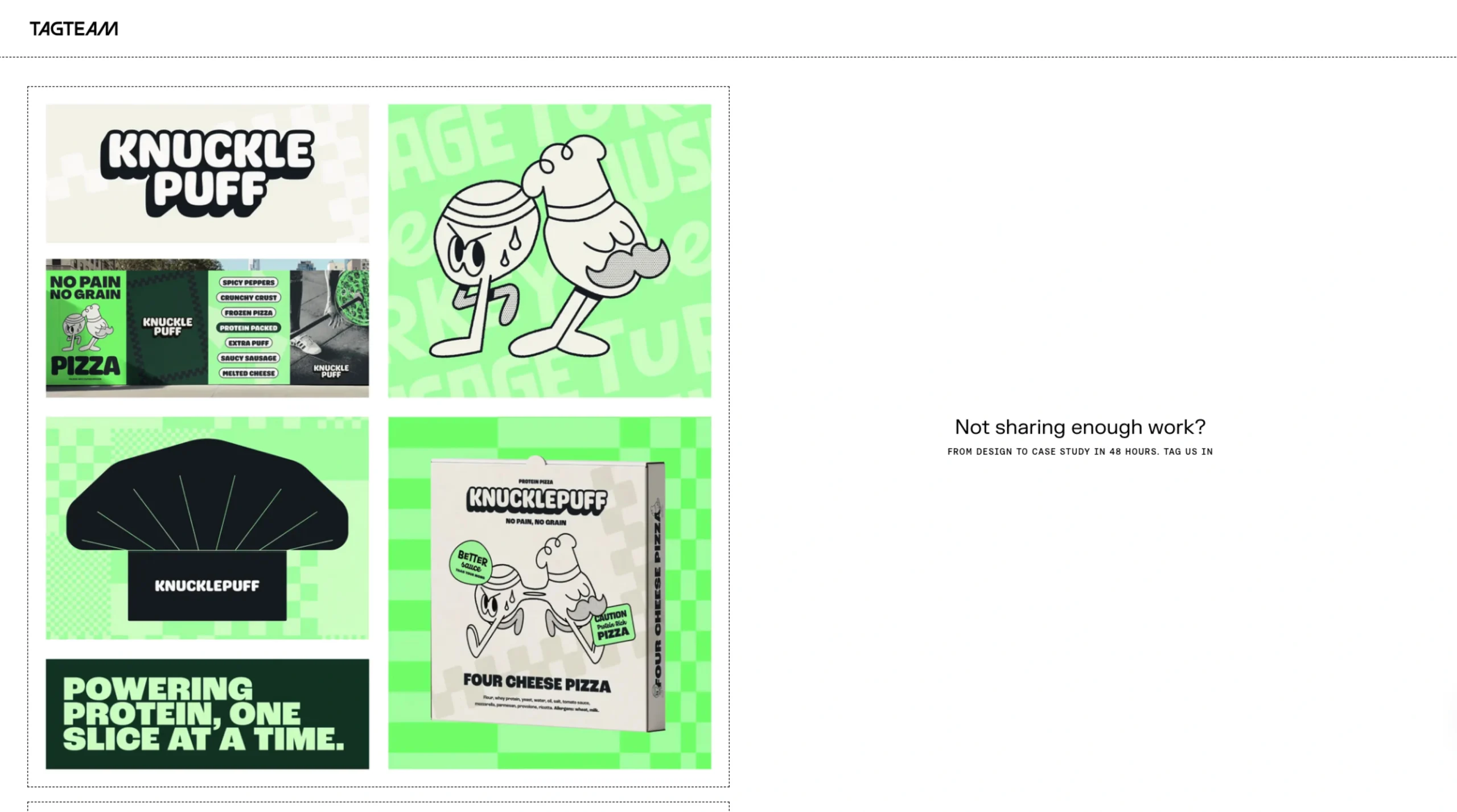
TagTeam
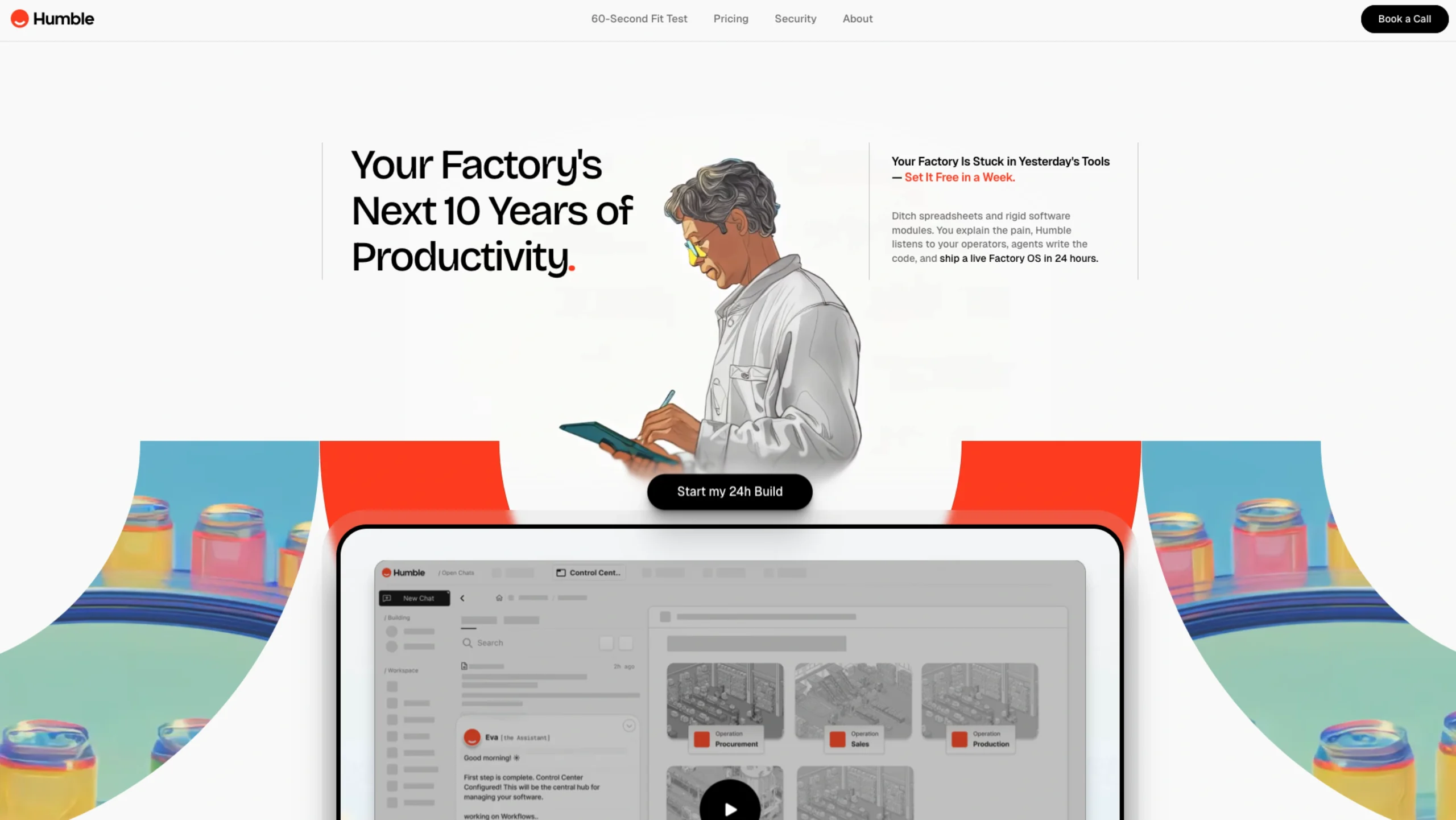
Humble – AI For Smart Manufacturing
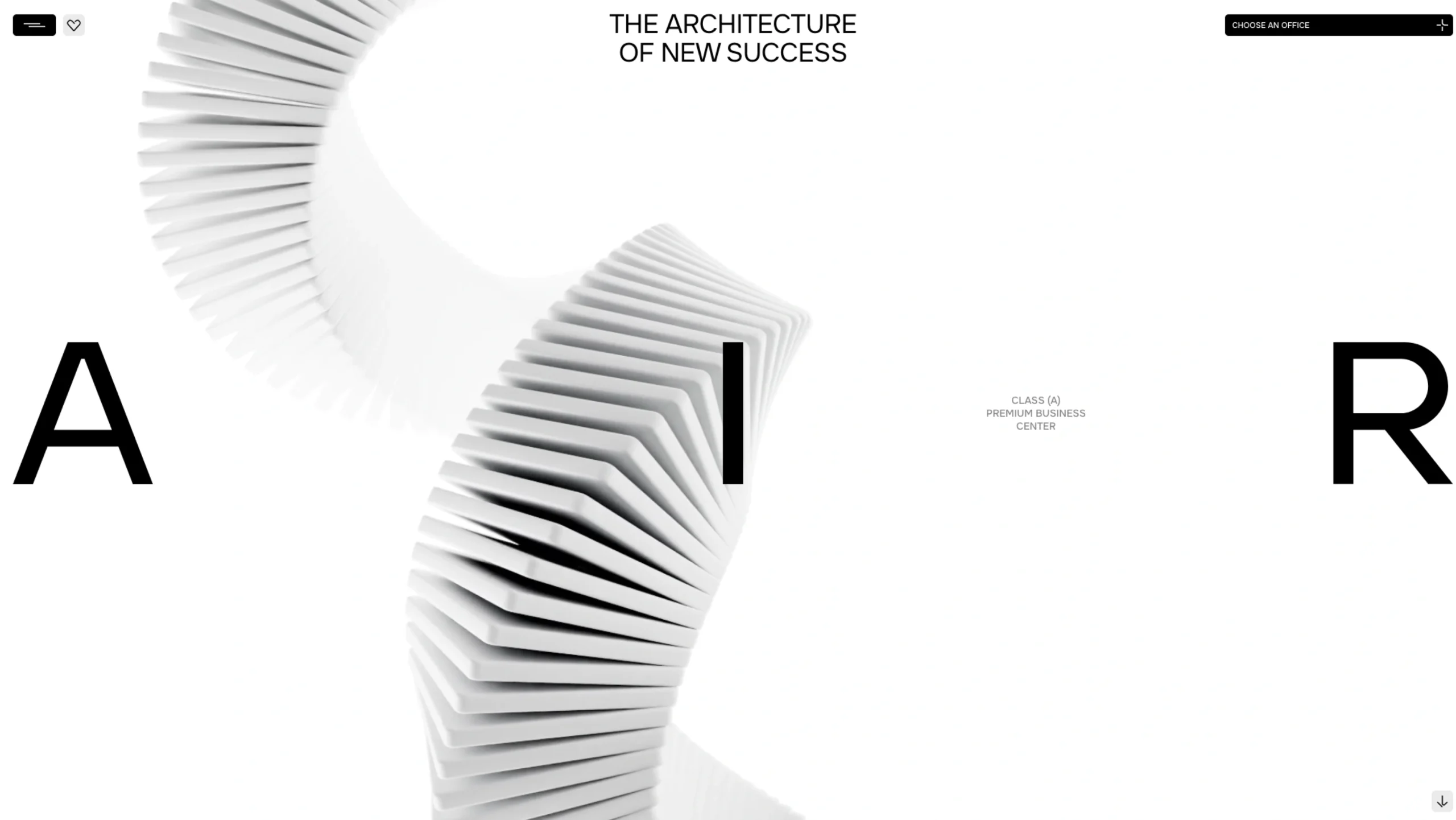
AIR – Business Center
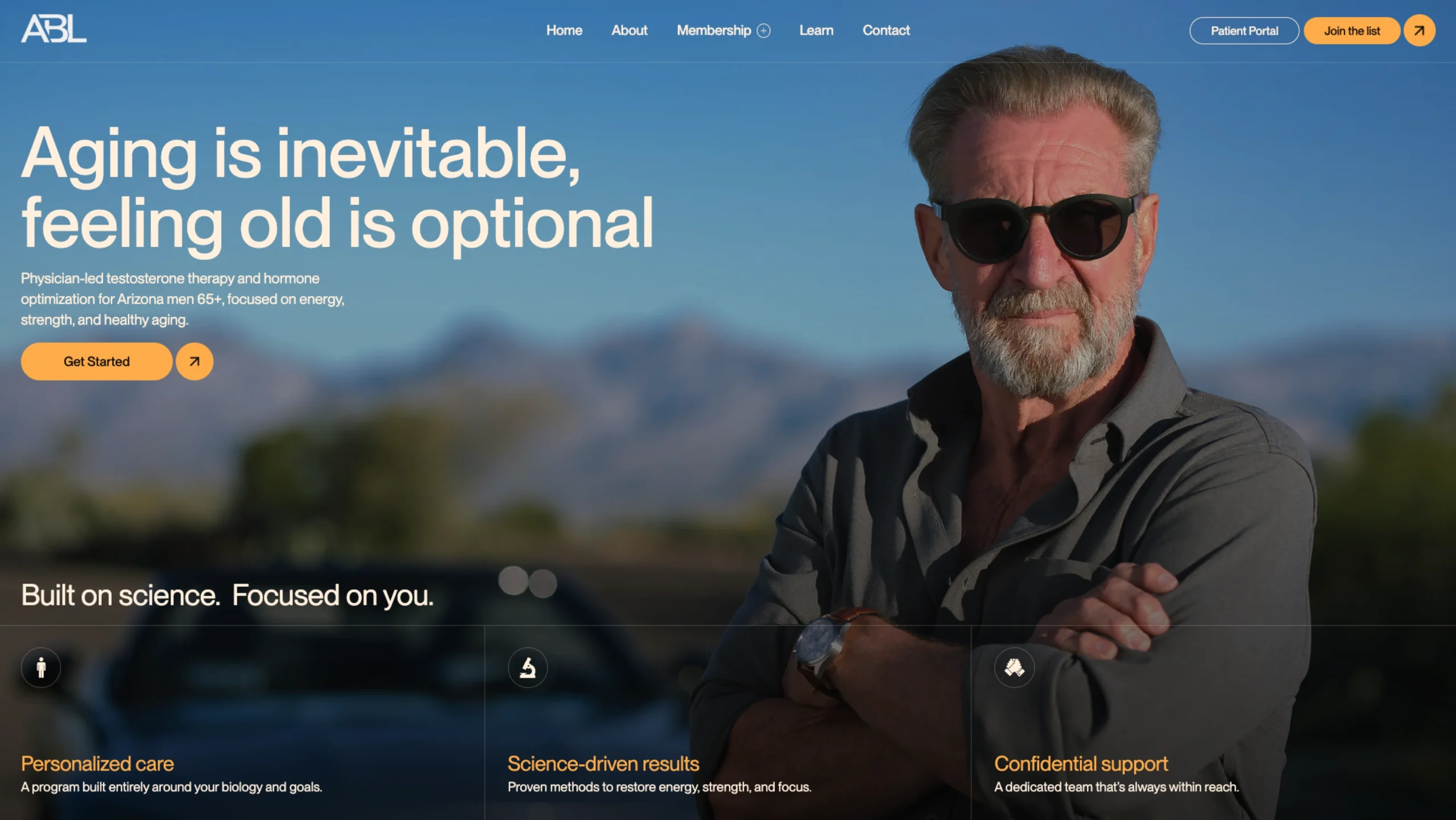
A Better Lou – Personalized Longevity Care for Men
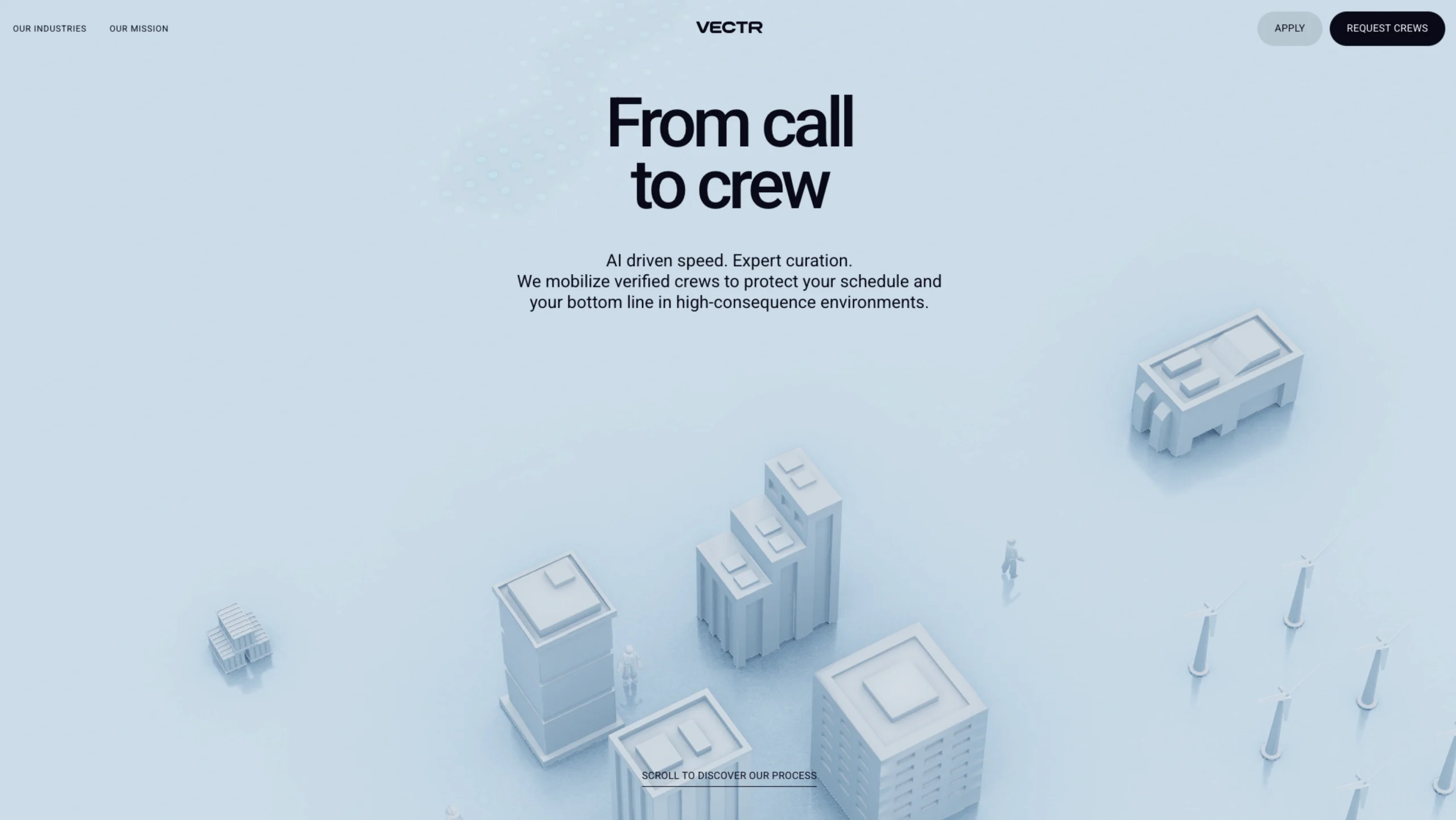
Vectr Flow
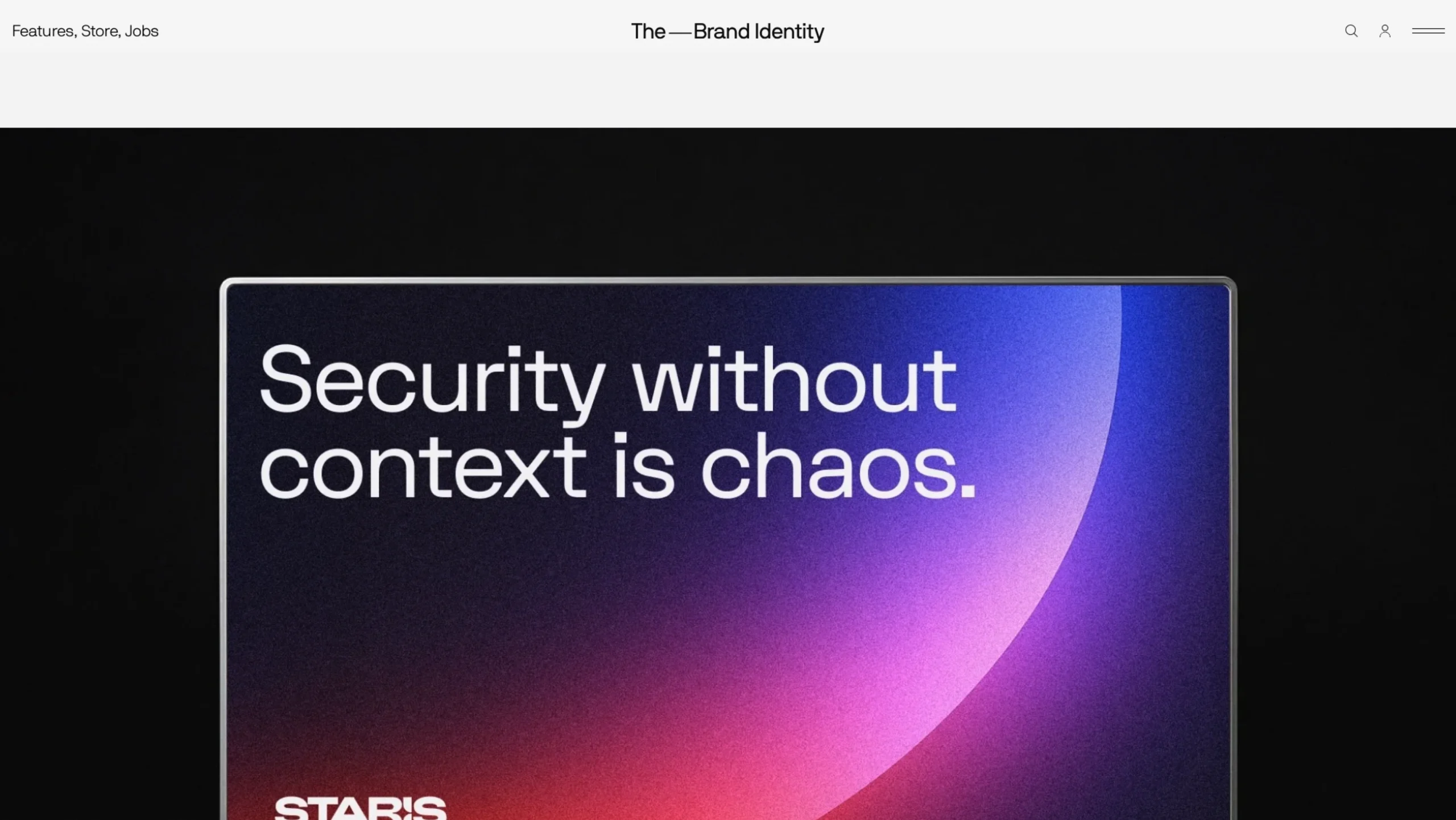
Staris Global Rebrand by Gold Front
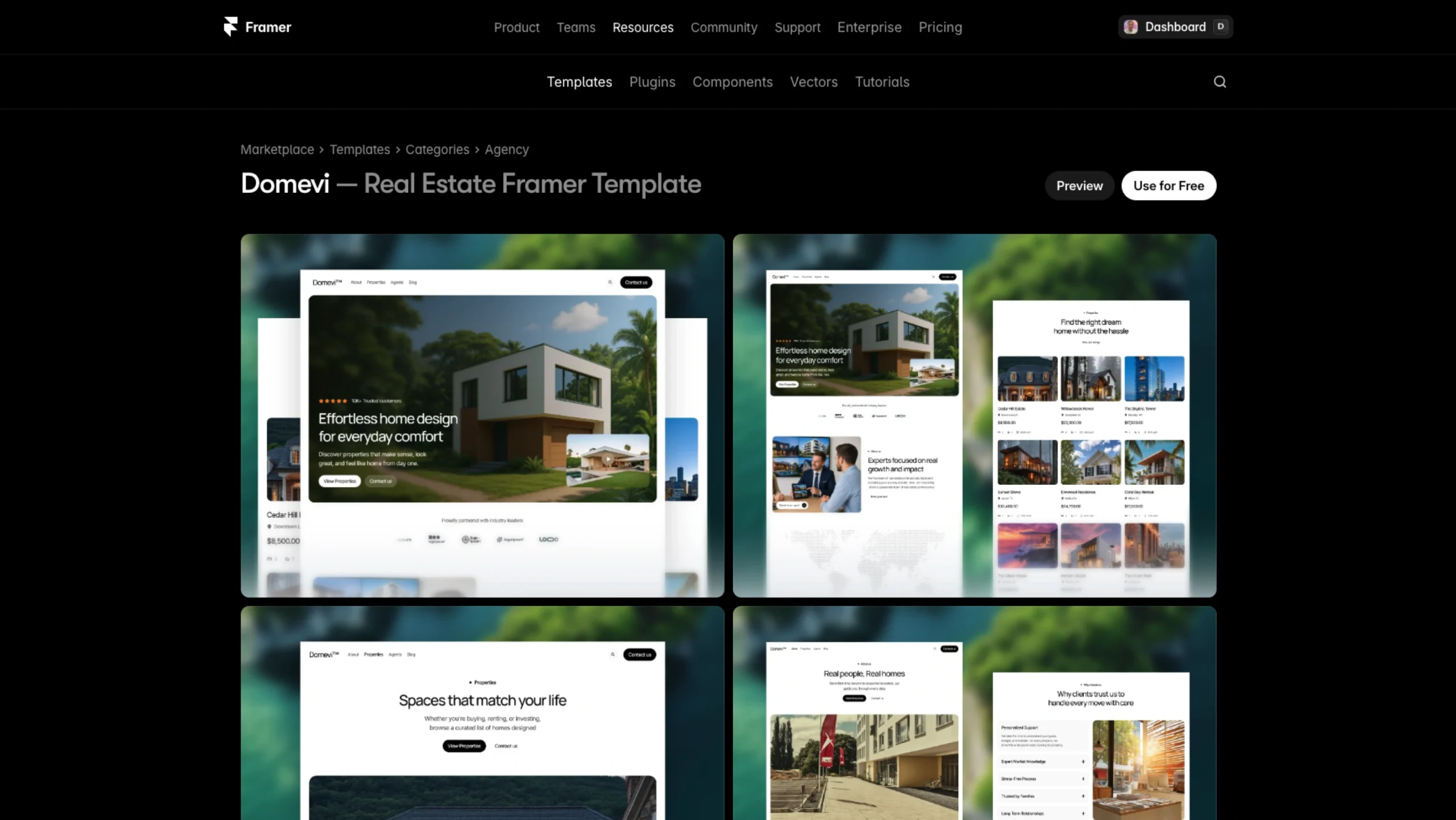
Domevi by M Hussain
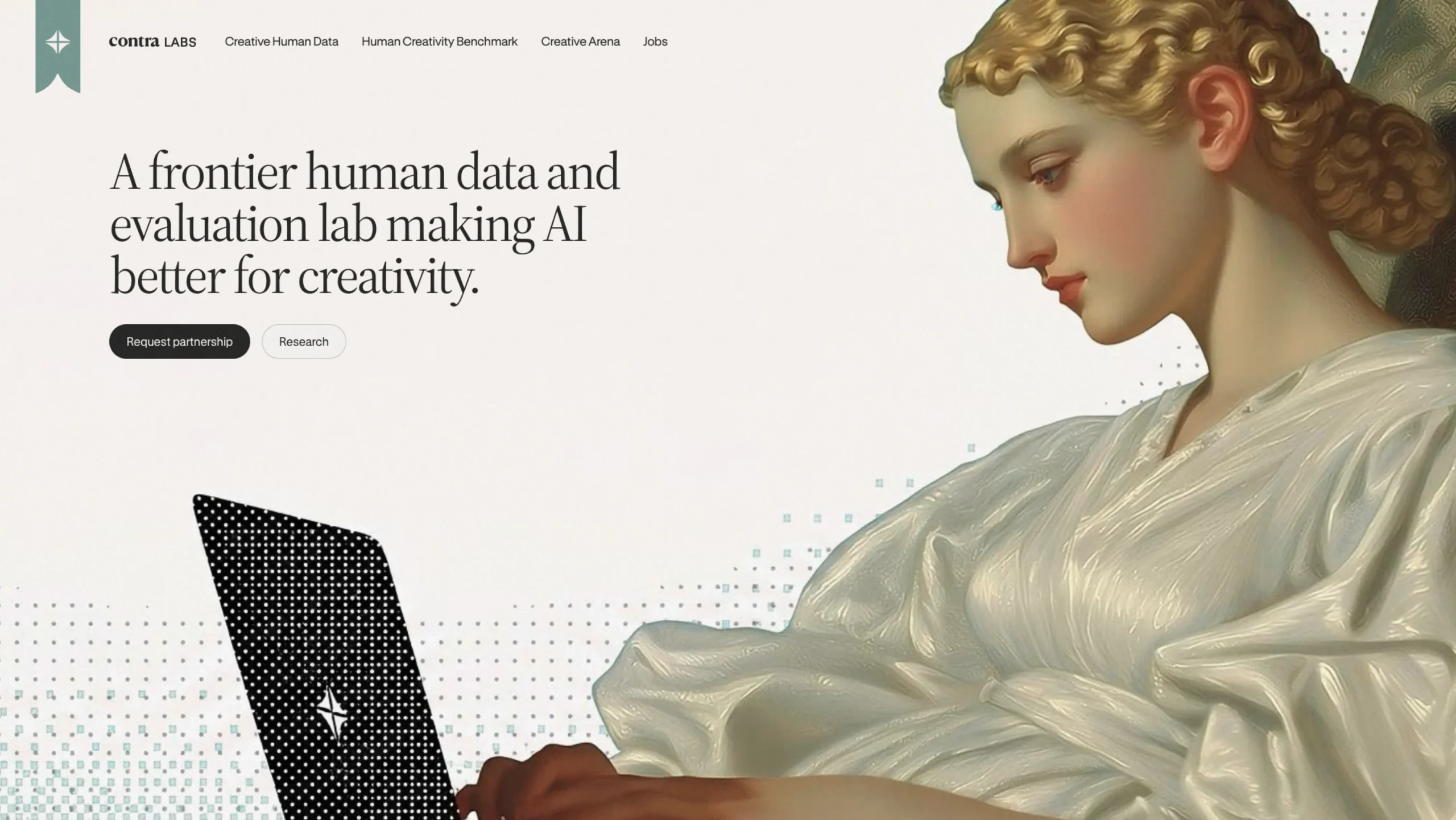
Contra Labs – The Network Of Human Taste
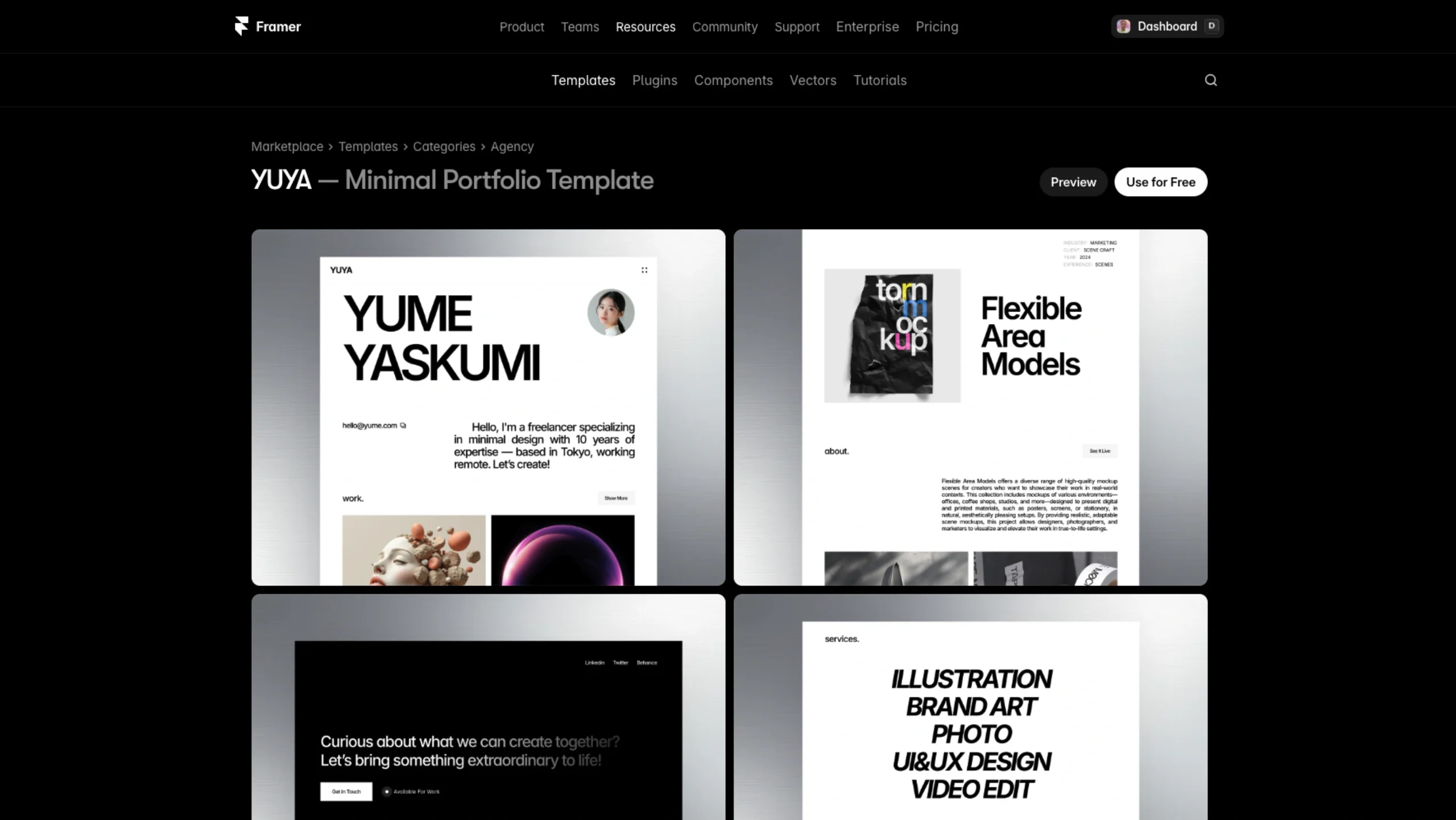
YUYA – Framer Template
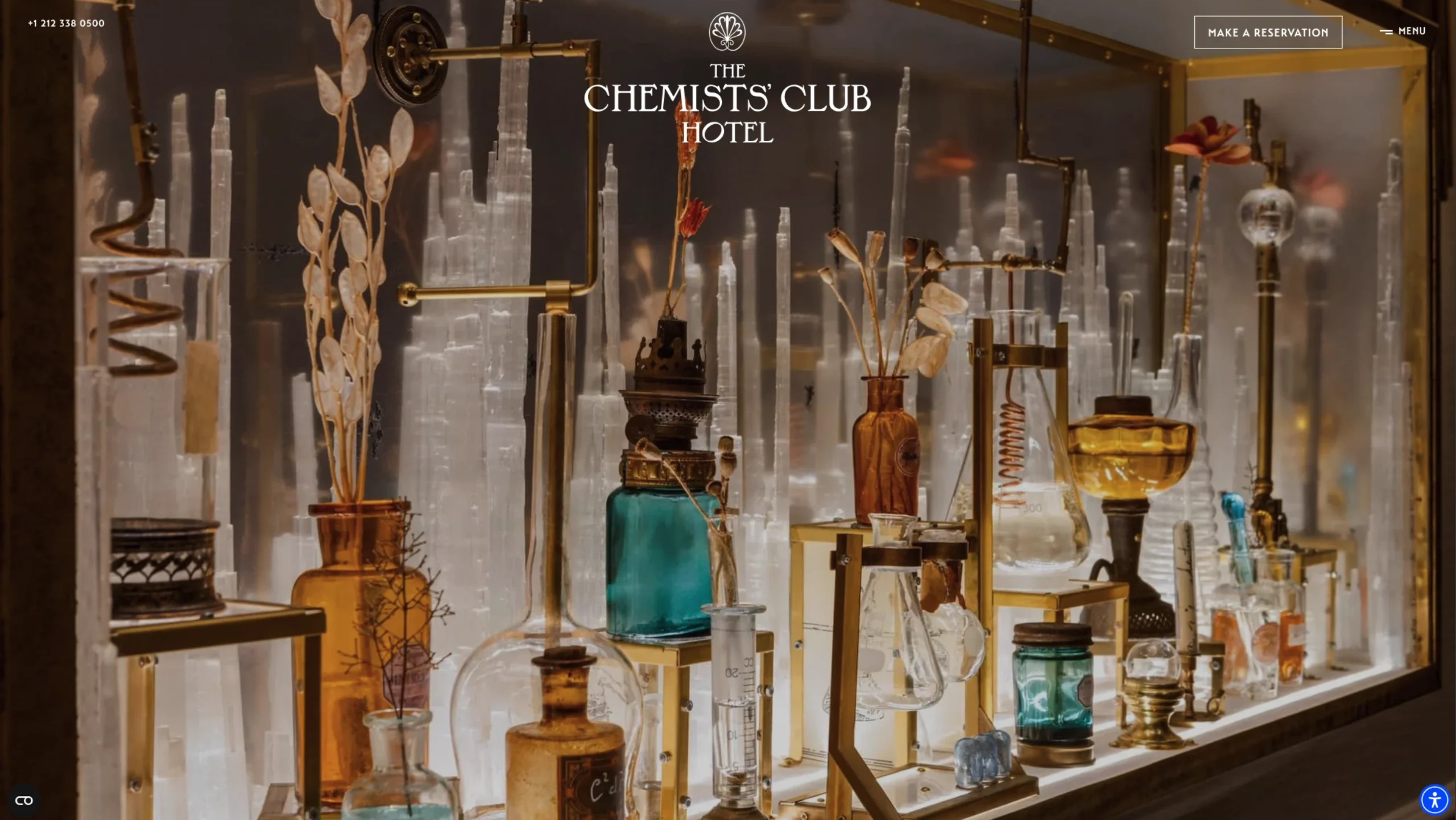
The Chemists’ Club Hotel
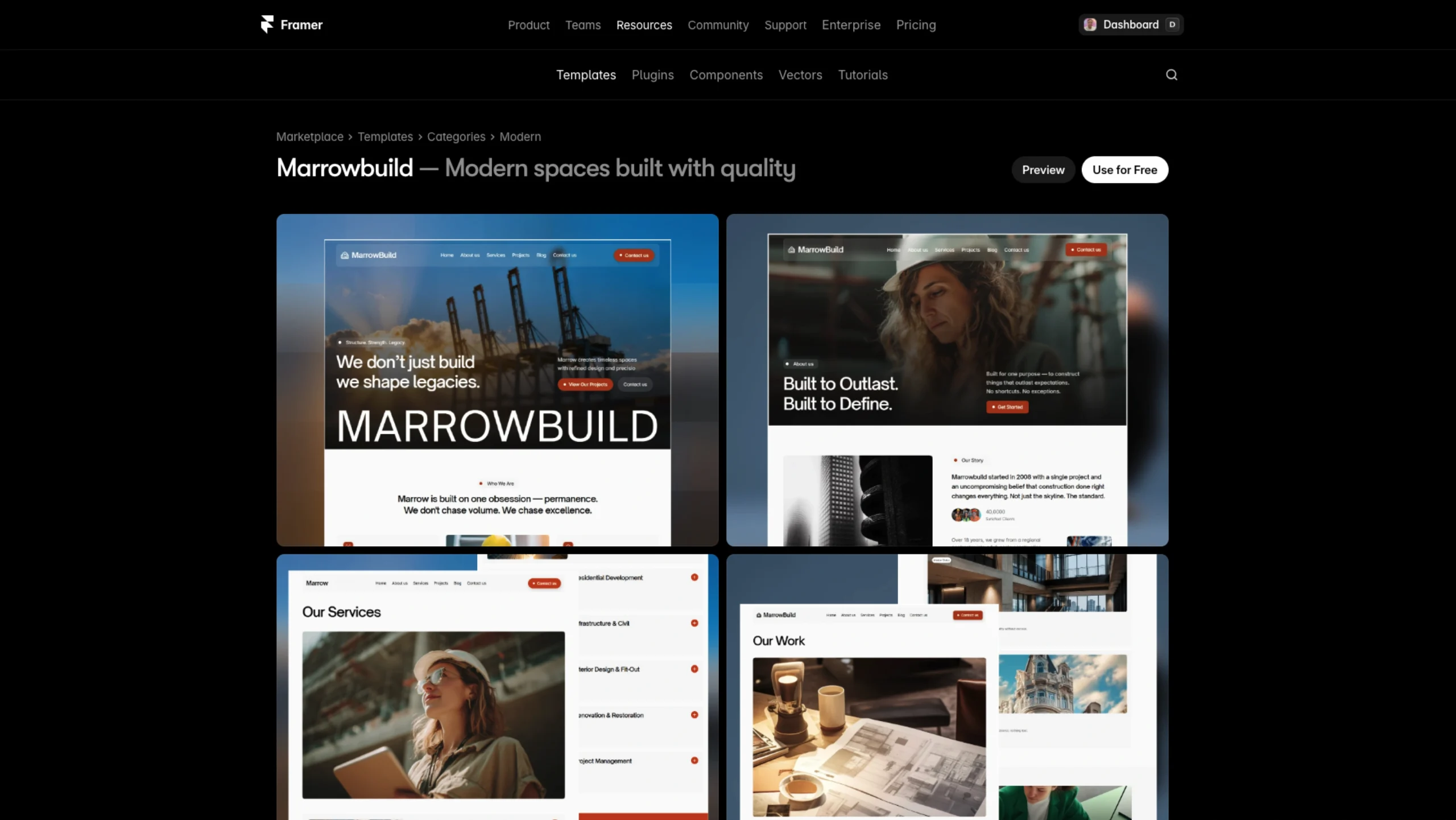
Marrowbuild – Luxury Construction Template
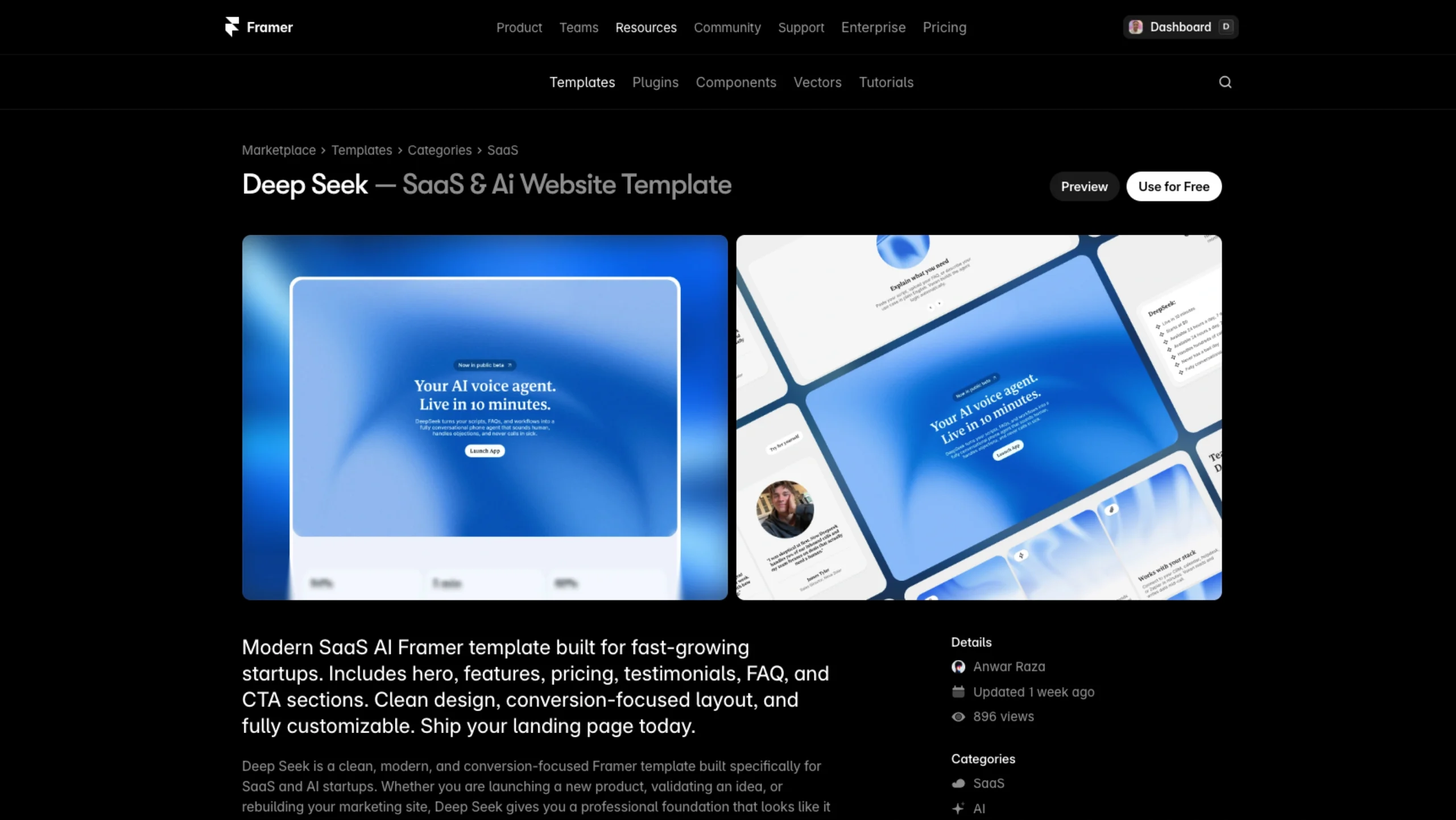
Deep Seek – AI Voice Framer Template
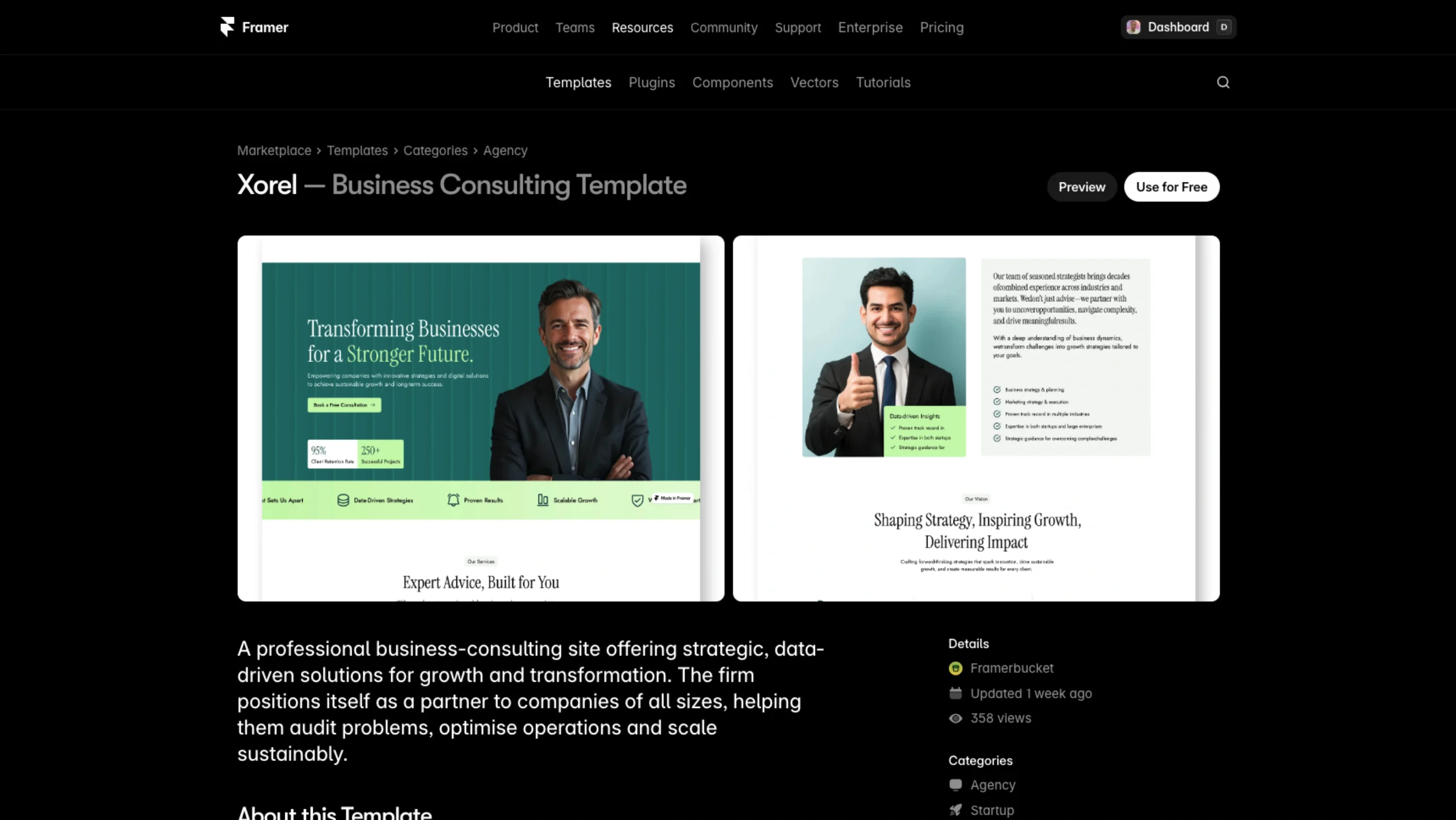
Xorel – Business Consulting Framer Template
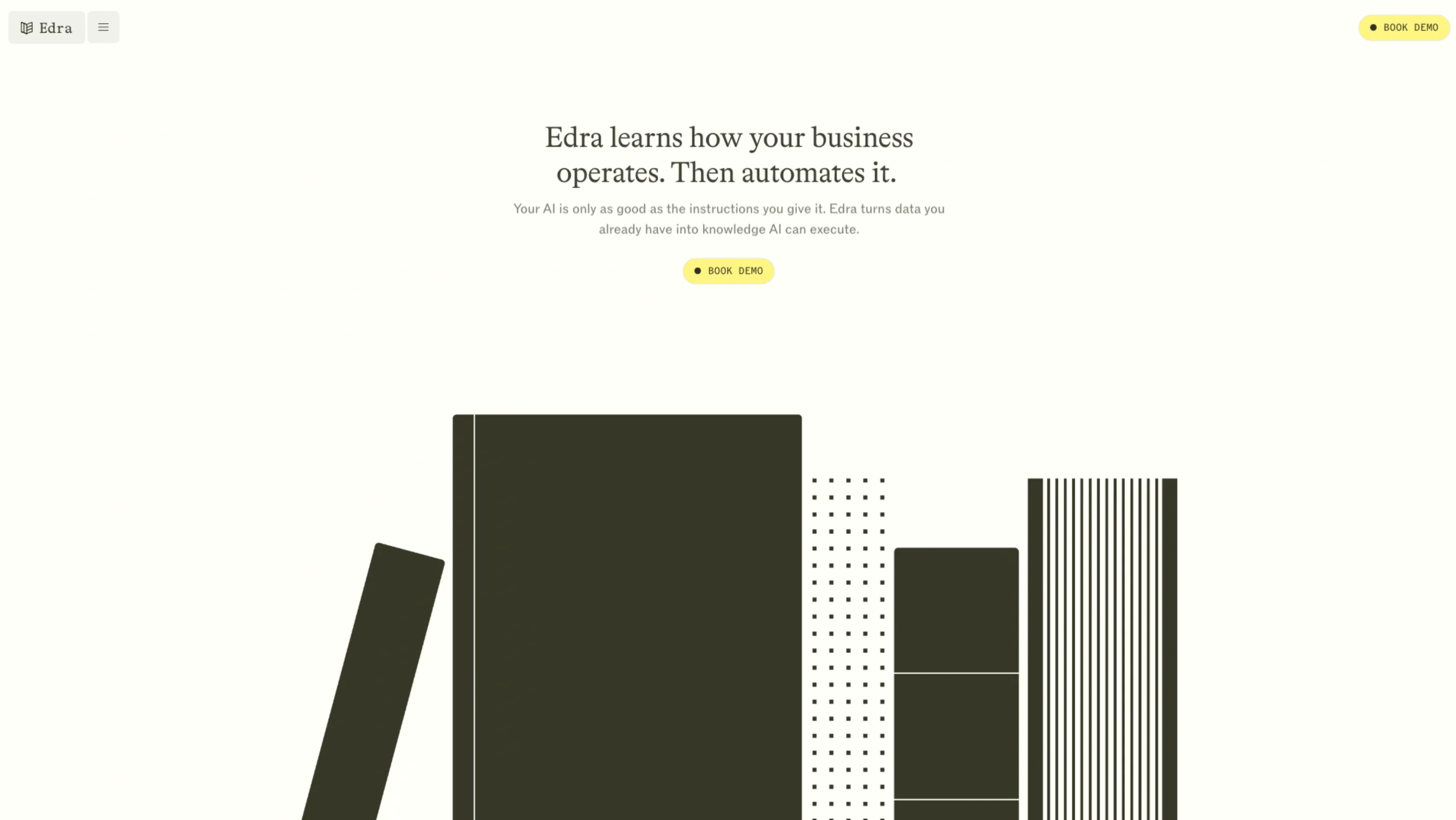
Edra – Automates Your Business
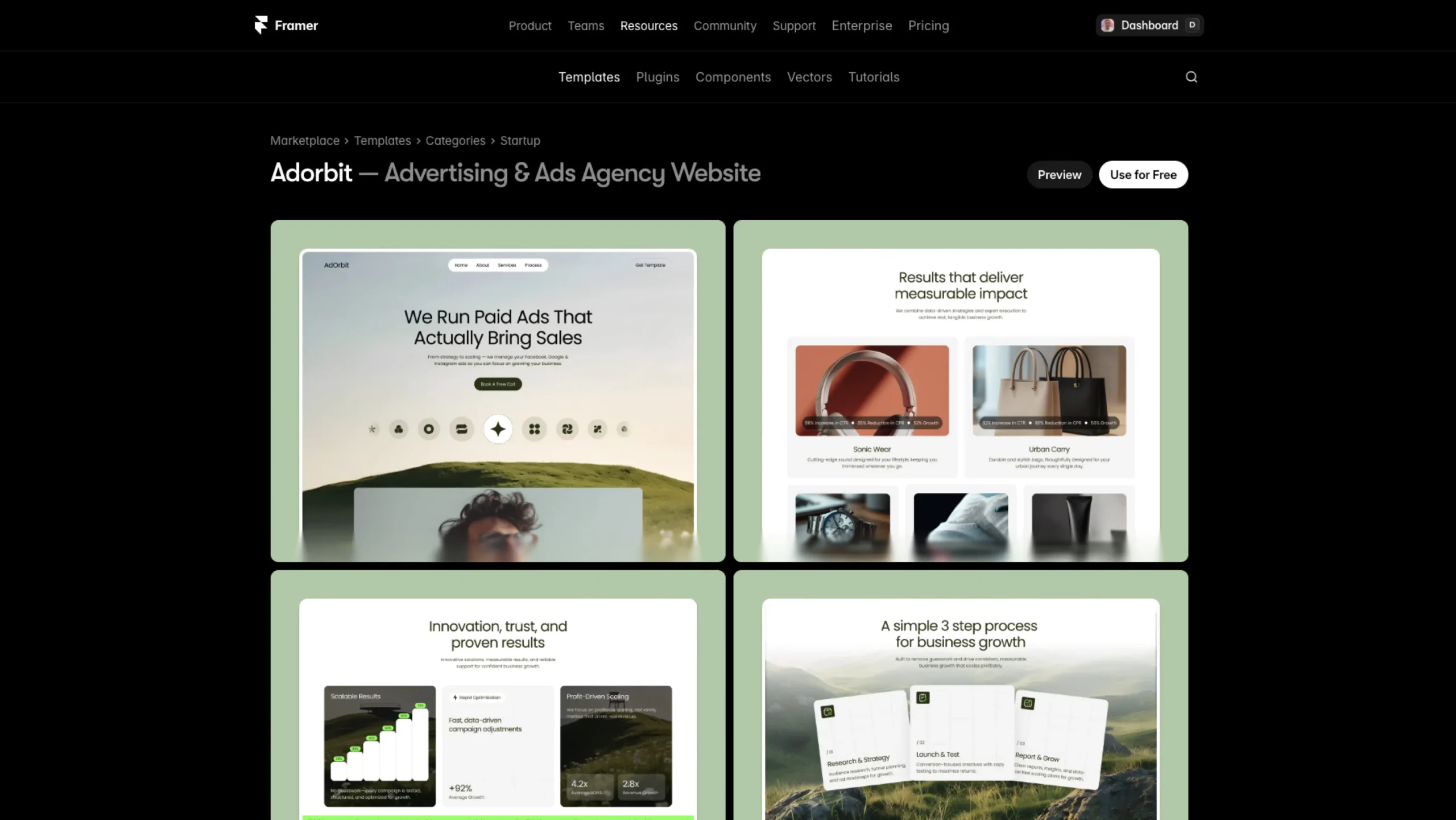
Adorbit – Free Framer Template
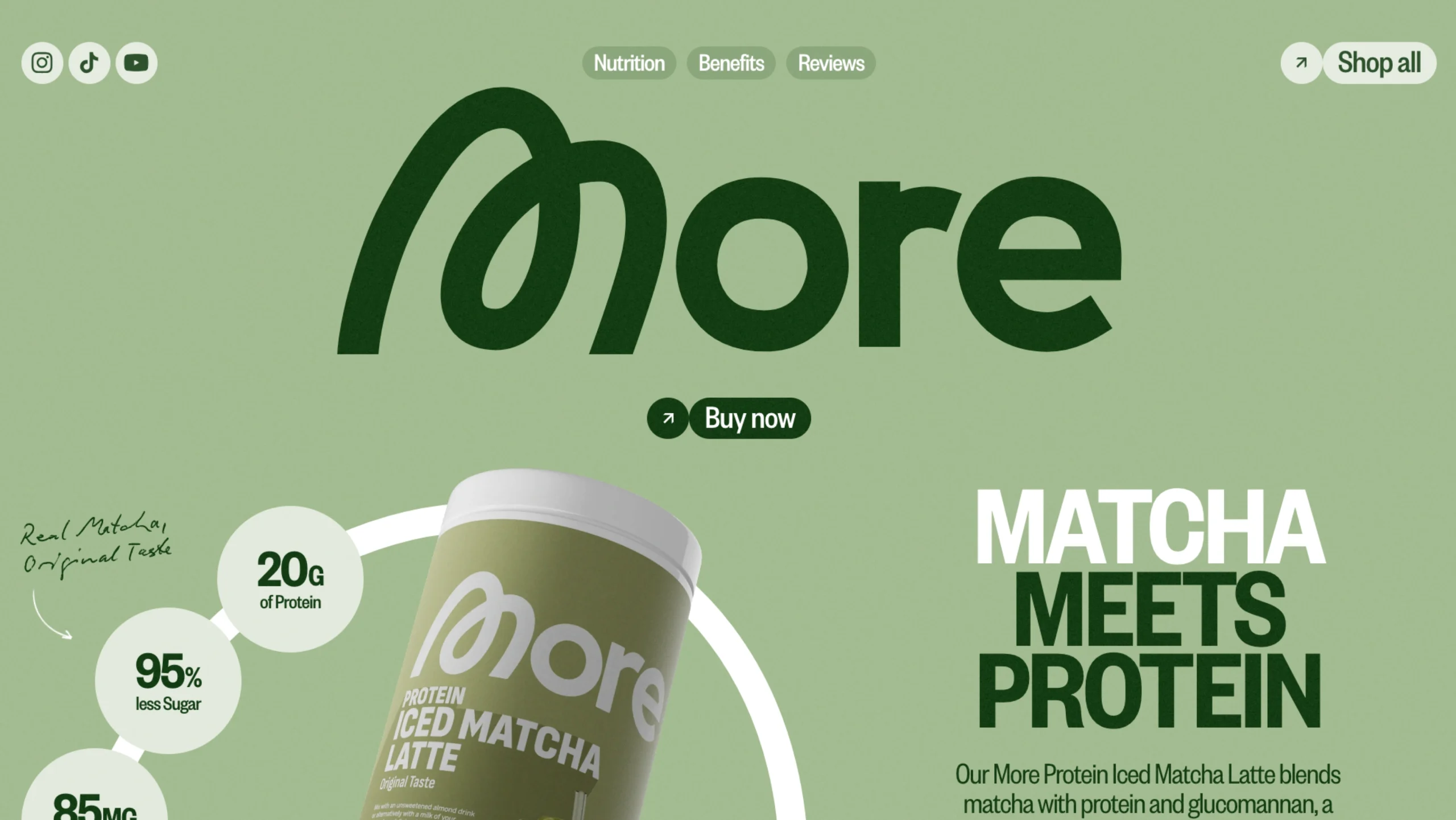
More Nutrition – Matcha Meets Protein
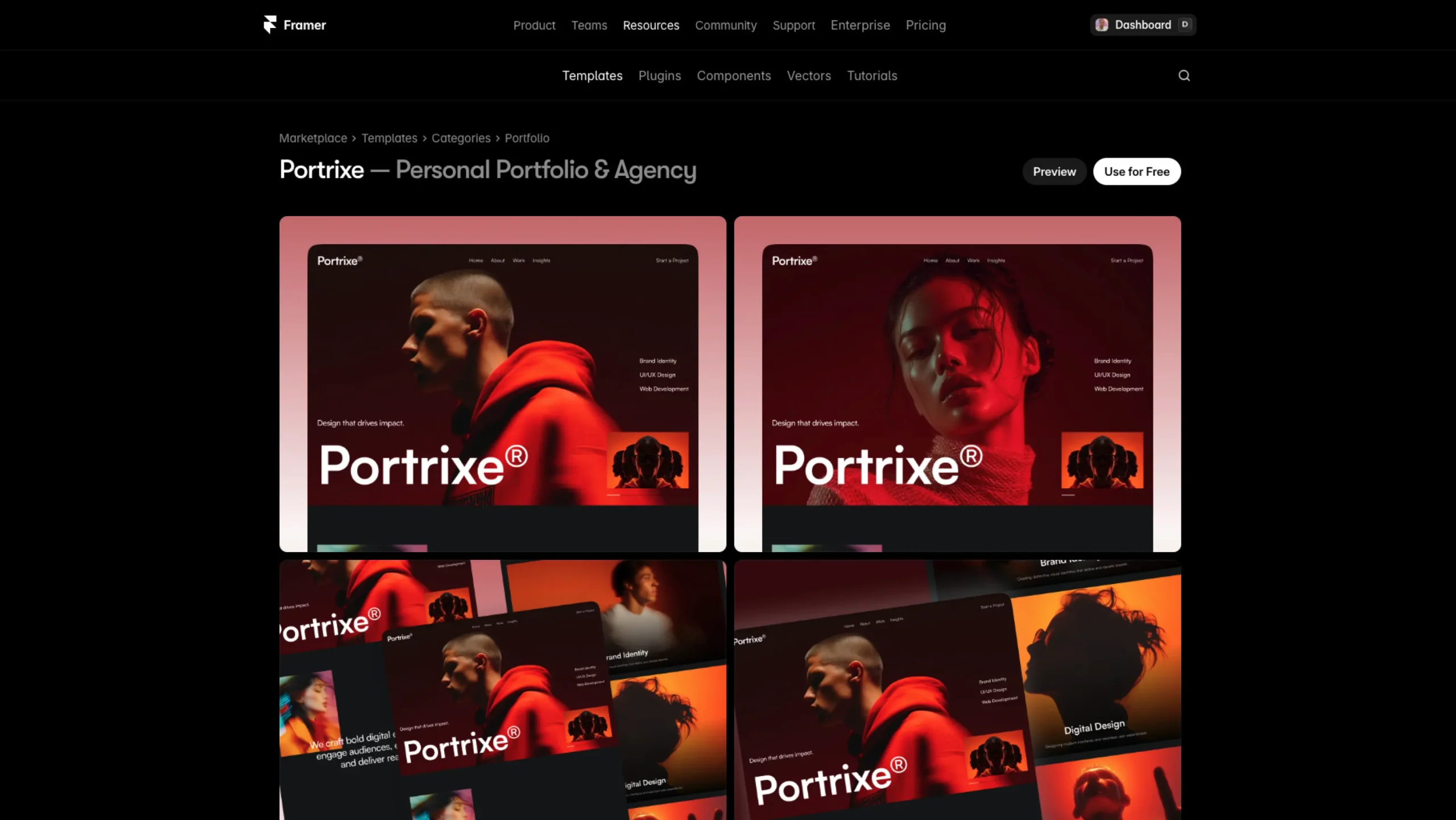
Portrixe – Framer Portfolio & Agency Template
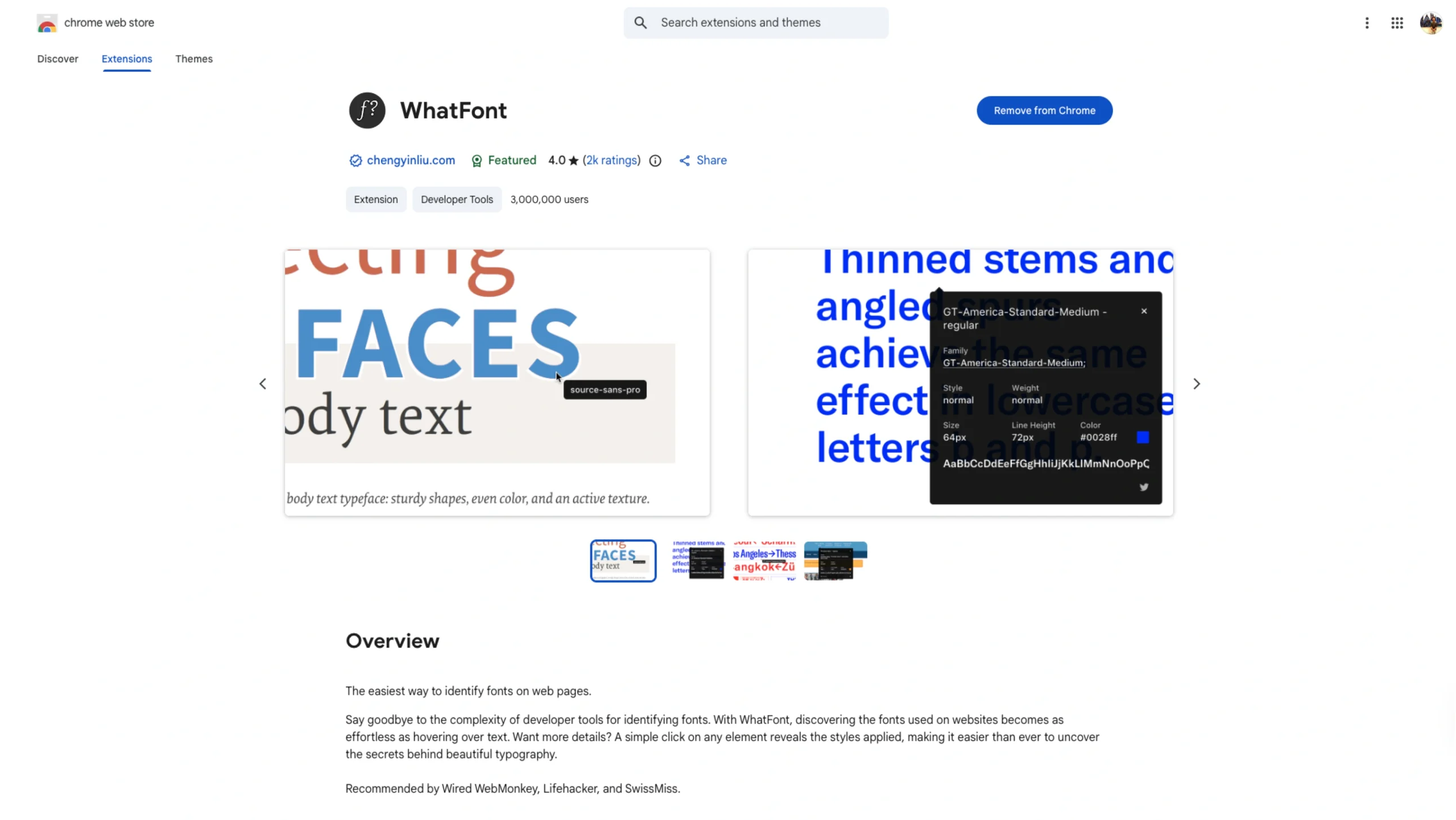
WhatFont – Chrome Browser Extension
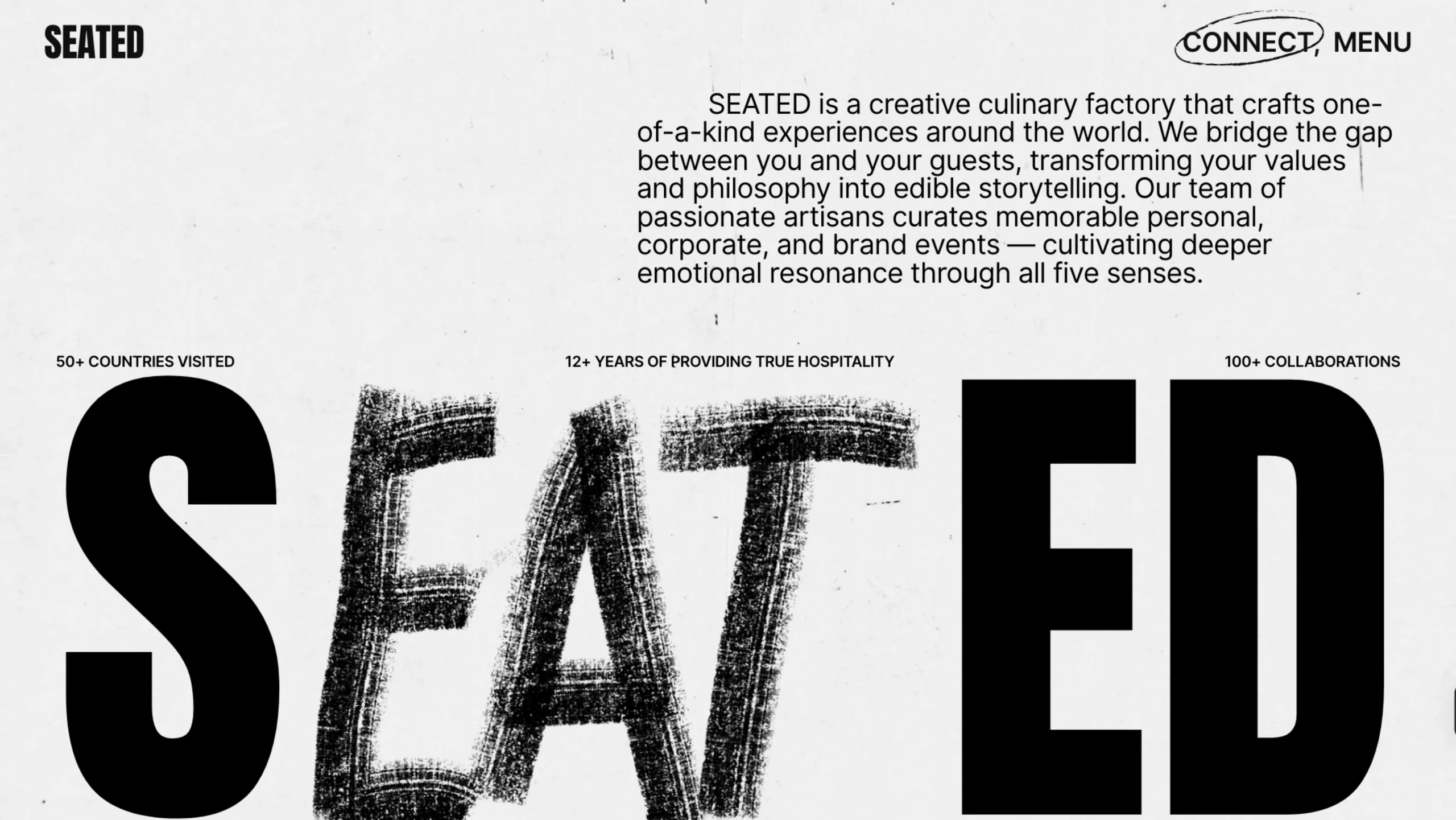
SEATED
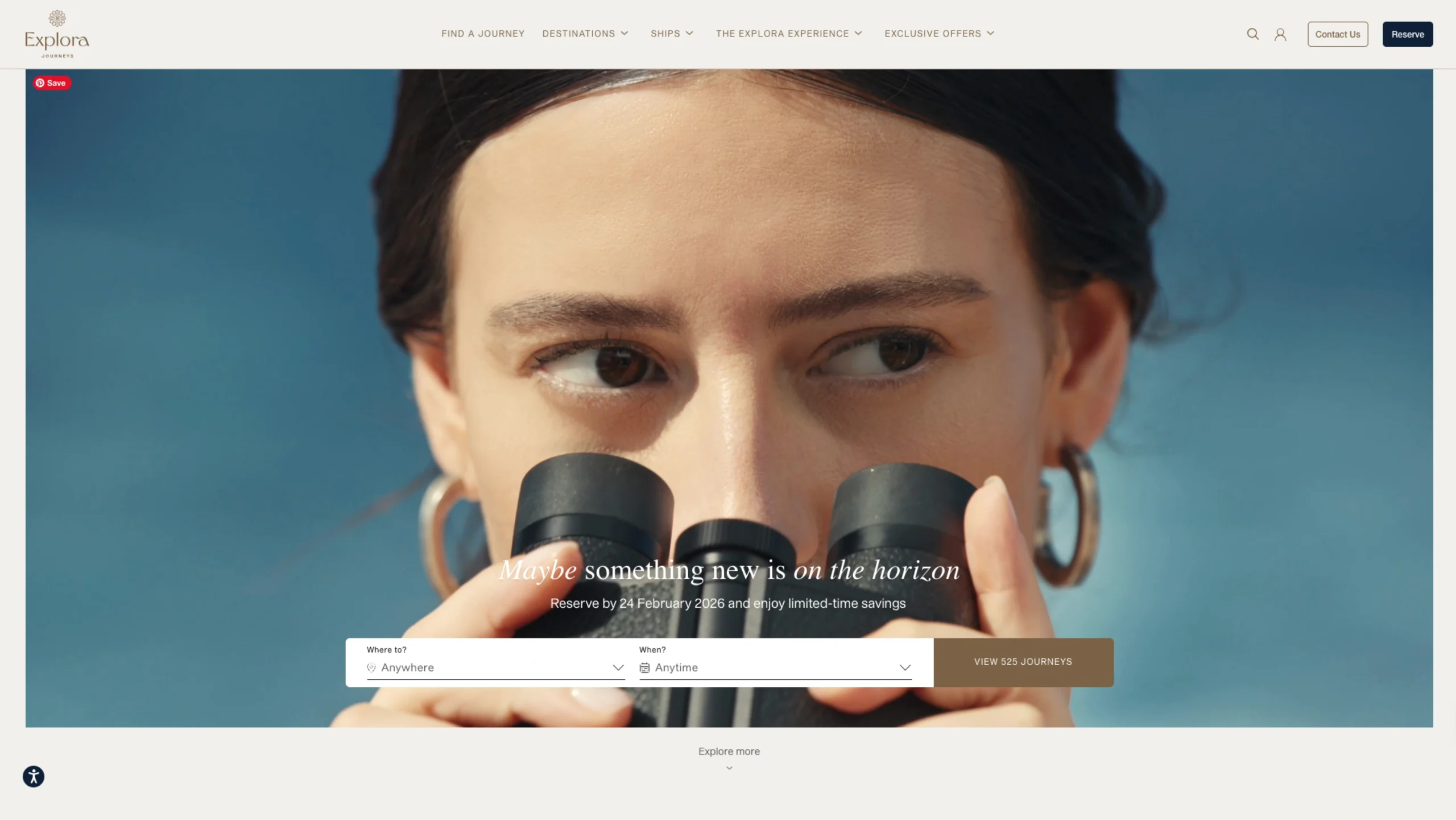
Explora Journeys
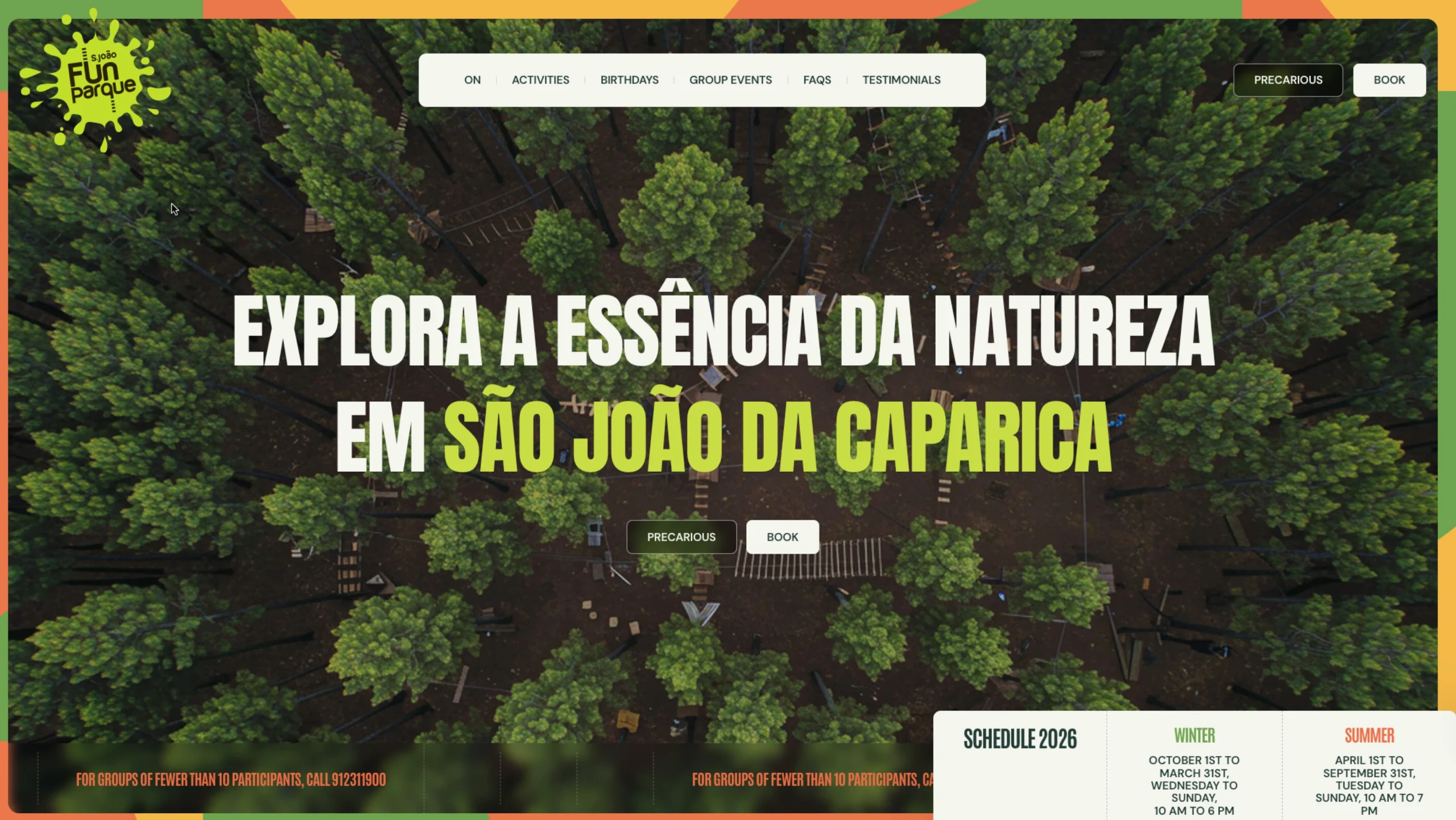
Fun Parque São João
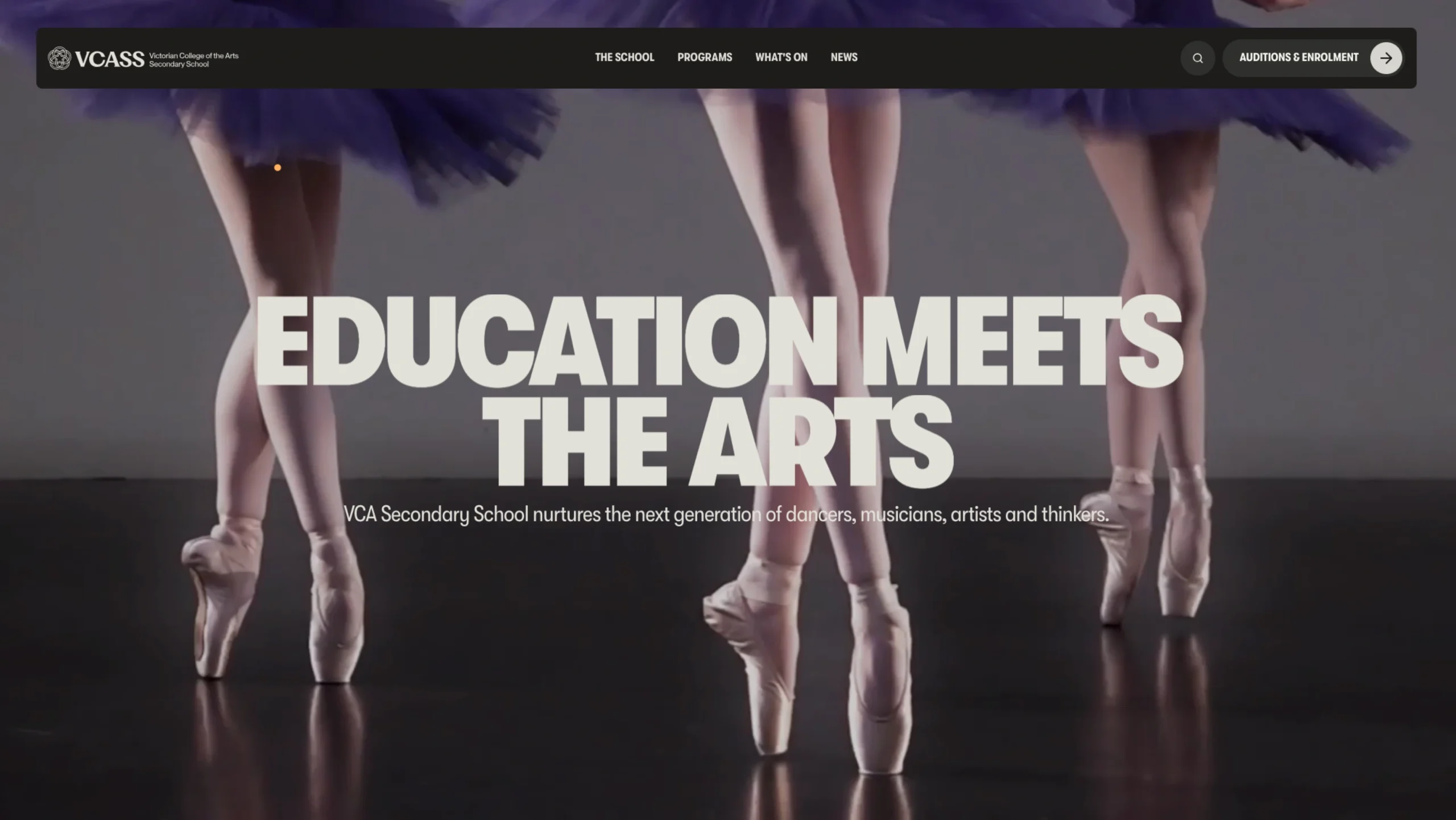
Victorian College of the Arts Secondary School (VCASS)
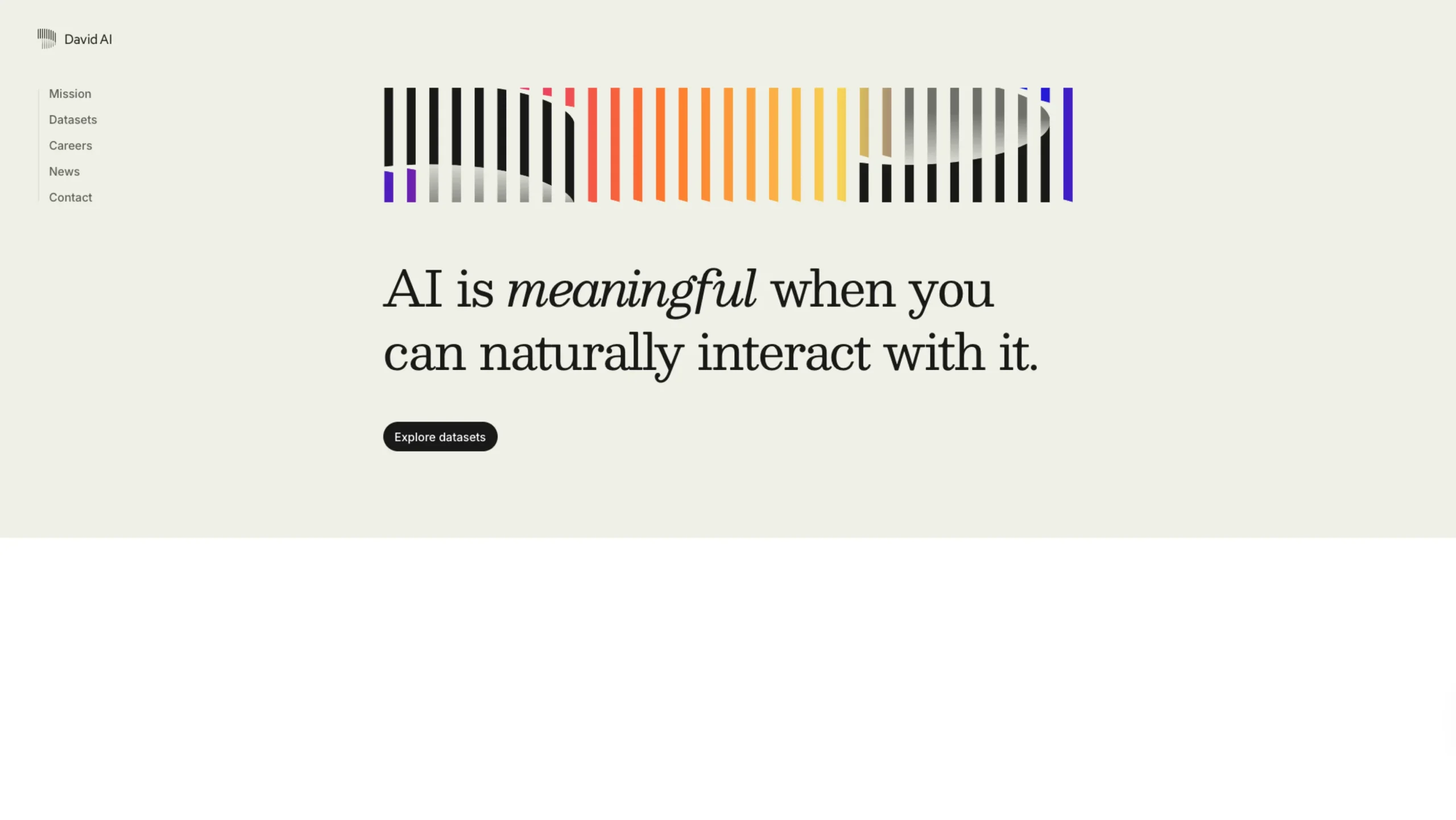
David AI – Audio Data Research Company
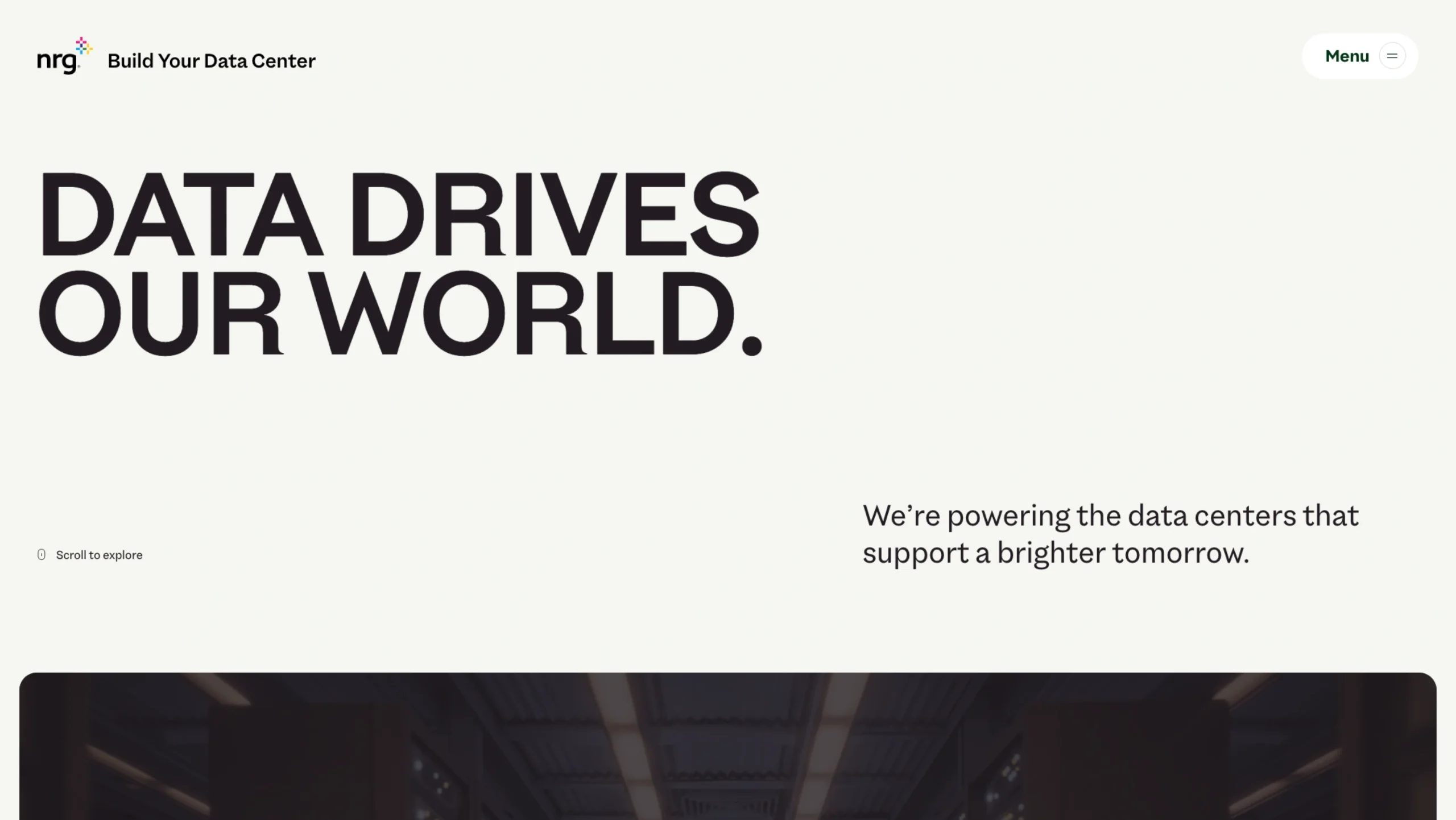
NRG Business – Build Your Data Center
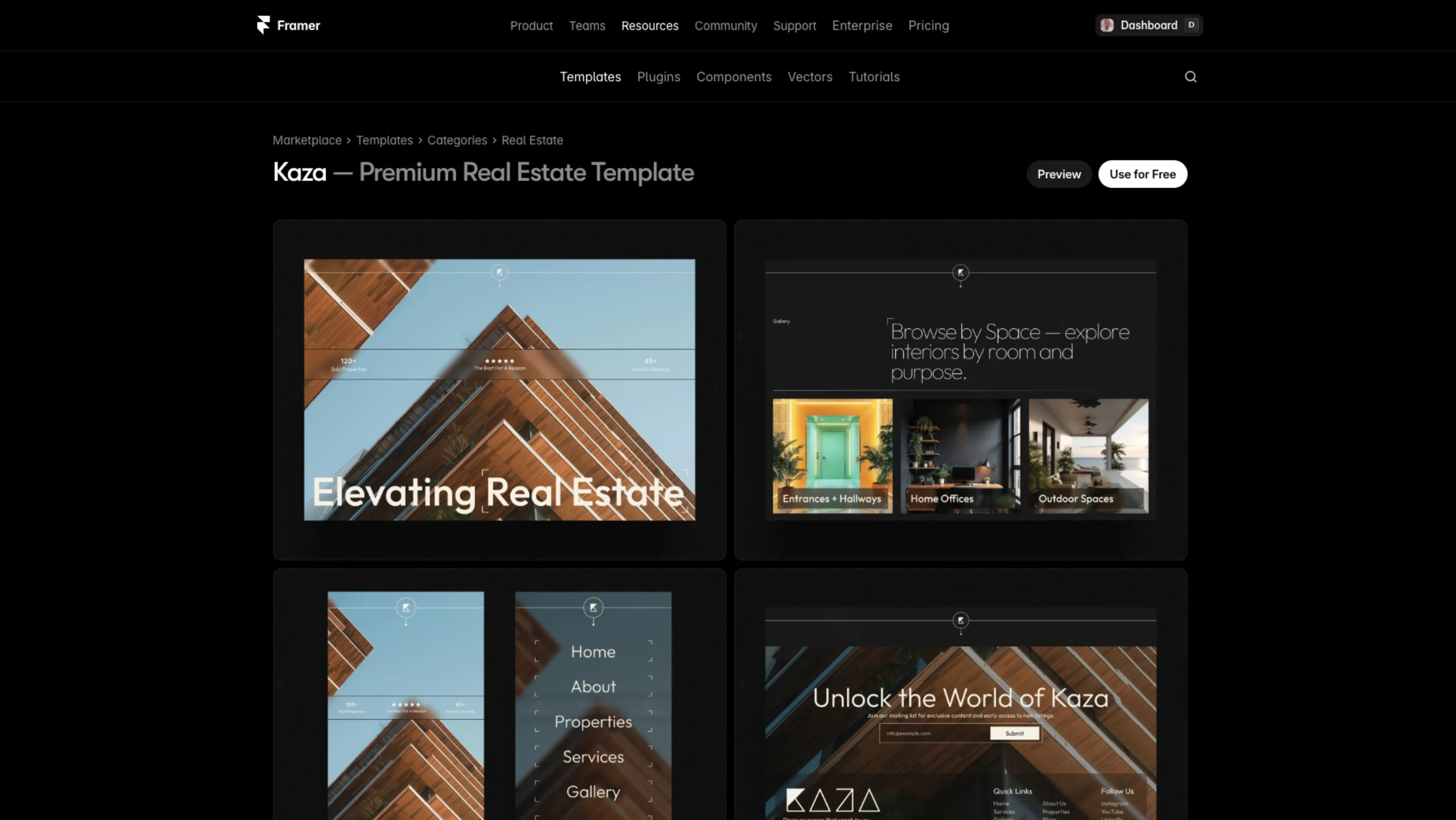
Kaza – Free Framer Template
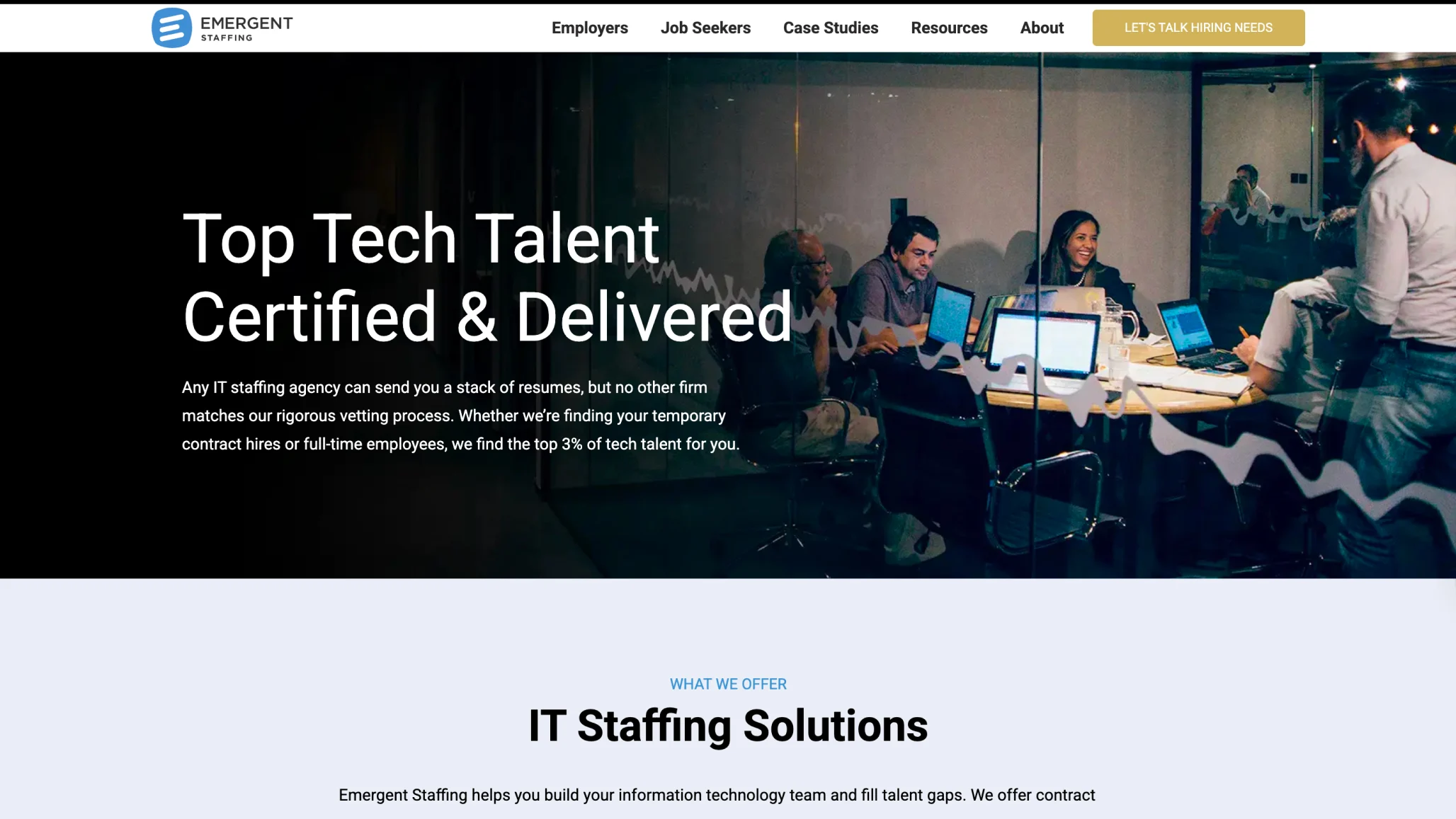
Emergent Staffing – An IT Staffing Platform
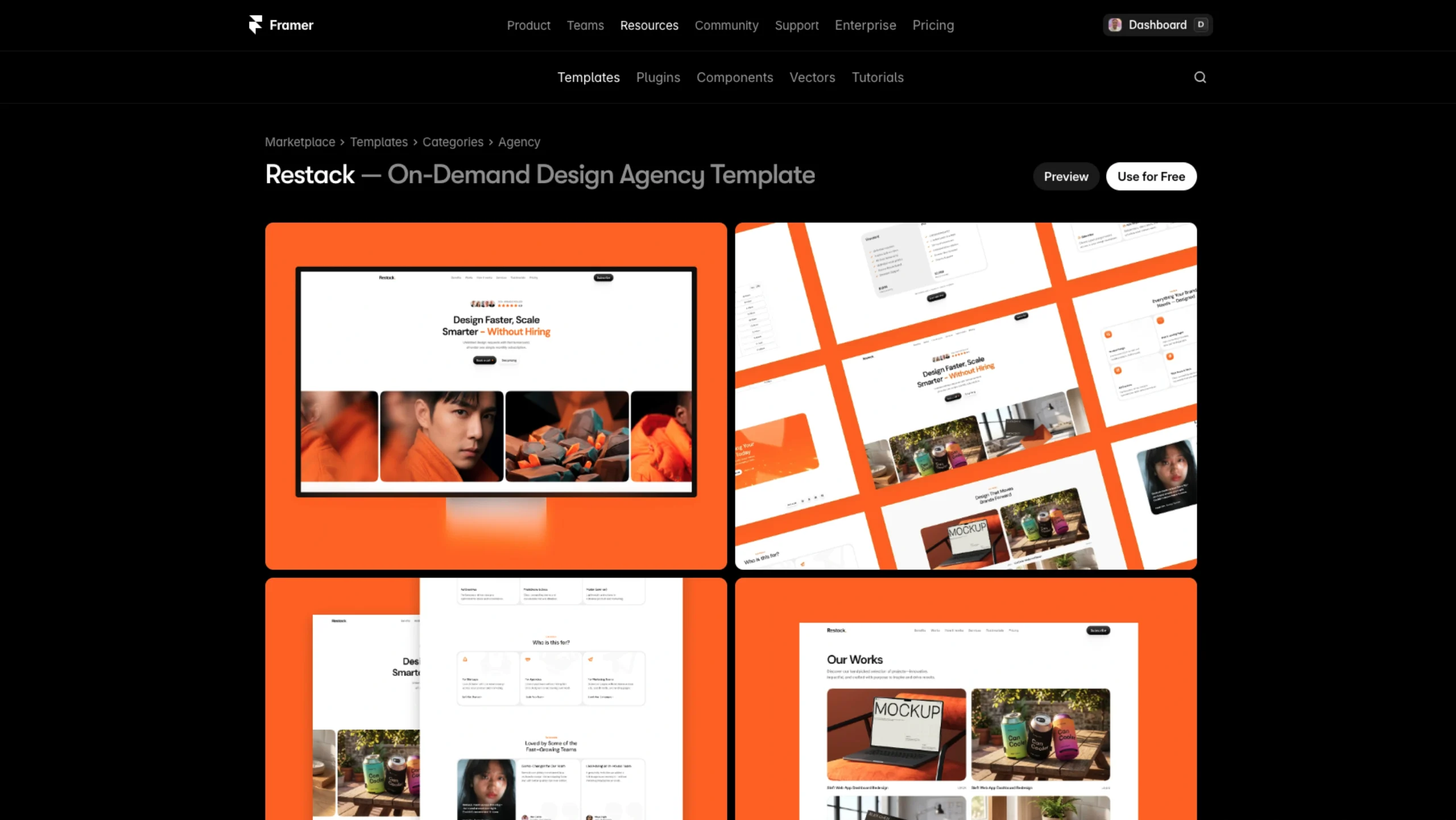
Restack – Free Framer Template
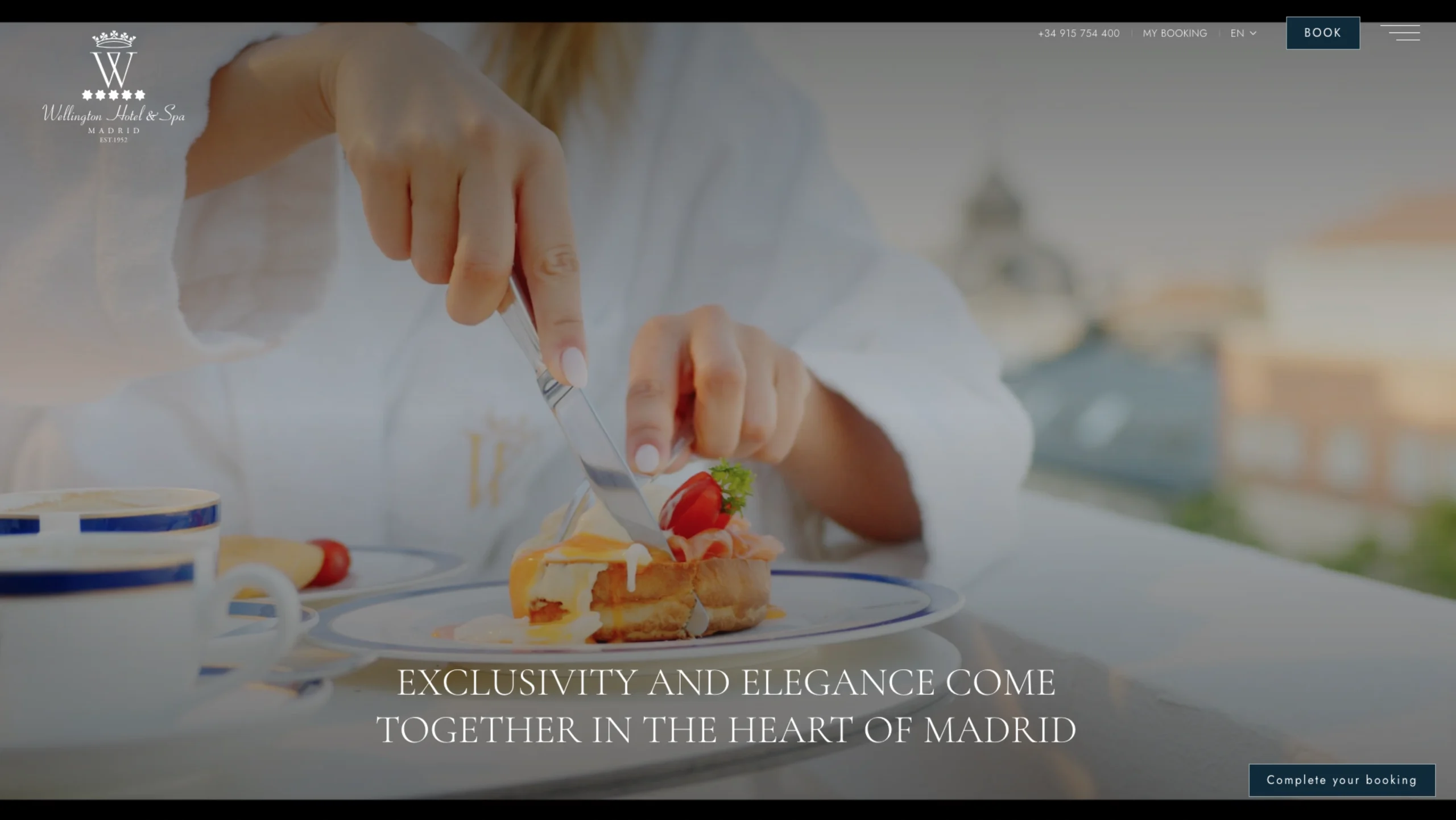
Hotel Wellington
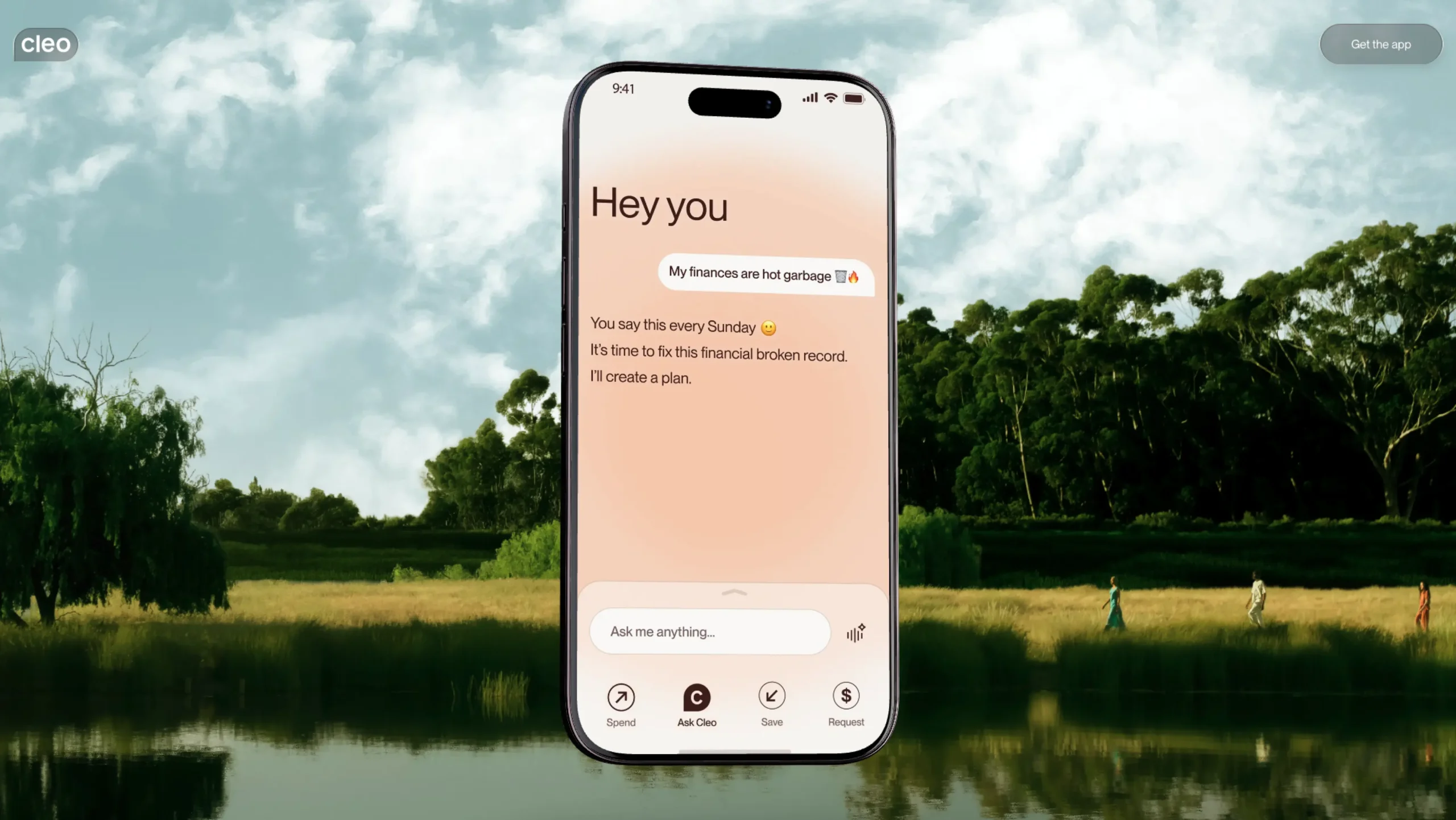
Cleo — Web Experience
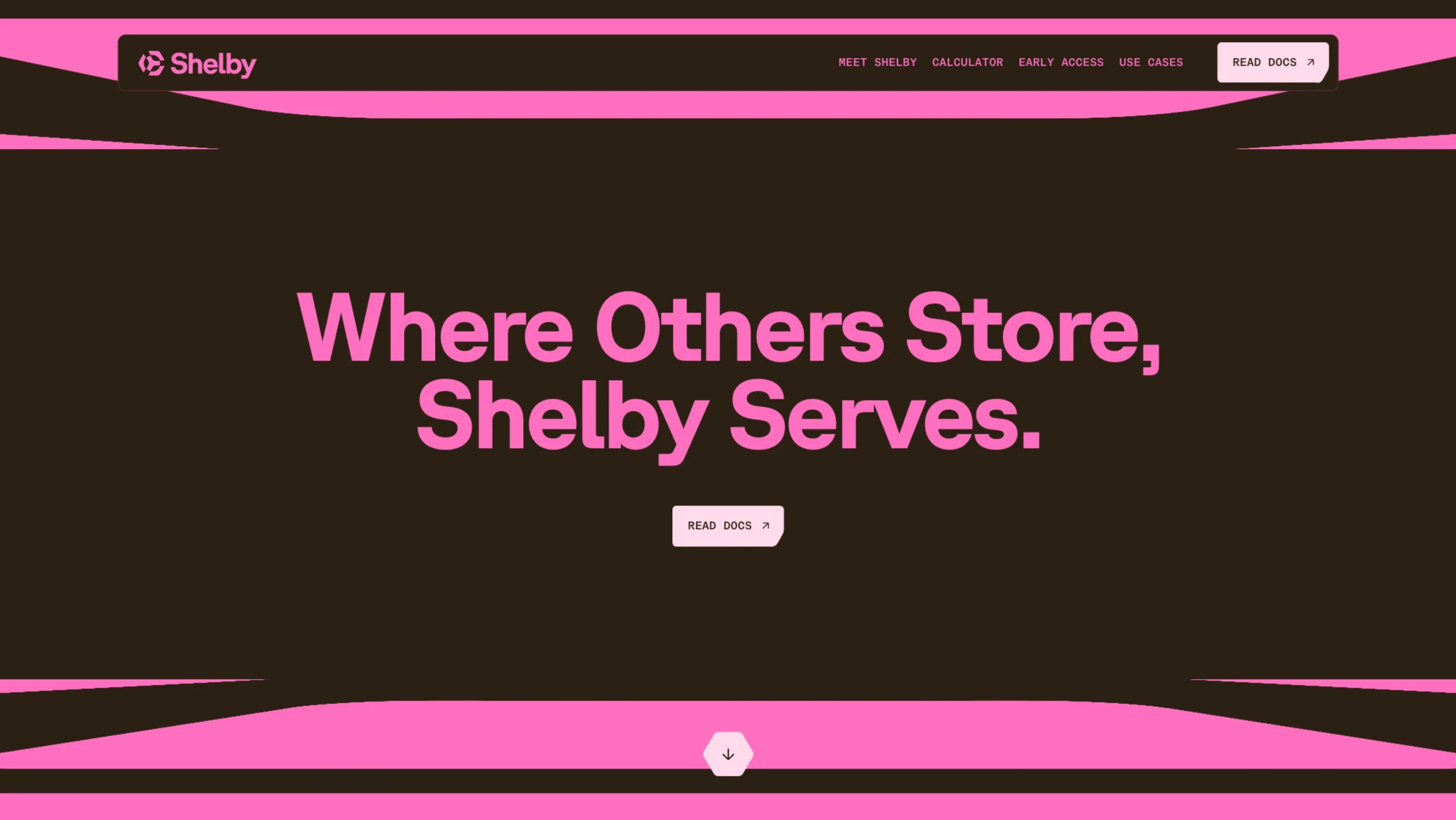
Shelby- The Global Storage Layer Built for AI
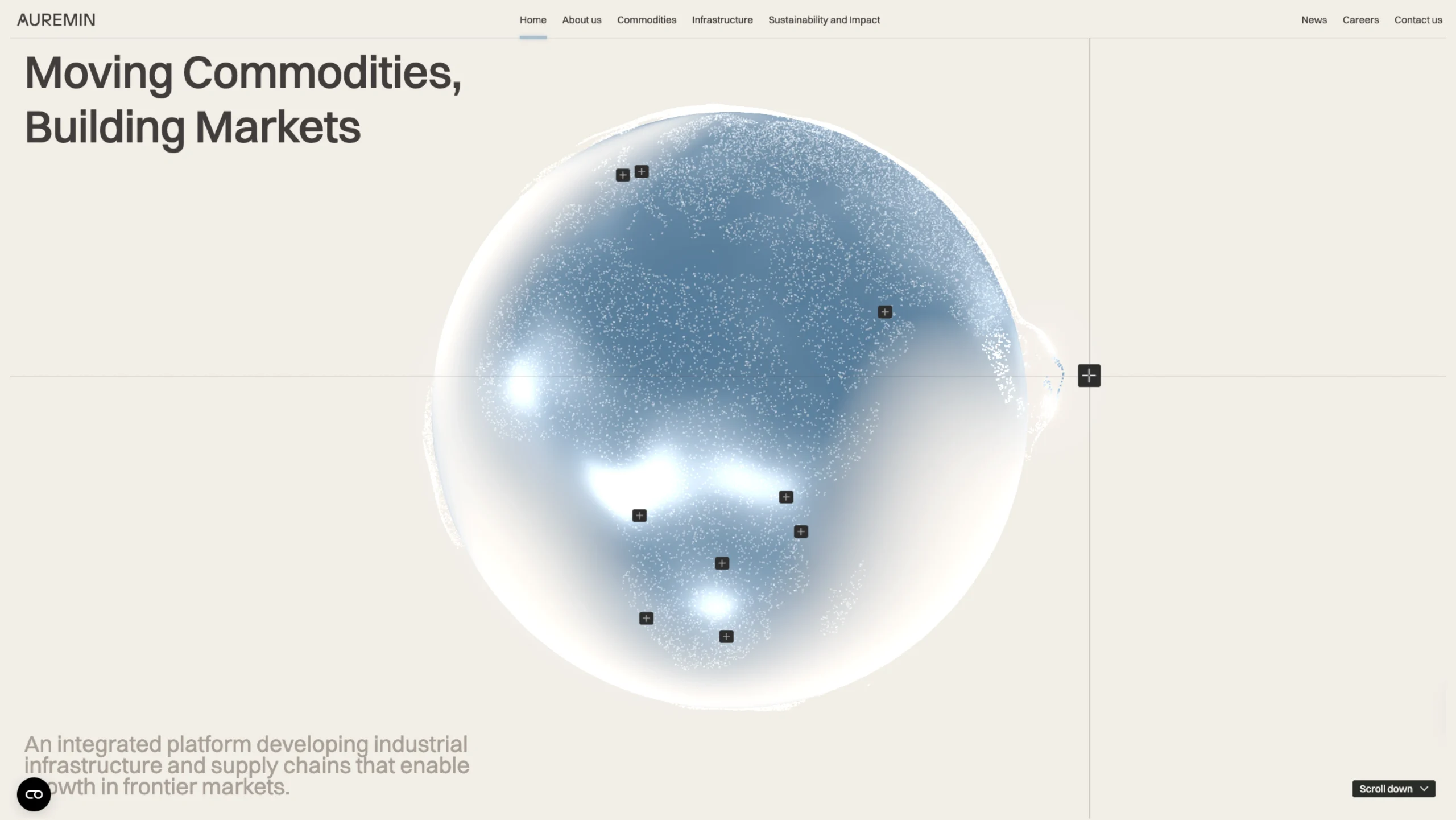
Auremin – Commodities Trading & Infrastructure Platform
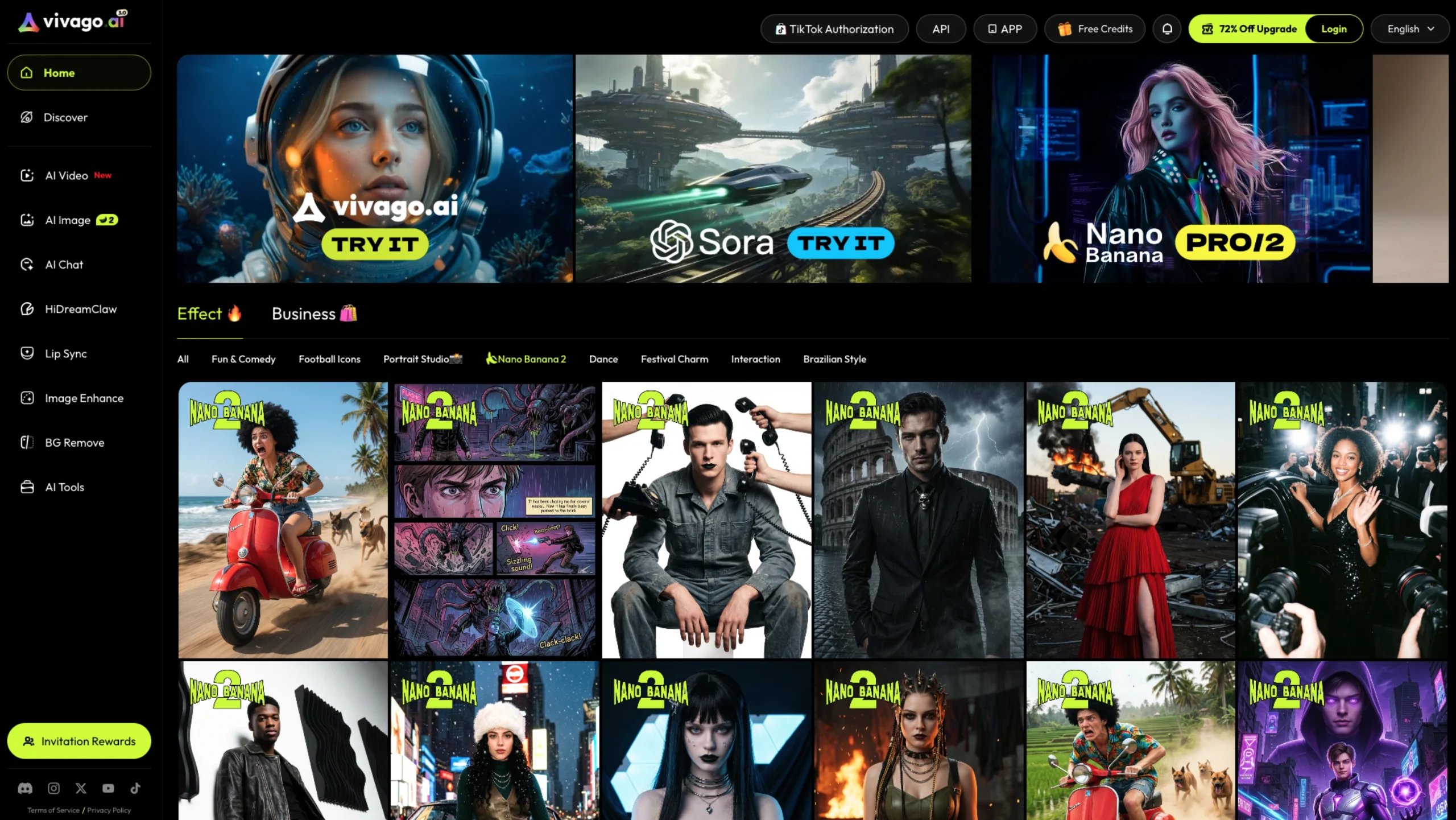
Vivago AI
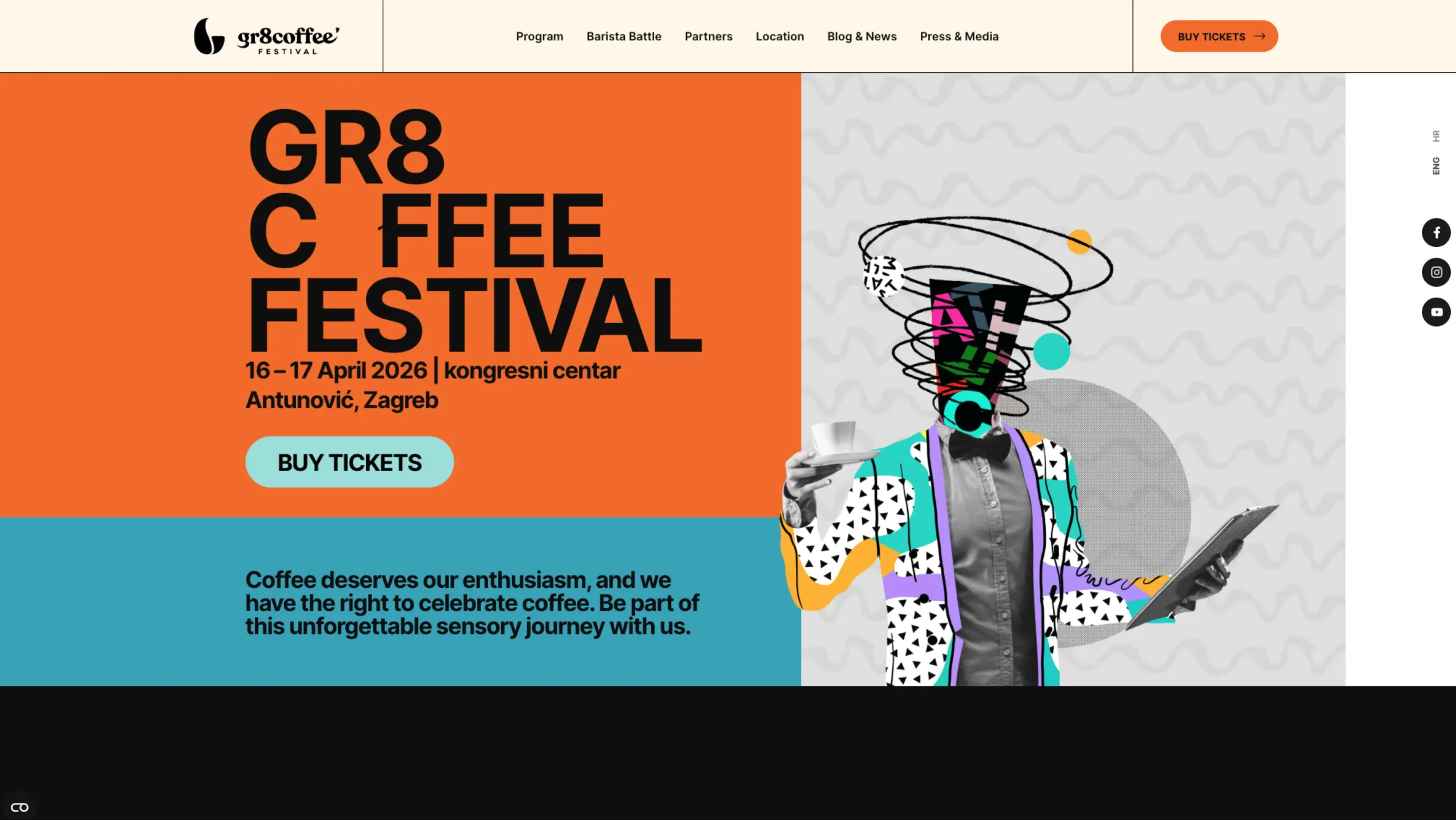
GR8 Coffee Festival
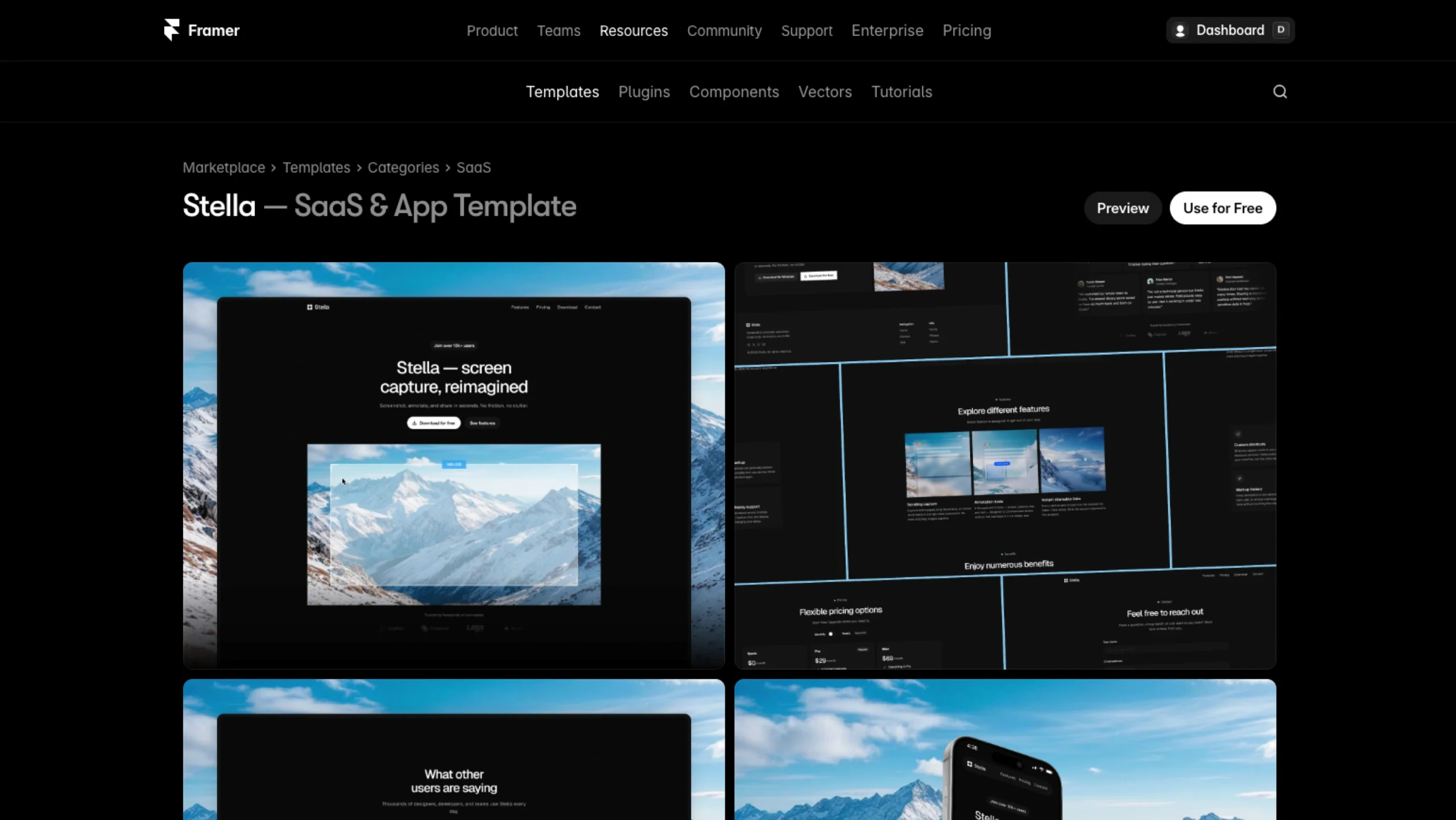
Stella – Free Framer Template
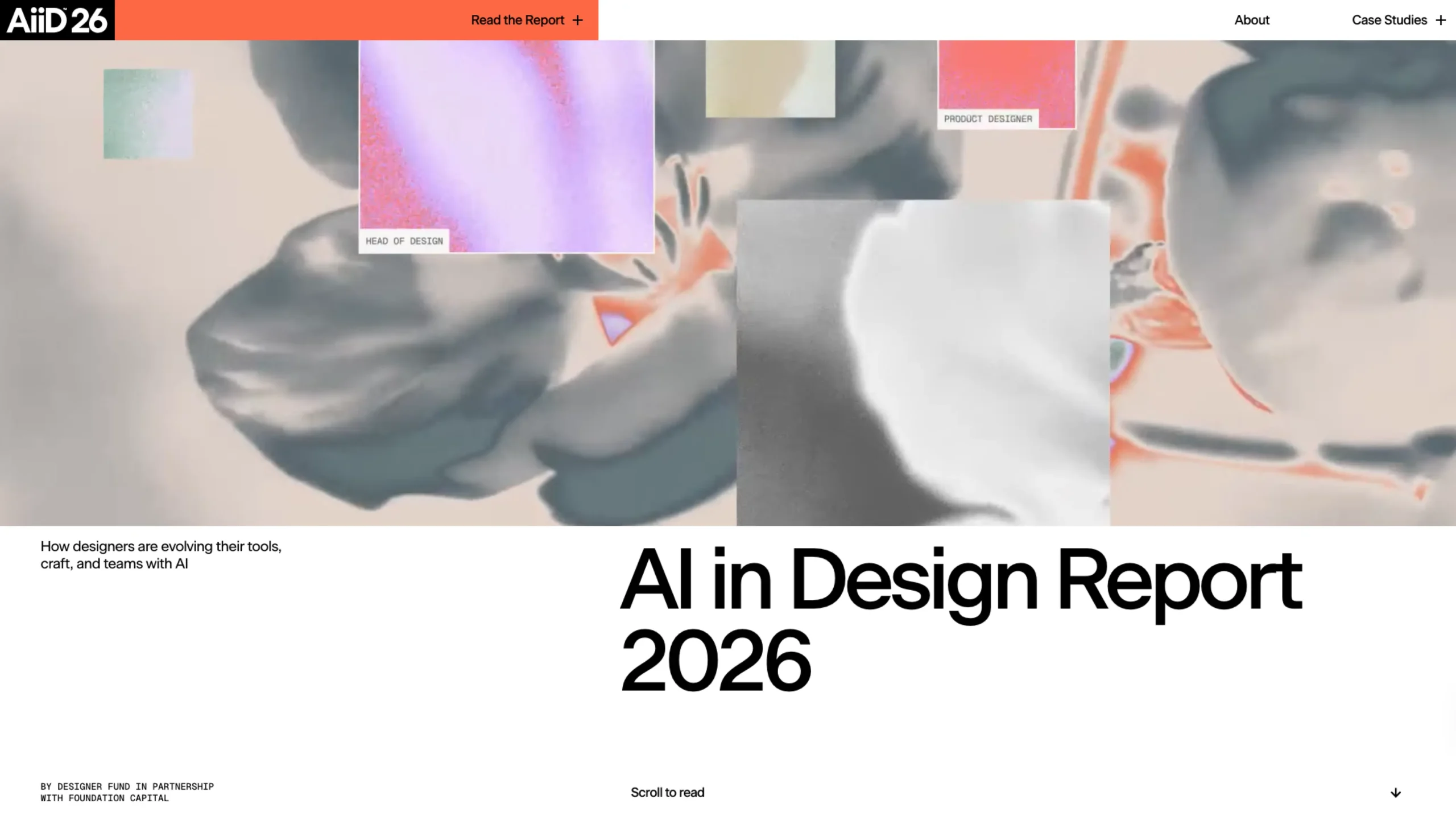
AI in Design Report 2026
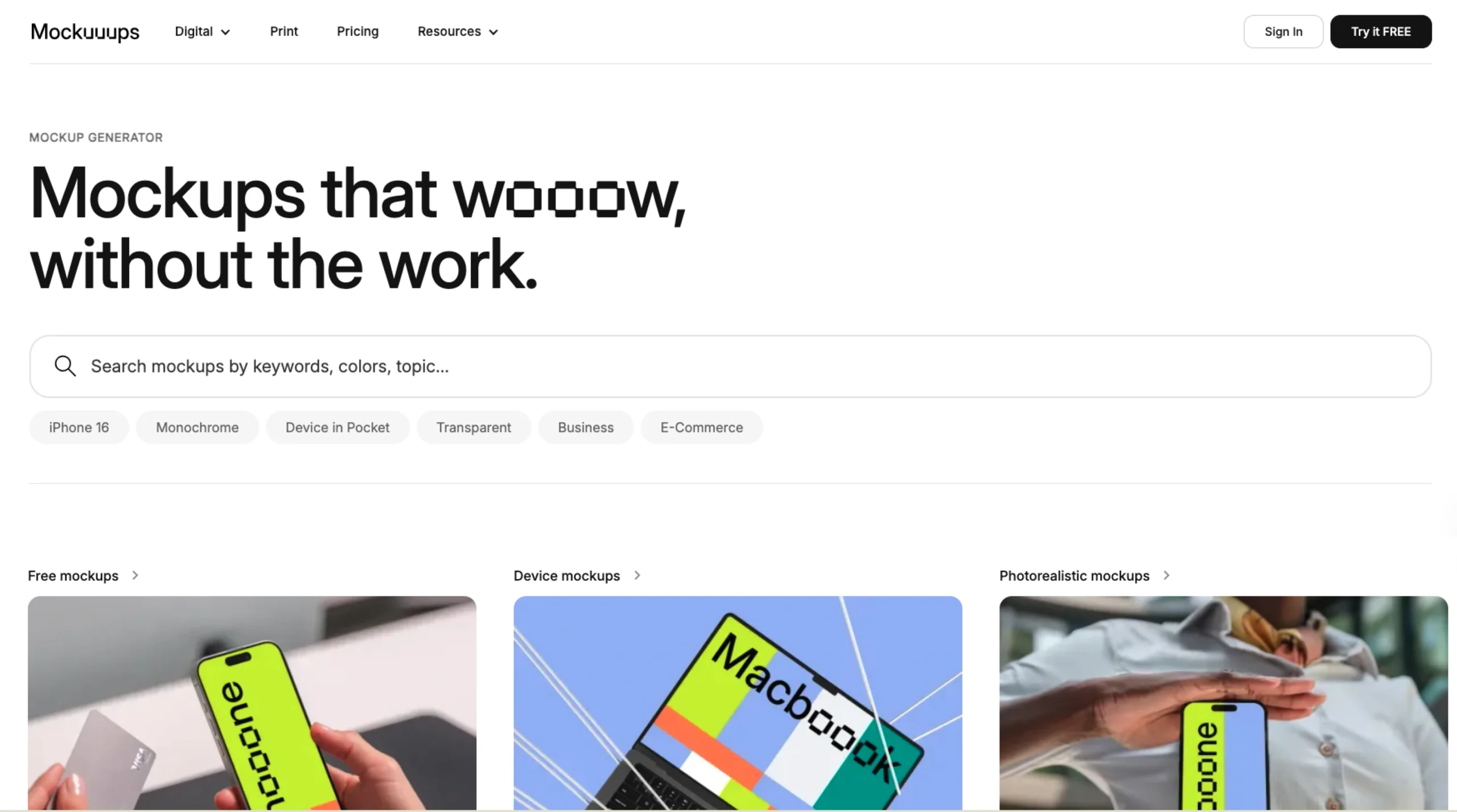
Mockuuups Studio – Online Free Mockup Generator
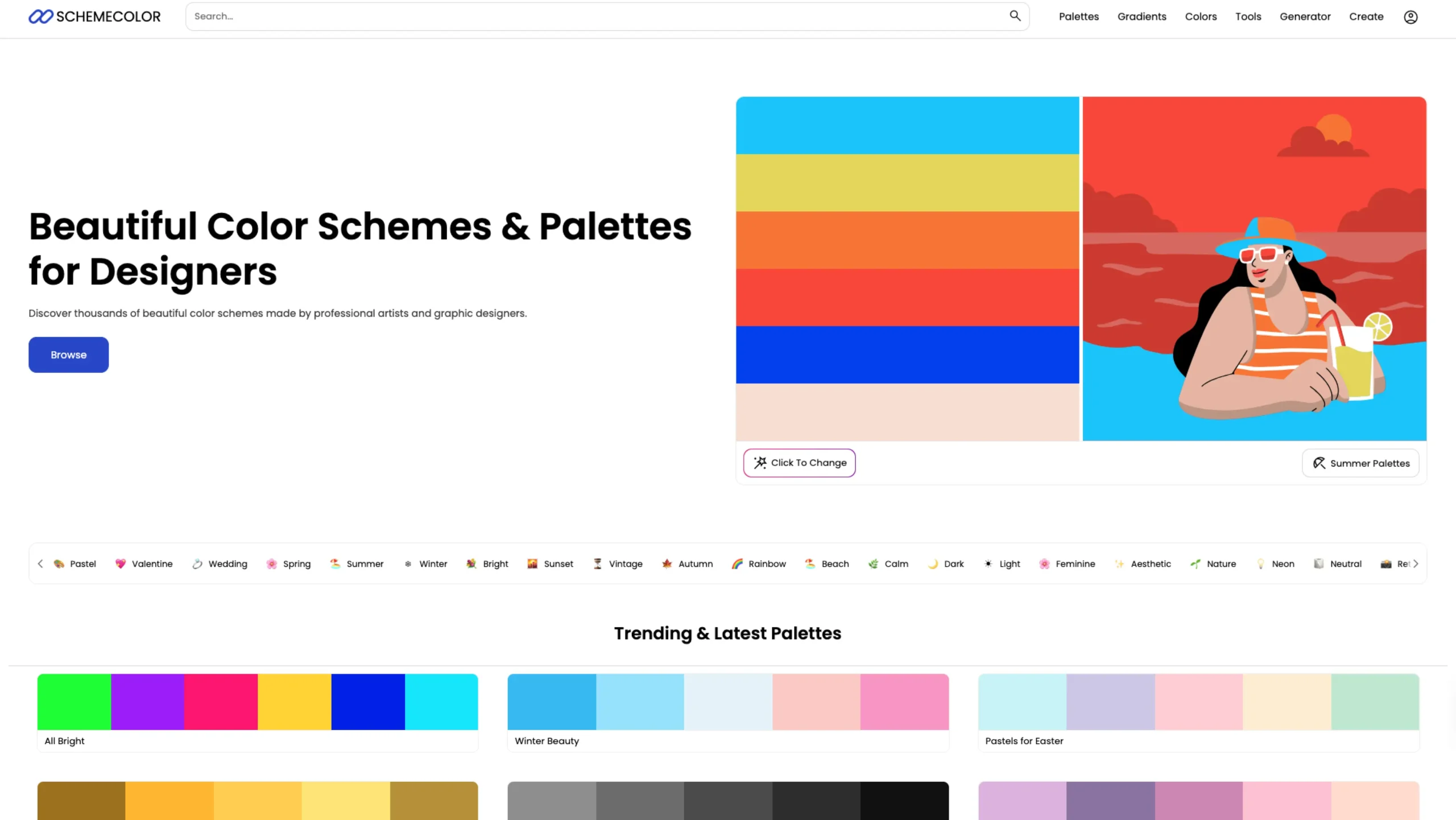
SchemeColor – Beautiful Color Schemes & Palettes for Designers
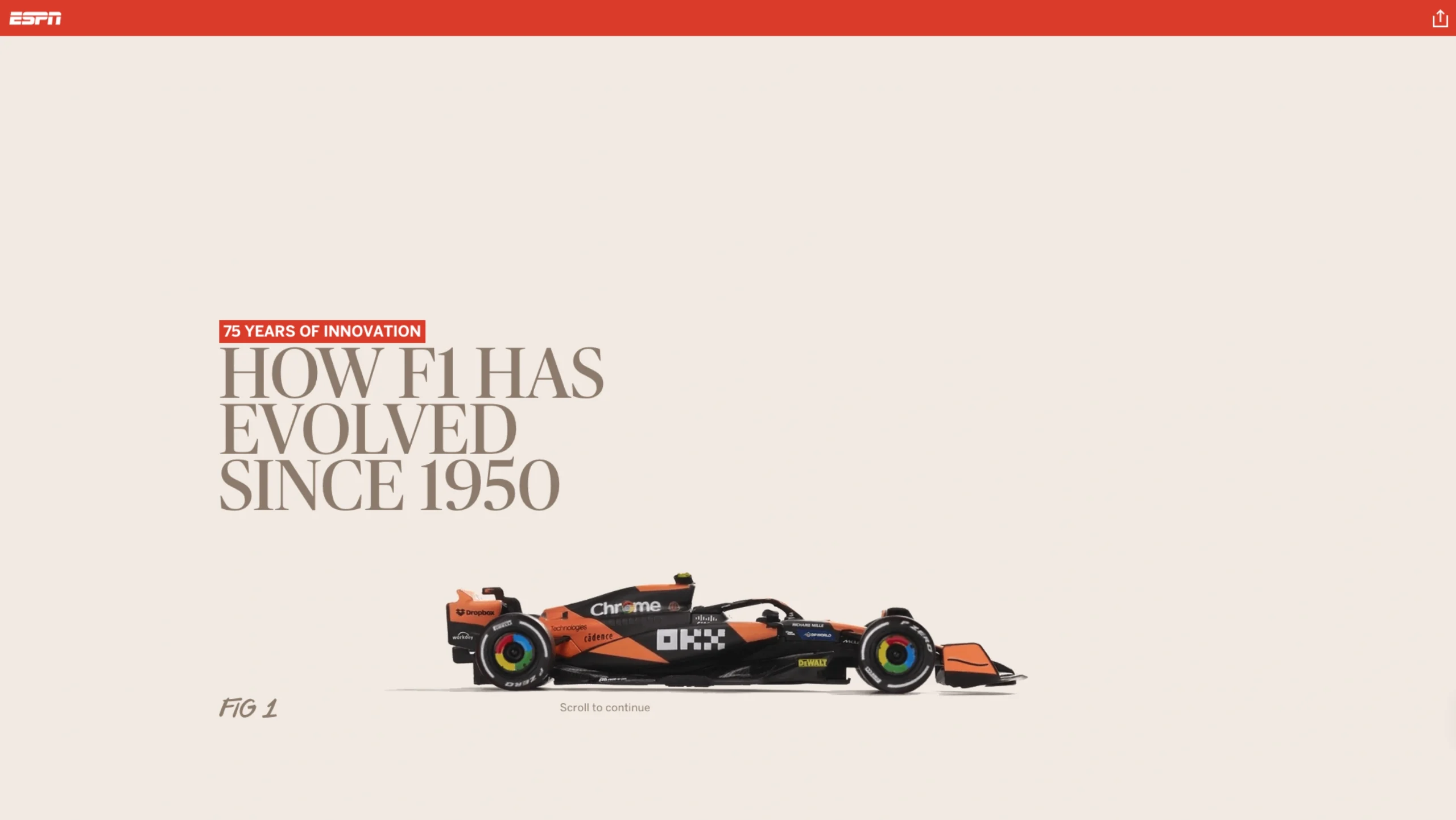
75 Years of Formula 1 Racecar Evolution
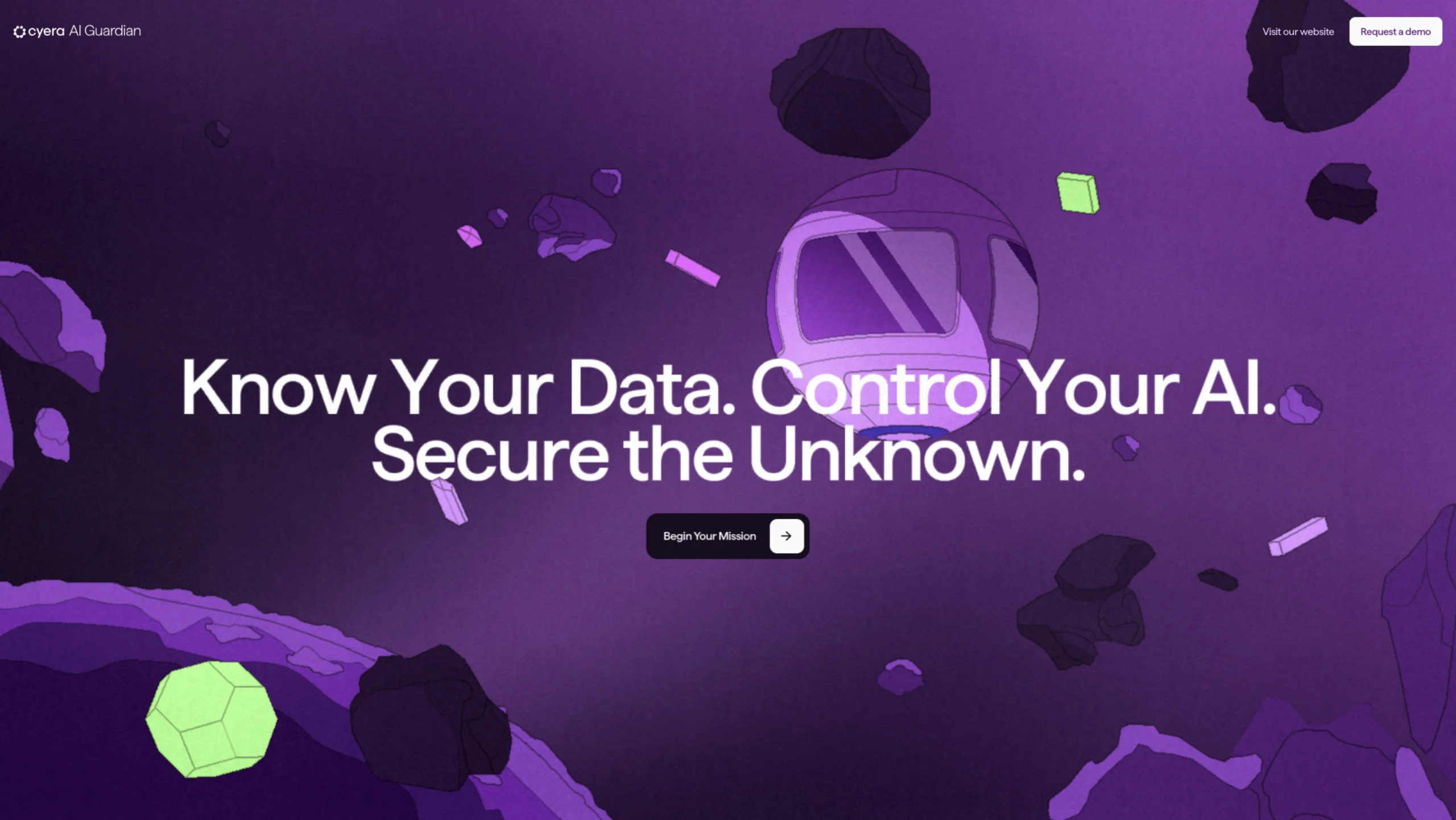
Cyera AI Guardian
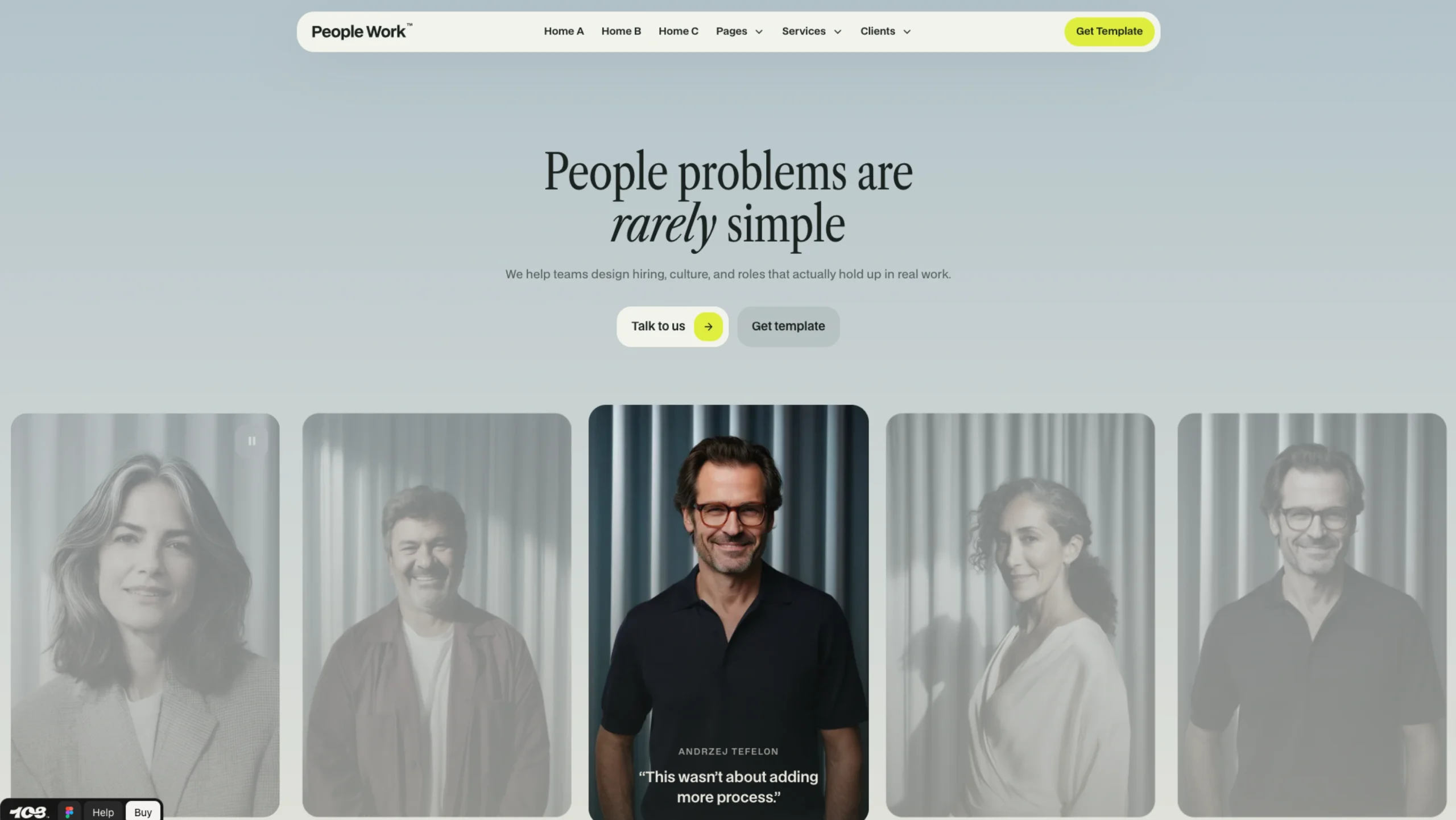
People Work – Framer + Webflow Template
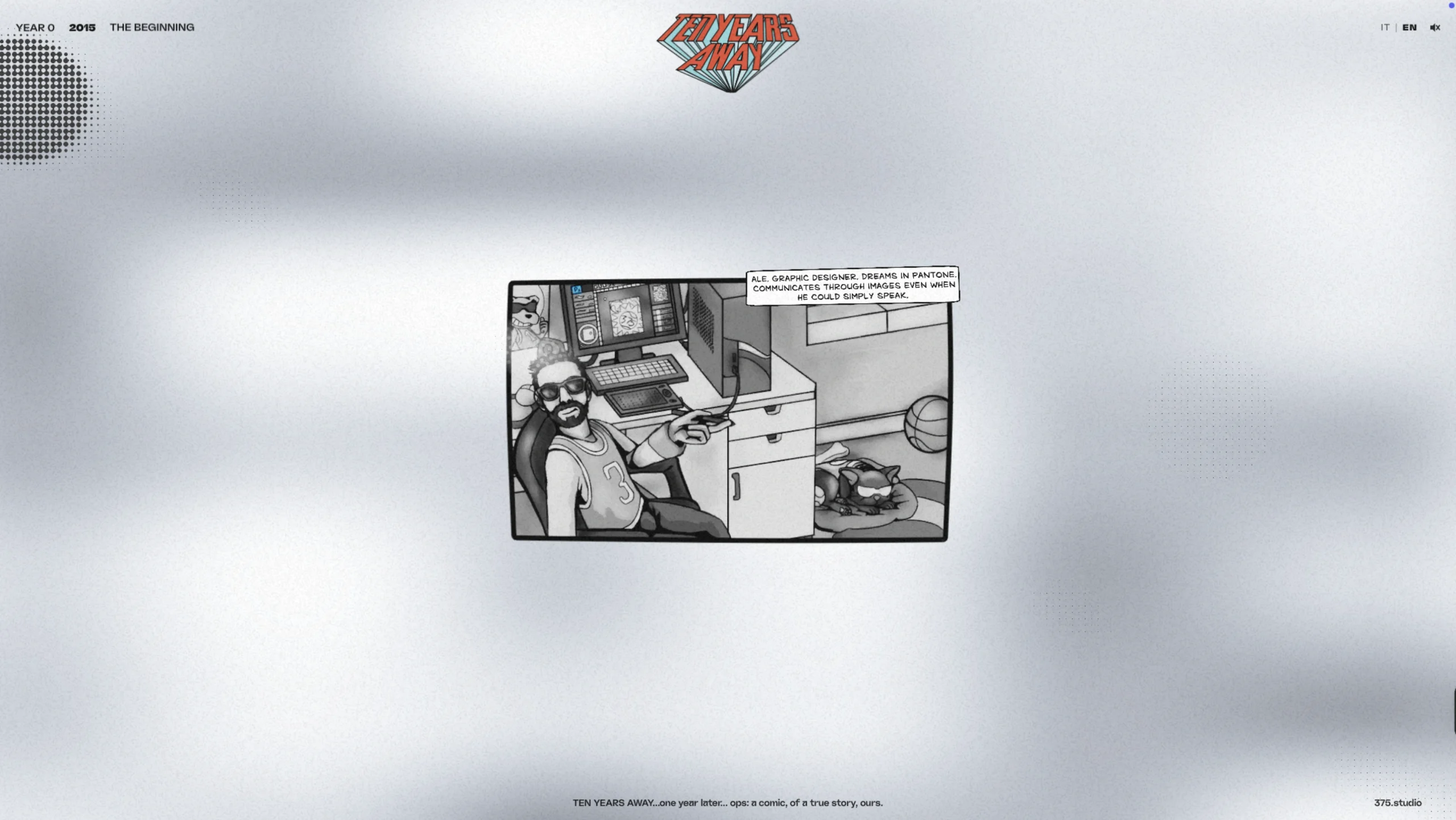
375 Studio
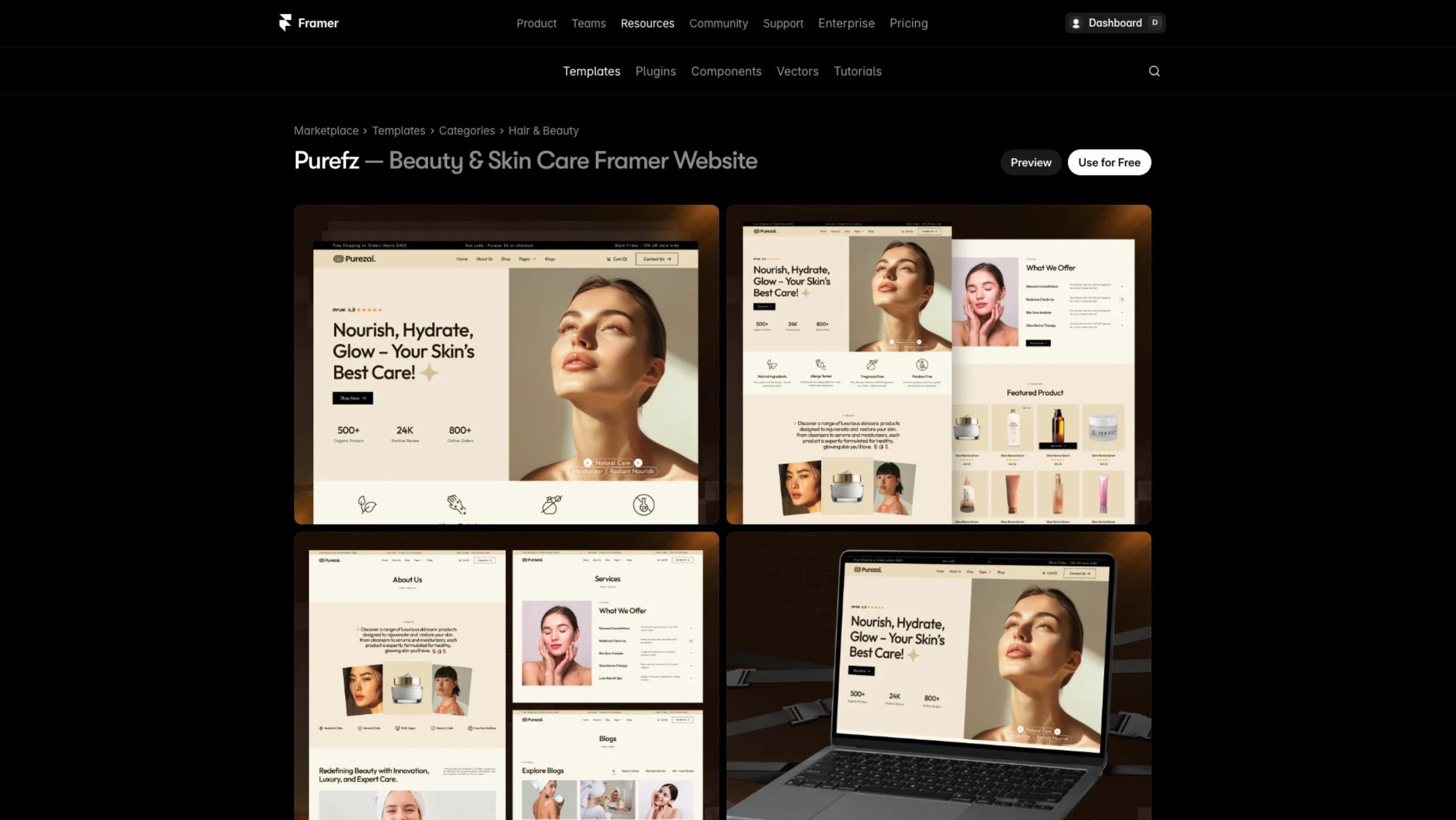
Purefz – Free Framer Template
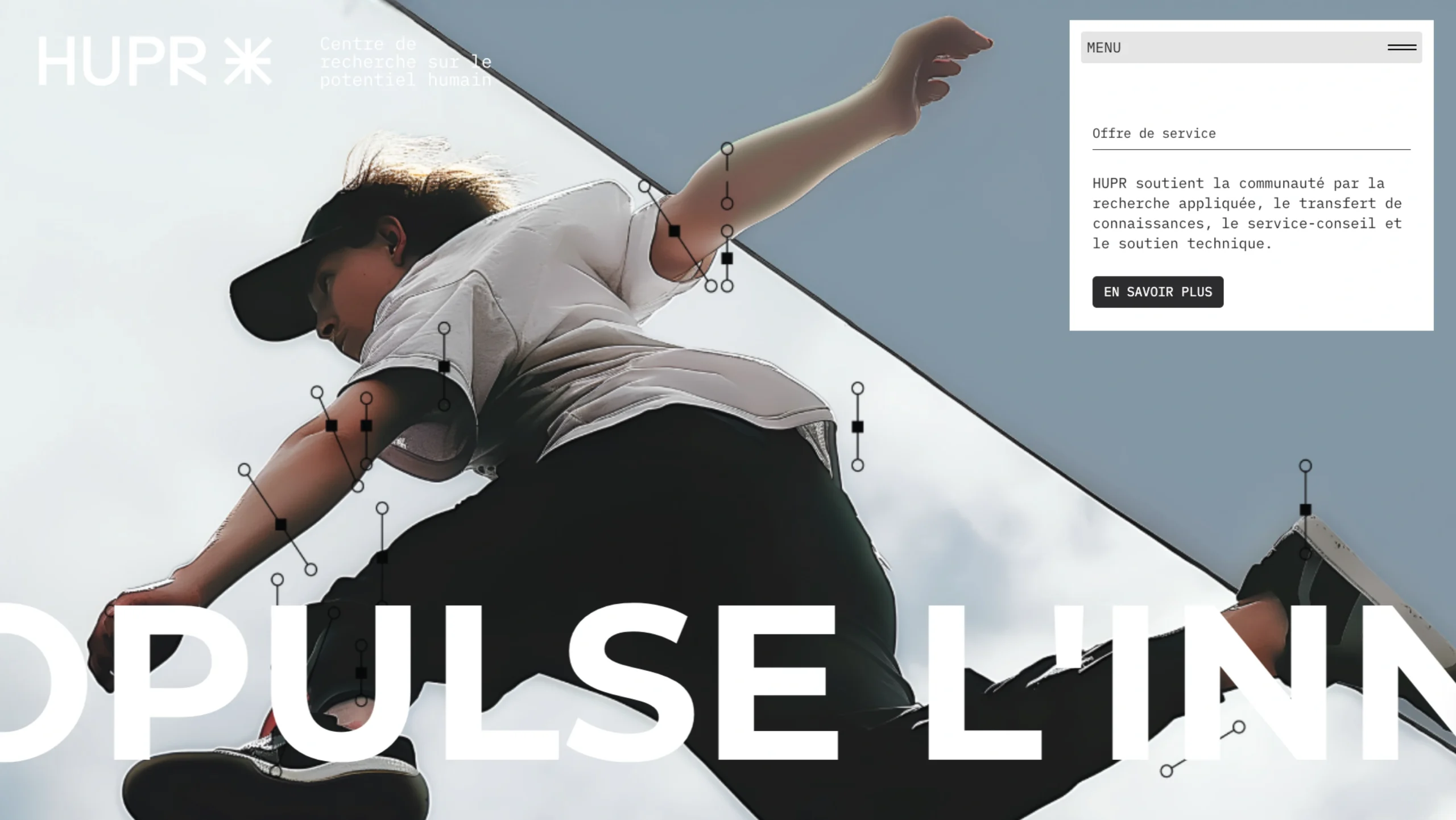
HUPR – Art Innovation Research Center
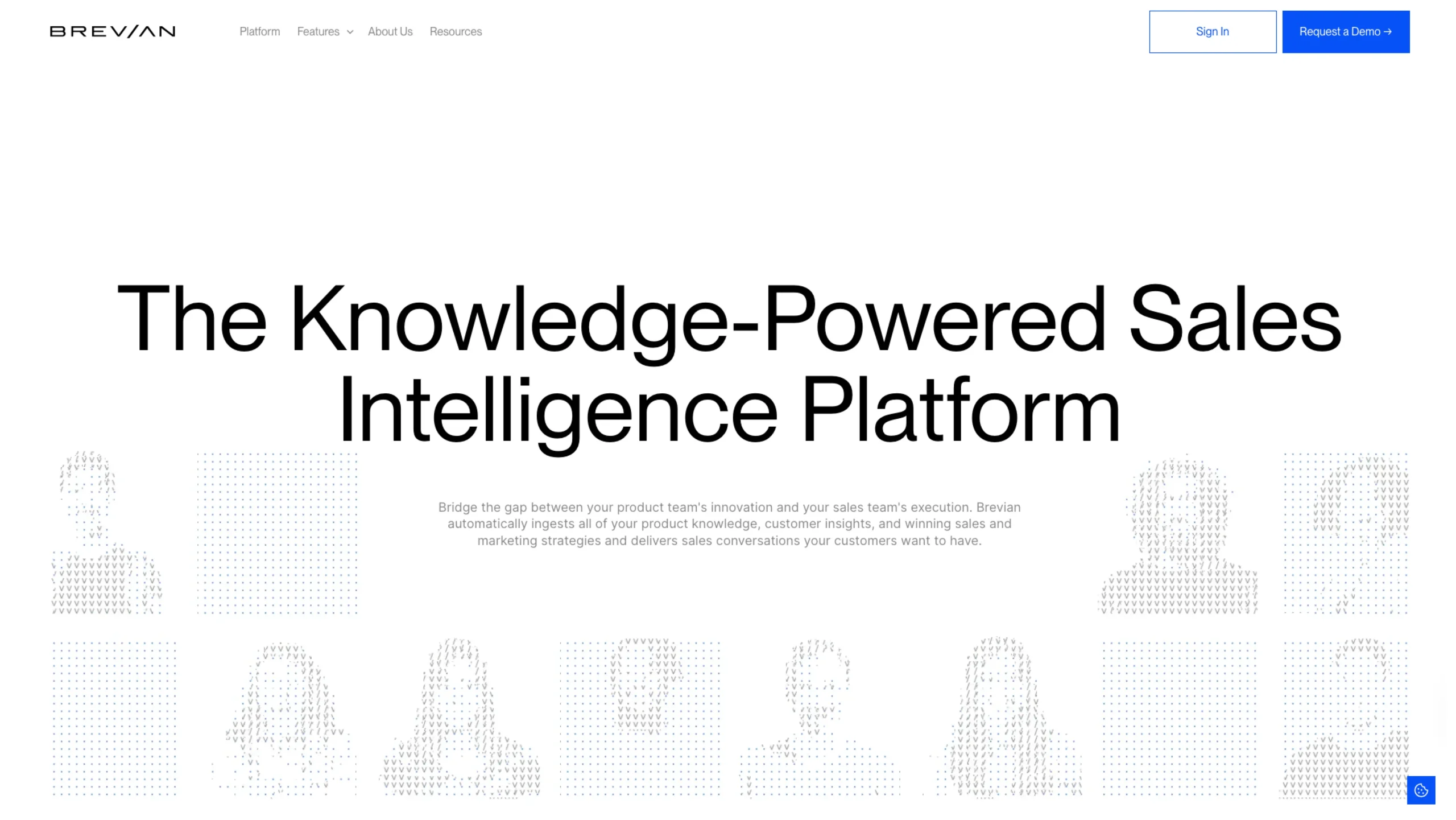
Brevian – Sales Intelligence Platform
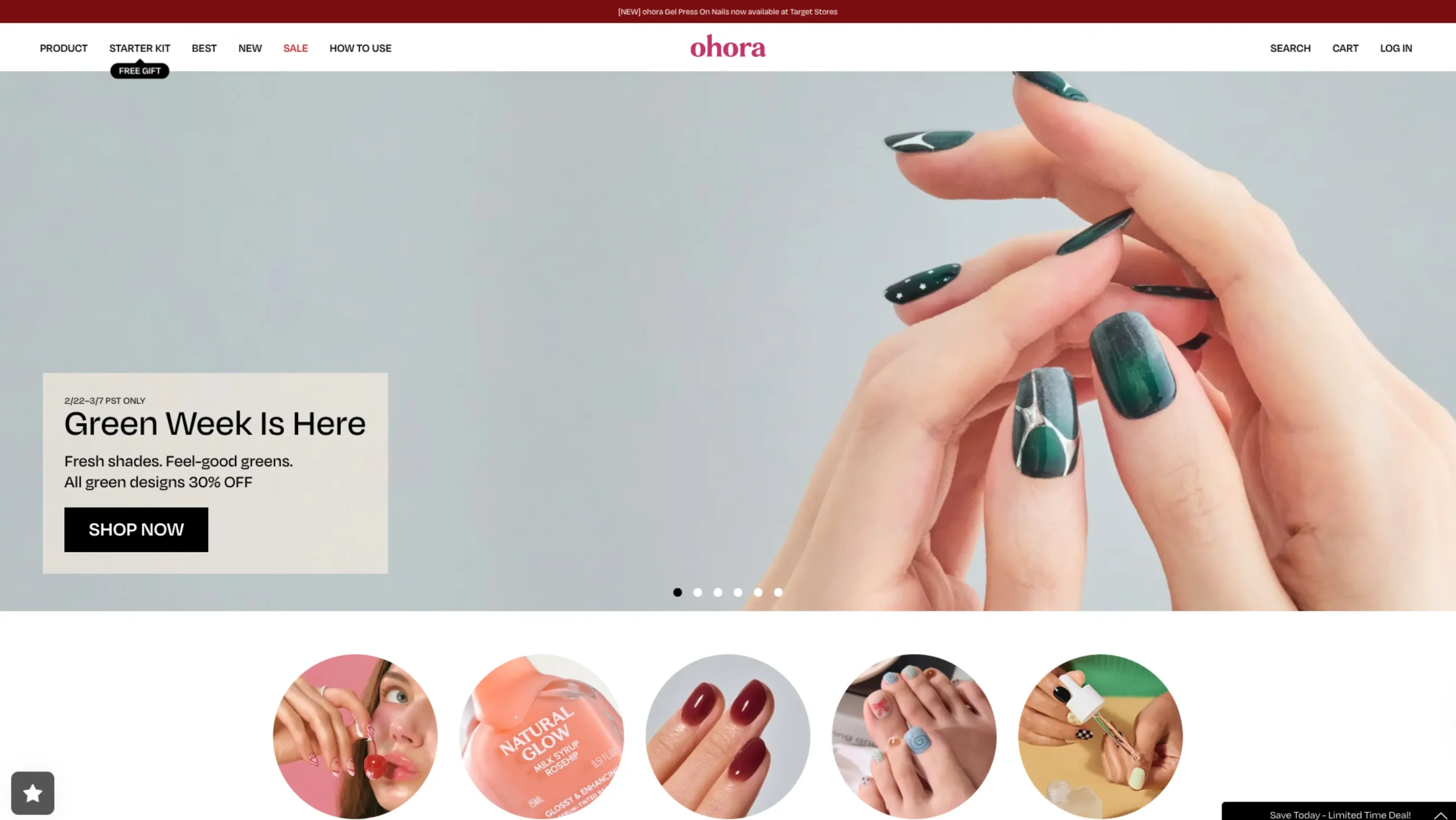
Ohora
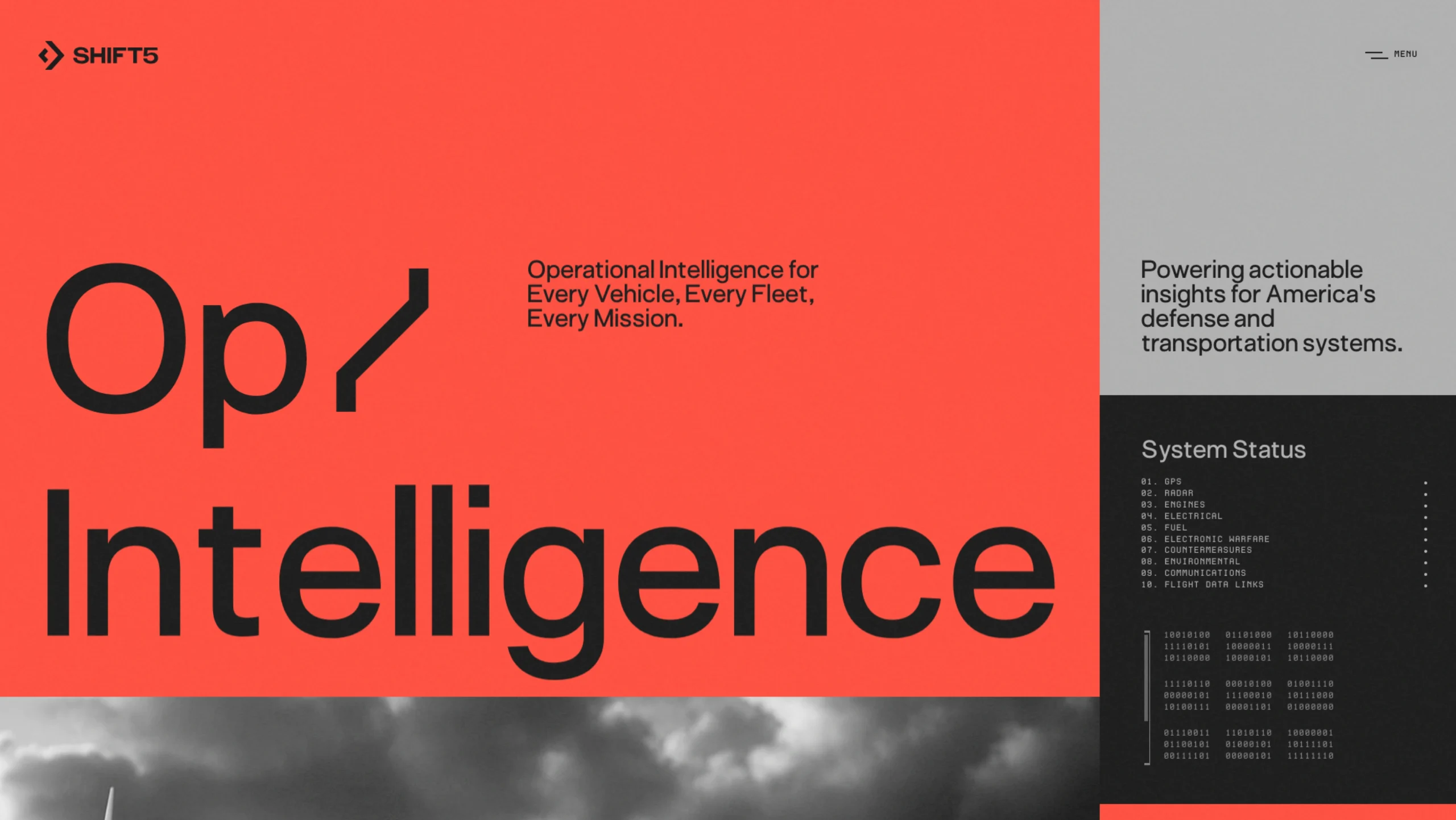
Shift5
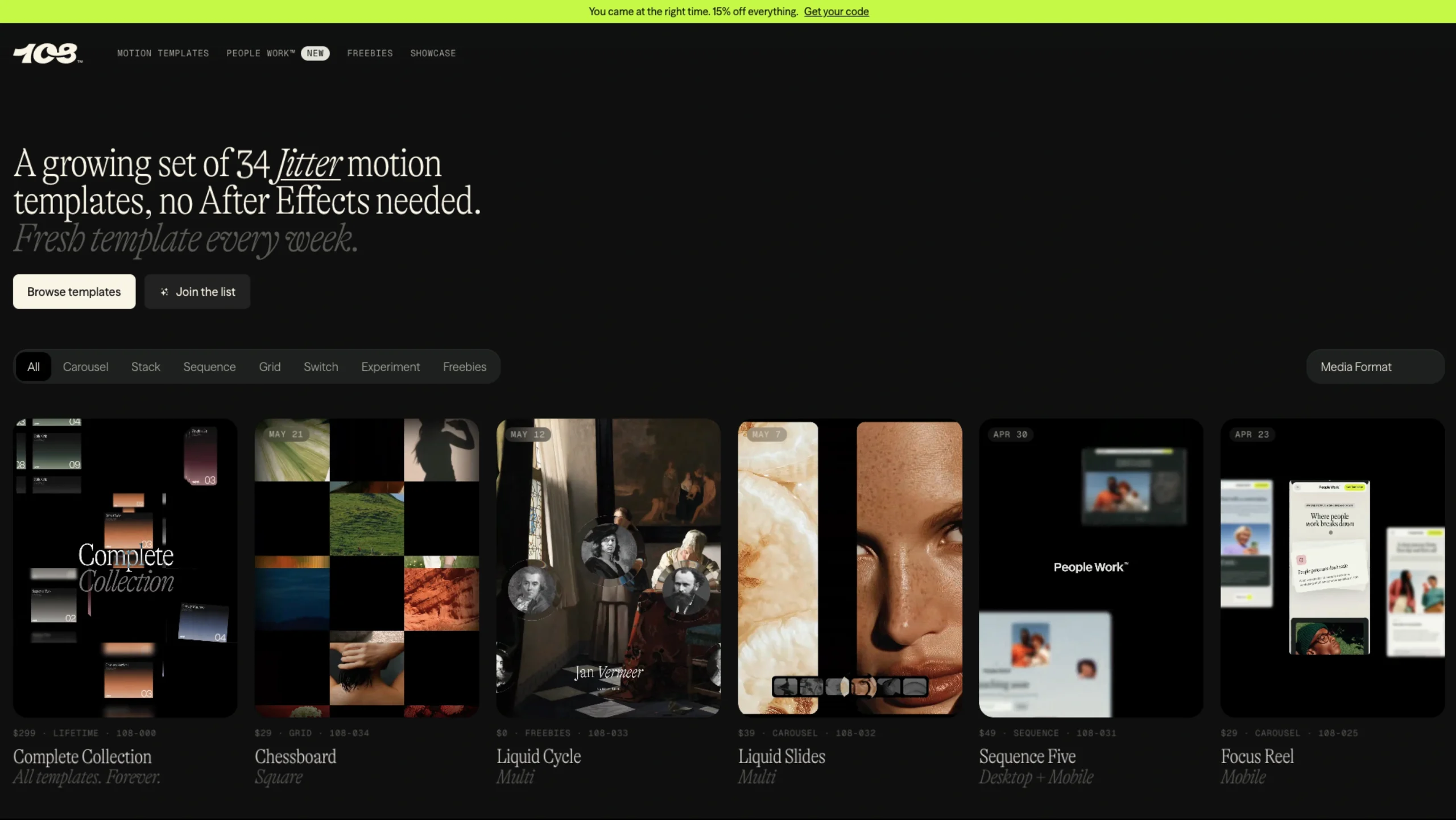
108™ Supply – Jitter Motion Templates
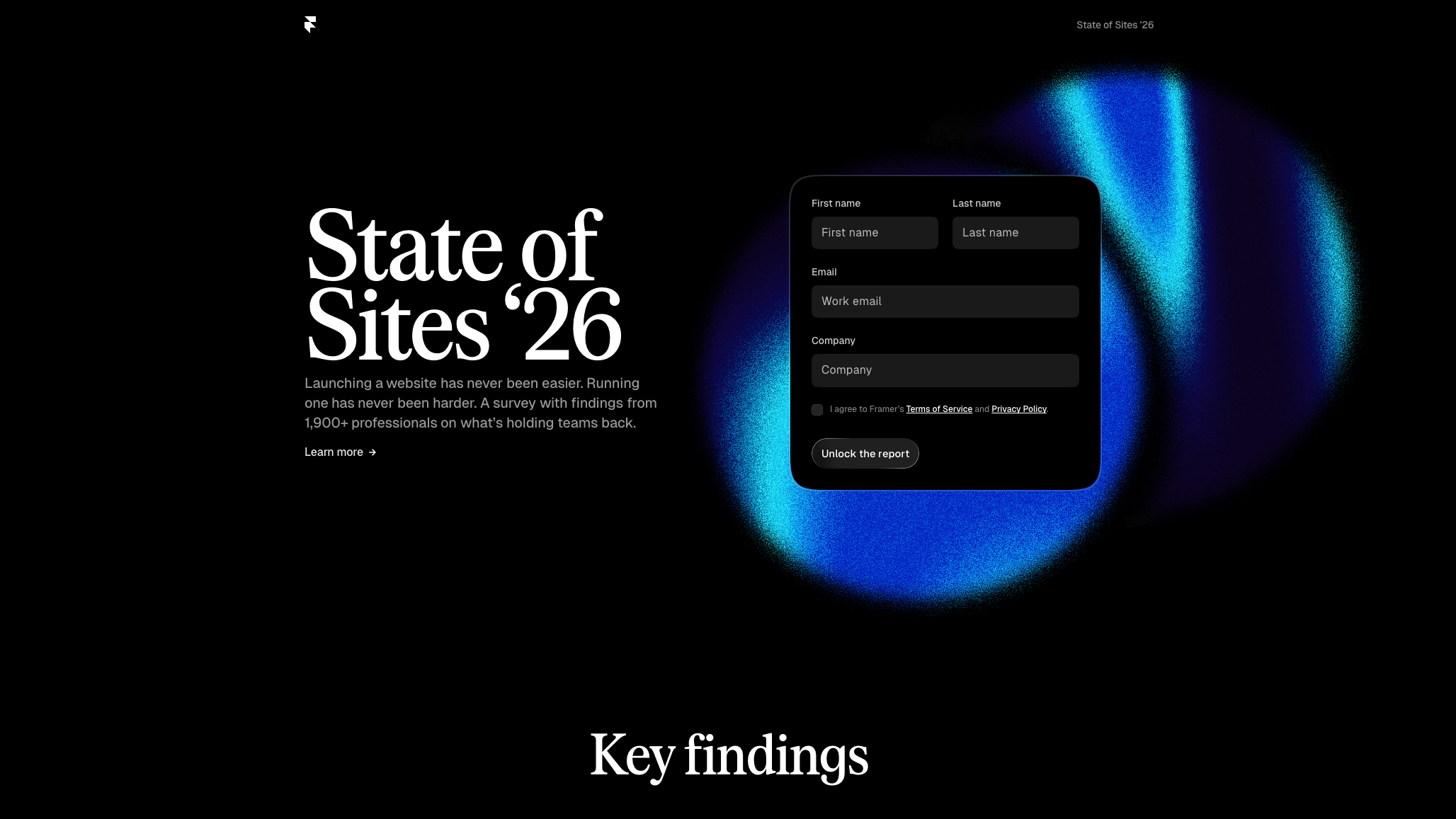
Framer: State of Sites 2026
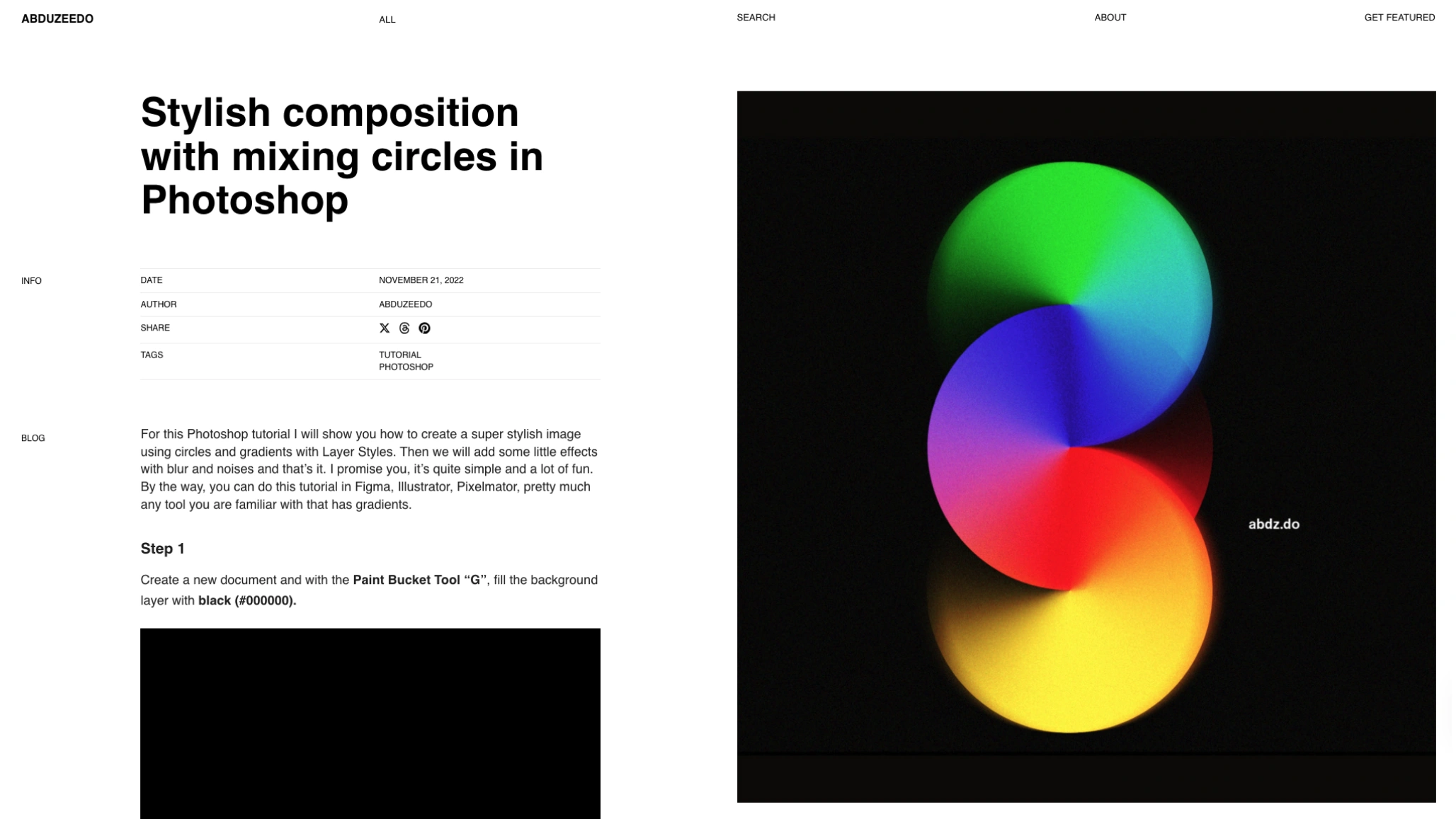
Abduzeedo – Photoshop Gradient Tutorials
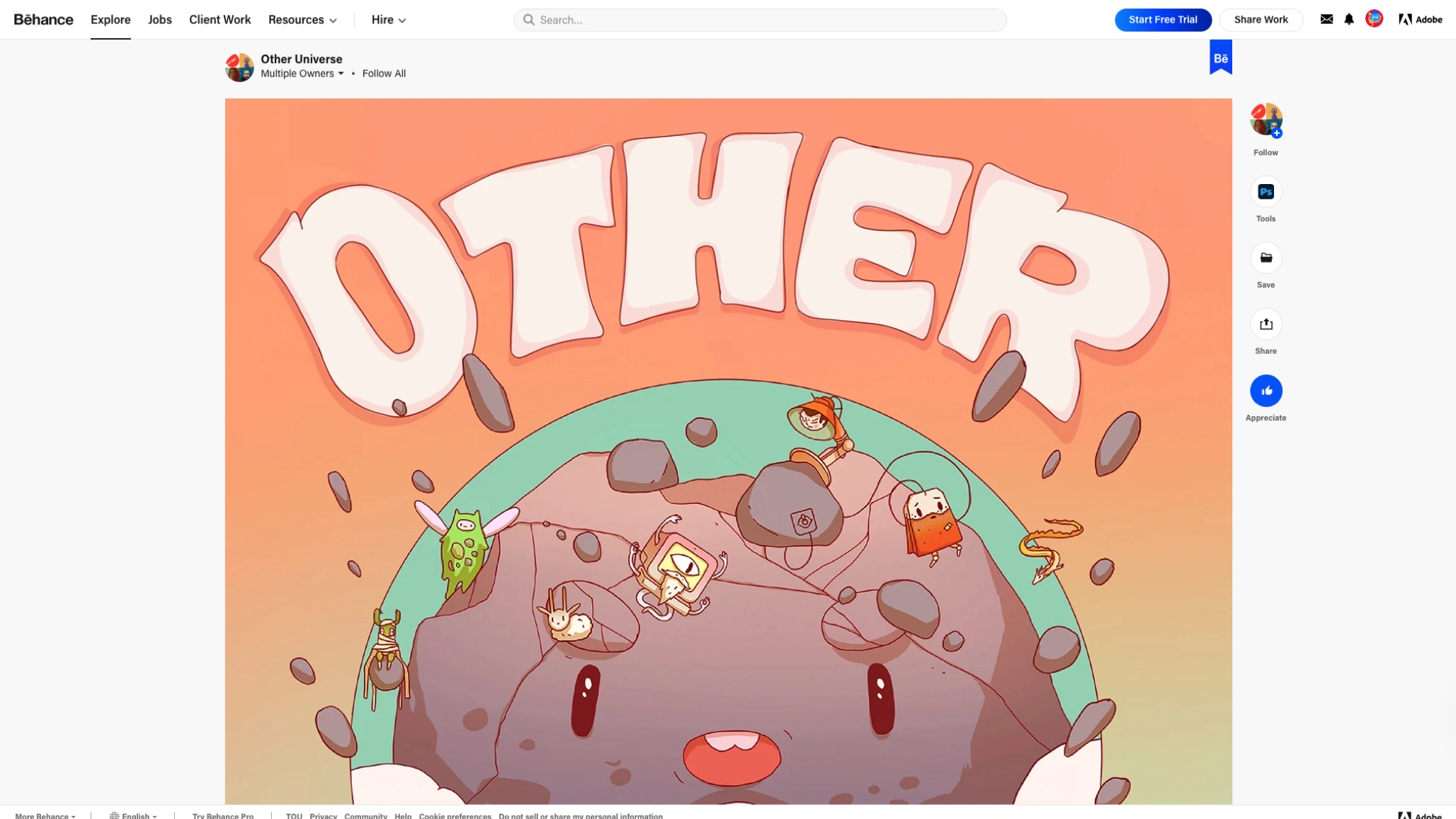
Other Universe (Behance Project Showcase)
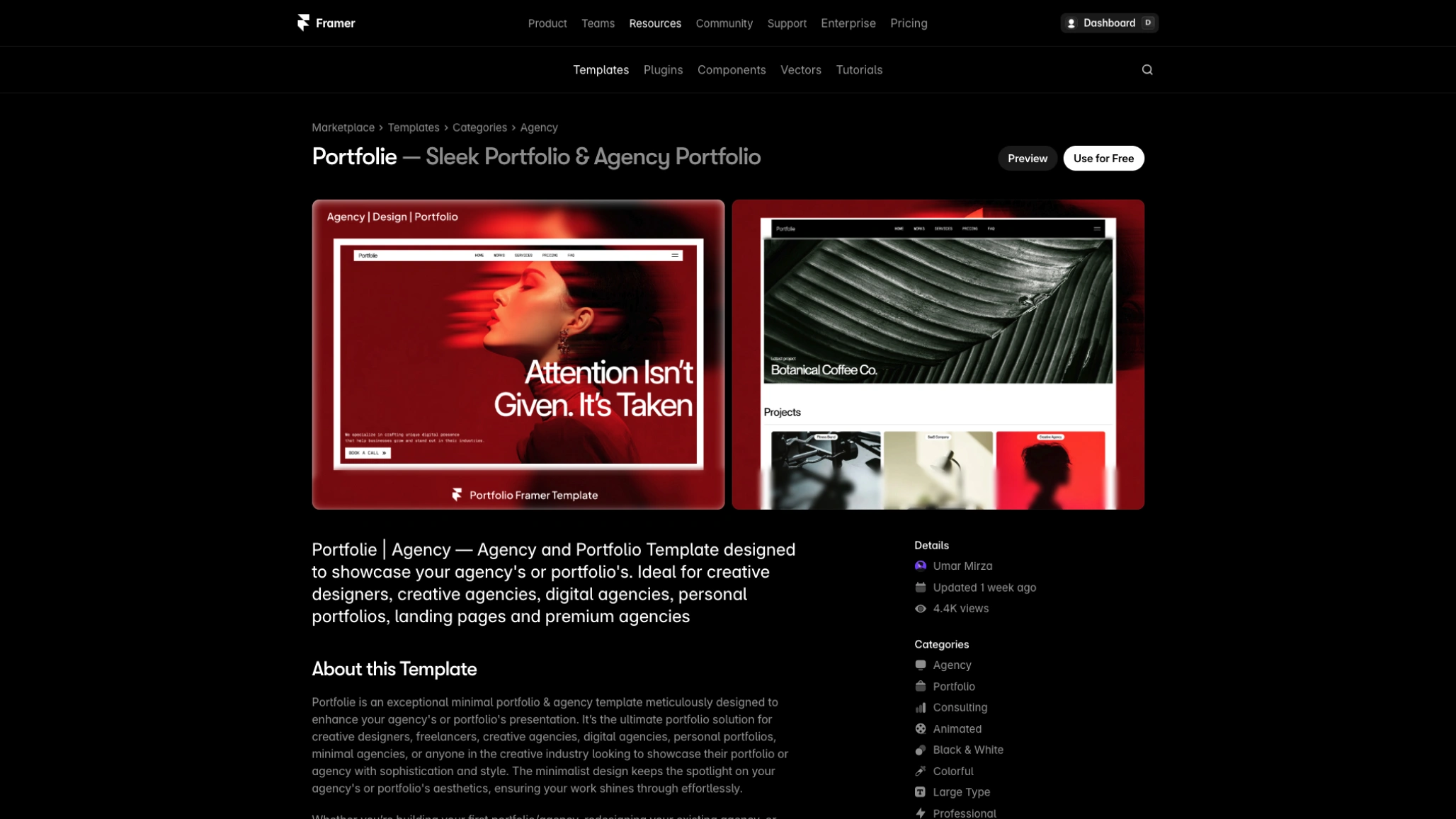
Portfolite – Free Framer Template
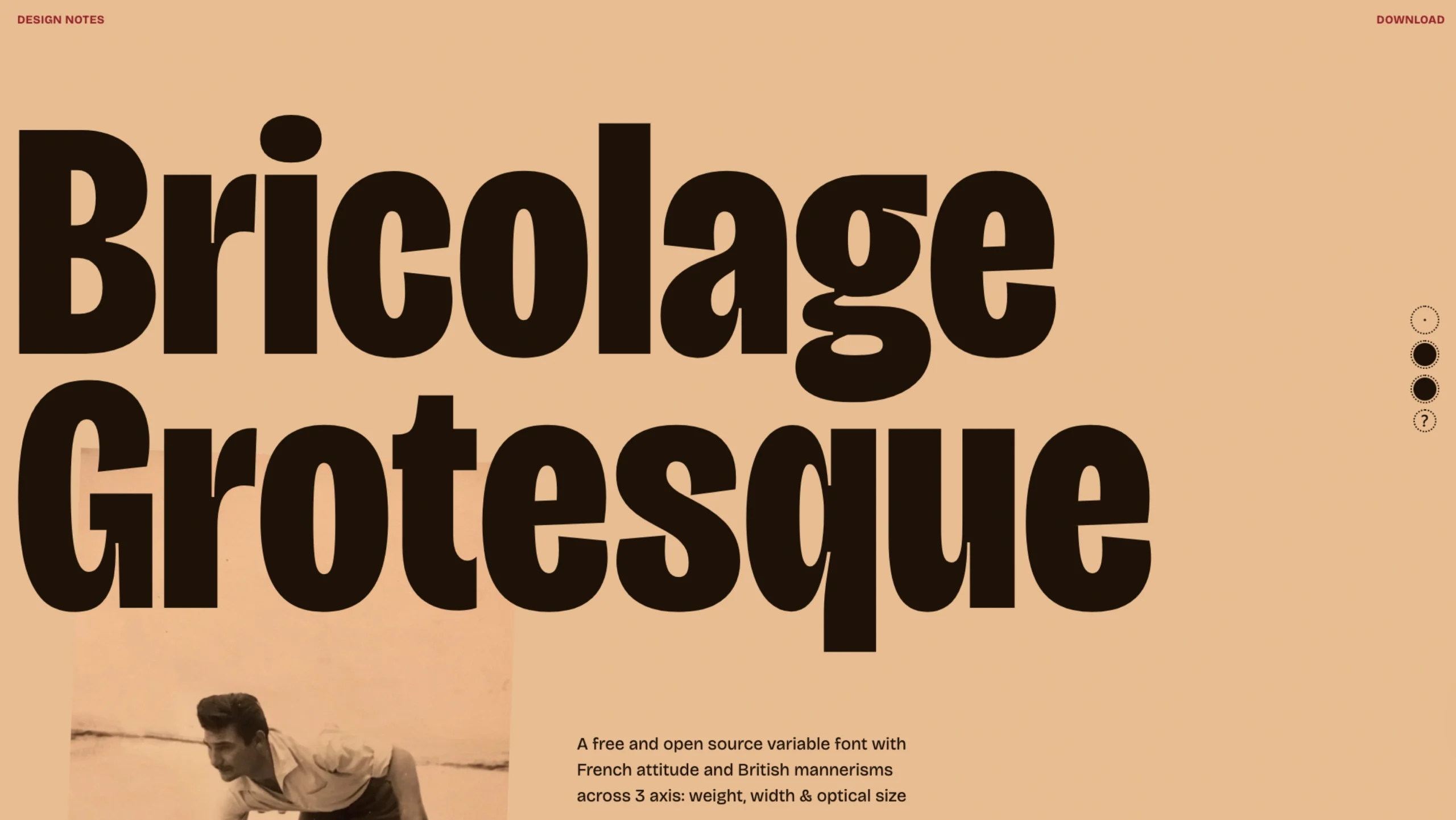
Bricolage Grotesque
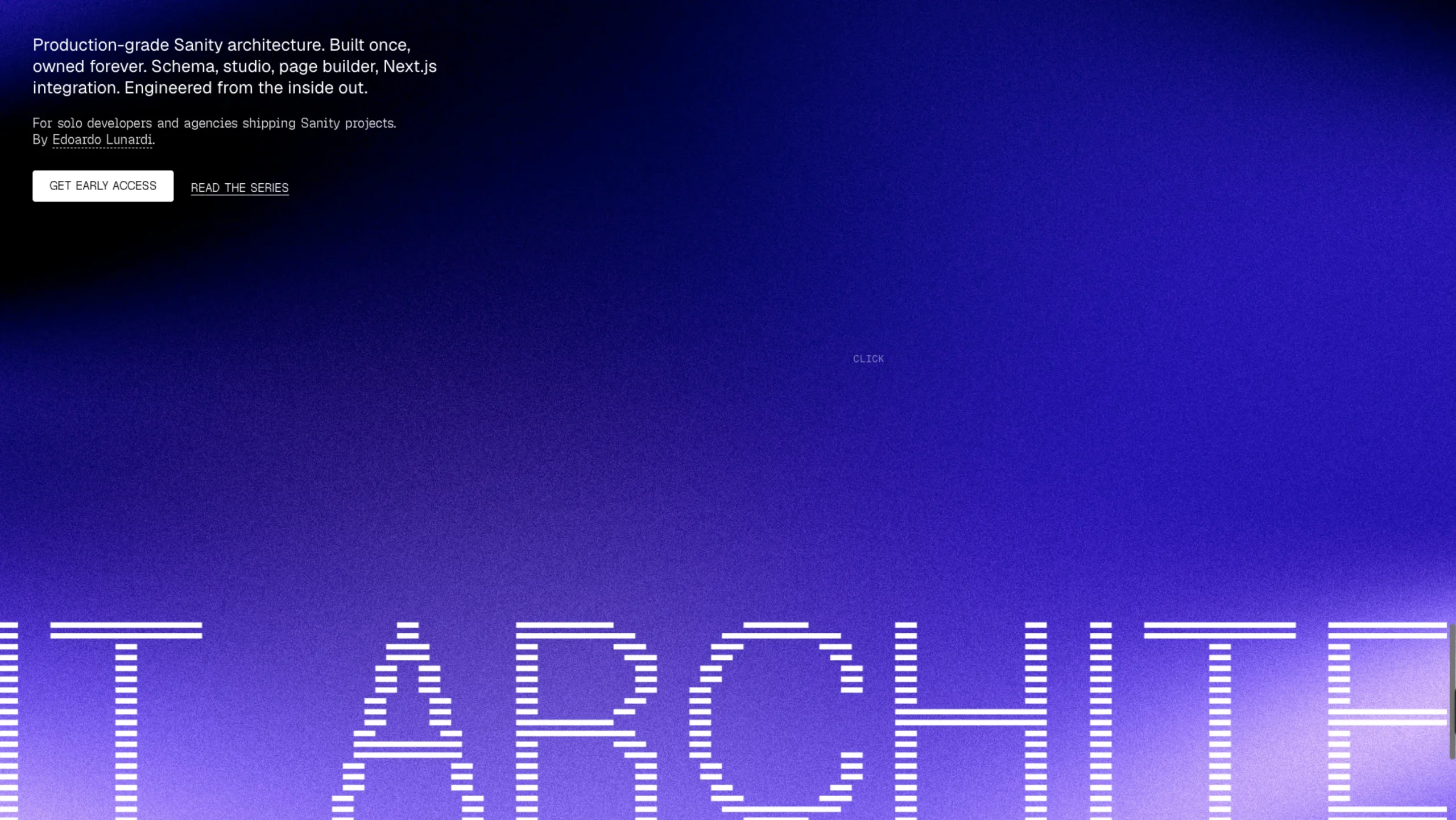
Content Architecture
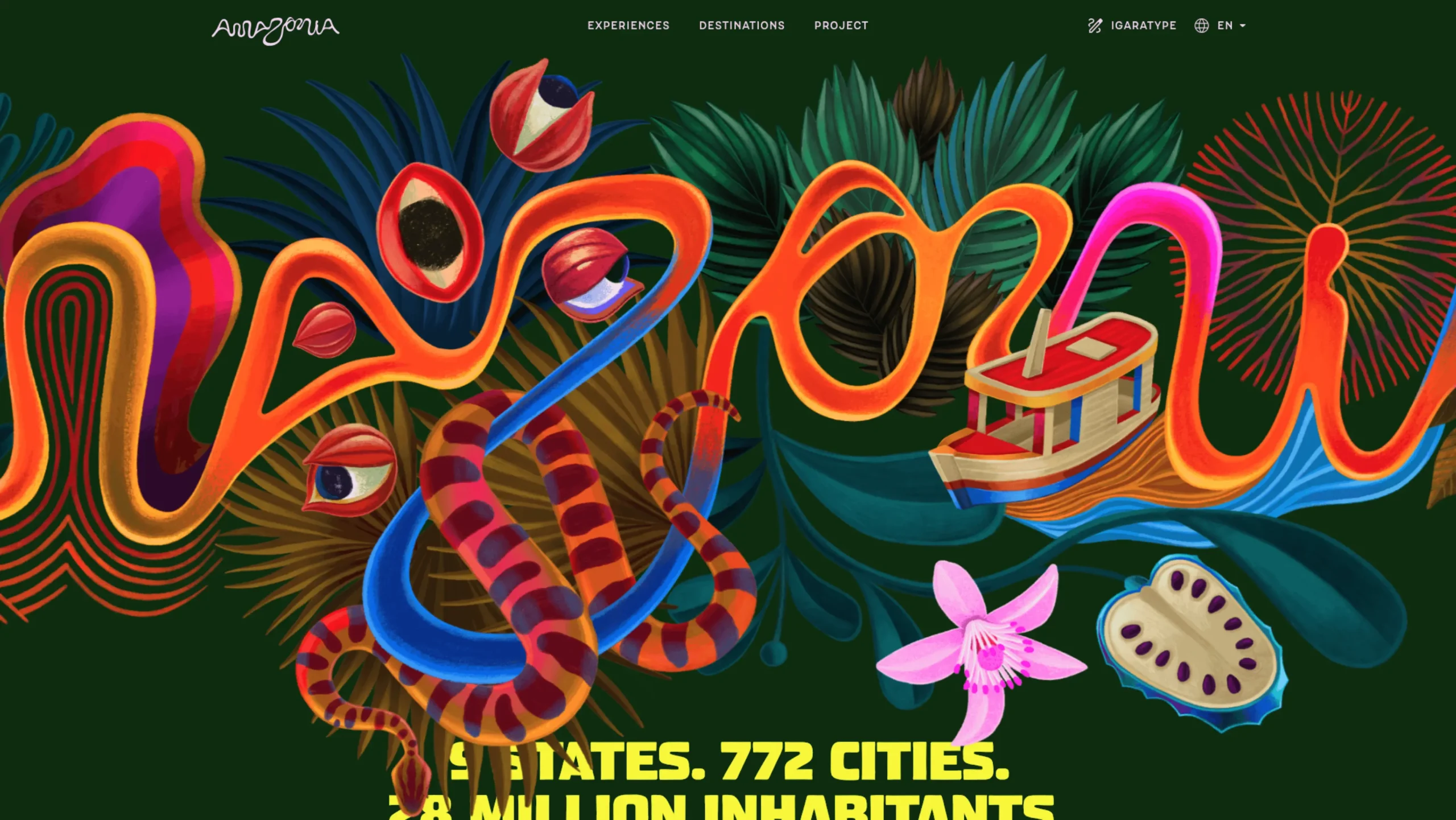
Visite Amazônia
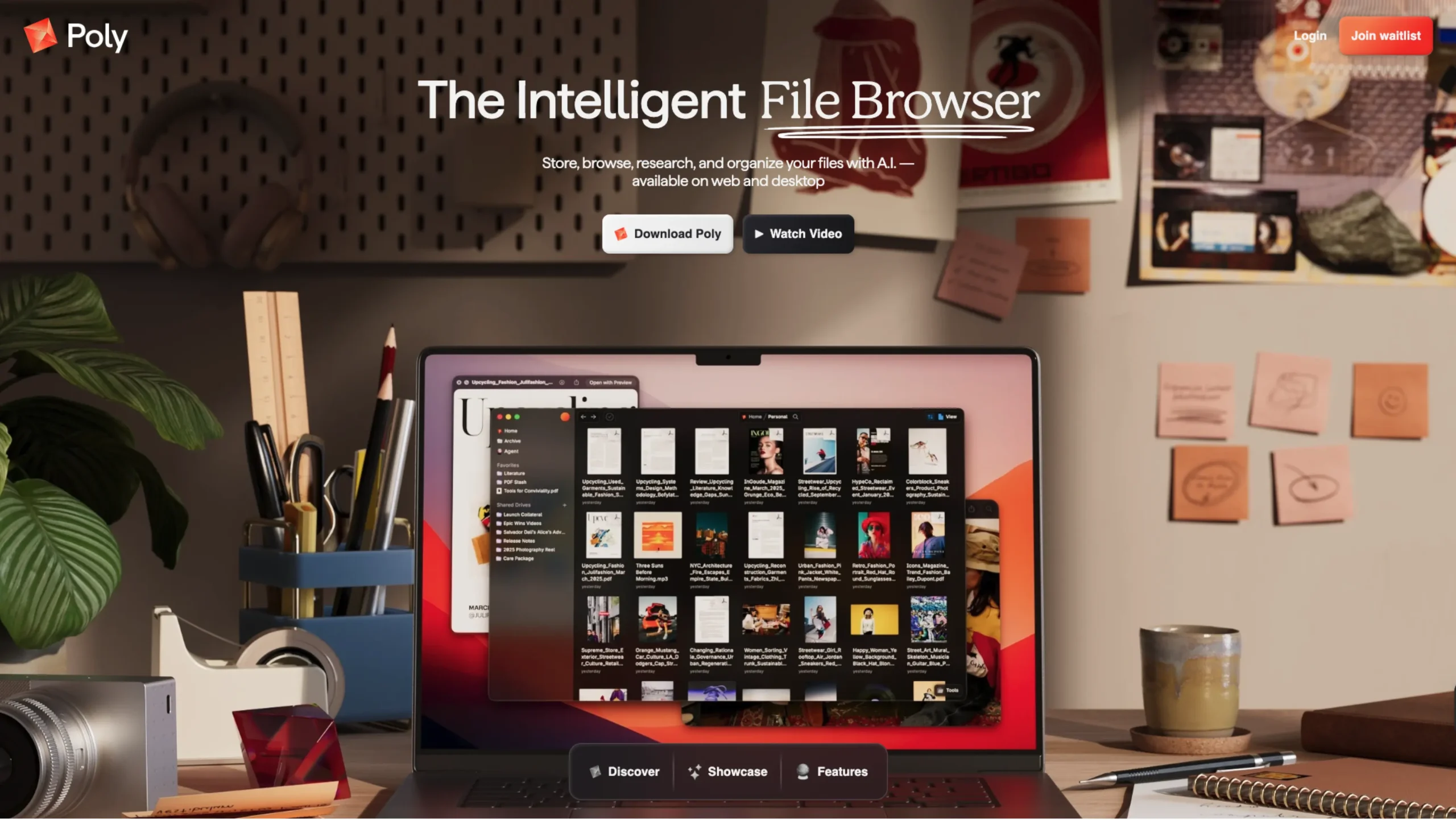
Poly – The Intelligent Cloud File Browser Built for the AI Era
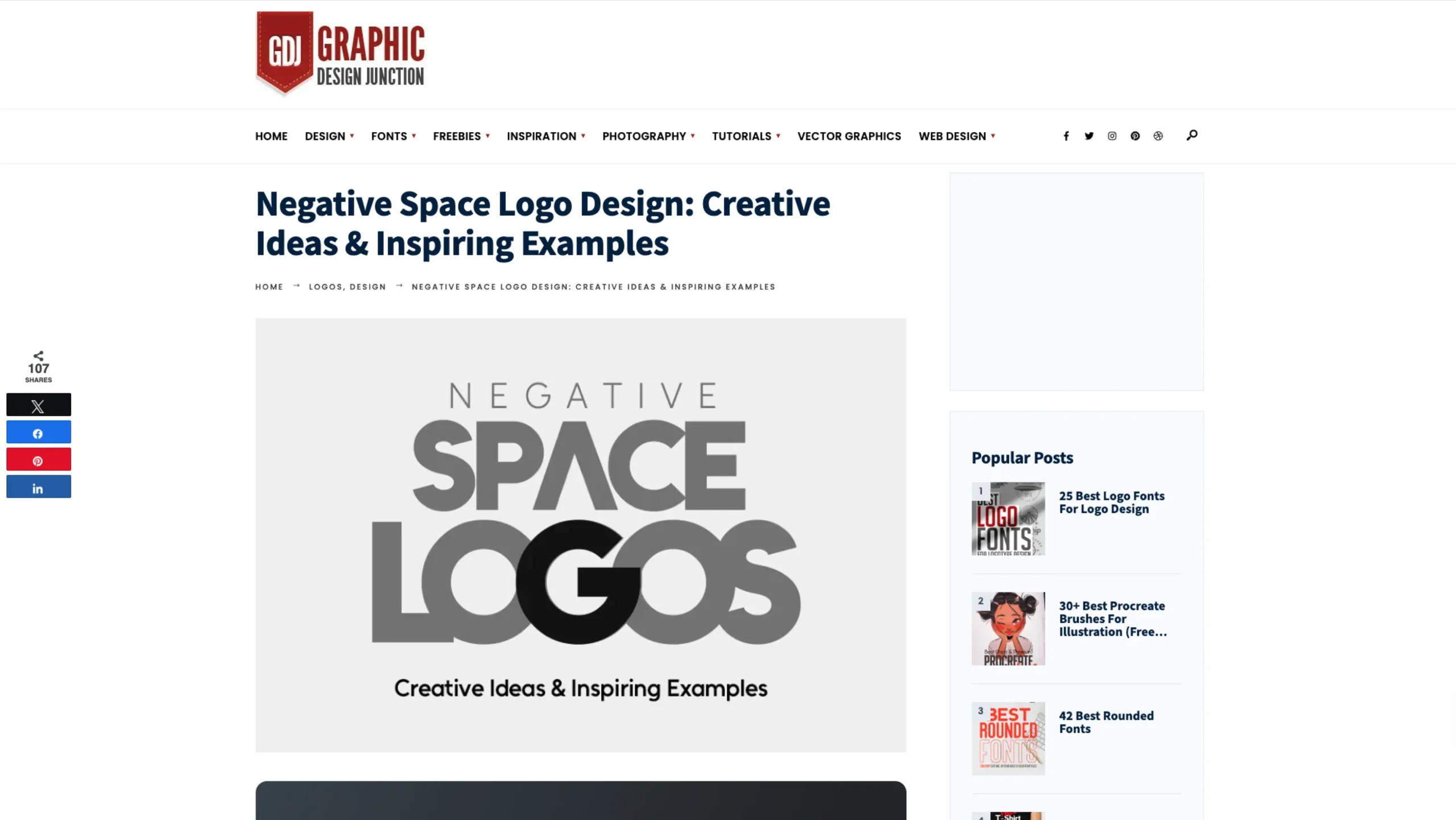
Graphic Design Junction — Negative Space Logo Design
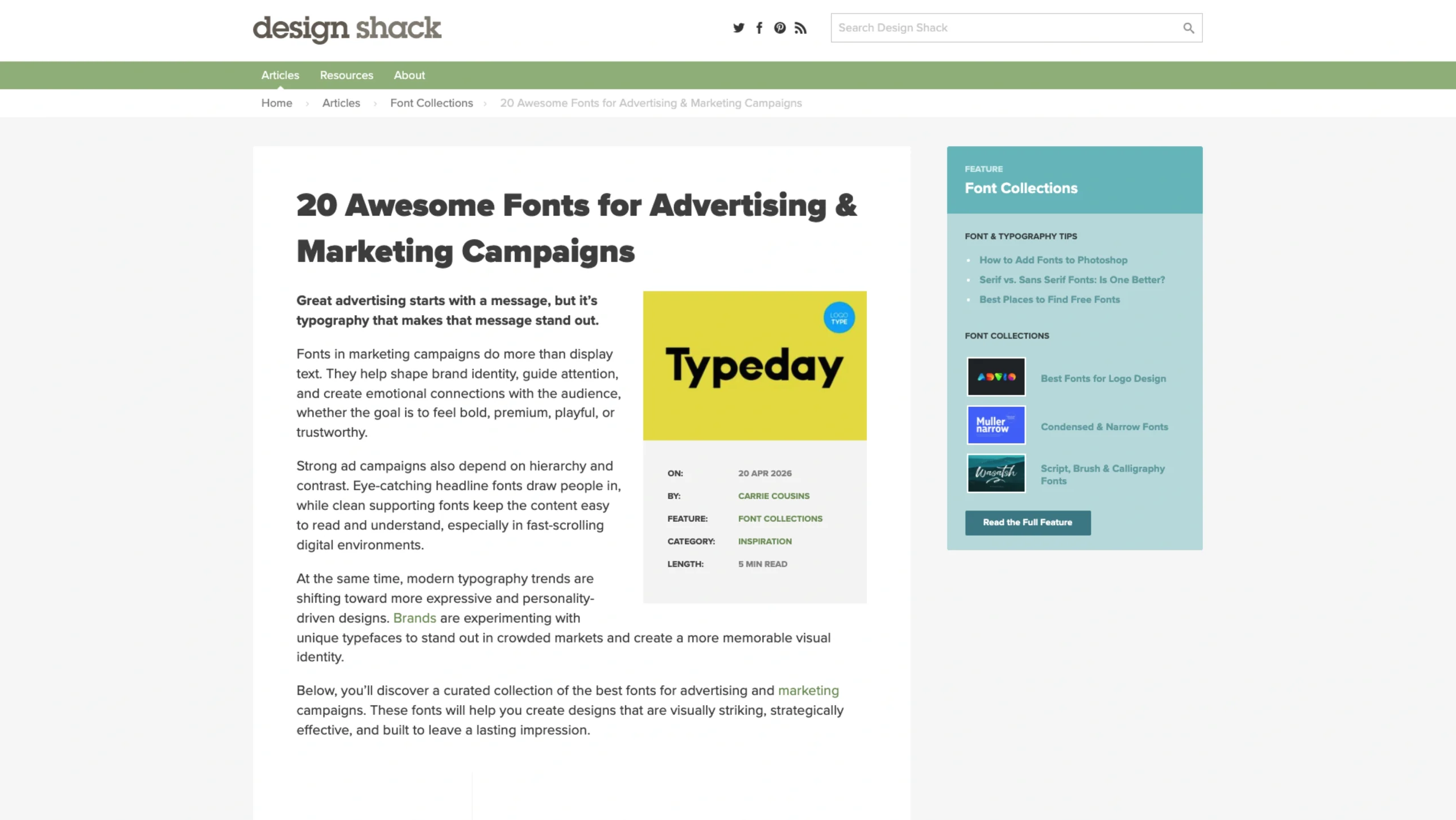
20 Awesome Fonts for Advertising + Marketing Campaigns
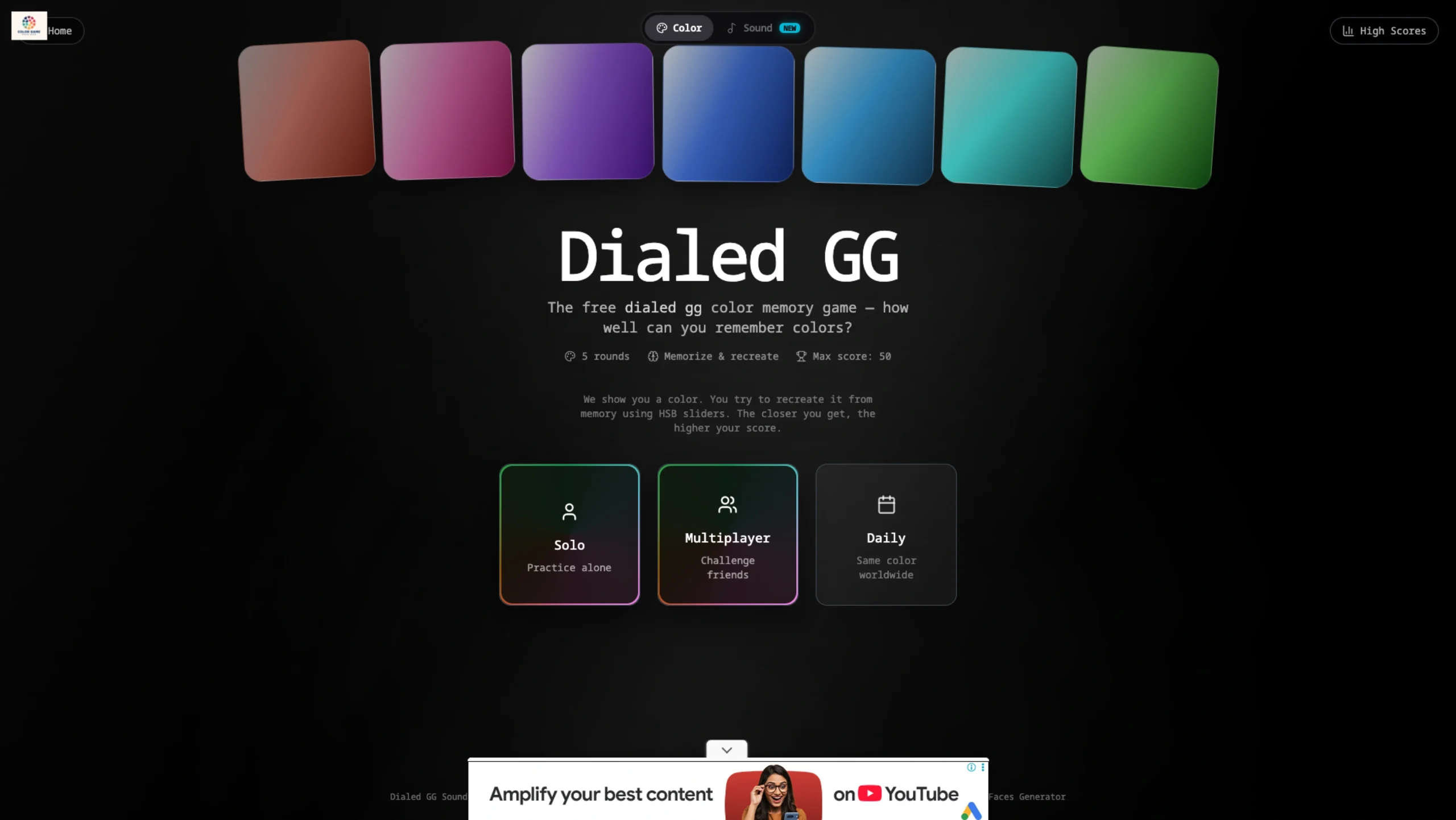
Dialed GG — The Color Memory Challenge 🎨
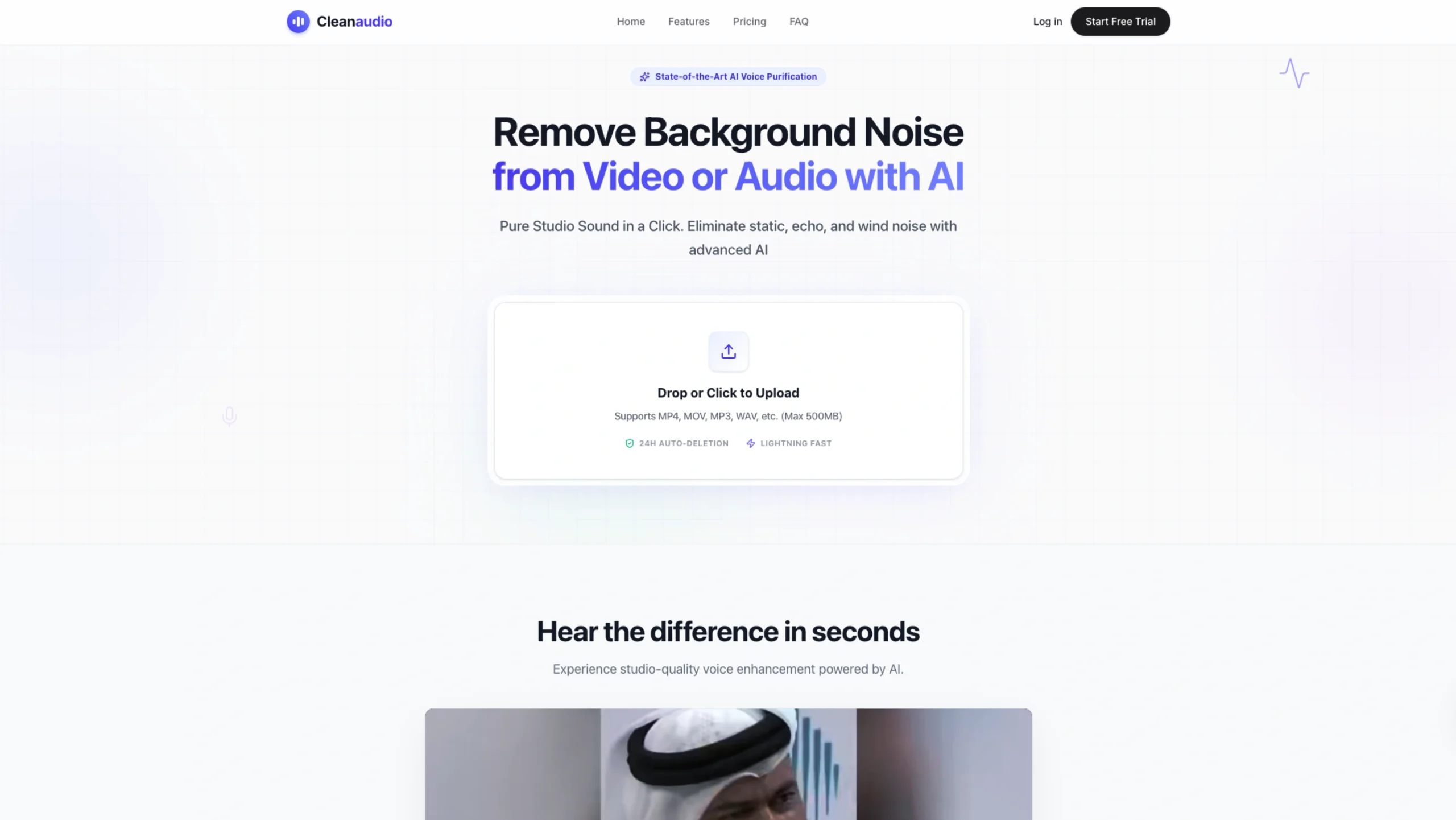
Clean Audio
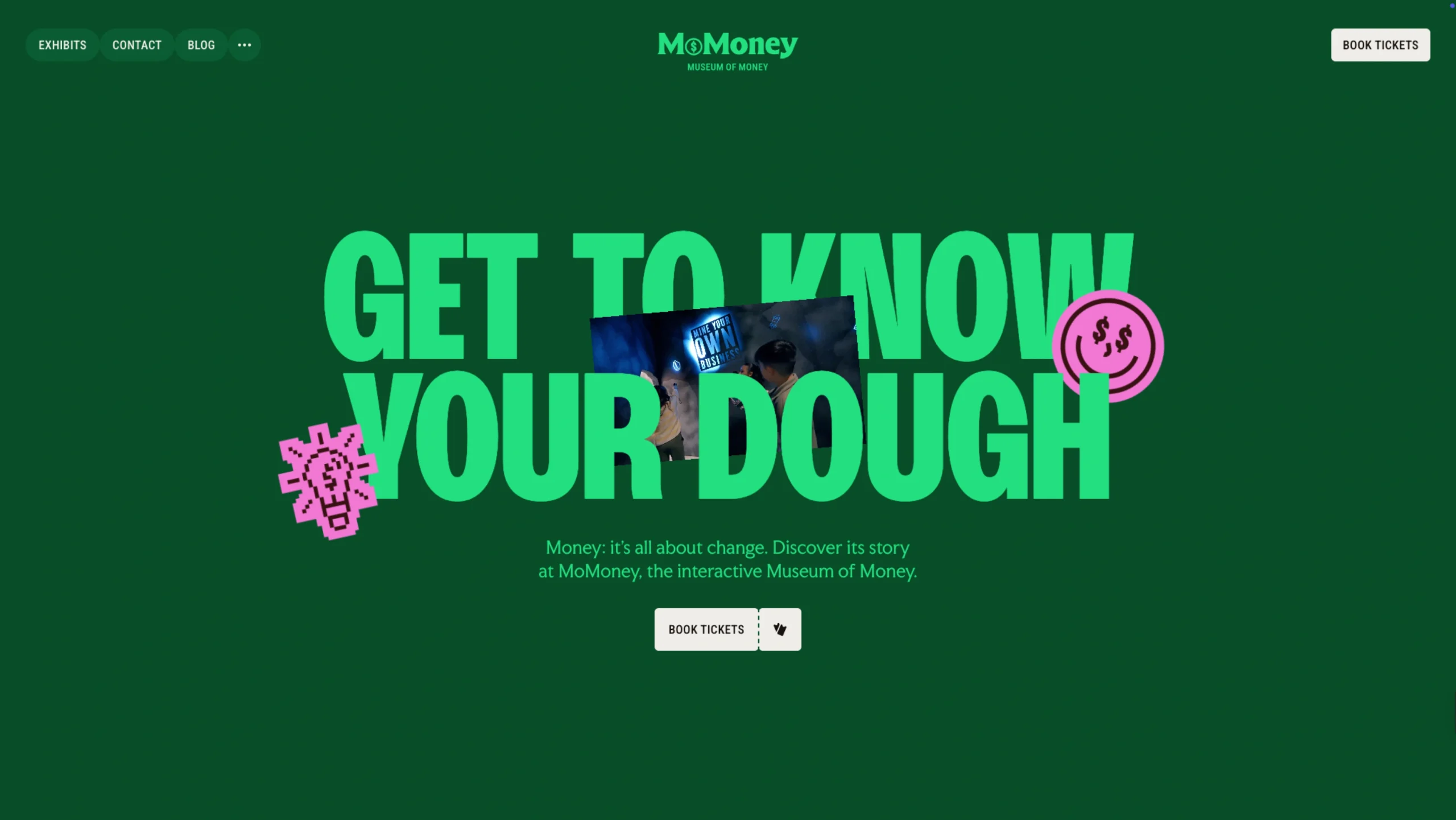
Museum of Money
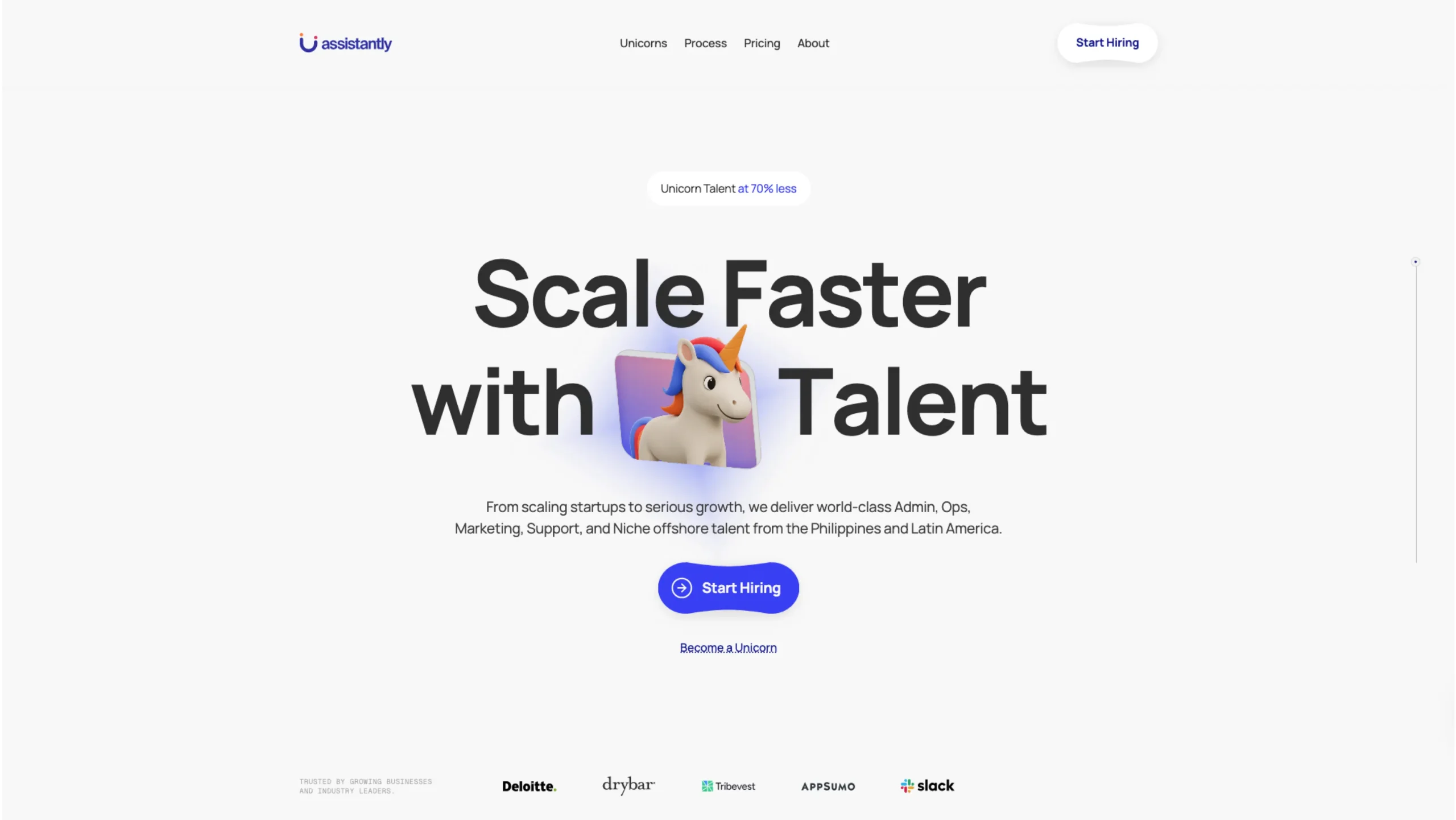
Assistantly – Strategic Partners For Founders
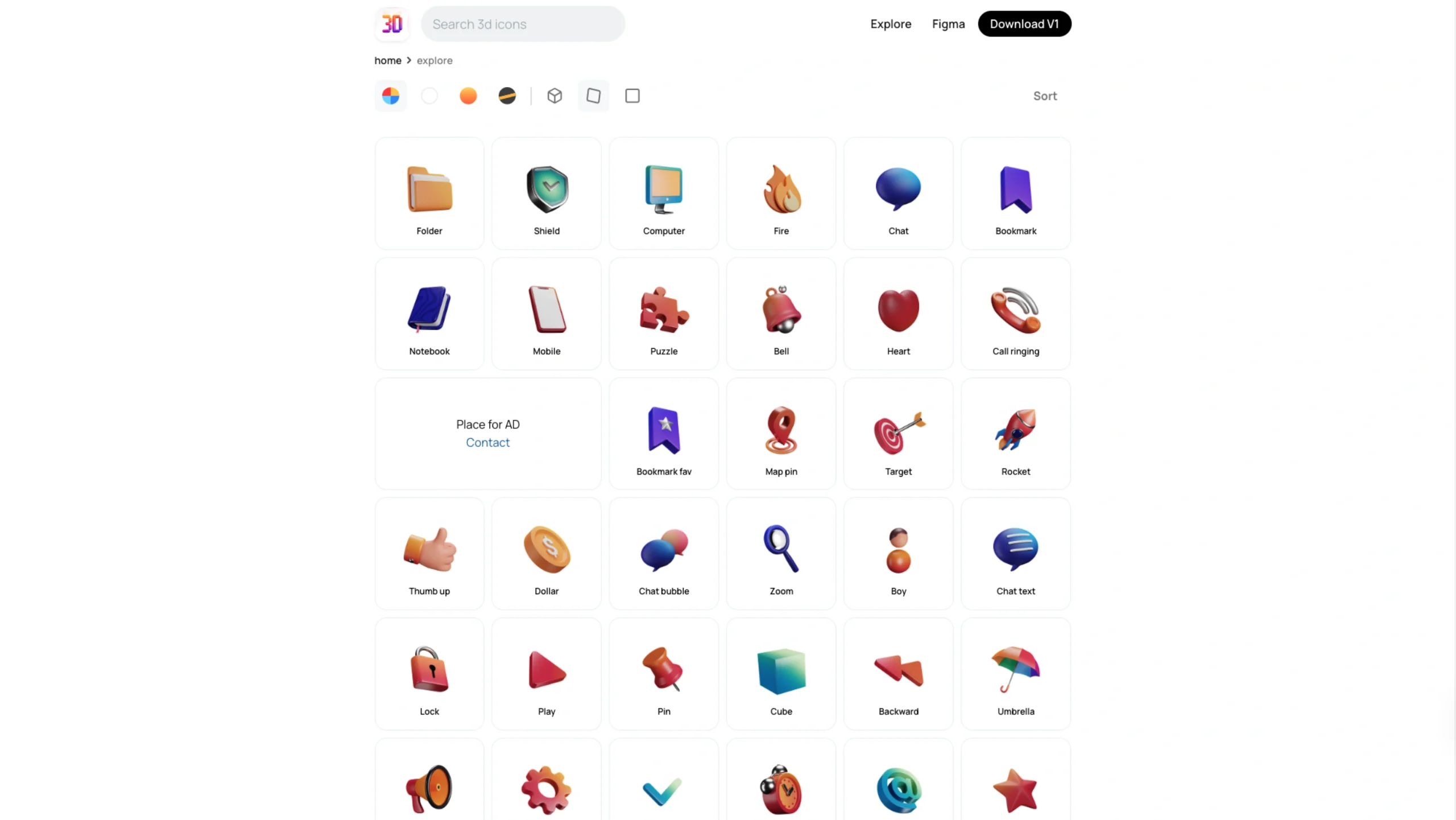
3dicons
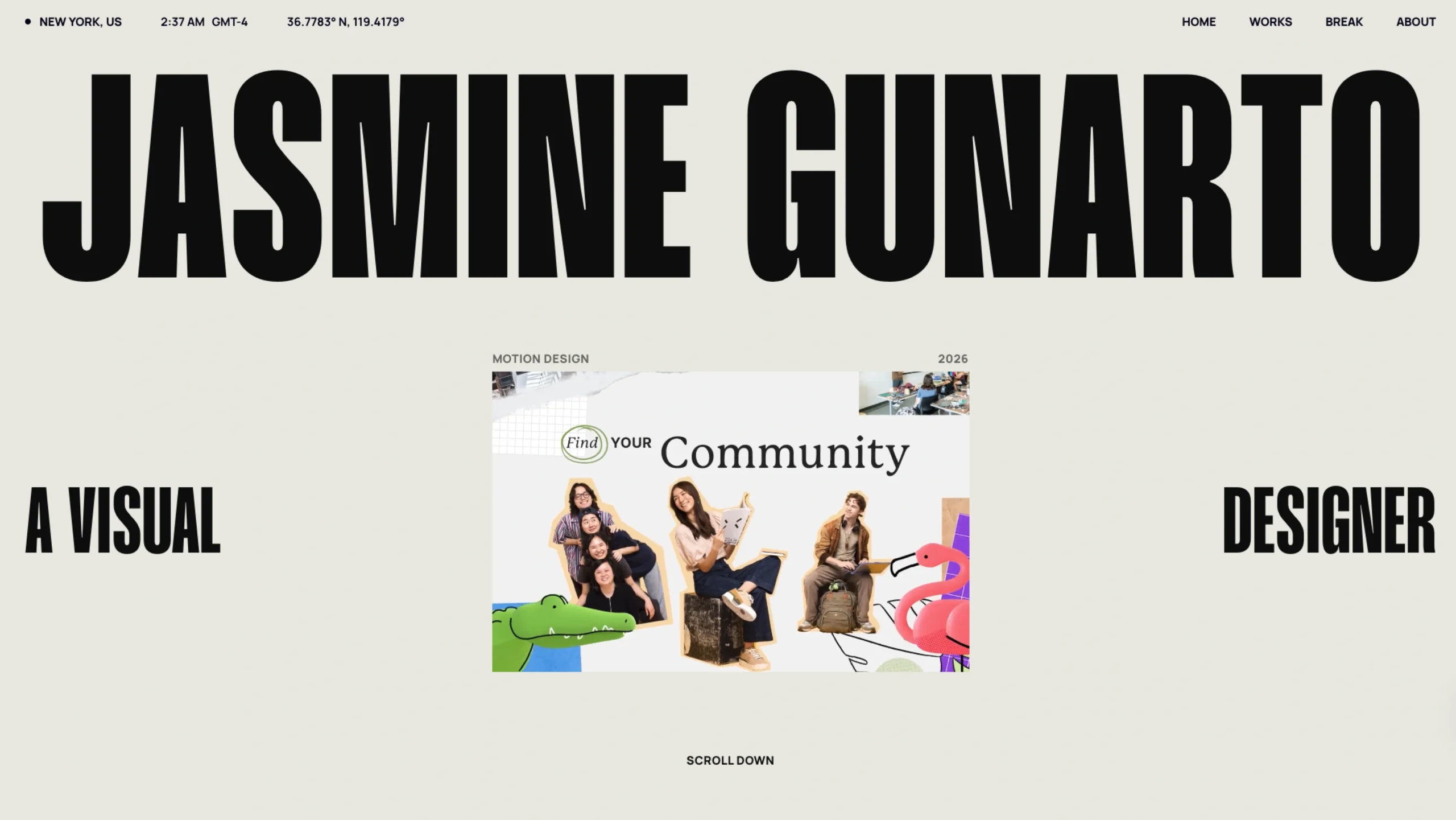
Jasmine Gunarto
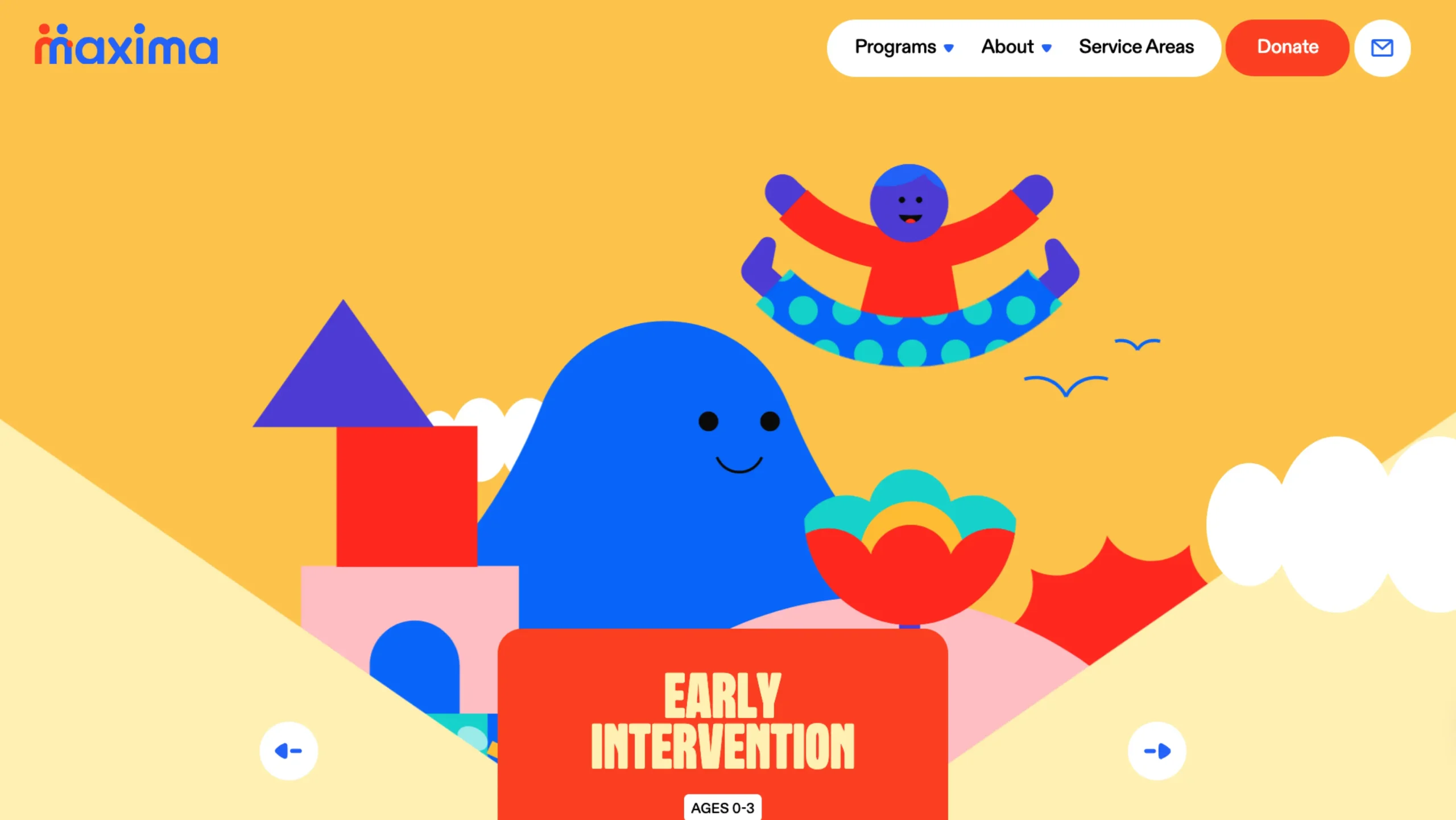
Maxima Therapy
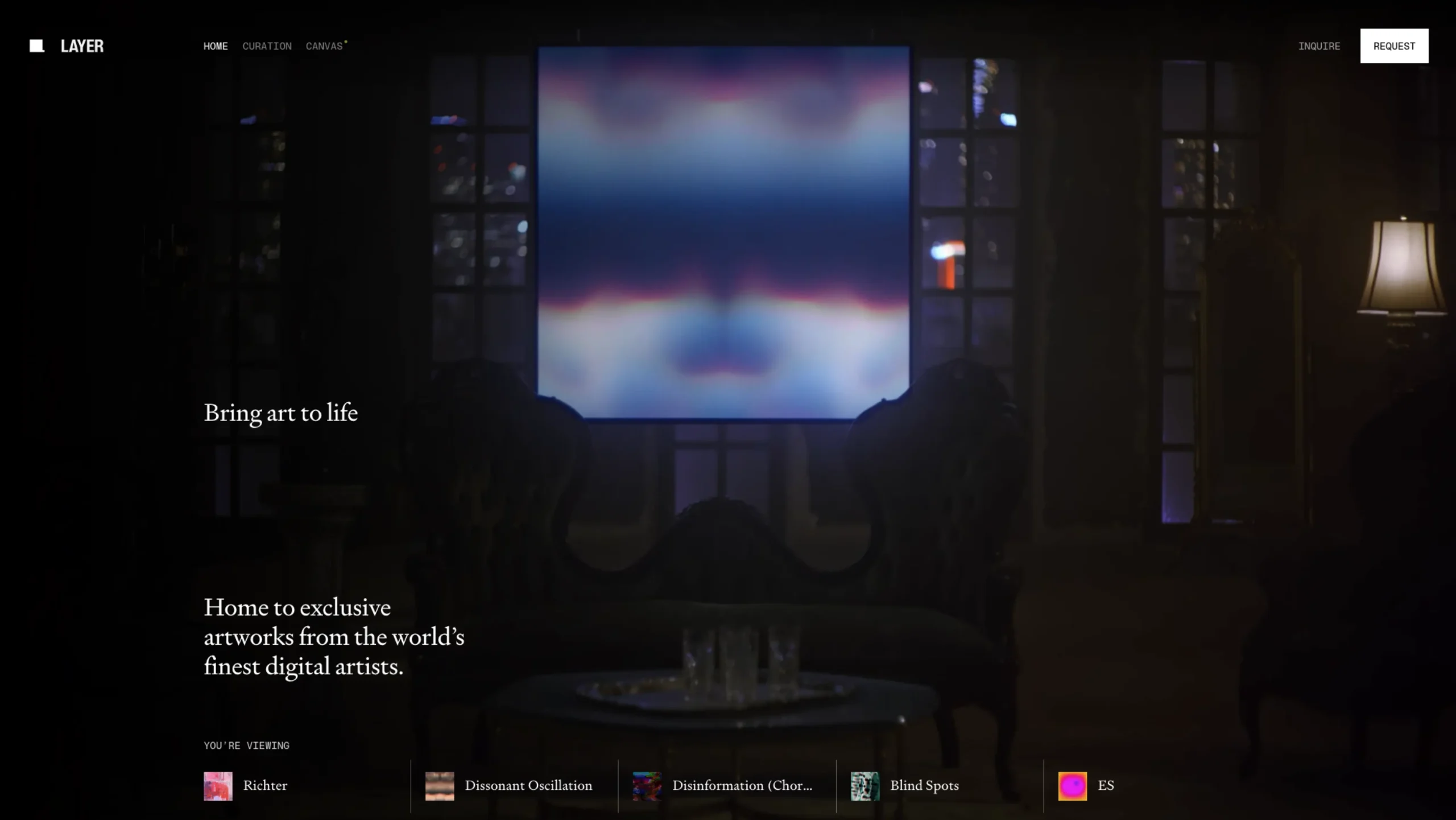
Layer – Living Digital Art Gallery


Stay in the loop.
Sign up for the newsletter to receive a weekly
dose of design resources/inspiration delivered straight to
your inbox. We will never share your information. Ever.
🧰 Resources that Actually Matter
A handpicked resources library for designers, makers, and curious builders.
Honestly, “resources” is such a flat word. It doesn’t capture the late nights spent finding that one usable mockup, or the thrill of stumbling onto an icon set that just… fits. This collection isn’t about dumping links—it’s a curated shelf of design wisdom, creative sparks, and time-saving gems.
From UI/UX toolkits and typography libraries to AI helpers, Web3 inspirations, and even a bit of calm for your overworked brain—this space brings together 30+ categories crafted to guide, inspire, and support. I didn’t just assemble what’s trending. I sifted, explored, paused, deleted, and then bookmarked what truly felt worth keeping.
Each sub-category (like Framer, Design Systems, Email Inspiration, or Mindfulness) has its own heartbeat. They’re not just about pixels or performance—they’re about solving small problems in the middle of real work. For when you’re building a pitch, stuck on layout decisions, planning user research, or honestly just tired and need good design to spark something again.
And who is this all for? Designers, sure. But also founders prototyping at midnight. Marketers trying to make something feel polished. Students hunting for paths. UX folks juggling flowcharts and empathy. Builders and doers, basically. People like you.
Take what you need. Bookmark what you love. Share it if it helped.
🎯 Why These Resources Actually Matter (To Real People Like You)
Because when you’re in the middle of creating—whether it’s designing a new interface, debugging an idea that almost works, or laying out a case study that needs just a touch of elegance—you don’t always have time to hunt. You need tools, templates, visuals, patterns, and sometimes, just a fresh breath of inspiration. Right there. Ready to go.
This category exists for those moments. For the hours we lose scrolling, comparing, and second-guessing. It’s meant to give creative minds—designers, developers, founders, and marketers—a place to explore without the overwhelm. A quiet, well-organized shelf stocked with the stuff that helps move things forward. No noise. Just what’s useful.
And maybe, if you’re lucky, something here will spark the next best thing you’ll build.
💡 Vision
To become the go-to creative companion for designers, developers, and digital makers—offering handpicked, genuinely helpful resources that spark clarity, save time, and inspire better work.
🎯 Mission
To thoughtfully curate the web’s most practical tools, templates, libraries, and learning gems—so creatives don’t waste hours digging. From typography kits to AI tools, design systems to case study mockups, our mission is to organize the chaos and bring everything valuable into one calm, welcoming place.
❓ Frequently Asked Questions
1. What exactly is the Resources category on UIUXshowcase?
It’s where we gather the good stuff—tools, templates, libraries, design kits, tutorials, and creative assets across design, development, AI, and branding. All in one place, thoughtfully curated.
2. Who is this collection really for?
Mostly designers and product folks—UI/UX designers, developers, marketers, and creative founders. But honestly? If you enjoy building cool things online, it’ll probably speak to you too.
3. Are these tools and templates free to use?
Many of them are! We love surfacing free, high-quality resources. When something is paid or premium, we try to flag that clearly—so no surprises.
4. Why should I trust these recommendations?
We don’t just dump links. Each resource is picked with intent—either we’ve used it ourselves or it’s been vetted by designers we admire. It’s quality over quantity, always.
5. What makes this different from, say, a blog post with “top tools”?
Good question. This isn’t a one-off list. It’s a living, breathing directory—updated frequently, expanded slowly. No fluff, no recycled roundups.
6. How often do you update these resources?
There’s no fixed schedule—but we update as often as we discover something worth sharing. Sometimes weekly, sometimes daily. It depends on the spark.
7. Can I suggest a resource to be added here?
Absolutely. If there’s something you love and think others should see, just reach out. We’re always open to community contributions (especially if it’s something niche or under-the-radar).
8. I’m just getting started in UI/UX—will this be too advanced?
Not at all. In fact, it’s made with beginners in mind too. You’ll find beginner-friendly tools, learning paths, even newsletters to help you level up gradually.
9. What’s the best way to stay updated?
Bookmark the site for sure. But also, follow us on LinkedIn or join the newsletter (coming soon) so we can nudge you when something fresh gets added.